

HappyHorse 1.1 AI Video Generator

Create clips with sound in a single pass: HappyHorse 1.1 generates video, audio, and frame-accurate lip-sync together, with up to 9 reference images for consistency.

Native audioLip-syncReference images
0 / 2,000
~325 cr

Alibaba's top-ranked video model generates footage and sound together, with frame-accurate lip-sync in six languages, realistic physics, and up to nine reference images for character consistency.

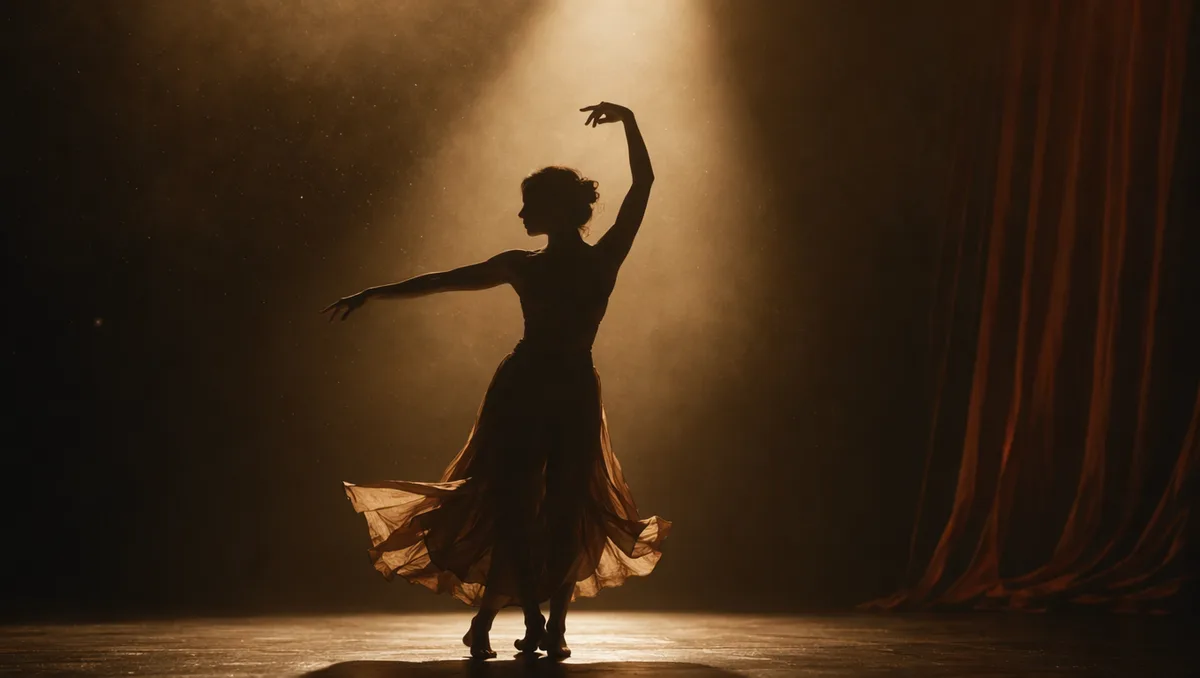
Dancer silhouette on a smoky stage under amber light

Native audio, no dubbing pipeline

HappyHorse generates the soundtrack and the picture in the same pass, so dialogue, ambience, and effects are inherently timed to what is on screen. No separate audio step, no manual sync — the clip arrives ready to post.

Rain running down a cafe window with warm bokeh

Lip-sync in six languages

Talking characters stay on-mouth in English, Mandarin, Japanese, Korean, German, and French. Write the dialogue into your prompt and the model handles frame-accurate mouth shapes — a natural fit for narrated shorts and multilingual social content.

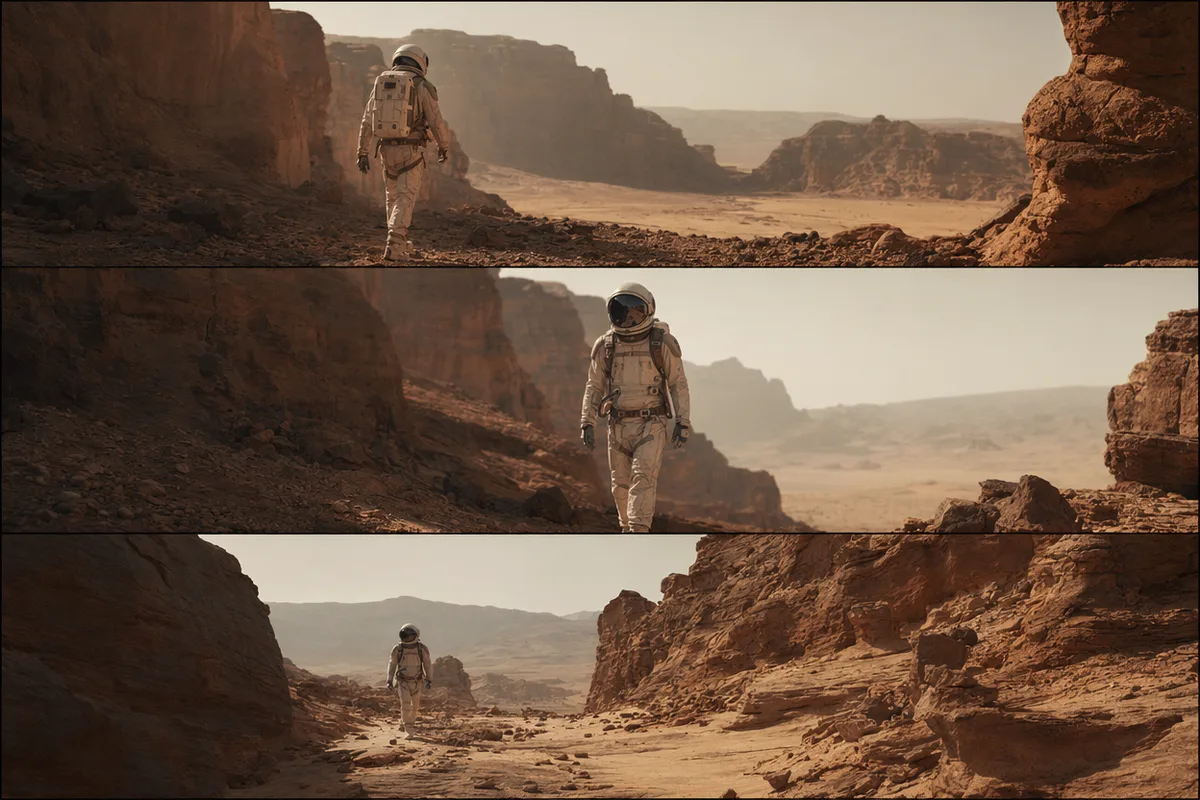
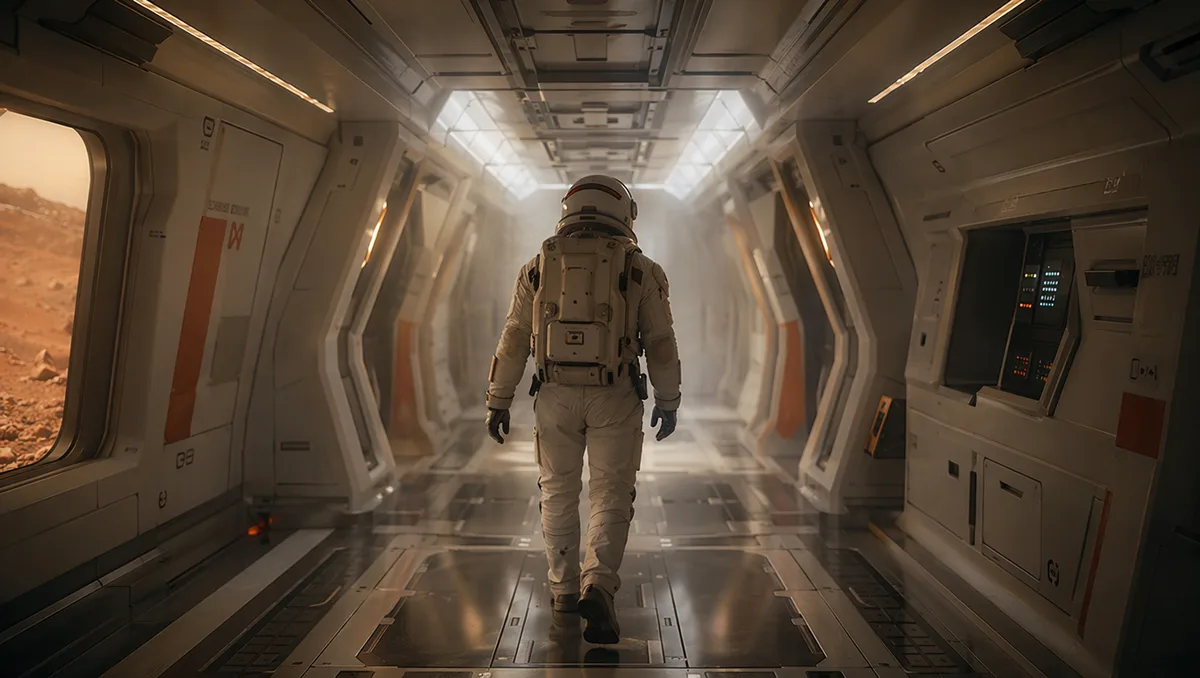
Astronaut walking down a glowing spaceship corridor

Up to 9 reference images

Reference-to-video mode accepts up to nine images referenced in order as character1, character2 and so on — keeping faces, outfits, and props consistent across the clip without any fine-tuning.

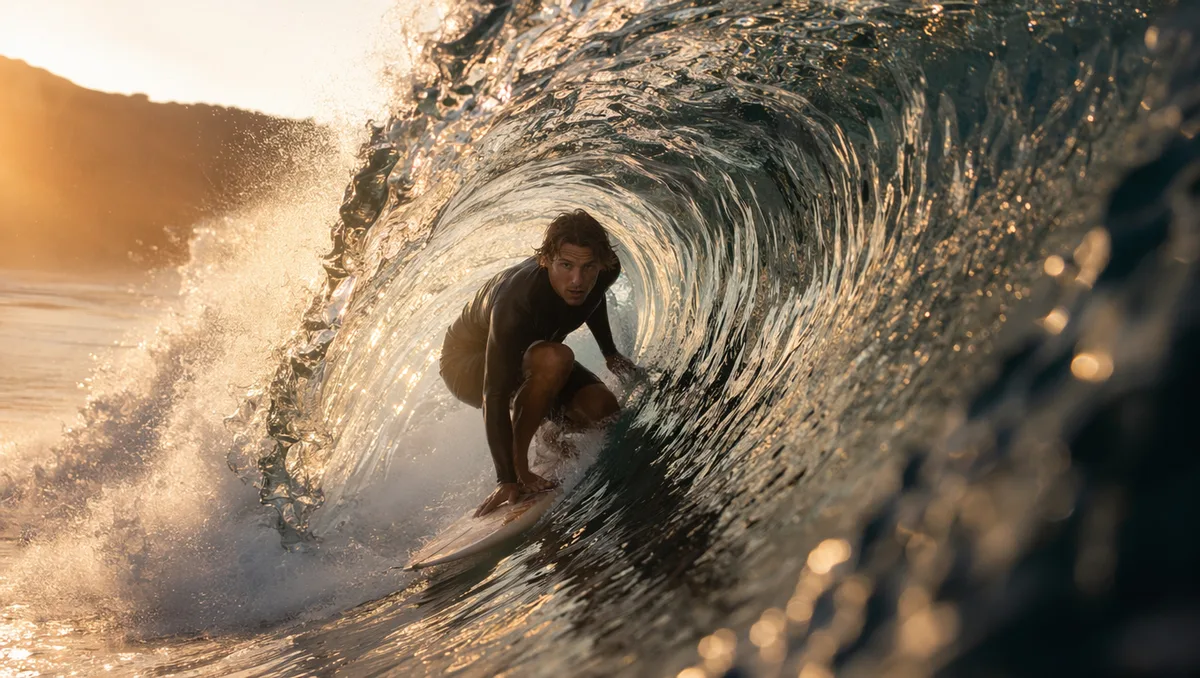
Surfer inside a glassy barrel wave at sunrise

Physics that reads as real

One of the highest-ranked models on independent video leaderboards: cloth drags, water displaces, and objects carry believable mass. Choose 720p or 1080p, 3-15 seconds, and nine aspect ratios from vertical 9:16 to ultrawide 21:9.

Real HappyHorse 1.1 clips from this workspace

Generated here on 15 August 2026, first take, exact prompts and settings shown. Each clip targets one of the capabilities claimed further down this page.

Prompt720p · 16:9 · 5s

A news presenter at a desk speaking directly to camera, clear mouth movement matching speech, studio lighting, static medium shot.

Prompt720p · 16:9 · 5s

A barista explaining a pour-over to a customer across the counter, gesturing at the kettle, warm cafe ambience, medium two-shot.

More Video Models Like HappyHorse 1.1

Compare HappyHorse 1.1 with other video models — same workspace, one click to switch.

How to Use HappyHorse 1.1

Three steps from a blank prompt box to a finished clip.

  1. 1

    Select HappyHorse 1.1

    Open the model picker and choose HappyHorse 1.1. The panel shows its credit cost, resolution options, and duration limits before you spend anything.

  2. 2

    Describe what you want

    Write the subject, the action, and how the camera behaves. Attach a first frame if you want the clip to start from a specific image.

  3. 3

    Generate, then keep going

    Download the clip, extend it, or send it through further editing. Prompt, model, and settings stay attached in your history.

Beyond HappyHorse 1.1

One account, the full image and video generation workflow.

HappyHorse 1.1 Pricing and Free Daily Credits

Run HappyHorse 1.1 on the free tier's daily credits, or upgrade for premium models, faster generation, and 4K output.

Free

$0

Perfect for getting started

  • 80 credits per day, 400 per month
  • Z Image Turbo drafts at 0 credits
  • Standard generation speed
  • Generation history included
Get Started

Premium

Most popular
$29/month

Billed annually · $240/year

  • 1,600 credits/day, 8,000 credits/month
  • All premium models — GPT Image 2, Nano Banana, Seedream, Seedance, Veo, Kling
  • 5x generation speed, priority queue
  • AI prompt enhancement
Upgrade to Premium

Ultimate

$49/month

Billed annually · $300/year

  • 4,000 credits/day, 18,000 credits/month
  • HD generation up to 4K resolution
  • Priority support
  • Fastest queue and early access to new models
Upgrade to Ultimate

HappyHorse 1.1 — Frequently Asked Questions

1

What makes HappyHorse 1.1 different from other video models?

It generates video and synchronized audio in a single pass, with frame-accurate lip-sync in six languages. Independent leaderboards rank it among the top video models available.

2

How is it priced?

Per second of output: the rate depends on resolution (720p or 1080p), and the same rate applies to text-, image-, and reference-to-video. The exact cost shows before every generation, and failed runs refund automatically.

3

What modes does it support?

Text-to-video, image-to-video (animate a first frame), and reference-to-video with up to 9 reference images referenced as character1, character2 and so on.

4

How long can clips be?

3 to 15 seconds per generation, at 720p or 1080p, with native audio always included.

5

Which languages does the lip-sync support?

English, Mandarin Chinese, Japanese, Korean, German, and French — write the dialogue in your prompt and the mouth shapes follow it.

6

What if the generation fails?

Credits are refunded automatically for failed video generations.

Give your next clip a voice with HappyHorse 1.1

Give your next clip a voice with HappyHorse 1.1

Start Generating Videos

Discover our one-click AI video tools

One-click tools for everything around generation — polish, restyle, and share.