AI Rap Video Generator – Turn Your Song into a Rap Video
Pick 15 seconds of vocals — from a song you made with the AI Rap Generator or an upload — choose who performs it (your photo or a preset character) and a scene, and get a vertical 9:16 clip where the performer raps your words with the audio mixed in. From 525 credits, refunded if it fails.
or upload your photo
Tap to uploadDrop image or click
JPG · PNG · WebP
One person, face towards the camera, mouth visible. Or skip this and pick a preset performer below.
Preview
What is AI Rap Video Generator?
AI Rap Video Generator turns 15 seconds of vocals into a vertical rap video: the performer you choose lip-syncs the words on the beat in the scene you pick, and the original vocals are mixed into the clip.
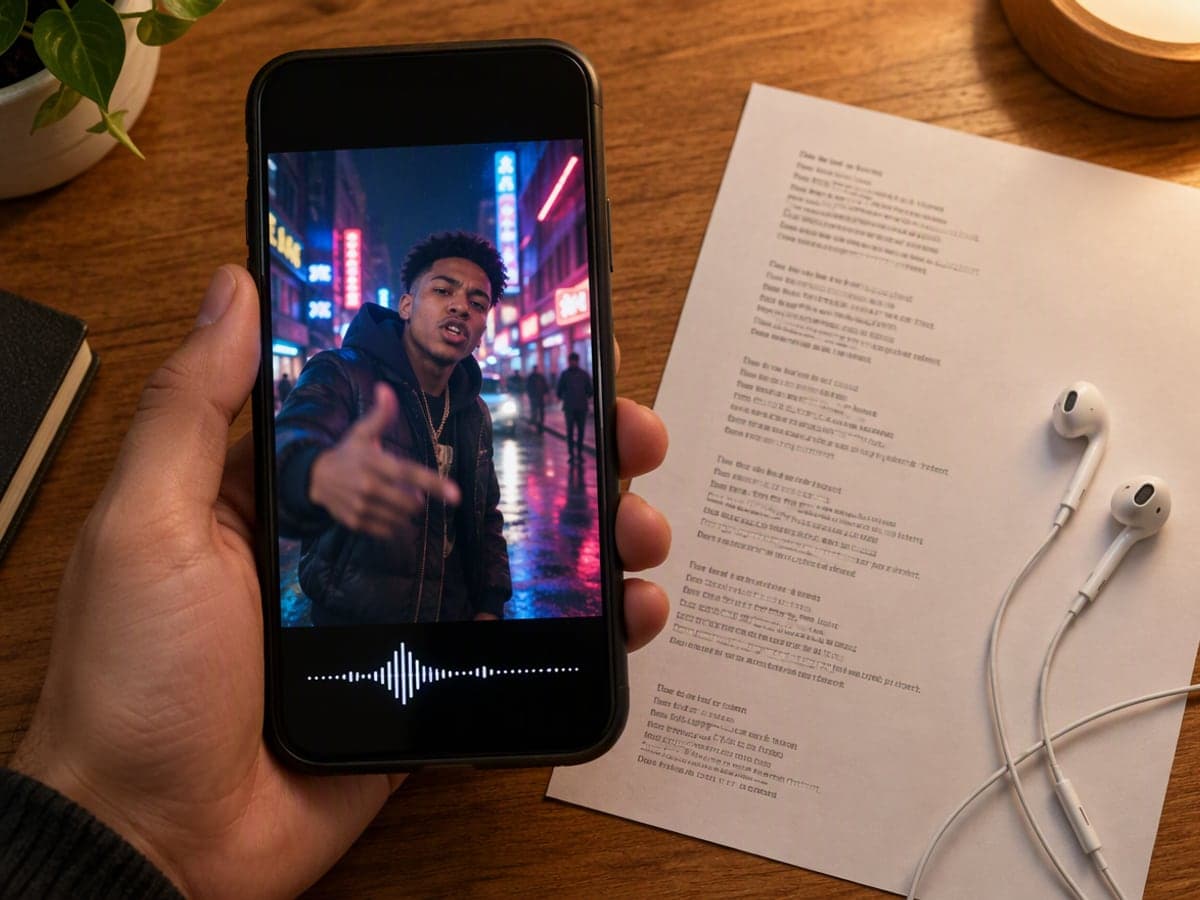
Why Choose AI Rap Video Generator?
Made for everyday people, not editors.
The mouth follows your words
The performer raps the vocals you give it — mouth shapes on the syllables, head nods and hand gestures on the beat — instead of generic visuals cut to a waveform.
Your face or a character
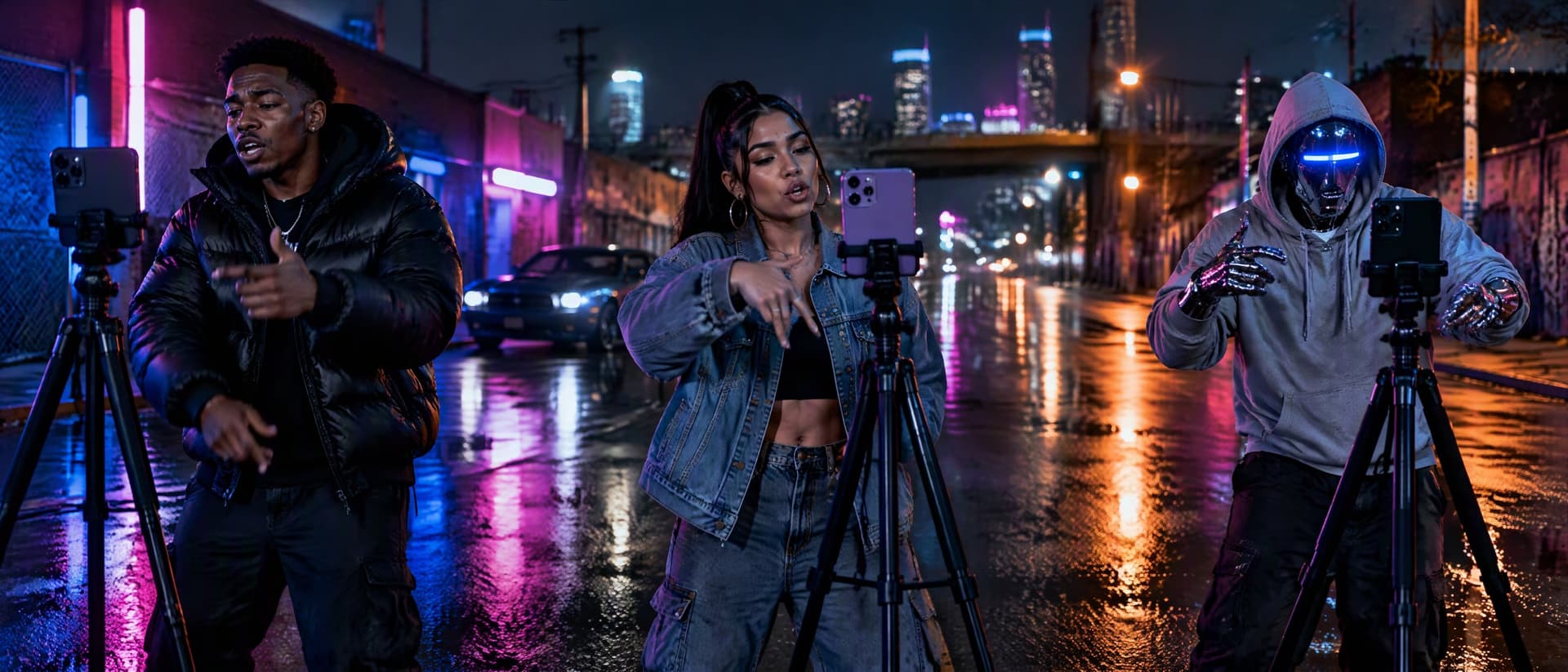
Upload a photo and the clip keeps your face, hair and outfit; or pick a preset — street, anime, studio, glam, a chrome robot or a cat mascot — when you would rather not be on camera.
Lyrics → song → video, on one site
Write the bars with the free rap lyrics generator, turn them into a track with the AI Rap Generator, then send the track here with one click. No exporting between apps.
What Can You Use AI Rap Video Generator For?
Real moments, ready to share — pick the one that fits.
TikTok, Reels and Shorts
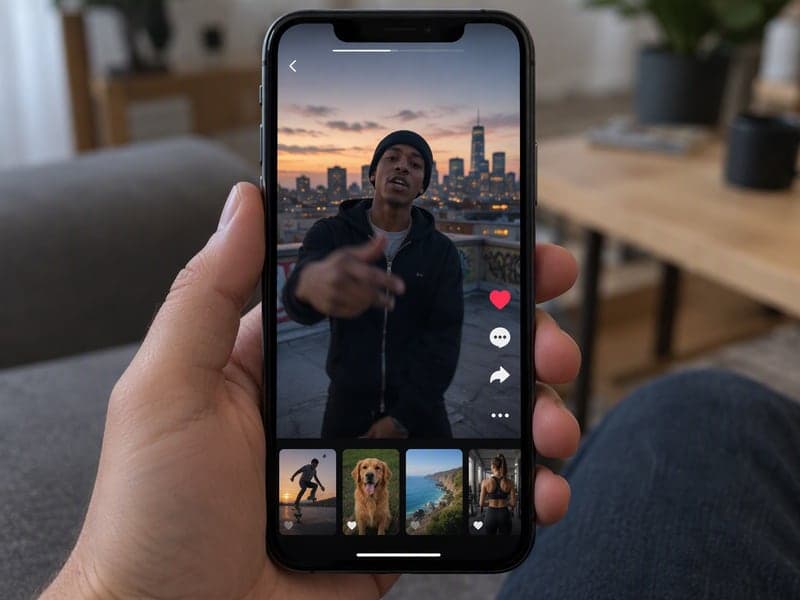
Fifteen seconds, vertical, sound included — the exact shape of a short-video post. Drop the hook of your track and post the clip as it is.
Independent artists
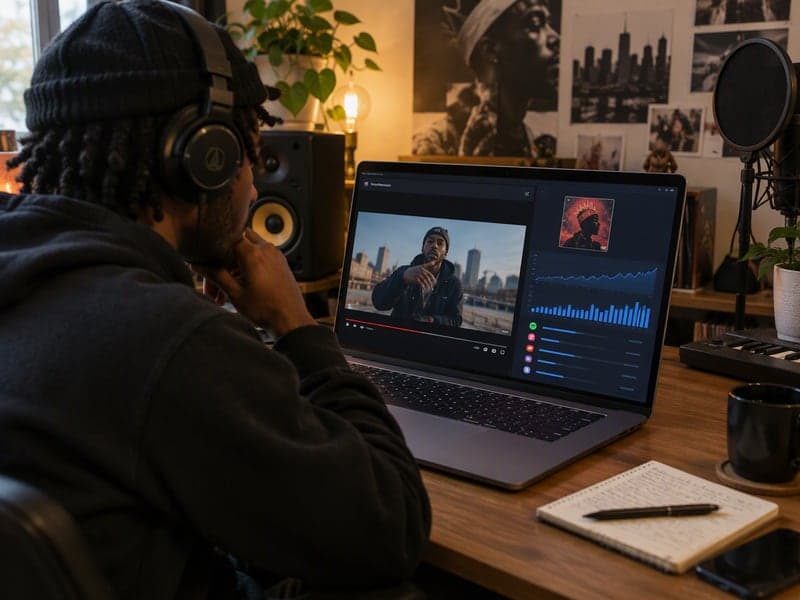
A performance visual for a single without a shoot: your photo, your vocals, a scene that matches the track. Pair it with a cover from the album cover generator.
Rap videos for friends and group chats
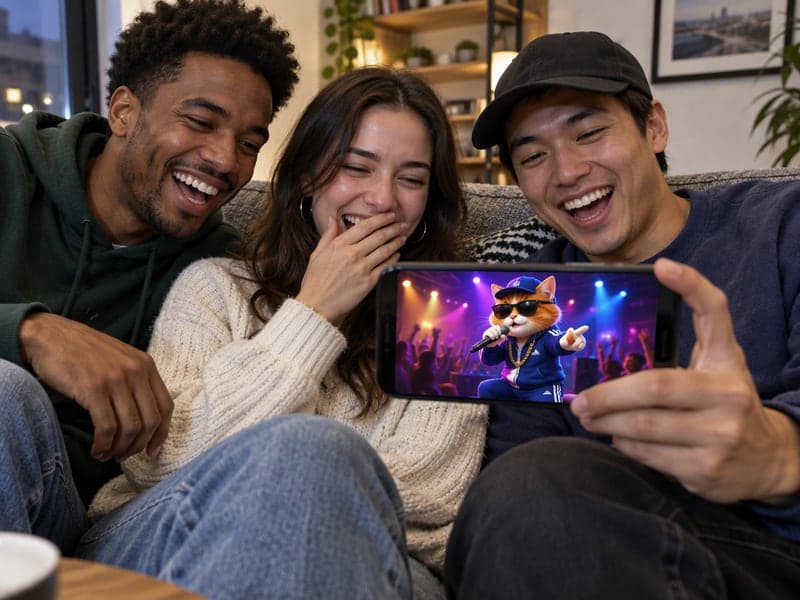
A diss track about the roommate, a birthday rap in a friend's voice, a cat mascot spitting bars — the clip that gets replayed all evening.
How to Use AI Rap Video Generator in 3 Simple Steps
Three small steps to a video you'll actually want to send.
🎵Step 1:Add 15 seconds of vocals
Pick one of your recent songs from the AI Rap Generator, or upload an MP3/WAV. Slide the 15-second window to the verse or hook you want performed.

🧑🎤Step 2:Choose the performer and a scene
Upload a clear photo of the person who should rap, or pick one of eight preset characters. Then choose a scene: night street, recording booth, rooftop, anime, lo-fi bedroom or luxury car.

✨Step 3:Generate & download
Click Generate and get a 15-second vertical MP4 with the vocals mixed in — usually in two to four minutes. Download it or make another take with a different scene.
AI Rap Video Generator – Turn Your Song into a Rap Video
Pick 15 seconds of vocals — from a song you made with the AI Rap Generator or an upload — choose who performs it (your photo or a preset character) and a scene, and get a vertical 9:16 clip where the performer raps your words with the audio mixed in. From 525 credits, refunded if it fails.
Frequently Asked Questions About AI Rap Video Generator
You give it three things: 15 seconds of vocals, a performer (a photo you upload or a preset character) and a scene. The video model animates the performer rapping those exact vocals — mouth, head and hands on the beat — in the scene you chose, and mixes the audio into the clip. The result is a 15-second vertical MP4.
Either from a song you made with the AI Rap Generator (it appears under “Your recent songs”, and the “Make a rap video” button on that page brings the track over automatically) or from an MP3/WAV you upload. Only the 15-second window you select is used, so you can pick the hook or a favourite verse.
Yes. Upload one clear photo — face towards the camera, mouth visible — and the clip keeps your face, hair, skin tone and outfit. Only use photos of yourself or people who have agreed to appear.
The mouth movement is generated by the video model from the vocals, so it follows the rhythm and most syllables closely, but it is not guaranteed to match every word frame by frame. Fast, dense flows are harder than a clear hook. If a take is off, generate another with the same inputs or a different scene.
A 15-second clip at 480p is 525 credits; 720p is 1,125. Credits are held when you click Generate and only charged when the video completes — a failed generation is released back automatically. No watermark on the download.
15 seconds in this version, which is what the model accepts for a reference vocal. Longer, multi-scene rap videos are on the roadmap; for now, make several 15-second takes for different parts of the song.
The video itself is yours to download and post. If the vocals came from the AI Rap Generator, the licensing terms for commercial release of those AI-generated songs are still being finalised, so treat them as personal and social-media use for now. Vocals you own are your own to license.
Yes. Your photo, audio and the finished video are private to your account and are not used for training. You can delete them from your history at any time.
Related Tools You Might Like
Explore more AI creative tools