AI Text Remover
Remove text, captions, and date stamps from photos with AI
Tap to uploadDrop image or click
JPG · PNG · WebP
Preview Examples


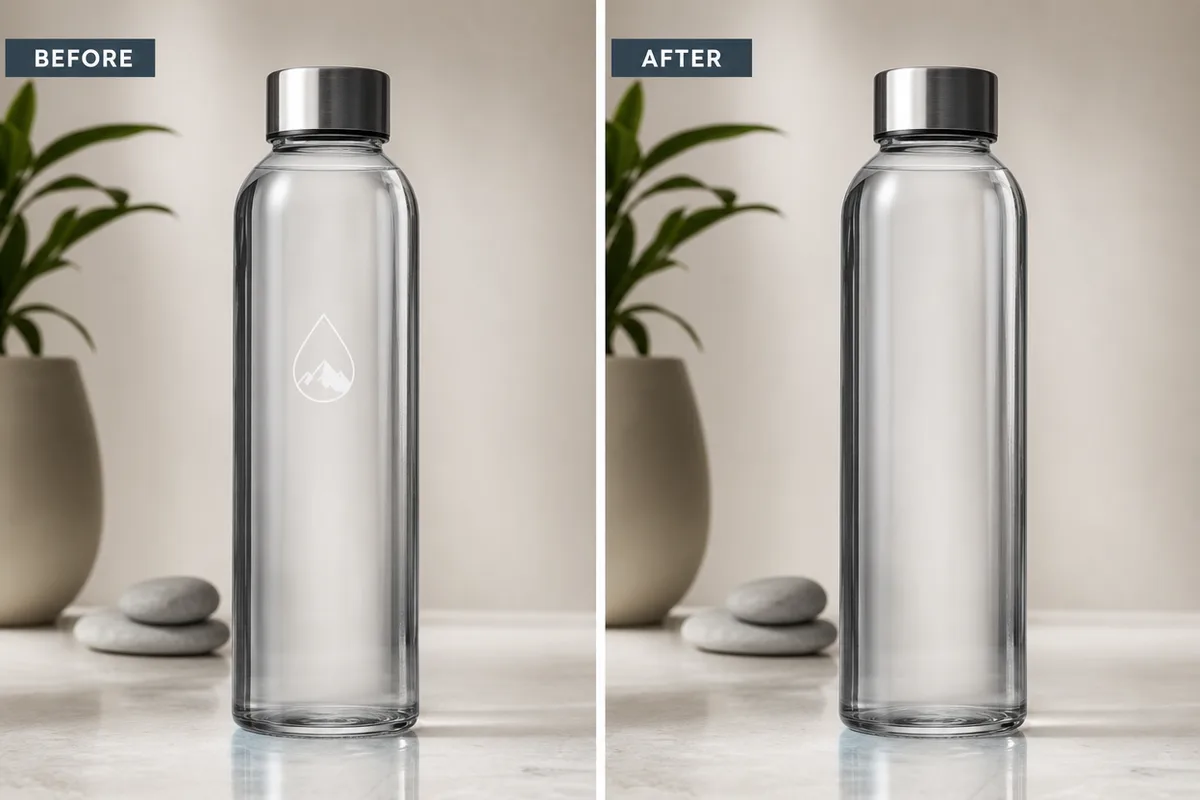
Drag the slider to compare
What is AI Text Remover?
It erases text, captions, dates and labels from your images and fills each area to match the background. Use it on photos, frames and graphics you own, at 50 credits per image.

Remove Text From Images and Keep the Background
Professional quality, privacy protected, instant results
Find Text in Any Font or Size
The AI picks out captions, dates, labels and signs, whatever the font, size or color.
Erase Text in Many Scripts
Remove Latin, Chinese, Japanese, Arabic and other scripts from the same image in one pass.
Fill the Gap Without a Trace
The area behind the text is rebuilt to match the surrounding background, so you see the scene, not a blur.
See What You Can Do With Our AI Text Remover
Perfect for various professional scenarios, instant and secure
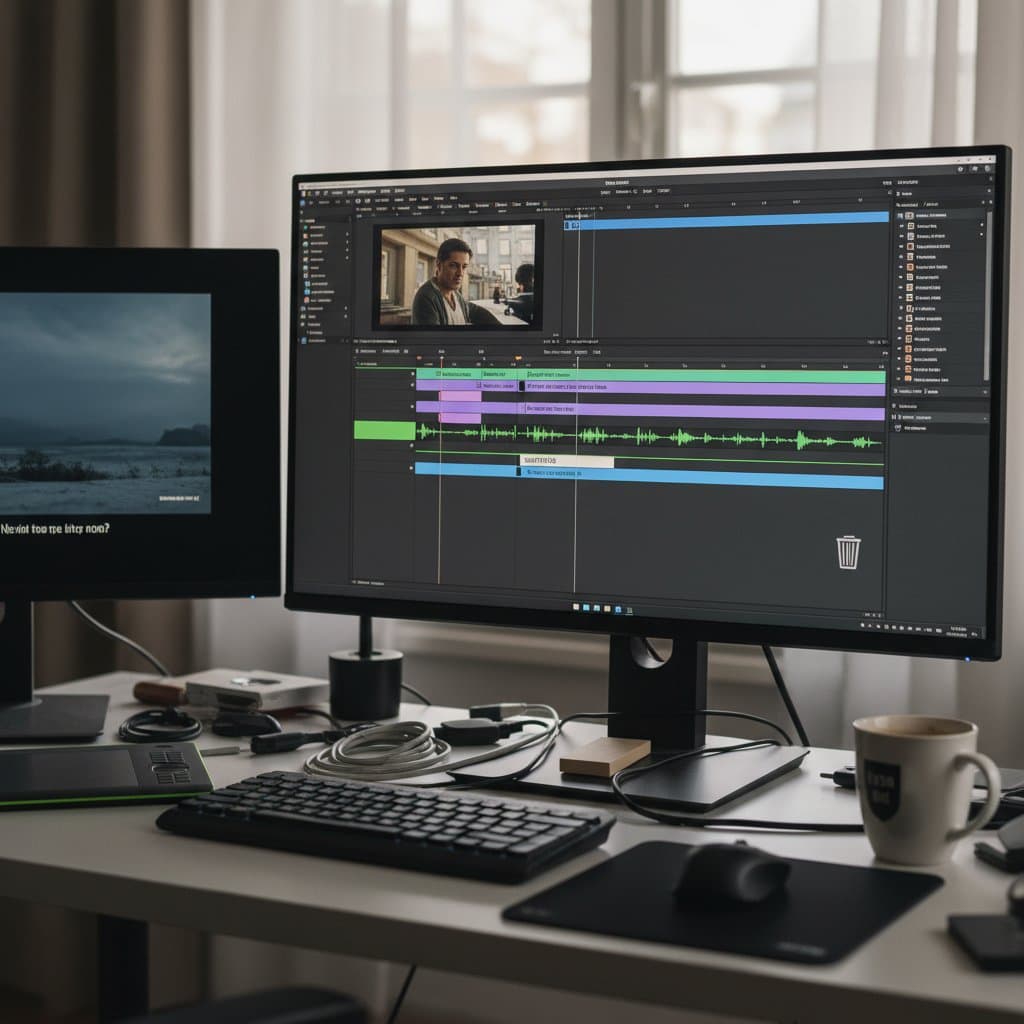
Clean Subtitles Off Your Video Frames
Upload a still from your own footage and remove burned-in subtitles or captions. Use the clean frame for a thumbnail, a new caption or a translated version. Translate image text instead

Turn a Meme Into a Blank Template
Remove the old caption from your meme image to get a clean template. Then write a new joke on top without the old words showing through. Remove the background
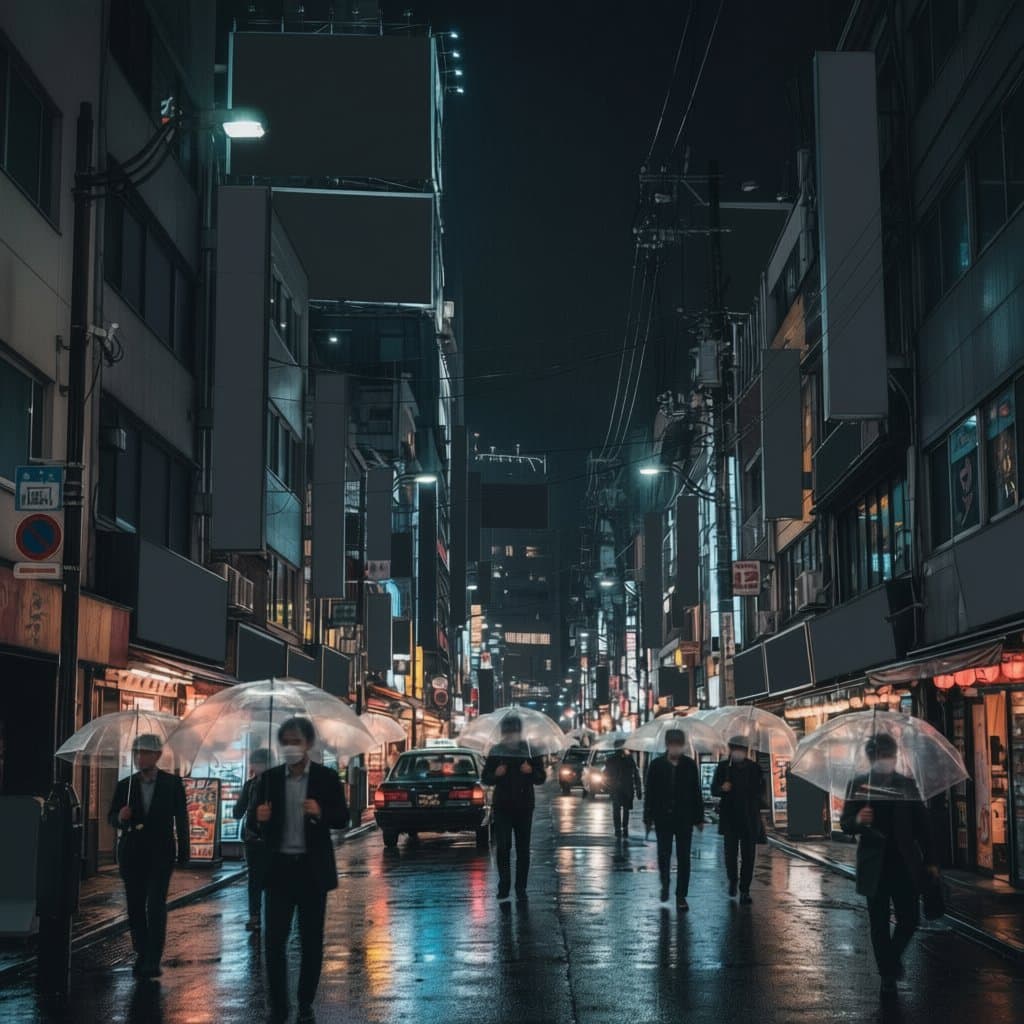
Clear Signs and Labels From Your Photos
Take street signs, banners or price labels out of your travel and product shots. Your photo keeps its walls, textures and light. Remove whole objects
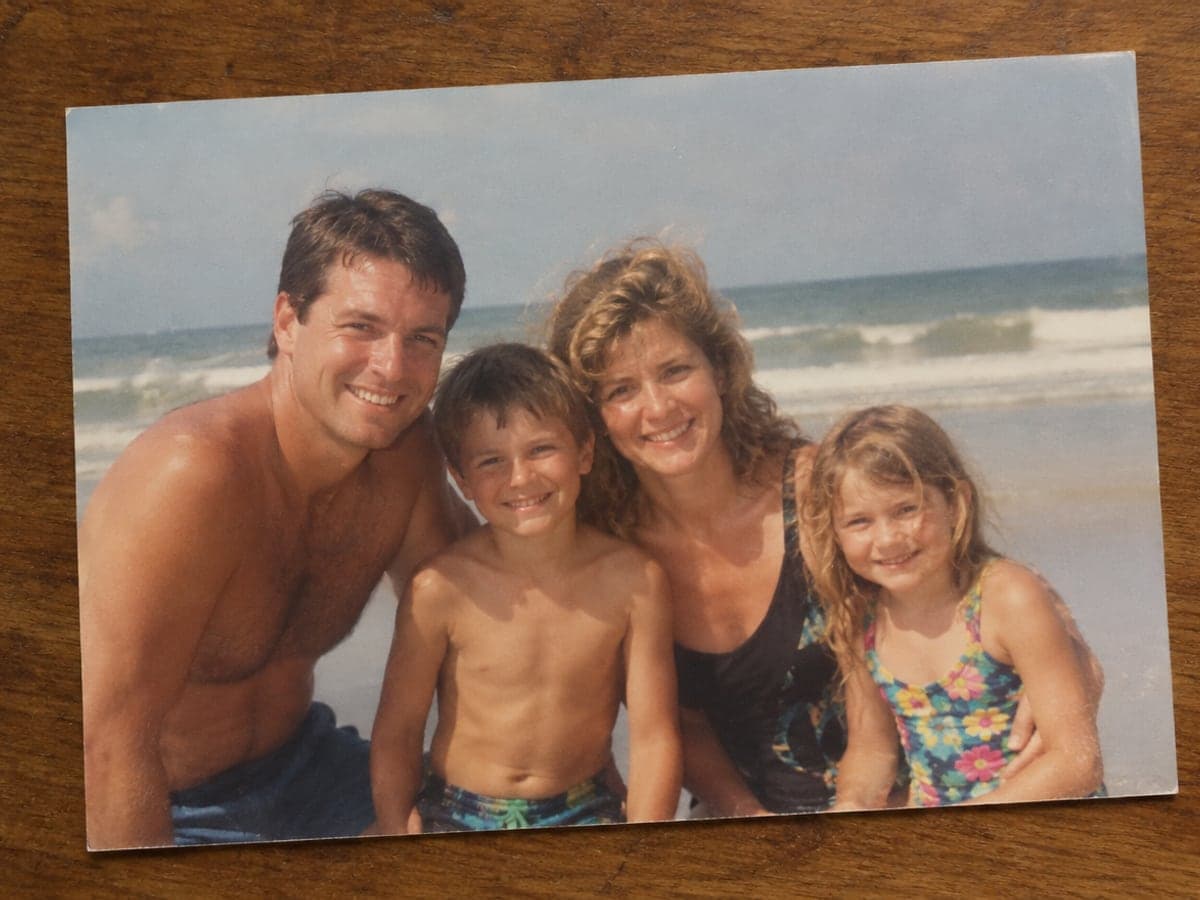
Erase Date Stamps From Old Photos
Scanned a family photo with a printed date or handwritten note in the corner? Remove it so the picture is ready to frame or share. Upscale the photo
Who Uses AI Text Remover
Four ways people use it every week
Get clean frames back from captioned footage

Strip old captions and write your own

Remove stickers and labels from your product shots

Clear date stamps from scanned family photos
How to Remove Text From an Image with CreateVision
Upload your photo, select a style, and download your professional result instantly

Upload your image
Upload an image you own or have the rights to edit that contains the text you want gone.

Choose the text type
Pick what you are removing, such as subtitles, signs, labels or handwriting.

Download the clean image
Get your image back with the text removed and the background filled in.
The All-in-One AI Creation Platform
One account for images, videos, an AI agent that works for you, expert AI mentors and 80+ ready-made tools.

AI Image & Video Generator
Every leading model in one workspace: Seedream, Nano Banana, GPT Image, Seedance, Veo and more.
Open
Ava, your AI creative agent
Describe what you need and Ava plans, generates and iterates for you.
Open
80+ AI tools
One-click tools for photos, videos, cards, portraits and viral trends.
Open
Template library
Thousands of ready prompts and styles to start from.
Open
Studios
Portrait, marketing, poster and cinema studios for finished work, not single shots.
Open
AI model library
Compare and pick the right image or video model for every job.
Open
AI mentors
Learn from expert mentors in photography, design and video, then create with their guidance.
Open190K+ creators
Using CreateVision to create and share
What Users Say
Real feedback from users worldwide
“Perfect for my video editing workflow. Removes hardcoded subtitles from footage so I can add my own translations.”

“Use it daily for cleaning up screenshots. Removes watermarks and text overlays perfectly.”

“Game changer for creating meme templates. Can finally reuse great images with clean text removal.”

FAQs About Our AI Text Remover
An AI text remover finds text in a picture and replaces it with background that matches the rest of the image. CreateVision's AI Text Remover erases captions, subtitles, dates, labels and signs, then fills each area so the photo looks untouched.
The best one removes the words and rebuilds what was behind them, instead of leaving a smudge. CreateVision detects text regardless of font, size, color or script, fills the area to match the surrounding scene, and lets you choose the kind of text you want gone. You pay a flat 50 credits per image.
Upload your image, choose the type of text, and generate. The AI locates the text, removes it and reconstructs the background behind it. Use Selective mode when you want to remove some text and keep the rest.
Yes. It handles text at an angle, on curves and on surfaces like signs and packaging. It recognizes many scripts, including English, Chinese, Japanese, Korean, Arabic and Hindi. Busy areas such as text over faces are harder, so check the result closely.
Each image costs 50 credits. You can start with 200 free credits from Google sign-up. Free accounts download results with a small CreateVision mark; subscribers and credit-pack buyers can turn it off.
Only use it on images you own or have the rights to edit, such as your own photos, your footage or your company's assets. Do not use it to strip someone else's watermark, copyright notice or stock-photo mark so you can reuse their work.
It works on images, so upload individual video frames. For a full video, extract the frames you need first, then clean each one. It is best suited to thumbnails and key frames rather than whole clips.
Remove Text From Your Images and Keep the Scene
Upload your image, choose the text to erase, and download a clean picture with the background filled in.
Related Tools You Might Like
Explore more AI creative tools