AI Past and Present Photo
Put you today and your younger self in one realistic photo
Tap to uploadDrop image or click
JPG · PNG · WebP
Tap to uploadDrop image or click
JPG · PNG · WebP
Preview Examples
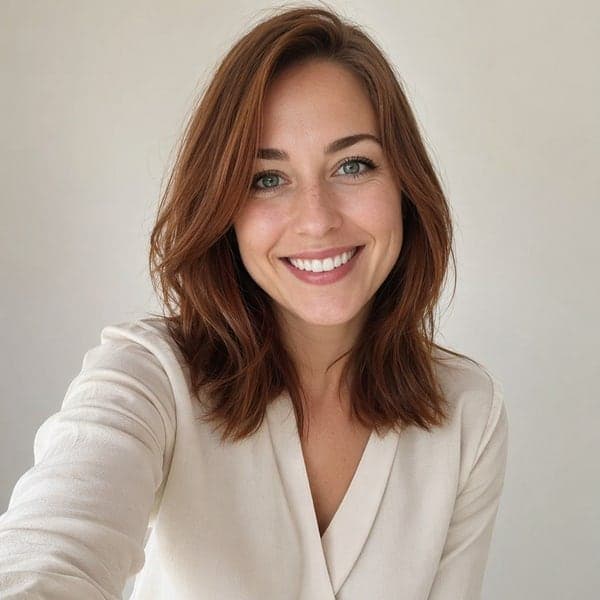
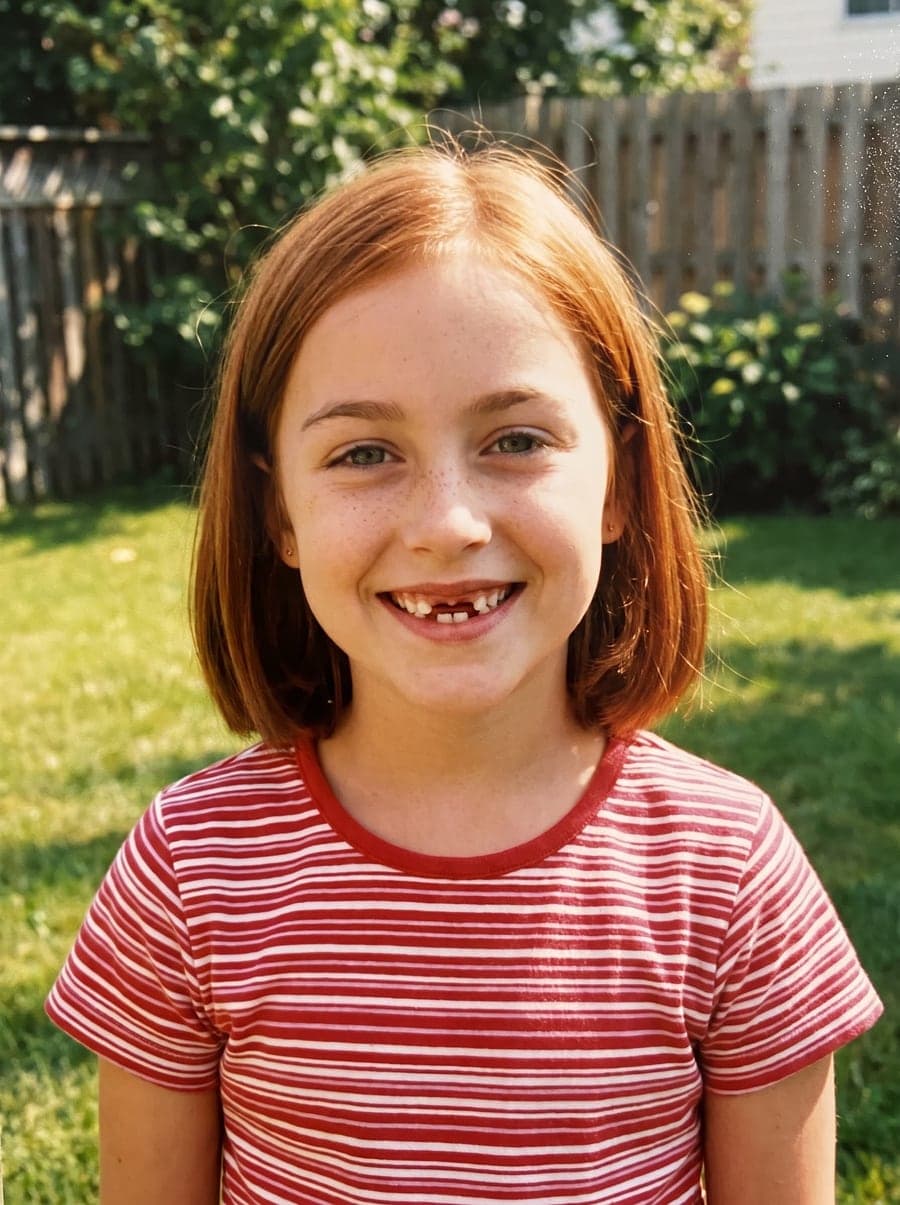
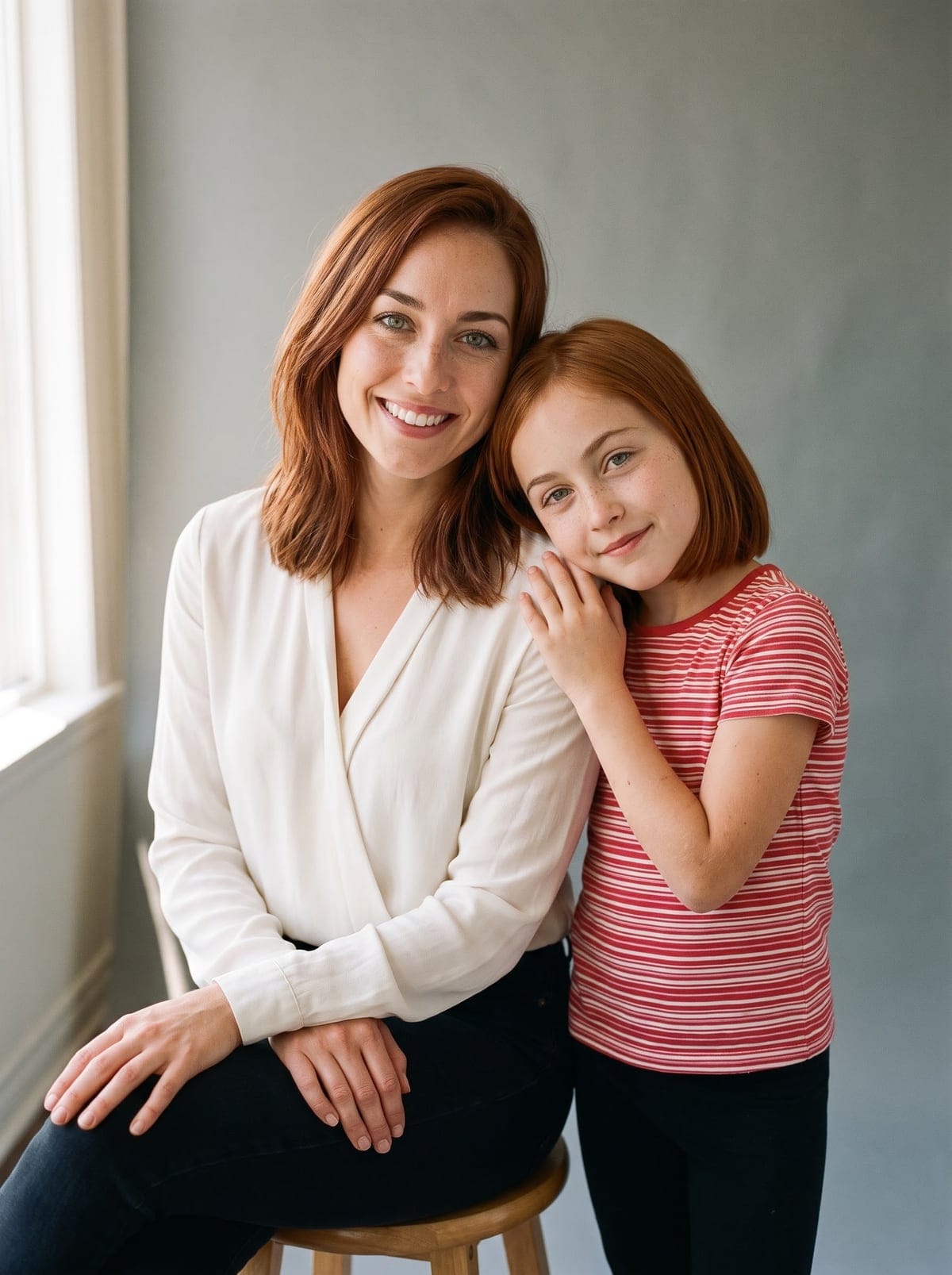
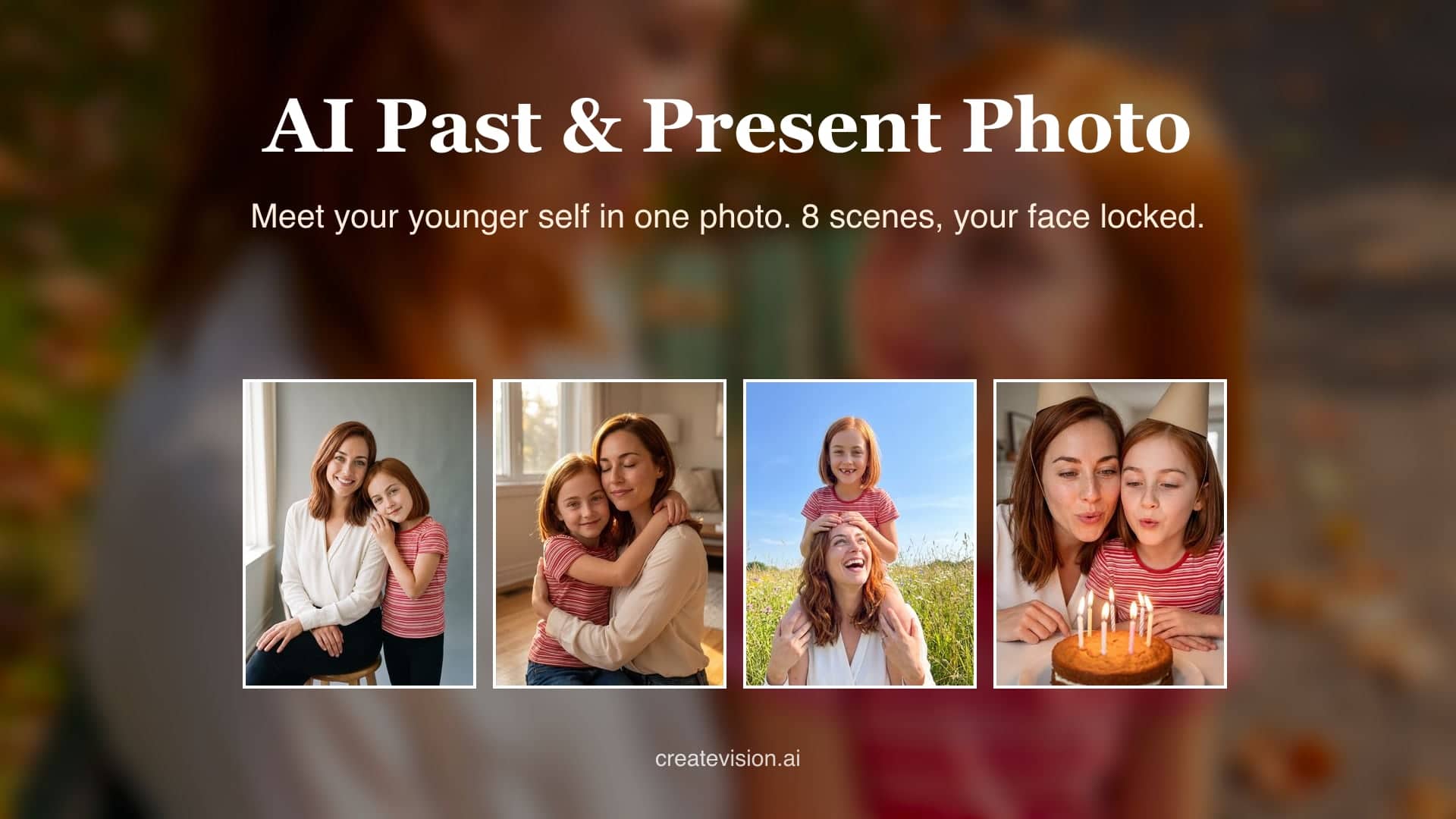
Select a scene to see different results
How does AI Past and Present Photo work?
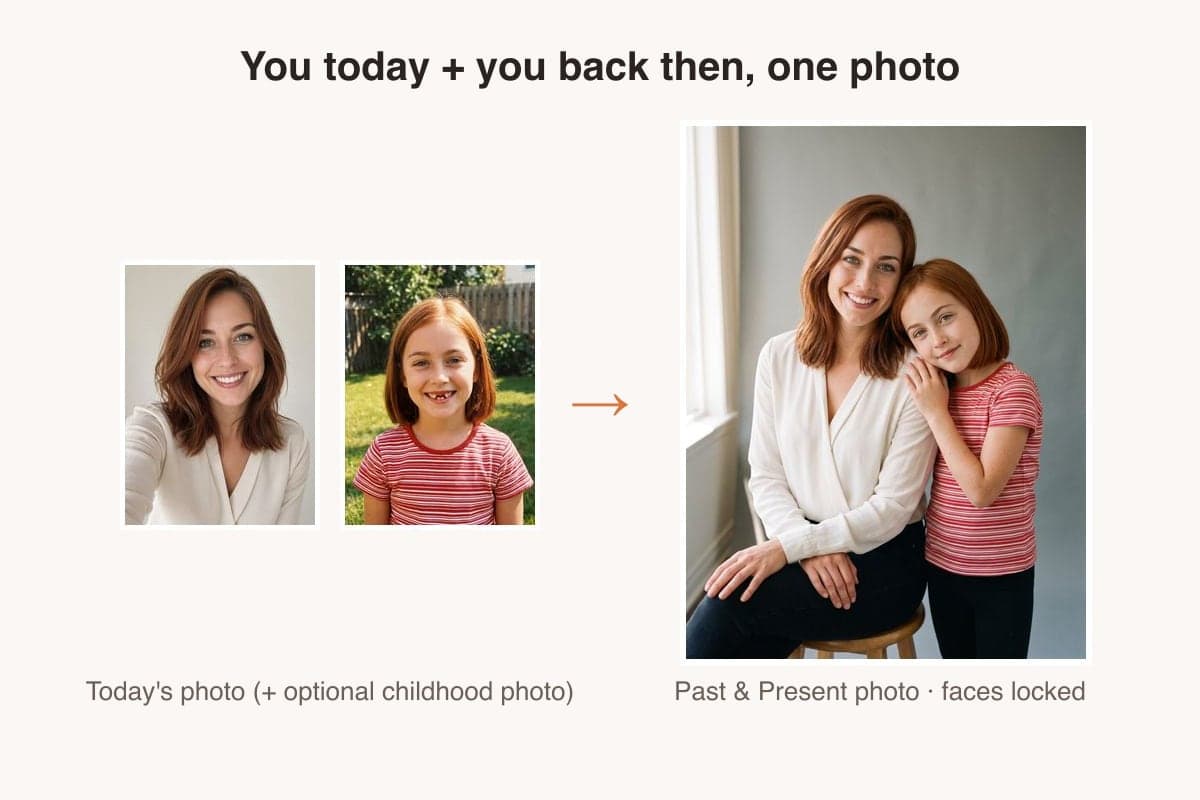
Upload one clear photo of you today (and optionally a childhood photo), choose one of 8 scenes, and the AI composes you and your younger self into one realistic photo with matched lighting and scale. Your face, hair and skin tone come from your photo; the child self is rendered from the same features or matched to your childhood photo.
Why Make Your Past and Present Photo Here
Professional quality, privacy protected, instant results
Two Ages, One Identity
Your face, hair and skin tone are locked, and your child self is built from the same features. It reads as the same person, not a random kid.
No Childhood Photo Needed
Upload only today's photo and the tool renders you at about seven. Add a real childhood photo whenever you have one.
Scenes Built on Warmth
Eight scenes such as a hug, a park bench, breakfast and a birthday. Nothing theatrical, and nobody is put in a costume.
See What You Can Do With a Past and Present Photo
Perfect for various professional scenarios, instant and secure
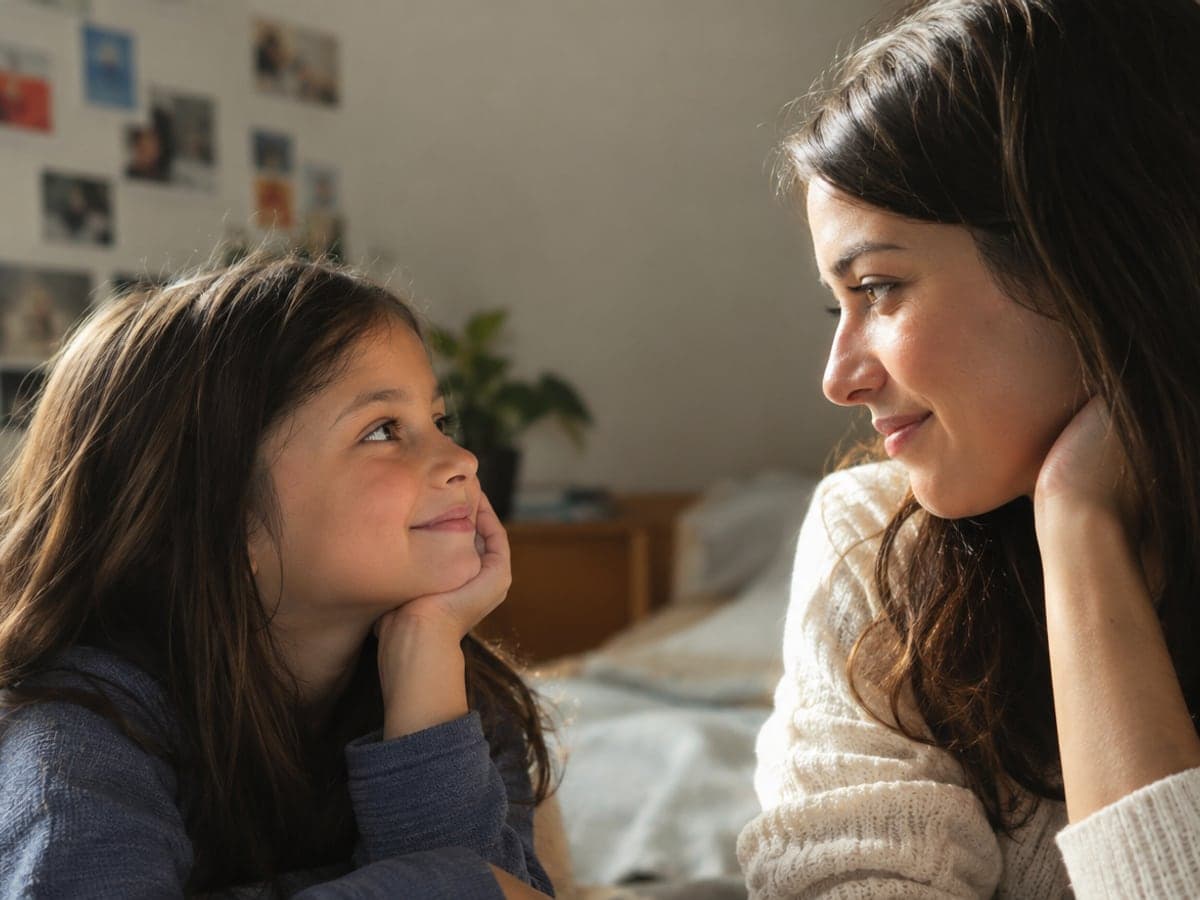
Meet Your Younger Self Face to Face
Make a photo of you with your younger self and keep it private. Or post it with what you would tell that kid today. See your older self
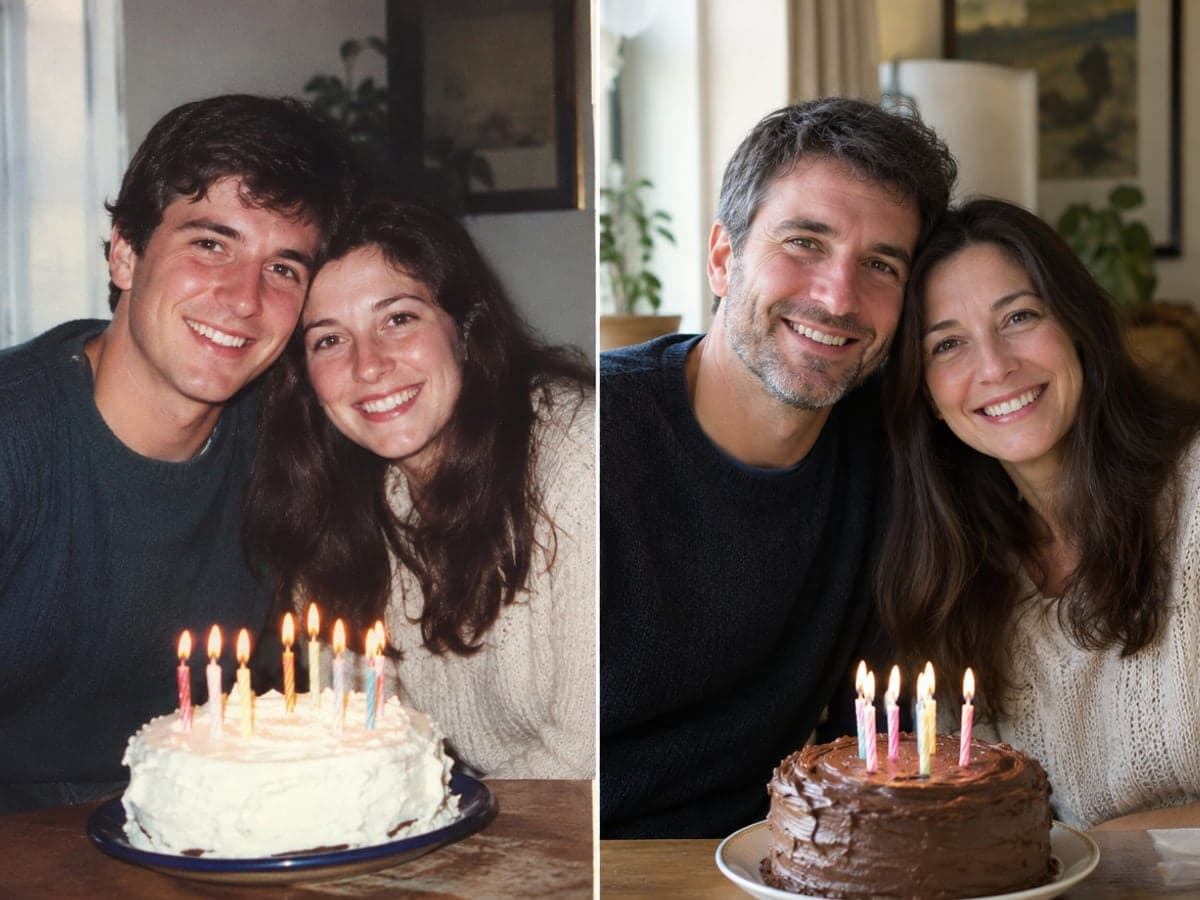
Put Both of You in Your Birthday Post
Share a then and now photo with both of you in the frame on your birthday. Your result is ready in about a minute. Bring old photos to life
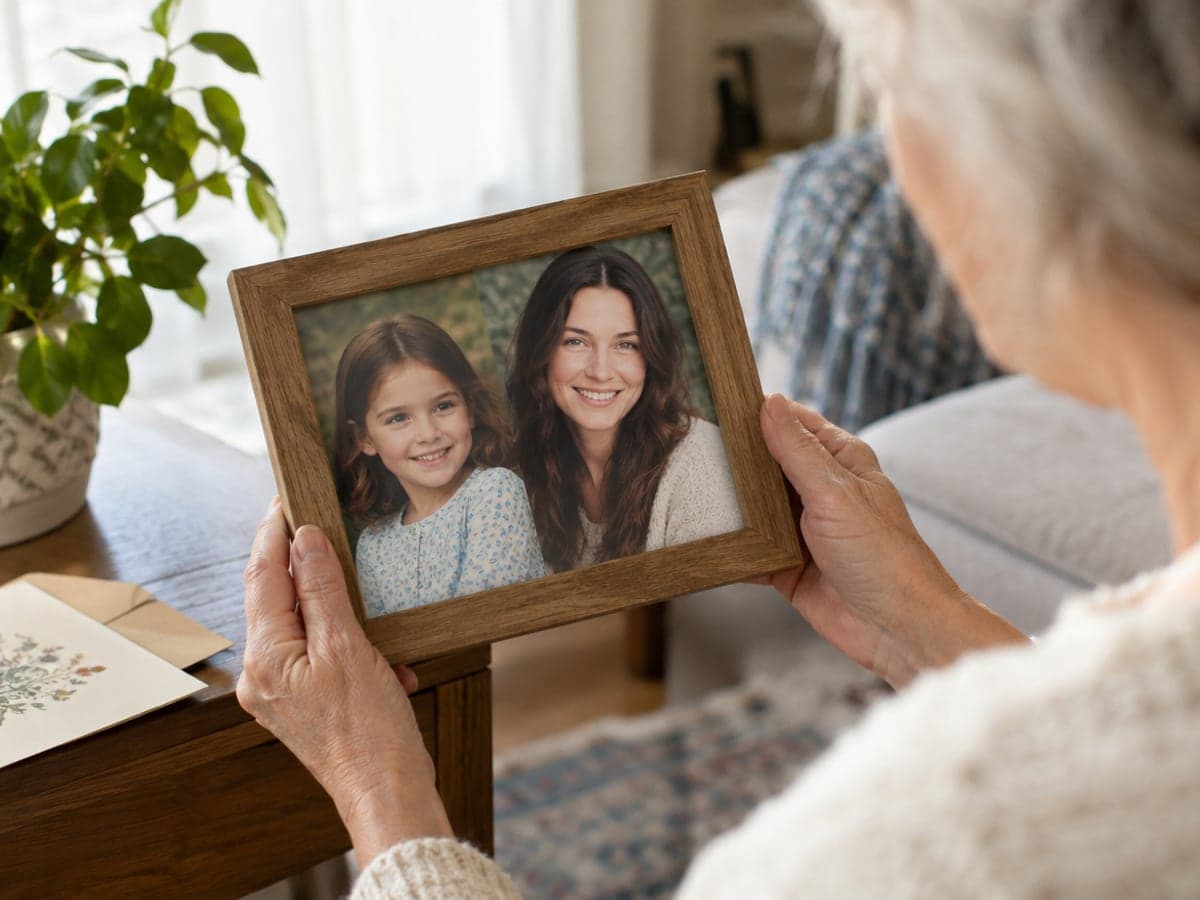
Give Your Parents a Photo to Frame
Print you and little you for the people who remember that child. Frame it, or slip it into a card for them. Make a family photo
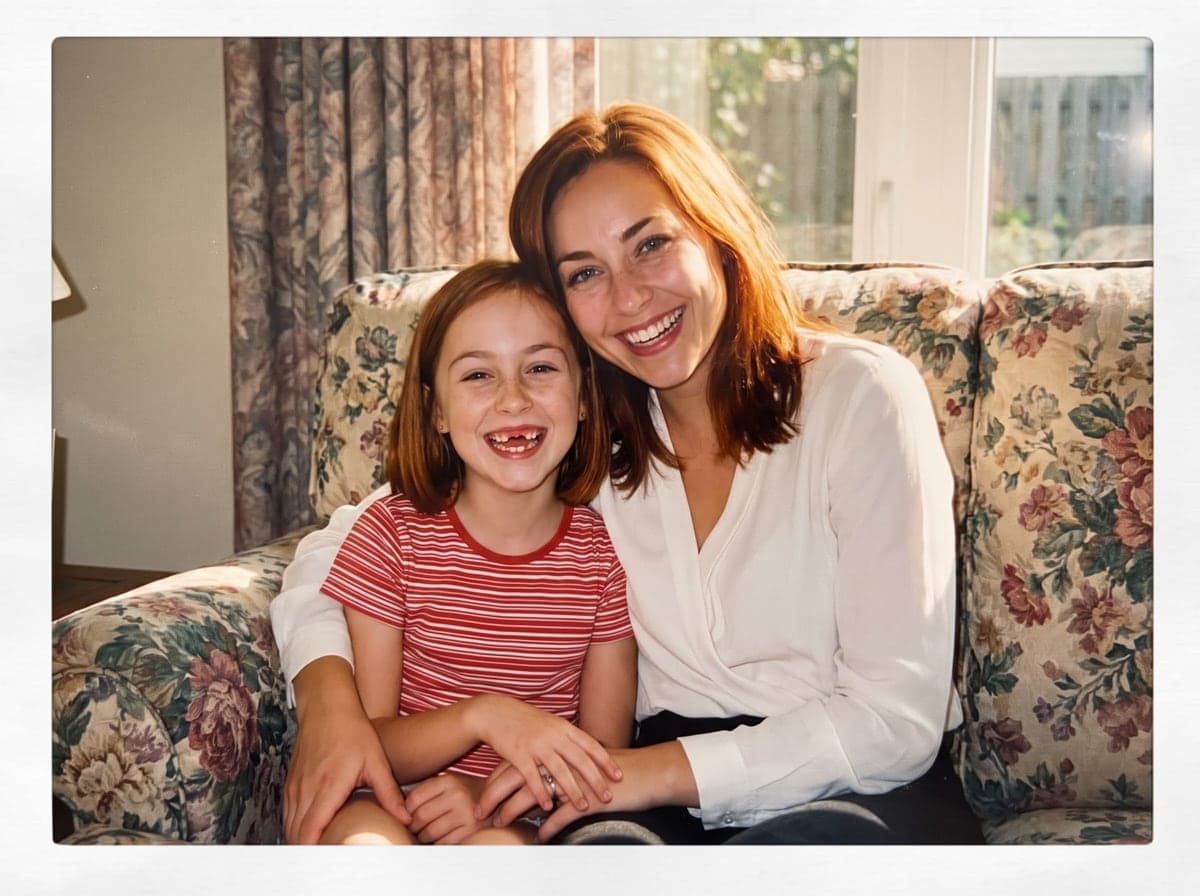
Match Your Real Childhood Photo
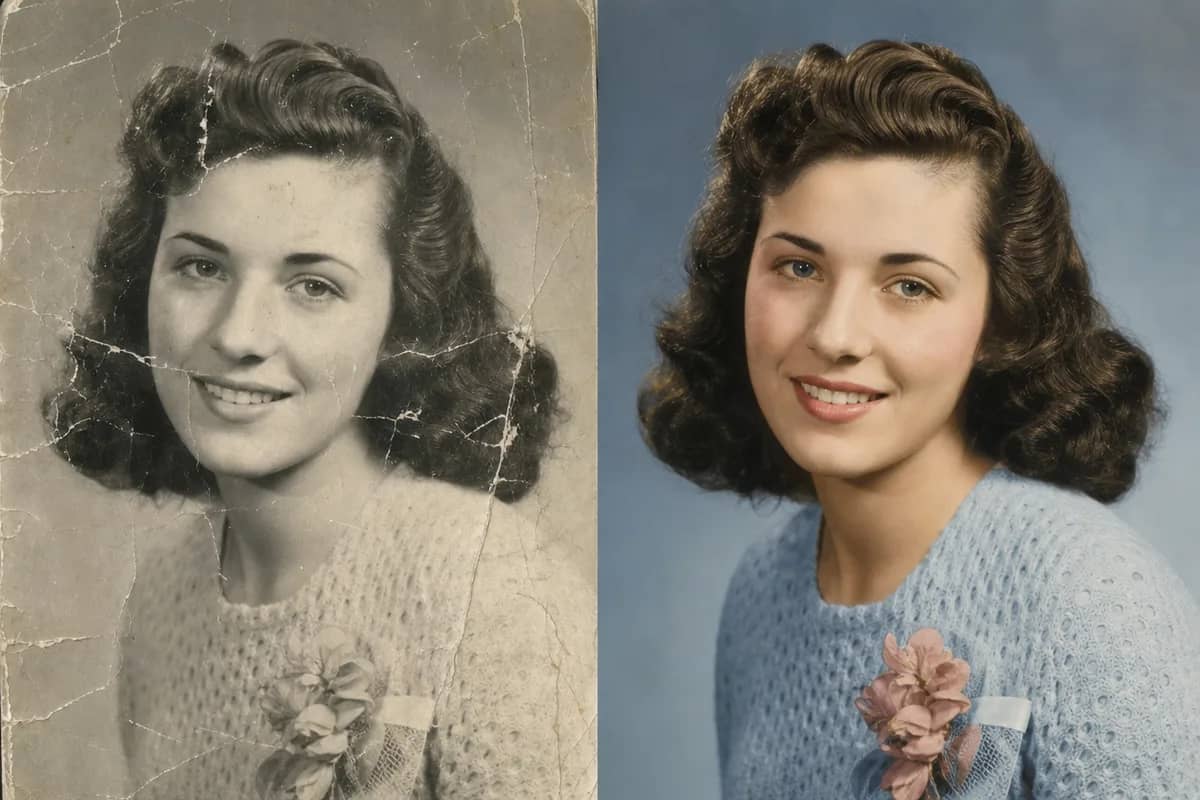
Add an old photo of yourself in the second slot and your child self follows that face. Restore a faded print first if it is damaged. Restore an old photo
Who Uses AI Past and Present Photo
Four ways people use it every week
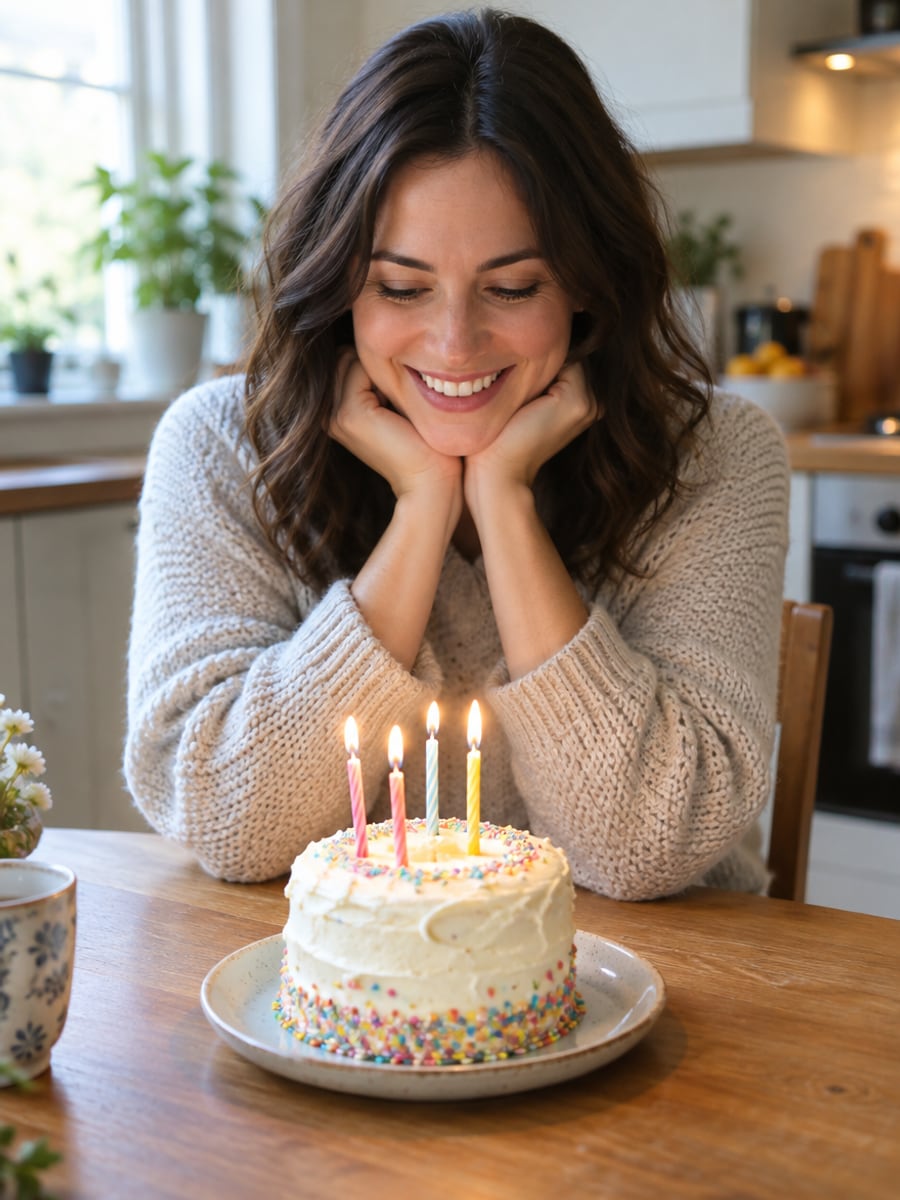
Celebrate another year with your younger self beside you
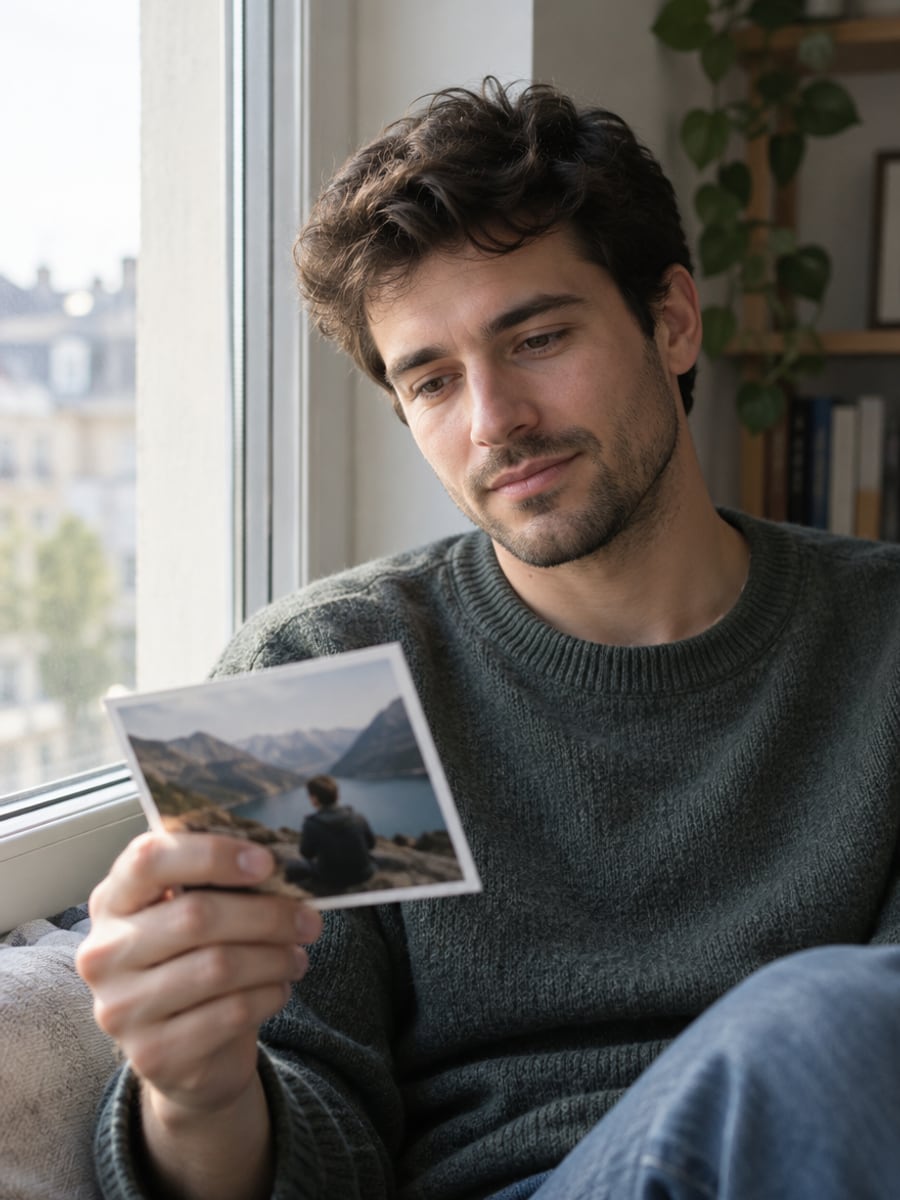
Keep a quiet photo of you meeting little you
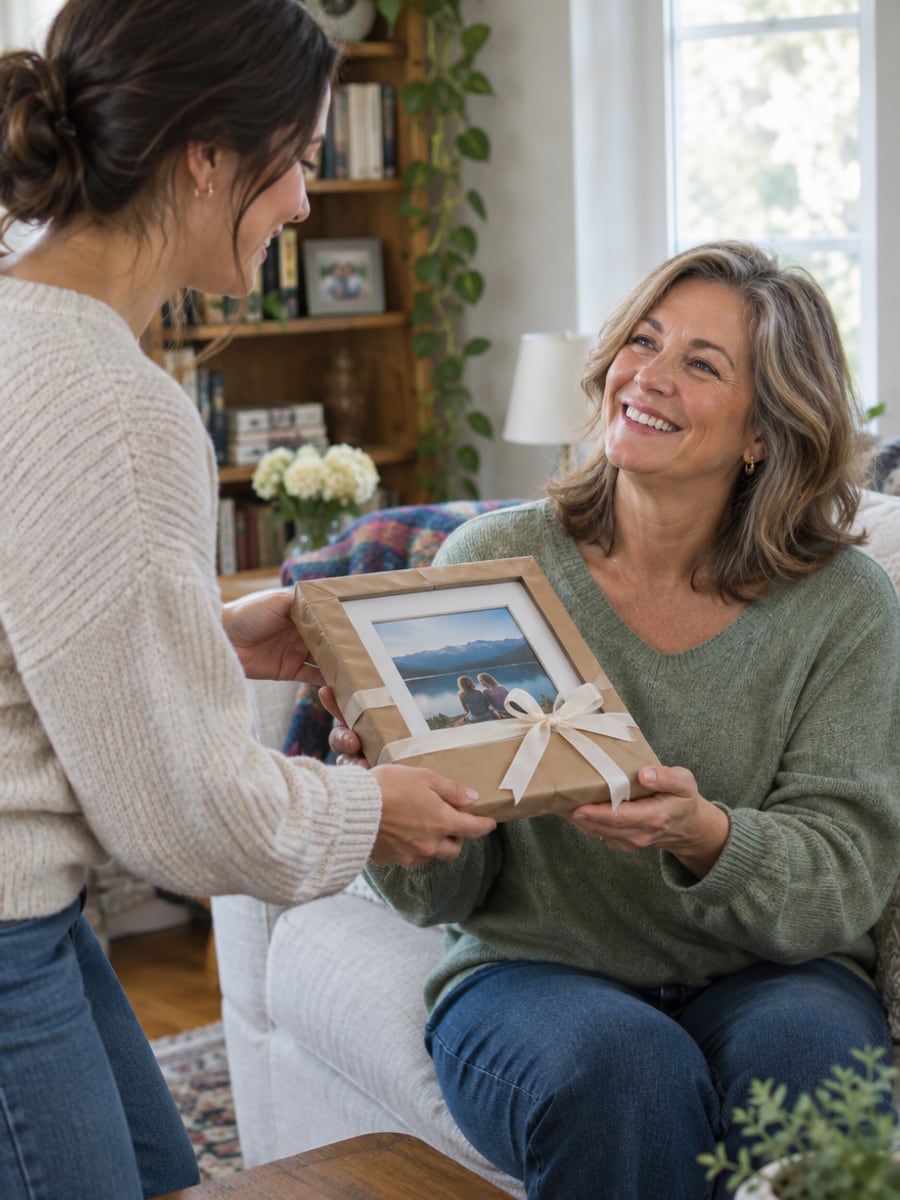
Give your parents a framed photo they will keep
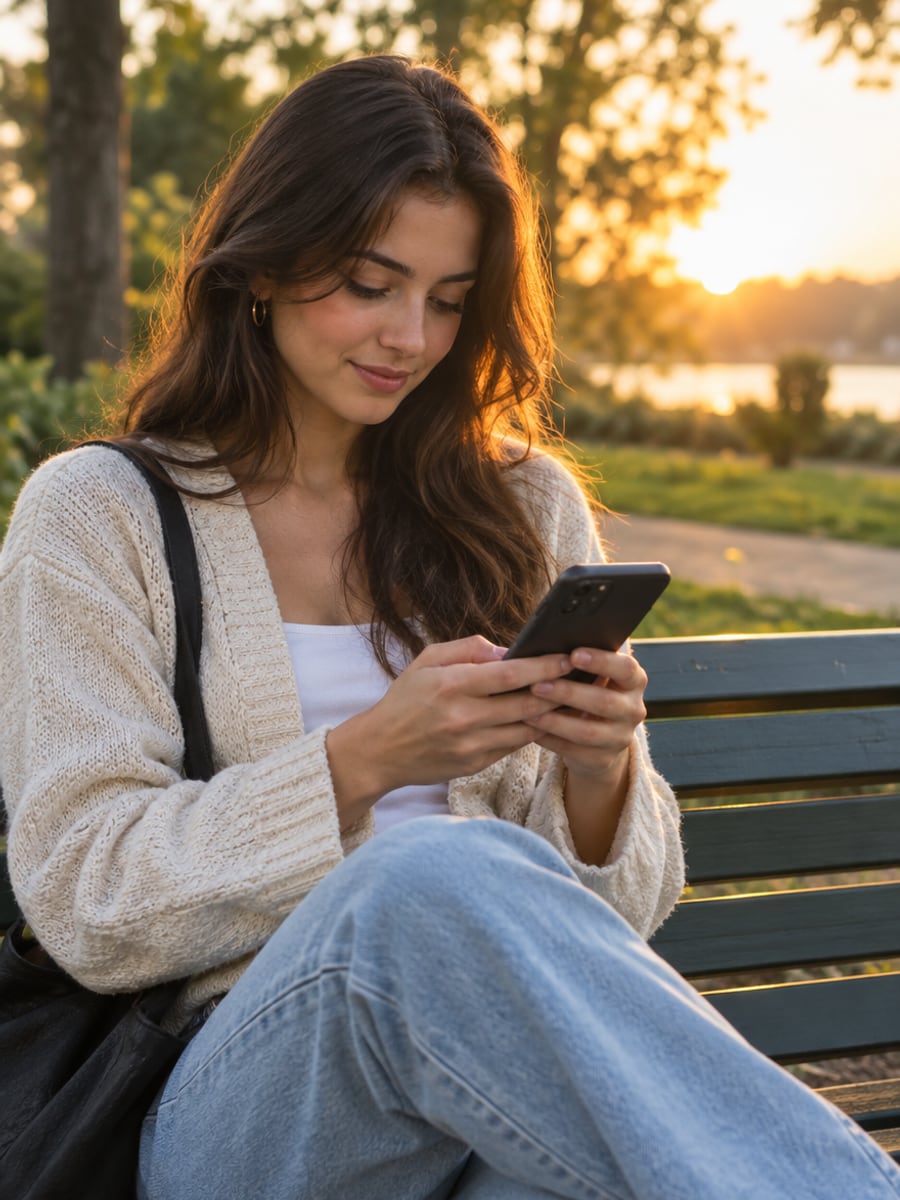
Join the younger self trend with your own face
How to Make a Past and Present Photo with CreateVision
Upload your photo, select a style, and download your professional result instantly

Upload Your Photo Today
Upload one clear, front-facing photo of you now. Add a childhood photo in the second slot if you have one, and the child version will match it.

Choose a Scene
Pick studio portrait, park bench, breakfast, the hug, mirror, on your shoulders, vintage snapshot or birthday. Every preview on this page was made with this tool.

Generate and Download
The AI puts both of you into one photo with matched lighting and scale. Download in seconds, and failed generations are refunded automatically.
The All-in-One AI Creation Platform
One account for images, videos, an AI agent that works for you, expert AI mentors and 80+ ready-made tools.

AI Image & Video Generator
Every leading model in one workspace: Seedream, Nano Banana, GPT Image, Seedance, Veo and more.
Open
Ava, your AI creative agent
Describe what you need and Ava plans, generates and iterates for you.
Open
80+ AI tools
One-click tools for photos, videos, cards, portraits and viral trends.
Open
Template library
Thousands of ready prompts and styles to start from.
Open
Studios
Portrait, marketing, poster and cinema studios for finished work, not single shots.
Open
AI model library
Compare and pick the right image or video model for every job.
Open
AI mentors
Learn from expert mentors in photography, design and video, then create with their guidance.
Open190K+ creators
Using CreateVision to create and share
Past and Present Photo FAQs
A past and present photo shows you today next to your younger self in one realistic picture. CreateVision's AI Past and Present Photo makes it from a single photo of you now. You choose one of eight scenes, such as a hug, a park bench or a birthday.
The best one makes the child look like you, not like a random kid. CreateVision locks your face, hair and skin tone and builds your child self from the same features. You do not need a childhood photo, but you can add one for a closer match. Lighting and scale are matched so both of you sit naturally in one frame.
Upload one clear photo of you today, and optionally a childhood photo, then choose one of eight scenes. The AI composes you and your younger self into one photo with matched lighting and scale. Without a childhood photo, the child is built from your eye shape, eyebrows, nose, mouth and hair color.
Your younger self is about seven by default. You can type a different age in the extra-instructions box, for example "me at 15" or "me as a toddler", and the scene adapts. A childhood photo is optional. If you add one in the second slot, the child's face follows that photo.
The cost depends on the style tier: Identity is 40 credits per photo (the default) and Natural is 60. You can start with 200 free credits from Google sign-up. Failed or rejected generations are refunded automatically.
Generations are private by default and are not used for training. Your uploads are processed only to make your photo and are not turned into a public face library. Use only photos you have the right to upload. Free accounts download with a small CreateVision mark, and subscribers and credit-pack buyers can turn it off.
The child self is a new image, so small details like hair or expression can differ between runs. A sharp, evenly lit, front-facing photo of you gives the best likeness. If a result is off, try another scene or add a real childhood photo for a closer match.
Meet Your Younger Self in One Photo
Upload one photo of you today, pick a scene, and see the two of you together.
Related Tools You Might Like
Explore more AI creative tools