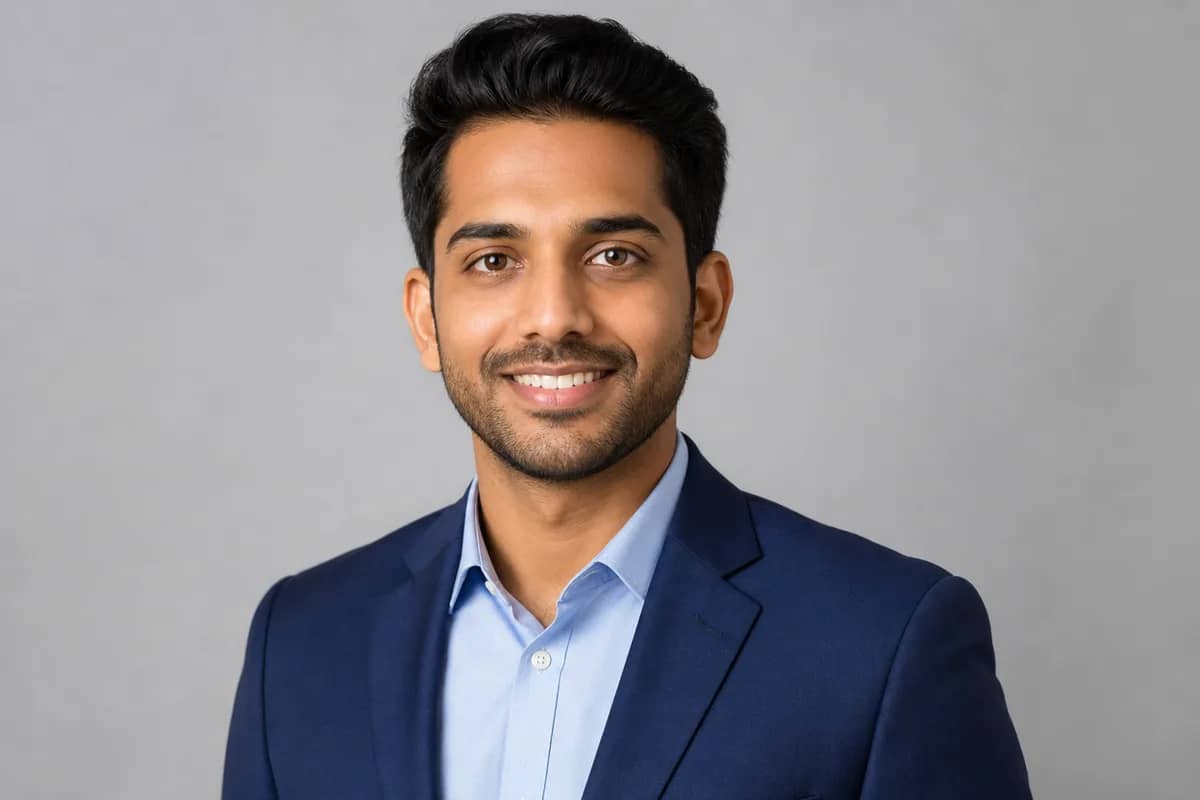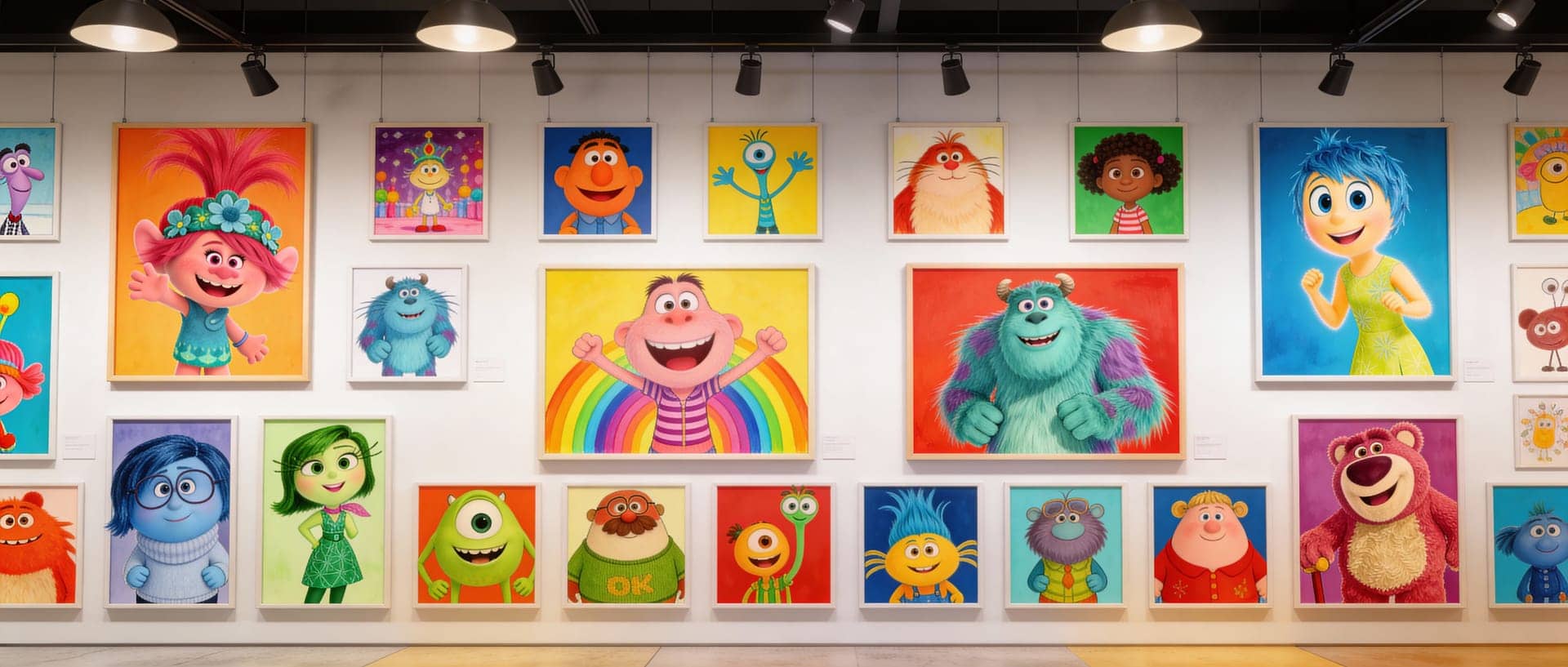
AI Cartoon Portrait
Convert photos into cartoon-style portraits
Tap to uploadDrop image or click
JPG · PNG · WebP
Preview Examples


Drag the slider to compare
What is AI Cartoon Portrait?
AI Cartoon Portrait uses advanced AI to transform your photos into various cartoon styles including Pixar 3D, Disney, anime, comic book, and more. It preserves your likeness while applying artistic stylization.

Why Make Your Cartoon Portrait With CreateVision
Professional quality, privacy protected, instant results
Your Face, Clearly Recognizable
The cartoon keeps your face shape, hair and expression, so people know it is you at a glance.
One Photo, Many Cartoon Styles
Try 3D animated, comic book, anime, chibi, watercolor or flat vector from the same portrait and keep the one that fits.
No Drawing Skills Needed
Upload a photo, pick a style and get a finished cartoon portrait in moments, without commissioning an artist.
See What You Can Do With a Cartoon Portrait
Perfect for various professional scenarios, instant and secure
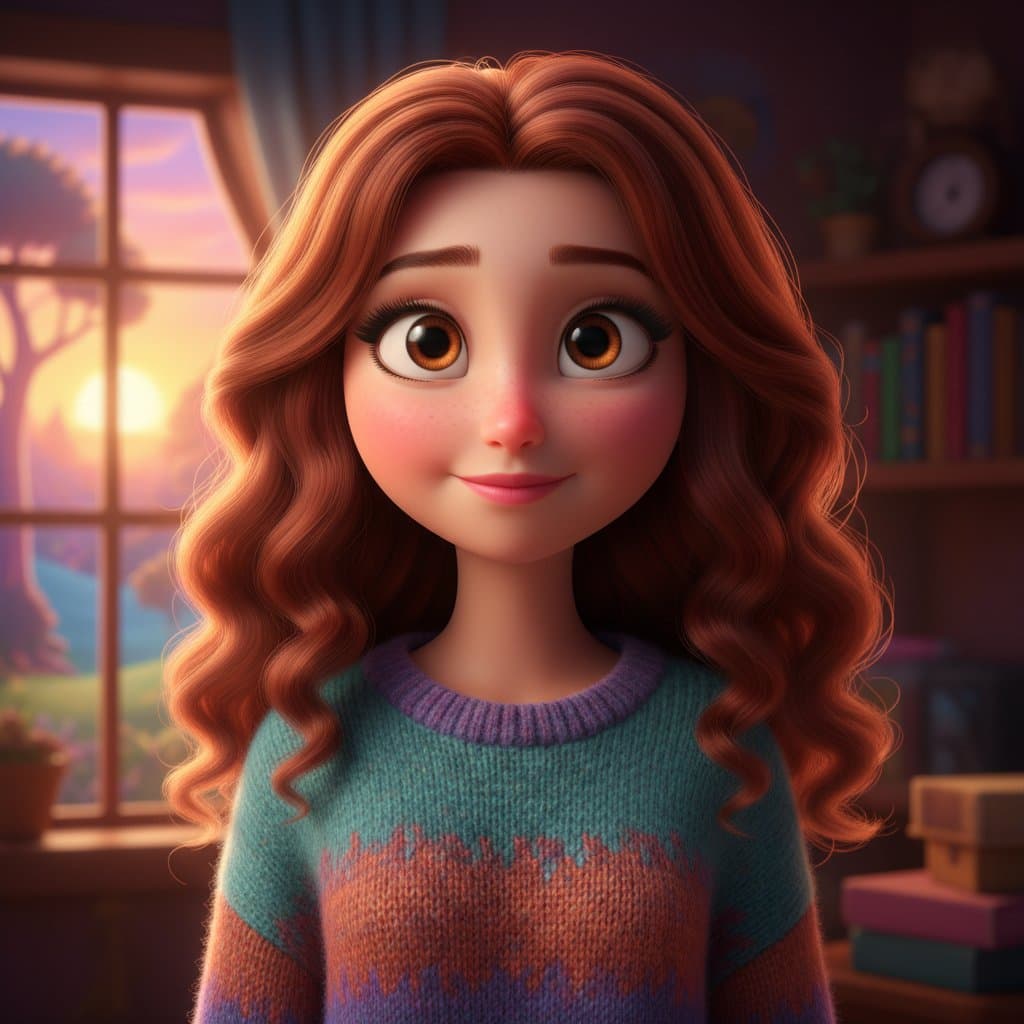
Become a 3D Animated Character
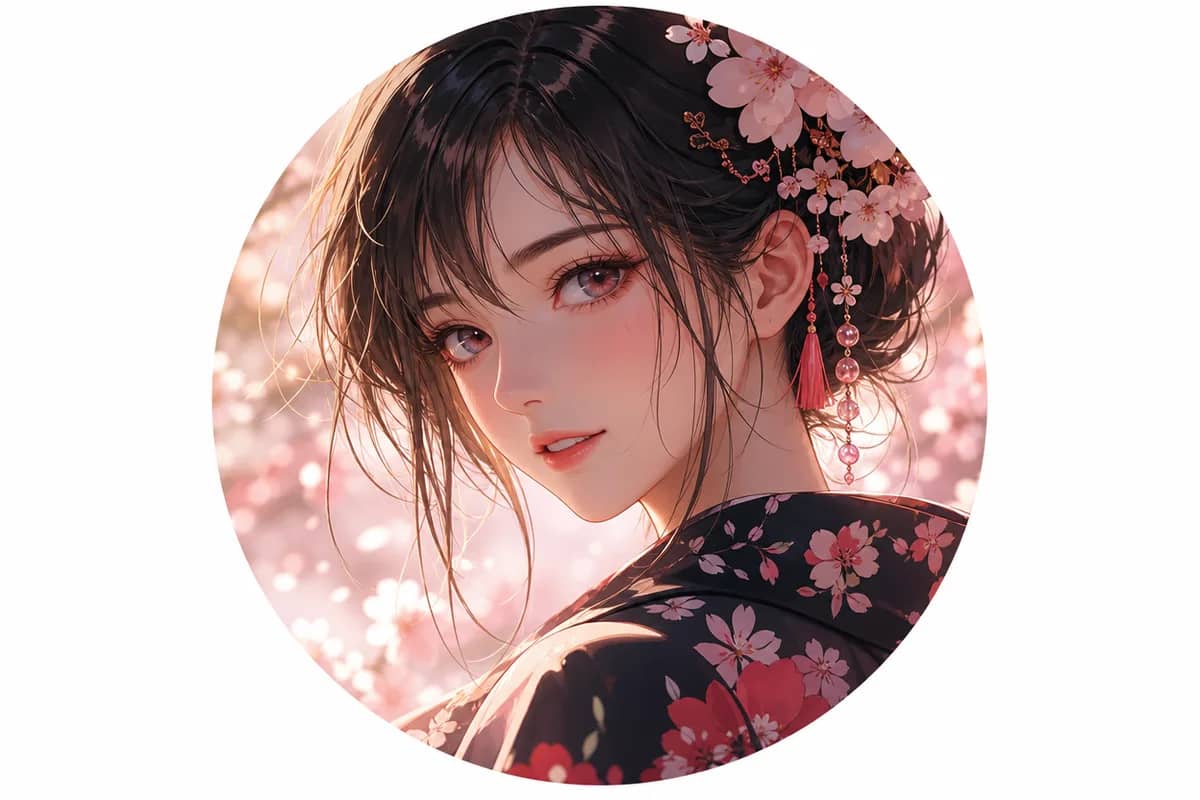
Turn your selfie into a rounded, movie-style 3D cartoon of yourself. It works well for profile pictures, gaming accounts and group chats. Want an anime avatar?
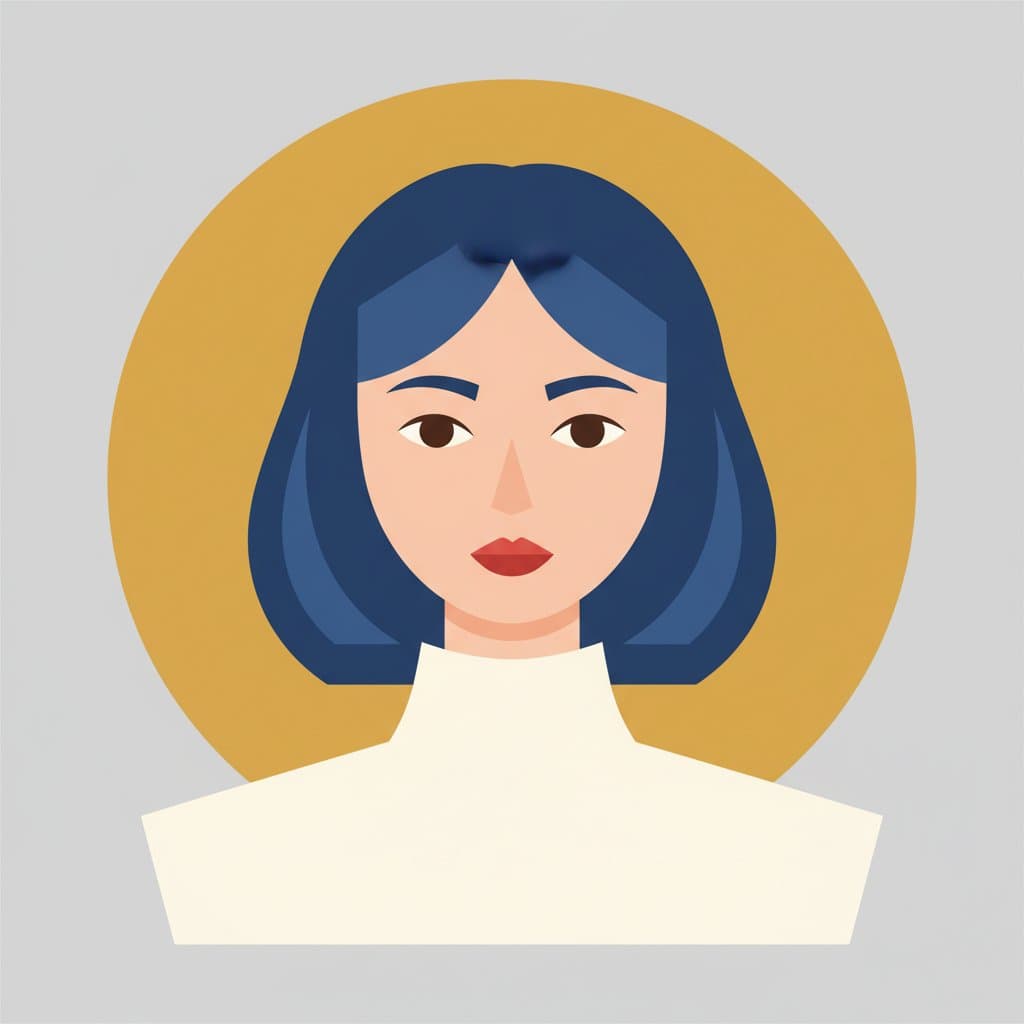
Use a Cartoon of You for Your Brand
A flat vector portrait of you looks friendly on a website, business card or newsletter. It stays clean and simple at small sizes. Need a real headshot?
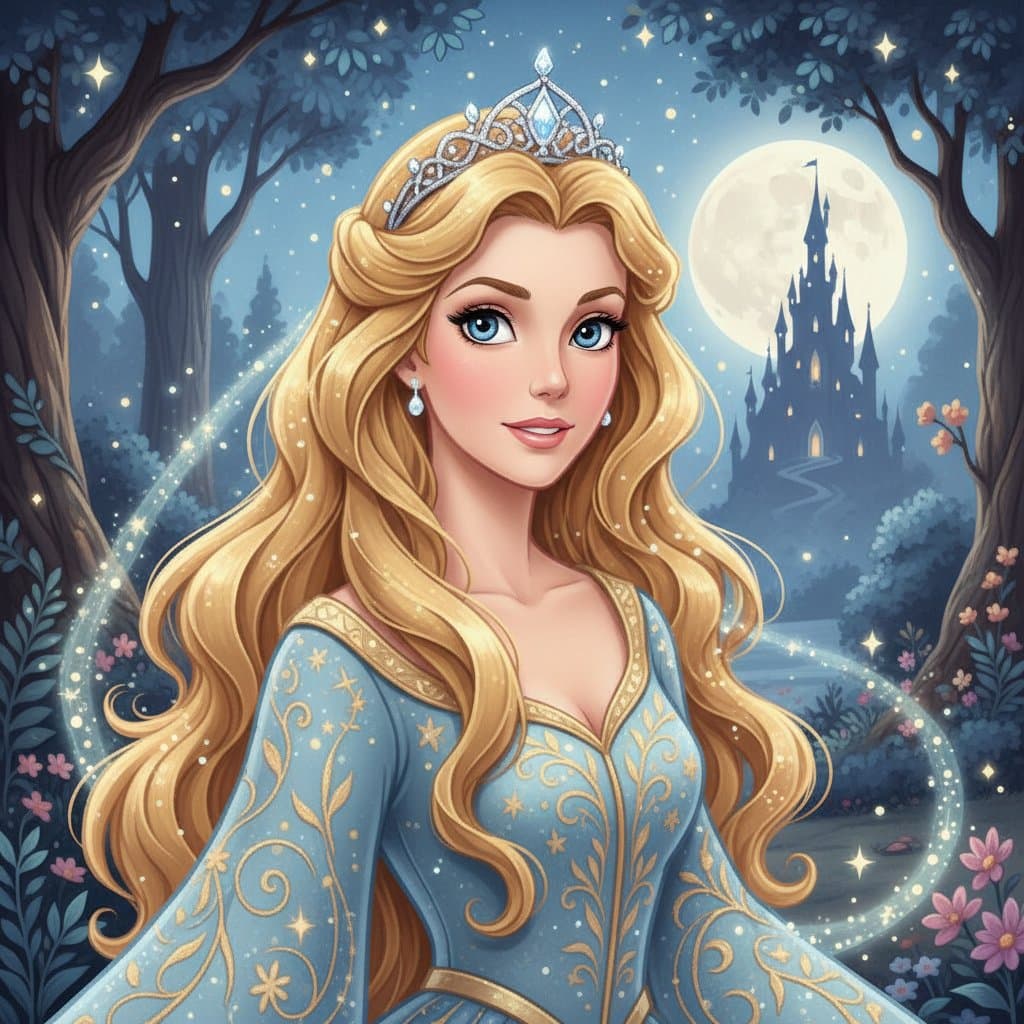
Give a Cartoon Portrait as a Gift
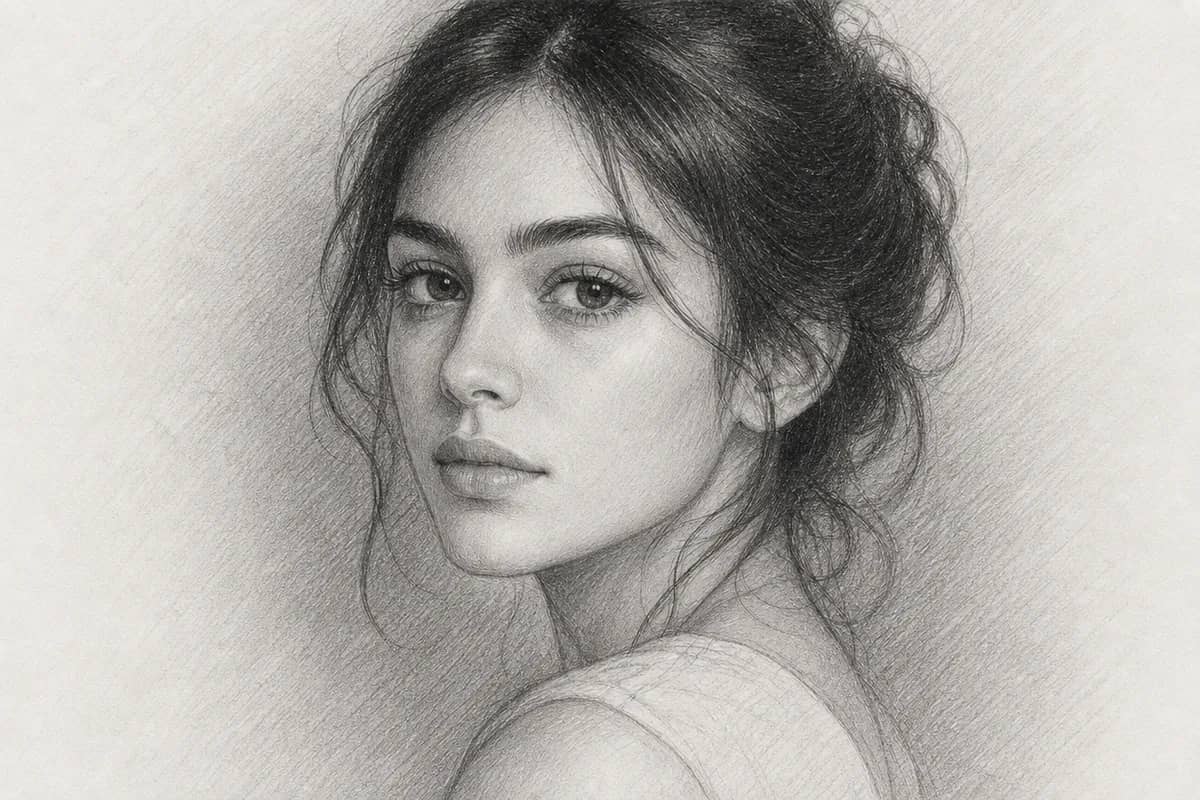
Turn a photo of a friend or family member into a fairy-tale cartoon for a birthday or anniversary card. It feels personal without hiring an illustrator. Or try a pencil sketch

Star in Your Own Comic Book
Pick the comic book style and you get bold ink lines and punchy color. Adjust exaggeration level, colors and background until it feels like you. Explore more art styles
Who Uses AI Cartoon Portrait
Four ways people use it every week
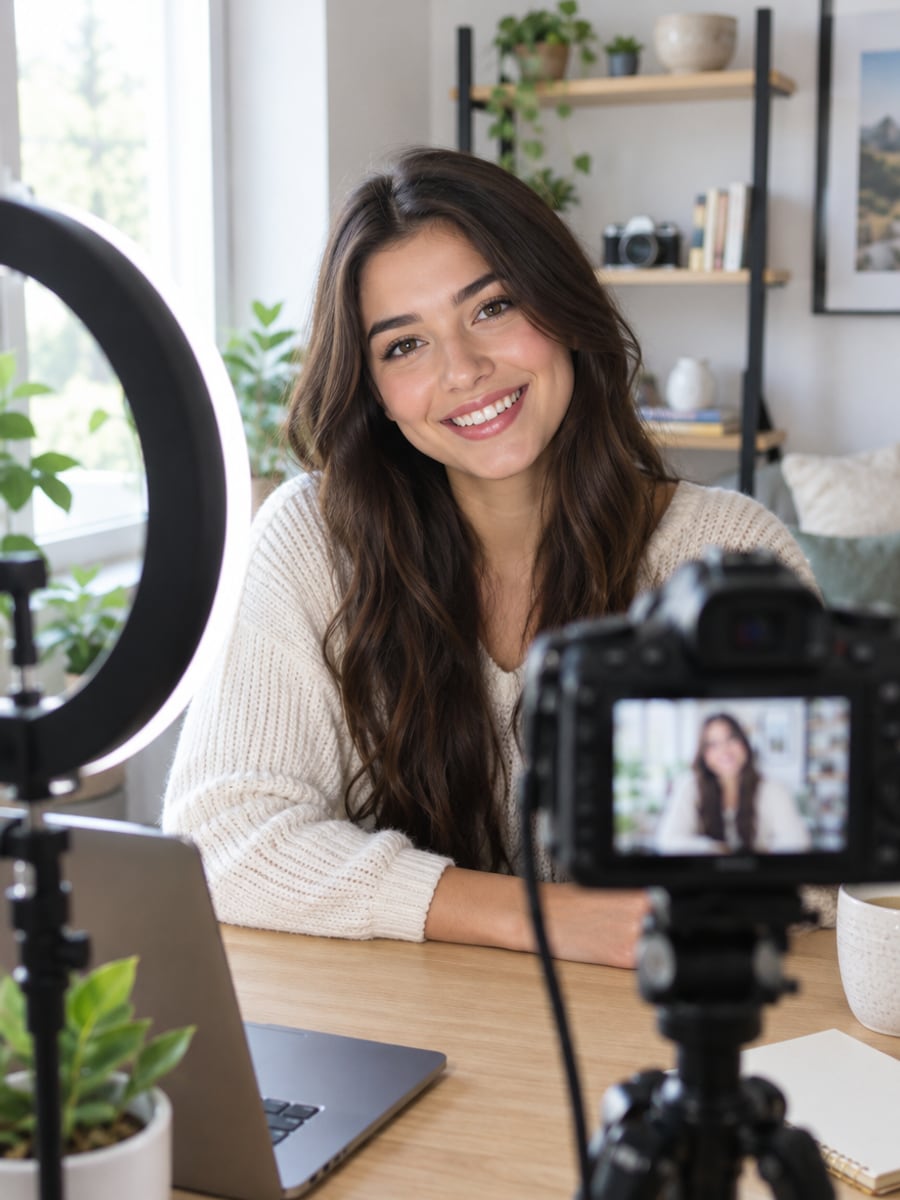
Get a cartoon version of you for every channel
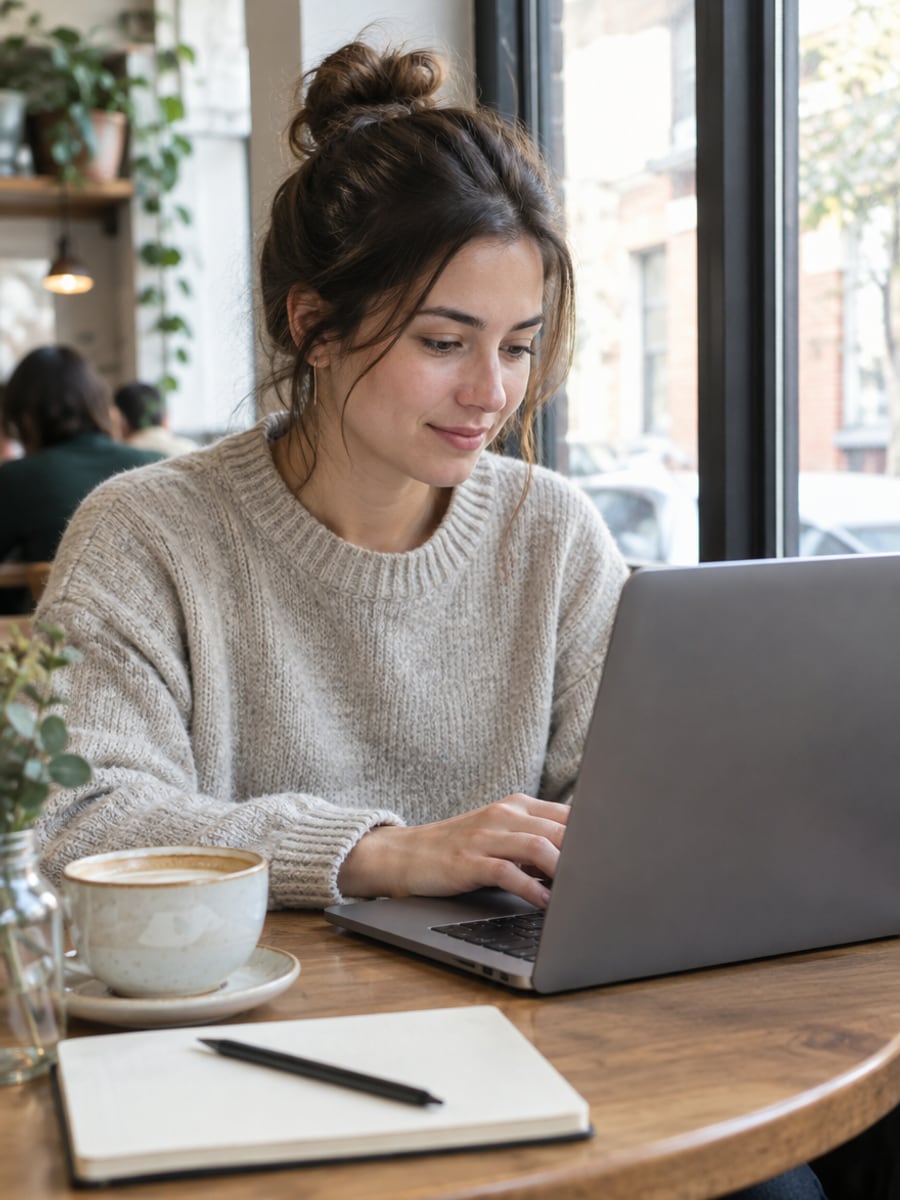
Put a friendly cartoon face on your brand
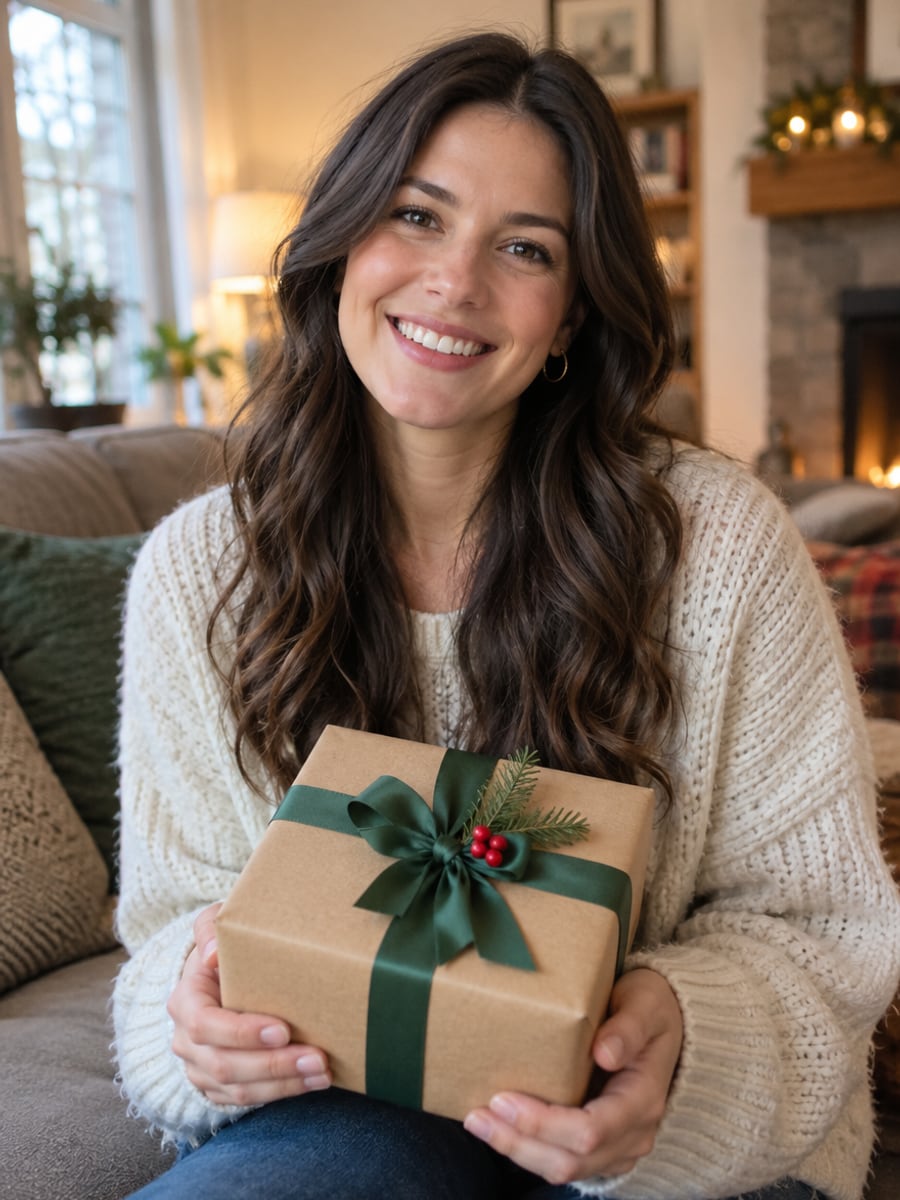
Turn a favorite photo into a personal cartoon gift

Cartoon yourselves for cards and anniversaries
How to Cartoon Yourself with CreateVision
Upload your photo, select a style, and download your professional result instantly

Upload Your Photo
Select a clear portrait photo with good lighting. Front-facing photos where your features are easy to see work best.
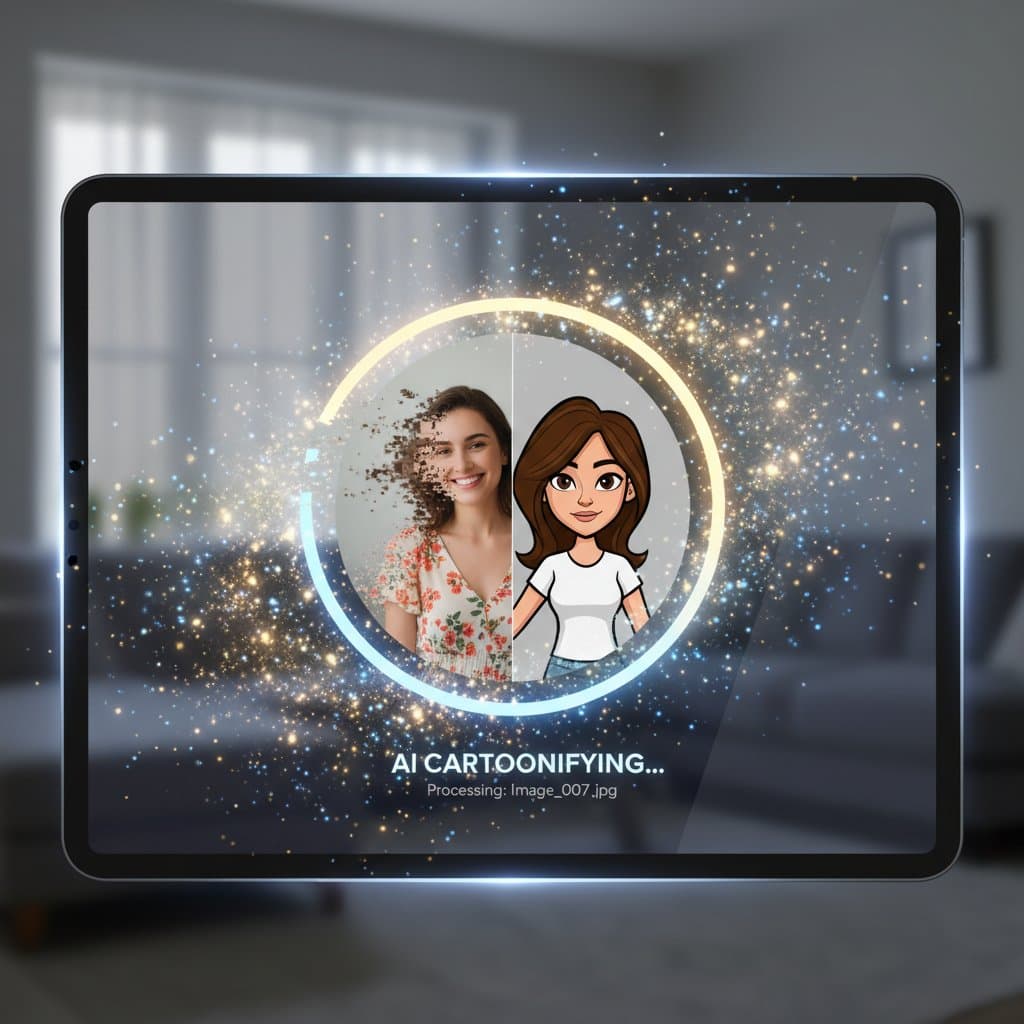
Choose a Cartoon Style
Pick 3D animated, comic book, anime, chibi or another style. Adjust exaggeration level, colors and background to match your idea.

Download Your Cartoon
Get your cartoon portrait in moments. Try another style from the same photo if you want to compare looks.
The All-in-One AI Creation Platform
One account for images, videos, an AI agent that works for you, expert AI mentors and 80+ ready-made tools.
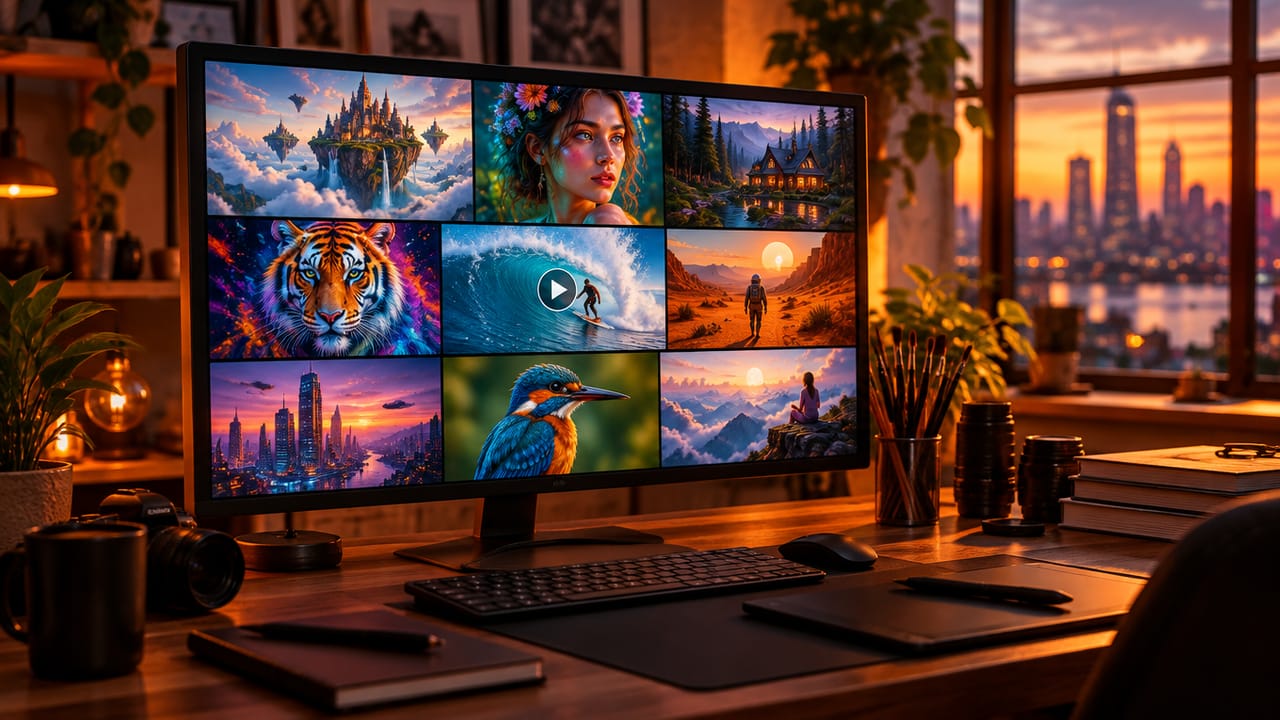
AI Image & Video Generator
Every leading model in one workspace: Seedream, Nano Banana, GPT Image, Seedance, Veo and more.
Open
Ava, your AI creative agent
Describe what you need and Ava plans, generates and iterates for you.
Open
80+ AI tools
One-click tools for photos, videos, cards, portraits and viral trends.
Open
Template library
Thousands of ready prompts and styles to start from.
Open
Studios
Portrait, marketing, poster and cinema studios for finished work, not single shots.
Open
AI model library
Compare and pick the right image or video model for every job.
Open
AI mentors
Learn from expert mentors in photography, design and video, then create with their guidance.
Open190K+ creators
Using CreateVision to create and share
What Users Say
Real feedback from users worldwide
“I turned my whole family into Pixar characters for our holiday card. Everyone loved it! The quality and likeness are amazing.”
“As a comic artist, I use this tool for quick character concept art. The variety of styles saves me hours of work.”

“The anime portrait feature is perfect for my social media profiles. I've gotten so many compliments on my cartoon avatar!”

FAQs About Our AI Cartoon Portrait Maker
An AI cartoon portrait maker turns a photo of a person into a drawn cartoon of that same person. CreateVision's AI Cartoon Portrait focuses on you: it keeps your likeness and changes only the art style, from 3D animated to comic book or flat vector.
The best one gives you a cartoon that still looks like you, in more than one style. CreateVision keeps your key features, offers styles from 3D animated and comic book to chibi, watercolor and flat vector, and lets you adjust exaggeration, colors and background. Every style is open on every plan.
Upload a portrait, choose a cartoon style and adjust the options if you like. The default Natural engine redraws your photo in that style while holding on to your facial features. You can switch to the Precise or Identity engine for a different result.
You can choose 3D animated, comic book, anime, chibi, watercolor, flat vector and more, each with its own color and exaggeration settings. Use a clear, front-facing photo with good light. The tool works best with one person per photo, so cartoon each person in a group separately.
Each portrait costs 60 credits on the default Natural engine, 50 on Precise and 40 on Identity. You can start with 200 free credits by signing up with Google. Every cartoon style is available on all plans. Paid plans raise your credit allowance, they do not unlock styles.
Many people use cartoon portraits for branding, websites and merchandise. Commercial use terms depend on your plan, so check the pricing page before you print or sell. Free accounts download with a small CreateVision mark, while subscribers and credit-pack buyers can turn it off.
In most cases, yes. The AI keeps your key facial features and expression while applying the chosen style. Strong exaggeration settings and heavy styles like chibi change proportions more, so lower the exaggeration or try the Identity engine if the likeness drifts.
Create Your Cartoon Portrait in Minutes
Upload one portrait and see yourself as a 3D character, comic hero, chibi and more.
Related Tools You Might Like
Explore more AI creative tools