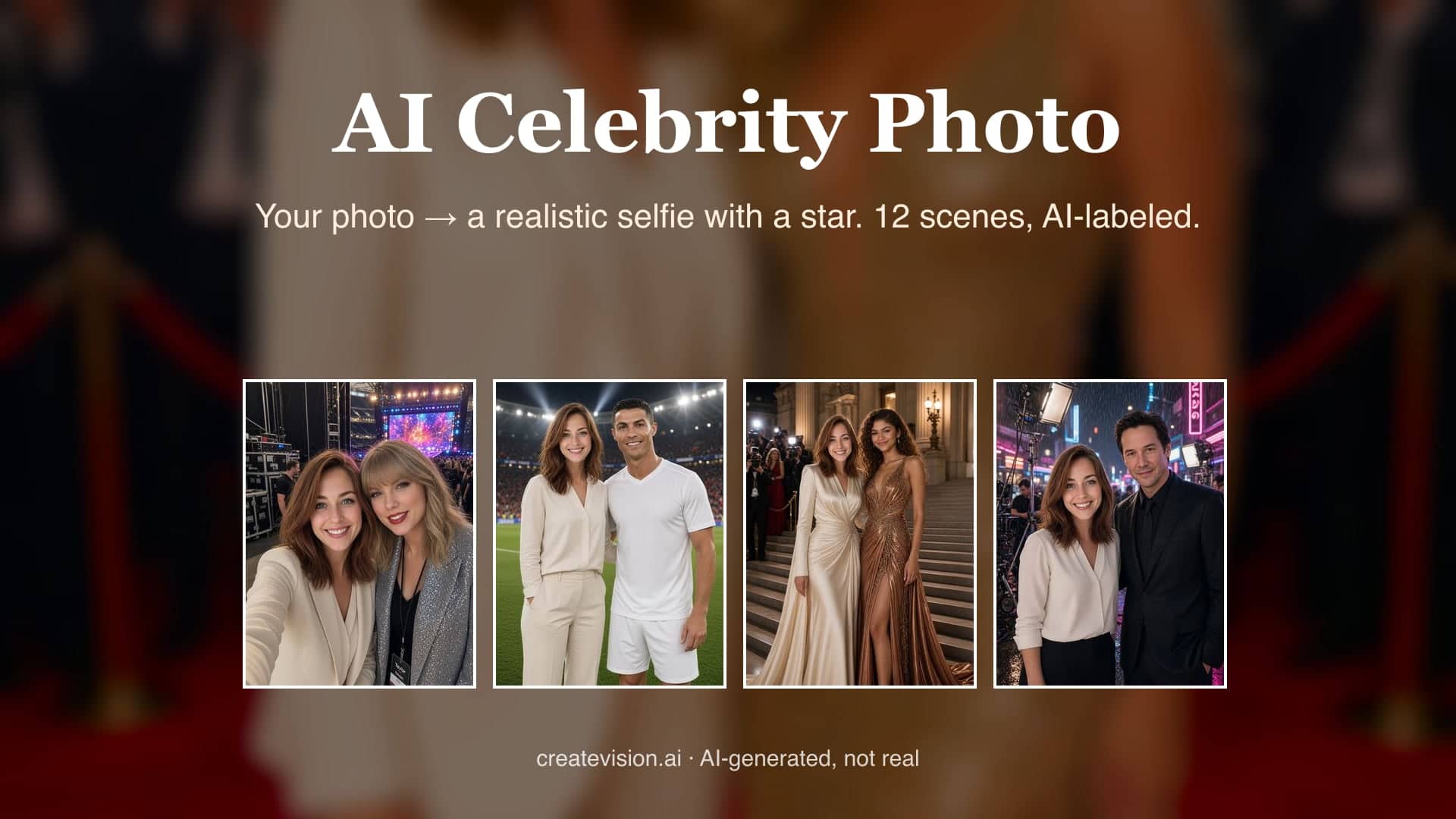
AI Celebrity Photo
A realistic photo of you next to a star — one selfie is enough
Tap to uploadDrop image or click
JPG · PNG · WebP
Preview Examples
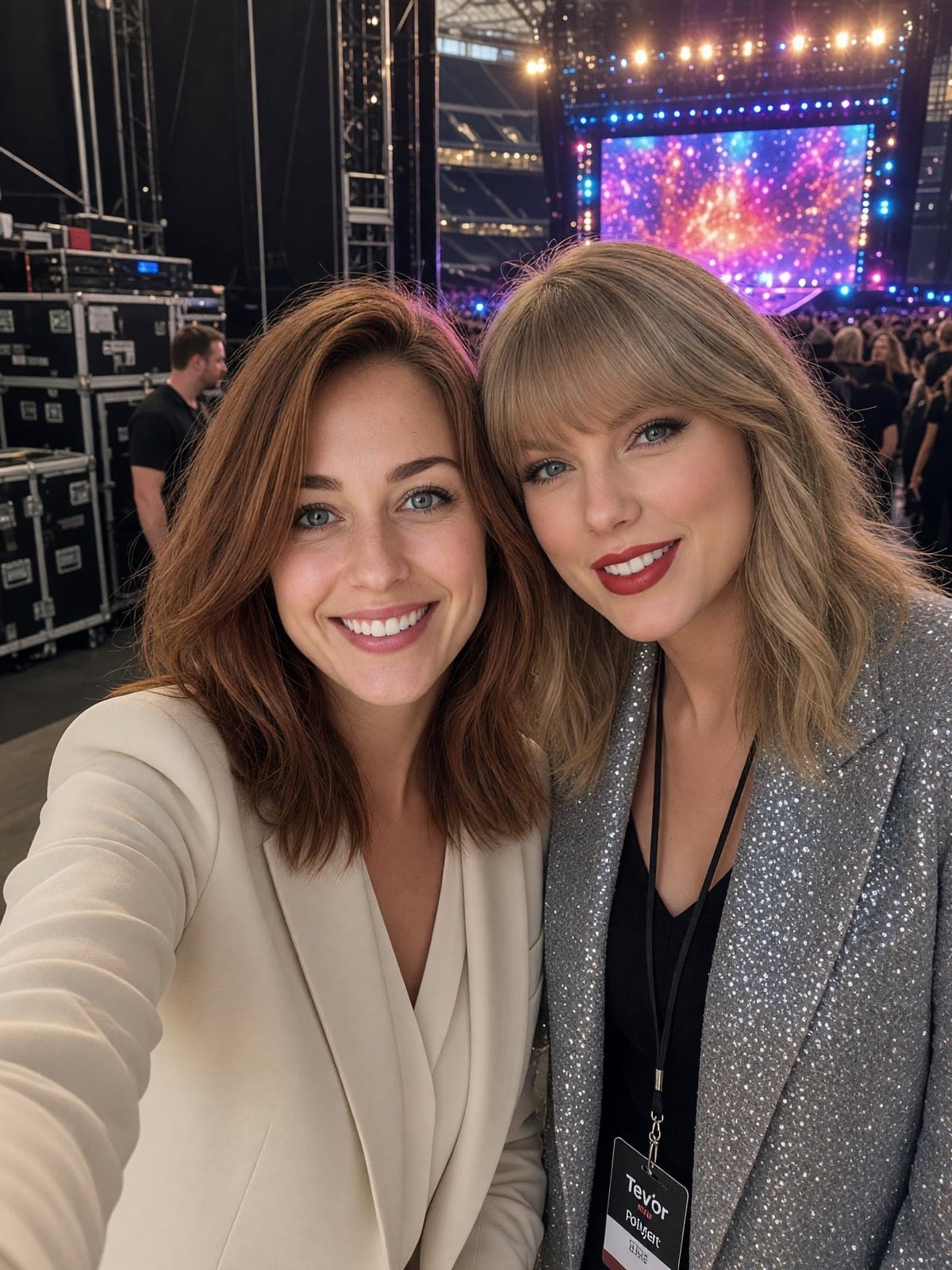
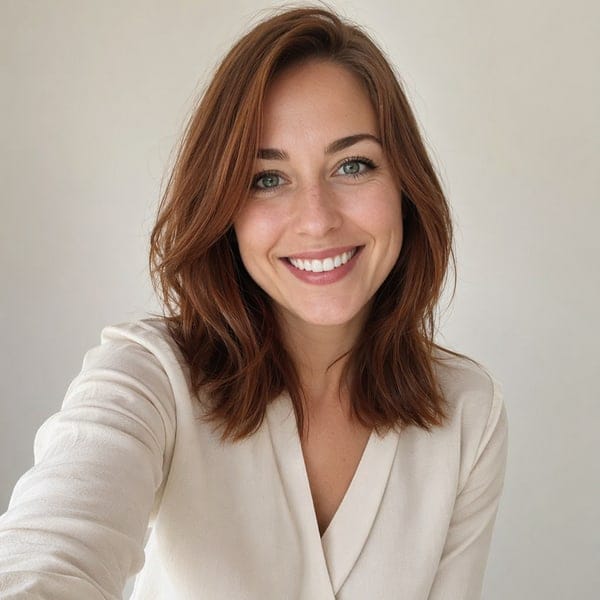
Drag the slider to compare
How does AI Celebrity Photo work?
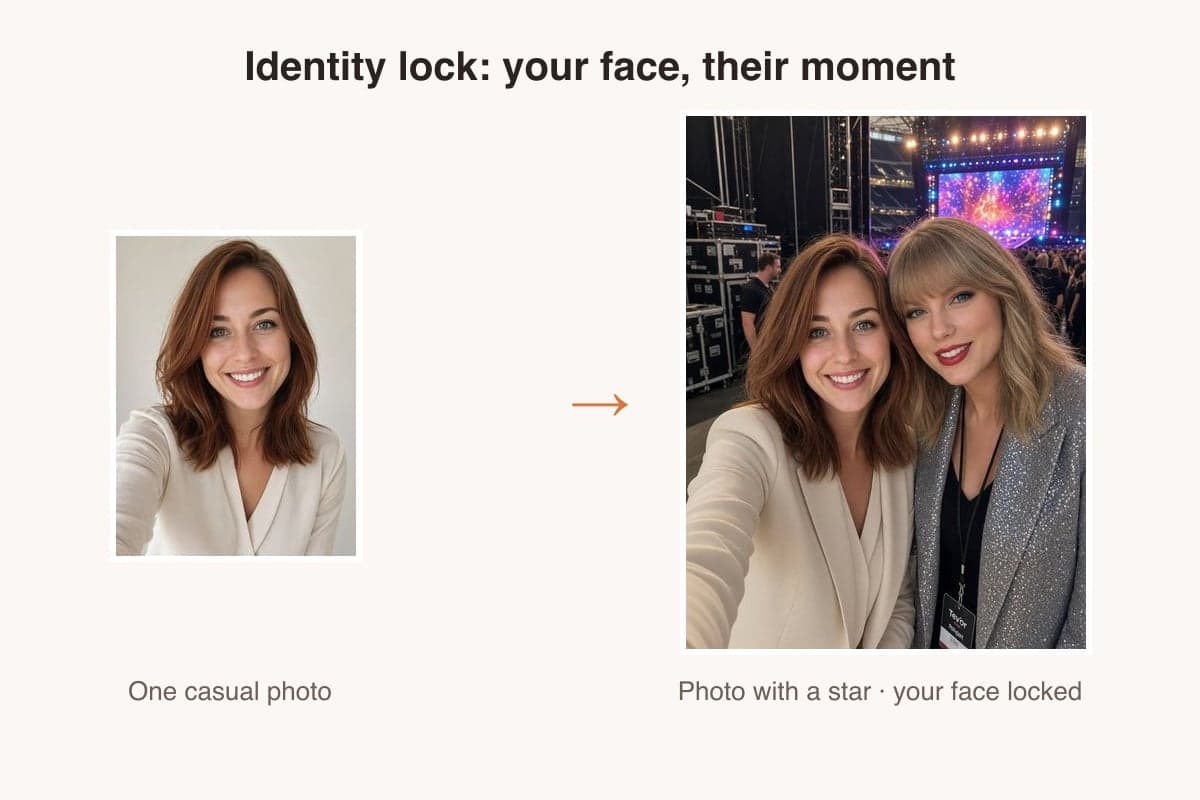
Upload one clear photo, choose one of 12 star-and-setting scenes, and the model composes you next to the celebrity with matched lighting and scale. Your upload is the identity reference; the celebrity is rendered from the model's own knowledge.
Why Fans Pick Our AI Celebrity Photo Generator
Professional quality, privacy protected, instant results
Your Face Stays Truly Yours
Your face shape, hairstyle and skin tone are the identity reference. You stay you, and the model renders the celebrity next to you.
Get a Photo, Not an Error
Pick one of twelve ready-made scenes and get a finished photo, without writing a prompt or fighting a refusal.
Every Result Is Labeled AI
Each image is marked as AI-generated. It is made for fan posts, birthday cards and fun, never for endorsements, ads or deception.
See What You Can Make With AI Celebrity Photo
Perfect for various professional scenarios, instant and secure
Post the Photo Your Feed Remembers
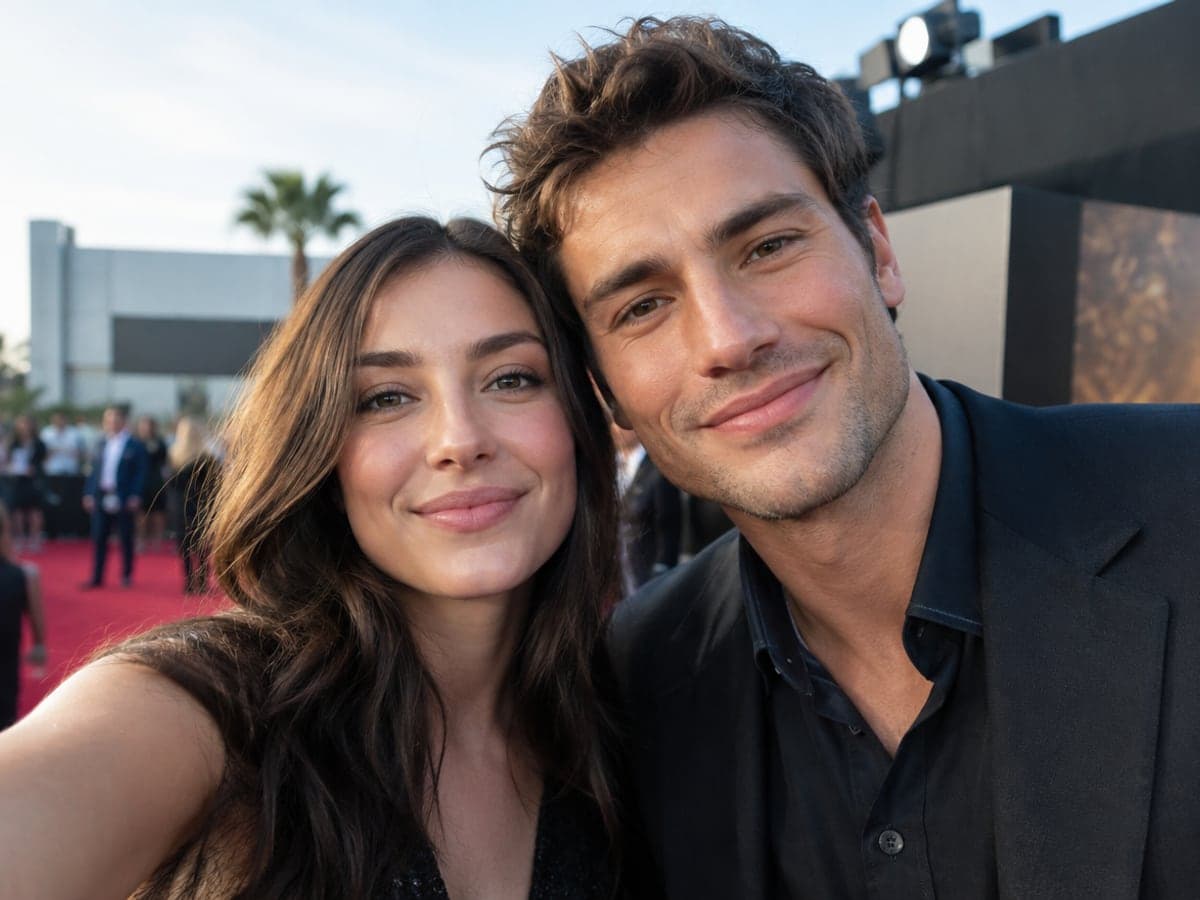
A photo of you next to a star gets people talking. Upload one selfie and get a believable shot with matched lighting and scale. The AI label means nobody has to ask. Turn it into video
Make a Birthday Card They Keep
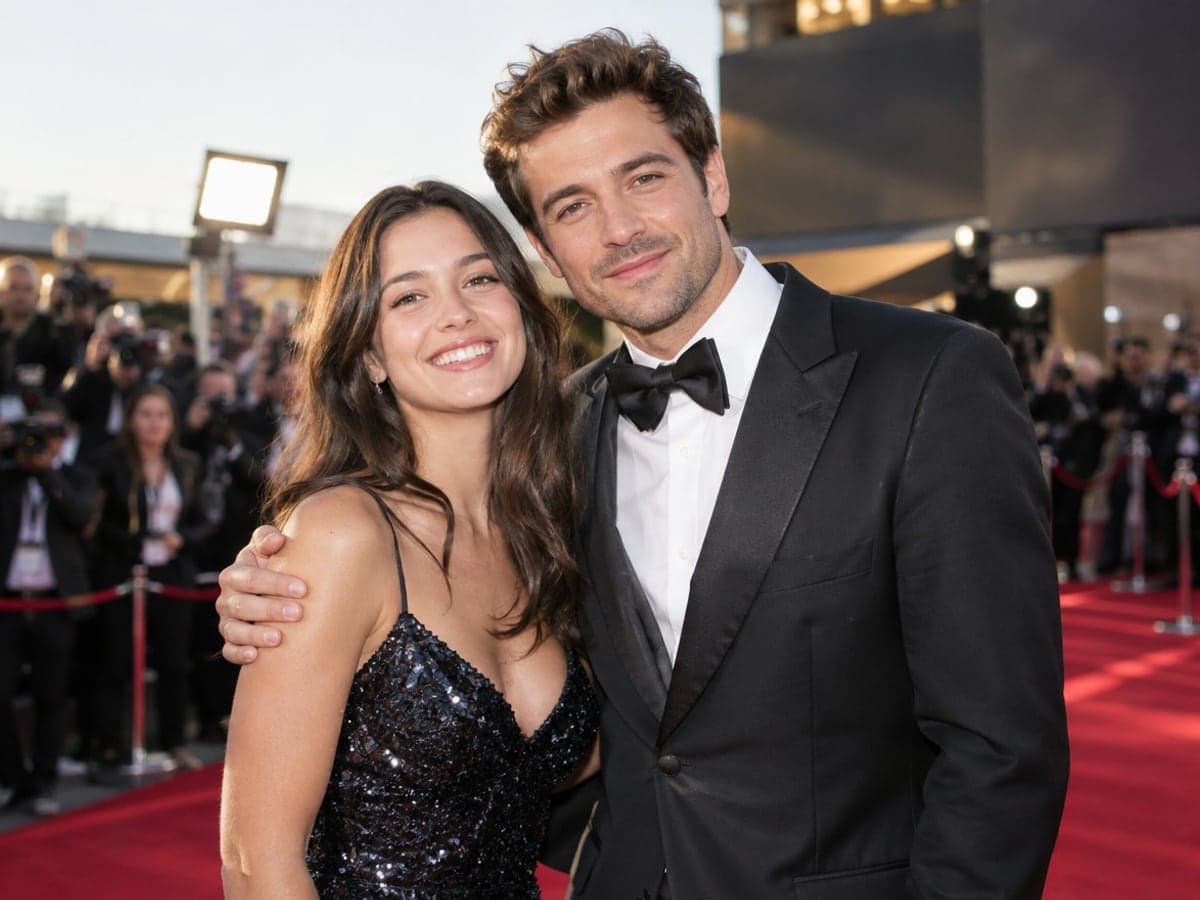
Put the birthday person next to their idol on a red carpet or a stage. Download the result and print it for a card or a frame. It becomes the gift they show everyone. Make a couple photo
Create the Backstage Moment You Missed
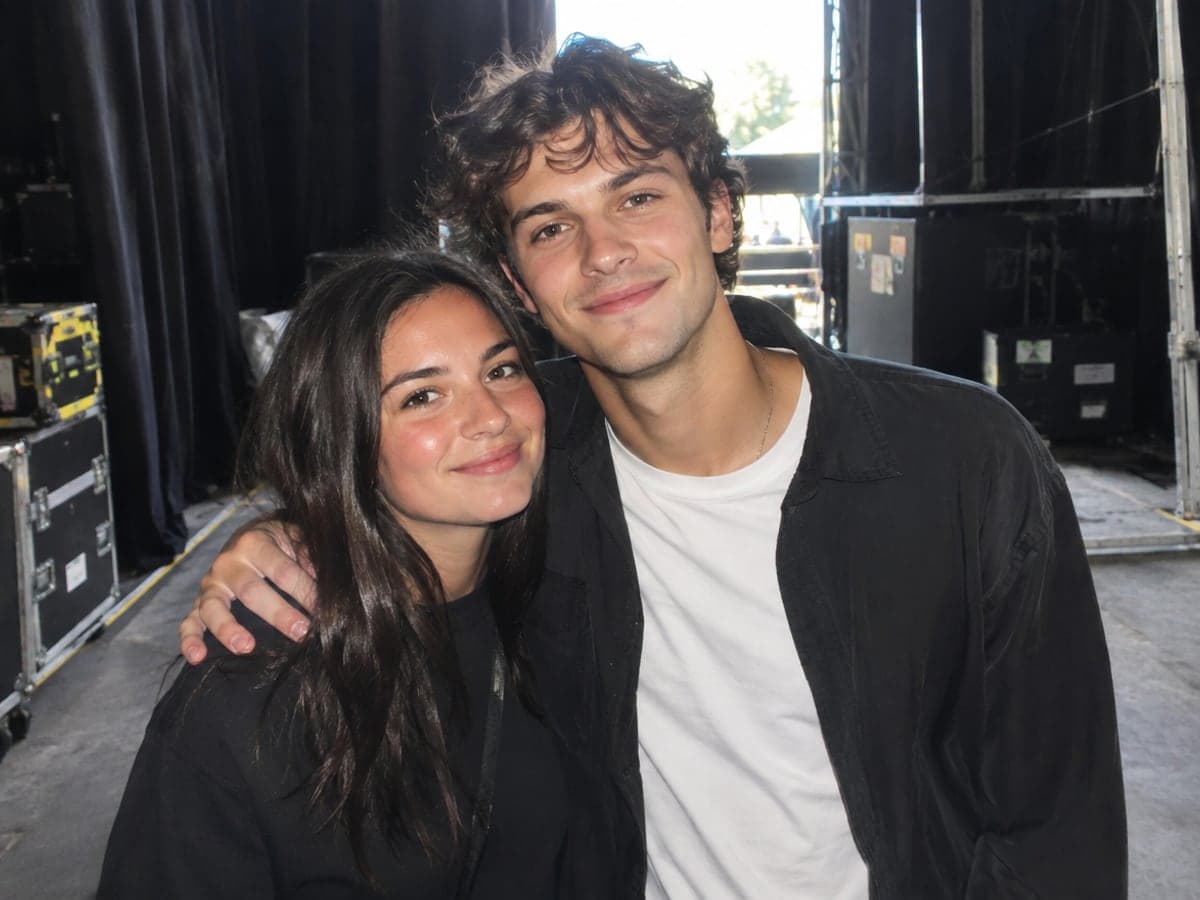
Never made it to the meet-and-greet? Make the backstage photo you would have taken. Share it on your fan account or in the group chat, clearly labeled as AI. Try AI headshots
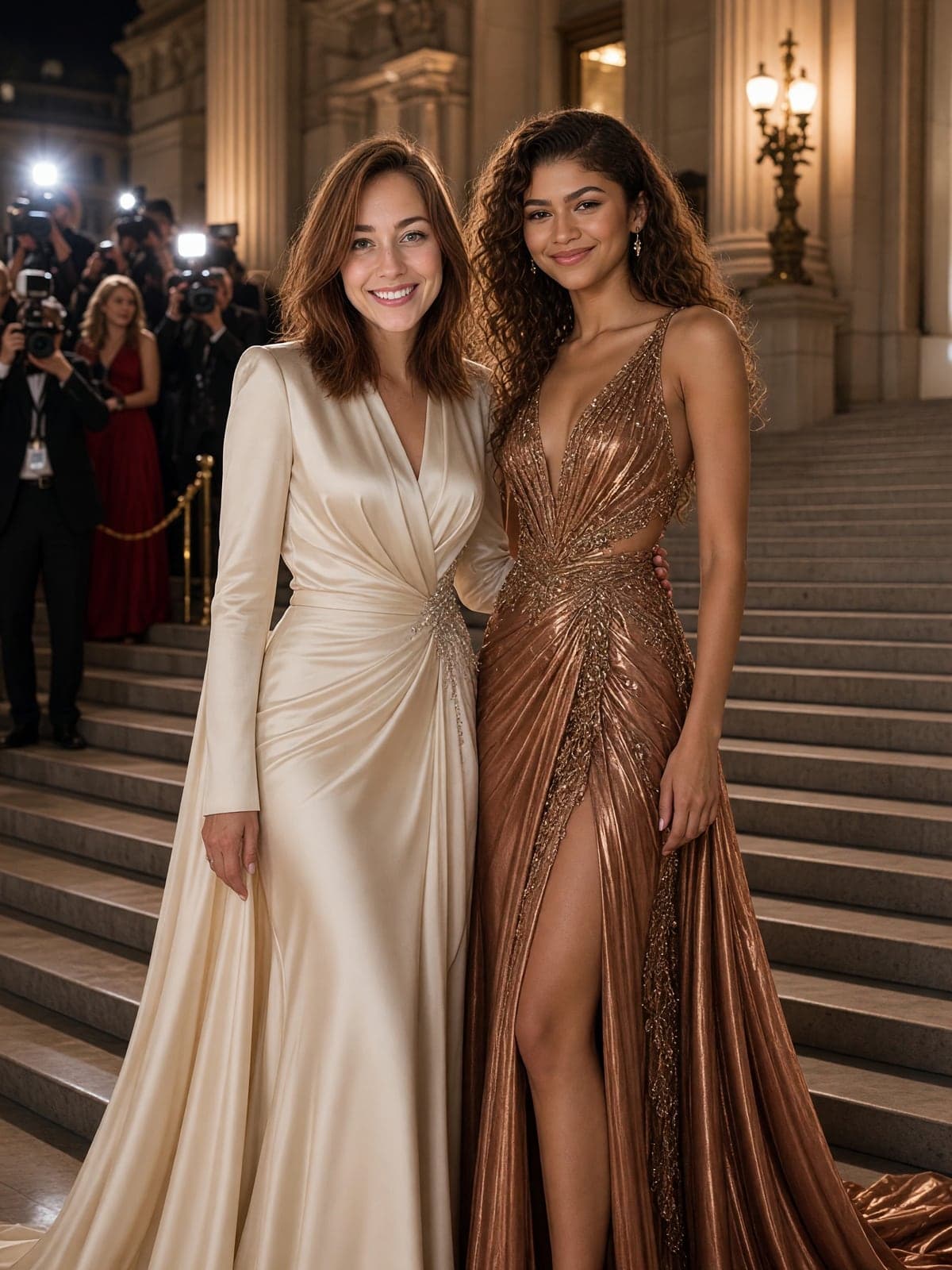
Choose From Twelve Star Scenes
Pick a concert, stadium, red carpet, premiere, gala, film set, gym, studio or yacht. Each scene names the star and the setting, so your prompt is already written for you. Explore face swap
Who Uses AI Celebrity Photo
Four ways people use it every week
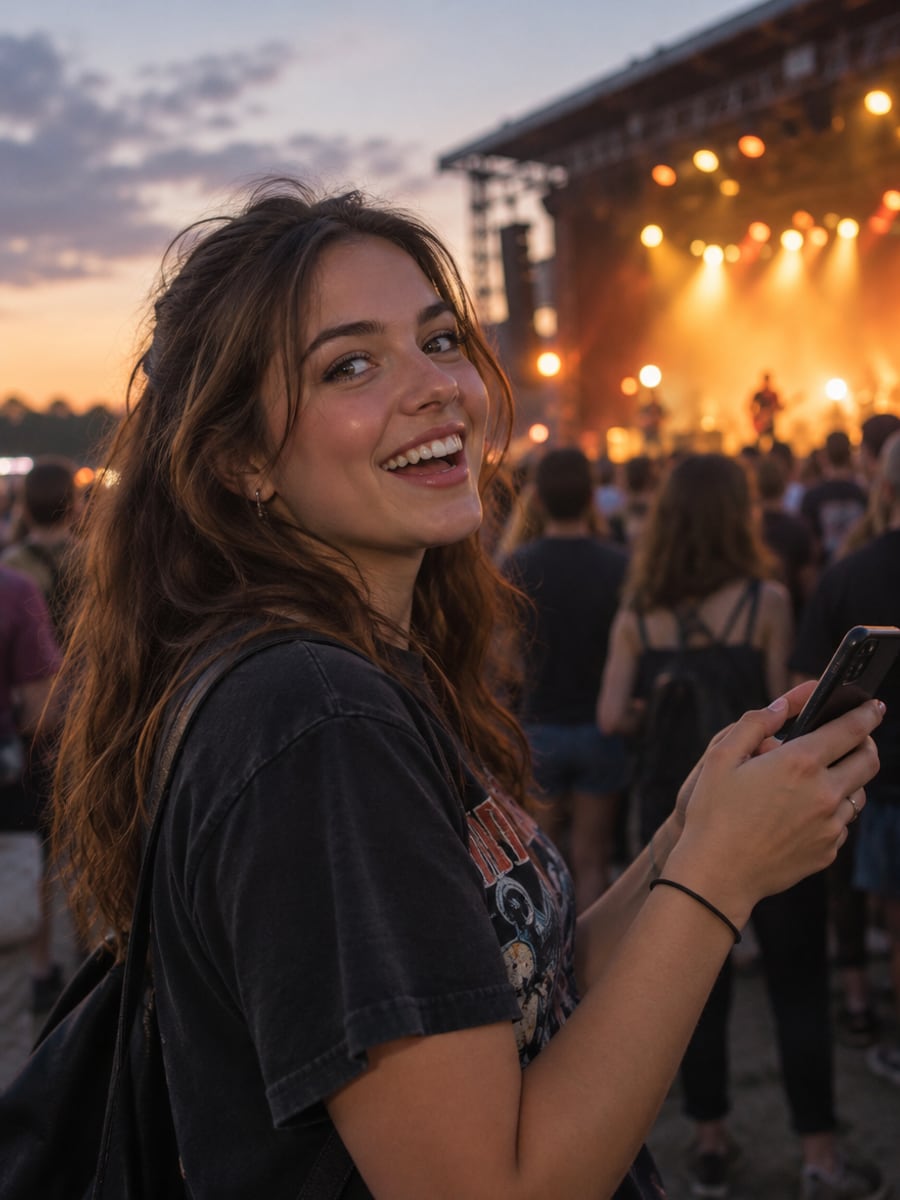
Get the concert photo you always wanted
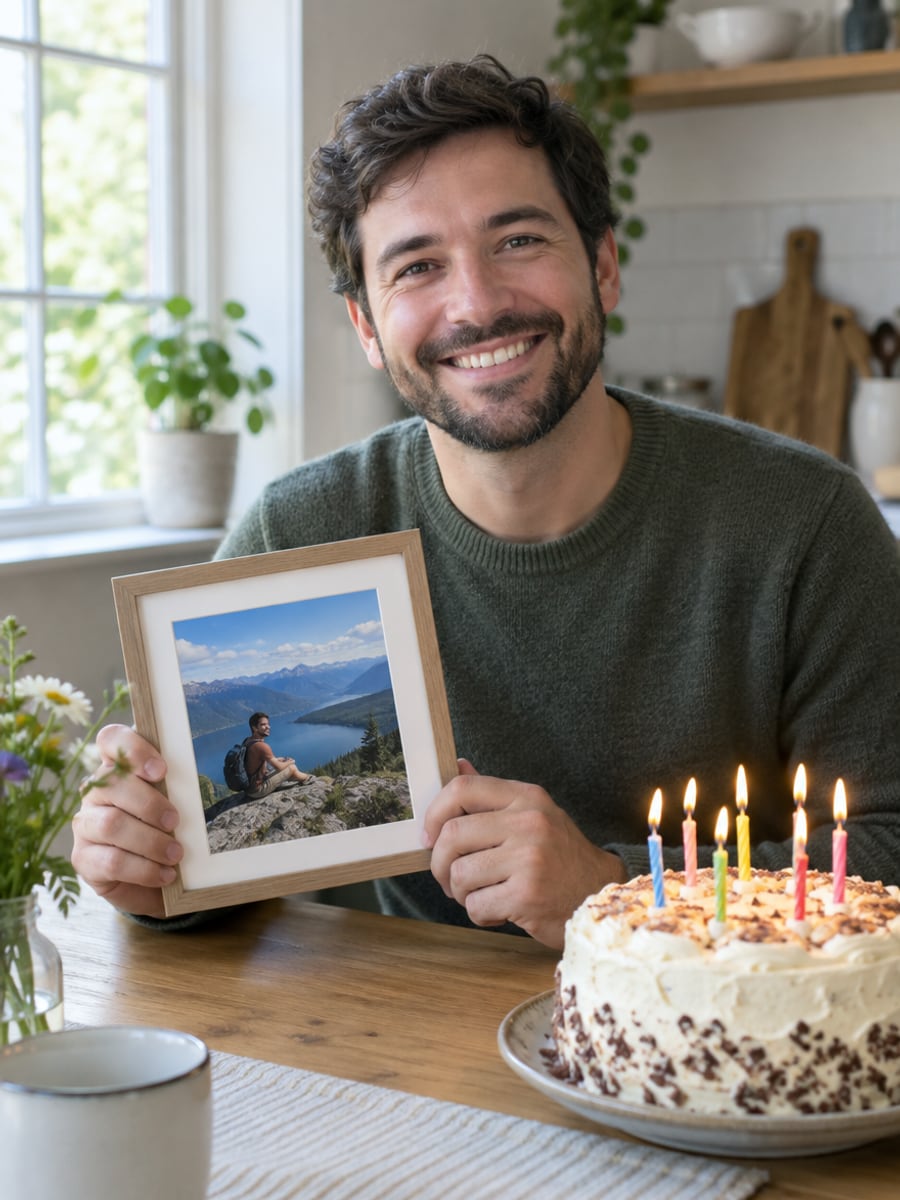
Surprise a friend with a printed birthday keepsake
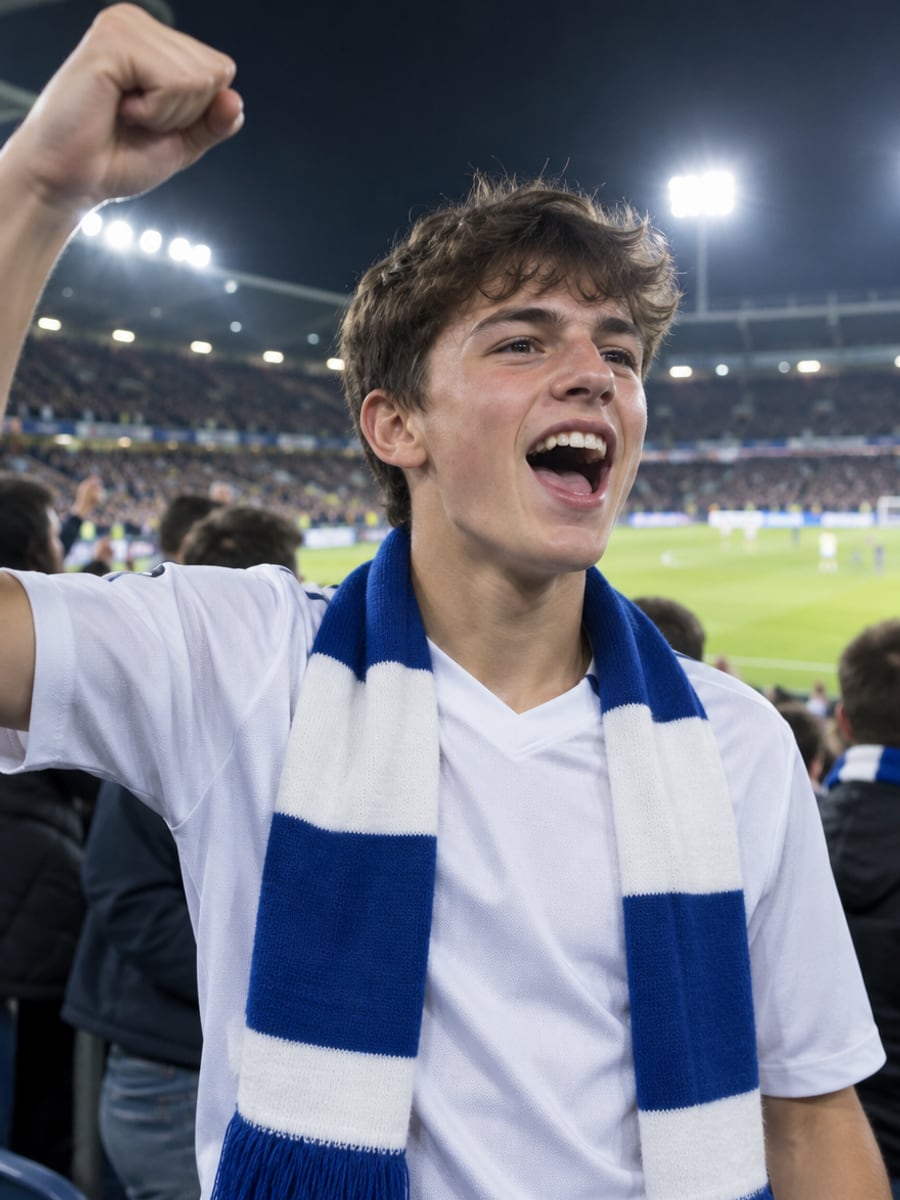
Stand on the pitch next to your hero
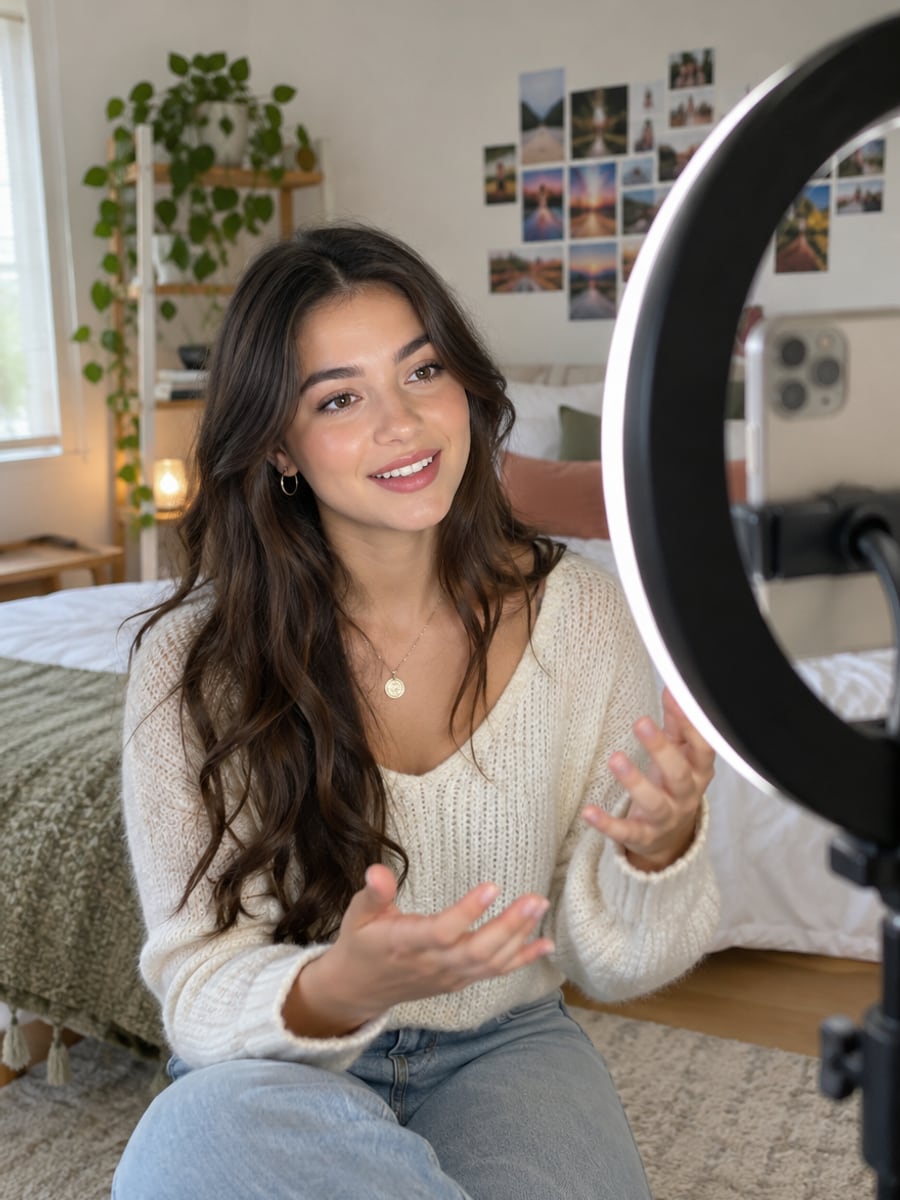
Post a fun AI-labeled fan moment today
How to Make an AI Photo With a Celebrity
Upload your photo, select a style, and download your professional result instantly

Upload One Photo
Use a clear, front-facing photo of yourself. Phone selfies work well; sunglasses and heavy filters do not.

Pick a Star & Scene
Choose one of twelve scenes, from concert and stadium to red carpet, gala, film set and yacht. Each one names the celebrity and the setting.

Generate & Download
Grok Imagine Image 2.0 places you next to the star with matched lighting. Download in seconds; every result is marked as AI-generated.
The All-in-One AI Creation Platform
One account for images, videos, an AI agent that works for you, expert AI mentors and 80+ ready-made tools.

AI Image & Video Generator
Every leading model in one workspace: Seedream, Nano Banana, GPT Image, Seedance, Veo and more.
Open
Ava, your AI creative agent
Describe what you need and Ava plans, generates and iterates for you.
Open
80+ AI tools
One-click tools for photos, videos, cards, portraits and viral trends.
Open
Template library
Thousands of ready prompts and styles to start from.
Open
Studios
Portrait, marketing, poster and cinema studios for finished work, not single shots.
Open
AI model library
Compare and pick the right image or video model for every job.
Open
AI mentors
Learn from expert mentors in photography, design and video, then create with their guidance.
Open190K+ creators
Using CreateVision to create and share
FAQs About Our AI Celebrity Photo Generator
It is a tool that creates a realistic photo of you next to a well-known star from one selfie. You upload your photo, pick a scene, and the model composes both of you in one image. On CreateVision, every result is labeled as AI-generated.
CreateVision's AI Celebrity Photo is built for this one job. It uses your selfie as the identity reference so you still look like yourself. You get twelve ready-made scenes, one flat price of 65 credits, automatic refunds on failed runs, and a clear AI label on every image.
Upload one clear photo, choose one of 12 star-and-setting scenes, and the model composes you next to the celebrity with matched lighting and scale. Your upload is the identity reference. The celebrity is rendered from the model's own knowledge, and no celebrity photos are uploaded or stored.
There are twelve public figures from music, film and sport: Taylor Swift, Elon Musk, Cristiano Ronaldo, Beyoncé, Tom Cruise, Lionel Messi, Zendaya, Keanu Reeves, Jackie Chan, Dwayne Johnson, Rihanna and Leonardo DiCaprio. There are no politicians and no minors, by design. For the best result, upload a clear, front-facing photo of yourself without sunglasses or heavy filters.
Each photo costs 65 credits. You can start with 200 free credits from Google sign-up, which covers three photos. Failed or rejected generations are refunded automatically. Free accounts download with a small CreateVision mark, and subscribers and credit-pack buyers can turn it off.
Share it for personal, non-commercial fun, such as fan posts, cards and group chats. Every image is labeled as AI-generated. Do not use it in advertising, to imply that a celebrity endorses anything, or to deceive anyone, because that can break publicity and consumer-protection laws. Only upload photos of yourself or of people who agreed to it.
The star is generated by the model from a scene description, so likeness, pose and lighting can vary between runs. A small, blurry or covered face in your upload also lowers the quality. If a result is off, try a sharper front-facing selfie or generate again.
Make Your AI Photo With a Celebrity
Upload one selfie, pick a scene and get a believable photo next to a star, clearly labeled as AI.
Related Tools You Might Like
Explore more AI creative tools