

AI Hairstyle Changer
Try on different hairstyles virtually
Tap to uploadDrop image or click
JPG · PNG · WebP
Preview Examples


Drag the slider to compare
What is AI Hairstyle Changer?
AI Hairstyle Changer uses advanced AI to realistically transform your hair in photos. Try different cuts, lengths, textures, and styles to preview how they would look on you.

Why Do Hairstyle Try-Ons Usually Look Fake?
Three things reviewers complain about in hairstyle apps, and what this tool does differently. You can check each one on the examples above.
"It just pasted a wig on top of my head."
The hair is redrawn from your own hairline and follows the light in your photo, instead of being layered on as a cut-out.
"My hairline ended up an inch lower and my face looked different."
Face, hairline position, ears and skin are locked before the style is applied. Only the hair changes.
"My fine hair came back twice as thick. That is not what I would get at the salon."
Your natural hair density is kept. A style on fine hair stays fine, so the preview matches what a stylist can actually do.
Why Try a New Cut With an AI Hairstyle Changer
Professional quality, privacy protected, instant results
Cuts That Fit Your Face
The new style grows from your real hairline and keeps your face, ears and skin as they are, so the preview looks like you after a haircut.
Every Length and Texture
Try a pixie, a bob, long waves, curls, braids or an updo. Add length to short hair or go shorter without a single snip.
Walk Into the Salon With Confidence
Bring a preview of yourself in the cut you want. Your stylist sees the exact length and shape, and you avoid a haircut you regret.
See What You Can Do With Our AI Hairstyle Changer
Perfect for various professional scenarios, instant and secure
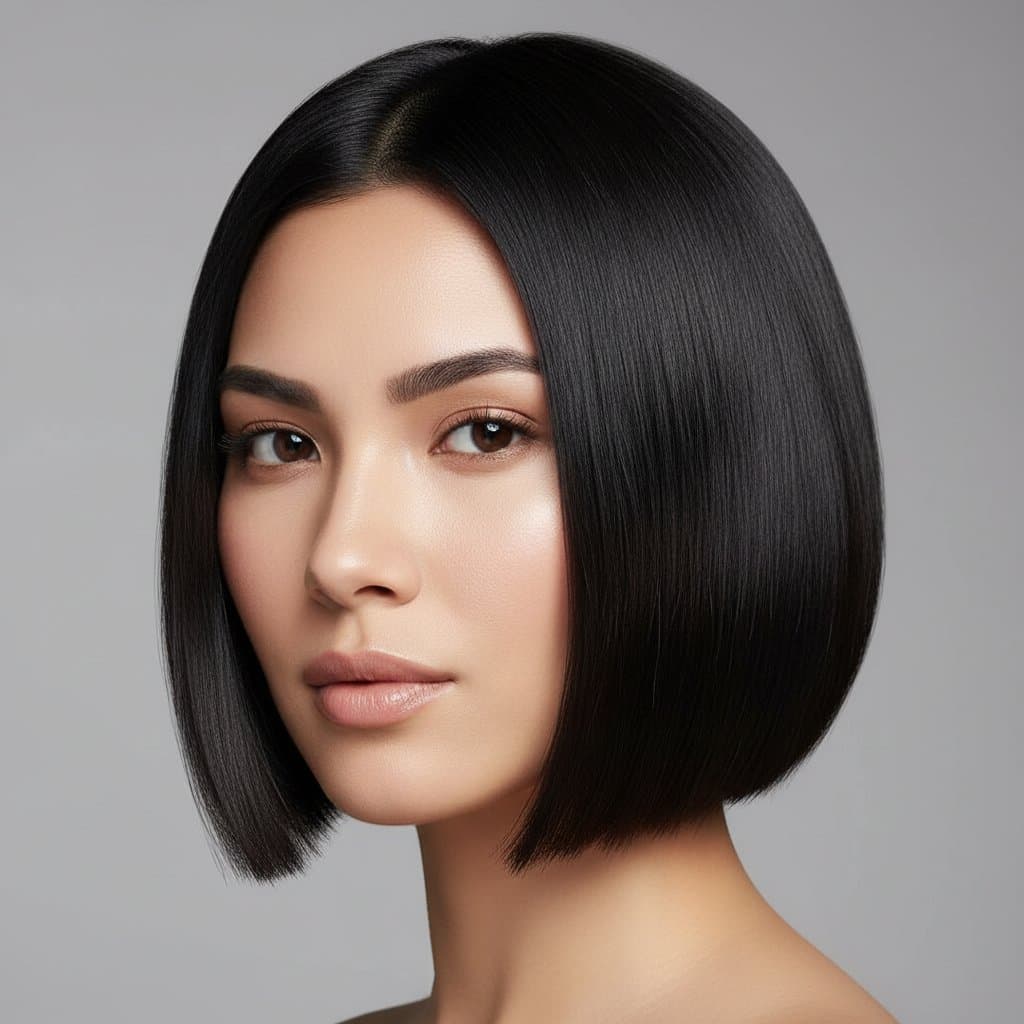
Find the Cut That Suits Your Face
Not sure what works for you? Choose the Best for My Face preset and the AI reads your face shape from the photo, then renders the cut most stylists would suggest for it. Try a new color too

Preview Short Cuts Before You Commit
Going from long hair to a pixie is hard to undo. See the short cut on your own face first, so you only book the chop when you are sure. Make a new headshot

Try Men's Cuts From Buzz to Slick Back
The Men's tab has a buzz cut, textured crop, slick back and curtain fringe. You can also type a fade, a mullet or a side part in the description box. Get a studio portrait
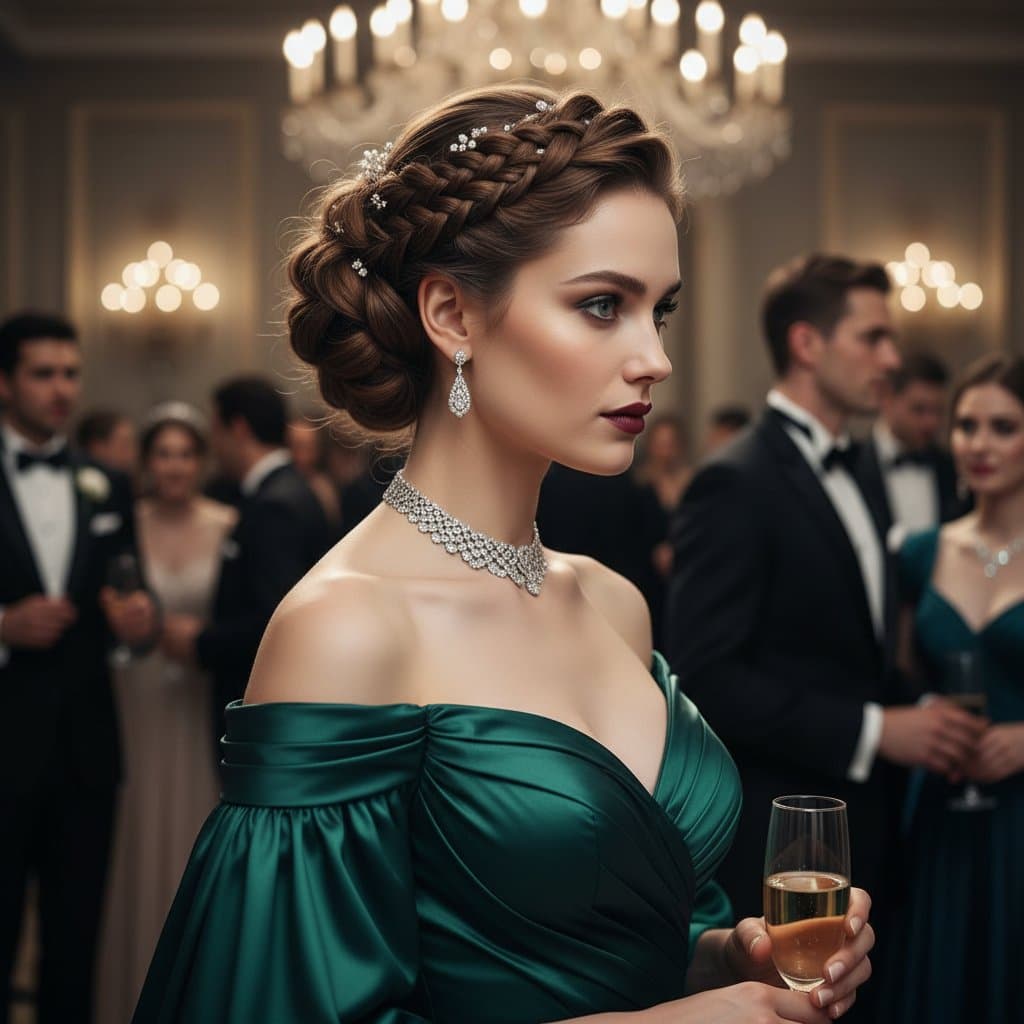
Plan Event Hair With Your Stylist
Try braids, waves or an updo before a wedding or a party. Share your preview with your stylist so you both agree on the look before the day. Explore face swap
Who Uses AI Hairstyle Changer
Four ways people use it every week
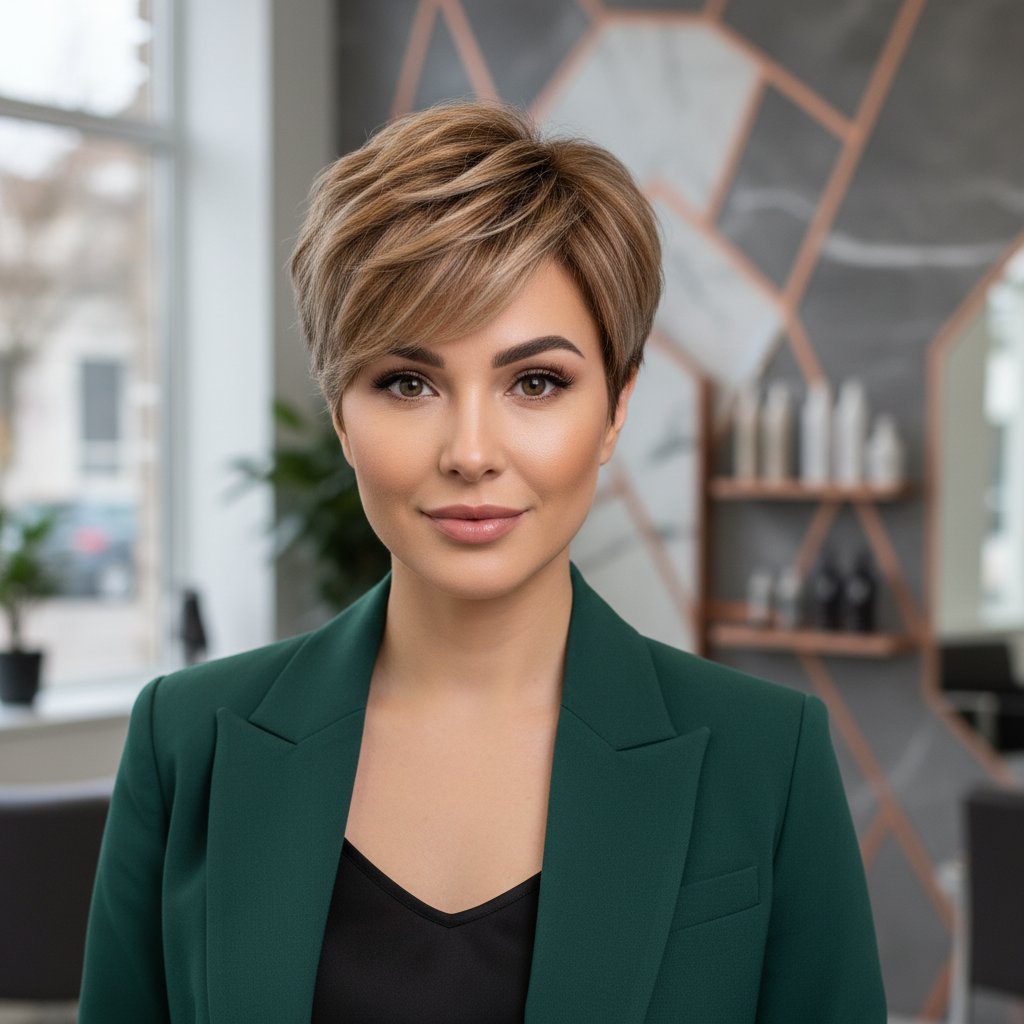
See the cut on your face before the first snip

Compare a fade, a crop and a slick back
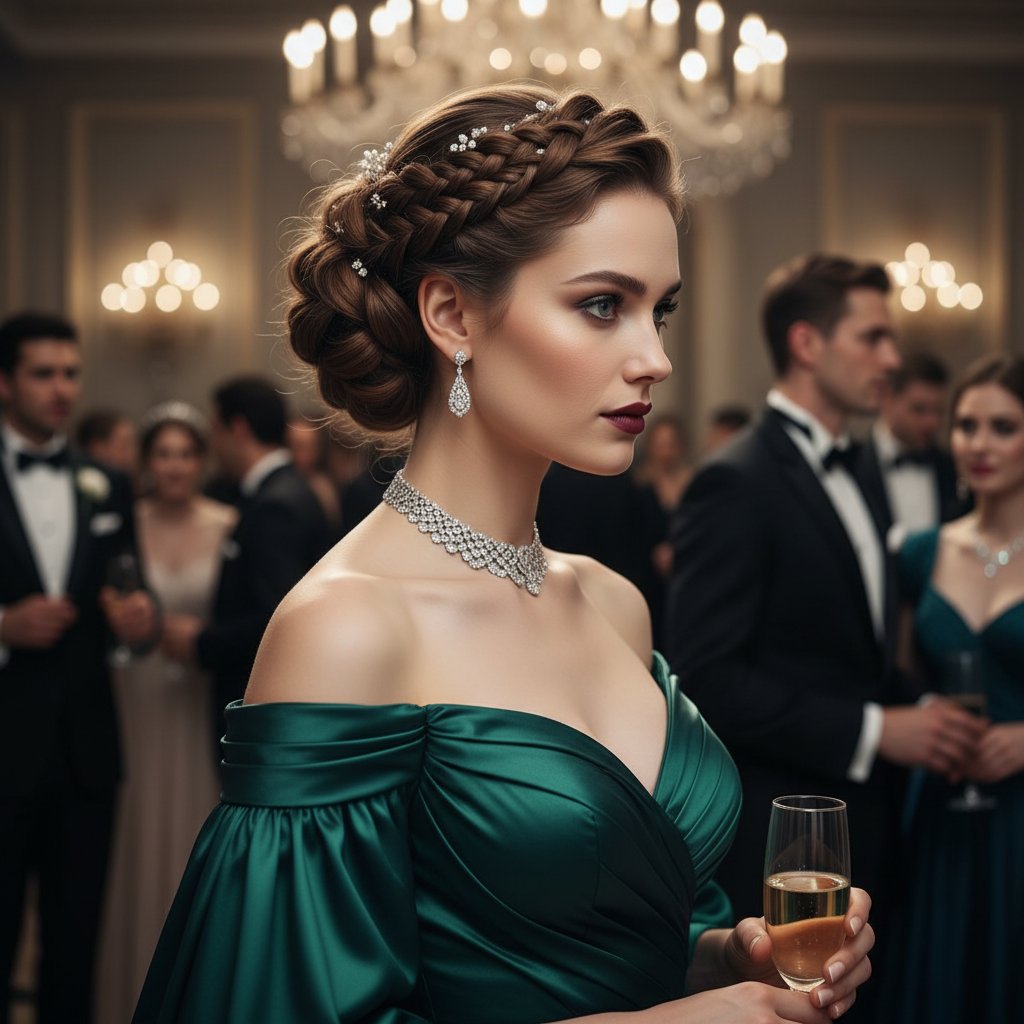
Pick your event updo weeks ahead
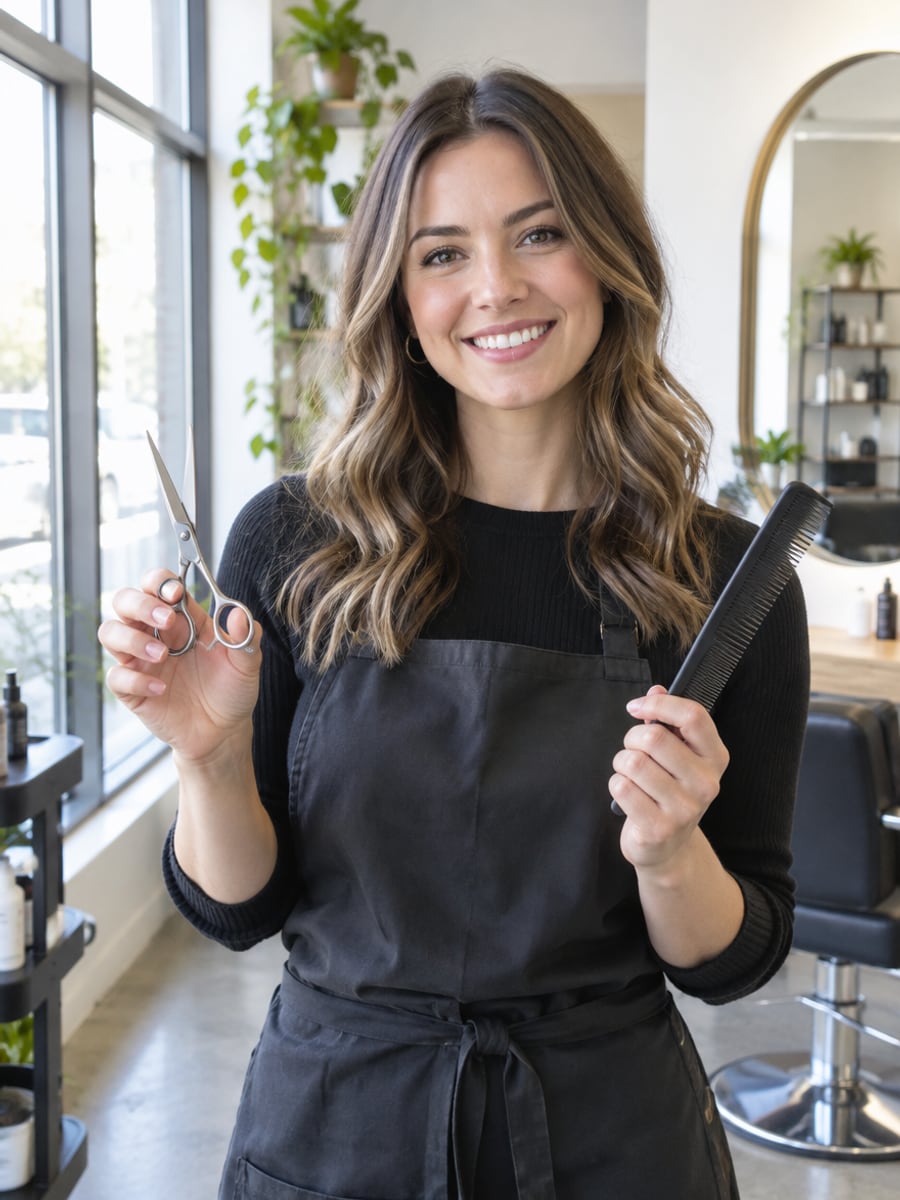
Show clients the cut before you pick up scissors
How to Try On Hairstyles with CreateVision
Upload your photo, select a style, and download your professional result instantly

Upload Your Photo
Select a clear photo showing your current hair and face. Front-facing photos with good lighting produce the best hairstyle transformations.

Choose a New Hairstyle
Pick a cut like a pixie, bob or long waves, use the Men's tab, or type any style you have in mind. Adjust length, texture and parting to match the look you want.

Download Your Preview
Get your hairstyle preview in seconds. Compare it with your original photo, then try another cut on the same picture.
The All-in-One AI Creation Platform
One account for images, videos, an AI agent that works for you, expert AI mentors and 80+ ready-made tools.

AI Image & Video Generator
Every leading model in one workspace: Seedream, Nano Banana, GPT Image, Seedance, Veo and more.
Open
Ava, your AI creative agent
Describe what you need and Ava plans, generates and iterates for you.
Open
80+ AI tools
One-click tools for photos, videos, cards, portraits and viral trends.
Open
Template library
Thousands of ready prompts and styles to start from.
Open
Studios
Portrait, marketing, poster and cinema studios for finished work, not single shots.
Open
AI model library
Compare and pick the right image or video model for every job.
Open
AI mentors
Learn from expert mentors in photography, design and video, then create with their guidance.
Open190K+ creators
Using CreateVision to create and share
What Users Say
Real feedback from users worldwide
“The curly hair options are amazing! As someone with straight hair, seeing myself with curls helped me decide to get a perm.”

“I finally found my perfect hairstyle before committing to the cut! Tried pixie, bob, and waves - the AI results were so realistic my stylist was impressed.”

“Great tool for trying different looks. I went from long hair to a buzz cut preview and it looked completely natural.”

FAQs About Our AI Hairstyle Changer
An AI Hairstyle Changer gives you a new haircut in your photo while keeping your face the same. CreateVision's version changes the cut, length and texture of your hair, so you can see how a style looks on you before you visit the salon.
The best one changes the hair and leaves your face alone. CreateVision keeps your face, hairline position, ears and skin, offers a Best for My Face preset and a Men's tab, and lets you type any style you want. You see the credit price before you generate.
Upload a front-facing photo, choose a cut or describe one, then pick a style engine and generate. The AI redraws only your hair and lets the new style grow from where your hair actually starts. If you have a high or receding hairline, the preview keeps it rather than filling it in.
Yes. It handles straight, wavy, curly and coily hair and adapts the new cut to your texture. You can also preview long styles on short hair, since the AI can add length and volume as well as take it away.
Each try-on costs 50 credits with the default Precise engine, 60 credits with Natural and 40 credits with Identity. You can start with 200 free credits when you sign up with Google. Every hairstyle is available on all plans, and paid plans add credits rather than unlocking styles.
Upload only photos of yourself or of people who gave you permission. Free accounts download results with a small CreateVision mark, while subscribers and credit-pack buyers can turn it off. Commercial use depends on your plan, so check the pricing page for details.
Side angles, hats, heavy shadows or hair covering the face make the cut harder to read. If a result looks off, try a clearer front-facing photo or switch the style engine. Each generation is a fresh attempt, so a second try often gets closer.
Find Your Next Haircut With AI
Upload one photo and try a pixie, bob, waves or a men's crop on your own face before the salon.
Related Tools You Might Like
Explore more AI creative tools



Related Tools You Might Like
Explore more AI creative tools