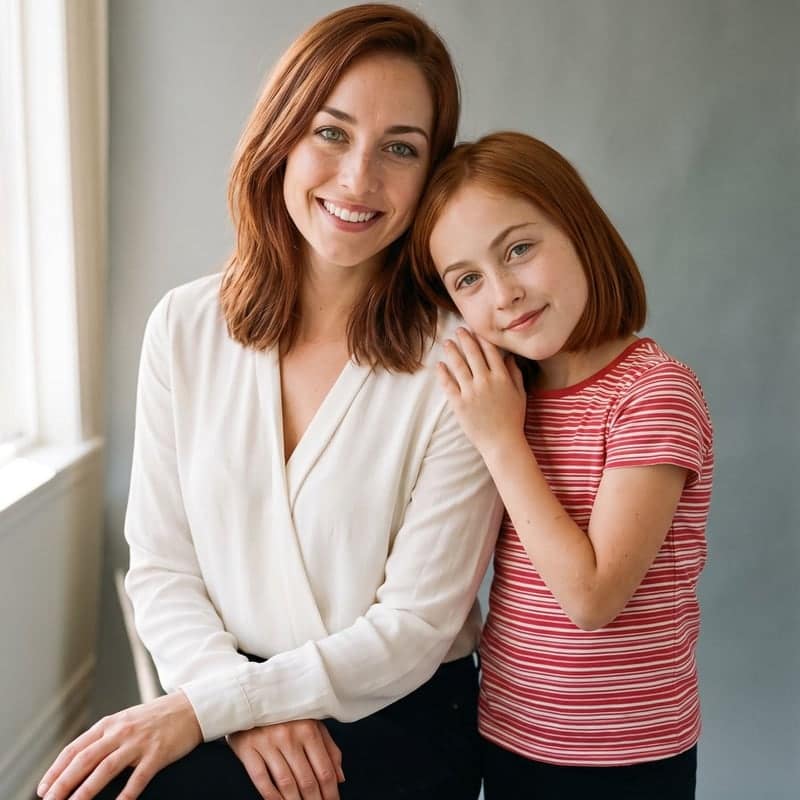
AI Aging Filter
See yourself at 40, 60 or 80
Tap to uploadDrop image or click
JPG · PNG · WebP
Preview Examples


Drag the slider to compare
How does the AI aging filter work?
Upload one clear photo of your face and choose an age. The AI regenerates the photo with the skin, lines, facial volume and hair of that age, while keeping your bone structure, eye colour, nose, mouth, moles, expression, clothing and background exactly as they are. You can compare each stage against the original with the slider.

Why Our AI Aging Filter Still Looks Like You
Professional quality, privacy protected, instant results
Aged, Not Replaced
Your bone structure, eye color, nose, mouth, moles and freckles stay locked. Only skin texture, lines, facial volume and hair color change.
Eight Stages, Not One Slider
Each decade has its own prompt. Fine lines come first, then folds and volume loss, then thinner skin and age spots at the oldest stages.
Real Aging, No Caricature
No cartoon wrinkles or shrunken skulls. Your face ages the way skin and hair really age, and the result stays a photo you would show someone.
See What You Can Do With the AI Aging Filter
Perfect for various professional scenarios, instant and secure
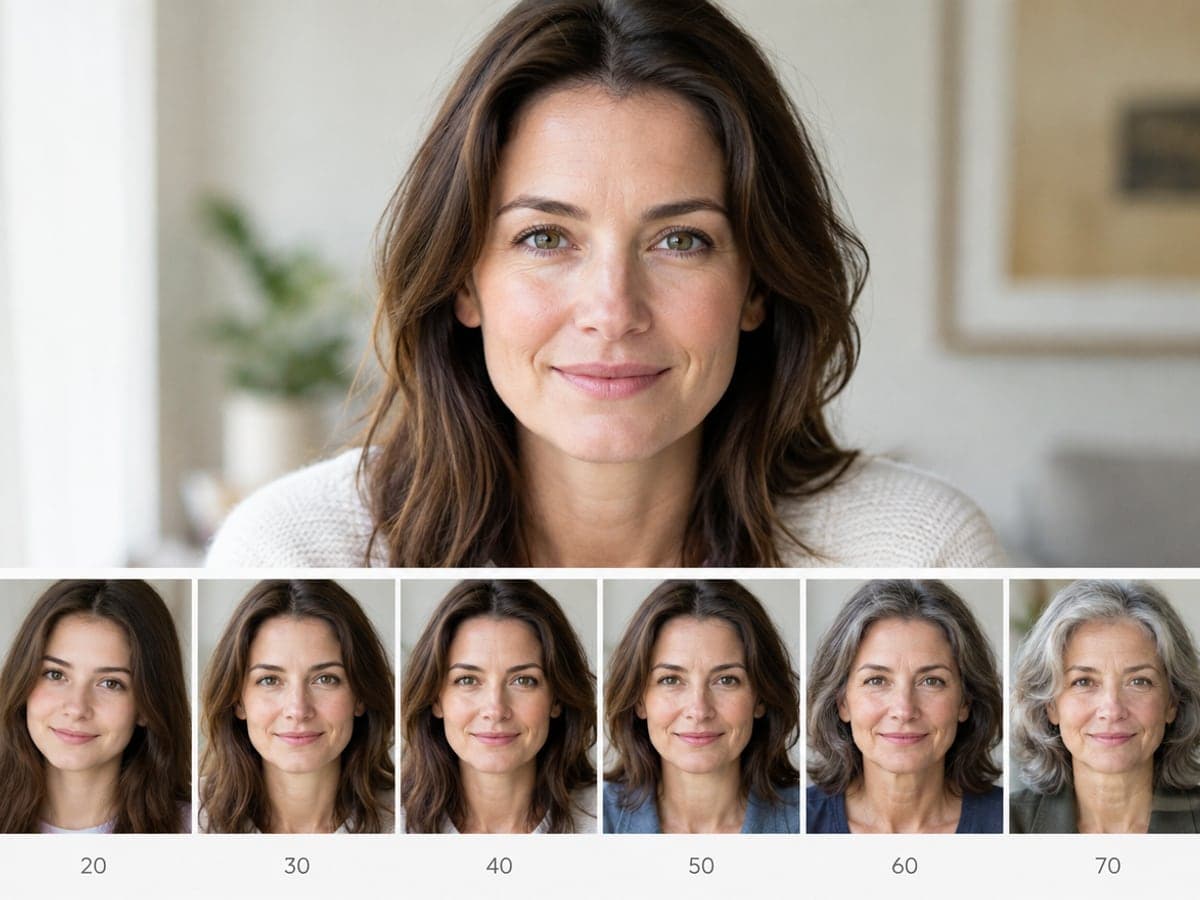
See Yourself at Sixty Today
Put your own photo through the decade ladder and see each age on your real face. You stop guessing from your parents' photos and get a clear picture instead. Make a then-and-now photo
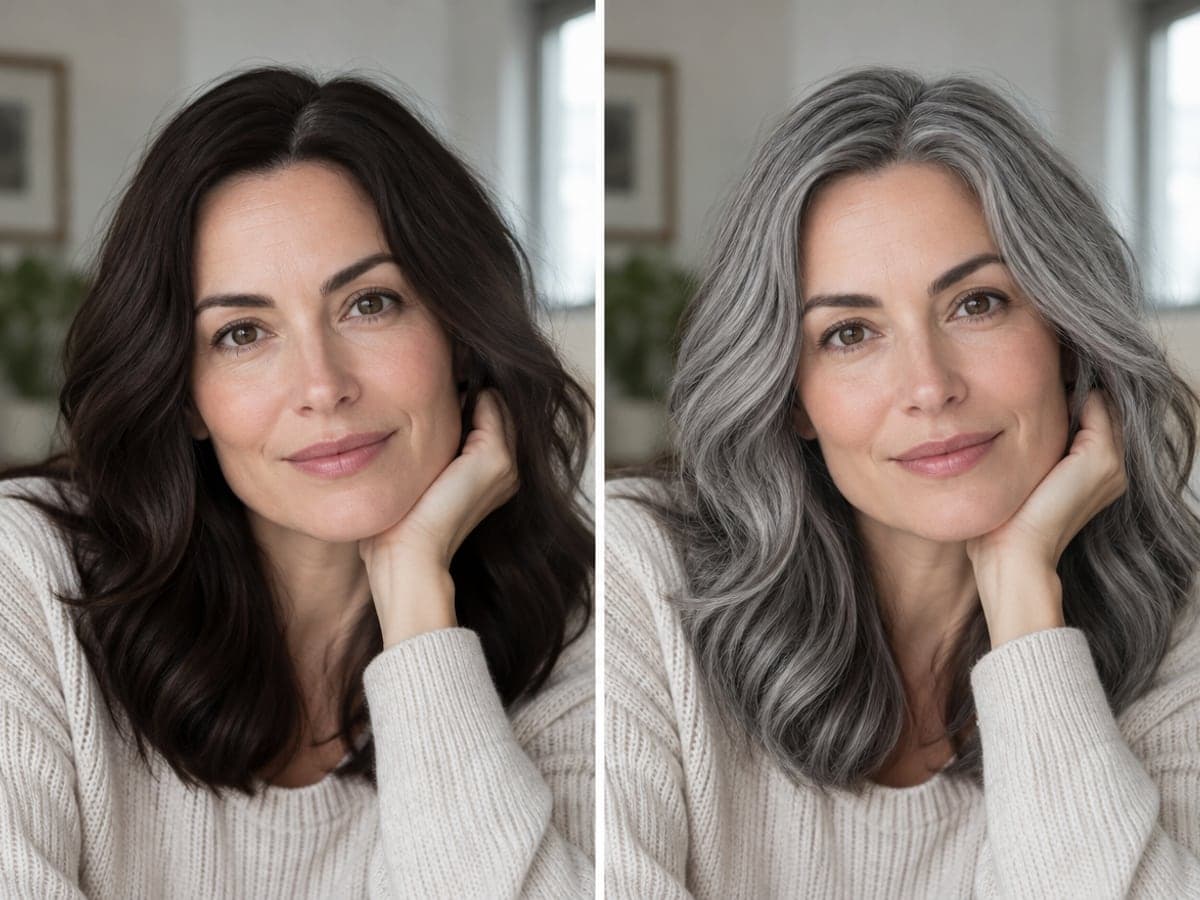
Preview Grey Hair Before You Commit
The Grey Hair Only preset turns your hair silver and leaves your skin untouched. It answers the exact question you have before you stop dyeing. Try other hair colors
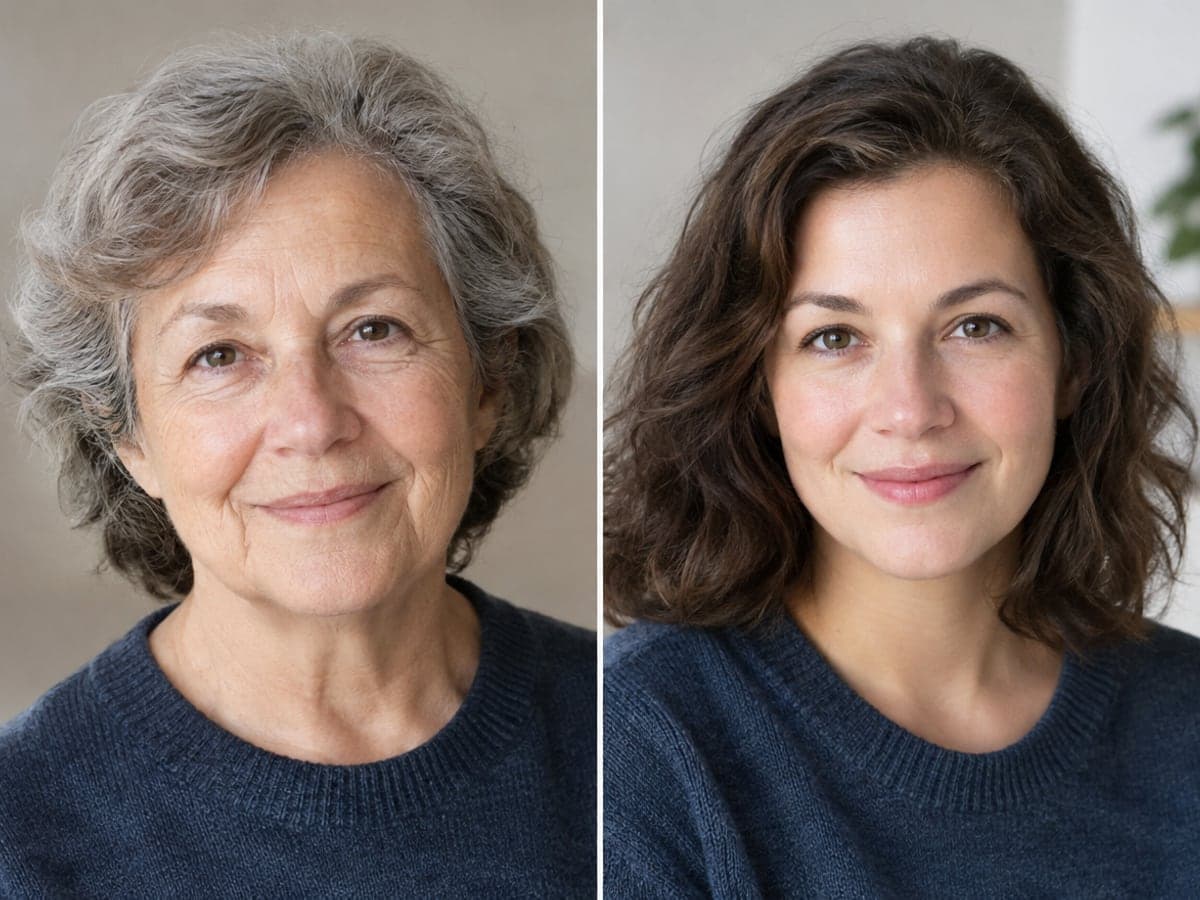
Find the Family Resemblance
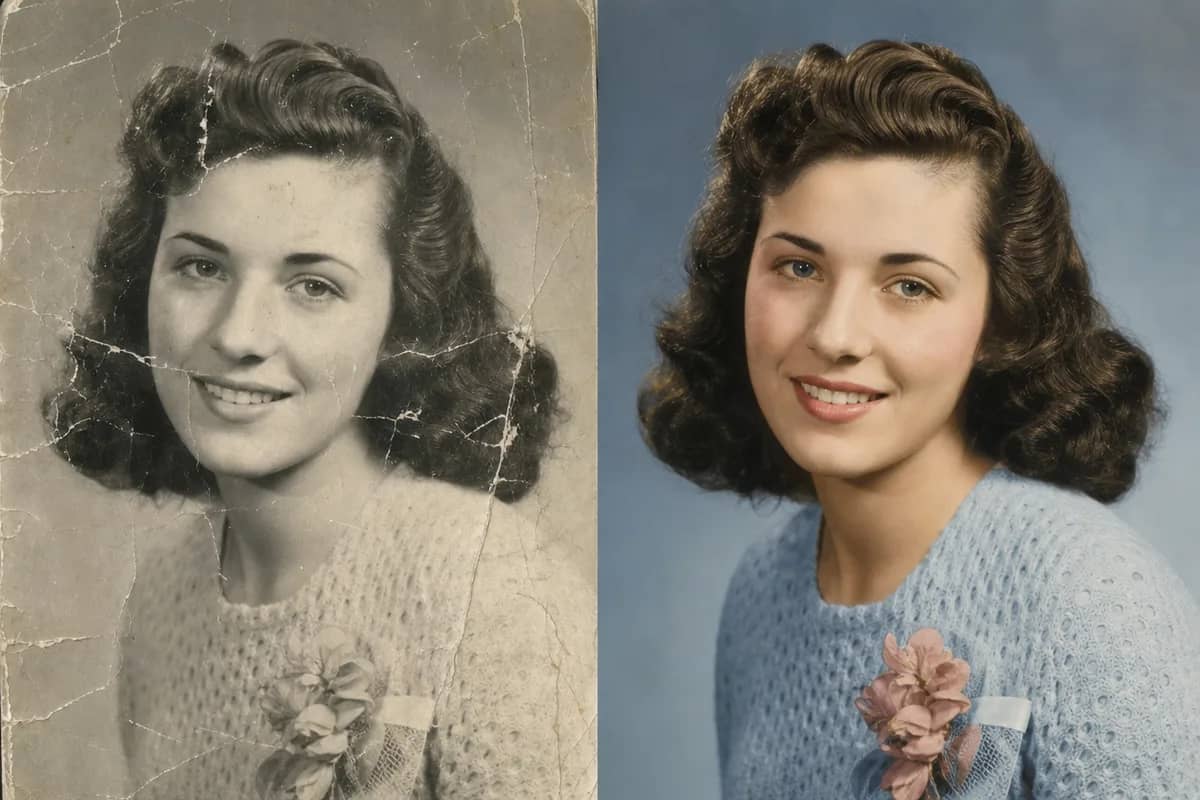
Age yourself to seventy and set the result next to a photo of your grandmother. Because your bone structure is kept, the likeness that comes out is often striking. Restore an old family photo
Turn Back Ten Years Instead
The minus ten years preset softens fine lines, restores fullness to your cheeks and under-eye area, and firms your jawline. It works best on adult photos. Try the bald filter
Who Uses AI Aging Filter
Four ways people use it every week

See your face at every decade ahead
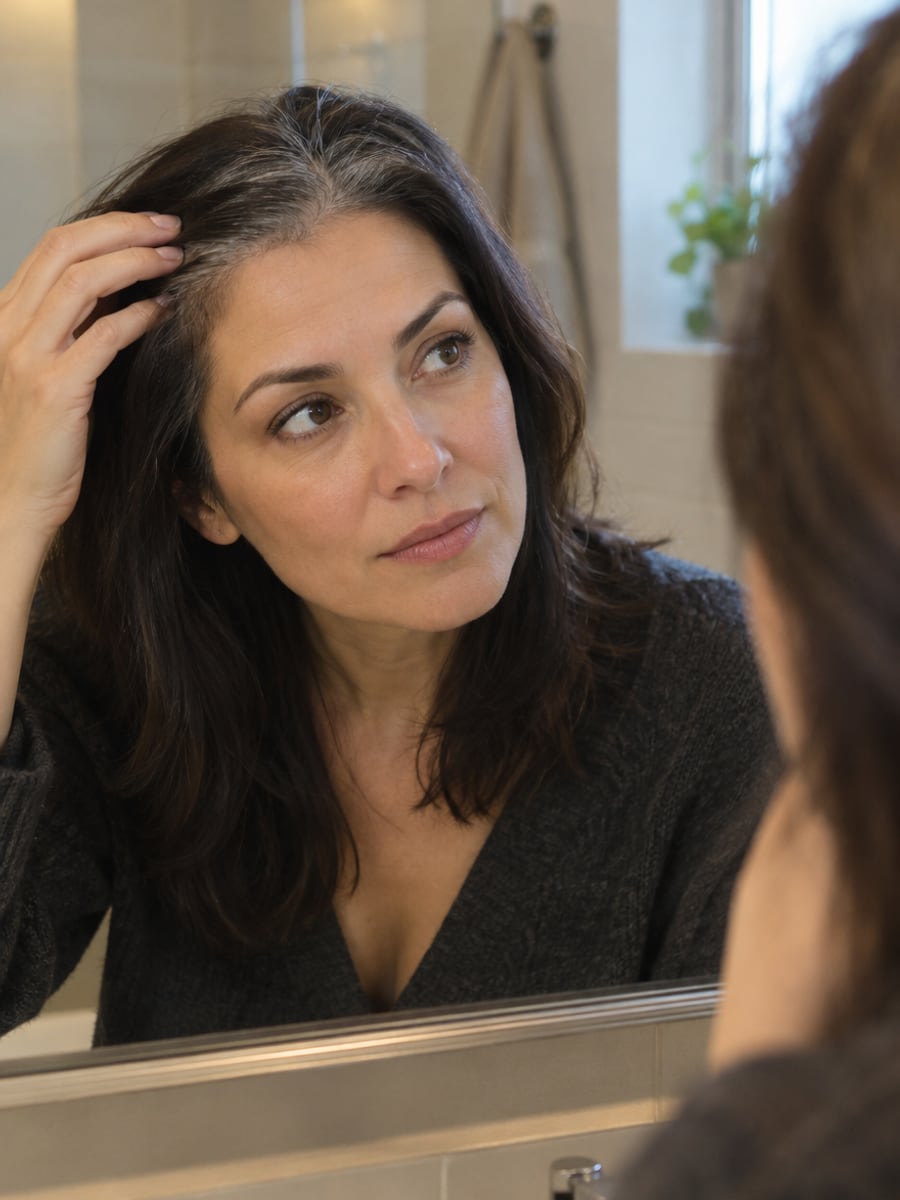
Know how silver hair suits you before you stop

Compare your aged face with your grandparents
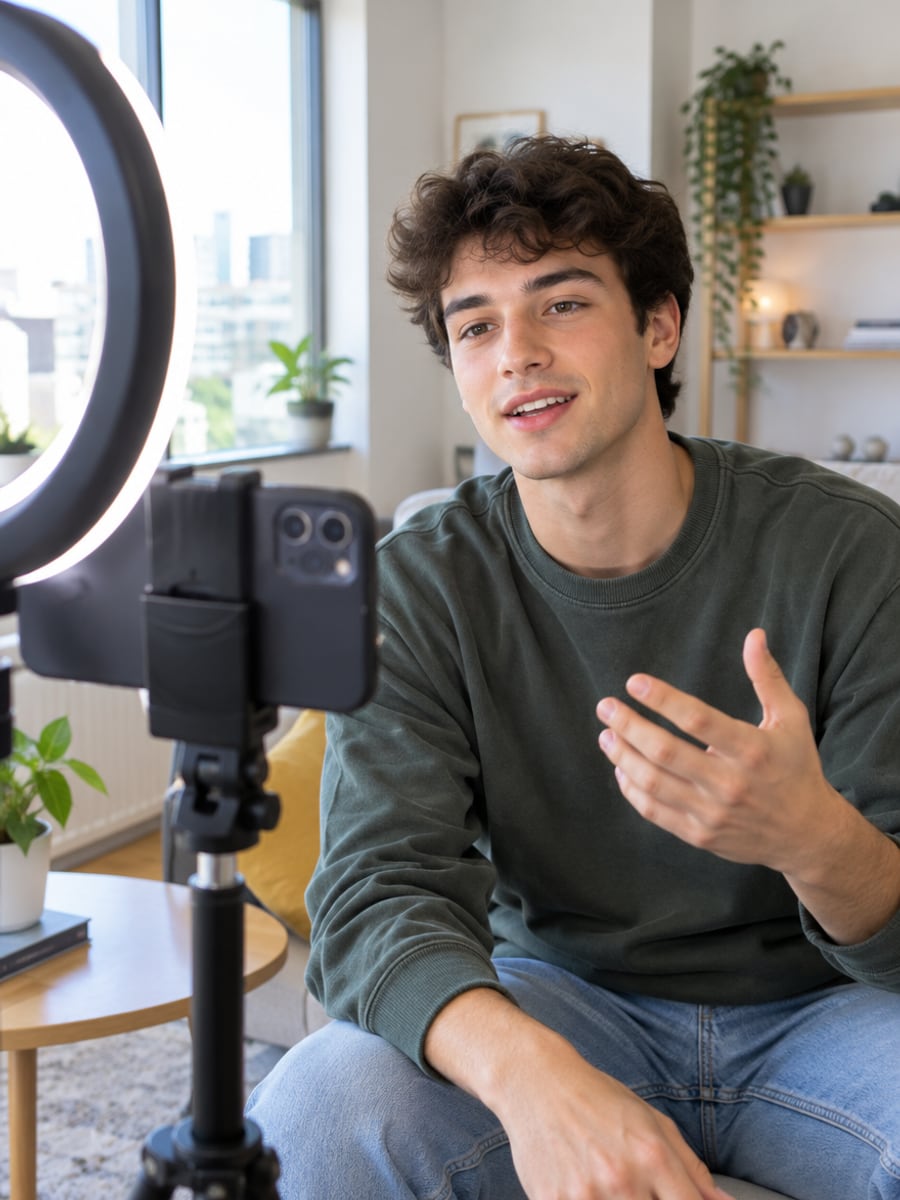
Post a believable decade-by-decade reveal
How to Age Your Photo with CreateVision
Upload your photo, select a style, and download your professional result instantly

Upload a Photo
Pick a clear front-facing photo where your whole face is visible and the light is even. Bare skin and no sunglasses give the most convincing result.

Pick an Age
Choose ten years on, your forties, fifties, sixties, seventies or eighties. You can also go ten years younger or try grey hair on its own.

Slide to Compare
Drag the before/after slider to see the change on your own face, then download the result at full resolution.
The All-in-One AI Creation Platform
One account for images, videos, an AI agent that works for you, expert AI mentors and 80+ ready-made tools.

AI Image & Video Generator
Every leading model in one workspace: Seedream, Nano Banana, GPT Image, Seedance, Veo and more.
Open
Ava, your AI creative agent
Describe what you need and Ava plans, generates and iterates for you.
Open
80+ AI tools
One-click tools for photos, videos, cards, portraits and viral trends.
Open
Template library
Thousands of ready prompts and styles to start from.
Open
Studios
Portrait, marketing, poster and cinema studios for finished work, not single shots.
Open
AI model library
Compare and pick the right image or video model for every job.
Open
AI mentors
Learn from expert mentors in photography, design and video, then create with their guidance.
Open190K+ creators
Using CreateVision to create and share
FAQs About Our AI Aging Filter
An AI aging filter takes a photo of your face and shows how it could look at a different age. CreateVision's version offers eight stages: ten years on, your forties through eighties, ten years younger, and grey hair only. It changes skin, lines, facial volume and hair while keeping the features that make you recognizable.
The best aging filter keeps you recognizable and ages you realistically. CreateVision locks your bone structure, eye color, nose, mouth, moles and freckles before anything changes. Each decade has its own prompt instead of one generic slider. You also get a before/after slider and three style engines so you can choose the look you prefer.
Upload one clear photo of your face and choose an age. The AI regenerates the photo with the skin, lines, facial volume and hair of that age, while keeping your bone structure, eye color, nose, mouth, moles, expression, clothing and background as they are. You can then compare each stage against the original with the slider.
A sharp, evenly lit, front-facing photo where your whole face is visible, without sunglasses or heavy makeup. Slight three-quarter angles work too. Very dark photos, heavy motion blur and heavily filtered selfies give weaker results, because the filter has already smoothed away the skin texture the tool works from.
Each result costs credits based on the style engine you pick: Precise 50 (the default, strongest edit that keeps the rest of the photo), Natural 60 (looks most like a real photo) or Identity 40 (closest facial likeness). You can start with 200 free credits from Google sign-up. Free accounts download with a small CreateVision mark, and subscribers and credit-pack buyers can turn it off.
Uploaded reference photos are deleted automatically within 24 hours, and your results stay in your private gallery until you delete them. Only upload someone else's photo with their permission, and a child's photo only if you are their parent or guardian.
No. It shows a plausible, typical way a face with your structure ages. Genetics, sun exposure, smoking, weight and health change the real outcome a great deal, and no photo can account for those. Treat it as a well-informed illustration, not a forecast or a health assessment.
See Your Future Face With Our Aging Filter
One photo, eight age stages, and a slider to compare each one with the face you have now.
Related Tools You Might Like
Explore more AI creative tools