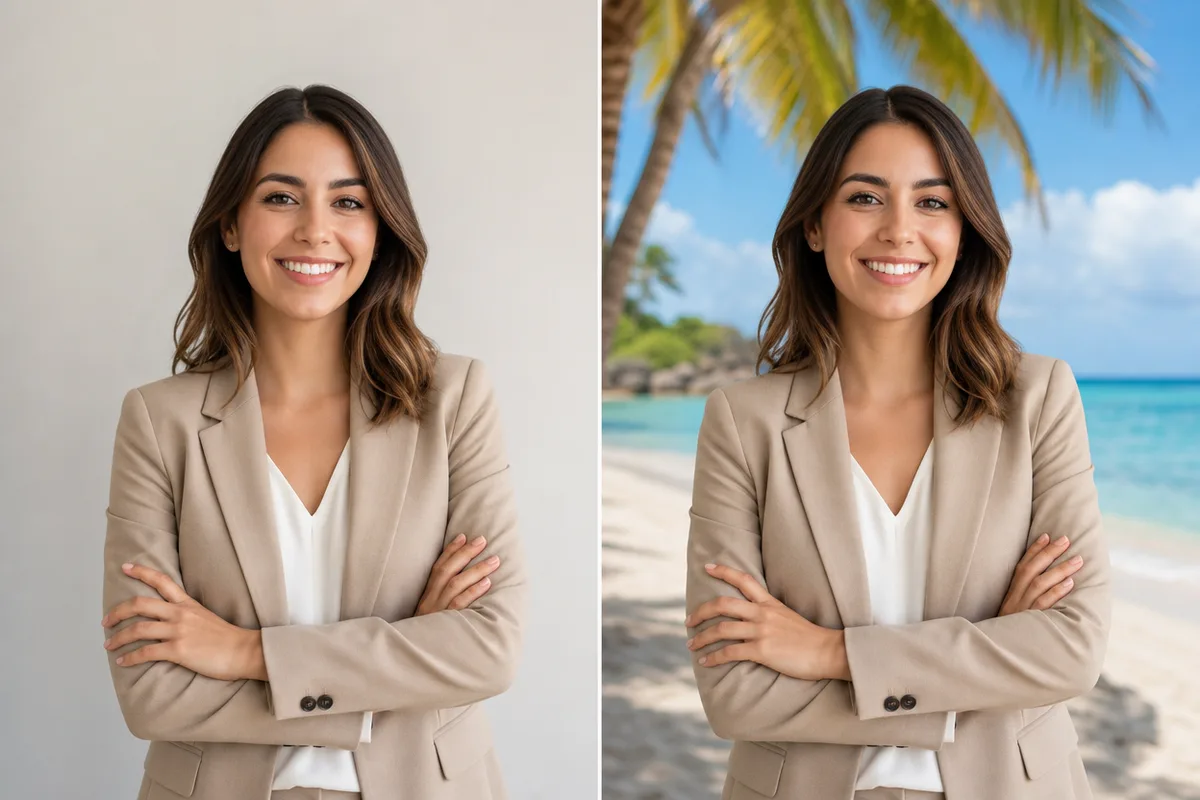
AI Clothes Changer
Change the clothes in any photo with AI
Tap to uploadDrop image or click
JPG · PNG · WebP
Preview Examples


Drag the slider to compare
How does the AI clothes changer work?
Upload one photo of yourself, choose an outfit preset or describe the clothes you want, and the AI regenerates the picture wearing that outfit. It keeps your face, hair, pose, background and lighting, and replaces only the garment — matching the drape and the shadows to the body and the light already in your photo.

Why Do AI Clothes Changers Usually Disappoint?
Built around the three complaints that fill the reviews of typical clothes changer apps, and each fix is something you can check on the examples above.
"It said the generation failed and took my credits anyway."
Credits are only held while the image renders. If a generation fails, the hold is released and nothing is charged.
"I paid, and most of the outfits were still locked behind Pro."
All 17 presets and the describe-your-own box are open to every account. You pay per image, never per style.
"Only women's wardrobe in here, nothing for men."
A dedicated Men's tab with bomber, polo and flannel looks, and every suit, hoodie and coat preset fits any body.
Why Use Our AI Clothes Changer for New Outfits
Professional quality, privacy protected, instant results
Keep Your Own Face
Your face, hair, skin tone, pose and background stay locked while only the outfit changes. The result still looks like you.
Start From One Photo
No garment photo, product link or measurements needed. Upload one picture of yourself and pick an outfit from the list.
Describe Any Outfit You Want
Use one of 17 presets, or type a specific color, uniform or period costume and the AI follows your description.
See What You Can Do With the AI Clothes Changer
Perfect for various professional scenarios, instant and secure
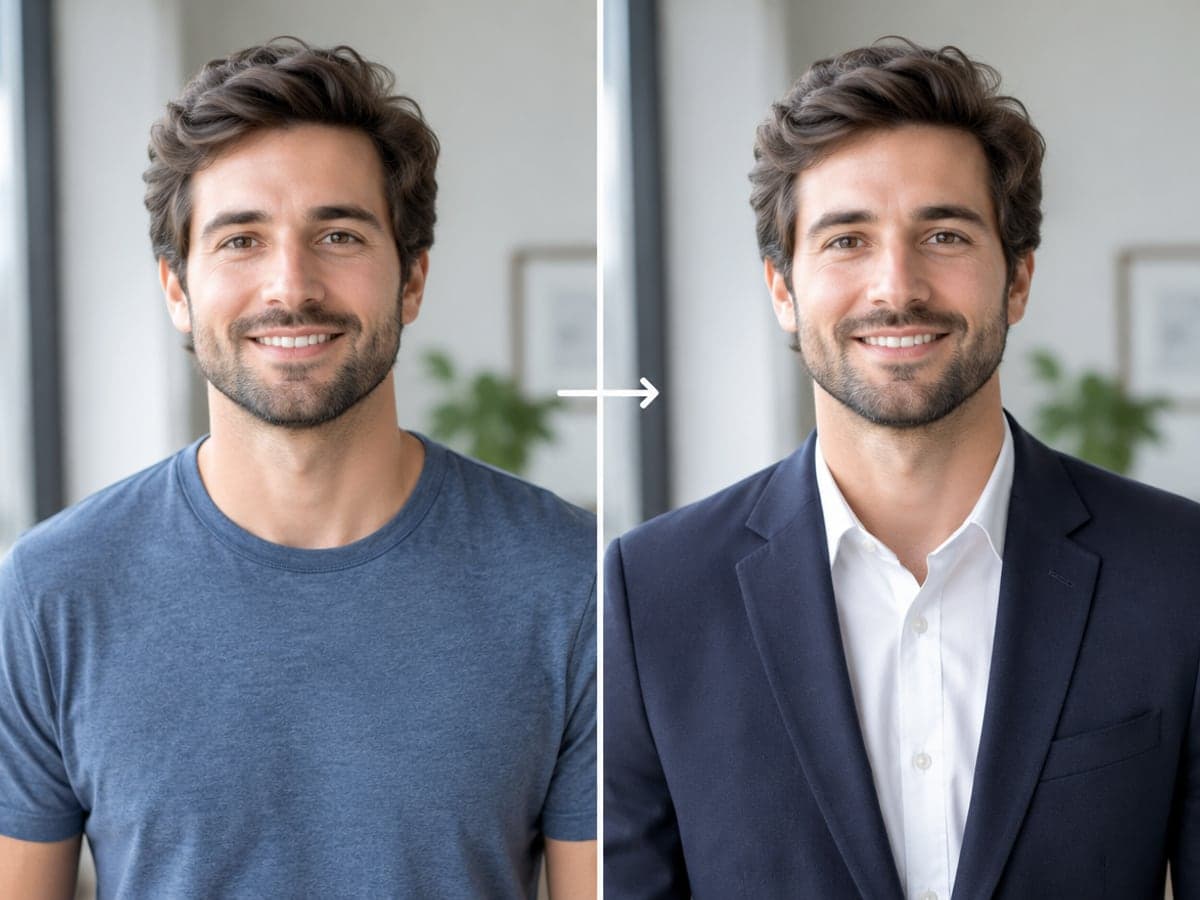
Dress Up Your Best Profile Photo
Your photo has the right face and light, but you wear a t-shirt. Swap in a suit or blazer for LinkedIn or a team page. Make a full headshot
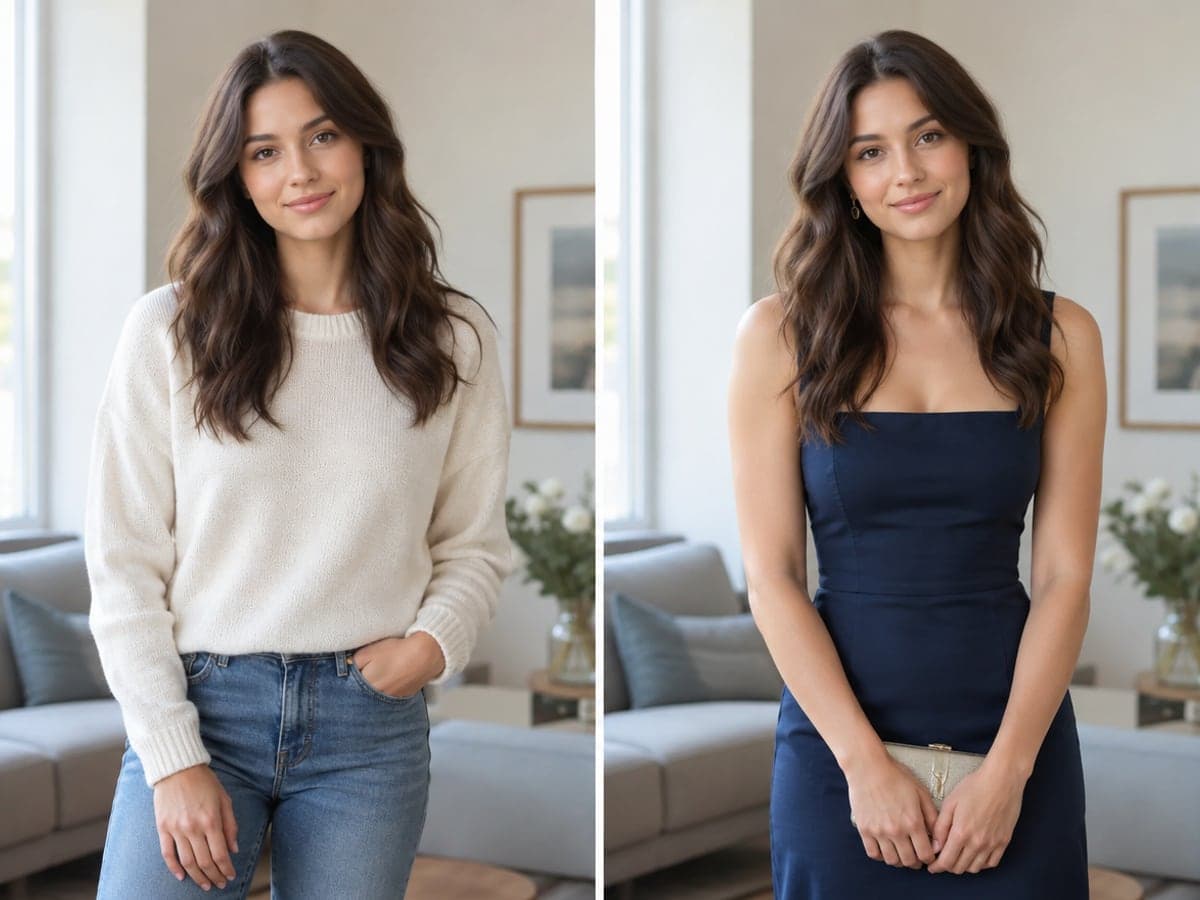
Meet a Dress Code Without Reshooting
A wedding or company portrait may come with a dress code. Change the outfit in your existing photo instead of booking another shoot. Change the background too
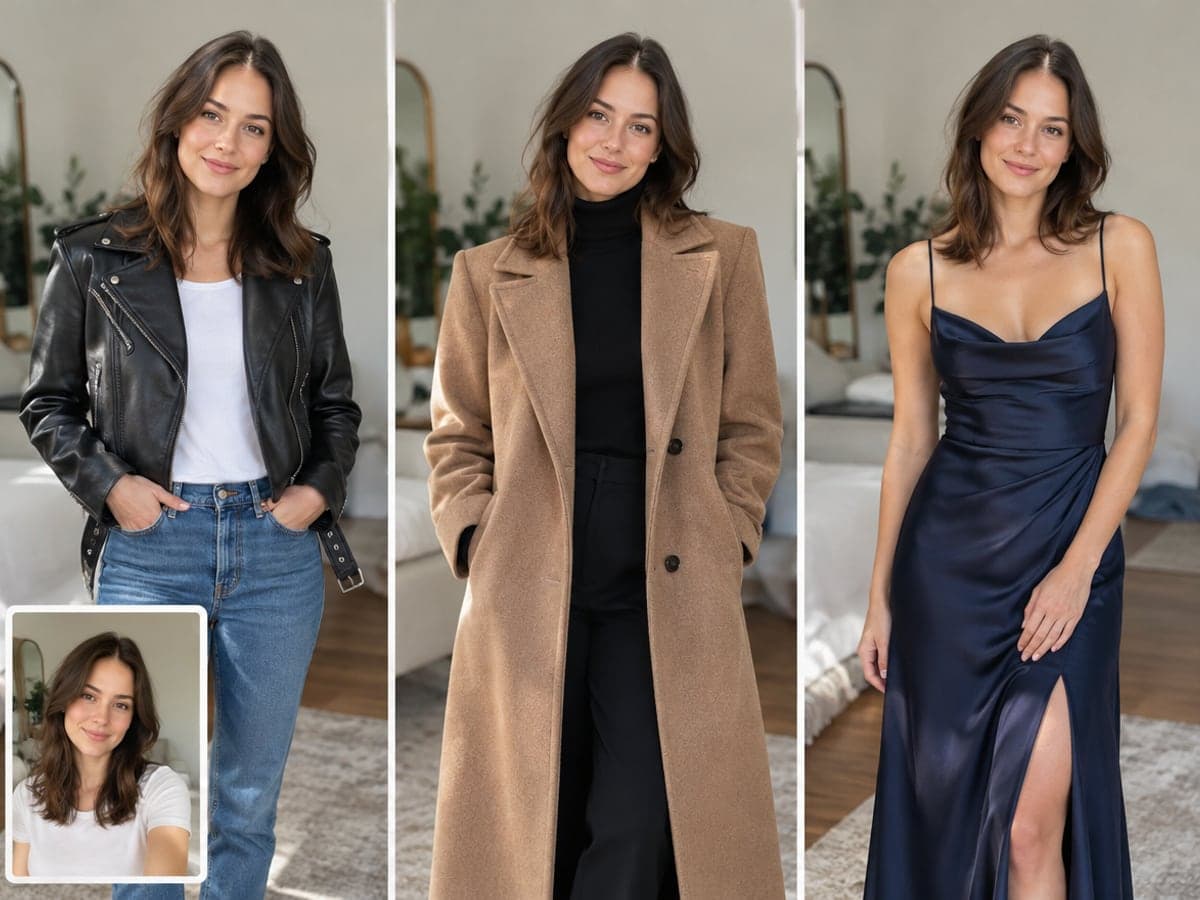
Try a Look Before You Buy
Curious how you would look in a leather jacket, a wool coat or a gown? Try it on your own photo before you buy. Try a new hairstyle
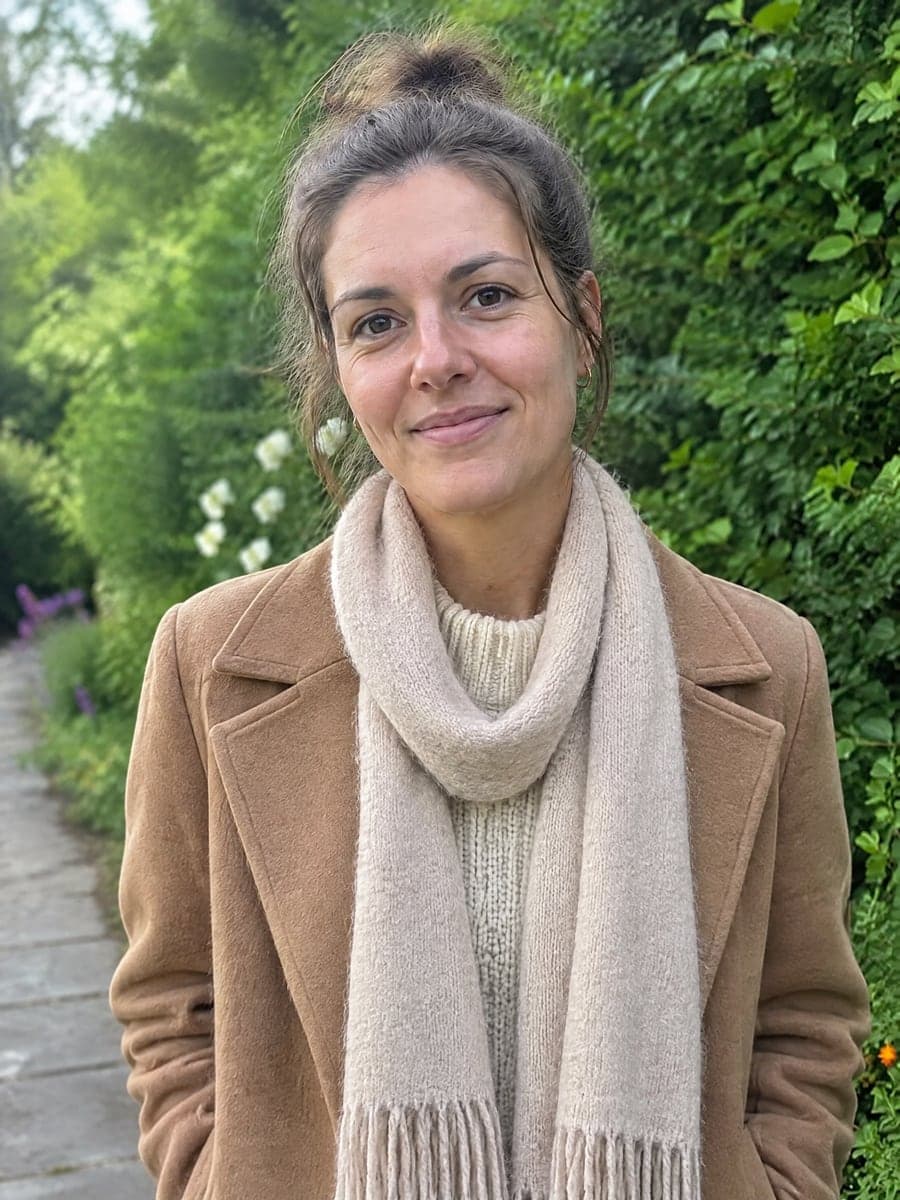
Put a Specific Garment on You
Switch to Upload your own clothes and add a photo of the item. Use one full outfit, or the top, bottom and shoes separately. Open Virtual Try-On
Who Uses AI Clothes Changer
Four ways people use it every week

Turn a casual photo into a polished profile picture

Match the dress code without a new photo shoot
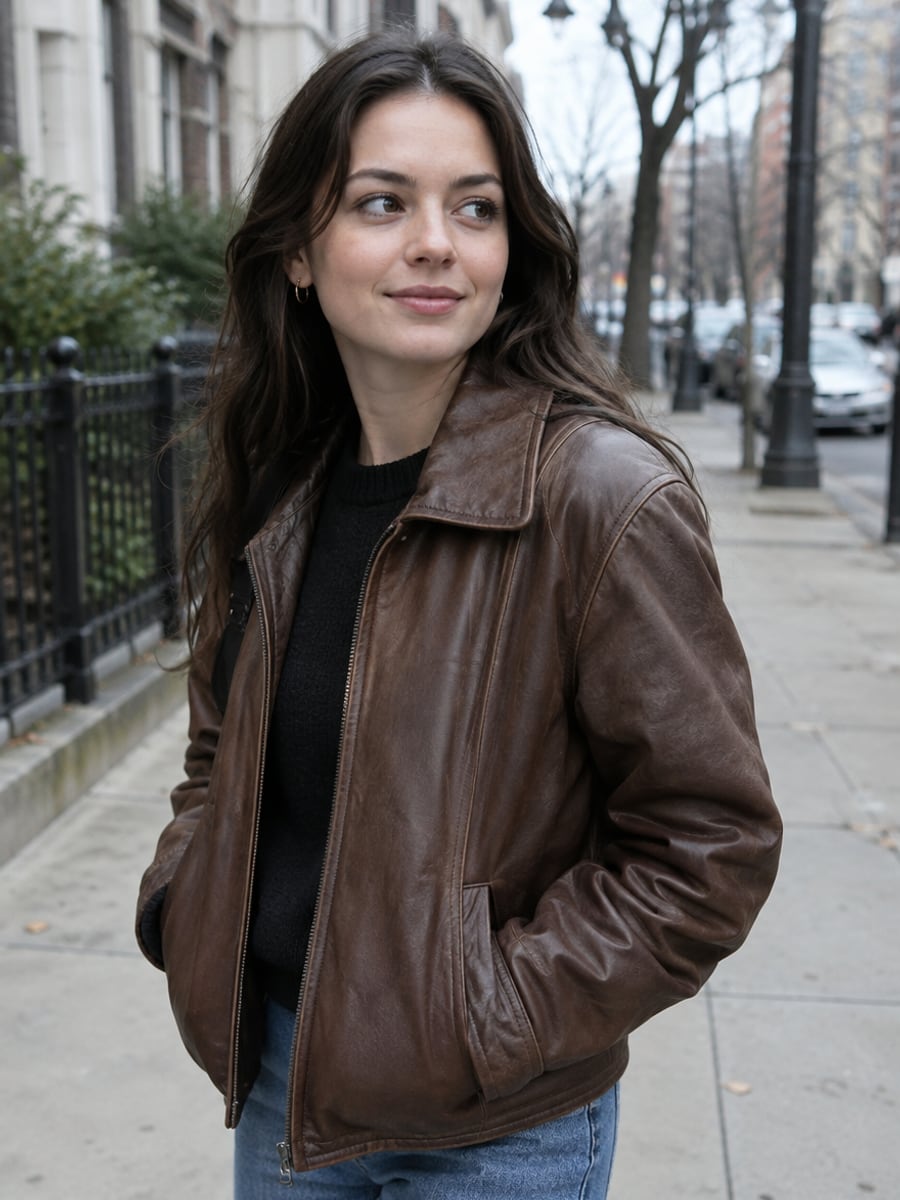
See how a style suits you before you buy

Change outfits for every post from one photo
How to Change Clothes in a Photo with CreateVision
Upload your photo, select a style, and download your professional result instantly

Upload Your Photo
Pick a photo where your upper body is visible and the light is even. One photo is all the tool needs.

Choose an Outfit
Pick one of the 17 presets, such as suit, tuxedo, gown, hoodie, denim or coat, or type your own outfit description in the prompt box.

Download the Result
The AI changes only the clothing and returns your photo in the new outfit. Download it at full resolution, watermark-free with a subscription.
The All-in-One AI Creation Platform
One account for images, videos, an AI agent that works for you, expert AI mentors and 80+ ready-made tools.

AI Image & Video Generator
Every leading model in one workspace: Seedream, Nano Banana, GPT Image, Seedance, Veo and more.
Open
Ava, your AI creative agent
Describe what you need and Ava plans, generates and iterates for you.
Open
80+ AI tools
One-click tools for photos, videos, cards, portraits and viral trends.
Open
Template library
Thousands of ready prompts and styles to start from.
Open
Studios
Portrait, marketing, poster and cinema studios for finished work, not single shots.
Open
AI model library
Compare and pick the right image or video model for every job.
Open
AI mentors
Learn from expert mentors in photography, design and video, then create with their guidance.
Open190K+ creators
Using CreateVision to create and share
FAQs About Our AI Clothes Changer
An AI clothes changer edits the outfit in an existing photo. You upload a picture of yourself, choose or describe new clothes, and the AI returns the same photo with only the clothing replaced.
The best one keeps you looking like you. CreateVision's AI Clothes Changer locks your face, hair, pose and background and changes only the garment. It works from one photo, offers 17 presets, accepts your own outfit description, and lets you upload a photo of a specific garment.
Upload one photo of yourself, choose an outfit preset or describe the clothes you want, and the AI regenerates the picture wearing that outfit. It keeps your face, hair, pose, background and lighting. It matches the drape and shadows of the new garment to your body and the light already in the photo.
Yes, in two ways. Switch to Upload your own clothes and add a photo of the garment, either one picture of a whole outfit or the top, bottom and shoes separately. Or type the outfit into the prompt box with color, fabric, cut and era, and the AI applies your description while leaving the rest of the photo untouched.
A preset outfit costs 50 credits. Uploading your own garment costs 25 credits on Standard or 45 credits on Advanced. You can start with 200 free credits from Google sign-up, and guests can run one outfit change a day without an account. If a generation fails, the held credits are released and you are not charged.
Yes. Images you generate can be used for personal and commercial projects. If the photo shows another person, you need their permission, both to change their clothes and for the way you plan to use the result. Sexual, revealing or degrading edits of any person are prohibited and blocked by content moderation.
Uploaded photos are deleted automatically within 24 hours. Generated results stay in your history for 30 days before they are removed. Your images are processed by the AI model provider that generates your result and are never sold, published or used to train any model.
Change Your Outfit With AI Clothes Changer
Upload one photo, pick or describe an outfit, and get the same photo back in new clothes.
Related Tools You Might Like
Explore more AI creative tools