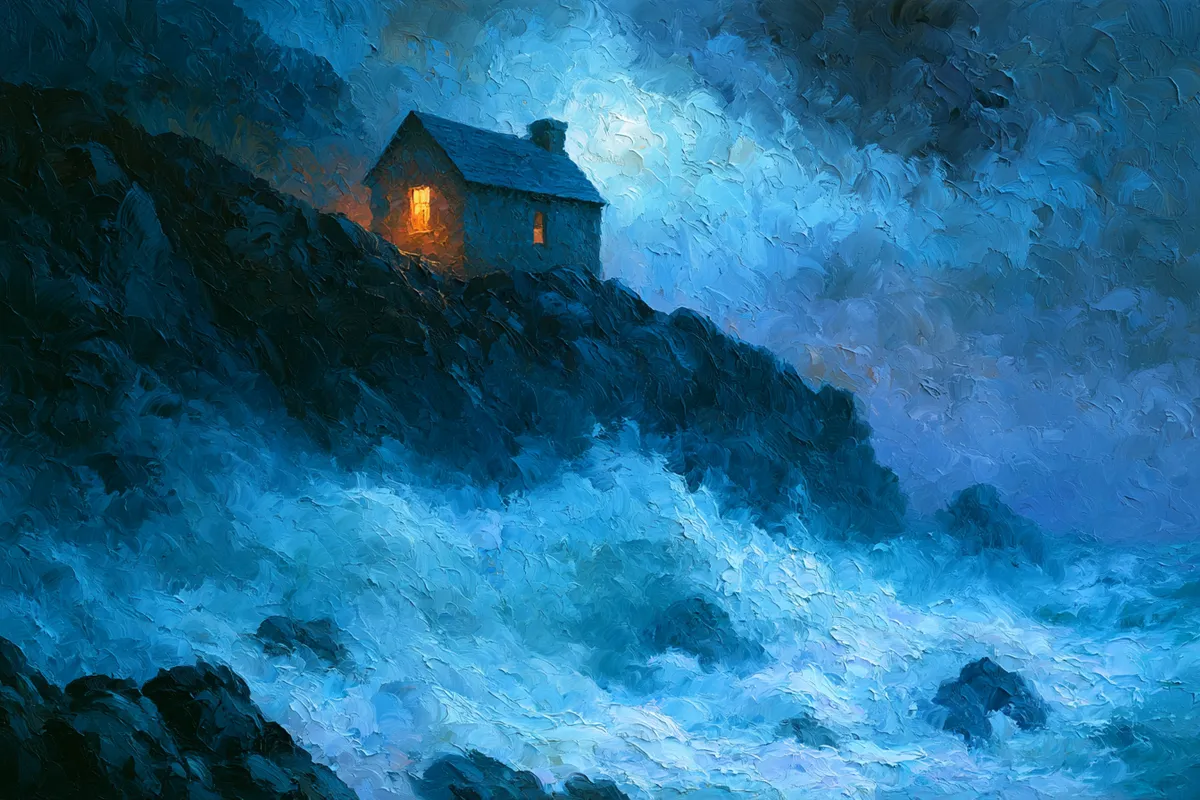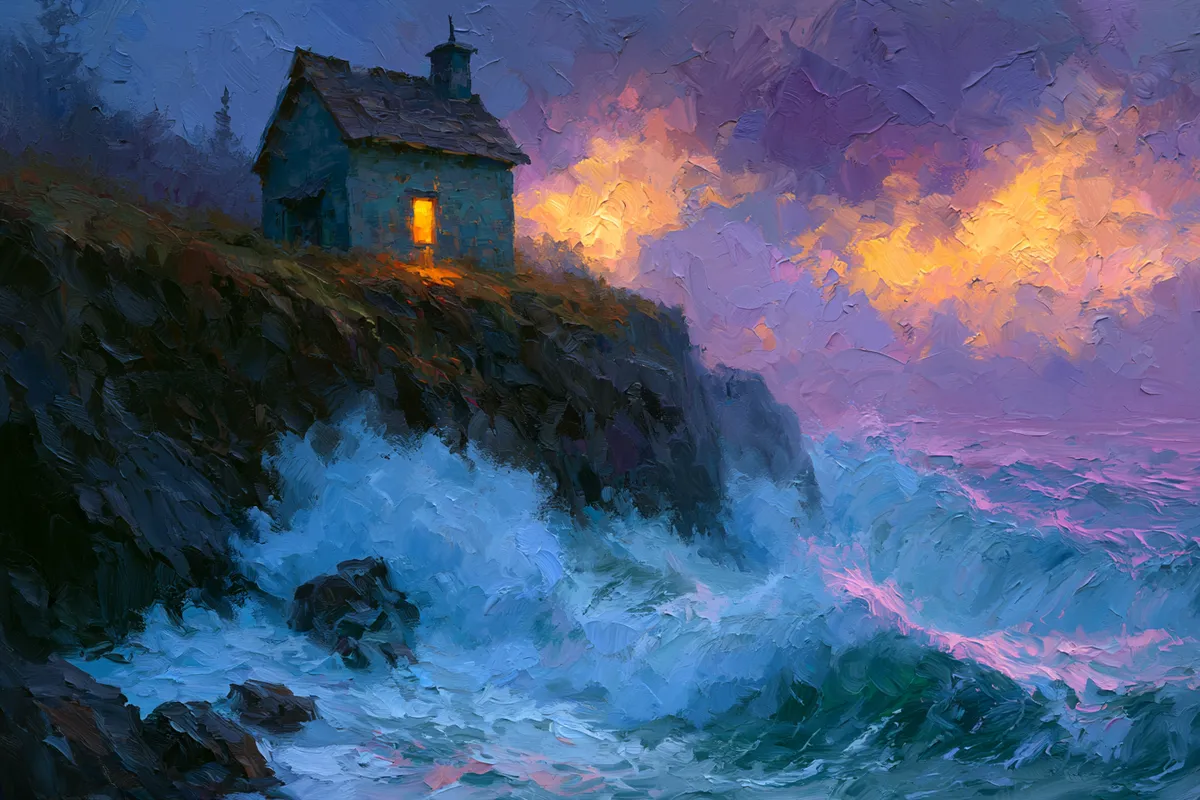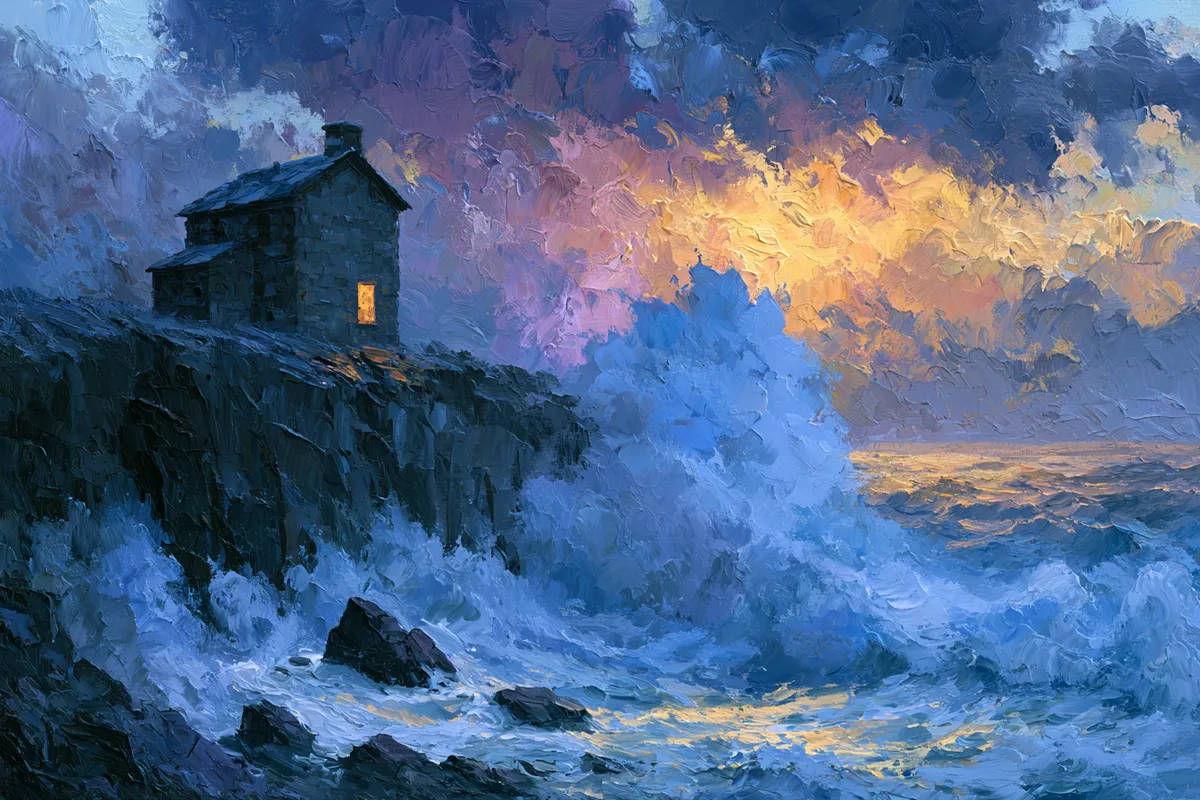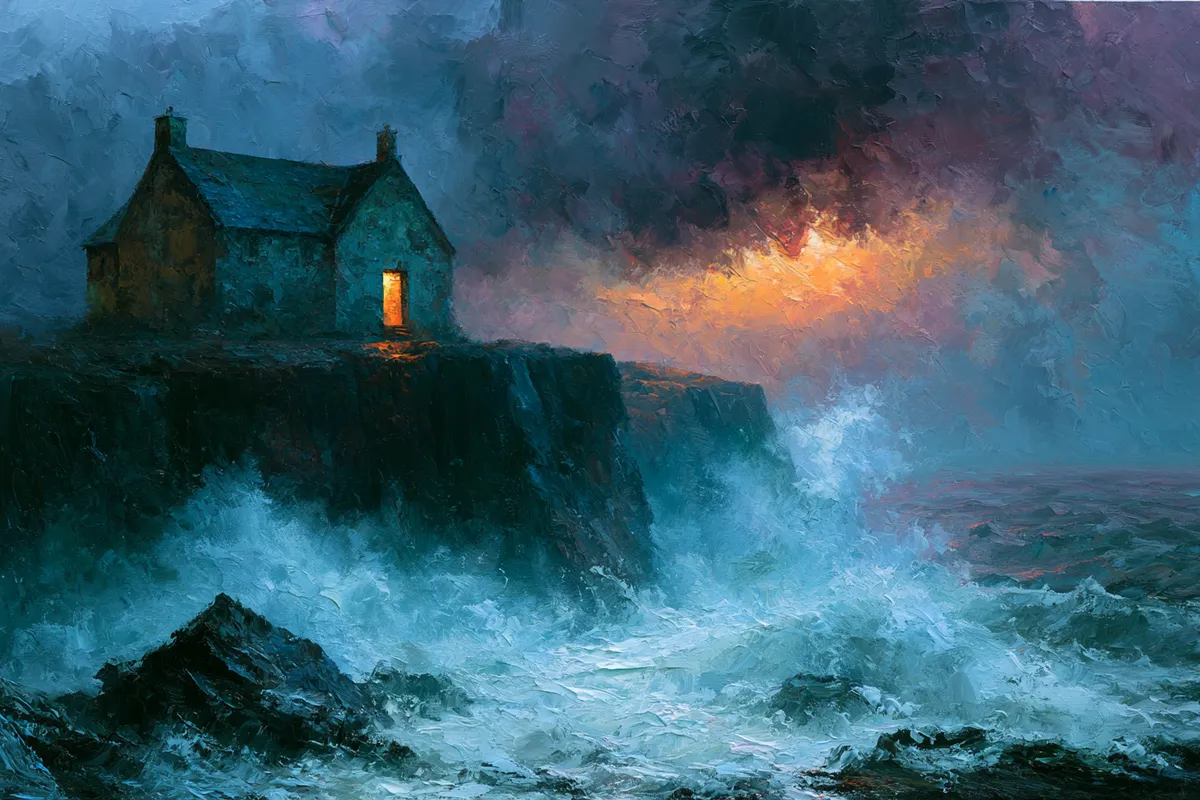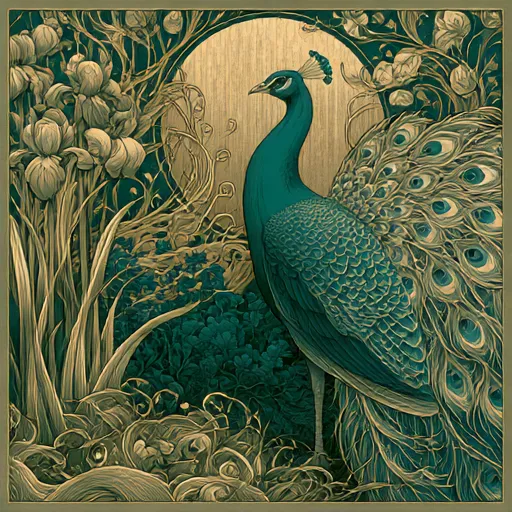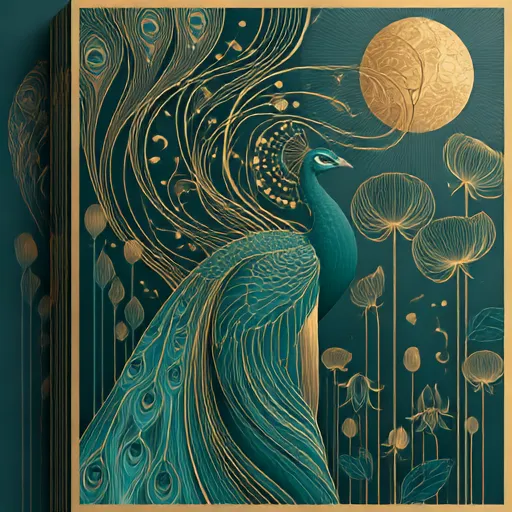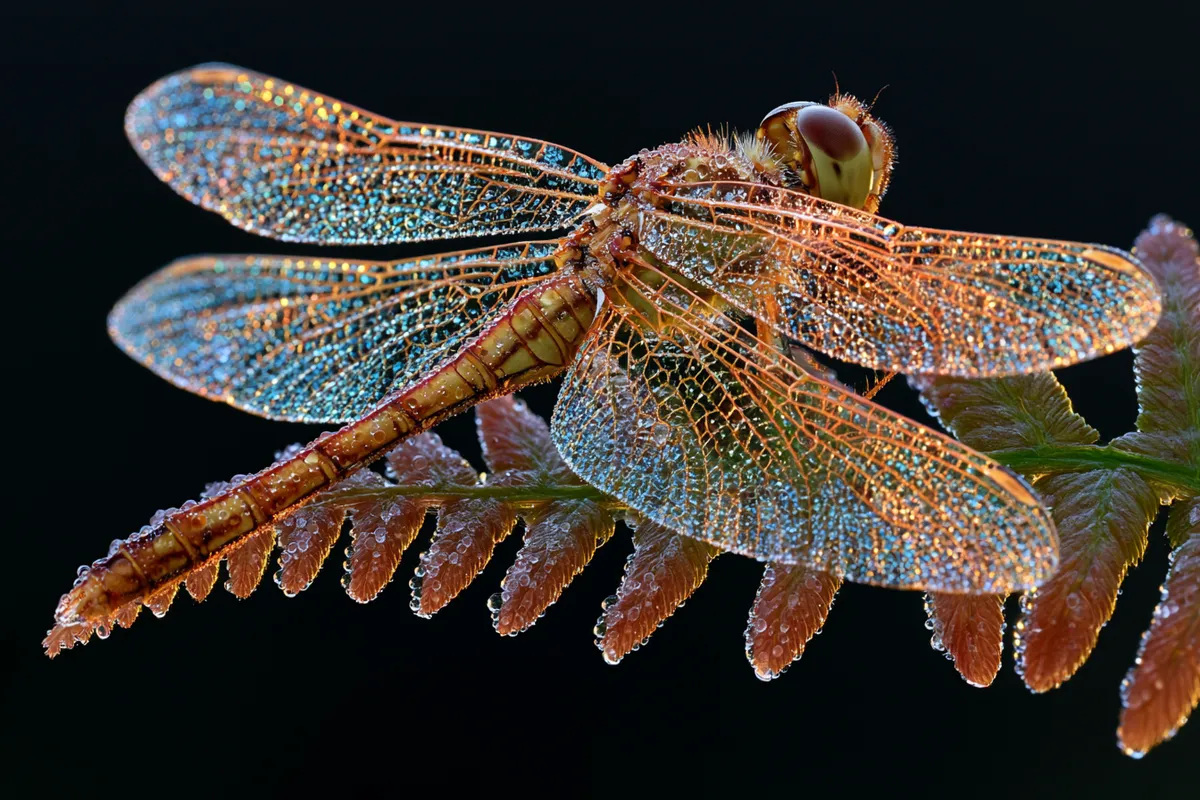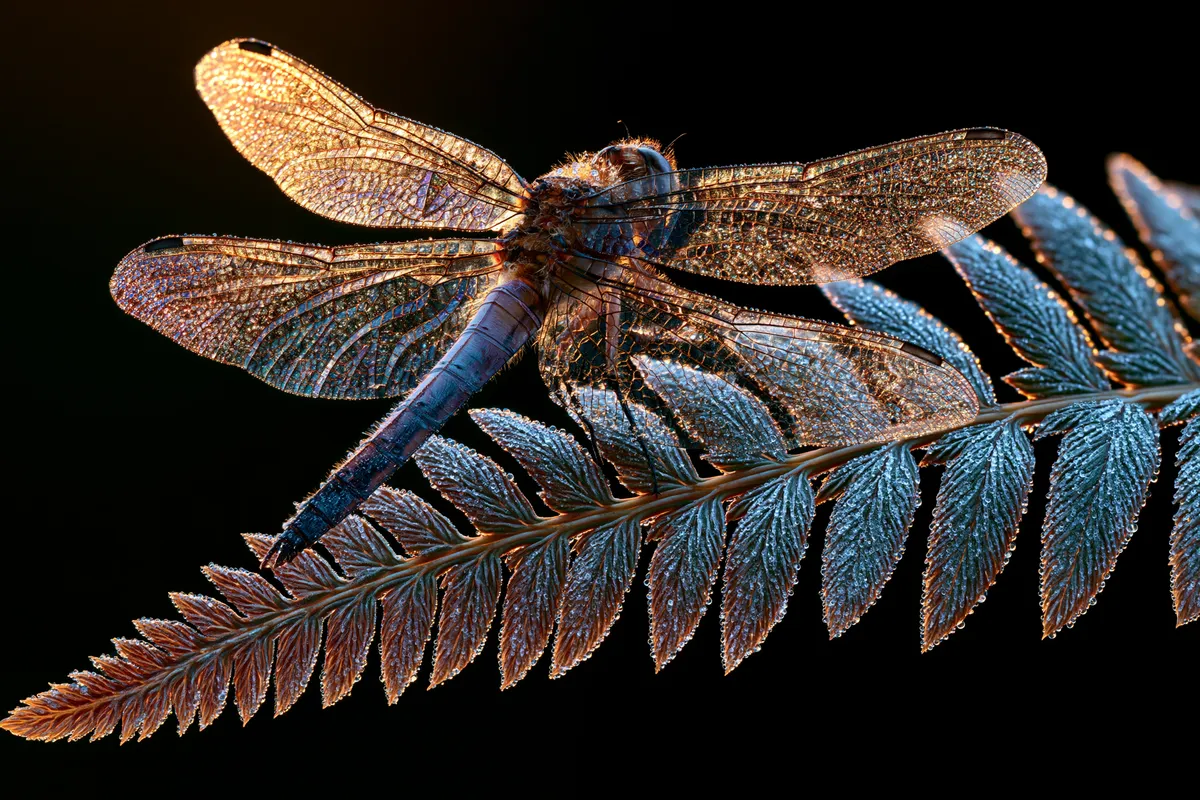
Midjourney V8.1 AI Image Generator

Create with Midjourney V8.1 in your browser — four distinct variations per generation, Standard or HD output, Fast or Turbo speed, and reference-image support, no Discord required.

4 images per promptStandard / HDFast / Turbo
0 / 2,000
~60 cr · 4 imgs

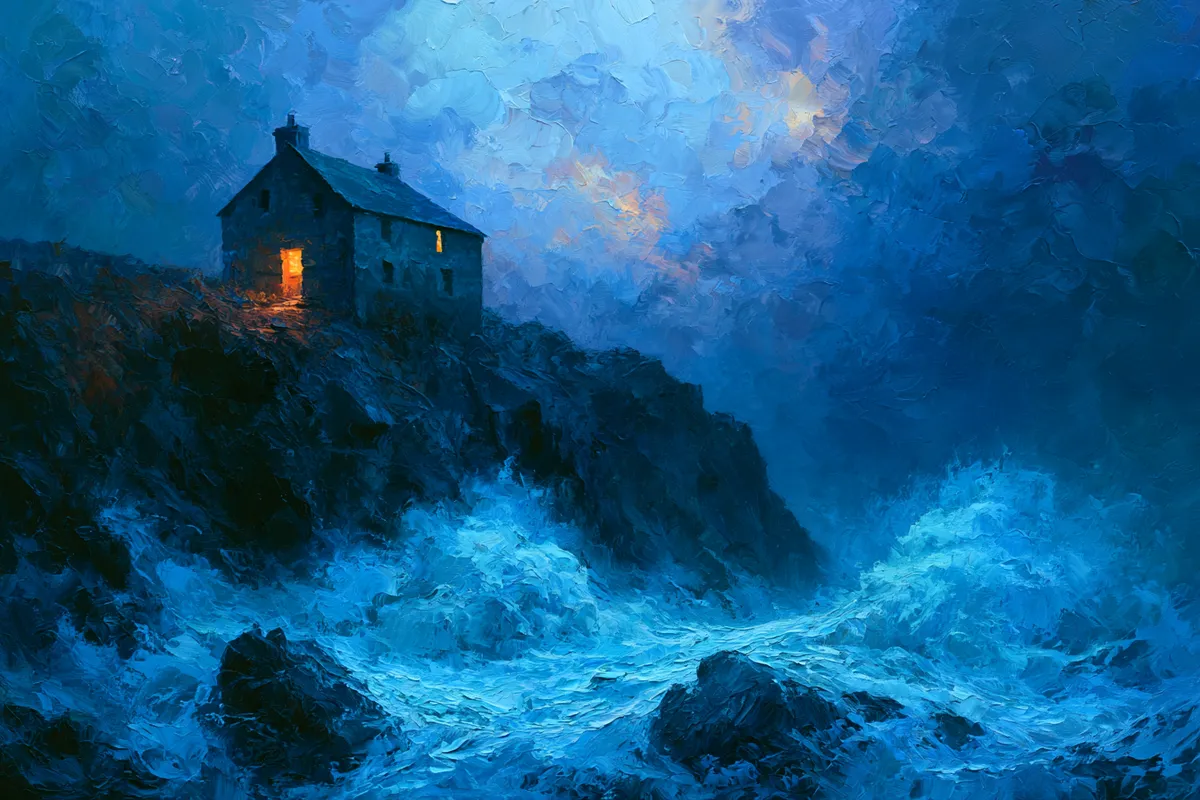
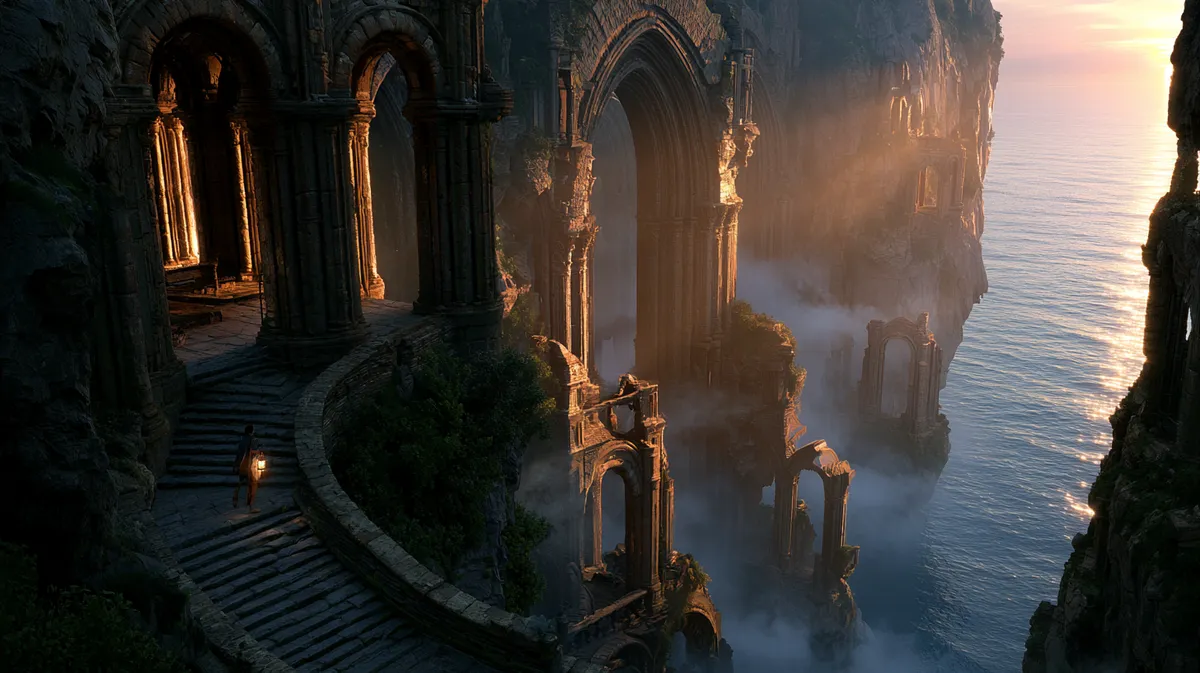
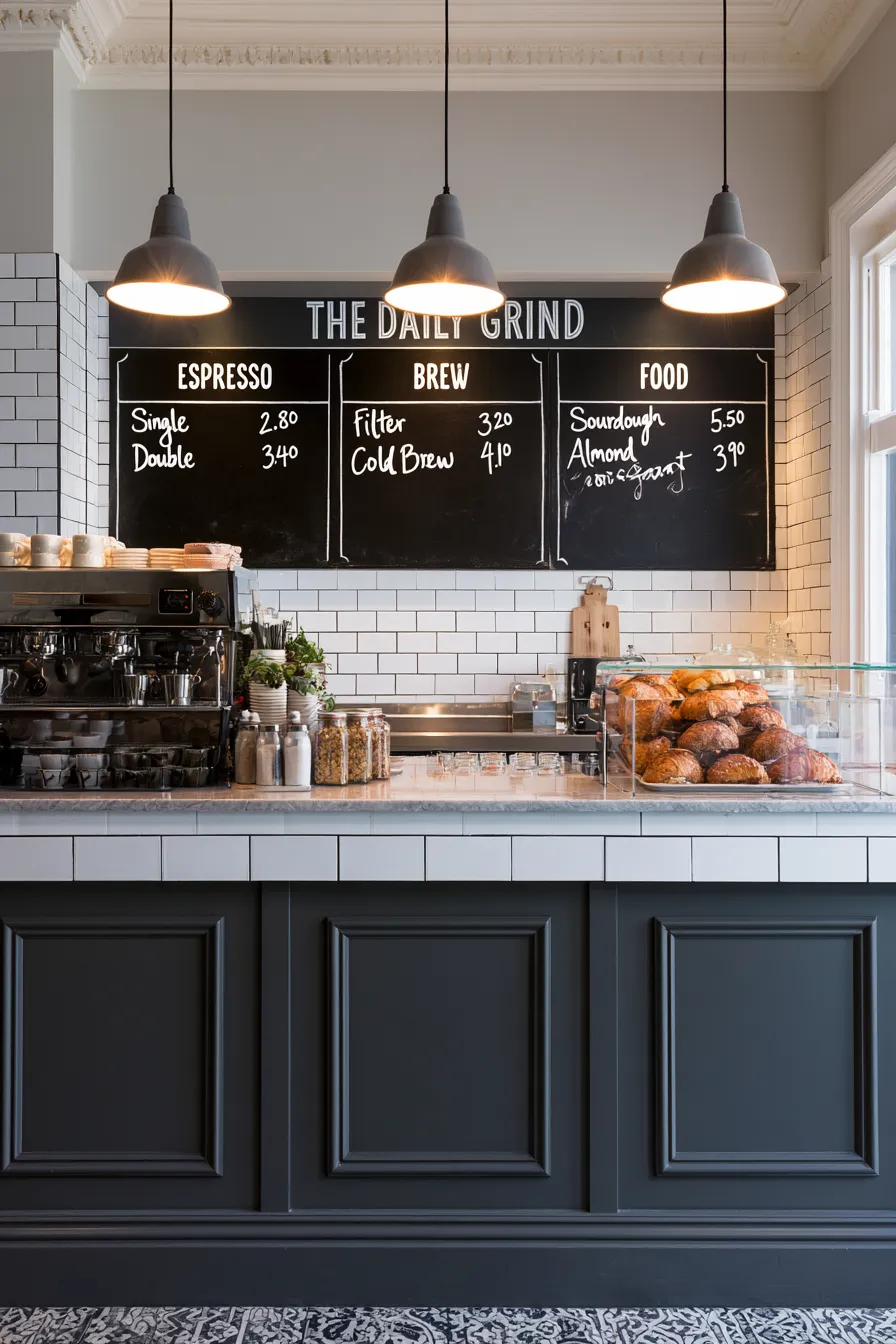
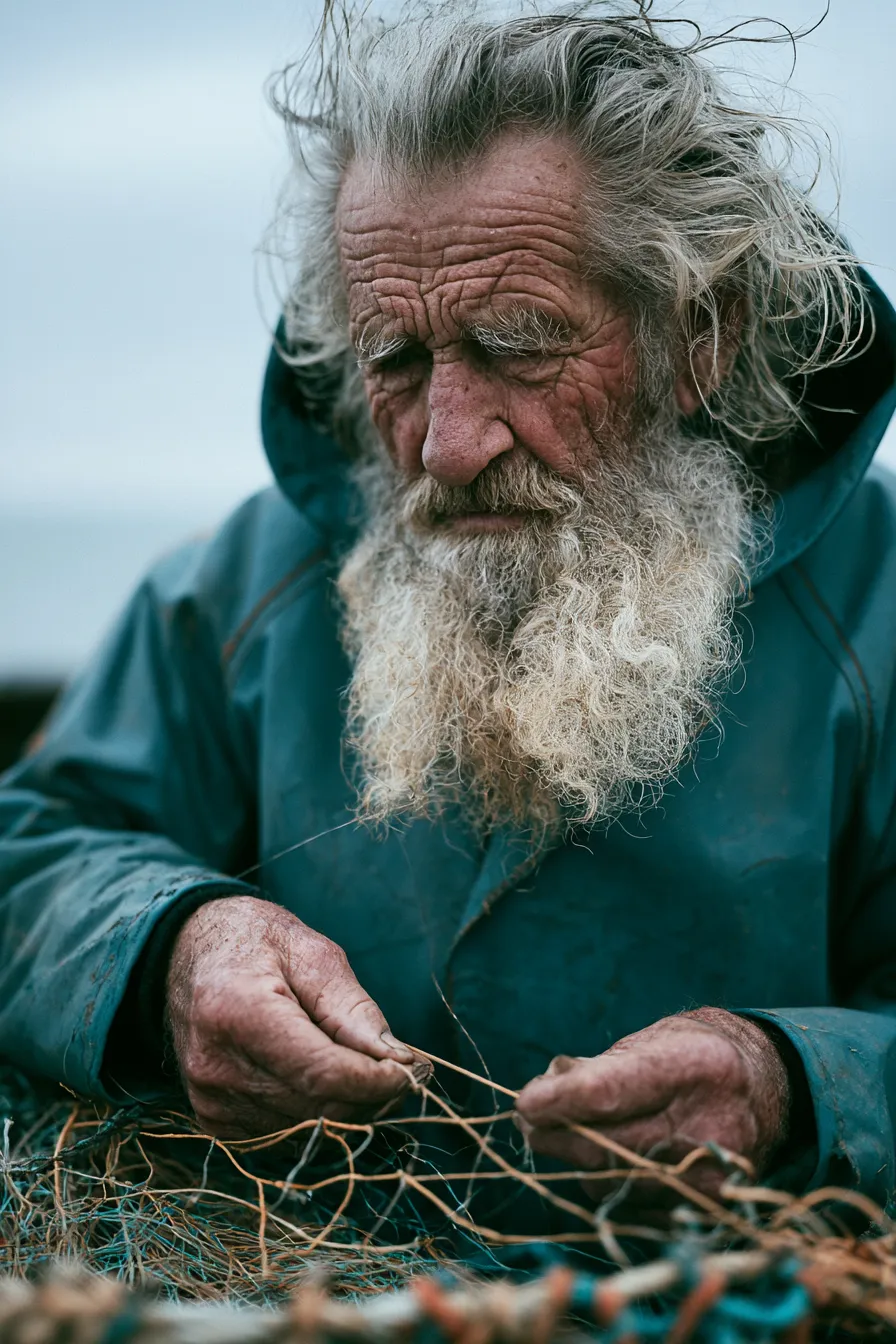
Midjourney is renowned for its distinctive, painterly aesthetic. V8.1 returns four distinct images per generation, with Standard or HD quality and Fast or Turbo speed — no Discord, no setup, just your prompt and a workspace.

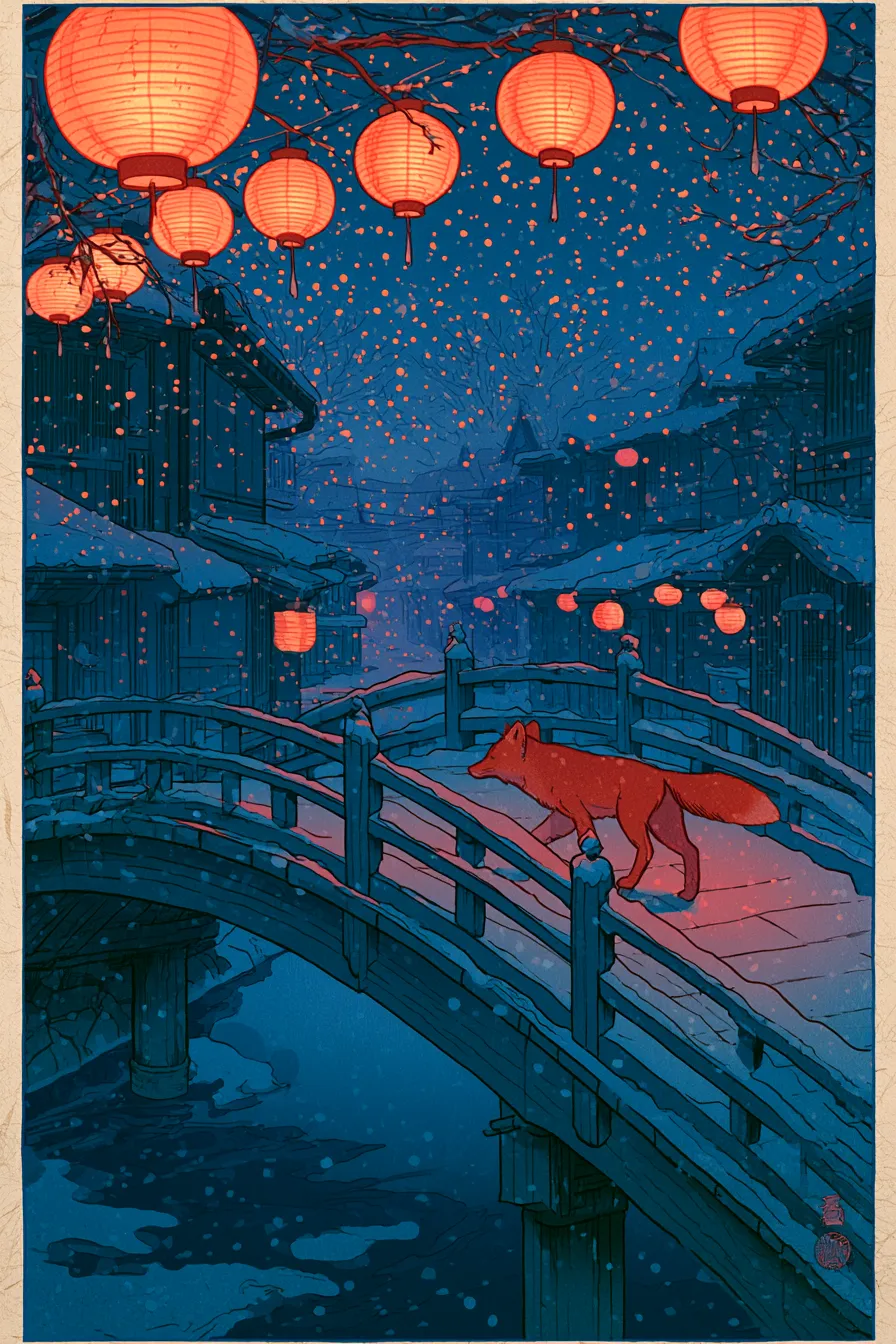
AI generated anime illustration of a girl with an umbrella on a rainy neon street

Four variations every time

Each generation returns four distinct images, not one — so you explore a range of compositions, palettes, and moods from a single prompt and pick the strongest. It is the fastest way to find a direction worth refining.

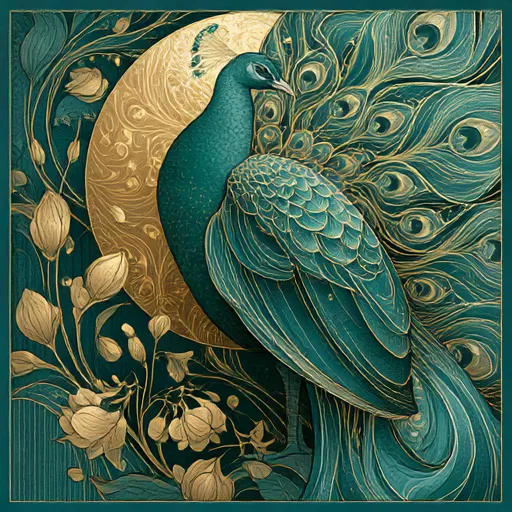
AI generated fantasy landscape of floating islands with waterfalls

Signature artistic aesthetic

Midjourney's look is why people seek it out — rich lighting, confident composition, and a painterly finish that reads as art rather than a render. V8.1 carries that signature into its most capable generation yet.

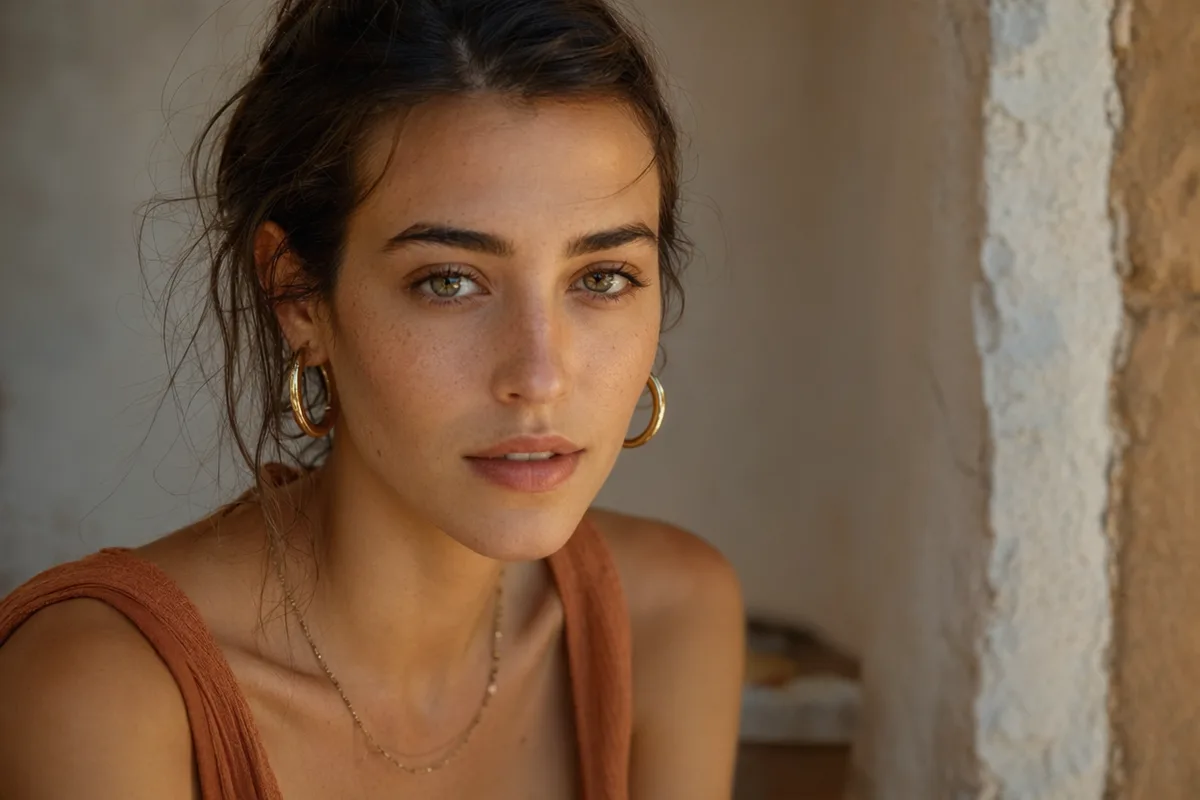
AI generated high fashion editorial portrait against a terracotta wall

Standard or HD, Fast or Turbo

Dial quality and speed to the job: Standard for everyday work, HD for crisp detail, Fast for normal turnaround, and Turbo when you want results sooner. Every combination prices clearly before you generate.

AI generated editorial portrait of a woman in soft window light

No Discord required

Use Midjourney V8.1 in a normal web workspace — type a prompt, attach reference images for image-to-image, set aspect ratio, and generate. A clean Midjourney experience without bots, channels, or queues to manage.

More Image Models Like Midjourney V8.1

Compare Midjourney V8.1 with other image models — same workspace, one click to switch.

How to Use Midjourney V8.1

Three steps from a blank prompt box to a finished image.

  1. 1

    Select Midjourney V8.1

    Open the model picker and choose Midjourney V8.1. The panel shows its credit cost, resolution options, and aspect ratios before you spend anything.

  2. 2

    Describe what you want

    Write the subject, setting, lighting, and finish. Attach reference images if the model accepts them.

  3. 3

    Generate, then keep going

    Download the result, or continue — edit it, restyle it, upscale it, or animate it into video. Every generation keeps its prompt and parameters.

Beyond Midjourney V8.1

One account, the full image and video generation workflow.

Midjourney V8.1 Pricing and Free Daily Credits

Run Midjourney V8.1 on the free tier's daily credits, or upgrade for premium models, faster generation, and 4K output.

Free

$0

Perfect for getting started

  • 80 credits per day, 400 per month
  • Z Image Turbo drafts at 0 credits
  • Standard generation speed
  • Generation history included
Get Started

Premium

Most popular
$29/month

Billed annually · $240/year

  • 1,600 credits/day, 8,000 credits/month
  • All premium models — GPT Image 2, Nano Banana, Seedream, Seedance, Veo, Kling
  • 5x generation speed, priority queue
  • AI prompt enhancement
Upgrade to Premium

Ultimate

$49/month

Billed annually · $300/year

  • 4,000 credits/day, 18,000 credits/month
  • HD generation up to 4K resolution
  • Priority support
  • Fastest queue and early access to new models
Upgrade to Ultimate

Midjourney V8.1 — Frequently Asked Questions

1

What is Midjourney V8.1?

Midjourney V8.1 is the latest generation of the Midjourney image model, known for its distinctive artistic aesthetic. On CreateVision AI it returns four images per prompt with Standard/HD quality and Fast/Turbo speed.

2

How many images do I get per generation?

Four distinct variations per request in Fast and Turbo modes, charged once per request rather than per image — so you compare options at no extra cost.

3

Do I need Discord to use Midjourney here?

No. This is a browser-based Midjourney workspace — type a prompt, optionally add reference images, choose quality and speed, and generate. No bots or channels required.

4

What is the difference between Standard, HD, Fast, and Turbo?

Quality (Standard vs HD) controls detail and resolution; speed (Fast vs Turbo) controls queue priority and turnaround. HD and Turbo cost more, and the exact price is shown before you generate.

5

Can Midjourney V8.1 do image-to-image?

Yes — attach one image with text, or two or more images, to guide the generation toward a reference style, subject, or composition.

6

How is Midjourney V8.1 priced?

Per request covering all four images, scaled by speed and quality. The total in credits is shown before you confirm, and failed runs are refunded automatically.

Generate four Midjourney V8.1 variations now

Start Generating Images

Discover our one-click AI image tools

One-click tools for everything around generation — polish, restyle, and share.

What's newMidjourney V8.1

  1. New

    Midjourney integrated, including post-processing actions: remove background, retexture, variation and remix.