
Virtual Staging AI
Furnish an empty listing photo in seconds — same room, same walls, defects left visible
Tap to uploadDrop image or click
JPG · PNG · WebP
Got a whole listing? Switch to “Whole listing” above, or just drop several photos here at once.
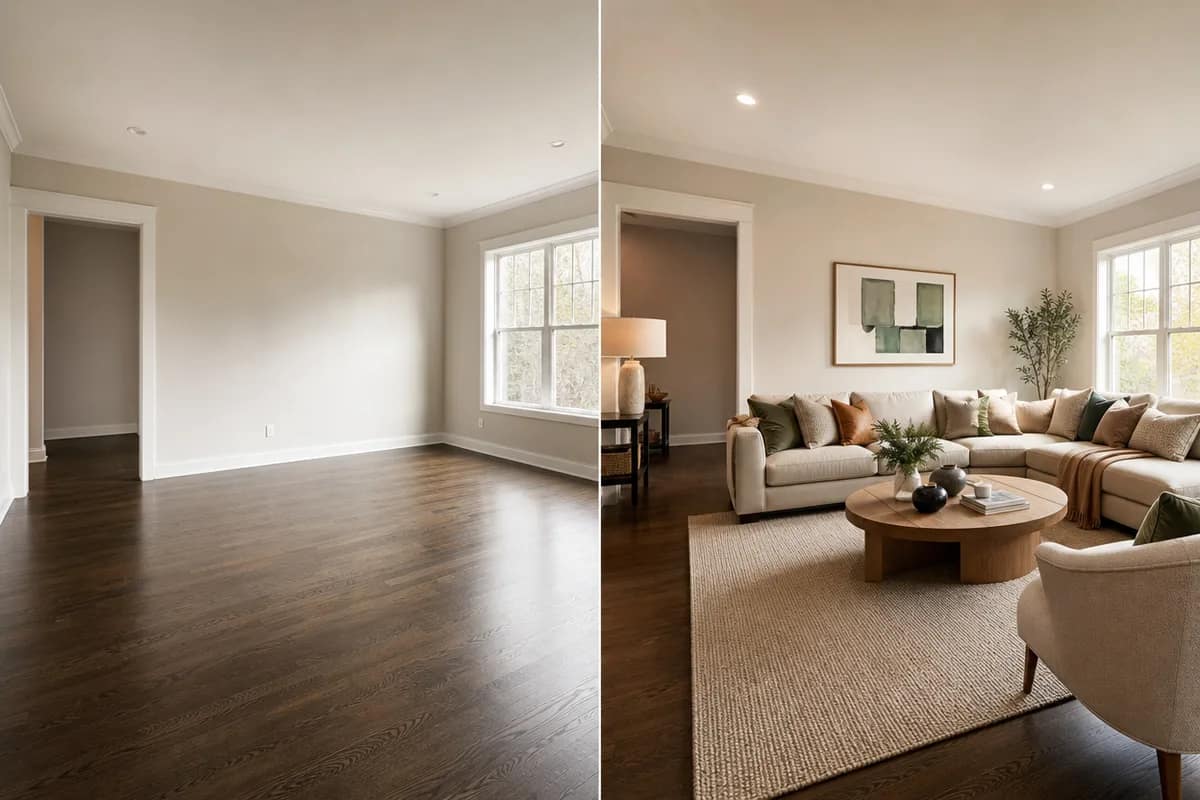
Preview Examples
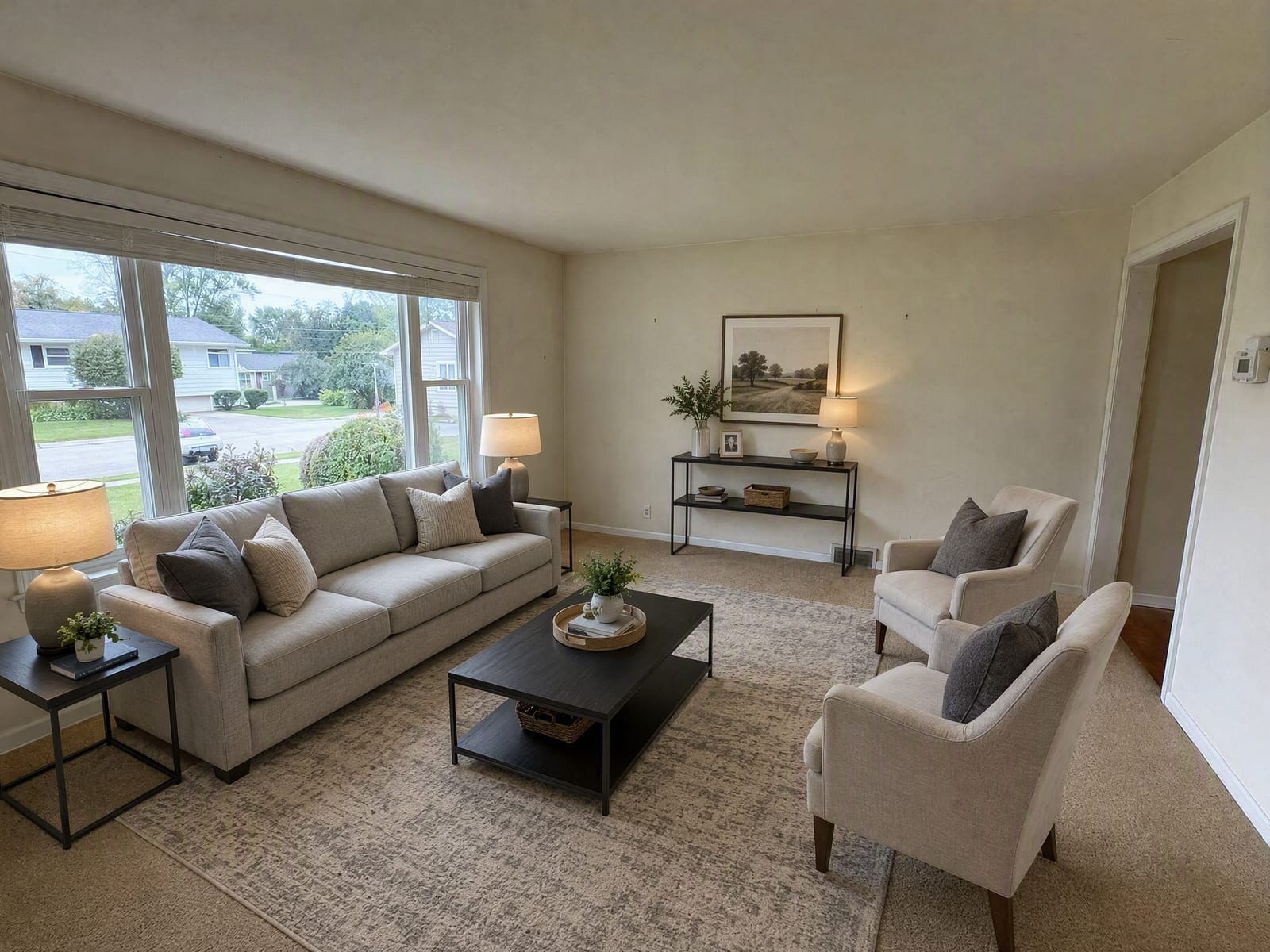
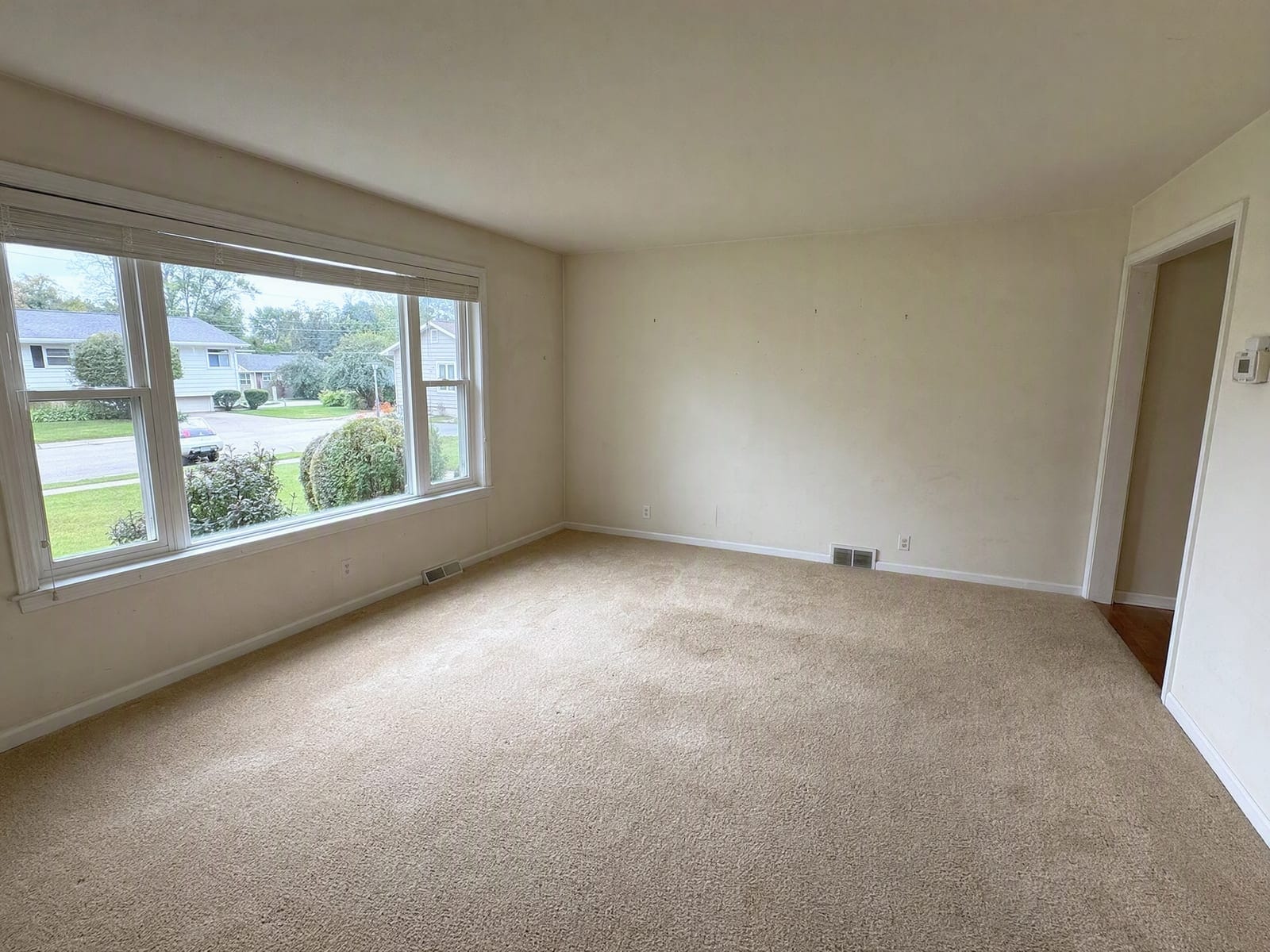
Drag the slider to compare
What is Virtual Staging AI?
Virtual Staging AI is an AI-powered tool that transforms your photos into professional results instantly.
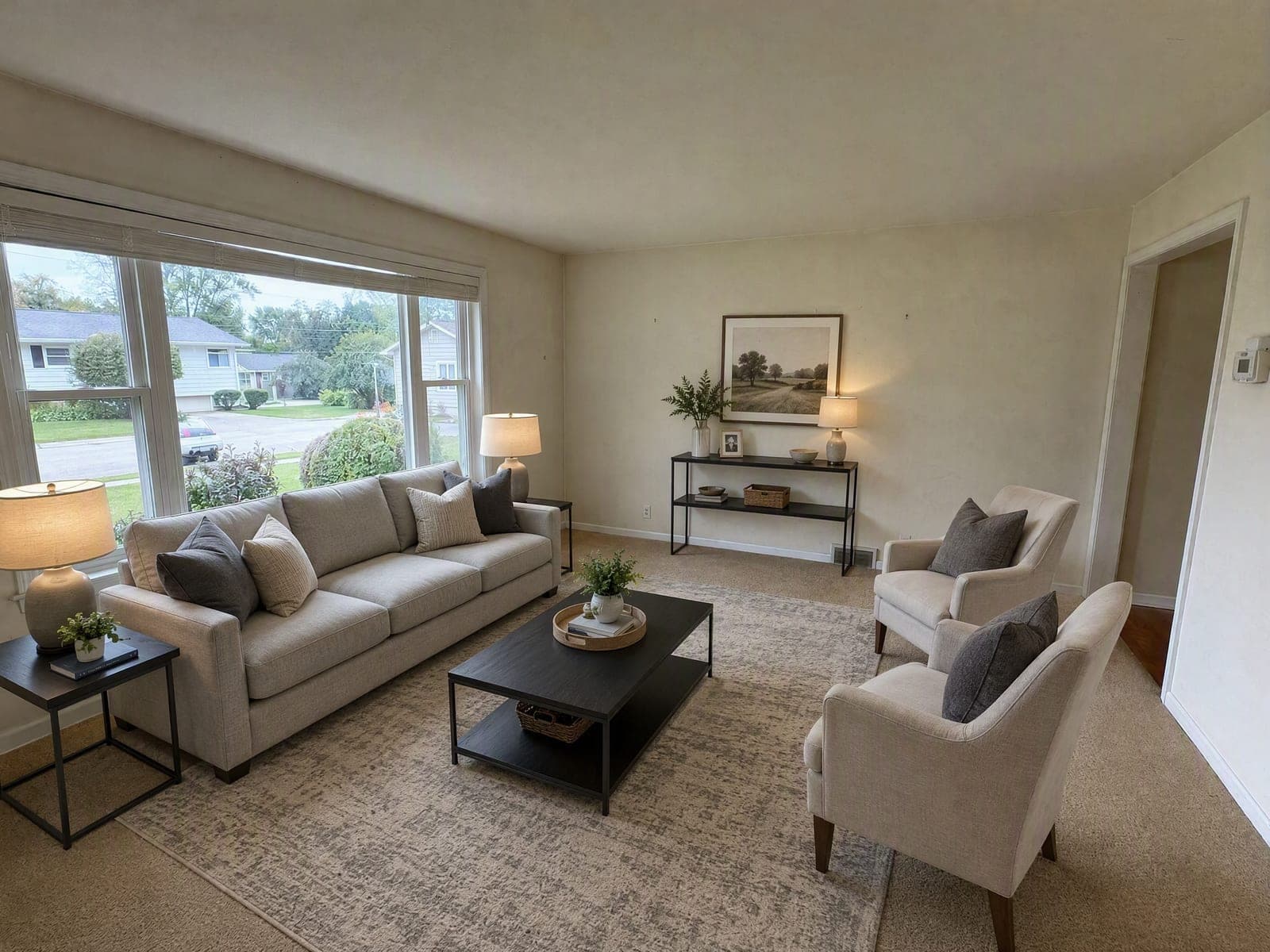
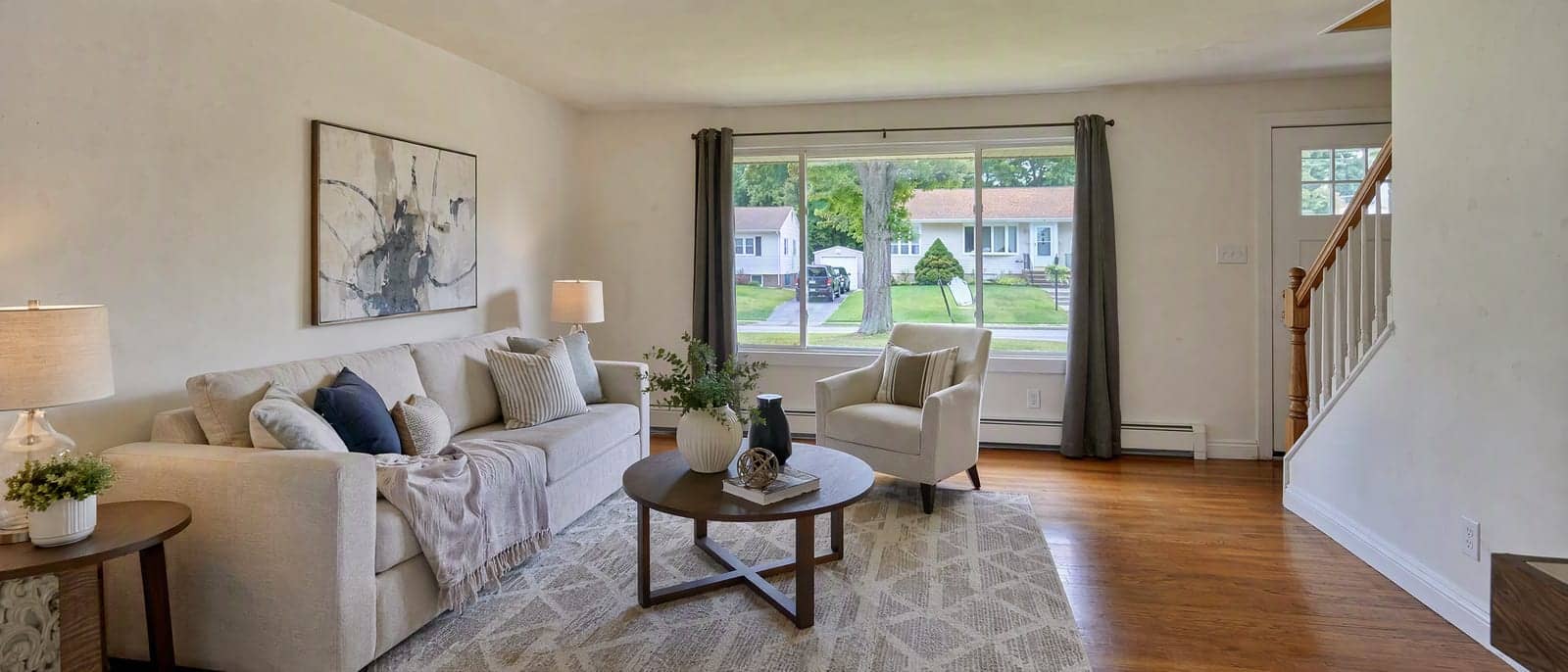
Why Agents Stage Listings With Our Virtual Staging AI
Professional quality, privacy protected, instant results
Keep the Same Property
Walls, windows, ceiling height and the view outside stay as you shot them. A buyer standing in the room recognizes it instantly.
Leave Defects Visible on Purpose
Cracks, damp patches, worn flooring and dated fixtures are never patched. Adding furniture is staging; repairing the property in an edit is misrepresentation.
Ship Every Photo Labeled as Staged
Results carry a Virtually Staged label by default. Keep it on and the disclosure travels with the image wherever it is posted.
See What You Can Do With Virtual Staging AI
Perfect for various professional scenarios, instant and secure
Furnish a Vacant Listing So Buyers Read It
Empty rooms make scale hard to judge and get scrolled past. Furnish your photo so the layout reads at a glance, without making the property look better than it is. Redesign a room you own
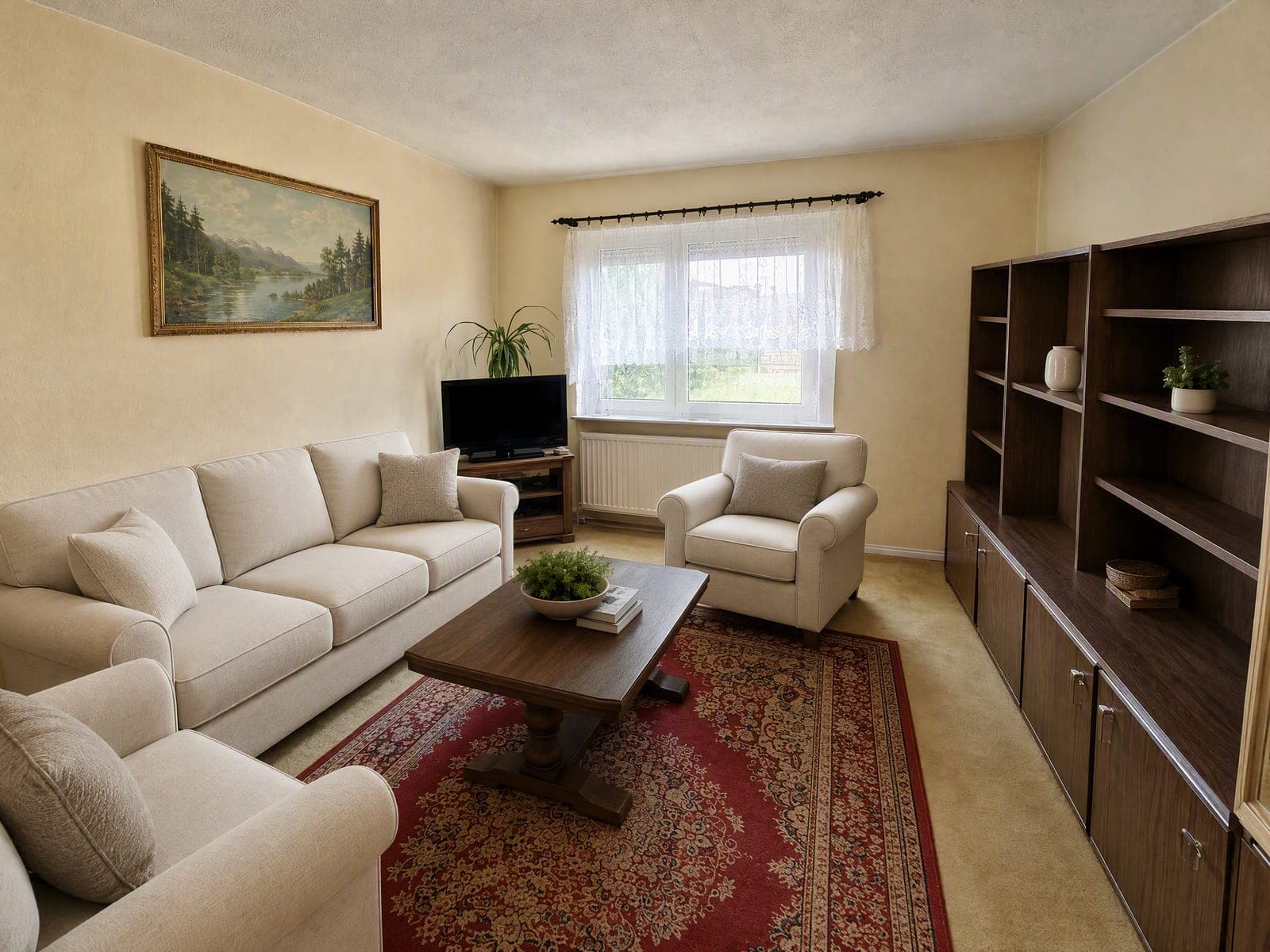
Swap Dated Furniture in an Occupied Home
The seller still lives there and their furniture is dated or personal. Replace it with neutral pieces of a similar footprint while the room itself stays untouched. Upscale listing photos
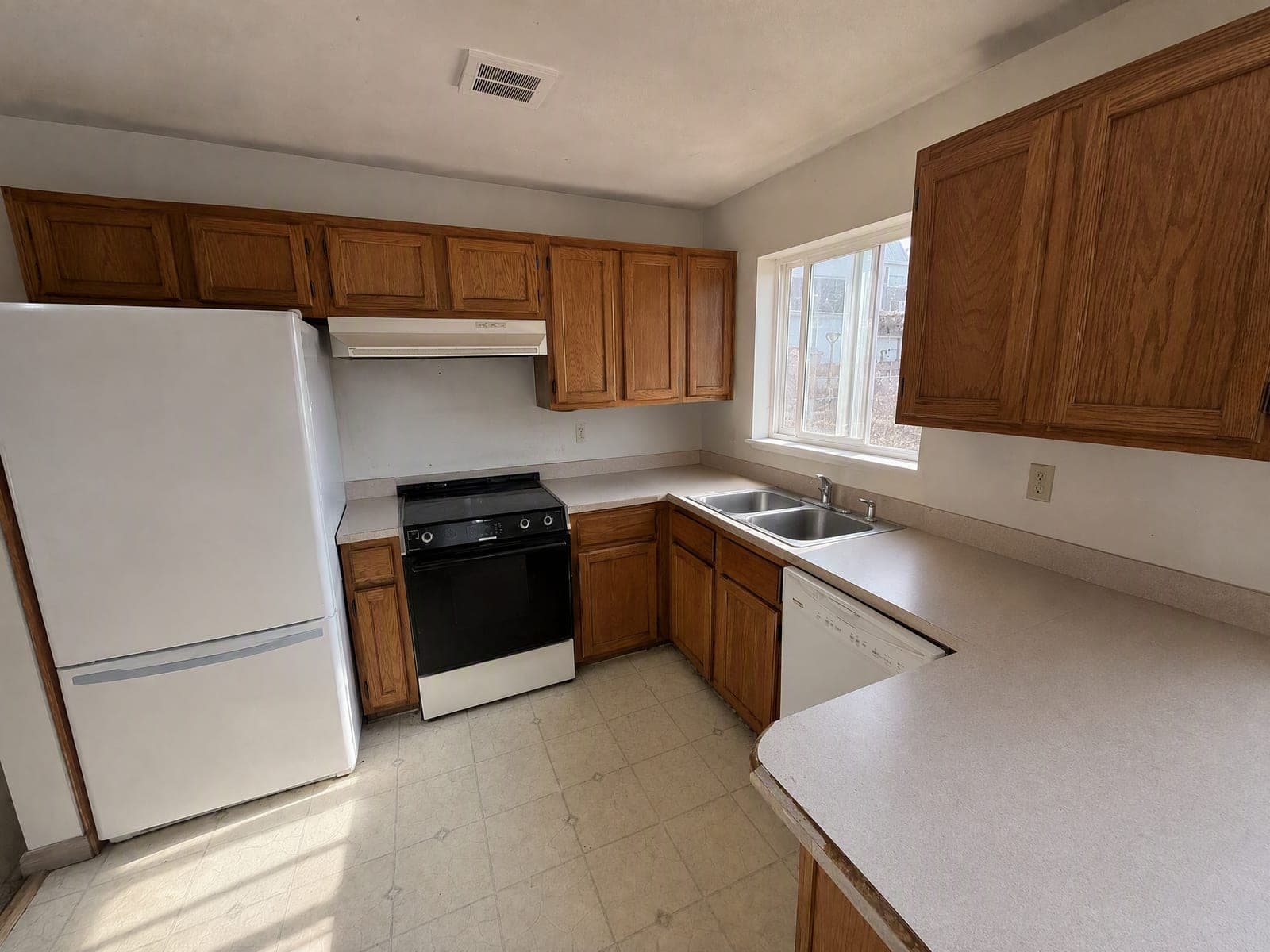
Clear Clutter Before a Rental Goes Live
You have ten minutes between viewings and a phone camera. Clear the clutter out of your shot without moving a thing, and post the listing today. Remove a single object
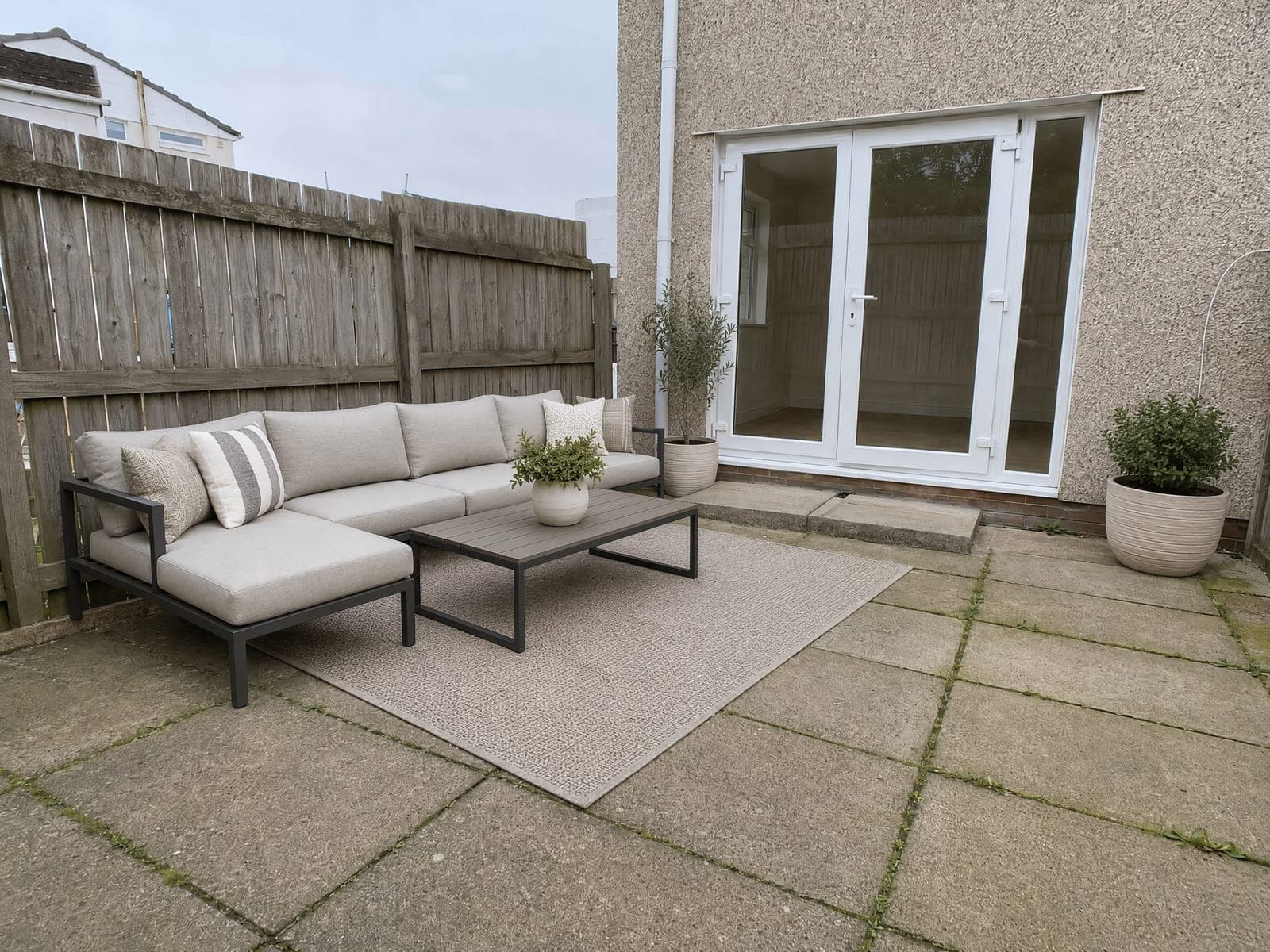
Stage the Patio and Depersonalize Every Room
Furnish a bare patio or balcony with outdoor pieces. Or strip family photos and personal items from your shot so buyers picture themselves there. Swap a photo background
Who Uses Virtual Staging AI
Four ways people use it every week

List vacant homes that buyers can picture living in
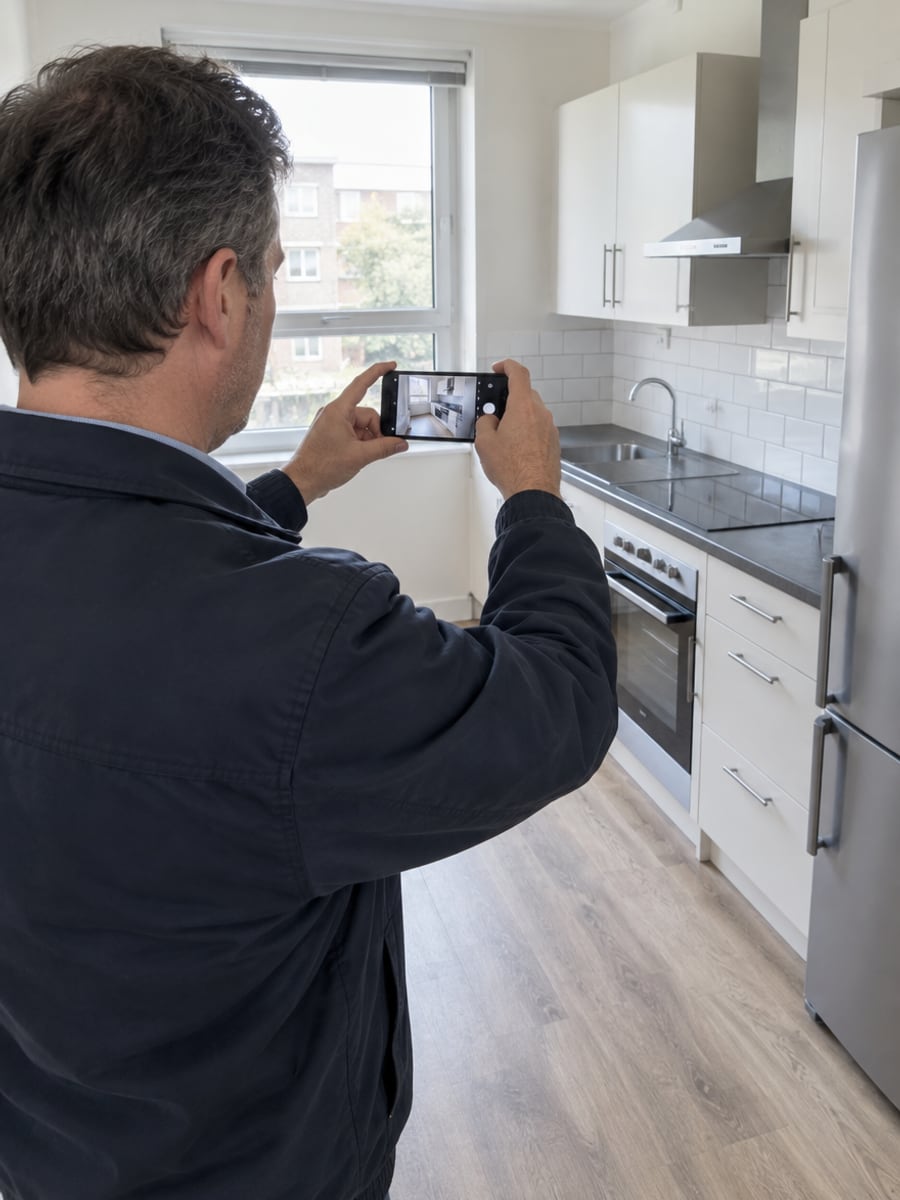
Get a rental listing up between two viewings

Show your home without the family clutter
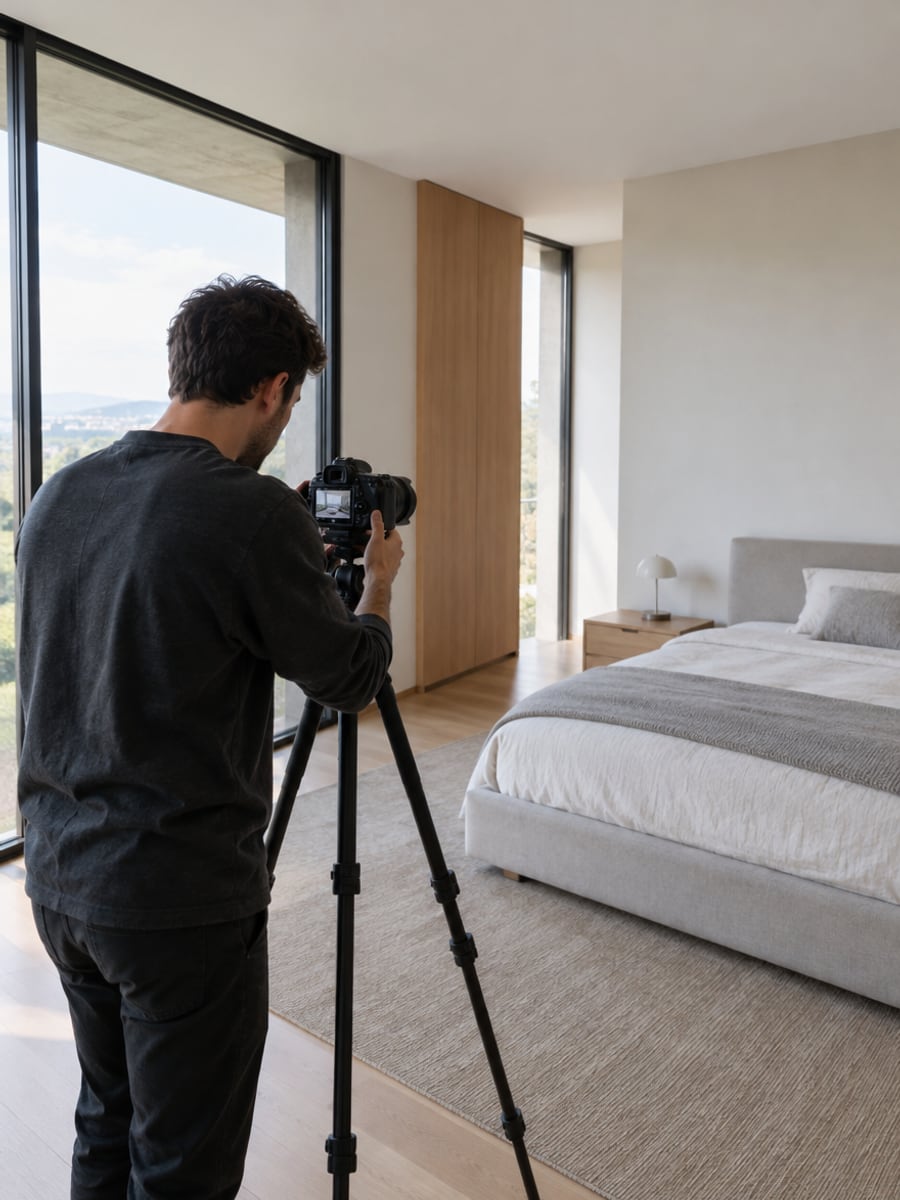
Add staging to the shoots you already deliver
How to Stage a Listing Photo With CreateVision
Upload your photo, select a style, and download your professional result instantly
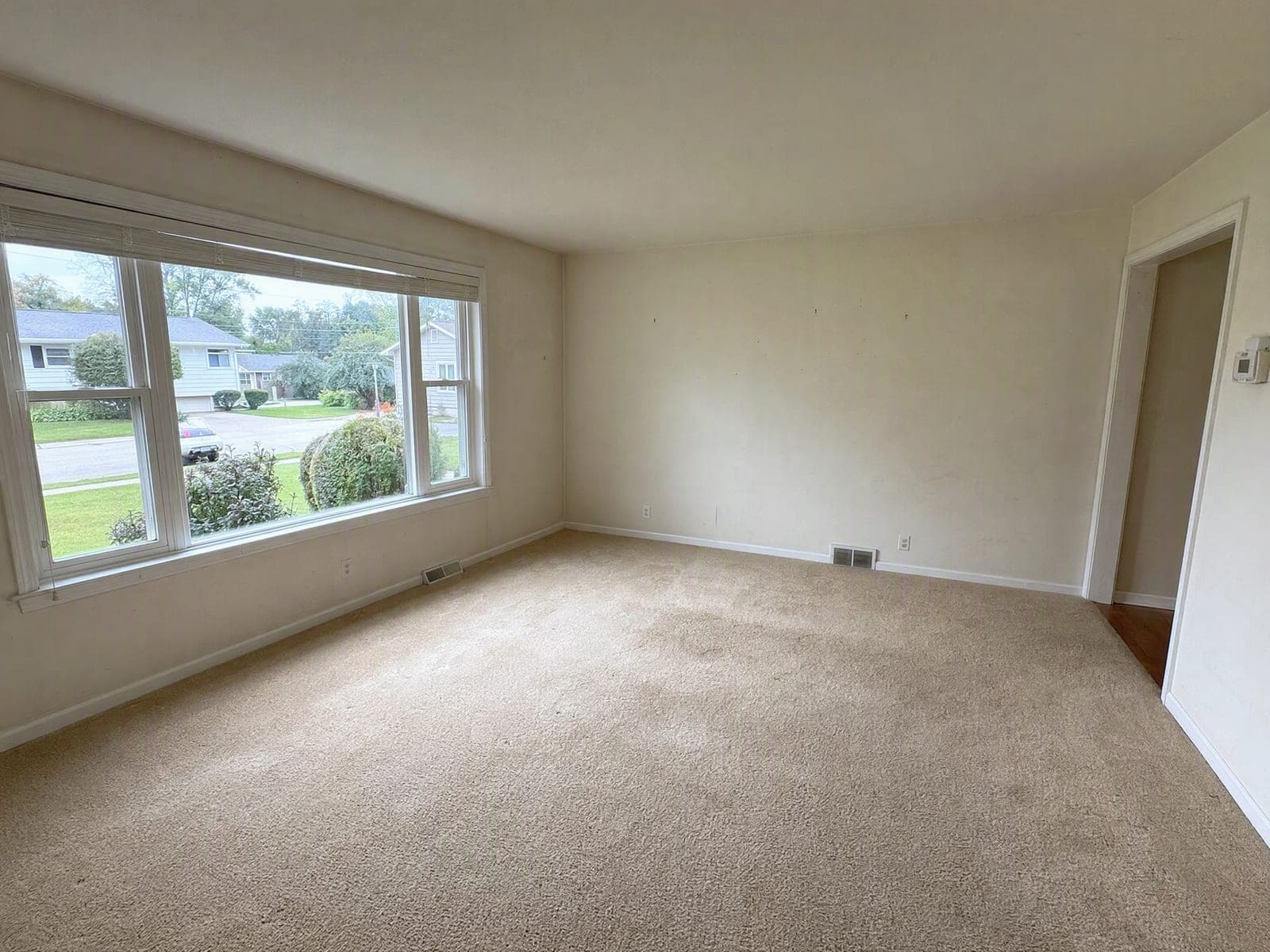
Upload the Listing Photo
Upload the room as you shot it. Output framing is measured from your photo, so what comes back lines up with the original.
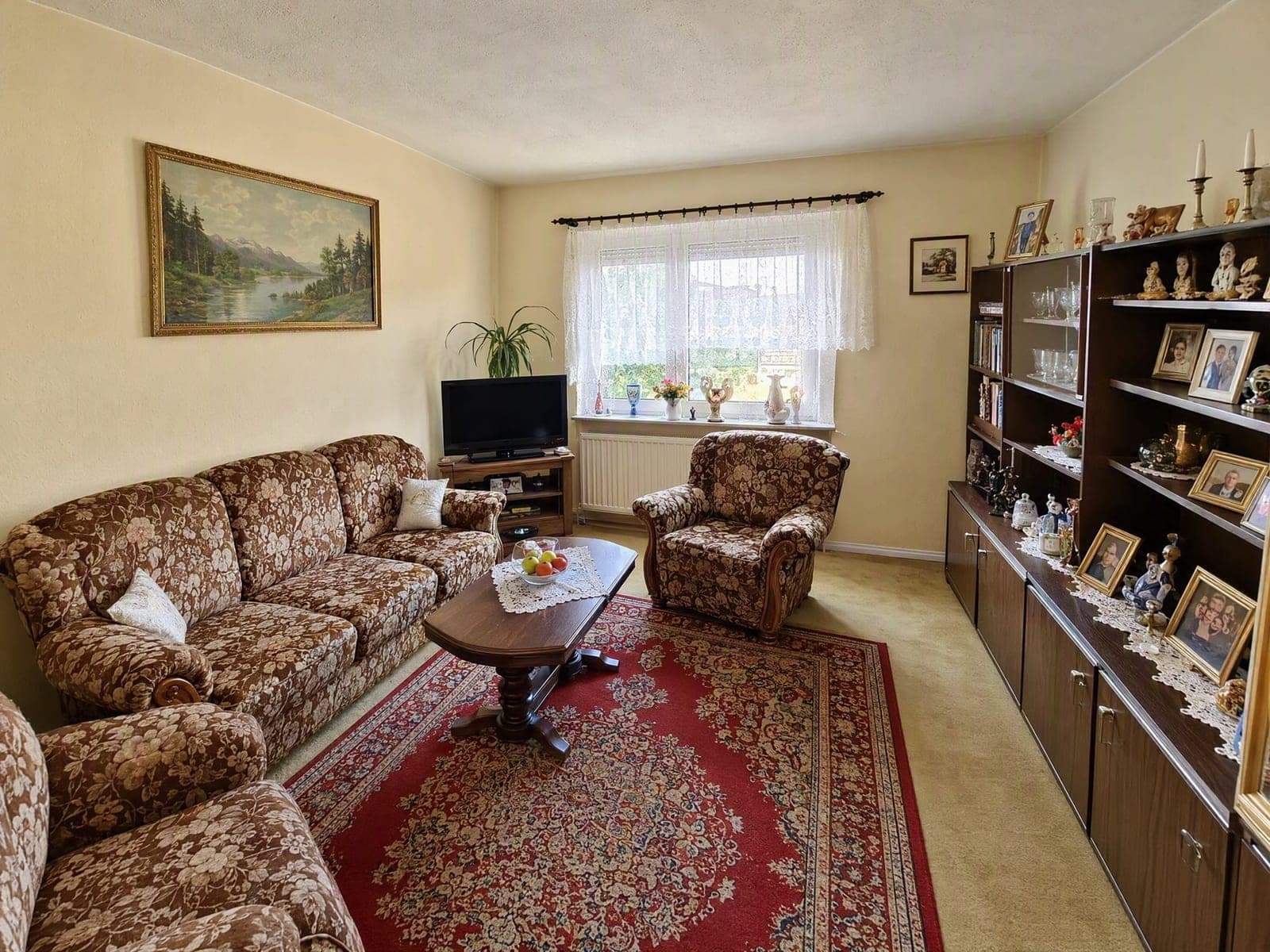
Pick the Job
Stage an empty room, replace the seller's furniture, empty the room out or just remove clutter. Then set the room type, style and how much furniture you want.
Download and Disclose
Results carry a Virtually Staged label by default. Keep it on and keep your original photo, which covers what most MLS disclosure rules ask for.
The All-in-One AI Creation Platform
One account for images, videos, an AI agent that works for you, expert AI mentors and 80+ ready-made tools.

AI Image & Video Generator
Every leading model in one workspace: Seedream, Nano Banana, GPT Image, Seedance, Veo and more.
Open
Ava, your AI creative agent
Describe what you need and Ava plans, generates and iterates for you.
Open
80+ AI tools
One-click tools for photos, videos, cards, portraits and viral trends.
Open
Template library
Thousands of ready prompts and styles to start from.
Open
Studios
Portrait, marketing, poster and cinema studios for finished work, not single shots.
Open
AI model library
Compare and pick the right image or video model for every job.
Open
AI mentors
Learn from expert mentors in photography, design and video, then create with their guidance.
Open190K+ creators
Using CreateVision to create and share
What Users Say
Real feedback from users worldwide
“I stopped using the tool we had because it kept repainting scuffed walls. Underwriting flagged one of those photos once and I never want that conversation again. This one leaves the wear alone, which sounds like a downgrade until you have had that conversation.”

“The thing that sold me is the window. Every other AI stager I tried invented a different view outside, and the client always notices. Here the view is the view.”

“Twelve units to turn over in a week. The clutter removal alone saved me two afternoons of moving other people's boxes around.”

Virtual Staging AI FAQs
Virtual staging AI adds furniture and decor to a photo of a real room so buyers can see how the space works. Instead of moving furniture in, you upload a listing photo and the AI furnishes it. Done properly, the room itself, its walls, windows, floor and condition, stays exactly as photographed.
The best one stages the room without changing the property. CreateVision keeps walls, windows, ceiling height, flooring and the view unchanged, and it leaves defects visible instead of hiding them. Results carry a Virtually Staged label by default, and you can stage empty rooms, replace furniture, empty a room, declutter or stage a patio.
Upload a listing photo and pick the job: stage an empty room, replace furniture, remove furniture, remove an object, declutter, depersonalize or stage an outdoor space. Set the room type, one of eight staging styles and light, standard or full furniture. The AI edits only what the job needs and keeps the camera angle and the room unchanged.
No, and the whole tool is built around that constraint. Camera angle, wall positions, ceiling height, window and door placement, flooring material and the view through the windows all come back unchanged. If a result does not read as the same room from the same spot, treat it as a failed result and run it again.
Each staged photo is priced by quality: 1K costs 40 credits, 2K costs 80 credits and 4K costs 240 credits. The default is 2K. You can start with 200 free credits from Google sign-up. For a full listing, a subscription or a credit pack covers the extra photos.
Yes, in every major market, provided you disclose it. NAR's Code of Ethics Article 12 requires REALTORS® to present a true picture, and Standard of Practice 12-10 prohibits manipulating listing content in a deceptive or misleading way. California's AB 723, in effect since 1 January 2026, requires a conspicuous disclosure on or next to every digitally altered image plus access to the unaltered original. Keep the Virtually Staged label on and keep your original upload, but check your own board's rules; this is not legal advice.
No, deliberately. The tool instructs the model to leave cracks, damp, water stains, worn flooring, peeling paint and dated fixtures exactly as photographed, and there is no setting that turns this off. A staged photo you cannot publish is worth less than no photo at all.
Stage Your Next Listing With Virtual Staging AI
Upload a listing photo and get it furnished, with the walls, windows and wear exactly as you shot them.
Related Tools You Might Like
Explore more AI creative tools



Related Tools You Might Like
Explore more AI creative tools