AI Bald Filter
See what you would look like bald
Tap to uploadDrop image or click
JPG · PNG · WebP
Preview Examples


Drag the slider to compare
What is AI Bald Filter?
AI Bald Filter is an AI-powered tool that transforms your photos into professional results instantly.

Why Use Our AI Bald Filter on Your Photo
Professional quality, privacy protected, instant results
Keep Your Own Face
Your features, facial hair, skin tone, head shape, ears, clothing and background stay locked. Only the hair changes.
Compare Eight Bald Looks
Fully shaved is one answer. A receding hairline, a thinning crown and the horseshoe pattern look very different on the same head.
Get a Scalp That Reads as Real
The scalp is slightly lighter where hair used to shade it, with follicle shadow and highlights that match the light in your photo.
See What You Can Do With the AI Bald Filter
Perfect for various professional scenarios, instant and secure
Decide Before the Clippers Come Out
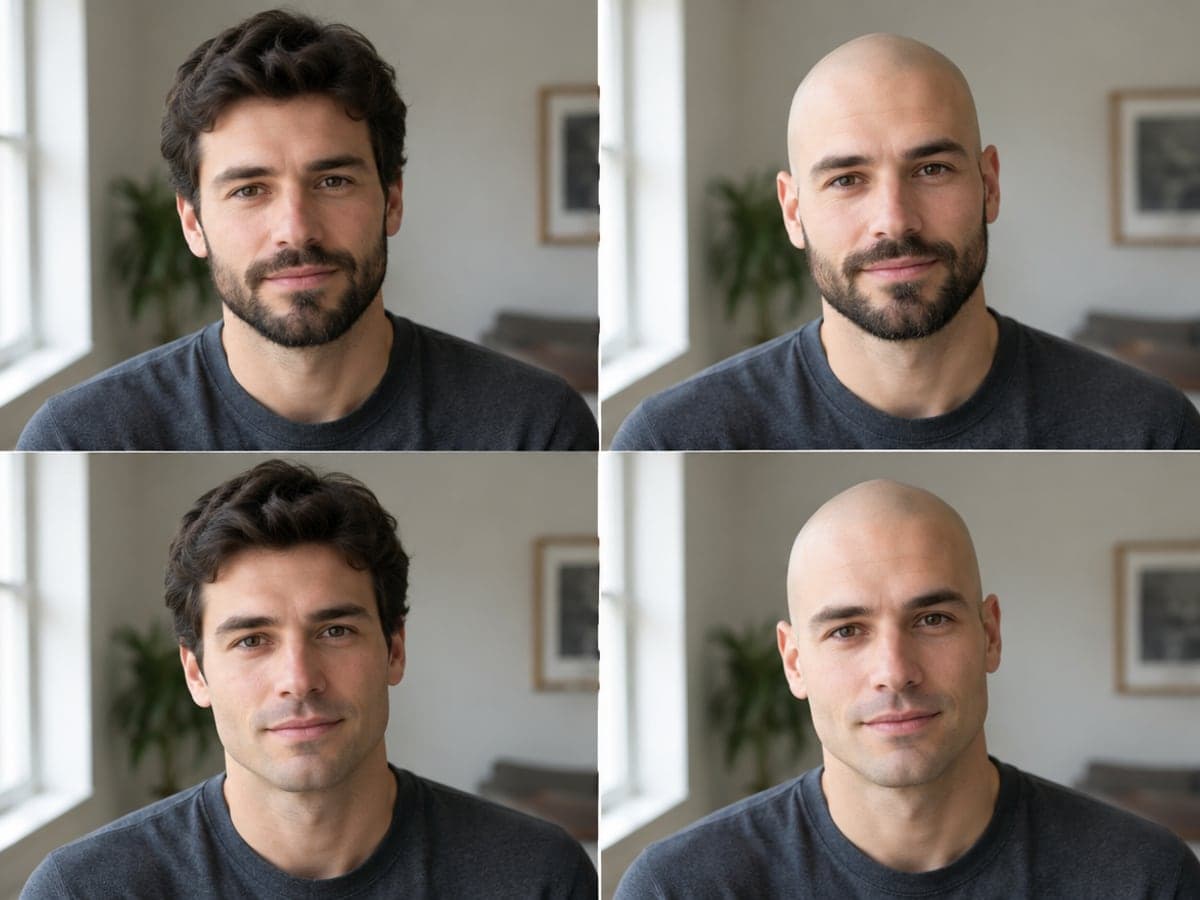
Shaving your head is a one-way decision for months. See the result on your own face first, with and without a beard, then decide. Try a new haircut
See What Each Thinning Stage Looks Like
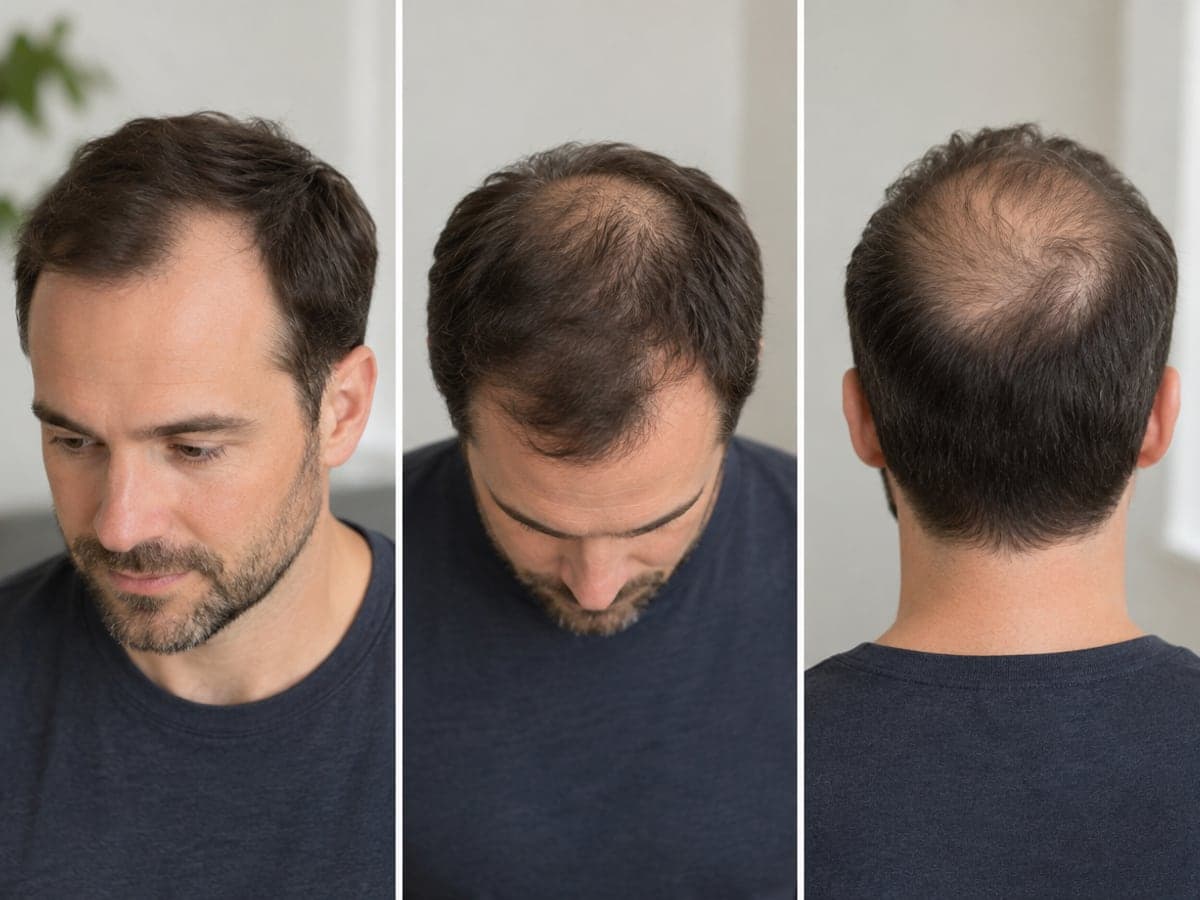
Compare a receding hairline, a thinning crown and the horseshoe pattern on your own photo. Treat them as illustrations of each look, not forecasts. See yourself older
Try a Shaved Head With Long Hair
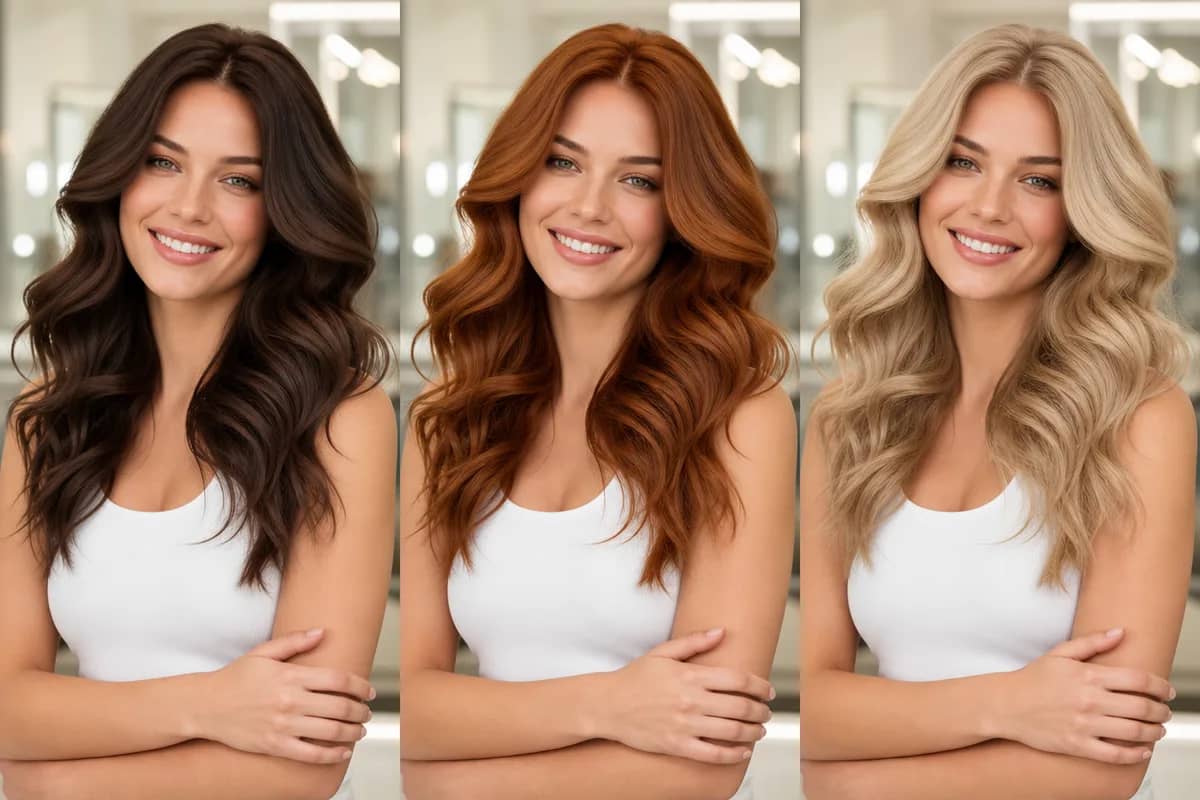
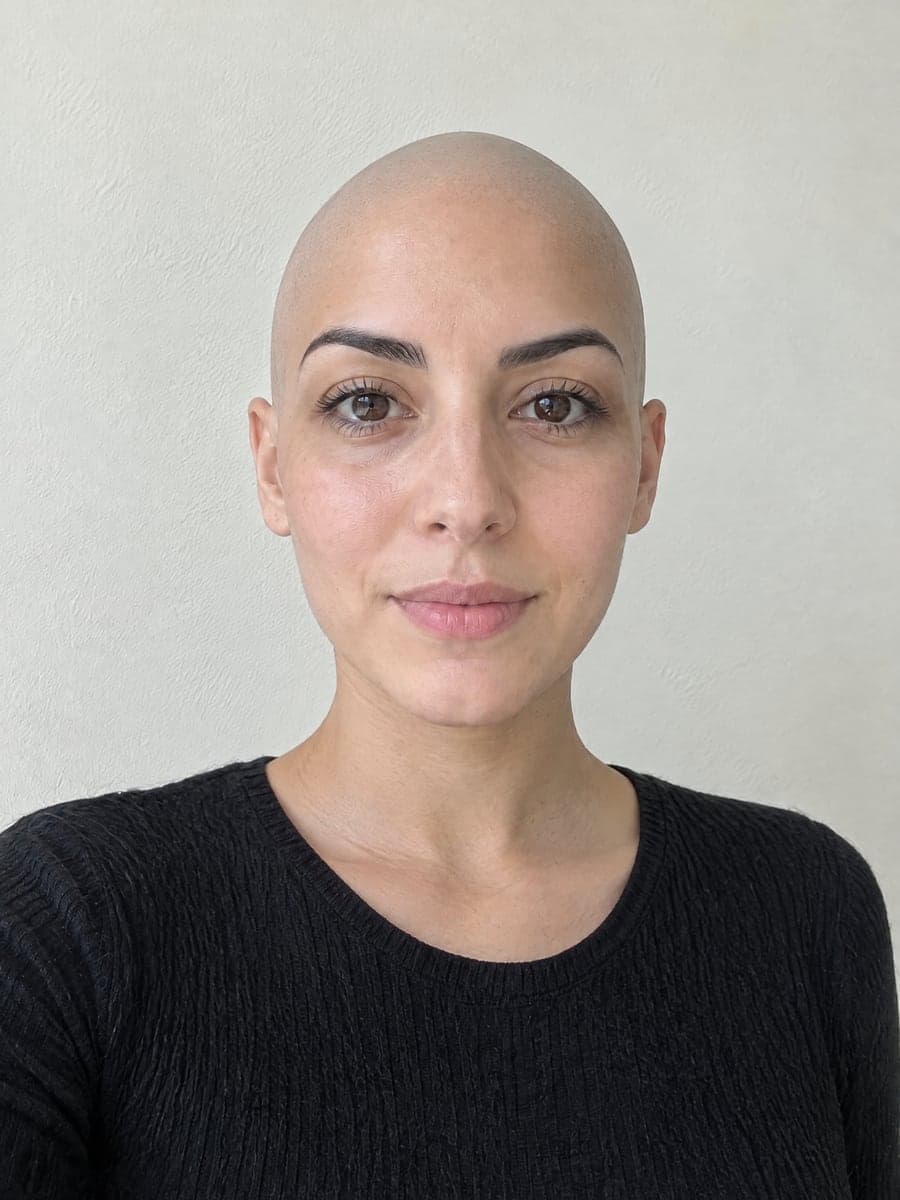
The shaved look works for any hair length or gender. With long hair, the AI also rebuilds the neck, ears and shoulders your hair was covering. Change your hair color
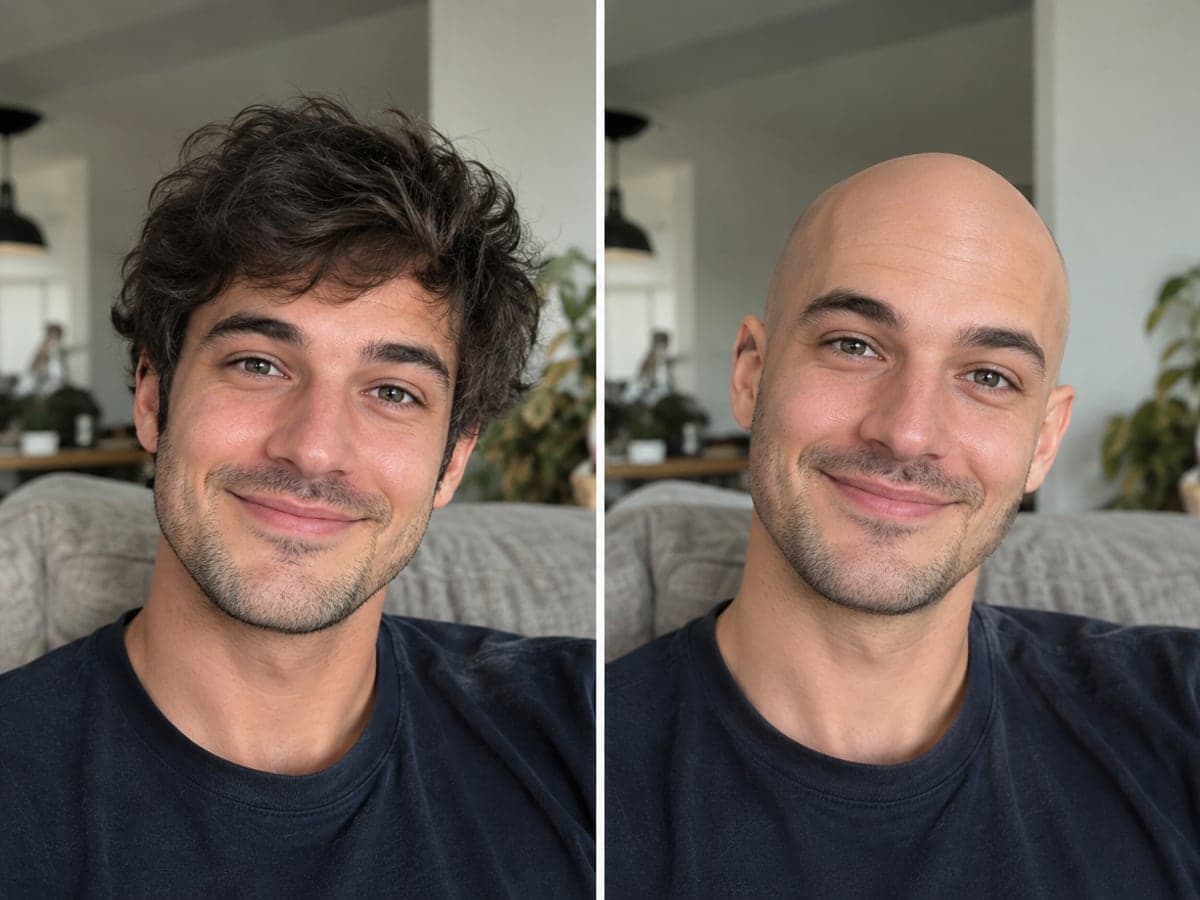
Drop the Classic Bald Joke in Chat
The bald filter is a running joke for a reason. Run it on your own photo, save the result and send it to the group chat. Change your outfit
Who Uses AI Bald Filter
Four ways people use it every week

See your shaved head before you commit

Picture each stage of thinning on your face
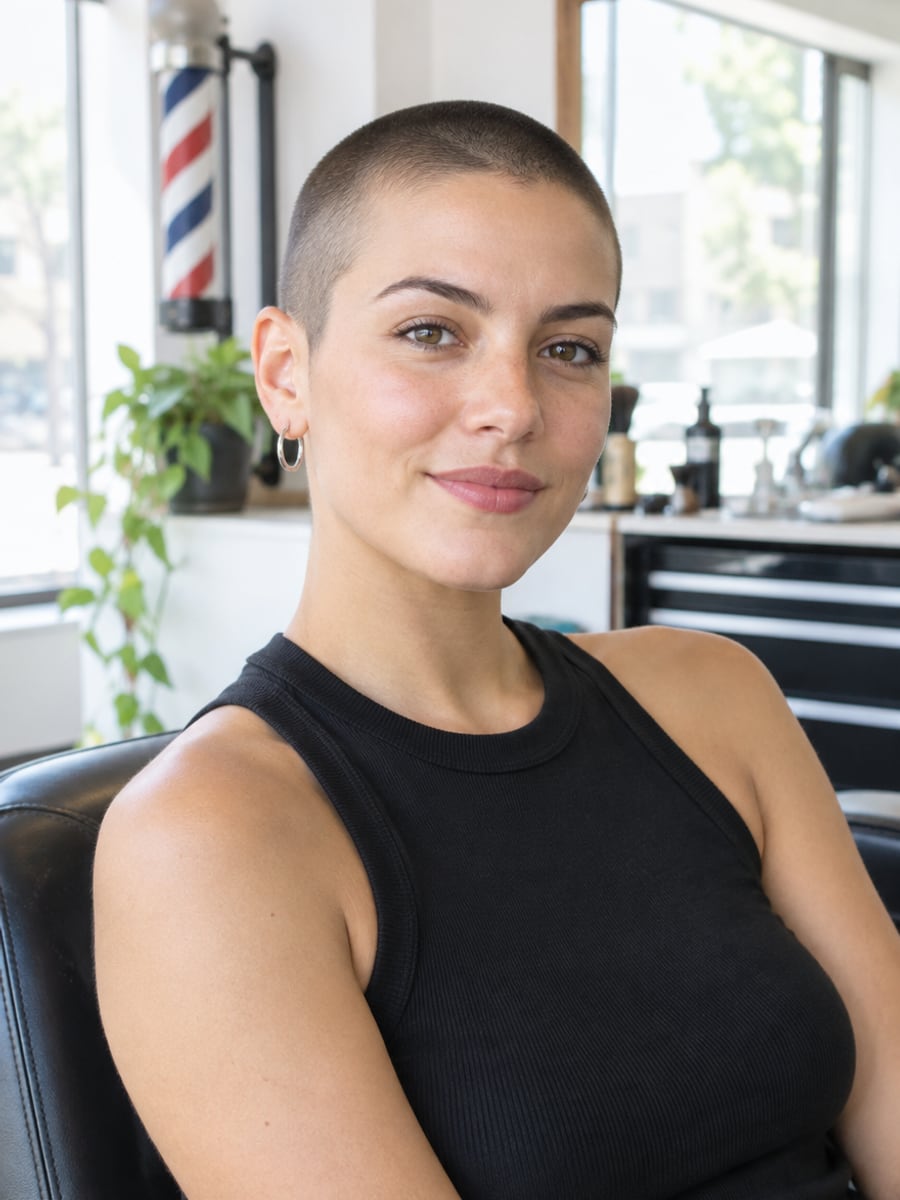
Test a bold buzz cut without the regret

Share a laugh with a bald selfie
How to Try a Bald Look with CreateVision
Upload your photo, select a style, and download your professional result instantly

Upload a Photo
Pick a photo where your whole head is visible and the light is even. A front-facing shot with no hat works best.

Pick a Look
Choose from eight looks: fully shaved, buzz cut, bald with stubble or a beard, receding hairline, thinning crown, horseshoe, or shaved and grey.

Slide to Compare
Drag the before and after slider to see the difference on your own face, then download the result at full resolution.
The All-in-One AI Creation Platform
One account for images, videos, an AI agent that works for you, expert AI mentors and 80+ ready-made tools.

AI Image & Video Generator
Every leading model in one workspace: Seedream, Nano Banana, GPT Image, Seedance, Veo and more.
Open
Ava, your AI creative agent
Describe what you need and Ava plans, generates and iterates for you.
Open
80+ AI tools
One-click tools for photos, videos, cards, portraits and viral trends.
Open
Template library
Thousands of ready prompts and styles to start from.
Open
Studios
Portrait, marketing, poster and cinema studios for finished work, not single shots.
Open
AI model library
Compare and pick the right image or video model for every job.
Open
AI mentors
Learn from expert mentors in photography, design and video, then create with their guidance.
Open190K+ creators
Using CreateVision to create and share
FAQs About Our AI Bald Filter
The AI bald filter shows you what you would look like bald. Upload one clear photo and the AI removes the hair from your scalp while keeping your face, facial hair, head shape, skin tone, clothing and background as they are. You can compare eight looks side by side with your original.
CreateVision's bald filter works from your actual photo instead of pasting a generic bald head on top. It locks your features before the hair goes and renders a scalp that matches the light in your photo. You also get eight looks, from fully shaved to three stages of thinning, plus a slider to compare.
You upload a photo, pick one of eight looks and choose a style engine. The AI edits only the hair on your scalp and keeps everything else in the photo. Then you drag the before and after slider to compare and download the result.
A clear, evenly lit photo where your whole head is visible and you are not wearing a hat, hood or headscarf. Front-facing or a slight three-quarter angle works best. Very dark photos, heavy motion blur and photos cropped above the hairline give weaker results. Long hair and any gender work too.
Each result costs 50 credits with the default Precise engine, 60 with Natural or 40 with Identity. You can start with 200 free credits from Google sign-up. Free accounts download with a small CreateVision mark, and subscribers and credit-pack buyers can turn it off.
Only with that person's permission. Altering someone's appearance without consent, and especially publishing it, is a misuse of this tool. Uploaded photos are deleted automatically within 24 hours, and your results stay in your private gallery until you delete them.
No. This is a visual filter, not a medical tool. It does not analyze your hair, diagnose anything or predict whether or how your hair will thin. If you are worried about hair loss, speak to a dermatologist or a doctor.
See Yourself Bald With the AI Bald Filter
One photo, eight looks and a slider to compare them with the hair you have now.
Related Tools You Might Like
Explore more AI creative tools