Hotel Lobby AI Video Generator – Two Photos, One Orange Booth, Your Song
The duo-booth format everyone is remixing — made clean. Pick 15 seconds of vocals from a song you made with the AI Rap Generator or an upload, put two performers in the booth (your photos or preset characters), choose an engine, and get a vertical 9:16 clip with your original vocals mixed back in. From 135 credits, refunded if it fails.
or upload your photo
Two front-facing photos, or pick two preset characters below
Preview
What is Hotel Lobby AI Video?
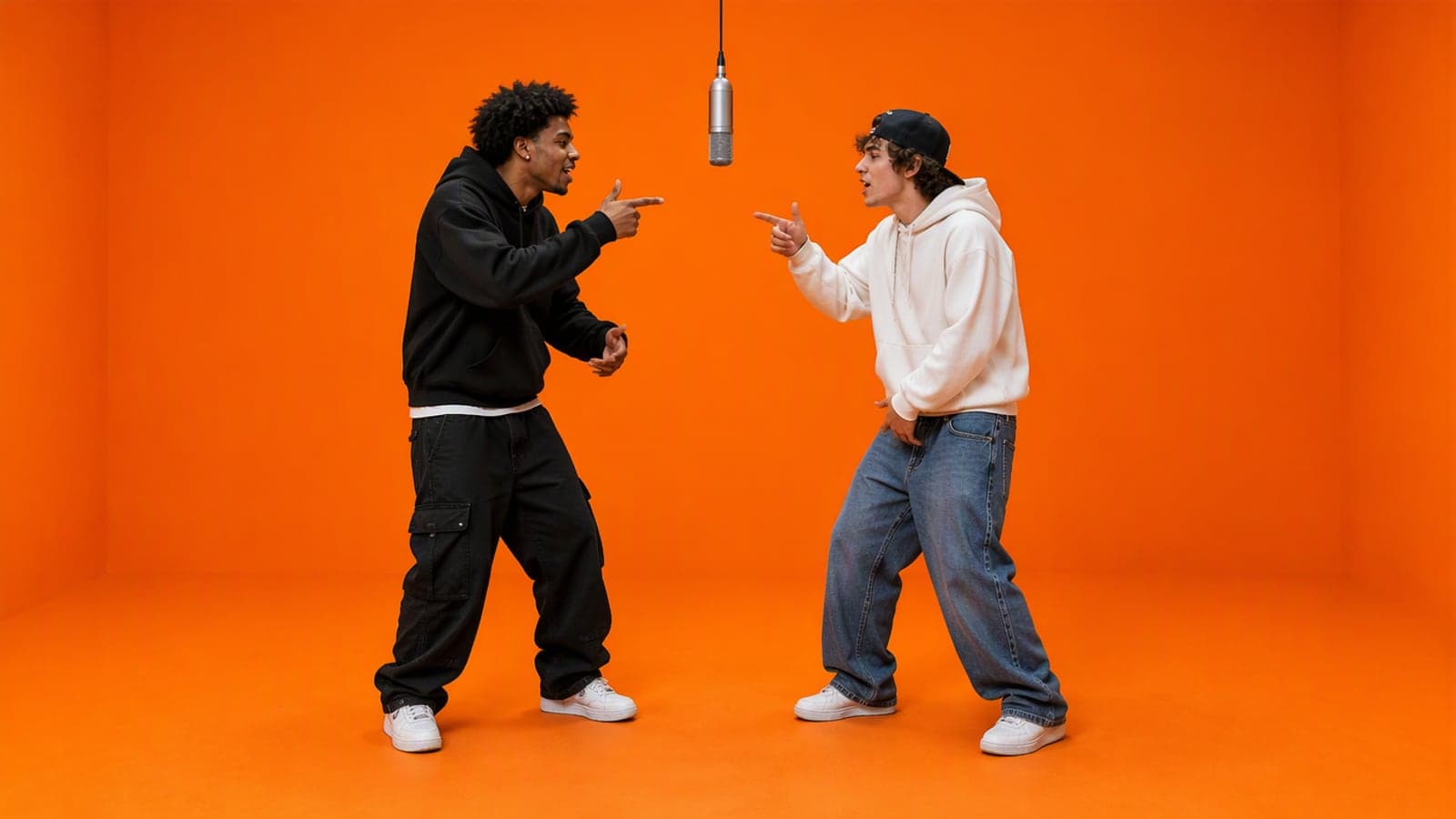
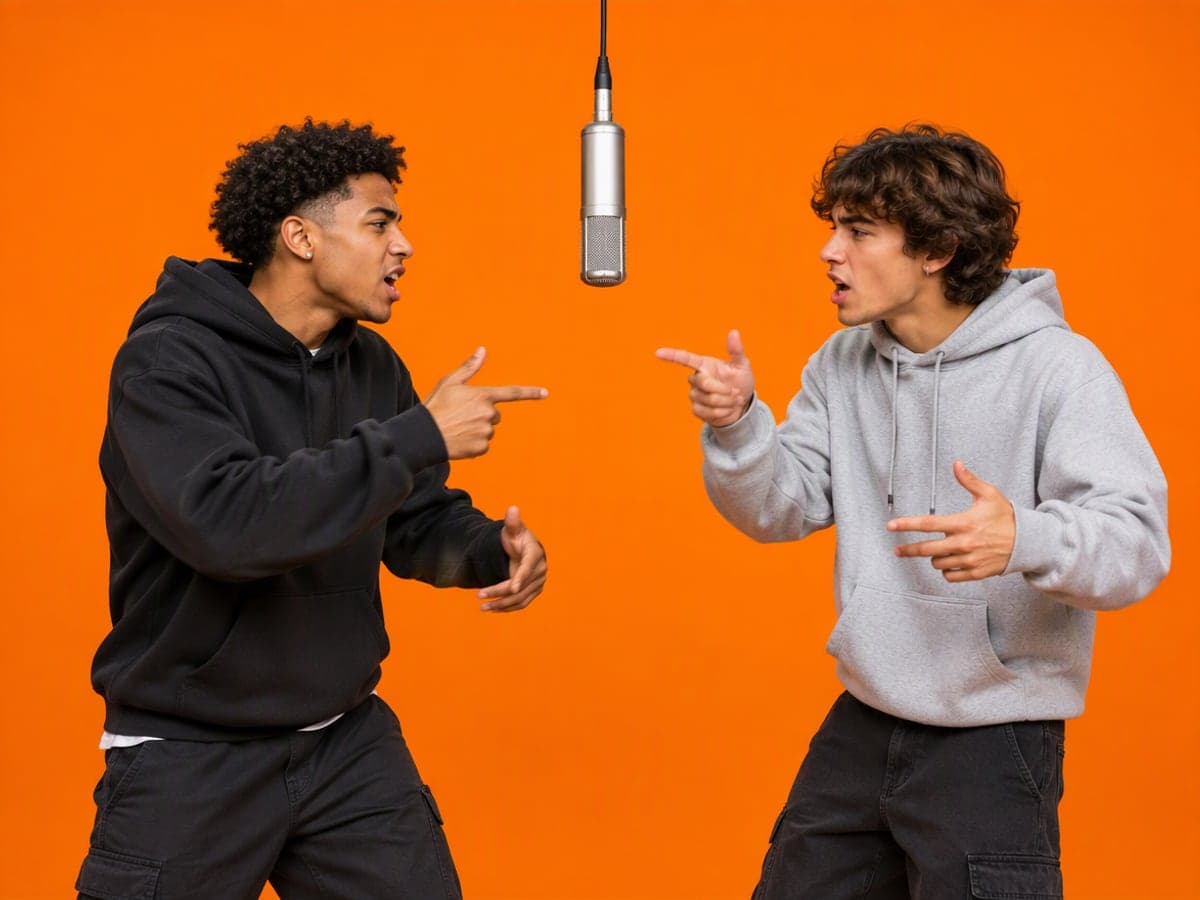
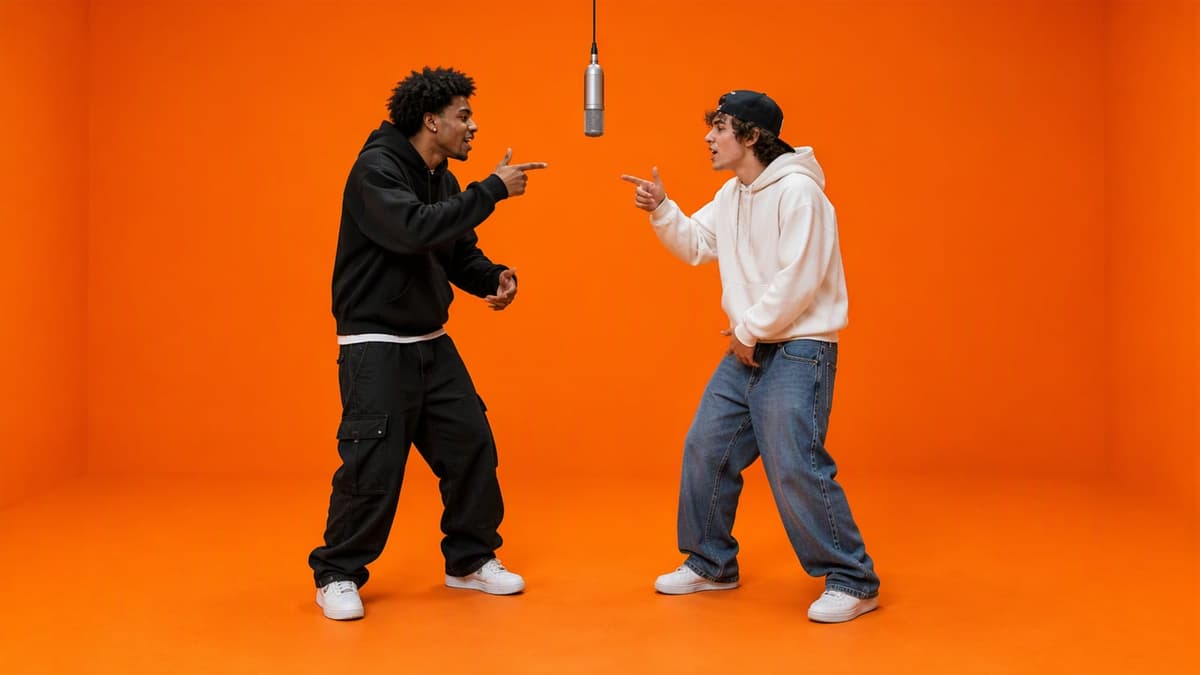
Hotel Lobby AI Video Generator makes the viral duo-booth video — the trend also searched as "Migos AI" or "Hotel Lobby song AI" — without touching anyone's recording: two performers stand side by side in a bright orange studio booth with one microphone hanging between them and trade bars to 15 seconds of your own song. Use two photos or two preset characters, pick Grok, Seedance Mini or Seedance Fast, and your original vocals are mixed back into the finished clip.
Why Choose Hotel Lobby AI Video?
Made for everyday people, not editors.
Built for two
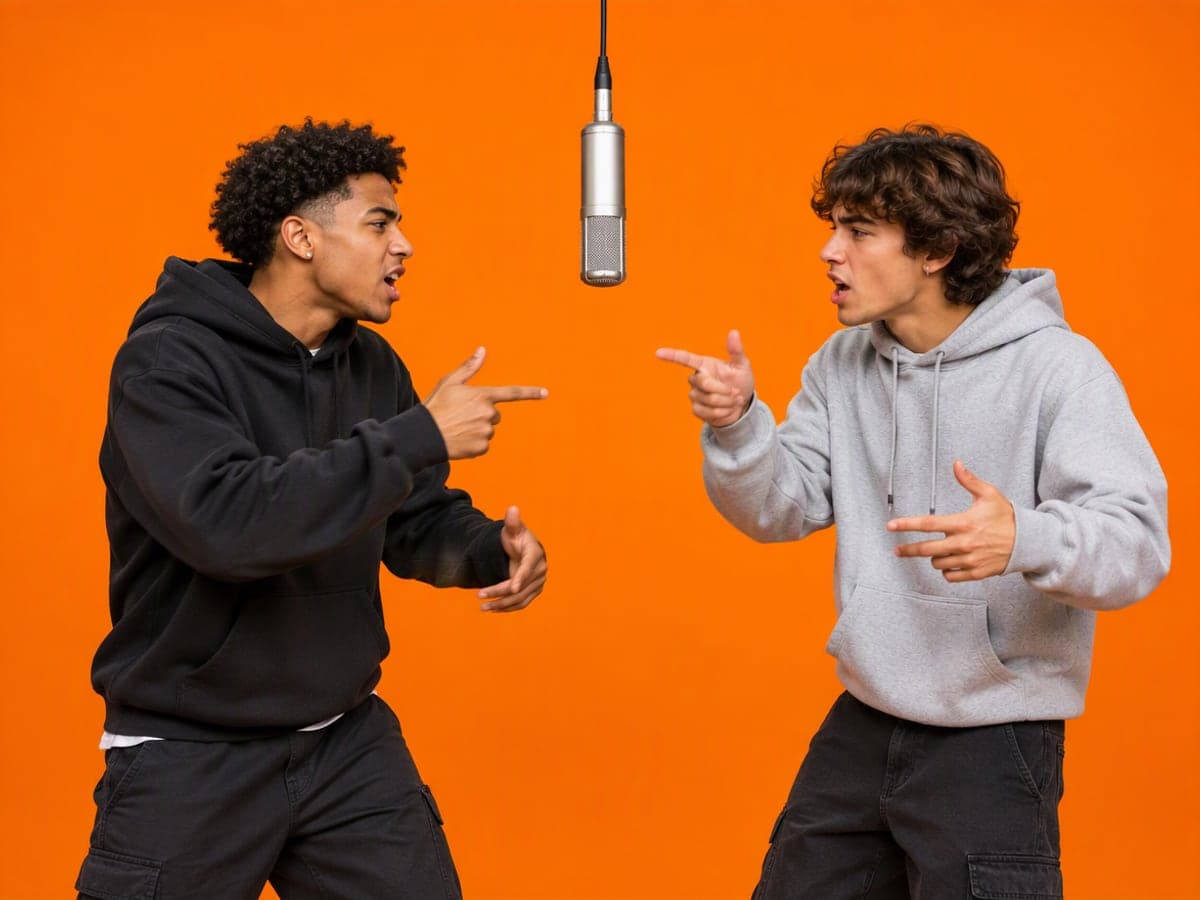
Two performer slots, one shared mic. The engine keeps both faces, hair and outfits from your photos while they trade bars and point at each other on the beat.
Your track, your vocals
The video is made to your own song and your original vocal clip is mixed back into the final file — not a re-rendered soundalike.
Nothing to take down
A generic orange booth, a hanging mic and your own music. No original song, no original footage, no artist names — so the clip can live on your channel.
What Can You Use Hotel Lobby AI Video For?
Real moments, ready to share — pick the one that fits.
Roast your friends in the booth
Two friends, one diss track from the AI Rap Generator, fifteen seconds of pointing at each other. The group chat will not recover.
Duo release visual
Put yourself and your collaborator in the booth with your own hook and post the clip as the teaser for the drop.
Team or brand skit
Two mascots or two teammates trading bars about your product, made to a jingle you wrote in the lyrics generator. Watermark-free with a subscription.
How to Use Hotel Lobby AI Video in 3 Simple Steps
Three small steps to a video you'll actually want to send.
🎵Step 1:Pick 15 seconds of vocals
Choose one of your recent songs from the AI Rap Generator or upload a track, then drag the 15-second window to the part with the best hook or verse.

🧑🤝🧑Step 2:Put two performers in the booth
Upload two front-facing photos, or pick two preset characters — one for the left mic, one for the right. Mix and match: your face next to the cat mascot works.

✨Step 3:Generate & download
Choose an engine and click Generate. In one to three minutes you get a vertical MP4 with your original vocals mixed in. Download it or run it again with different performers.
Hotel Lobby AI Video Generator – Two Photos, One Orange Booth, Your Song
The duo-booth format everyone is remixing — made clean. Pick 15 seconds of vocals from a song you made with the AI Rap Generator or an upload, put two performers in the booth (your photos or preset characters), choose an engine, and get a vertical 9:16 clip with your original vocals mixed back in. From 135 credits, refunded if it fails.
Frequently Asked Questions About Hotel Lobby AI Video
It is the viral format — also called the Migos AI trend — that grew out of Quavo and Takeoff's 2022 COLORS performance of "Hotel Lobby": two performers in a bright orange booth with a single hanging microphone, trading bars. This tool recreates the booth and the duo performance with your own performers and your own song.
No. The vocals are always yours — a track you made in the AI Rap Generator or one you upload — and the booth is a generic orange set generated from scratch. Nothing from the original recording or footage is used, so there is nothing to be taken down.
Yes. Upload two front-facing photos, one per slot, or mix a photo with a preset character. Faces, hair and outfits are kept from the photos you provide.
Grok is the fastest and cheapest and gives a lively performance; Seedance Mini is the balance; Seedance Fast follows the vocals most closely for lip-sync. All three deliver the same 15-second vertical clip with your original vocals mixed in.
A 15-second clip at 480p costs 135 credits with Grok, 225 with Seedance Mini and 525 with Seedance Fast (720p: 255 / 450 / 1,125). Grok is charged when you click Generate and refunded if the job fails; the Seedance engines hold the credits and only charge when the video completes. No watermark on the download.
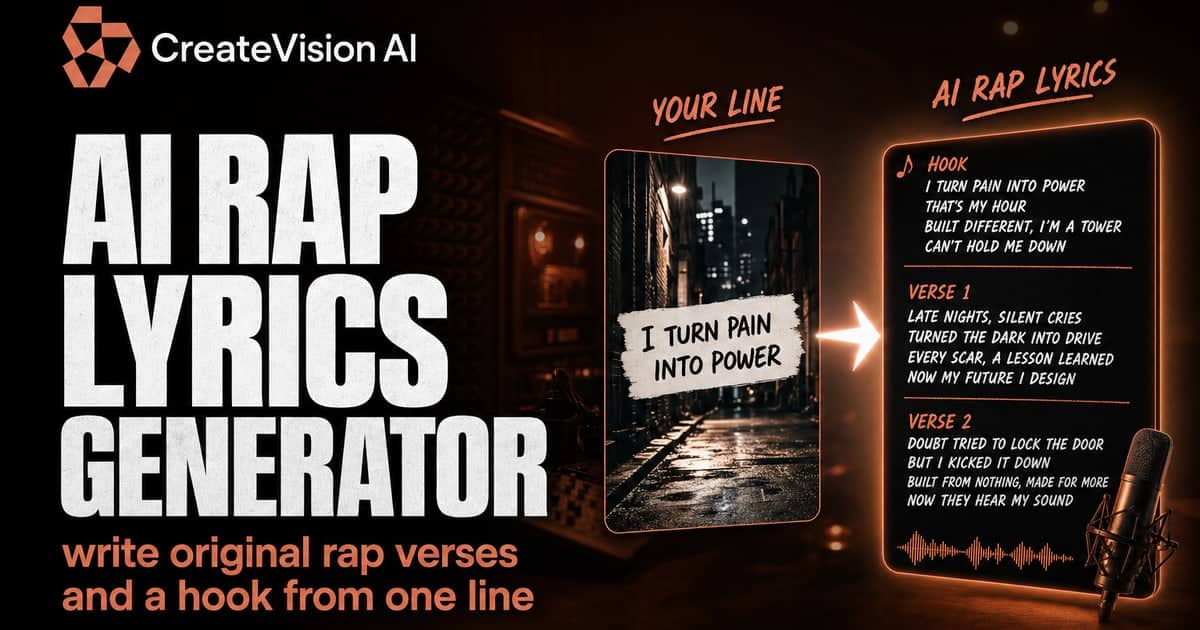
From your recent songs in the AI Rap Generator (write lyrics in the AI Rap Lyrics Generator first if you like) or from an audio file you upload. You pick which 15 seconds go into the video.
This tool is fixed to the orange booth and 15 seconds, on purpose. For other scenes — night street, rooftop, anime, lo-fi bedroom — use the AI Rap Video Generator with the same vocals.
Three steps. 1) Pick 15 seconds of vocals — a song from the AI Rap Generator or an audio file you upload. 2) Add two front-facing photos, one per mic, or choose preset characters. 3) Choose an engine and click Generate. One to three minutes later you download a vertical 9:16 MP4 ready for TikTok, Reels or Shorts.
Not a fully free one here: a clip starts at 135 credits with the Grok engine. The one-time $9 starter pack gives 500 credits — three Grok clips — and pack credits never expire. Grok is refunded automatically if a job fails, and the download has no watermark.
Related Tools You Might Like
Explore more AI creative tools