Digital human workspace

AI Avatar Video Generator

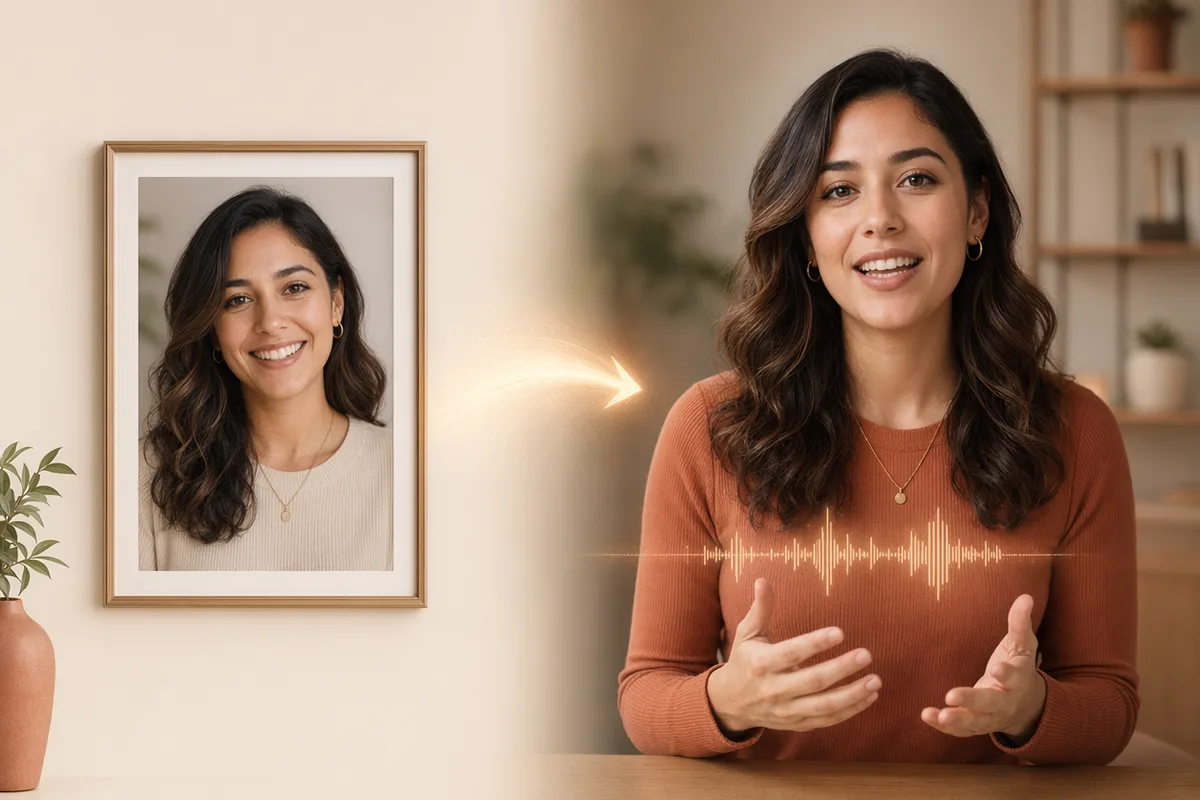
Upload a portrait photo and an audio track (up to 35s), and OmniHuman 1.5 generates a talking avatar video with synced lips and natural motion.

Photo + audioTalking avatarDigital human

From one photo to a talking video

A single portrait plus a script becomes a lifelike spokesperson — synced lips, expressions, and gestures. No camera, no studio.

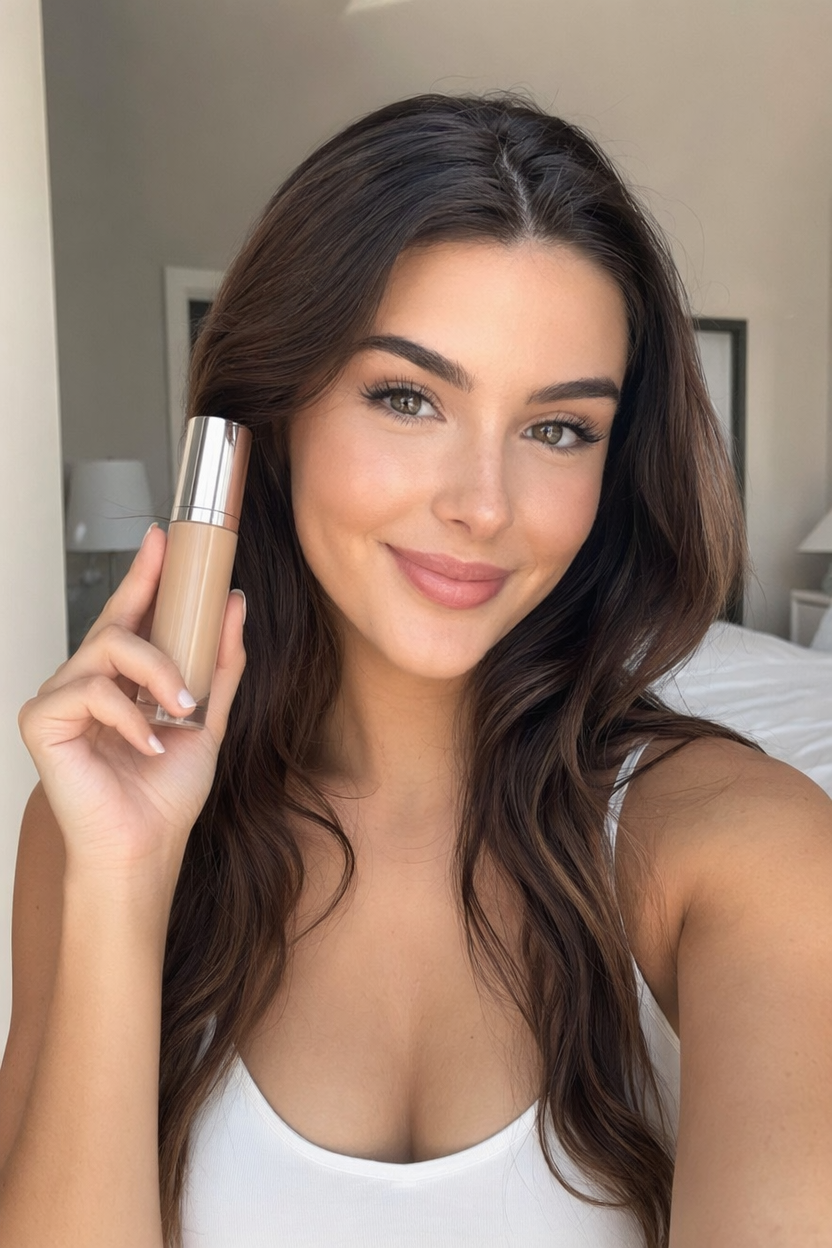
Original imageOriginal portrait photo of a beauty creator holding a skincare product
Script

Hey everyone! I am so excited to share my new favorite foundation. It blends in seamlessly for a flawless, natural finish, and it actually feels lightweight all day. A little goes a long way, so one bottle lasts for months.

AI avatar video

Powered by Leading Avatar & Video Models

OmniHuman 1.5 drives the talking avatar; switch to other top video models in the same workspace.

Get Inspired

A glimpse of talking AI avatars people are creating with CreateVision AI.

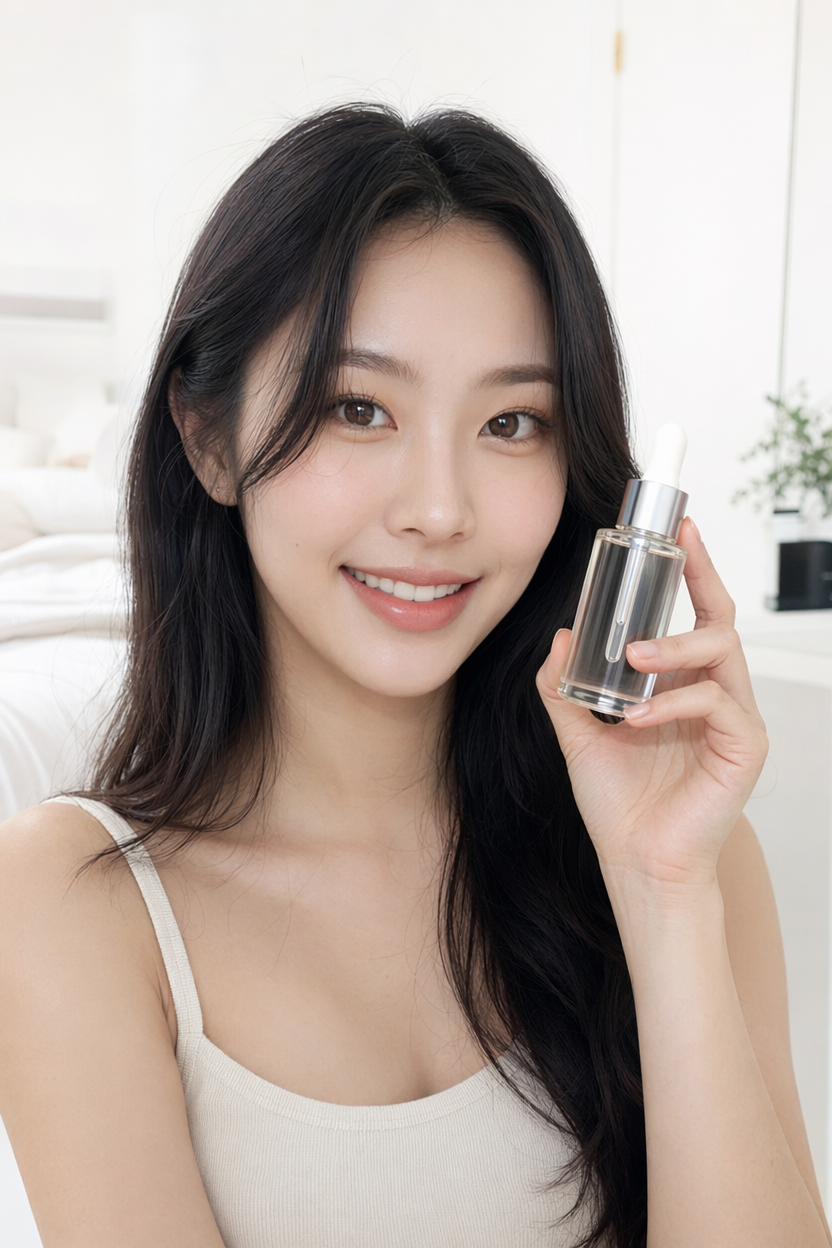
AI avatar of a beauty creator presenting a skincare serum
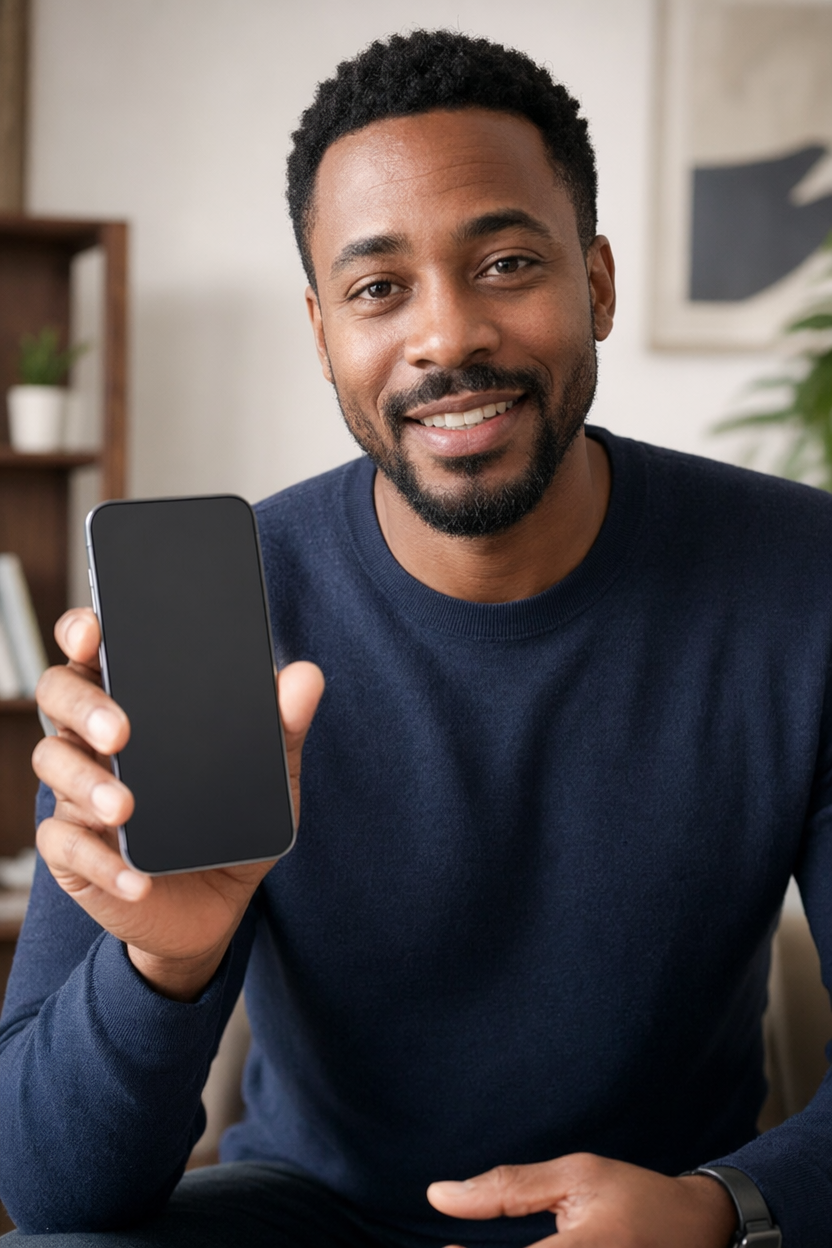
AI avatar of a tech reviewer presenting a smartphone
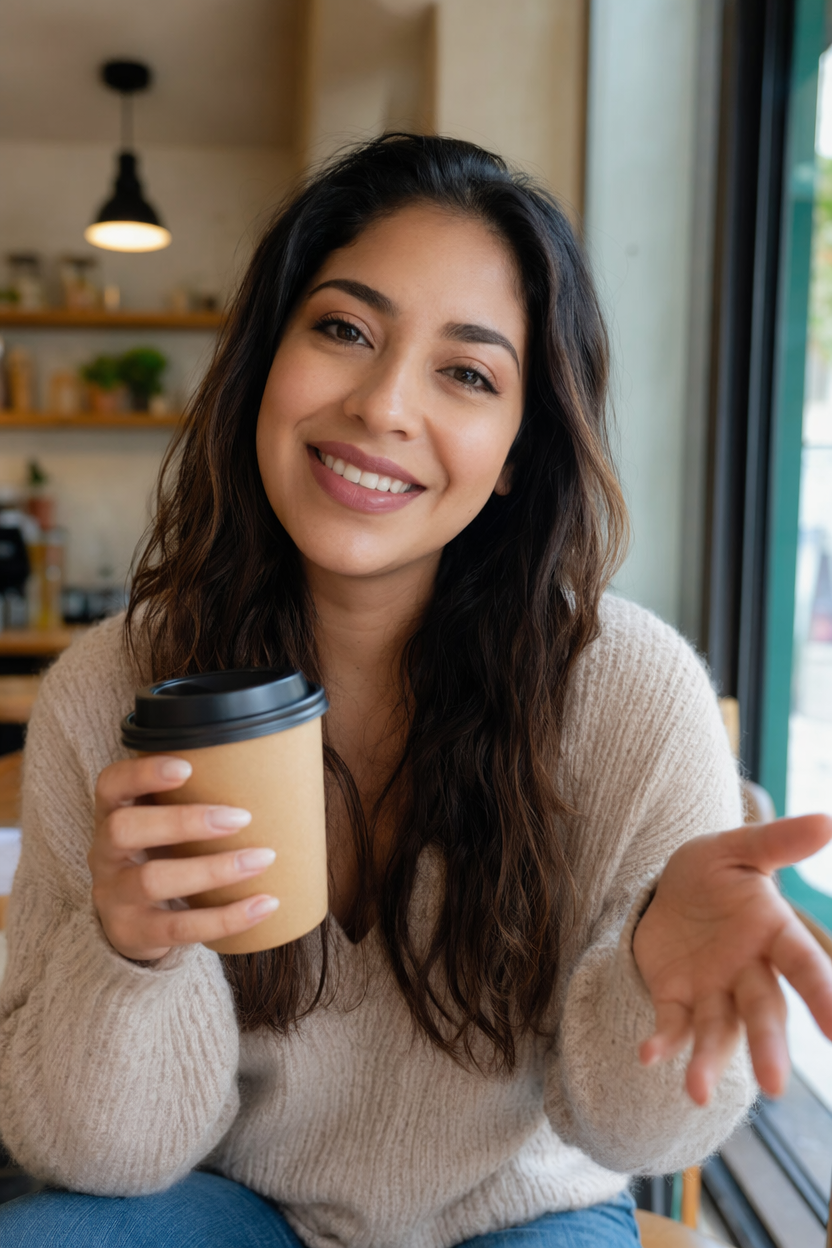
AI avatar of a lifestyle creator with a coffee cup
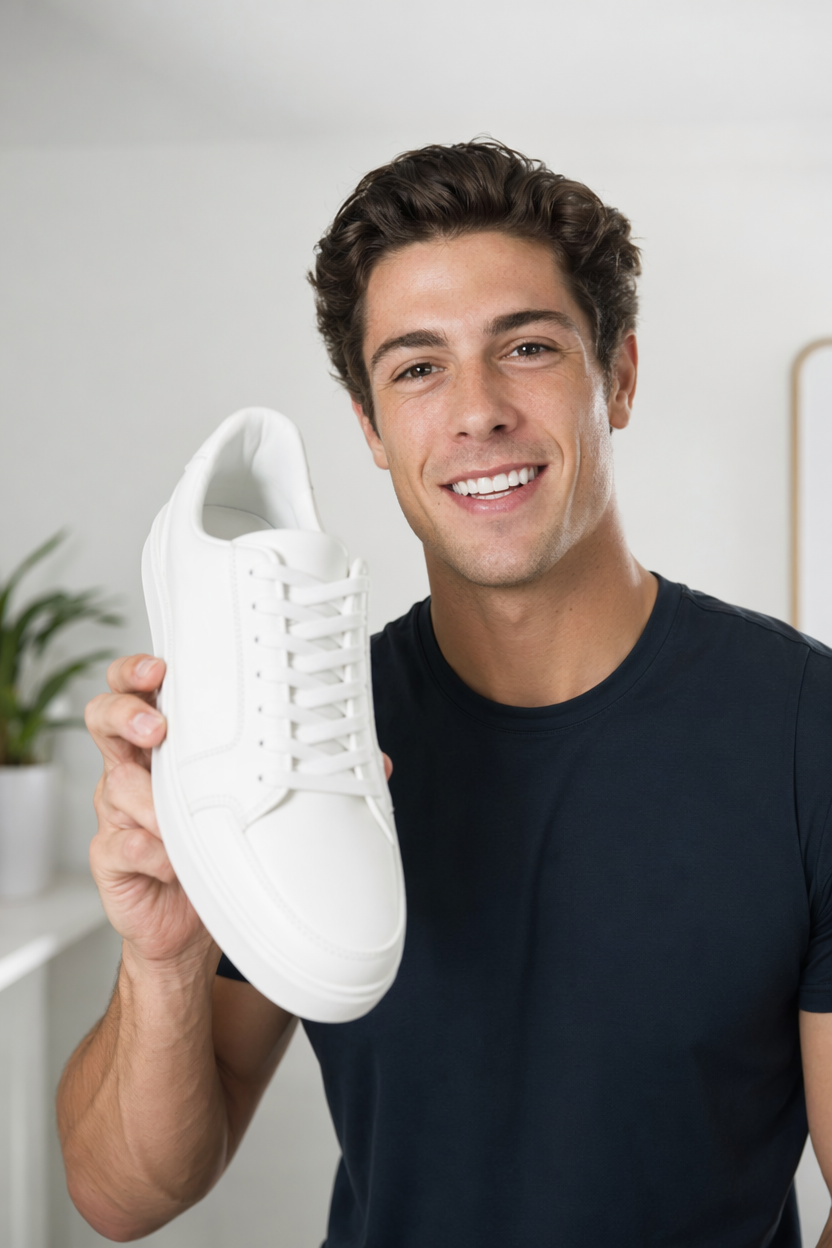
AI avatar of a sneaker reviewer presenting a shoe
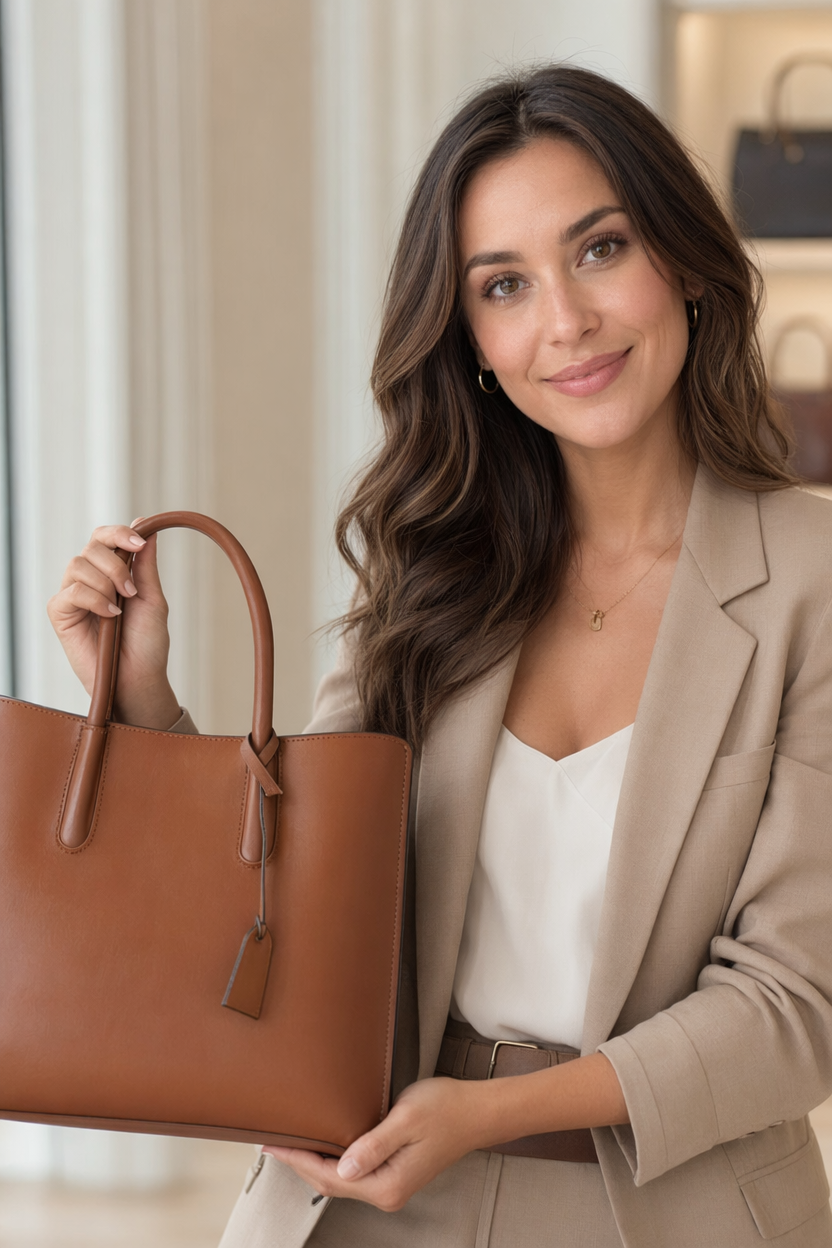
AI avatar of a fashion creator with a handbag
AI avatar of a wellness creator presenting supplements
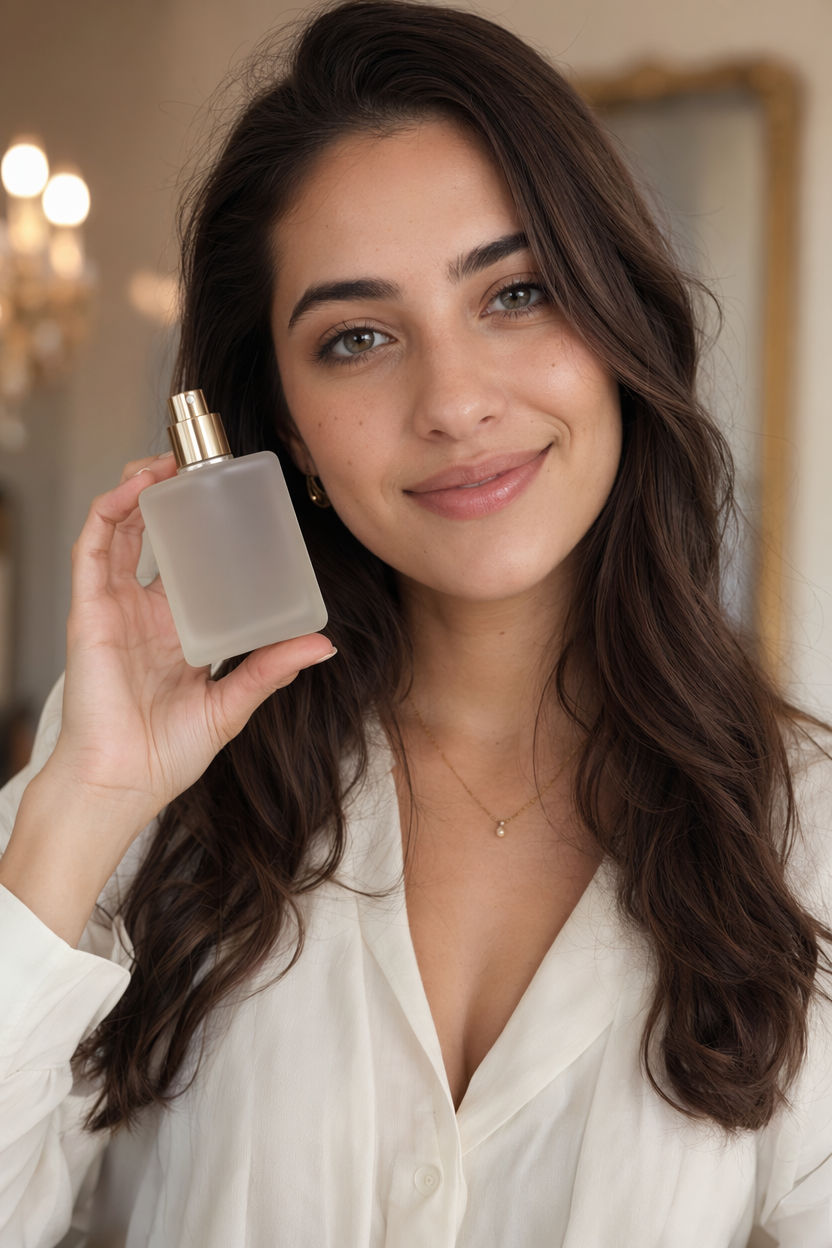
AI avatar of a beauty creator with a perfume bottle
AI avatar of a home-cooking creator with a kitchen gadget

Turn one photo and a voice into a talking AI avatar

A complete AI avatar (digital human) generator: upload a portrait and an audio clip — or type a script and pick a voice — and get a lifelike talking video with synced lips, natural expressions, and gestures. Powered by ByteDance OmniHuman 1.5, no camera, actor, or studio required.

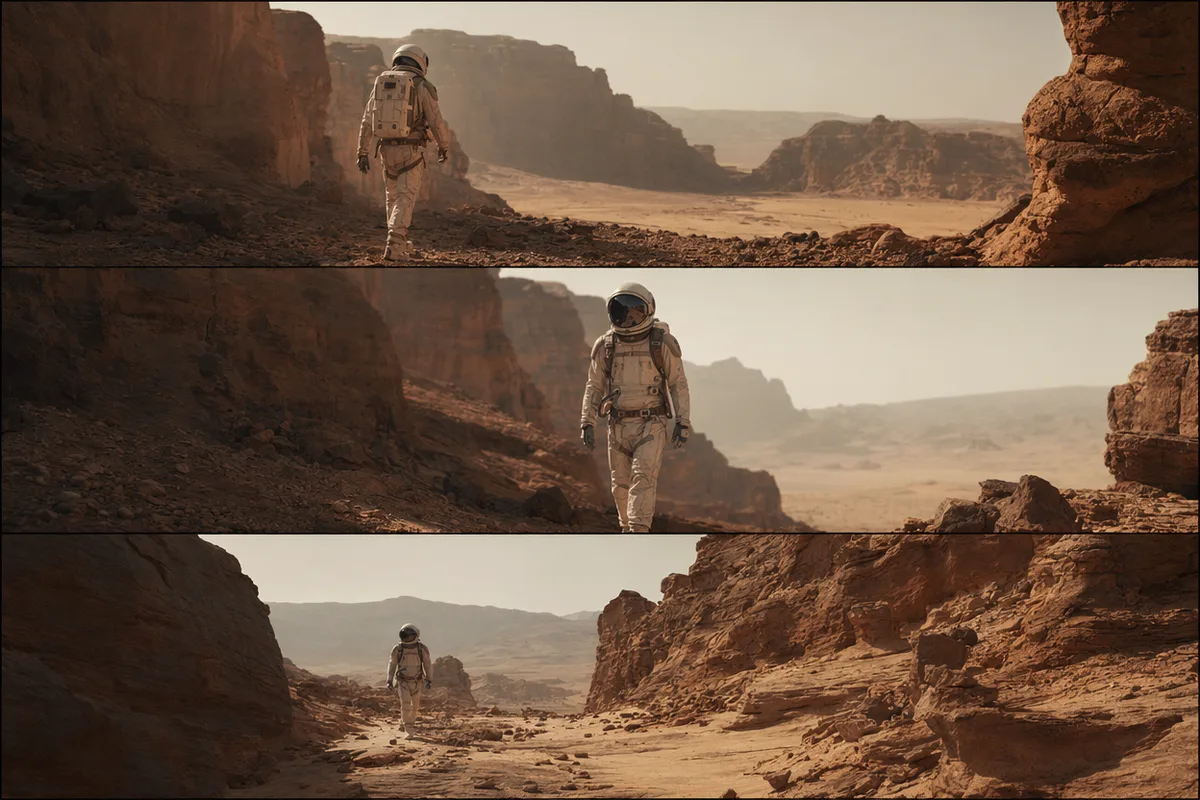
AI video still of an astronaut walking down a glowing spaceship corridor

A digital spokesperson from a single portrait

No filming, no actor, no green screen. Upload one clear photo of a person and turn it into a presenter that speaks your script. Create a reusable digital host for product explainers, course intros, announcements, and ads — and regenerate new lines anytime without reshooting.
AI video still of rain running down a cafe window with warm bokeh

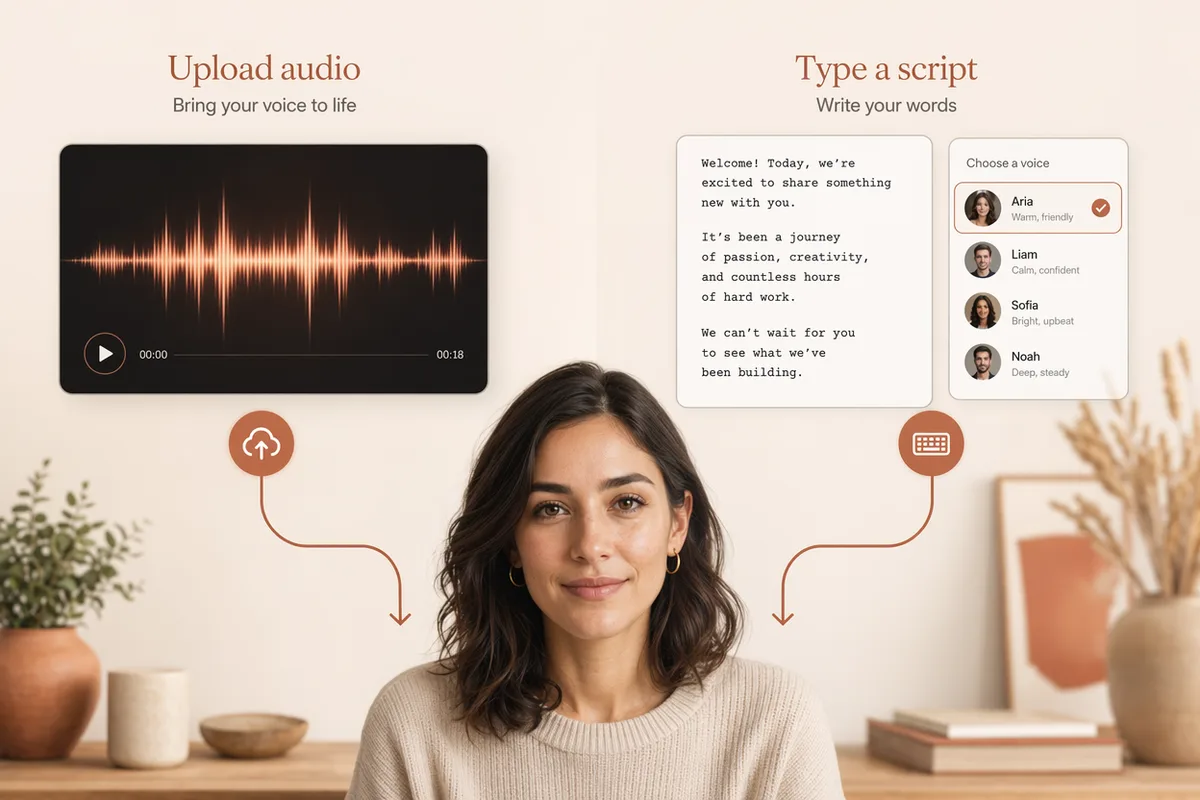
Two ways in: upload audio or type a script

Already have a voice recording? Upload it and the avatar lip-syncs to it. No audio? Switch to text mode — type what the avatar should say, choose a voice from the built-in text-to-speech library, and the script is synthesized into the driving audio for you. The estimated length and credit cost are shown before you generate.

AI video still of a dancer silhouette on a smoky stage under amber light

Lifelike — not just a moving mouth

OmniHuman 1.5 reads the rhythm, prosody, and meaning of the audio to drive head movement, posture, and hand gestures alongside accurate lip-sync, while preserving the person’s identity and lighting. The result performs like a real presenter rather than a static portrait with an animated mouth.

AI video still of northern lights swirling over a snowy cabin

Built for marketing, training, and social

Spin up spokesperson clips for ads and landing pages, narrated lessons and onboarding for training, talking-head posts for social, or multilingual versions of the same message. Every generation is saved to history with its inputs, so you can iterate and produce variations fast.

Keep exploring CreateVision AI

One account, the full image and video generation workflow.

Choose Your Plan

Start free with daily credits. Upgrade for premium models, faster generation, and 4K output.

Free

$0

Perfect for getting started

  • 80 credits per day, 400 per month
  • Z Image Turbo drafts at 0 credits
  • Standard generation speed
  • Generation history included
Get Started

Premium

Most popular
$29/month

Billed annually · $240/year

  • 1,600 credits/day, 8,000 credits/month
  • All premium models — GPT Image 2, Nano Banana, Seedream, Seedance, Veo, Kling
  • 5x generation speed, priority queue
  • AI prompt enhancement
Upgrade to Premium

Ultimate

$49/month

Billed annually · $300/year

  • 4,000 credits/day, 18,000 credits/month
  • HD generation up to 4K resolution
  • Private generation — results stay out of the gallery
  • Fastest queue and early access to new models
Upgrade to Ultimate

Frequently Asked Questions

1

What is an AI avatar (digital human)?

An AI avatar is a generated talking video of a person built from a single photo and a voice. Instead of filming, you provide a portrait and audio (or a script + voice), and the model animates a lifelike speaking performance — used as a digital presenter, spokesperson, or narrator.

2

What do I need to create one?

A clear, front-facing portrait photo, plus either an audio clip (mp3/wav) or — in text mode — the script you want spoken and a voice picked from the built-in library. That is enough to generate a talking avatar video.

3

Can I use my own voice?

Yes. Upload your own audio recording and the avatar lip-syncs to it. If you do not have a recording, switch to text mode and choose a voice from the text-to-speech library instead.

4

How long can the avatar video be?

Up to 35 seconds of audio per generation. For longer scripts, split them into multiple clips. The estimated duration is shown as you type, and you are billed by the second of audio.

5

What can I use AI avatars for?

Common uses include product explainers and ads, course and onboarding narration, social talking-head clips, announcements, and multilingual versions of a message — anywhere you would otherwise need to film a presenter.

6

Which model powers the AI avatar?

CreateVision AI uses ByteDance’s OmniHuman 1.5, which drives lip-sync plus head motion and gestures from the audio. See the OmniHuman 1.5 model page for the technical details.

Create your first talking AI avatar

Start Creating