

AI Hair Color Changer
Try on different hair colors virtually with AI
Tap to uploadDrop image or click
JPG · PNG · WebP
Preview Examples


Drag the slider to compare
What is AI Hair Color Changer?
AI Hair Color Changer uses advanced AI to realistically change hair color in photos. It preserves natural hair texture and lighting while applying new colors from natural shades to bold fantasy hues.

Why Preview Your Next Shade With an AI Hair Color Changer
Professional quality, privacy protected, instant results
Color That Looks Truly Dyed
The AI keeps your hair texture, shine and shadows, so the new shade reads like real color, not a flat filter laid on top.
Any Shade From Natural to Bold
Try honey blonde, copper, burgundy or jet black, then switch to pink, blue or pastel lilac on the same photo.
Try It Before You Dye
See the color on your own face first. No bleach, no damaged ends and no salon bill for a shade you end up hating.
See What You Can Do With Our AI Hair Color Changer
Perfect for various professional scenarios, instant and secure
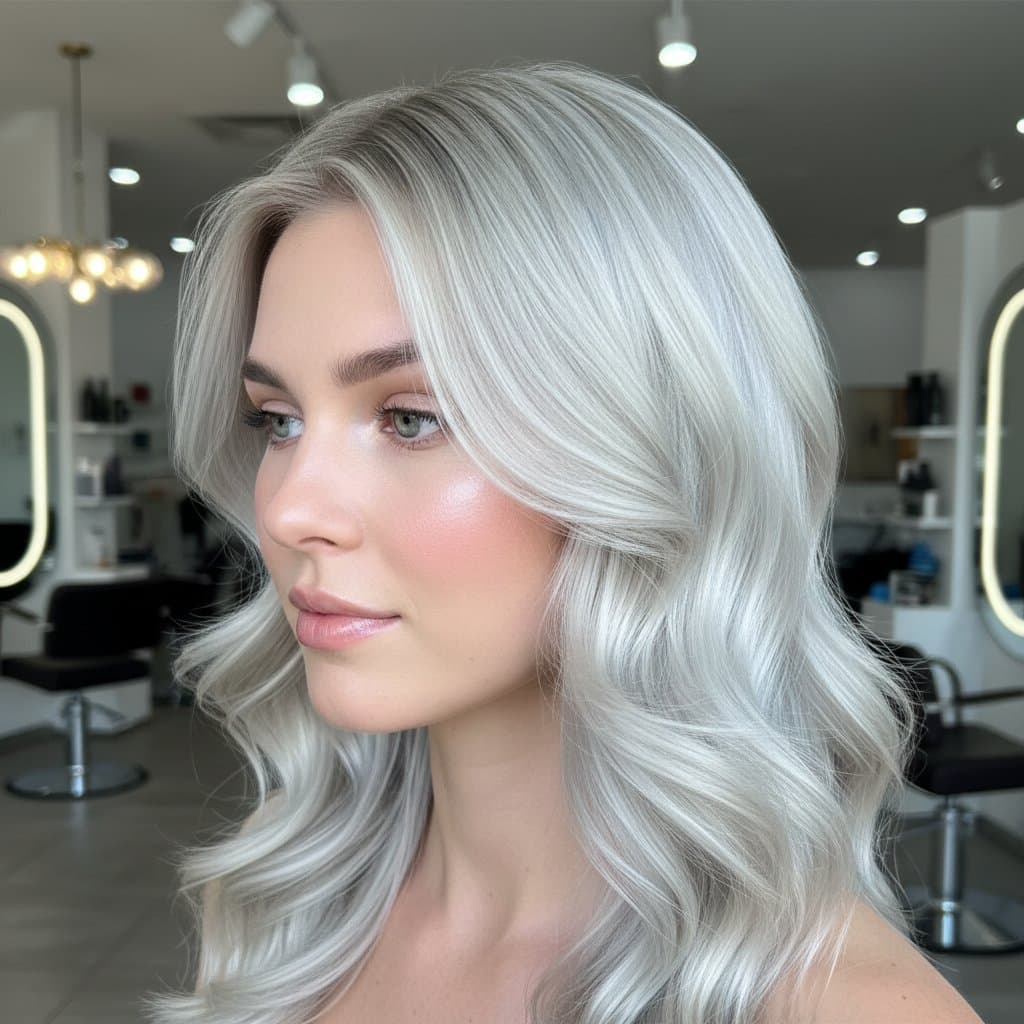
Find the Shade That Suits Your Skin
Upload one photo and try warm, cool and neutral tones side by side. You see which color flatters your skin tone and eye color before you book an appointment. Try a new cut too
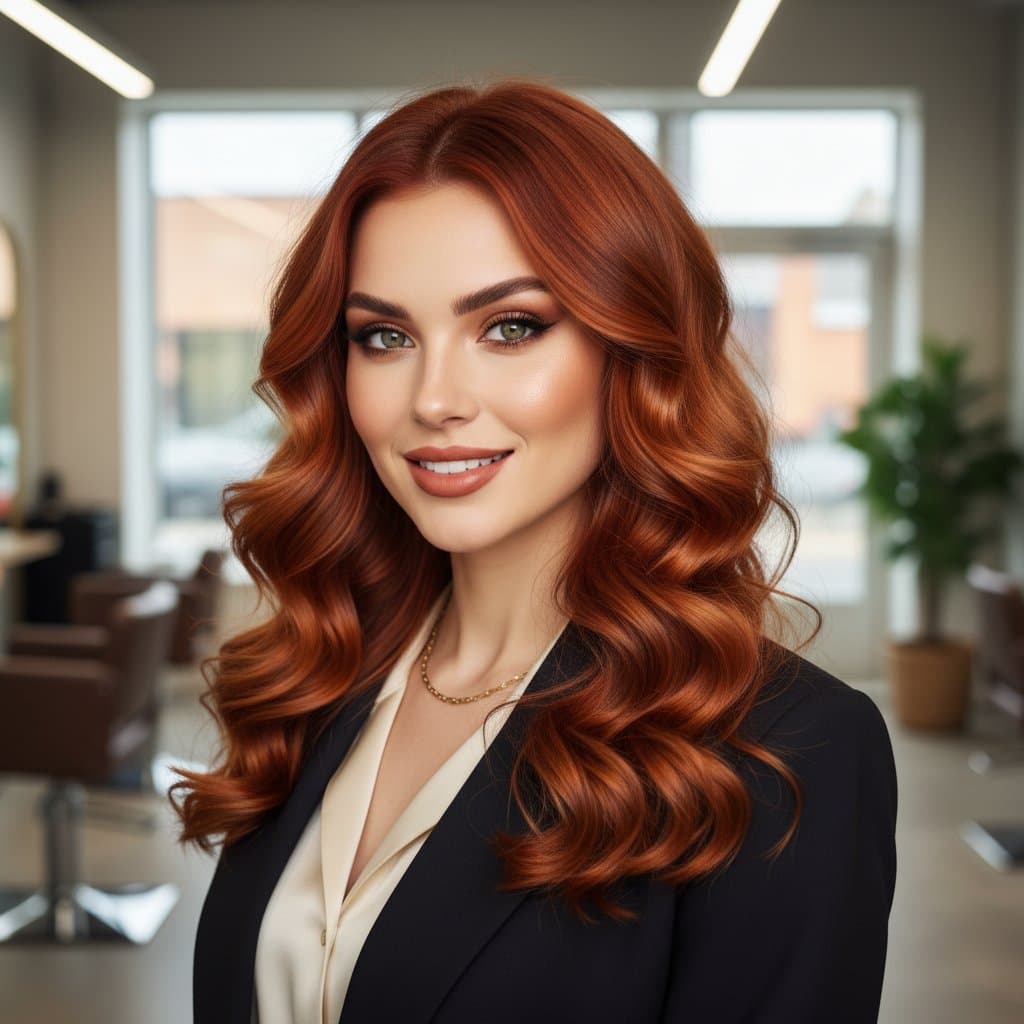
Test a Big Change Without Bleach
Going from dark brown to platinum or fiery red is a big step. Preview the result on your real hair first, so you only commit when you like what you see. Update your headshot
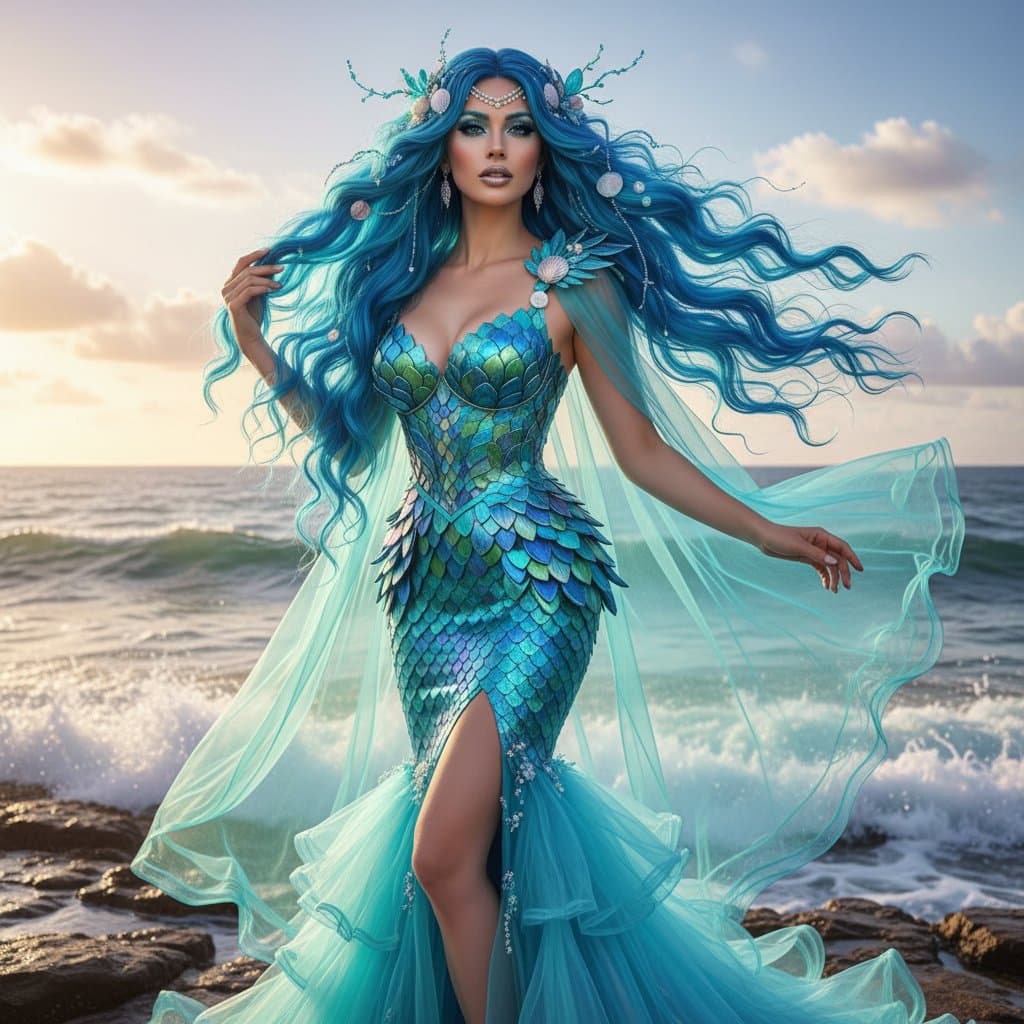
Experiment With Fashion Colors for Content
Try ocean blue, rose gold or pastel pink for a photoshoot, a lookbook or a social post. Your followers see a bold new look without a single box of dye. Cut out your photo
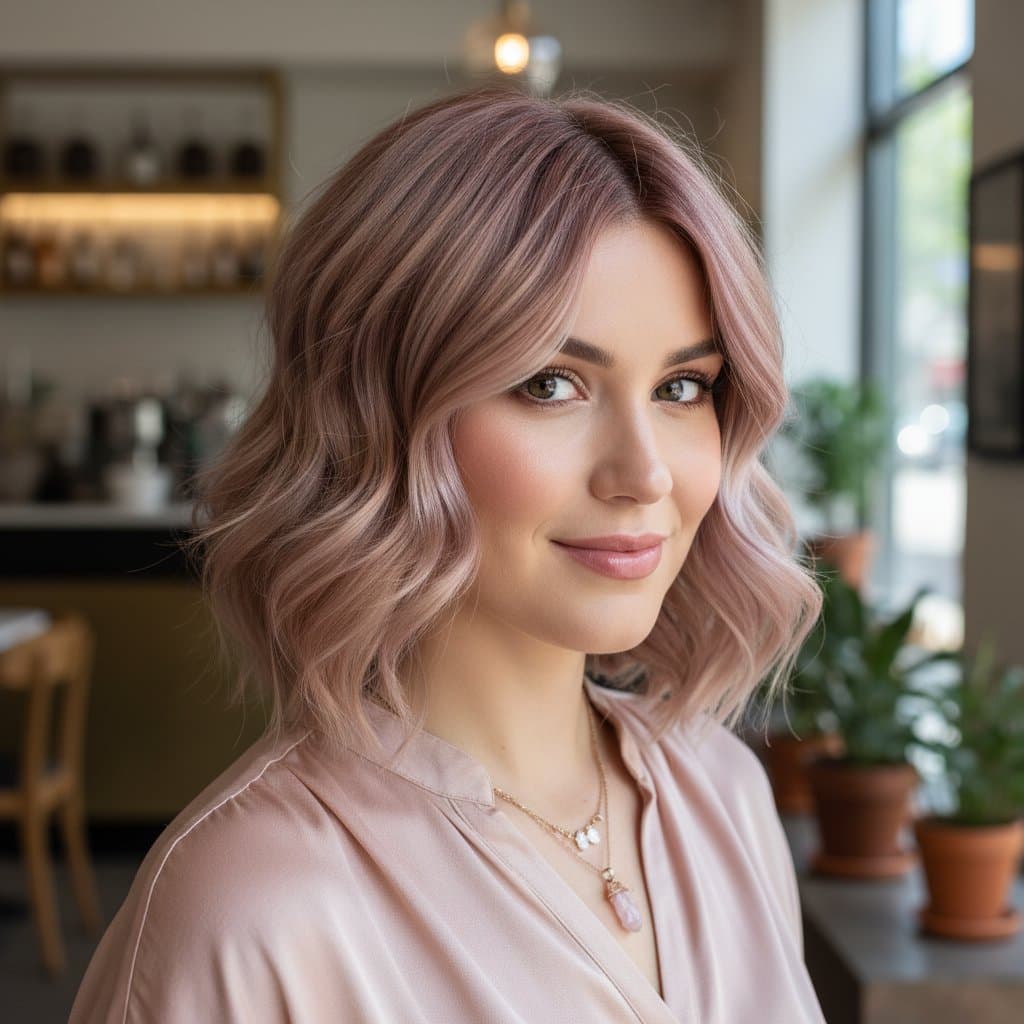
Show Your Colorist the Exact Result
Words like ash or strawberry blonde mean different things to different people. Bring your preview to the salon so your colorist knows the exact tone you want. Explore face swap
Who Uses AI Hair Color Changer
Four ways people use it every week
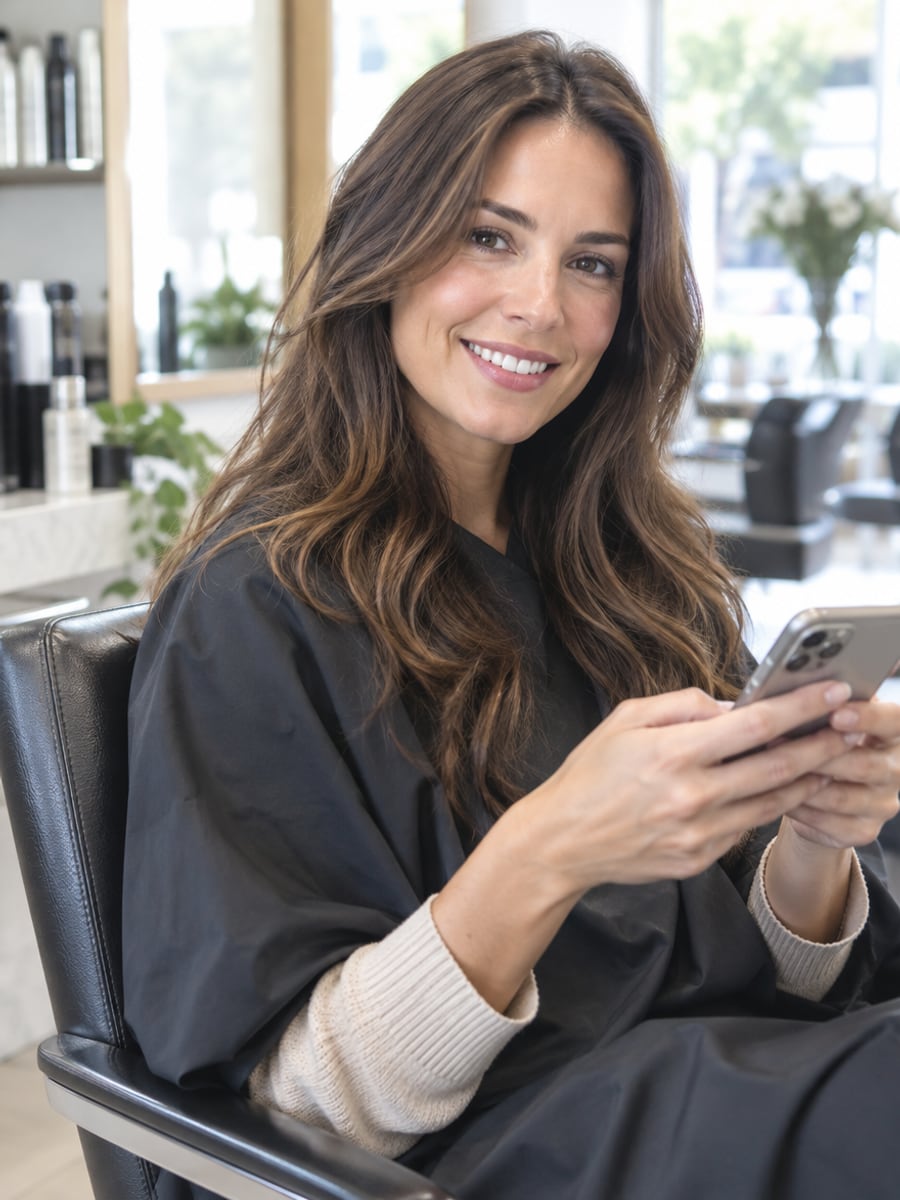
Pick your next shade before the appointment
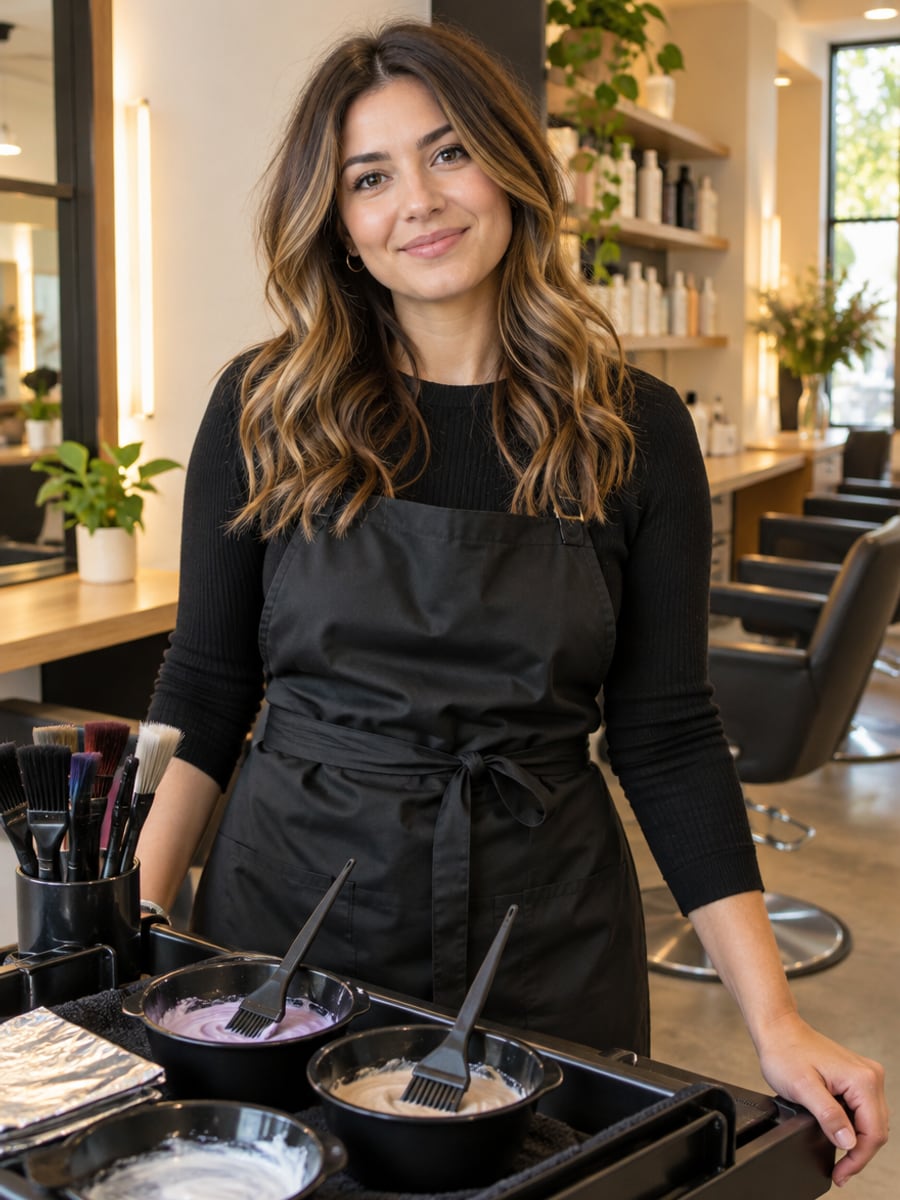
Show clients the result before you mix color
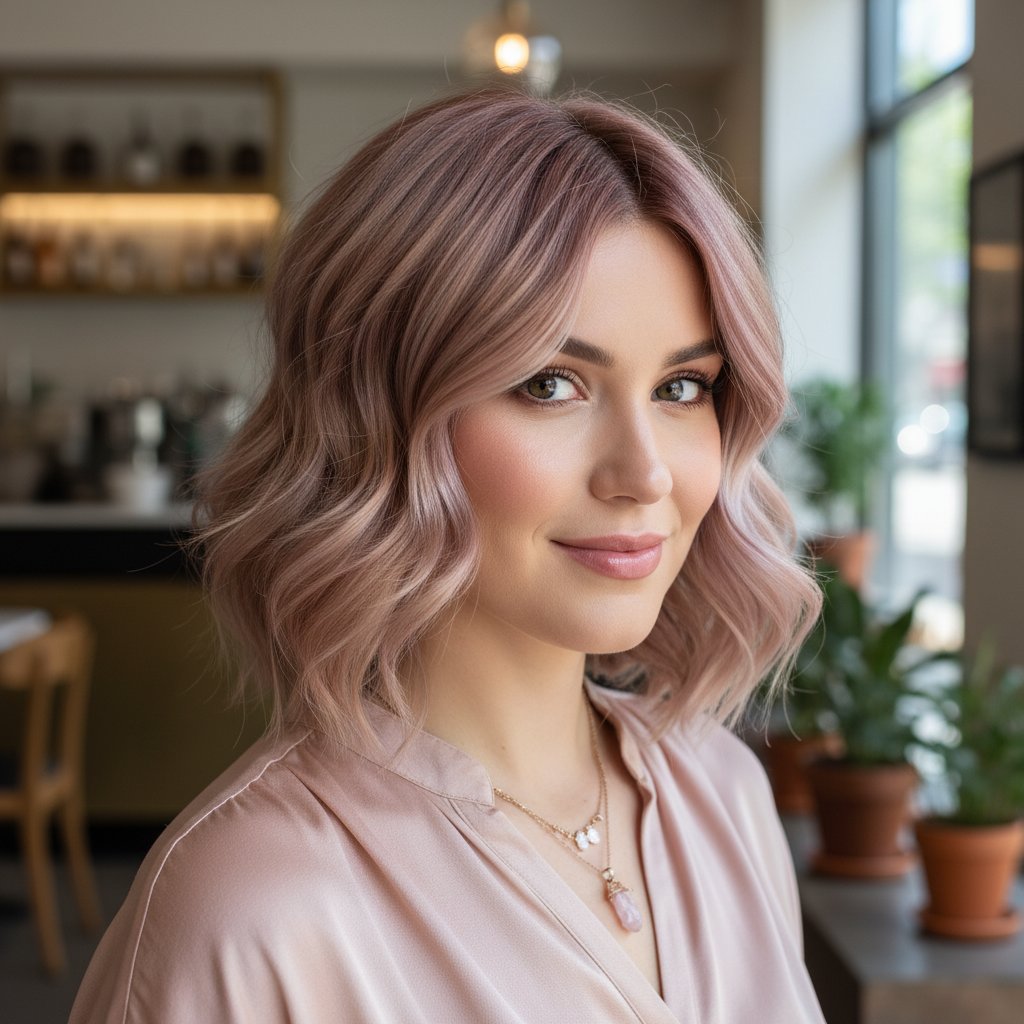
Post a bold hair color reveal without dyeing
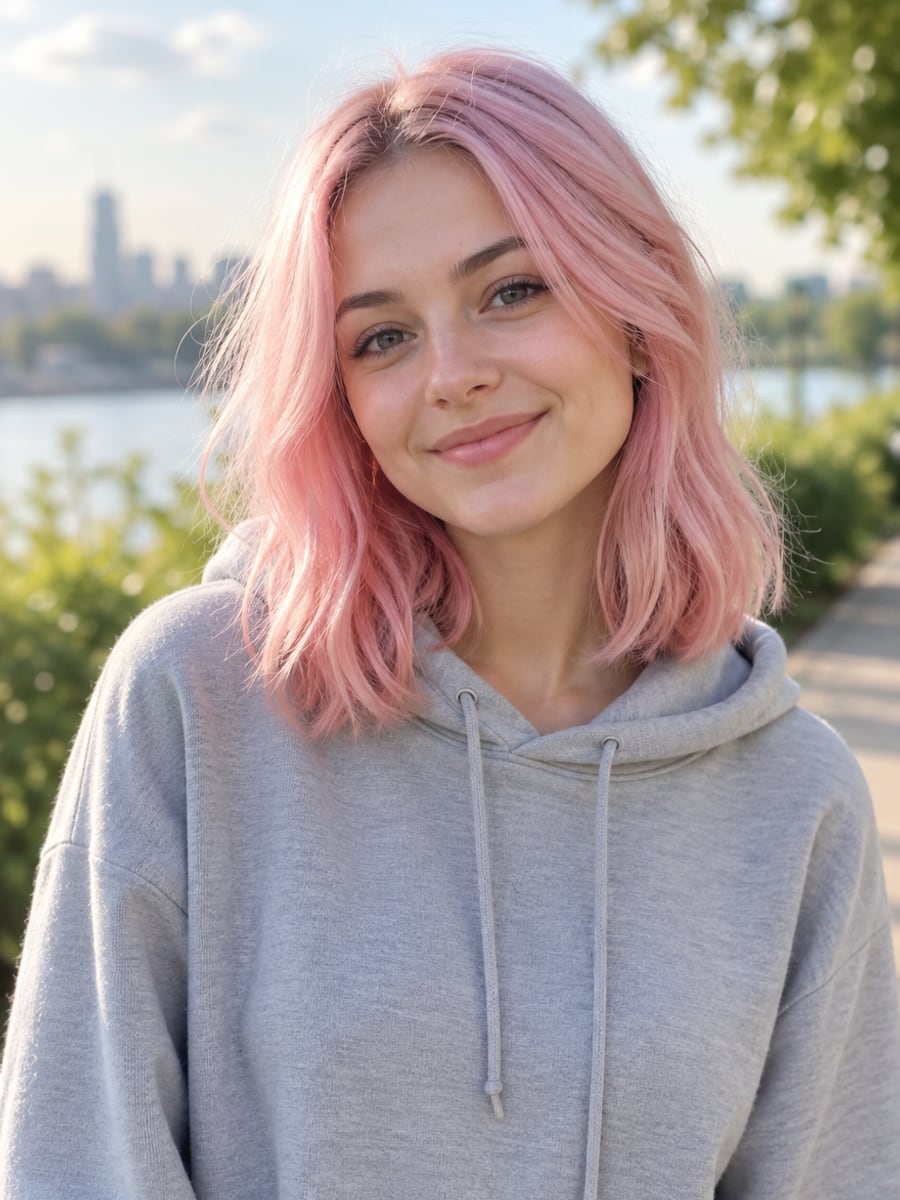
See if pink or blue really works on you
How to Change Your Hair Color with CreateVision
Upload your photo, select a style, and download your professional result instantly

Upload Your Photo
Pick a photo where your hair is clearly visible. Good lighting and no hats or scarves give the most accurate color.

Choose Your Hair Color
Select a natural shade like blonde or brunette, or go bold with pink, blue or purple. You can also describe highlights or a balayage in your own words.

Download Your New Look
Get your recolored photo in seconds. Compare it with the original, then try another shade on the same photo.
The All-in-One AI Creation Platform
One account for images, videos, an AI agent that works for you, expert AI mentors and 80+ ready-made tools.

AI Image & Video Generator
Every leading model in one workspace: Seedream, Nano Banana, GPT Image, Seedance, Veo and more.
Open
Ava, your AI creative agent
Describe what you need and Ava plans, generates and iterates for you.
Open
80+ AI tools
One-click tools for photos, videos, cards, portraits and viral trends.
Open
Template library
Thousands of ready prompts and styles to start from.
Open
Studios
Portrait, marketing, poster and cinema studios for finished work, not single shots.
Open
AI model library
Compare and pick the right image or video model for every job.
Open
AI mentors
Learn from expert mentors in photography, design and video, then create with their guidance.
Open190K+ creators
Using CreateVision to create and share
What Users Say
Real feedback from users worldwide
“I tried 10 different hair colors before my salon appointment. My stylist said the AI preview was incredibly accurate to the final result!”

“Fashion colors like pink and purple looked so realistic! I finally had the confidence to go pastel pink after seeing the AI preview.”

“The balayage preview feature is genius. I could see exactly how the color gradient would look before spending $300 at the salon.”

FAQs About Our AI Hair Color Changer
An AI Hair Color Changer recolors the hair in your photo while keeping your face, haircut and background the same. CreateVision's version keeps texture, shine and shadows, so you can preview a real dye job before you commit.
The best one changes only the color and leaves everything else alone. CreateVision preserves your hair texture and lighting, handles natural shades as well as fashion colors, and lets you pick between three style engines. Each result has a clear credit price before you generate.
The AI detects the hair in your photo and applies the new color while keeping highlights, shadows and natural variation. You choose a shade, pick a style engine and generate. The result looks like colored hair rather than a tint over the whole image.
Yes. You can preview big changes such as dark brown to platinum blonde or black to copper red. It is a good way to check a dramatic change before you spend time and money on bleaching. For the cleanest result, use a well-lit photo with your hair fully in view.
Each result costs 50 credits with the default Precise engine, 60 credits with Natural and 40 credits with Identity. You can start with 200 free credits when you sign up with Google. Subscriptions and credit packs add more credits.
Upload only photos of yourself or of people who gave you permission. Free accounts download results with a small CreateVision mark, while subscribers and credit-pack buyers can turn it off. Commercial use depends on your plan, so check the pricing page for details.
Hair is hard to edit when it is covered by a hat, mixed with a busy background or lit very unevenly. If a result looks off, try a clearer photo or another style engine. Each generation is a new attempt, so a second try often looks better.
Try Your Next Hair Color Today
Upload one photo and preview blonde, red, black or pink on your own hair before you book the salon.
Related Tools You Might Like
Explore more AI creative tools




Related Tools You Might Like
Explore more AI creative tools