
AI Car Video Generator – Turn Your Car Photo into a Car Driving AI Video
Upload one photo of your car — or pick a preset — choose where it drives and how the camera follows, and get a 5 to 10 second clip that keeps the exact car: same body, color, wheels and details. Grok, Seedance Mini or Seedance Fast; vertical for Shorts or 16:9 for YouTube. From 45 credits, refunded if it fails.
or upload your photo
Tap to uploadDrop image or click
JPG · PNG · WebP
One clear photo of the whole car, three-quarter front or side view works best
Preview
What is AI Car Video Generator?
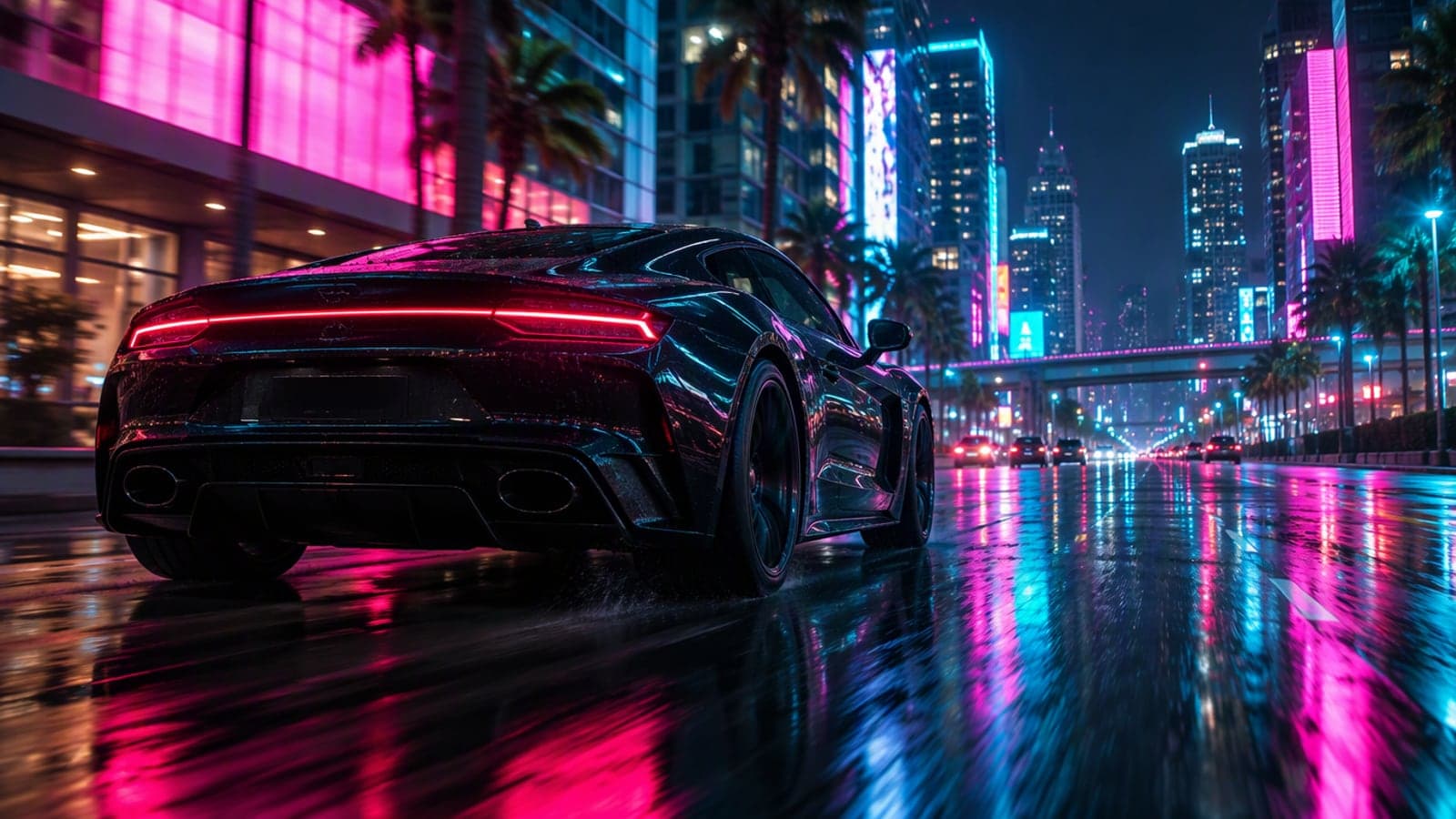
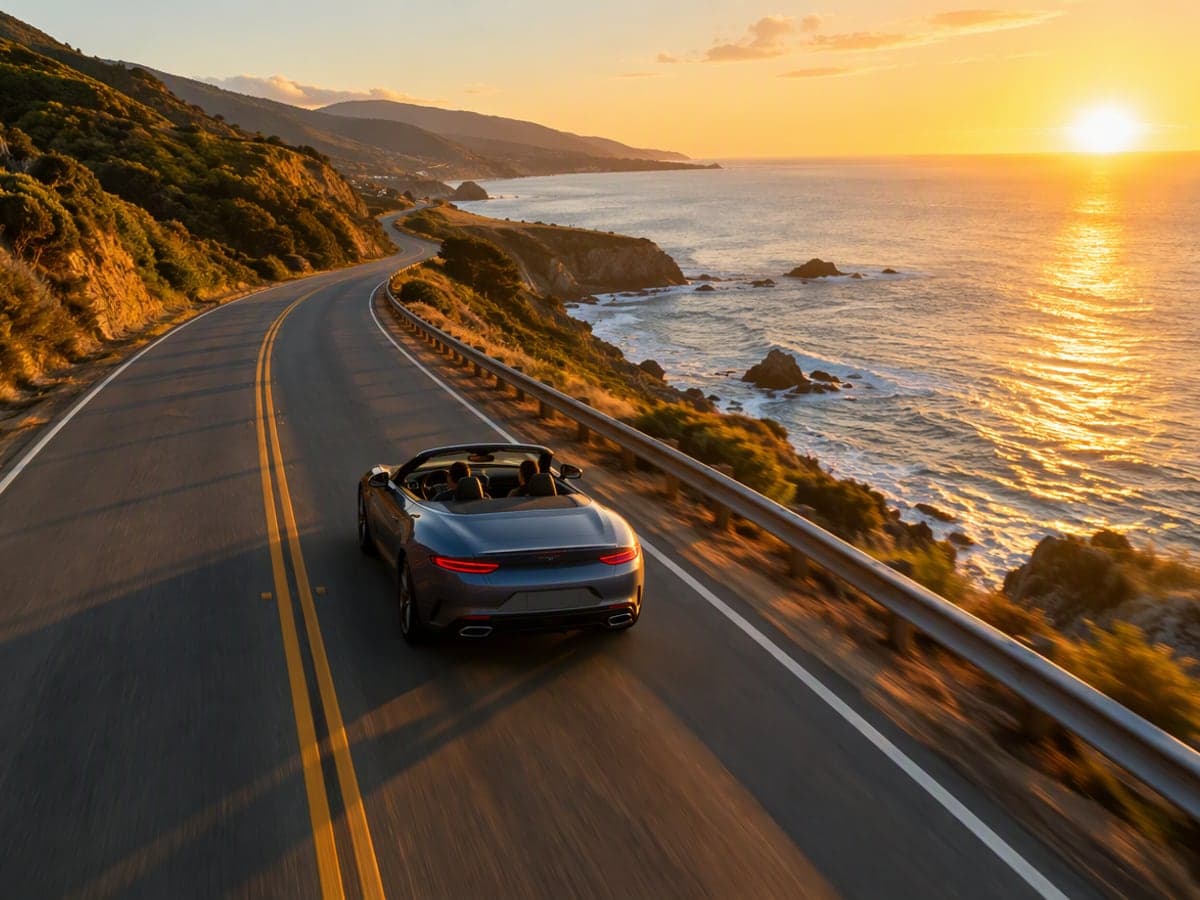
AI Car Video Generator turns a single photo of a car into a short cinematic driving video. The engine keeps the car exactly as photographed — body shape, paint, wheels, headlights — and puts it in motion through the scene you choose: a neon-lit night street, a coastal highway at golden hour, an empty desert road, a rainy downtown, a mountain pass, a drift on the track or a slow orbit on a showroom turntable. Pick the camera move, the length and the aspect ratio, then download an MP4 with no watermark on a subscription.
title
subtitle
Neon City Night
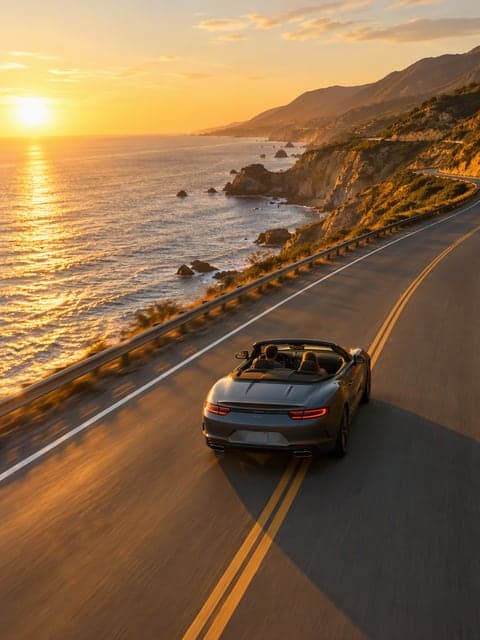
Coastal Highway
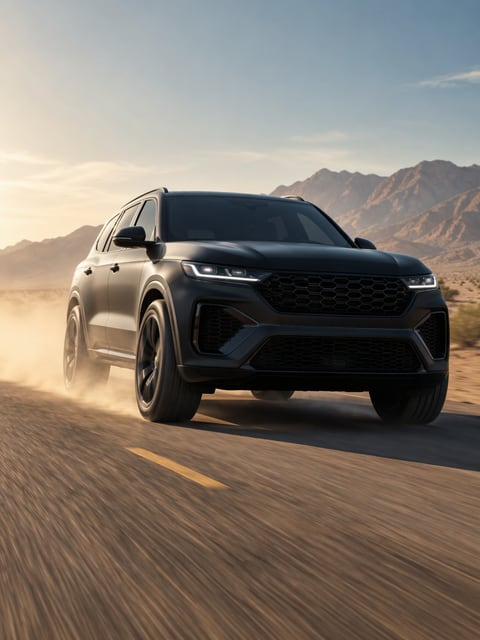
Desert Road
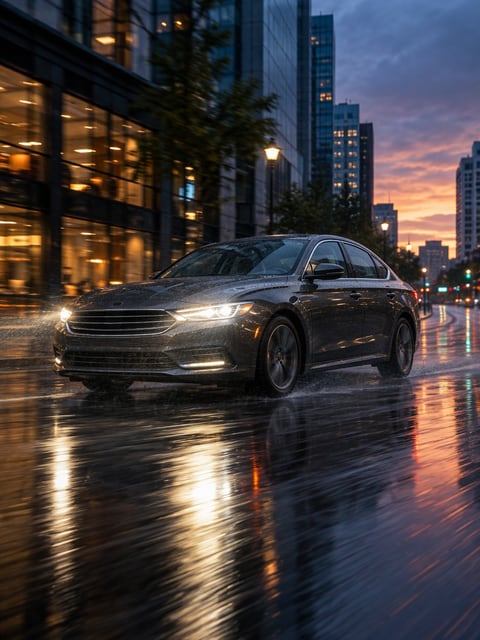
Rainy Downtown
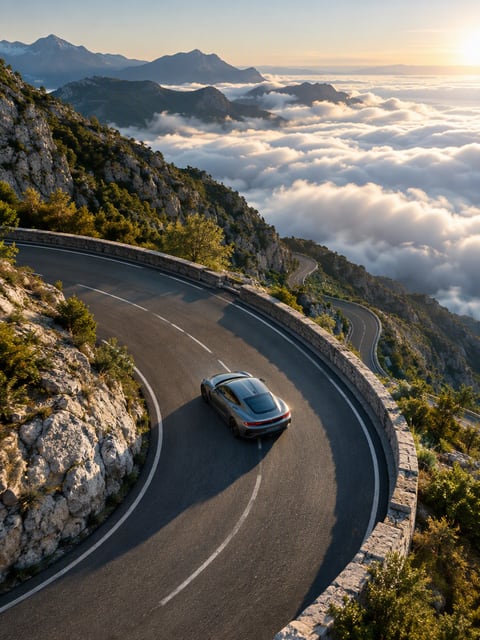
Mountain Pass
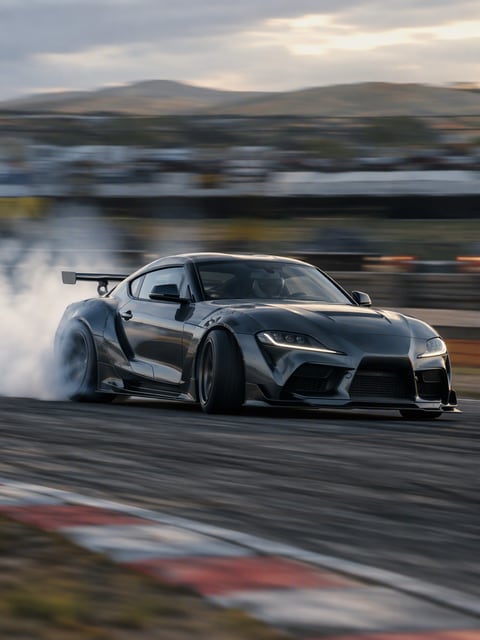
Track Drift
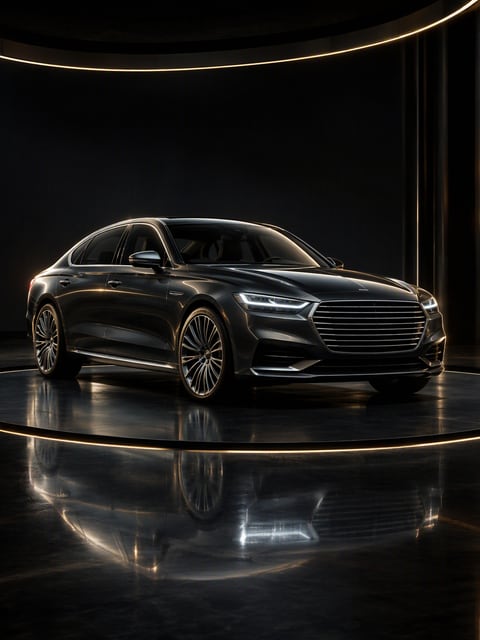
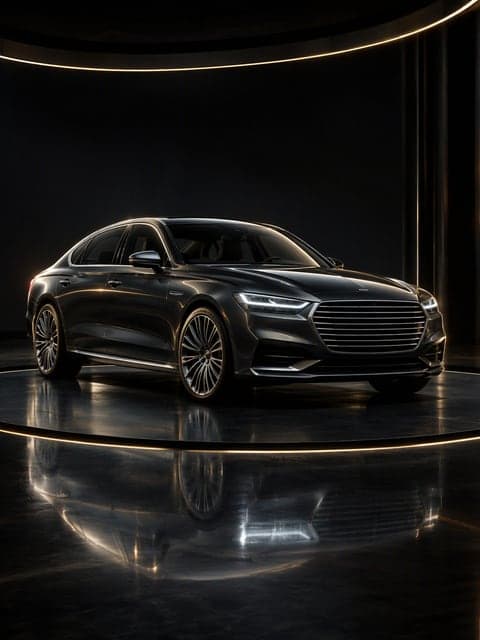
Showroom Turntable
Why Choose AI Car Video Generator?
Made for everyday people, not editors.
It stays your car
The engine is told to keep body shape, paint, wheels and headlights exactly as photographed. You get your car in motion, not a look-alike.
Seven roads, four camera moves
Neon city, coast, desert, rain, mountain pass, track and showroom, each with tracking, orbit, push-in or close-up camera — 28 combinations from one photo.
Shorts or widescreen
9:16 for TikTok, Reels and Shorts, or 16:9 for YouTube and your listing page. 5, 8 or 10 seconds at 480p or 720p.
What Can You Use AI Car Video Generator For?
Real moments, ready to share — pick the one that fits.
Show off your build
One photo of your car becomes the cinematic clip you never had the drone for. Post it as the intro to your build thread or reel.
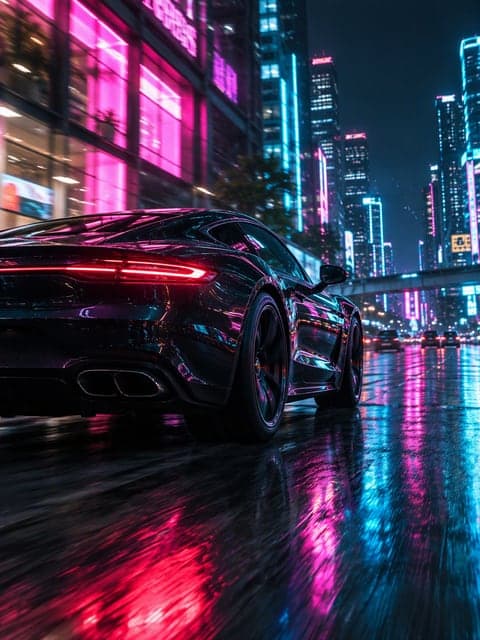
Sell it faster
A short driving clip on the listing does what twelve still photos cannot. Neon or coastal, 16:9, ready for the marketplace and your story.
Dealer and detailer content
Turn today's inventory photos into a stream of showroom and driving clips for the shop's socials — no shoot, no editor.
How to Use AI Car Video Generator in 3 Simple Steps
Three small steps to a video you'll actually want to send.
📷Step 1:Add your car
Upload one photo of the whole car — a three-quarter front or side view in daylight gives the best result — or pick one of six preset cars to try the tool first.

🎬Step 2:Pick the road and the camera
Choose where it drives and, under Advanced Options, how the camera follows: low tracking, slow orbit, push-in or detail close-ups. Set 5, 8 or 10 seconds and 9:16 or 16:9.

✨Step 3:Generate & download
Choose an engine and click Generate. In one to three minutes you get an MP4 with the car kept exactly as in your photo. Download it or run the same car through another scene.
AI Car Video Generator – Turn Your Car Photo into a Car Driving AI Video
Upload one photo of your car — or pick a preset — choose where it drives and how the camera follows, and get a 5 to 10 second clip that keeps the exact car: same body, color, wheels and details. Grok, Seedance Mini or Seedance Fast; vertical for Shorts or 16:9 for YouTube. From 45 credits, refunded if it fails.
Frequently Asked Questions About AI Car Video Generator
That is the point of the tool. The prompt locks the car's body shape, color, wheels and details to your photo, and the engines are image-to-video models that animate the picture rather than repaint it. Small details such as badges or tire lettering can still drift, so check the clip before you post it.
One clear photo of the whole car in daylight, three-quarter front or side view, nothing cut off by the frame. Avoid heavy filters, busy backgrounds and photos with people in them.
Yes. Under Advanced Options pick a low tracking shot, a slow orbit, a push-in or detail close-ups of wheels and paint. The scene sets where the car drives; the camera chip sets how it is filmed.
Grok is the fastest and cheapest and does well with motion; Seedance Mini is the balance; Seedance Fast gives the most detail and the steadiest camera. All three keep the car from your photo.
Per second: Grok 9 credits at 480p (17 at 720p), Seedance Mini 15 (30), Seedance Fast 35 (75). An 8-second 480p clip is 72, 120 or 280 credits. Grok is charged when you click Generate and refunded if it fails; the Seedance engines hold the credits and only charge when the video completes. No watermark on the download.
Yes. Choose 16:9 in the settings. The reference photo is cropped to the chosen ratio before generation so the car stays centered.
Use photos you have the right to use. The preset cars are unbranded designs. If your own car shows a badge, it will usually be kept as photographed — the tool does not add or invent logos.
Upload one clear photo of your car (or pick a preset car), choose where it drives — neon city, coastal highway, desert, rain, mountain pass, track drift or showroom — and optionally pick a camera move under Advanced Options. Choose 9:16 for Reels and Shorts or 16:9 for YouTube, then click Generate. The clip is ready in about a minute.
Your first one, yes. New accounts get 200 free credits, and a 5-second Grok clip at 480p costs 45, so the first driving video costs you nothing. Free accounts include one Grok video; after that, credit packs start at $9 for 500 credits and never expire.
Related Tools You Might Like
Explore more AI creative tools