MiniMax H3 Max AI Video Generator

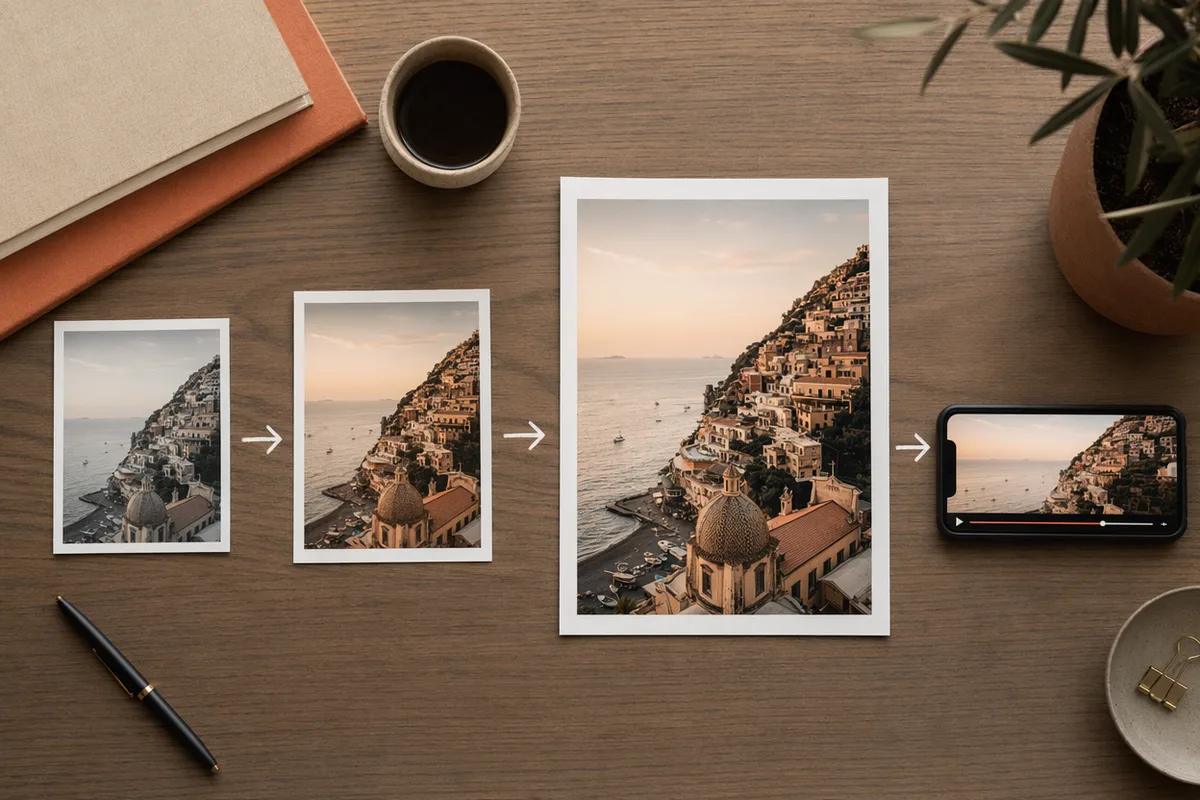
MiniMax H3 Max adds first-and-last-frame control to Hailuo 3's reference workflow — pin the start and end of a shot, or drive it with up to 9 images, 3 videos and 3 audio clips.

0 / 2,000
~275 cr

What is MiniMax H3 Max?

MiniMax H3 Max is the "Max" tier of the Hailuo 3 family, integrated here on 28 September 2026 alongside its Turbo sibling. Three endpoints sit behind one picker — text-to-video, image-to-video and reference-to-video — sharing the same panel and per-second pricing. What it adds over MiniMax H3 is a last-frame input for image-to-video and a cheaper 480p tier; what it gives up is the 2K tier, and the shortest clip is 5 seconds rather than 4.

The parts that cost you something: reference video is billed per input second at its own rate (40 credits at 480p, 100 at 768p), reference images beyond the second add 50 each, and reference audio is free. Audio has no off switch, submitted tasks cannot be cancelled, result links from the provider expire after 24 hours (we copy finished clips to our own storage), and we have not timed this model yet.

MiniMax's H3 Max generates 5–15 second clips with native audio at 480p or 768p, driven by text, a first frame (with an optional last frame), or a mixed set of images, video and audio references — no API key, no separate account.

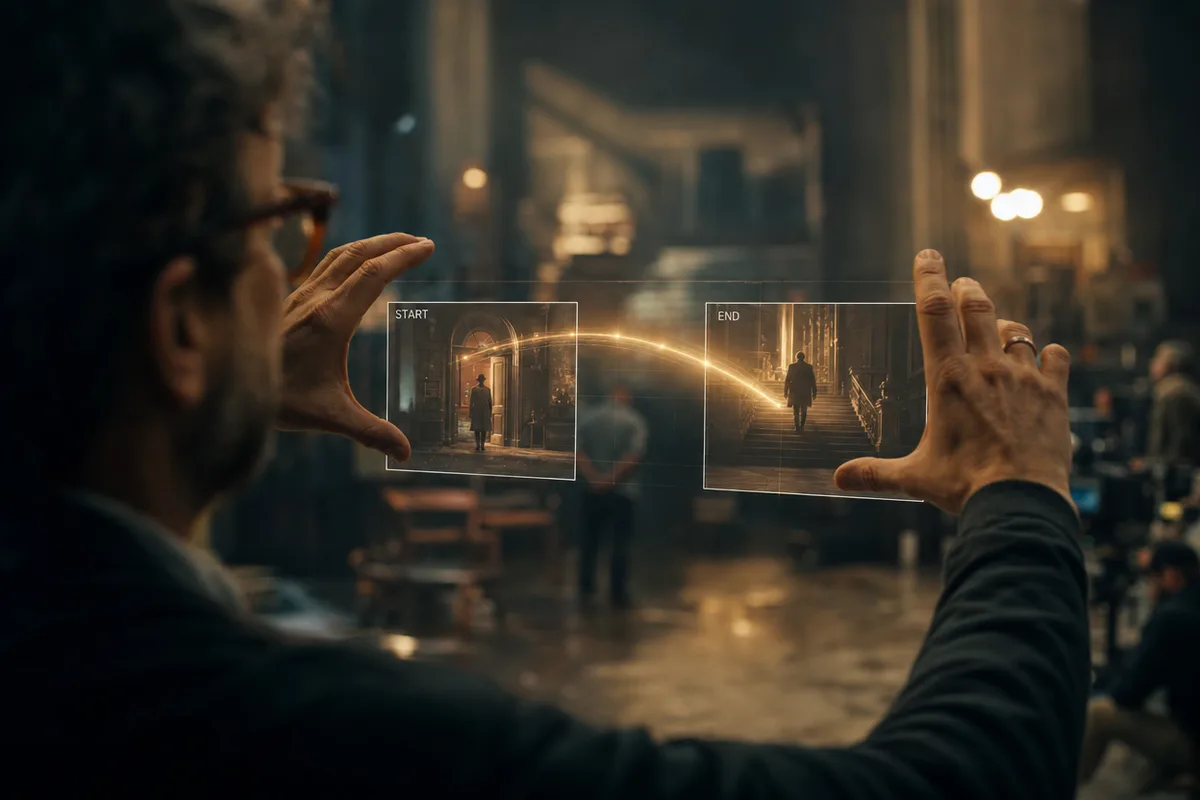
MiniMax H3 Max clip generated between a first frame and a last frame

Pin the start and the end

Image-to-video on H3 Max accepts a first frame and an optional last frame. Hand it the opening and closing stills of a move — a product turning, a door opening, a face turning to camera — and describe the motion in between. With only a first frame it behaves like H3: the clip grows out of that image and keeps its aspect ratio.

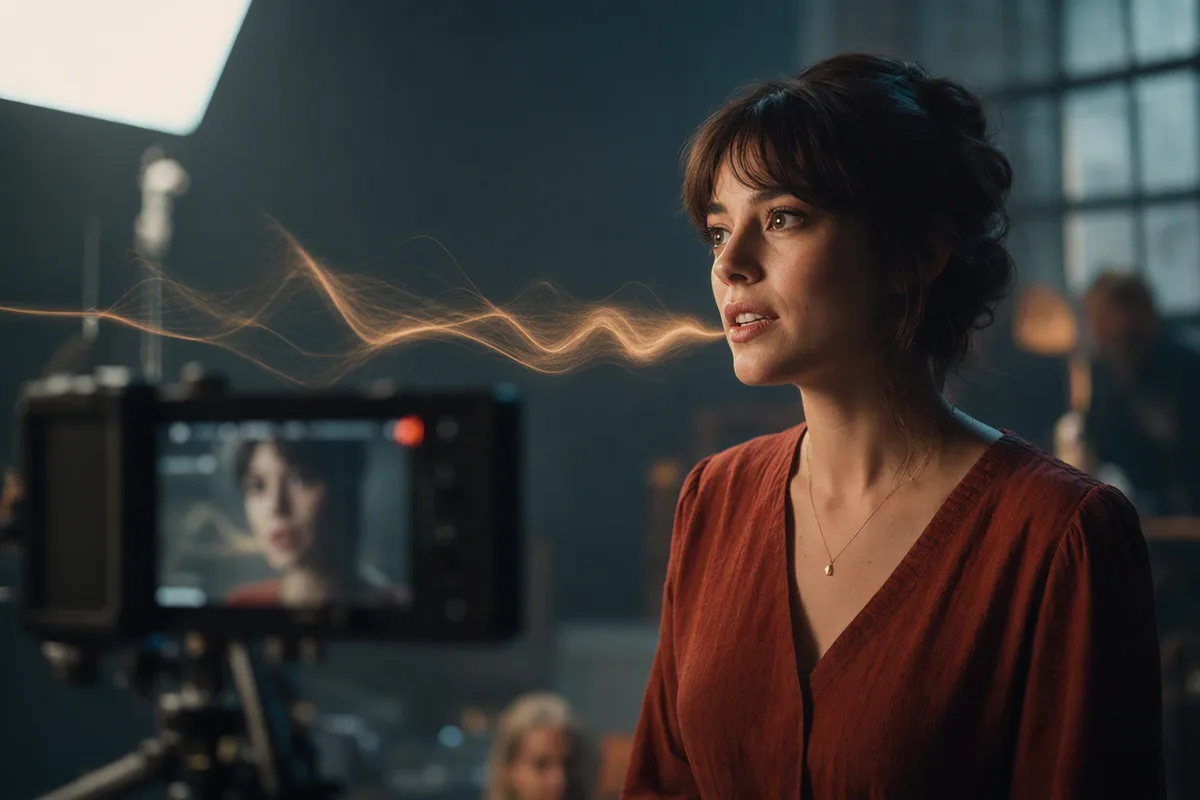
Character performing a supplied voice track with synchronized lips

The same reference workflow as H3

Reference-to-video takes up to 9 images, 3 video clips and 3 audio tracks in a single request, referenced in the prompt as "Image 1", "Video 1", "Audio 1". Keep a face from a photo, a location from another, and drive dialogue from a voice track. The first two reference images are free; reference video adds billable input seconds; reference audio is free.

Resolution and duration controls with per-second pricing

480p drafts, 768p keepers

Two output tiers with per-second pricing shown before you generate: 35 credits per second at 480p, 55 at 768p. A 5-second 480p draft is 175 credits; rerun the same brief at 768p for delivery. Six aspect ratios from 9:16 vertical to 21:9 ultrawide in text and reference modes.

Generation history with full prompts and parameters preserved

Five to fifteen seconds, any whole second

H3 Max runs from 5 to 15 seconds at a flat per-second rate, so a 12-second take costs exactly 12 seconds. Prompts up to 7,000 characters are kept with every generation, so a shot that works is reproducible.

Real MiniMax H3 Max clips from this workspace

Generated here on 28 September 2026, first take, exact prompts and settings shown.

Prompt768p · 16:9 · 5s

A lighthouse keeper climbing a spiral iron staircase at dusk, lantern swinging, warm light sweeping the stone walls, wind and gulls outside, slow tilt up.

Prompt768p · 16:9 · 5s

A jazz drummer in a small club, brushes on the snare, cymbals shimmering under a red spotlight, handheld camera slowly circling, room-tone applause.

Who MiniMax H3 Max is for

It is the Hailuo 3 tier for shots with a known beginning and end, and for people who want a cheaper draft tier than H3 offers.

  • Product and motion-design work with a defined end state

    A packshot that ends on the label, a UI that ends on the final screen, a face that ends looking at camera — give it both stills and describe the move between them.

  • Anyone assembling a shot from material they already have

    Nine images, three video clips and three audio tracks in one request, cited by order in the prompt — the same reference workflow as MiniMax H3.

  • Drafting at 480p

    35 credits per second is the cheapest way to iterate on a Hailuo 3 brief with references. Run the motion until it works, then rerun at 768p.

  • Not for: 2K masters, 4-second clips, or silent plates

    The ladder stops at 768p — pick MiniMax H3 for 2K. The shortest clip is 5 seconds, and audio has no off switch.

The three Hailuo 3 tiers side by side

Same workspace, same credit pool — switching between any of these is one click.

MiniMax H3 MaxMiniMax H3MiniMax H3 Max Turbo
Resolutions480p · 768p768p · 2K480p · 768p
Clip length5–15s, any whole second4–15s, any whole second5–15s, any whole second
Image-to-video inputsFirst frame + optional last frameFirst frame onlyFirst frame + optional last frame
Reference assets per requestUp to 9 images, 3 videos and 3 audio tracksUp to 9 images, 3 videos and 3 audio tracksNot offered
Credits per second, 480p35Not offered20
Credits per second, 768p555530
Credits per second, 2KNot offered90Not offered
Reference video, per input second40 at 480p · 100 at 768p55 at 768p · 90 at 2KNot offered
Free reference imagesFirst 2, then 50 eachFirst 5, then 30 eachNot offered
Credits for one clip, floor to ceiling175–825 for output alone; 2,675 fully loaded220–1,350 for output alone; 2,820 fully loaded100–450
SoundNative and always onNative and always onNative and always on

Every figure in this table is read from our own model registry on 28 September 2026 — the same per-second rate tables that price your generations. Rates are per second of output; reference-video input seconds are added at the rate shown. A tier a model does not sell is marked "Not offered".

More Video Models Like MiniMax H3 Max

Compare MiniMax H3 Max with other video models — same workspace, one click to switch.

MiniMax H3 Max specs on CreateVision AI

Modelminimax-h3-max (MiniMax H3 Max, the Max tier of Hailuo 3) — integrated here on 28 September 2026
ModesText-to-video, image-to-video from a first frame with an optional last frame, and reference-to-video from a mixed asset set — three endpoints behind one picker
Resolution480p and 768p — there is no 2K tier on Max (MiniMax H3 has it)
Duration5 to 15 seconds, any whole second (5 by default)
Aspect ratios16:9, 9:16, 1:1, 4:3, 3:4 and 21:9 in text and reference modes; image-to-video follows the first frame
Reference assetsUp to 9 images, 3 video clips and 3 audio tracks, 12 in total. Reference video runs at least 2 seconds per clip and 15 seconds combined. Cited in the prompt as "Image 1", "Video 1", "Audio 1"
Prompt lengthUp to 7,000 characters
AudioNative and always on — there is no audio toggle
CreditsPer second: 35 at 480p, 55 at 768p, the same rate in all three modes. Reference-video input seconds add 40 per second at 480p or 100 at 768p; reference images past the second add 50 each; reference audio is free
Credit range per clip175 for a 5-second 480p clip, 825 for a 15-second 768p clip. Loaded up with 15 seconds of reference video and 9 reference images, a 768p request tops out at 2,675
CancellationSubmitted tasks cannot be cancelled
Measured speedNot measured — we have not run a timed benchmark on this model

How to Use MiniMax H3 Max

Three steps from a blank prompt box to a finished clip.

  1. 1

    Select MiniMax H3 Max

    Open the model picker and choose MiniMax H3 Max. The panel shows its credit cost, resolution options, and duration limits before you spend anything.

  2. 2

    Describe what you want

    Write the subject, the action, and how the camera behaves. Attach a first frame if you want the clip to start from a specific image.

  3. 3

    Generate, then keep going

    Download the clip, extend it, or send it through further editing. Prompt, model, and settings stay attached in your history.

Beyond MiniMax H3 Max

One account, the full image and video generation workflow.

MiniMax H3 Max Pricing and Free Daily Credits

Run MiniMax H3 Max on the free tier's daily credits, or upgrade for premium models, faster generation, and 4K output.

Free

$0

Perfect for getting started

  • 200 welcome credits, up to 80/day
  • Z Image Turbo drafts at 0 credits
  • Standard generation speed
  • Generation history included
Get Started

Premium

Most popular
$29/month

Billed annually · $240/year

  • 8,000 credits/month, no daily limits
  • All premium models — GPT Image 2, Nano Banana, Seedream, Seedance, Veo, Kling
  • 5x generation speed, priority queue
  • AI prompt enhancement
Upgrade to Premium

Ultimate

$59/month

Billed annually · $468/year

  • 18,000 credits/month, no daily limits
  • HD generation up to 4K resolution
  • Priority support
  • Fastest queue and early access to new models
Upgrade to Ultimate

MiniMax H3 Max — Frequently Asked Questions

1

What is MiniMax H3 Max best at?

Shots where you know how they should start and end — first-and-last-frame image-to-video — plus the multimodal reference workflow Hailuo 3 is known for. Output is 5–15 seconds at 480p or 768p with native audio.

2

How much does MiniMax H3 Max cost?

35 credits per output second at 480p and 55 at 768p, so a 5-second 480p clip is 175 credits and a 5-second 768p clip is 275. Reference video adds 40 credits per input second at 480p or 100 at 768p; the first two reference images are free and each further image adds 50; reference audio is free. The exact total is shown before you generate.

3

How is H3 Max different from MiniMax H3 and H3 Max Turbo?

H3 Max adds a last-frame input and a cheaper 480p tier, but tops out at 768p — only MiniMax H3 offers 2K. H3 Max Turbo is the same 5–15 second engine at about half the price, without the reference-asset mode.

4

What references can I use?

Up to 9 images, 3 video clips (at least 2 seconds each, 15 seconds combined) and 3 audio tracks, at most 12 assets in total. Refer to them in the prompt by order: "Image 1", "Video 1", "Audio 1".

5

Which durations and ratios are supported?

Whole seconds from 5 to 15, at 480p or 768p. Text and reference modes offer 16:9, 21:9, 4:3, 1:1, 3:4 and 9:16; image-to-video follows the ratio of your first frame.

6

Can I turn the audio off?

No. H3 Max generates native audio on every run and there is no toggle, so the rate you see is the only rate. Mute it in your edit if you need a silent plate.

Frame your next shot, start to finish, with MiniMax H3 Max

Start Generating Videos

Discover our one-click AI video tools

One-click tools for everything around generation — polish, restyle, and share.

Pricing & Access — The Facts — MiniMax H3 Max

Model
MiniMax H3 Max
Developer
MiniMax
Access
Runs in the CreateVision AI workspace via API — sign in and generate. No API key, no cloud project, no software install.
Price per generation
From 175 credits ≈ $0.63 per 5-second clip on the Premium plan ($29/month for 8,000 credits). The free plan includes 80 credits every day.
Privacy
Private by default — no other user can see your generations, on any plan. We don't sell or misuse member data. Privacy Policy