AI Image Enhancer
Fix blurry, low-res or compressed photos with Topaz-powered AI — sharper detail, cleaner edges, natural skin.
Tap to uploadDrop image or click
JPG · PNG · WebP
2x fixes most photos. 4x costs more and is for printing. Max output 20000px.
Preview Examples
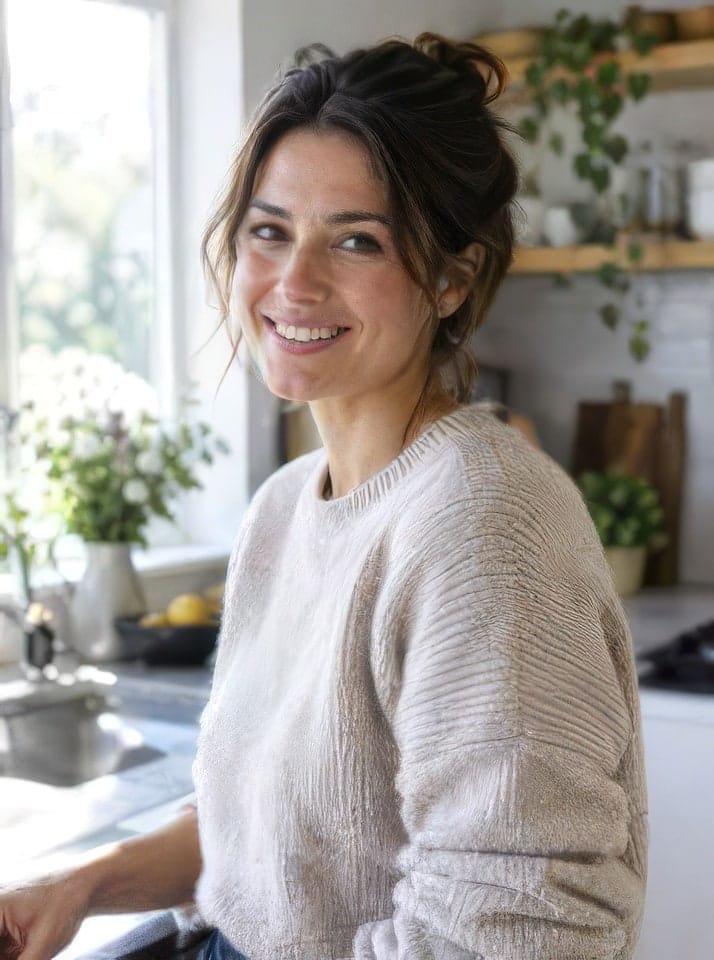

Drag the slider to compare
What is an AI image enhancer?
It is a tool that rebuilds the detail a photo lost to blur, low resolution or compression. CreateVision's runs in the browser on the Topaz engine: upload a photo, pick a mode, and get a sharper 2x or 4x version with the same content and colours.

Why Use Our AI Image Enhancer
Professional quality, privacy protected, instant results
Real Detail Comes Back
The Topaz engine reconstructs the texture that blur and compression destroyed — skin, fabric, foliage, lettering — instead of just sharpening the edges.
A Mode for Every Kind of Photo
Portraits, old scans, screenshots, artwork and documents each fail in different ways. Five tuned modes mean the fix matches the problem.
No Waxy AI Look
Most enhancers over-smooth faces into plastic. Ours keeps pores, hair and grain where they belong, so the result still looks like a photo.
What People Fix With AI Image Enhancer
Perfect for various professional scenarios, instant and secure
Unblur the Photo You Only Have One Copy Of
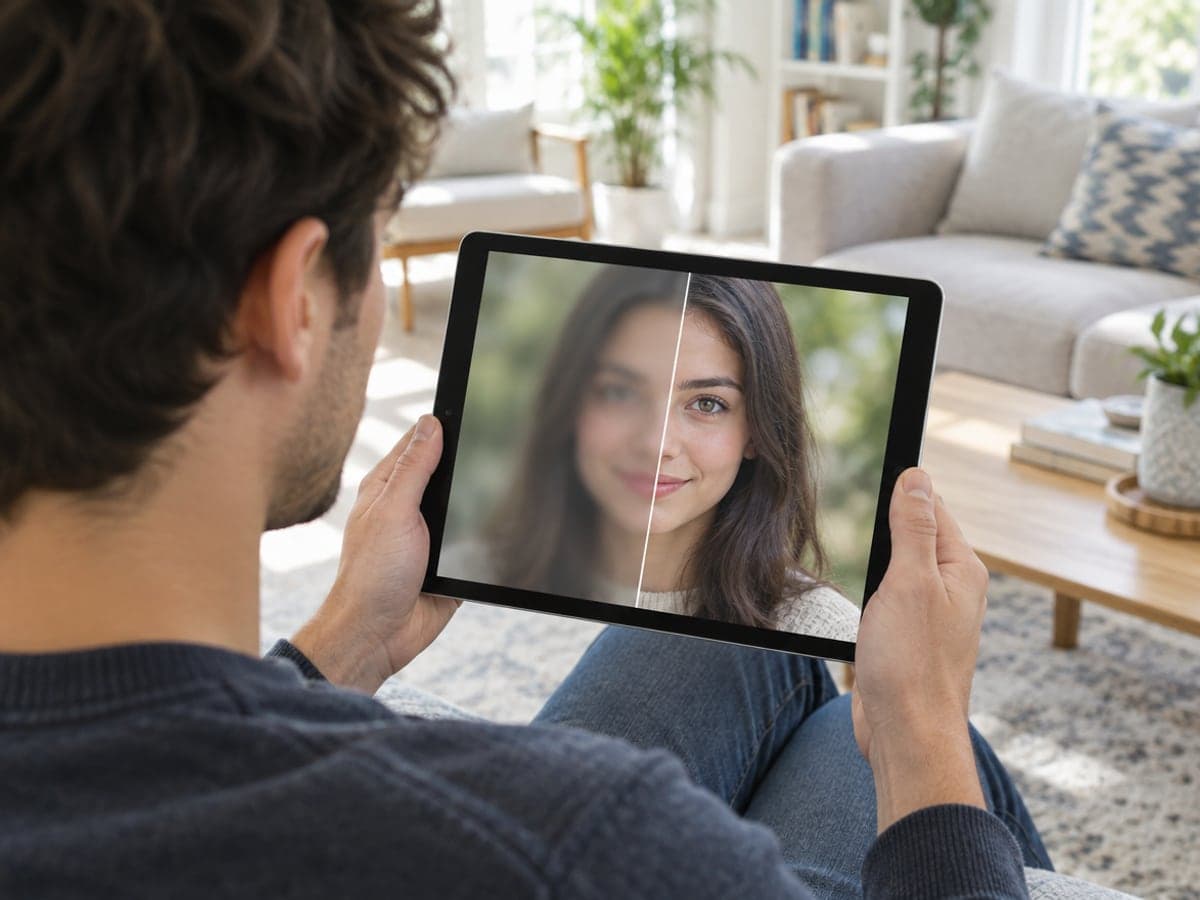
A slightly missed focus, a hand that moved, a shot taken through a window — the Portrait mode brings the eyes and edges back without inventing a new face. Upload, pick Portrait detail, done in about twenty seconds. Need a new headshot instead?
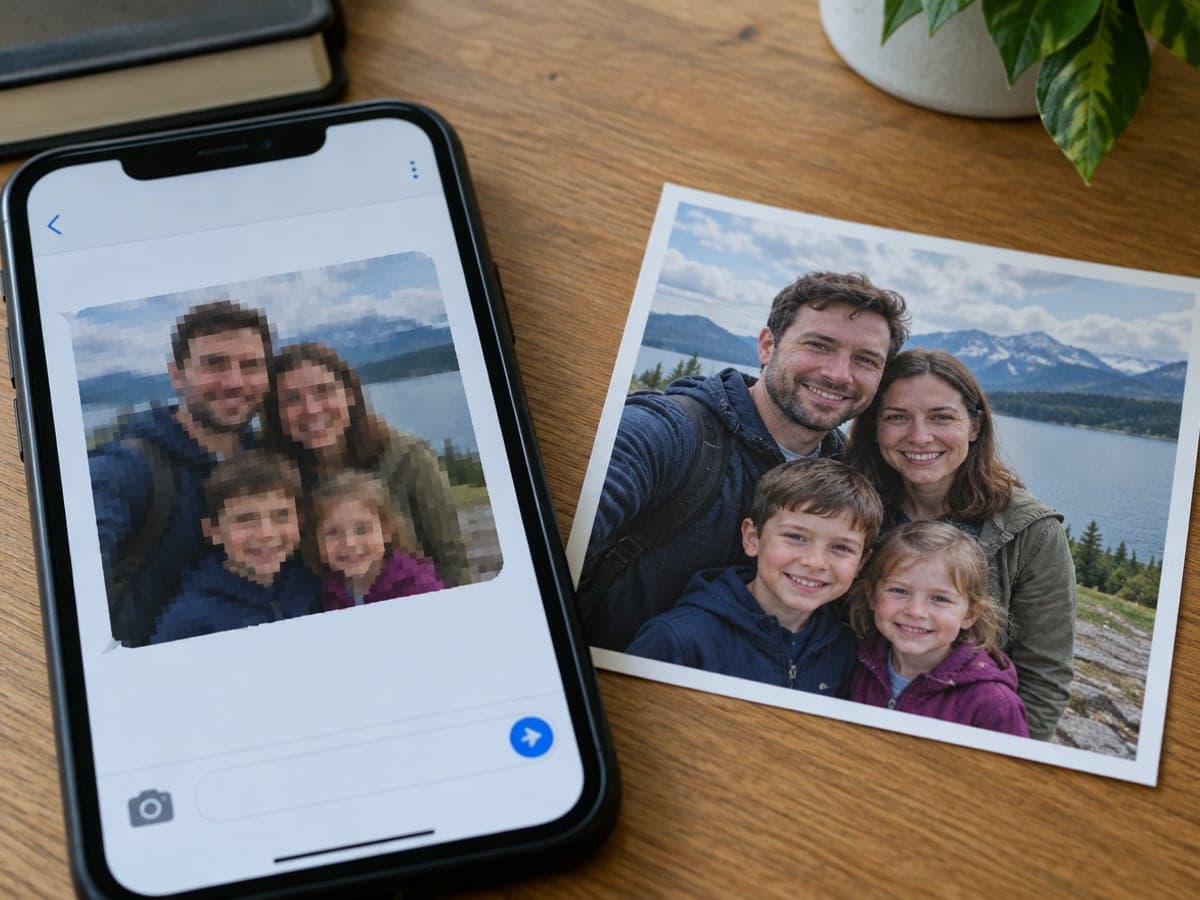
Rescue Photos Crushed by Messaging Apps
WhatsApp, Messenger and old cloud exports squeeze pictures down to a few hundred pixels of blocky JPEG. The Low-res mode is built for exactly that input and returns a clean 2x or 4x version you can print or post. Need 4K or 8K for print? Use the upscaler
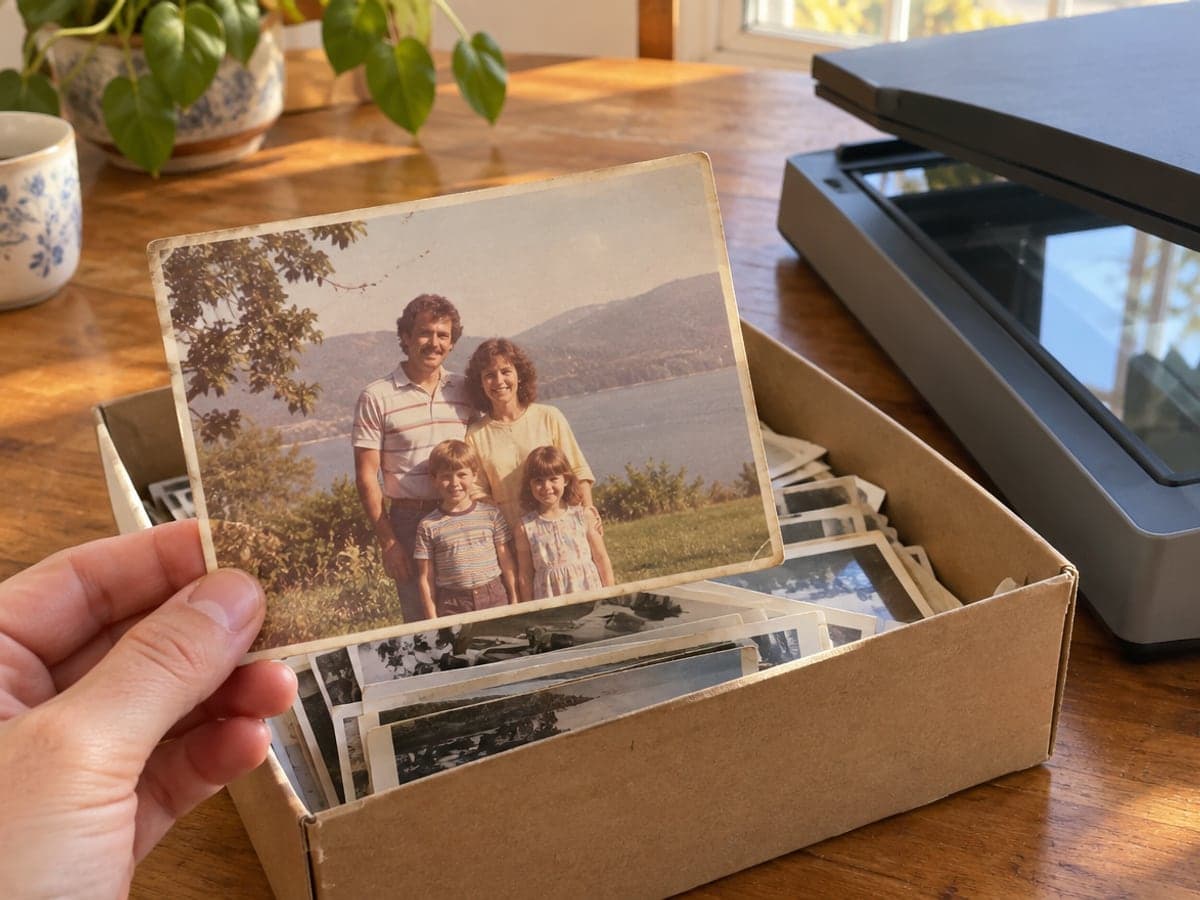
Bring Scanned Prints and Old Snapshots Back
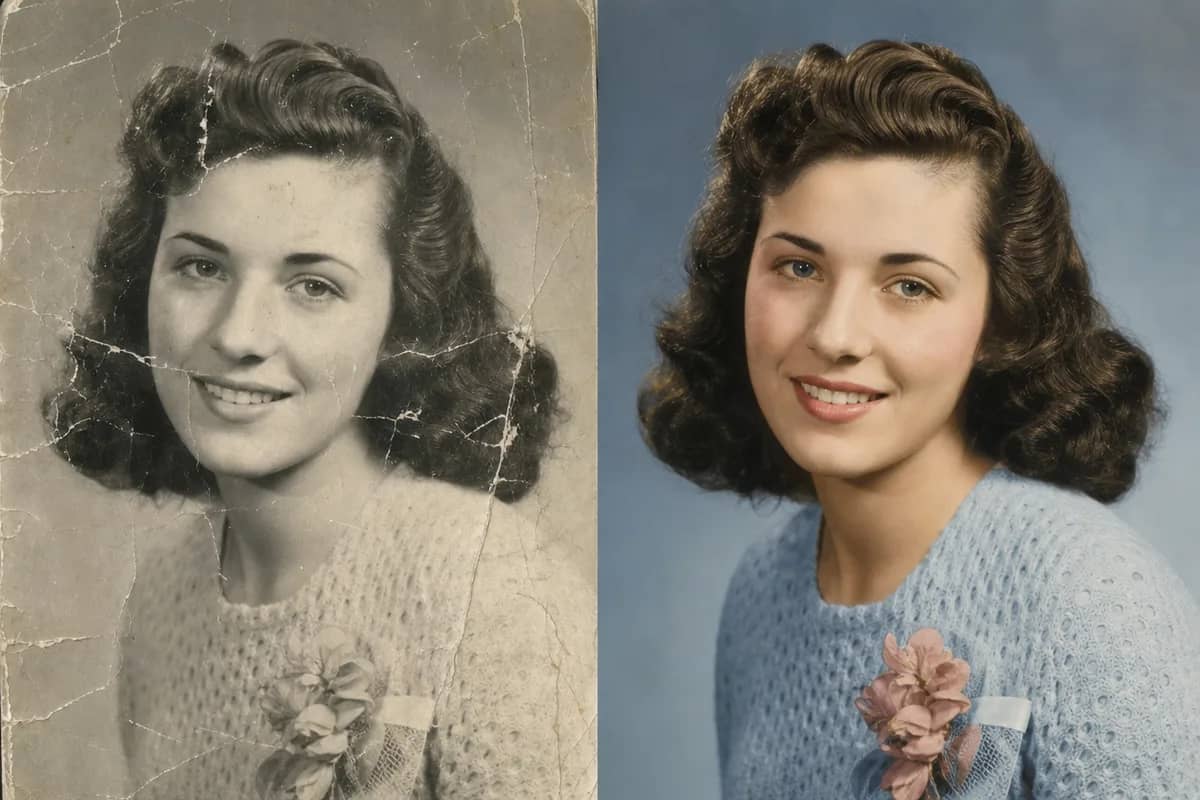
Flatbed scans of 1980s prints lose their sharpness and pick up grain. The enhancer rebuilds faces and fabric while keeping the warm colours and the character of the original, so it still looks like that decade. Torn or scratched? Restore the old photo
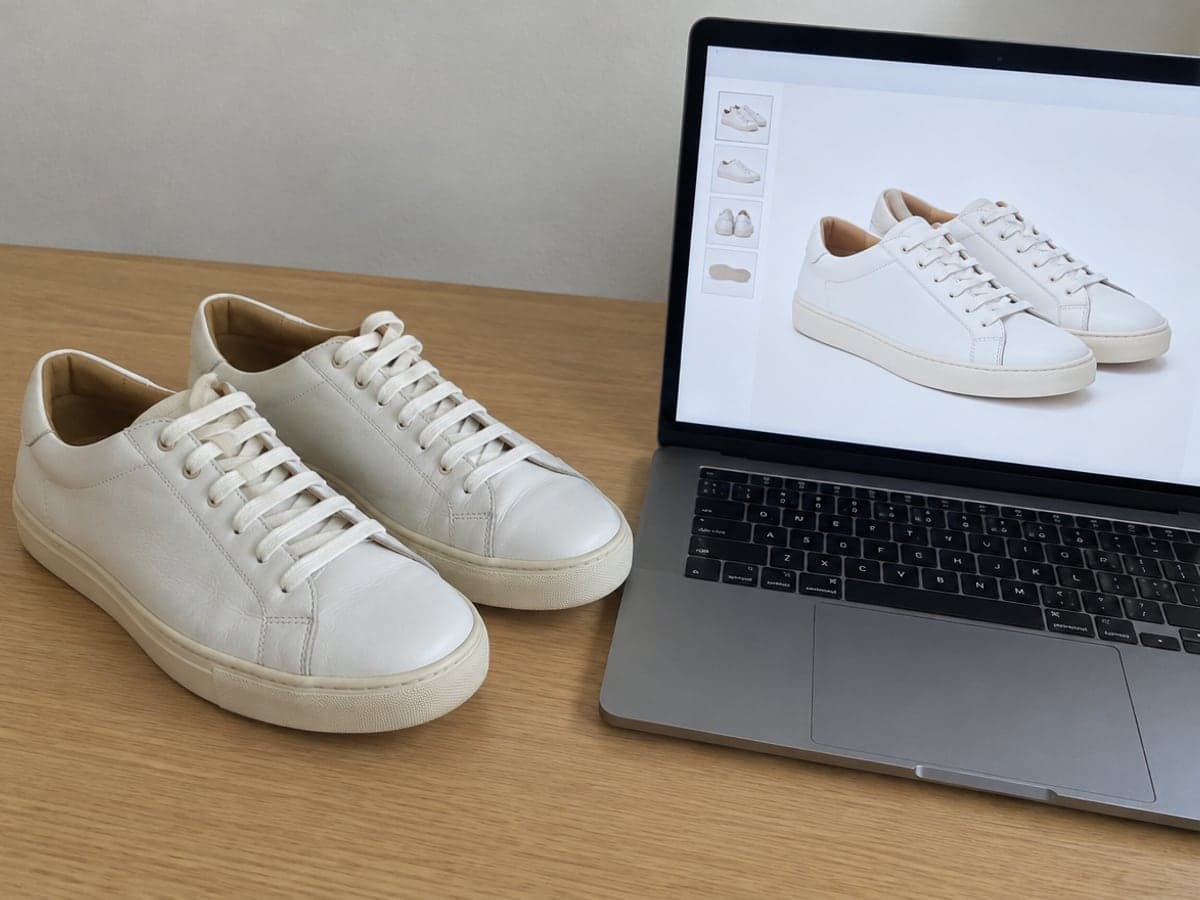
Make Phone Product Shots Look Shot in a Studio
Listings photographed in a hurry come out soft and noisy. Standard mode sharpens stitching, labels and edges so buyers can read the details, then the background remover gives you a clean white cutout. Then cut out the background
Who Uses AI Image Enhancer
Four ways people use it every week
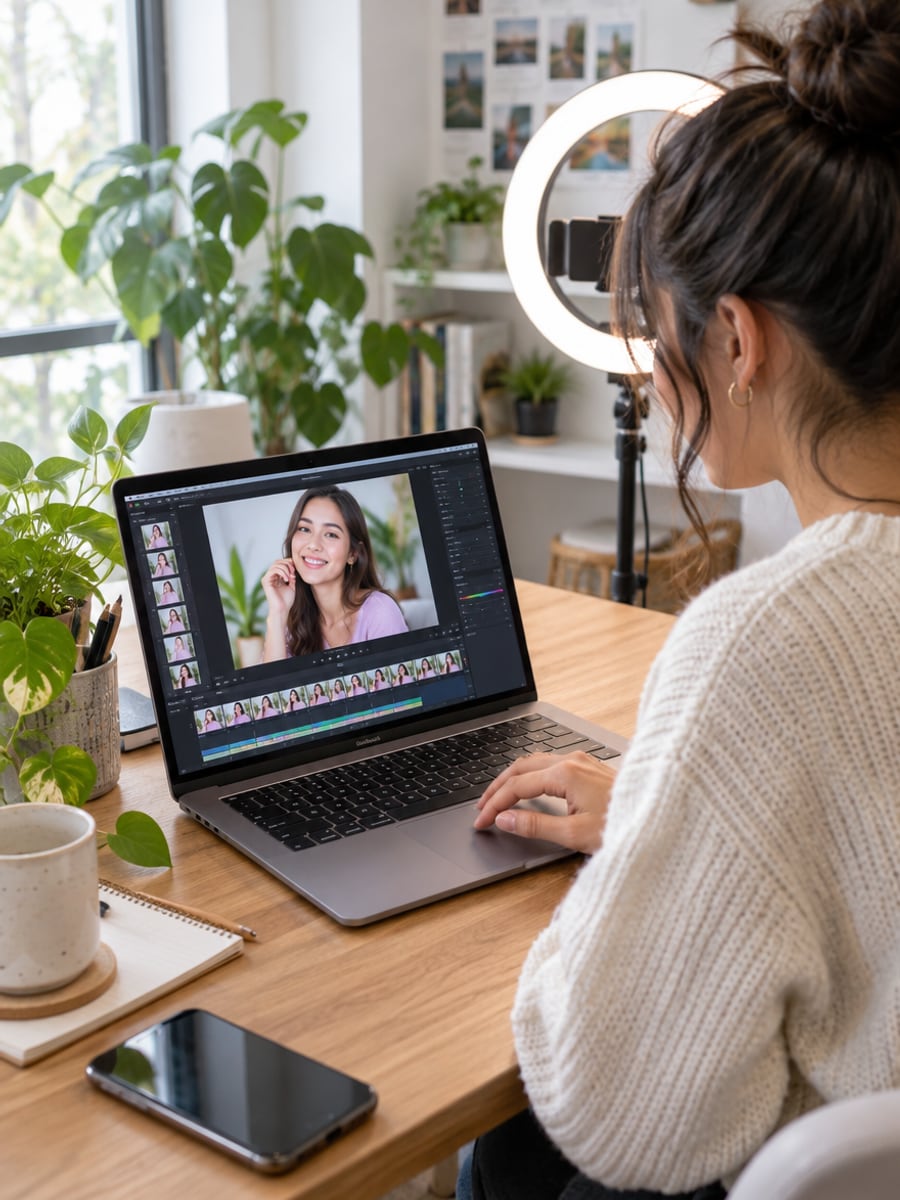
Thumbnails and reels stills that survive platform compression
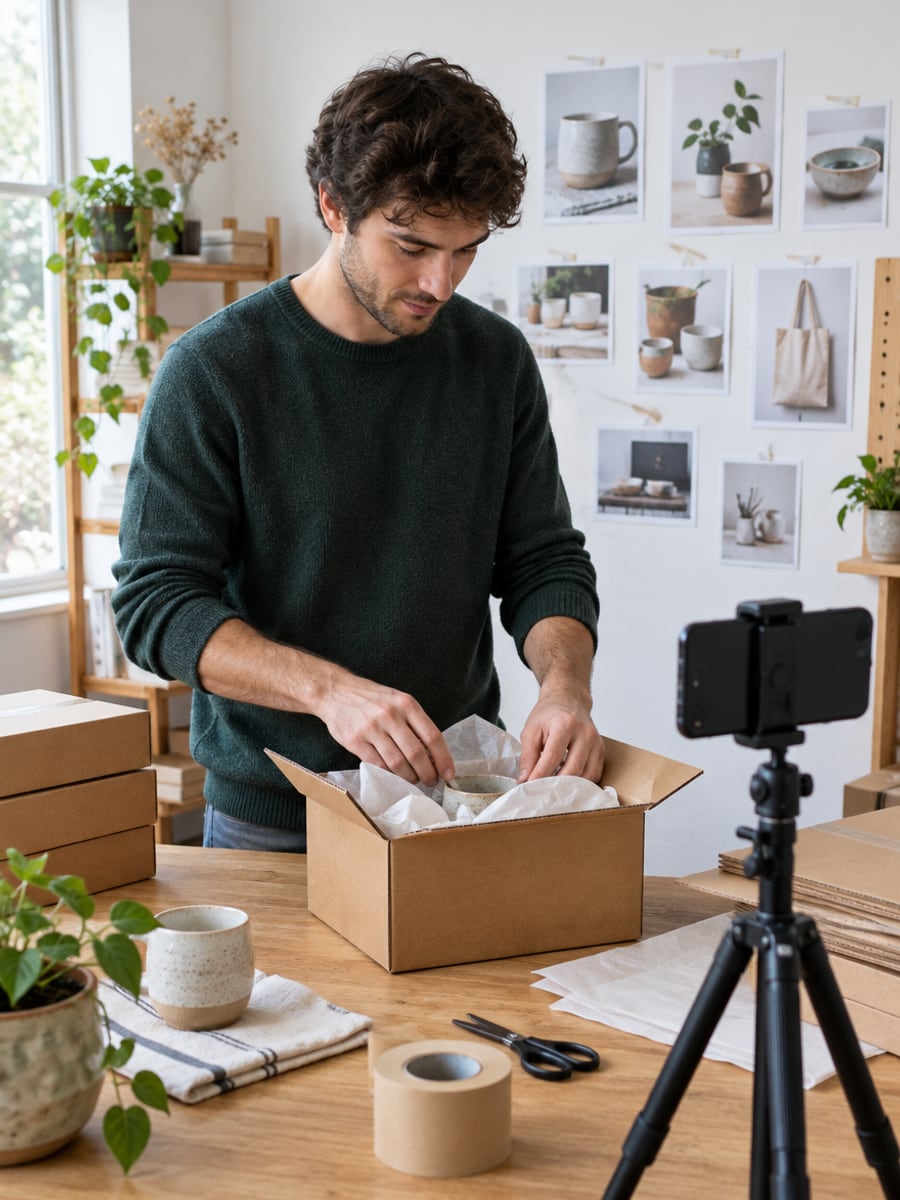
Readable labels and crisp stitching from phone photos
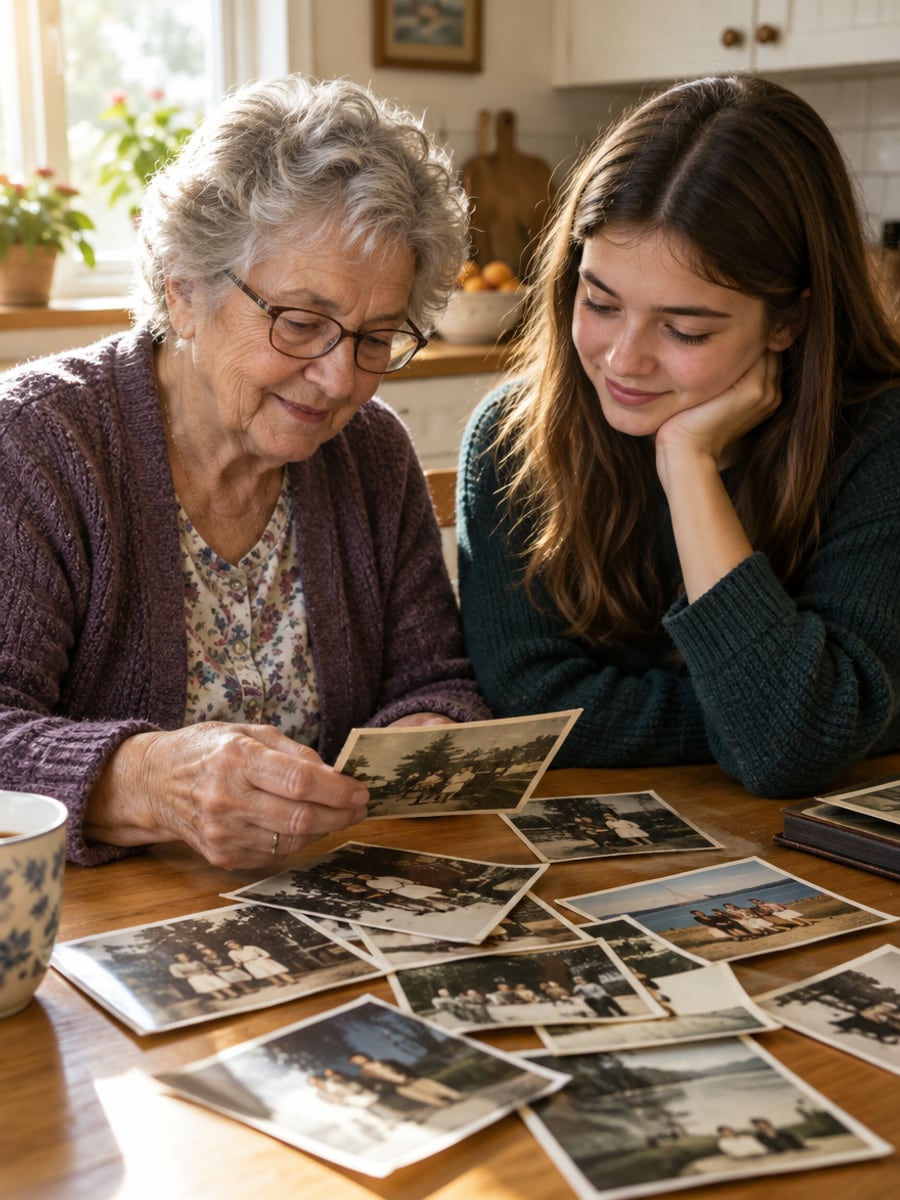
Scanned prints and screenshots of grandparents, sharp again
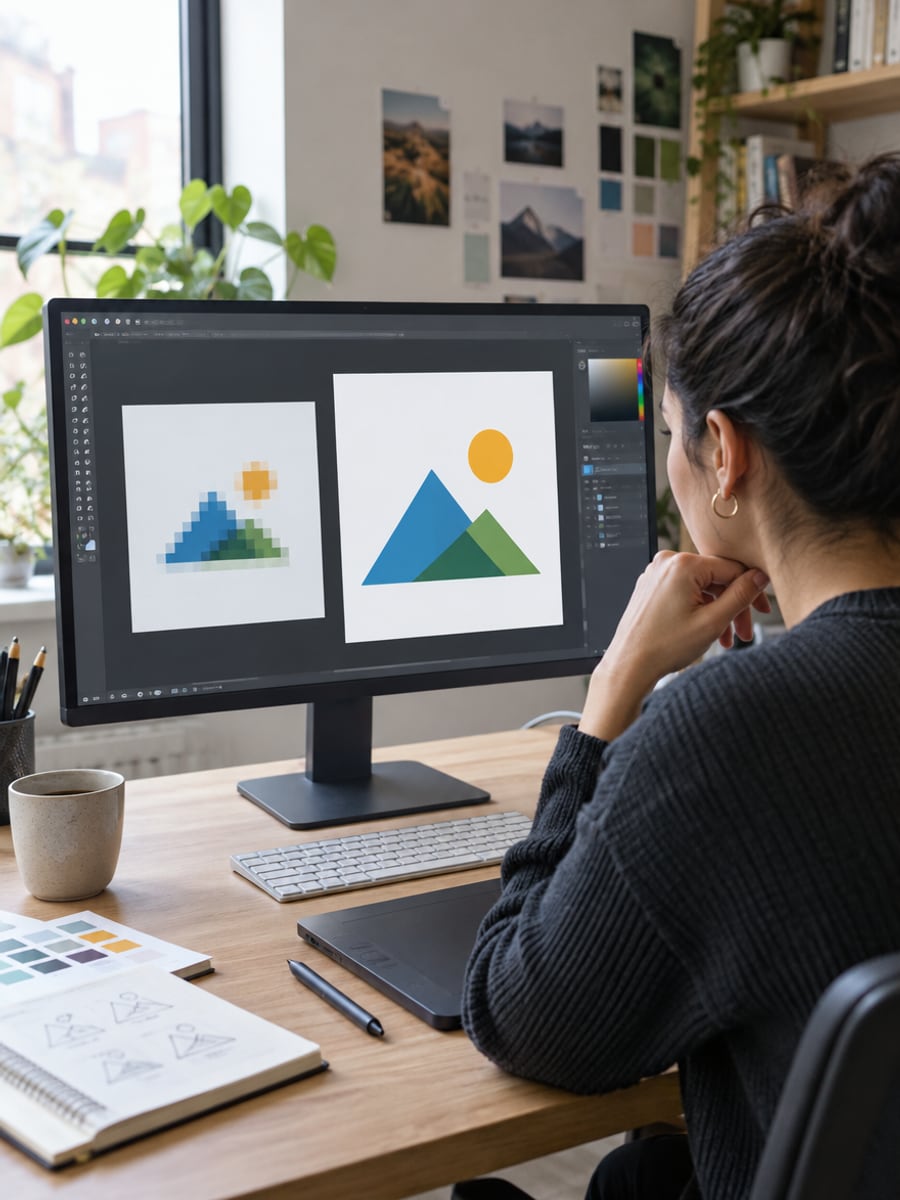
Client-supplied images that were too small to use
How to Enhance a Photo with CreateVision
Upload your photo, select a style, and download your professional result instantly

Upload the Photo
Drop in any JPG, PNG or WebP up to 10MB — a screenshot, a scan, a phone photo, a downloaded image. No account needed to start.

Pick an Enhance Mode and Size
Standard for most photos, Portrait for faces, Low-res for screenshots and old scans, CGI for art and renders, Text for documents. Choose 2x or 4x and the credit cost shows before you run.

Download the Clean Version
About twenty seconds later the enhanced photo is ready at full resolution, with your original colours and framing untouched.
The All-in-One AI Creation Platform
One account for images, videos, an AI agent that works for you, expert AI mentors and 80+ ready-made tools.

AI Image & Video Generator
Every leading model in one workspace: Seedream, Nano Banana, GPT Image, Seedance, Veo and more.
Open
Ava, your AI creative agent
Describe what you need and Ava plans, generates and iterates for you.
Open
80+ AI tools
One-click tools for photos, videos, cards, portraits and viral trends.
Open
Template library
Thousands of ready prompts and styles to start from.
Open
Studios
Portrait, marketing, poster and cinema studios for finished work, not single shots.
Open
AI model library
Compare and pick the right image or video model for every job.
Open
AI mentors
Learn from expert mentors in photography, design and video, then create with their guidance.
Open190K+ creators
Using CreateVision to create and share
What Users Say
Real feedback from users worldwide
“My reels thumbnails were coming out soft after Instagram compressed them. The Portrait mode gives them back the crispness without that airbrushed look.”

“I enhance every phone photo before listing on eBay now. Buyers can read the labels and see the stitching, and it takes twenty seconds.”

“I scanned a shoebox of 1980s prints and ran them through Low-res mode. Faces came back sharp and the colours stayed warm — no cartoon effect.”

AI Image Enhancer FAQ
It is a tool that rebuilds the detail a photo lost to blur, low resolution or compression. CreateVision's runs in the browser on the Topaz engine: upload a photo, pick a mode, and get a sharper 2x or 4x version with the same content and colours.
Upload it, pick a mode, choose 2x and press Enhance. New accounts get 200 free credits with Google sign-up, which covers several photos; free downloads carry a small watermark that any subscription removes.
No. It does not add, remove or redraw objects. Faces, framing and colours stay the same — only the lost detail is rebuilt. If a face is so small that nothing is left to rebuild, the result is honest rather than invented.
Standard for most everyday photos. Portrait detail for faces. Low-res / old photo for screenshots, messaging-app downloads and scans. Art & CGI for illustrations, renders and game screenshots. Text & documents for posters, menus and scanned pages.
Priced by output size: 30 credits for a 2K-class result, 60 credits for 4K. The exact cost shows as soon as you upload, before anything runs.
Free accounts download with a small CreateVision watermark. Any subscription or credit pack removes it on every image tool.
JPG, PNG and WebP up to 10MB. The output is capped at 20000px on the longest side, so very large images may only allow 2x.
Same engine, different job. The enhancer is tuned to fix how a photo looks at 2x, with a mode per picture type. The upscaler is for reaching 2K, 4K or 8K when you need size for printing. If your photo is sharp but small, use the upscaler; if it is blurry or compressed, start here.
Fix That Blurry Photo in 20 Seconds
Upload a blurry, compressed or low-res picture and get a sharp, natural version back — powered by Topaz, right in your browser.
Related Tools You Might Like
Explore more AI creative tools