
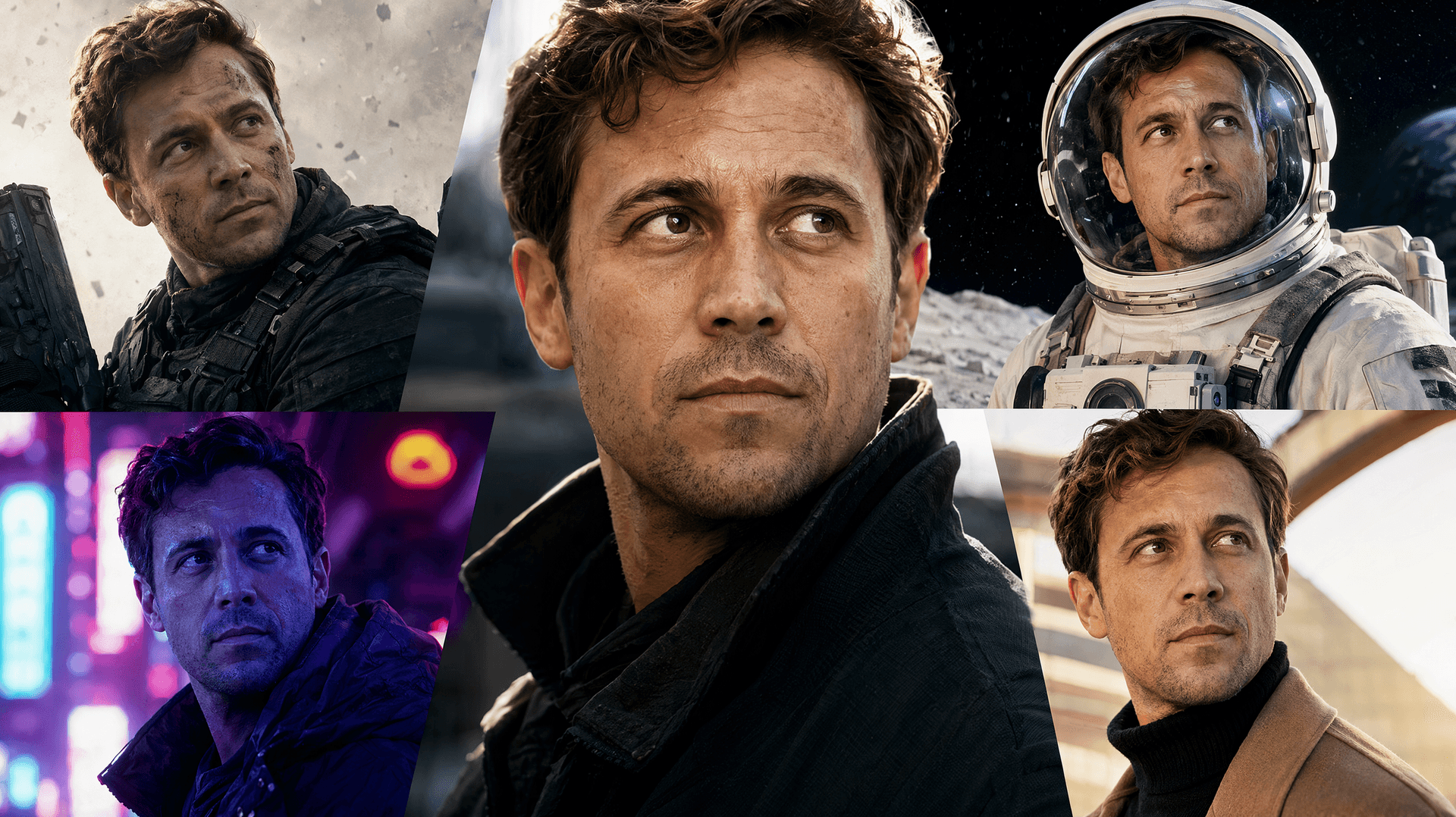
AI Face Swap
Swap faces between photos seamlessly with AI
Tap to uploadDrop image or click
JPG · PNG · WebP
Tap to uploadDrop image or click
JPG · PNG · WebP
Preview Examples

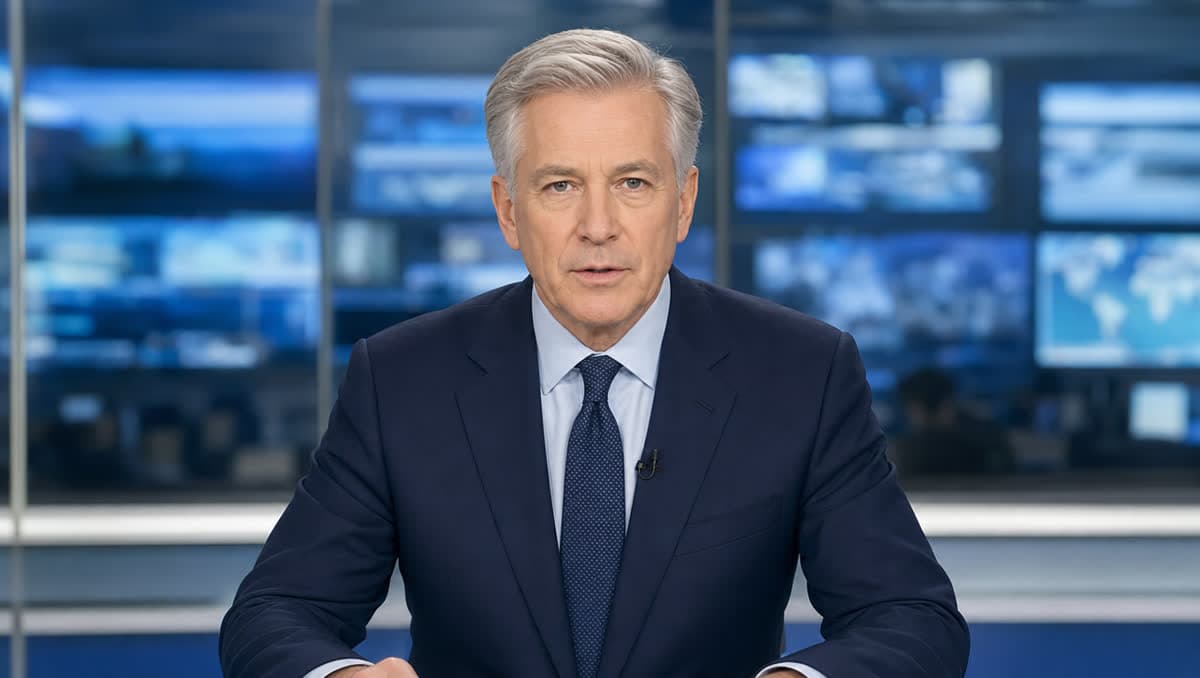
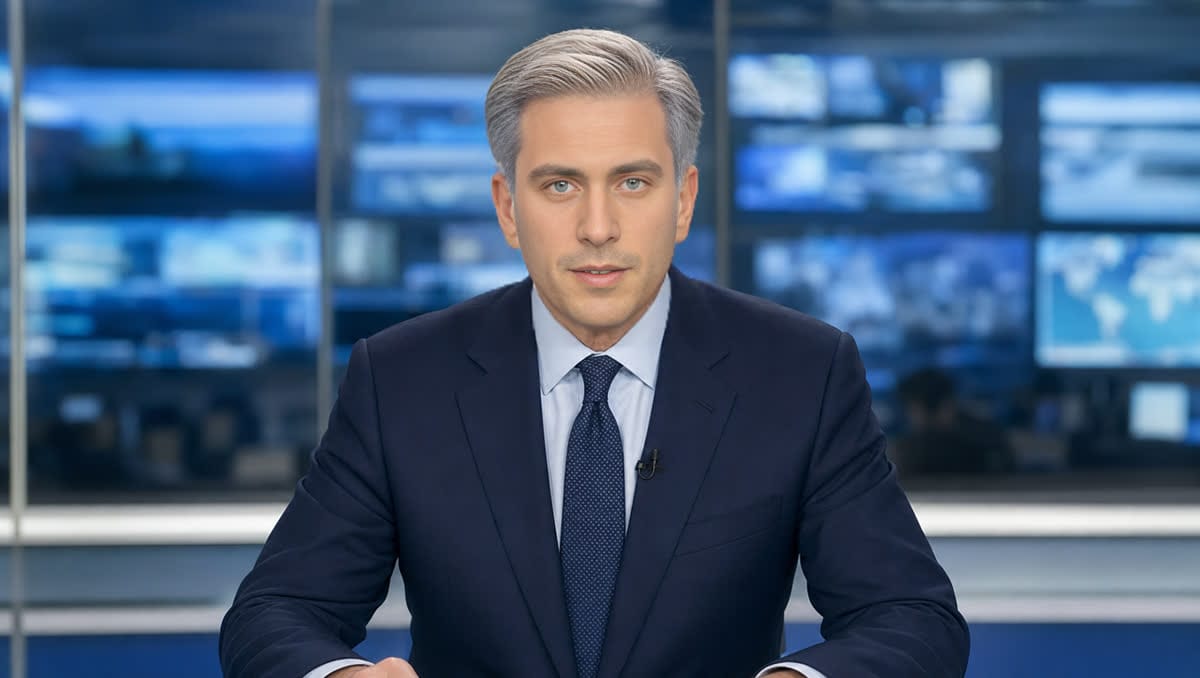
Select a scene to see different results
What is AI Face Swap?
AI Face Swap puts your face into another photo or scene while keeping your real identity. Upload your face plus a target photo, and our identity-first AI produces a realistic, seamless swap in seconds.
Why Our AI Face Swap Still Looks Like You
Professional quality, privacy protected, instant results
Results That Truly Look Like You
An identity-first engine keeps your real bone structure, eyes and skin tone, so friends recognize you at first glance.
No Plastic Skin, No Seams
Natural skin texture, matched lighting and clean blending at the jaw and hairline. The swap reads as a photo, not a paste-on.
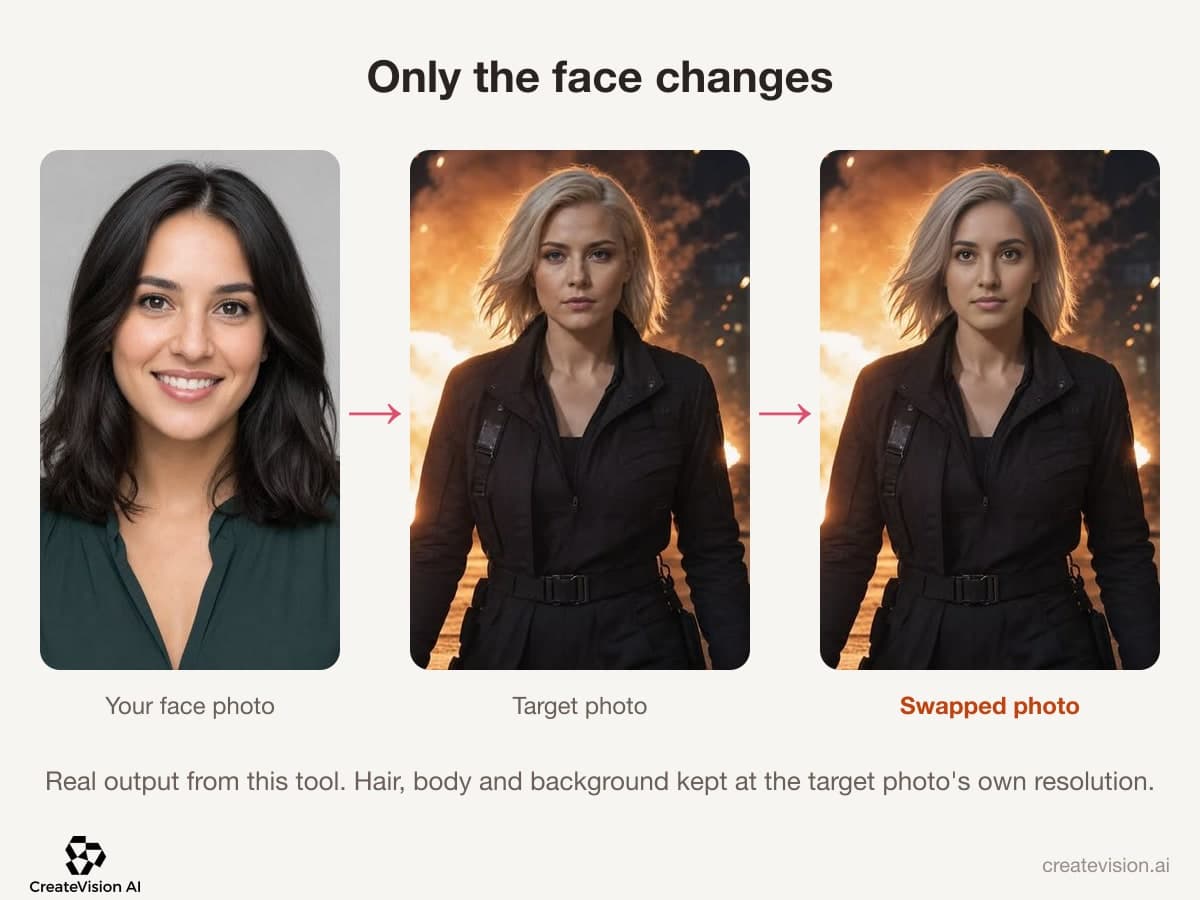
Only the Face Changes
Hair, body, clothing and background stay exactly as they were in the target photo. Nothing else gets redrawn.
See What You Can Do With AI Face Swap
Perfect for various professional scenarios, instant and secure

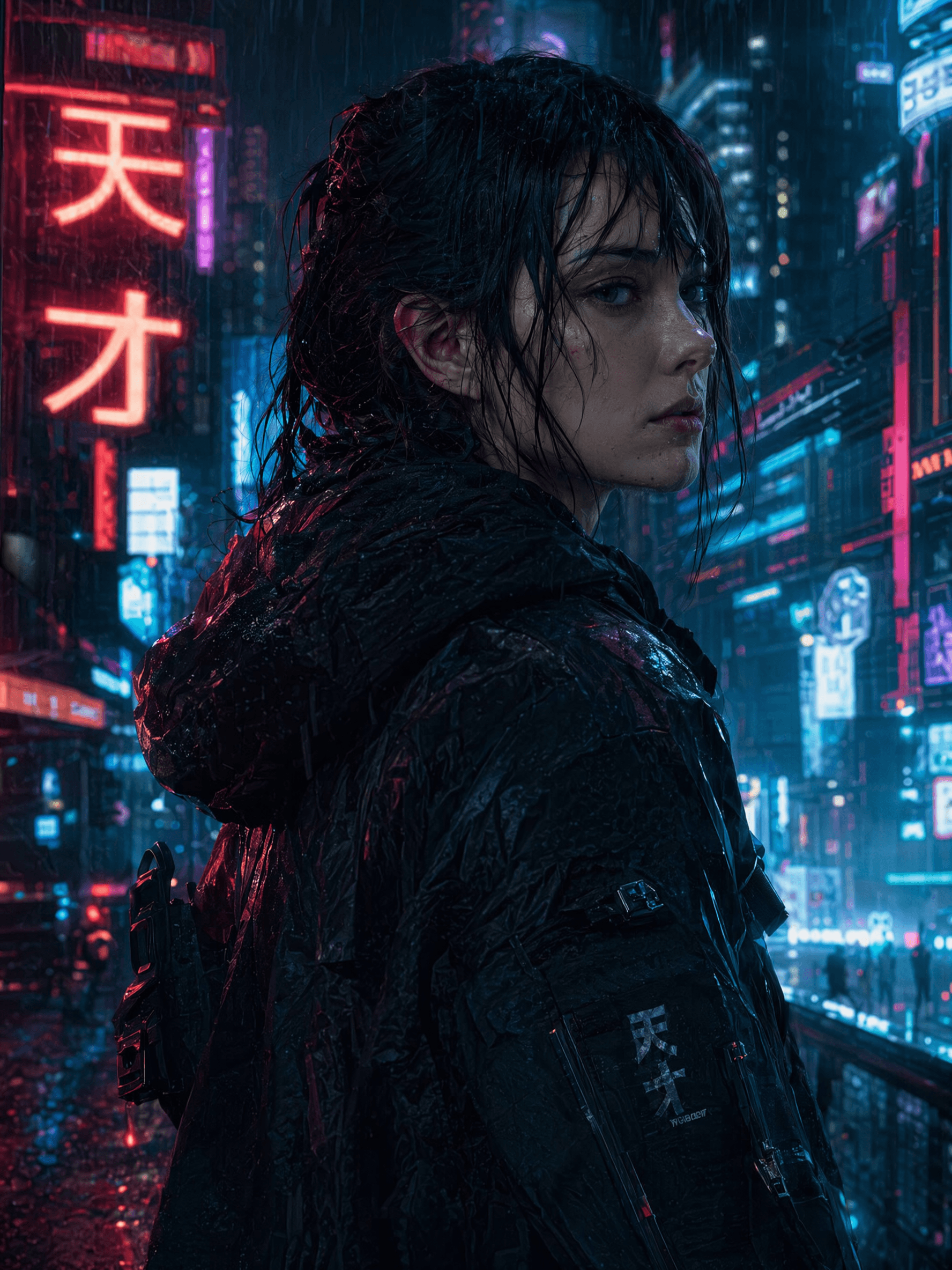
Step Into a Movie Moment
Put your face on an action hero, a sci-fi lead or a fantasy warrior. Your identity stays intact while the scene keeps its cinematic look. Swap faces in video
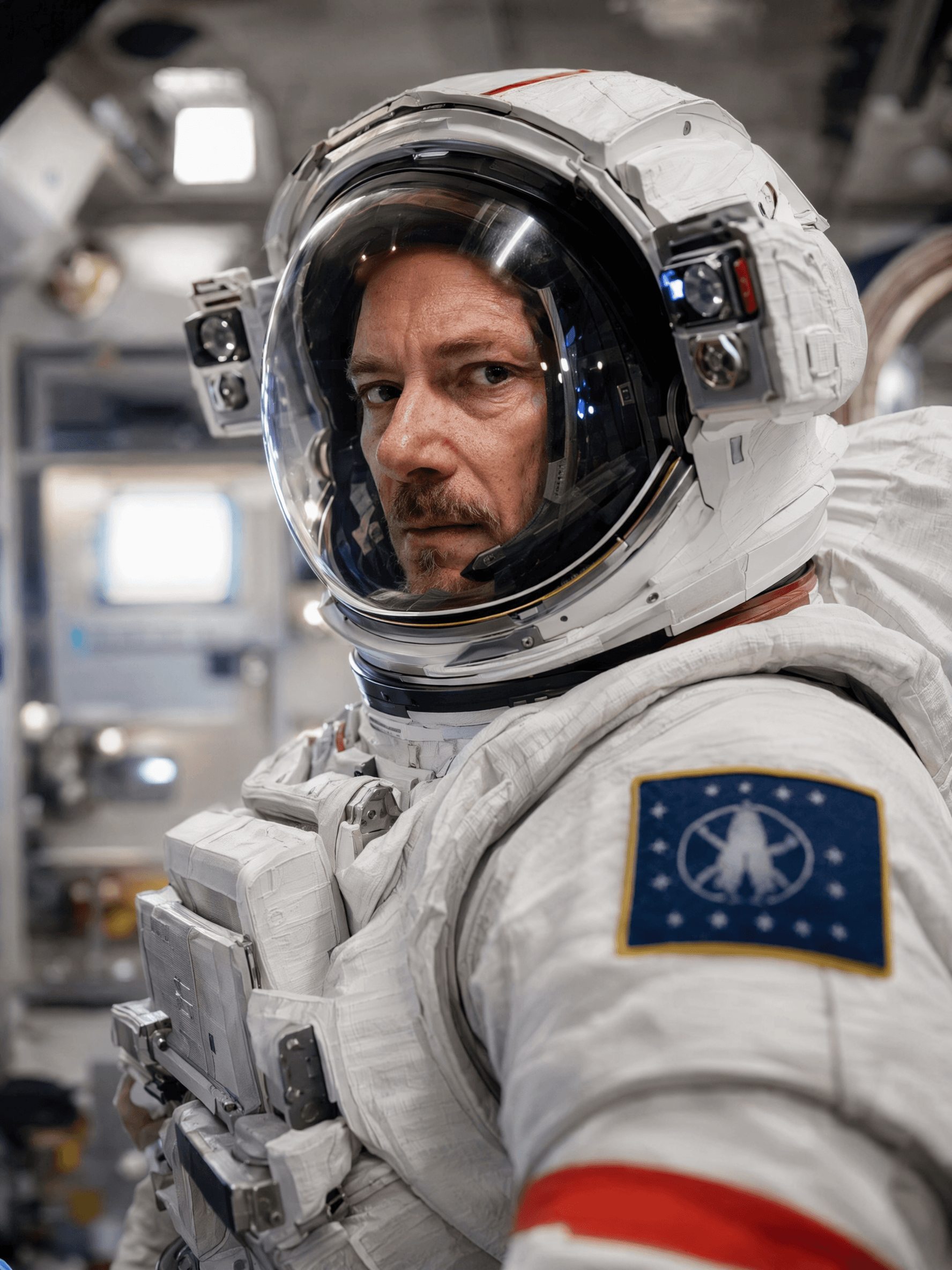
See Yourself in Another Life
Become an astronaut, a CEO, royalty or a 1920s icon. Pick a scene from the library or upload any target photo you like. Try a new hairstyle
Make Posts People Stop For
Create face swaps for TikTok, Reels and memes that actually look like you. Turn a still swap into a loop when you want motion. Make a face swap GIF

Build the Group Shot You Missed
Crop the target to one person so only that face changes. Then combine solo photos into one group picture with friends who could not be there. Open Group Photo Mixer
Who Uses AI Face Swap
Four ways people use it every week
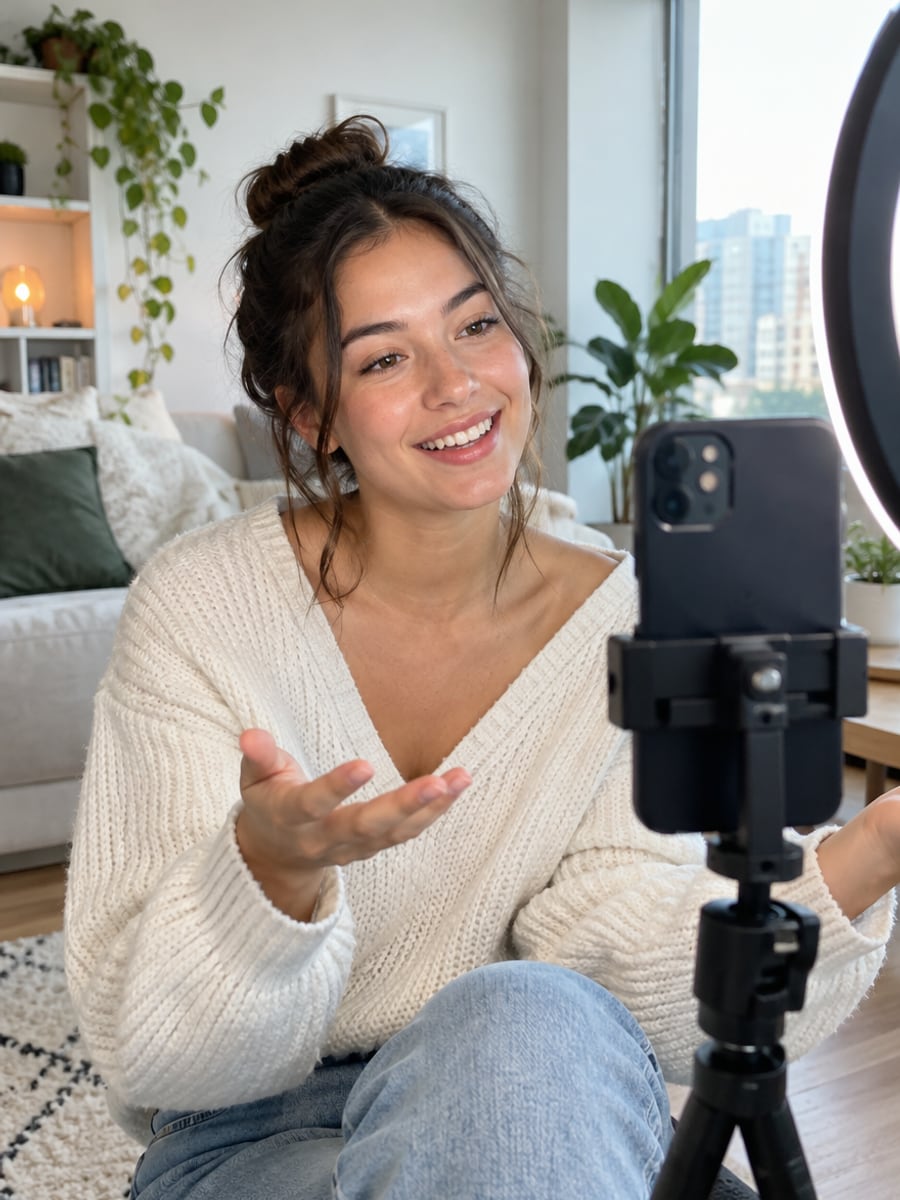
Make share-ready swaps that still look like you
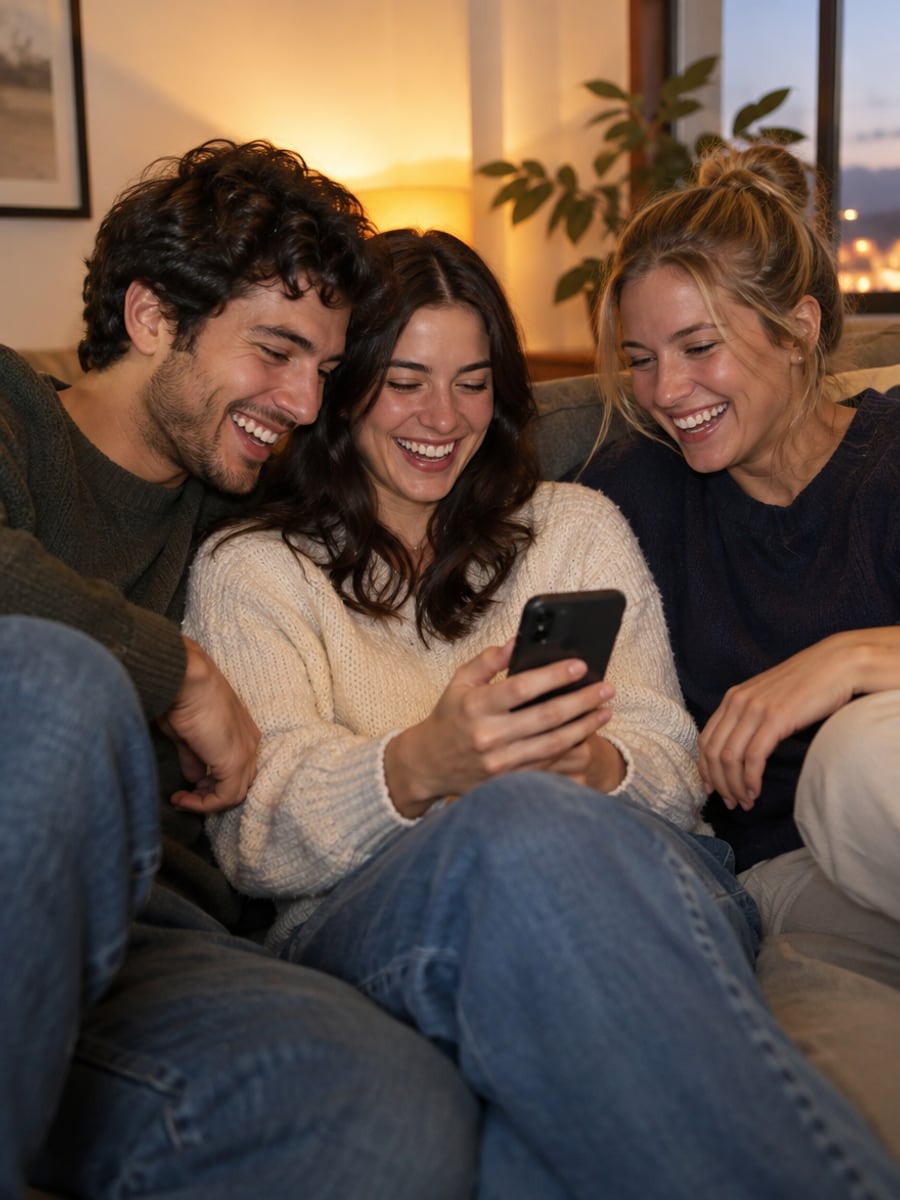
Turn group chats into running jokes
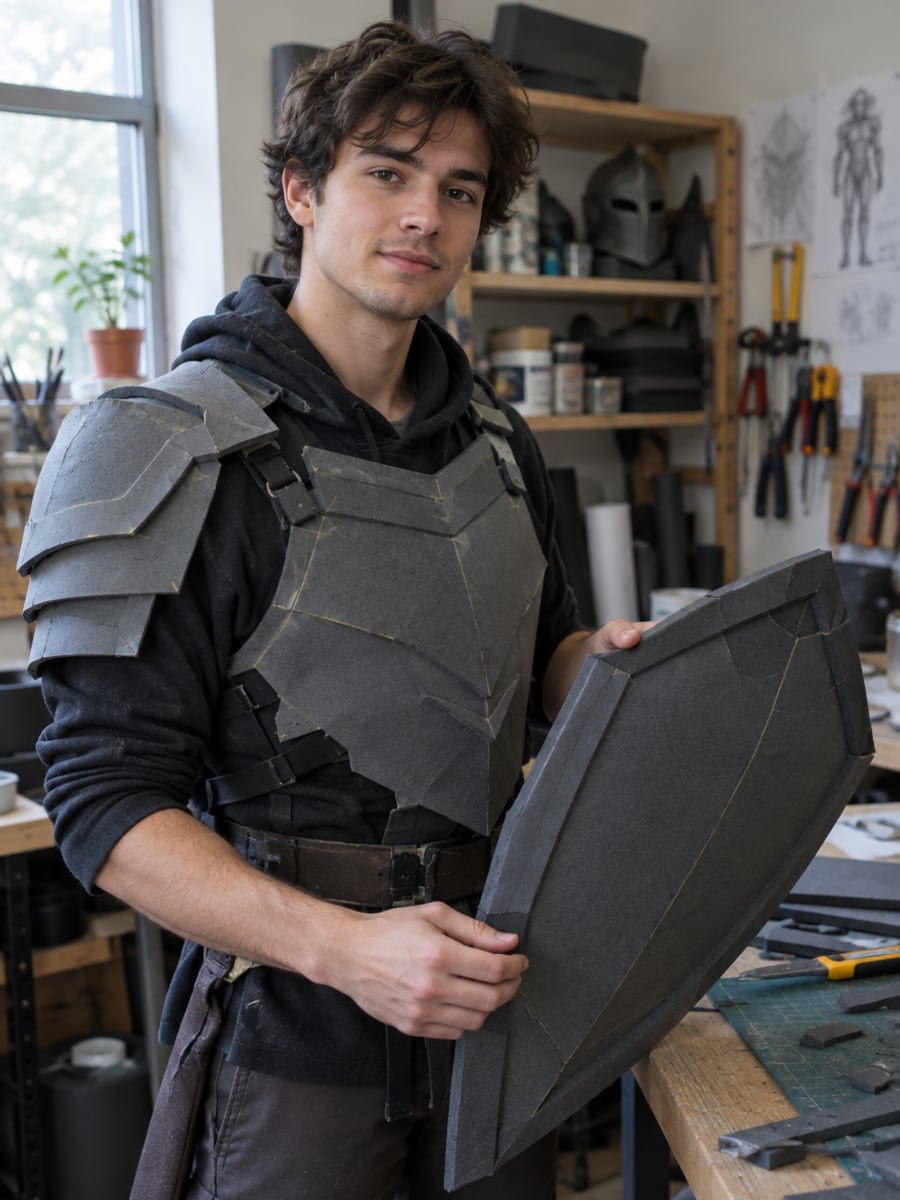
Preview a character look before building the costume
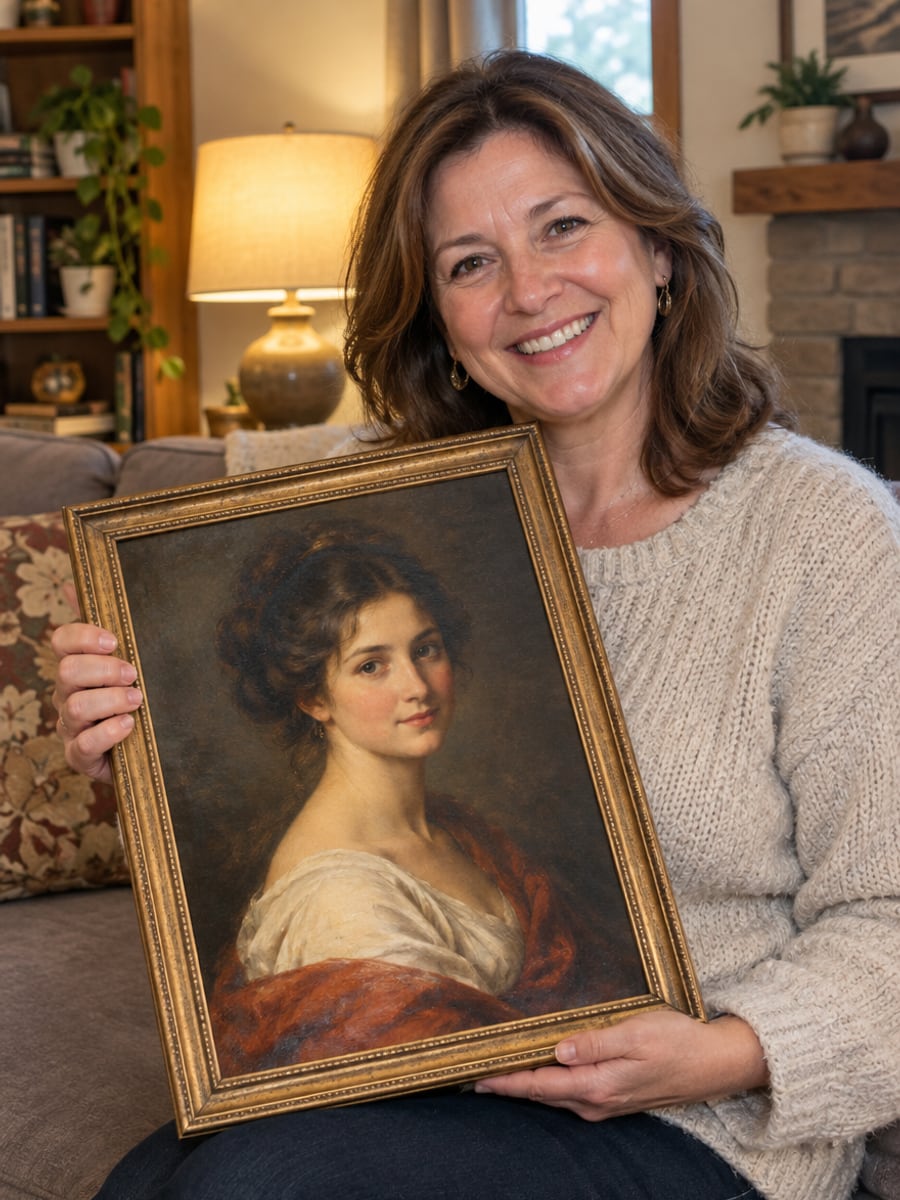
Create a portrait gift that makes family laugh
How to Swap Faces in Photos with CreateVision
Upload your photo, select a style, and download your professional result instantly
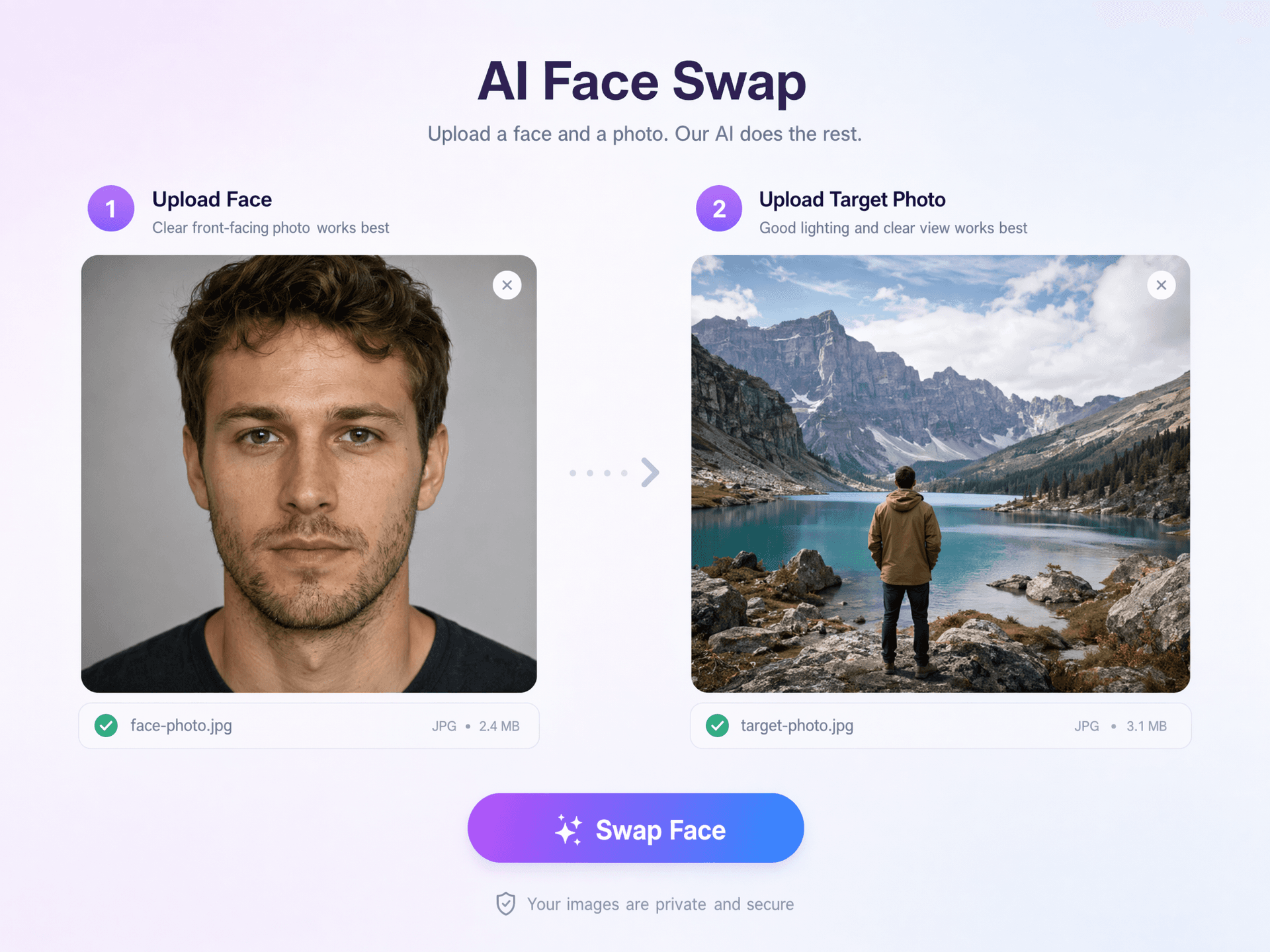
Upload Two Photos
Add a clear photo of your face (the identity) and the target photo or scene you want to swap into.
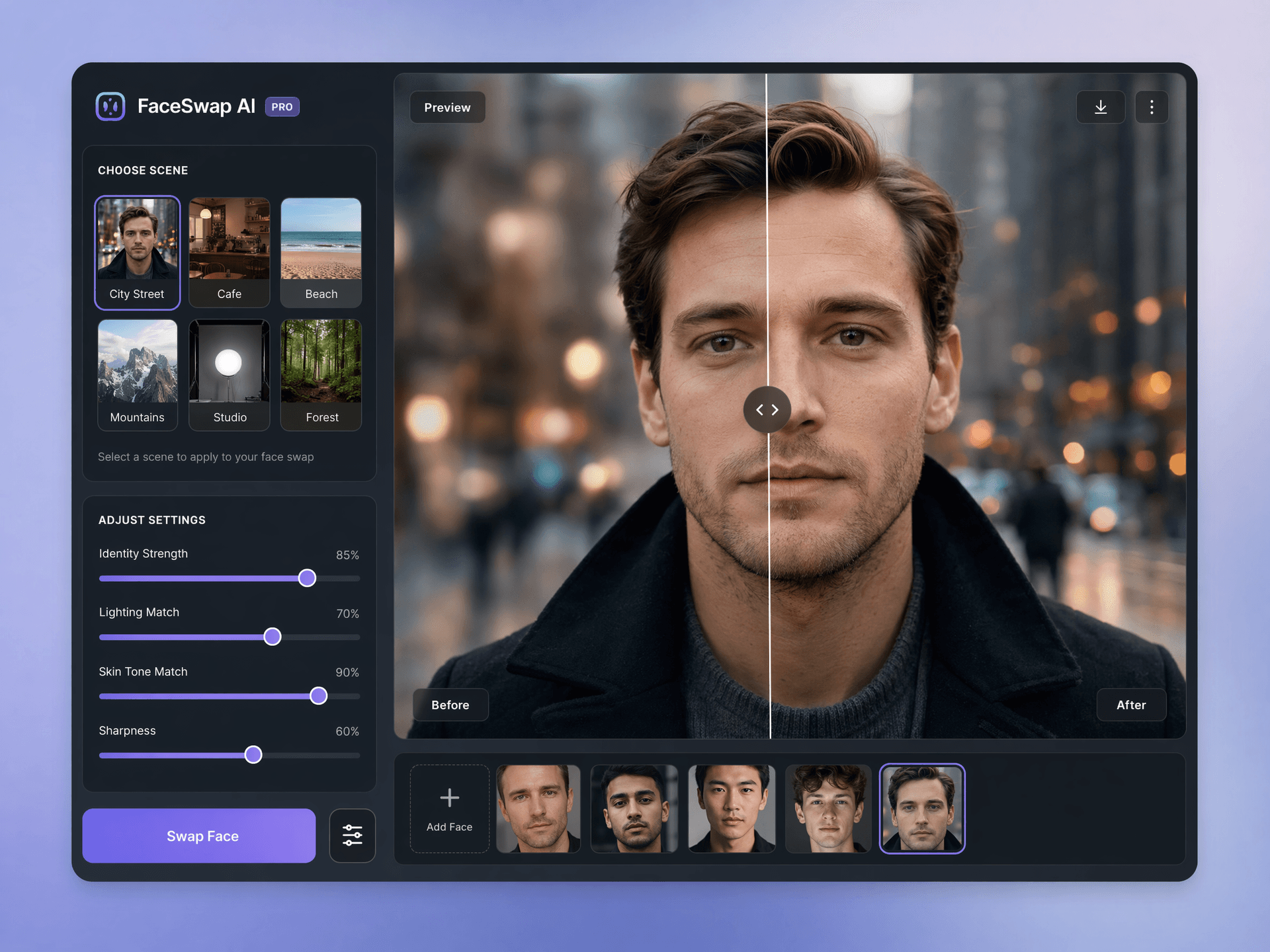
Pick the Target
Use your own target photo or pick one from the library. Only the face is replaced, so hair, body, clothing and background stay as they are.
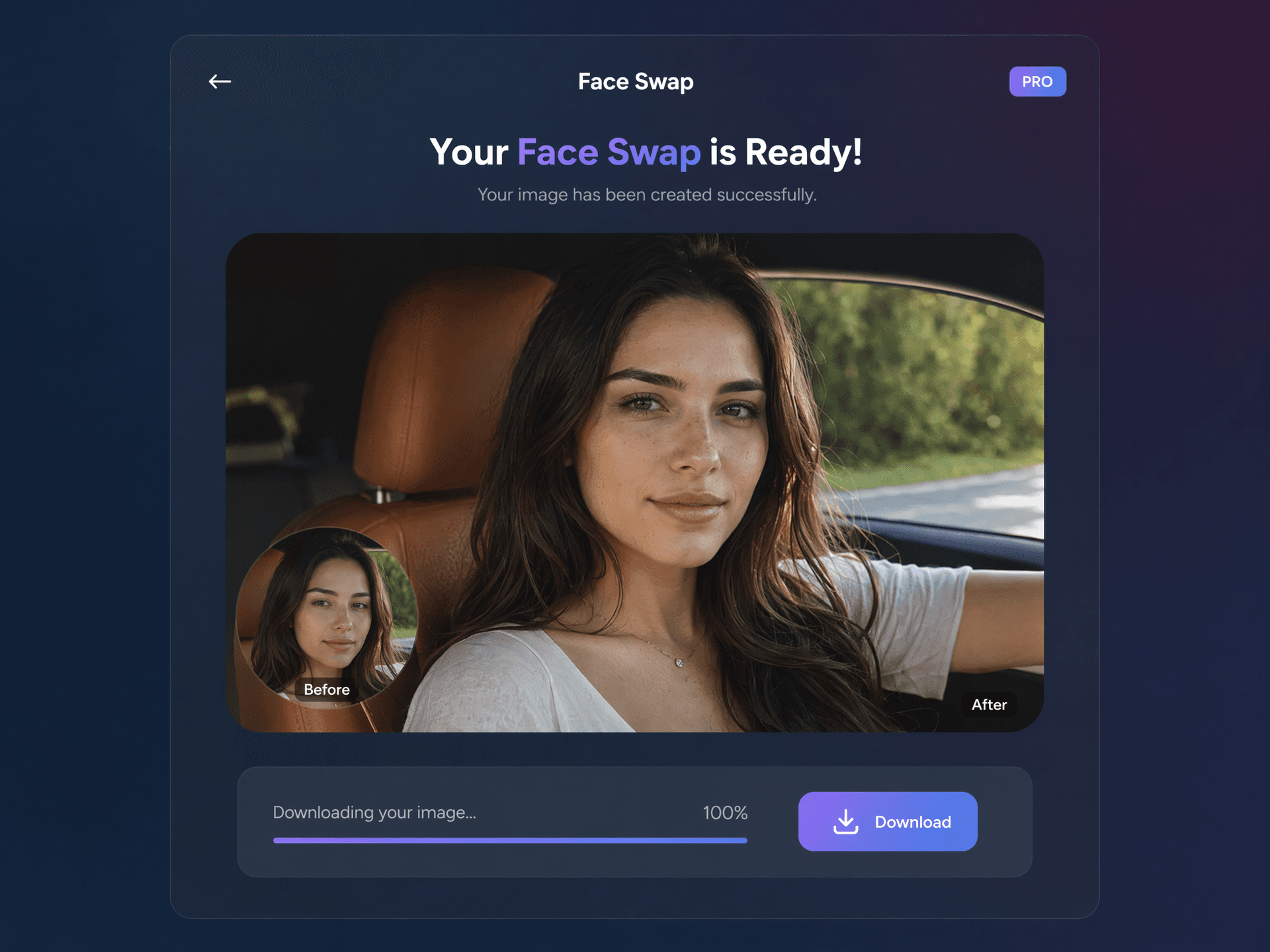
Generate and Download
Get a realistic, identity-true face swap in seconds and download it in full quality.
The All-in-One AI Creation Platform
One account for images, videos, an AI agent that works for you, expert AI mentors and 80+ ready-made tools.

AI Image & Video Generator
Every leading model in one workspace: Seedream, Nano Banana, GPT Image, Seedance, Veo and more.
Open
Ava, your AI creative agent
Describe what you need and Ava plans, generates and iterates for you.
Open
80+ AI tools
One-click tools for photos, videos, cards, portraits and viral trends.
Open
Template library
Thousands of ready prompts and styles to start from.
Open
Studios
Portrait, marketing, poster and cinema studios for finished work, not single shots.
Open
AI model library
Compare and pick the right image or video model for every job.
Open
AI mentors
Learn from expert mentors in photography, design and video, then create with their guidance.
Open190K+ creators
Using CreateVision to create and share
What Users Say
Real feedback from users worldwide
“Finally a face swap that actually looks like me. The identity strength control is a game changer for my thumbnails.”

“The skin and lighting match is unreal — no more obvious paste-on faces. Our social engagement doubled.”

“The movie moment scenes are pure gold for memes. Fast, realistic, and it nails the face every time.”

FAQs About Our AI Face Swap
AI Face Swap puts your face into another photo or scene while keeping your real identity. Upload your face plus a target photo, and the identity-first AI produces a realistic, seamless swap in seconds.
The best face swap keeps you recognizable and leaves the rest of the photo alone. CreateVision uses a dedicated face-swap engine that replaces only the face pixels, keeps natural skin texture and matches the target lighting. You also see the exact credit cost before you generate.
You upload two photos. The first is your face (the identity) and the second is the target scene. The AI maps your facial identity onto the target and matches lighting, skin tone and angle, while hair, body, clothing and background stay untouched.
If the target photo has several people, every face is replaced with the source face. To swap just one person, crop the target so only that person is in frame before uploading. Glasses frames and hairstyles in the target photo are kept as they are.
Each face swapped costs 40 credits, and you always see the exact cost before you generate. You can start with 200 free credits from Google sign-up. Free accounts download with a small CreateVision mark, while subscribers and credit-pack buyers can turn the watermark off.
Your uploads are processed securely, never sold, and not used to train AI models. Only swap faces you have consent to use. Non-consensual and celebrity deepfakes are not permitted.
Results depend on the two photos you give the AI. A blurry face, heavy shadows or a very different head angle between the photos makes the match harder. For the best swap, use a sharp, front-facing face photo and a target where the face is clearly visible.
Swap Faces That Actually Look Like You
Upload your face and a target photo, and get a realistic AI face swap in seconds for 40 credits.
Related Tools You Might Like
Explore more AI creative tools
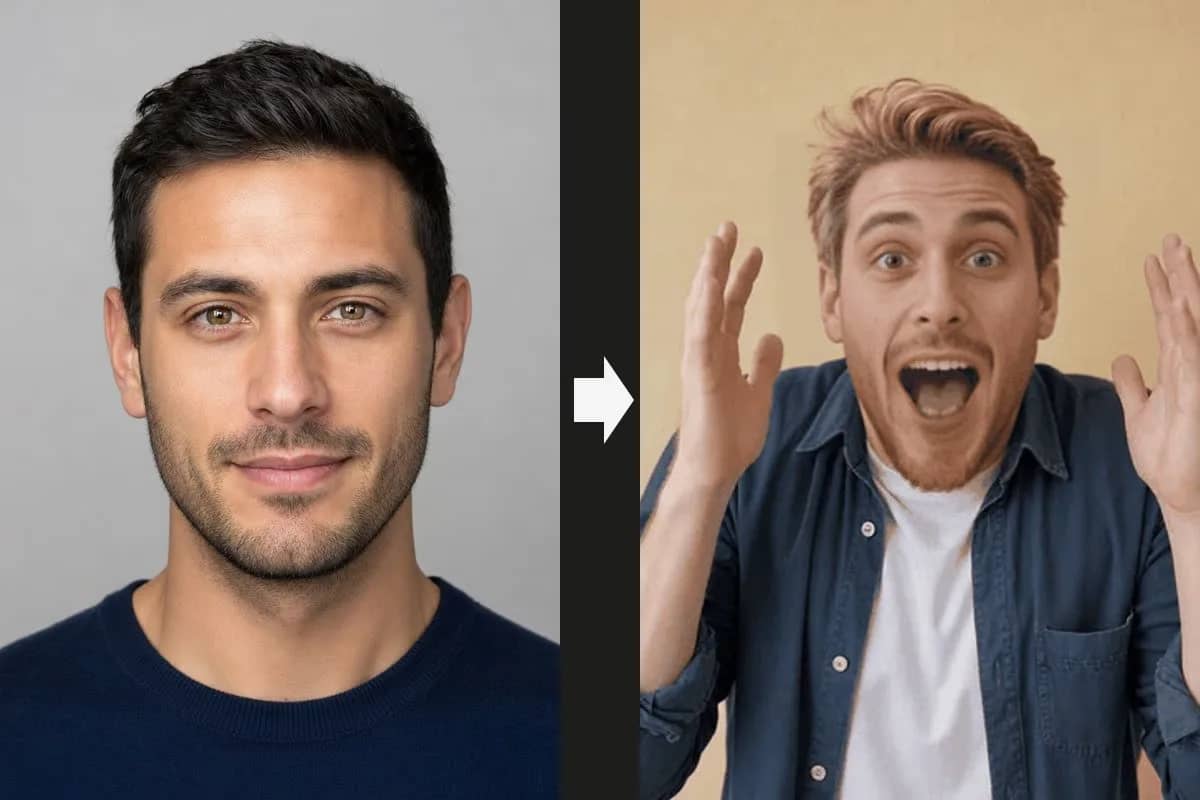


Related Tools You Might Like
Explore more AI creative tools