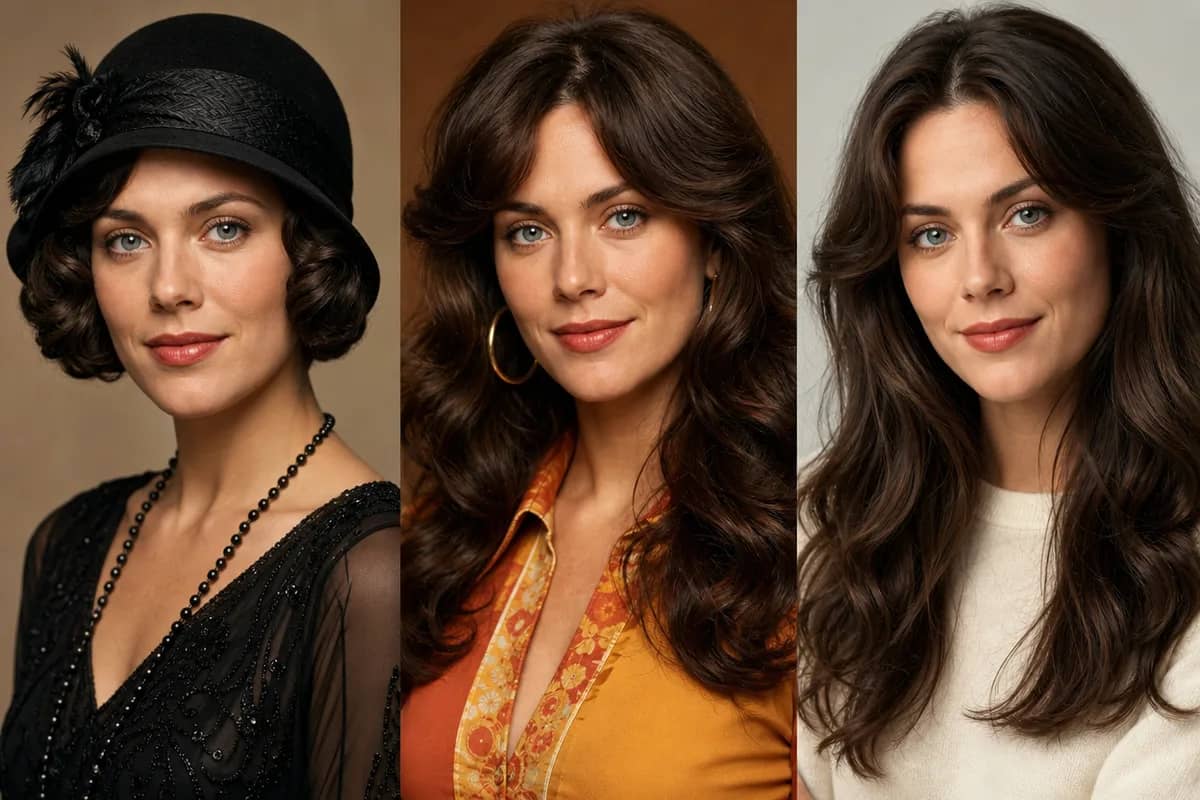
1 present-day photo opens your time-jump. Add a 2nd era-styled reference to lock the destination — AI handles the transition.
Preview


Helping creators & businesses everywhere work easier
What is an AI time machine?
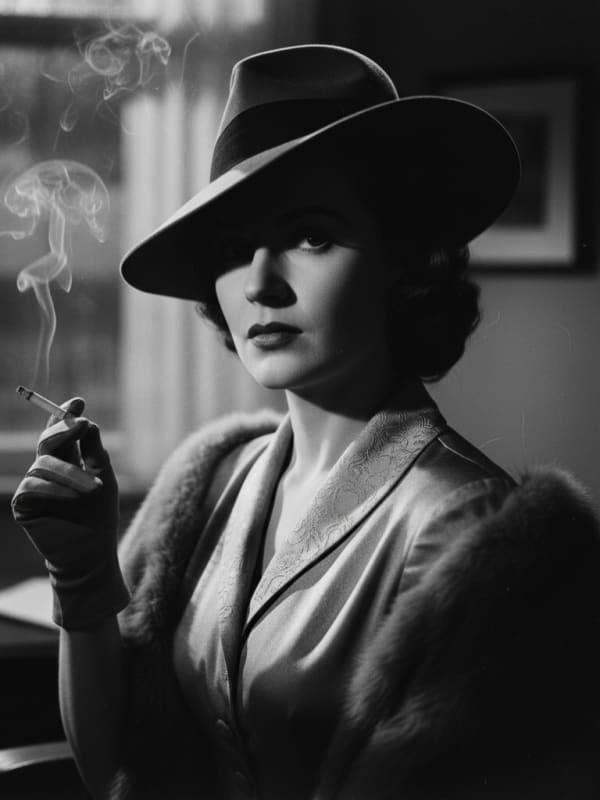
AI Time Machine casts you in any era — 1920s flapper, 1950s diner, 1970s disco, cyberpunk 2080, old Hollywood, retro Polaroid — in a six-second cinematic clip from a single photo. Powered by Seedance 2.0 with era-specific film-stock anchors (Kodachrome, Ektachrome, Cinestill 800T, B&W noir grain) so the period look isn't generic VFX — it's actually the era's color science.

What an AI time machine changes about a photo
Made for everyday people, not editors.
A century in one tap
Six era presets covering 100 years — pick the vibe, we cast you in it.
Ready in ~2 minutes
Upload to vintage MP4 in roughly one coffee break.
Made for the feed
9:16 portrait, ready for Reels, Shorts, and TikTok era-trend videos.
Eras people send their photos back to
Real moments, ready to share — pick the one that fits.
Profile Fun
Switch eras like switching jackets — a fresh six-second profile video for the week.

Birthday Card
A vintage time-travel clip beats a generic Happy Birthday GIF every time.

TikTok Trend
When the era trend hits — show up polished, not rushed.

Send a photo back in time in 3 steps
Three small steps to a video you'll actually want to send.

📷Step 1:Upload your photos
Add 1–2 clear, front-facing photos. Higher resolution gives better results.

🎬Step 2:Pick a scene
Choose a one-click scene preset, or write your own short prompt.

✨Step 3:Generate & download
Click Generate and grab a 6-second MP4 in about two minutes.
AI Time Machine
1920s flapper, 1970s disco, cyberpunk 2080 — pick an era and we'll cast you in a six-second cinematic clip from one photo.
Questions about the AI time machine
Clear front-facing portraits with good lighting produce the most convincing era-style results.
By default, 6 seconds at 9:16. You can pick 4, 6 or 8 seconds in video settings.
Pick a quality tier. A 6-second 480p clip costs 90 with Seedance Mini, 210 with Seedance Fast or 660 with Seedance 2.5; 720p costs about twice as much, and longer clips are priced per second.
Yes — use the prompt textarea below the scene chips to describe any era or style you like.
Related Tools You Might Like
Explore more AI creative tools