AI Background Remover
Remove backgrounds from images instantly with AI - get transparent PNG
Tap to uploadDrop image or click
JPG · PNG · WebP
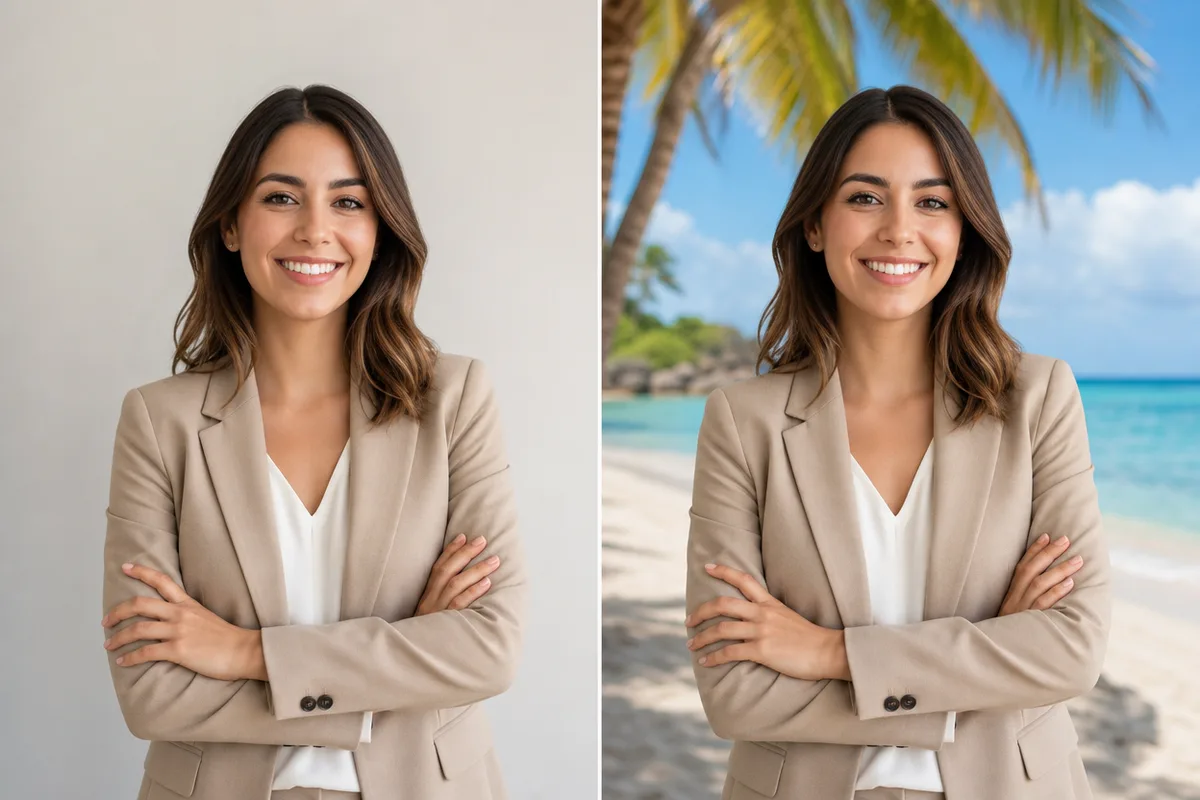
Preview Examples


Drag the slider to compare
What is AI Background Remover?
AI Background Remover is an online tool that automatically removes backgrounds from images using advanced AI. It creates transparent PNGs perfect for e-commerce, social media, and professional design. No manual editing required.

Why Use Our AI Background Remover
Professional quality, privacy protected, instant results
A True Transparent PNG
You get a real alpha channel, not a background repainted white. Drop the cutout onto any color, layout or scene.
Keep Fine Edges Intact
The AI separates the subject from the background around hair strands, fur and delicate outlines that are slow to trace by hand.
Just 10 Credits per Image
Each cutout costs 10 credits, and you see the cost before you click. No editing skills or design software needed.
See What You Can Do With a Transparent Background
Perfect for various professional scenarios, instant and secure
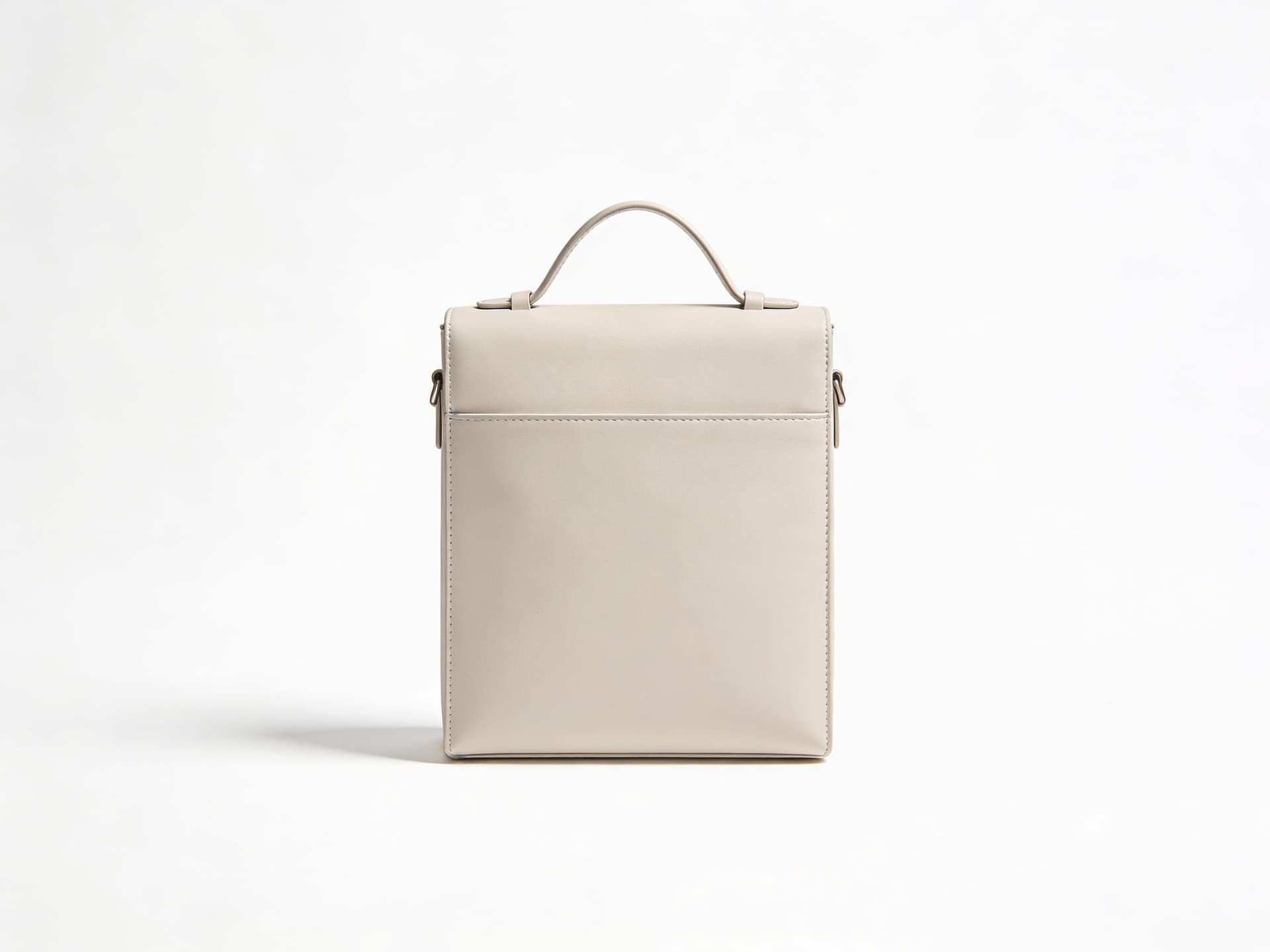
Clean Up Your Product Photos
Remove cluttered backgrounds from your product shots so every listing looks consistent. Use the cutout on white or in a styled scene. Create product marketing shots

Make Your Profile Picture Stand Out
Cut yourself out of a busy photo and place your portrait on a clean color. Your face becomes the first thing people notice. Make a professional headshot
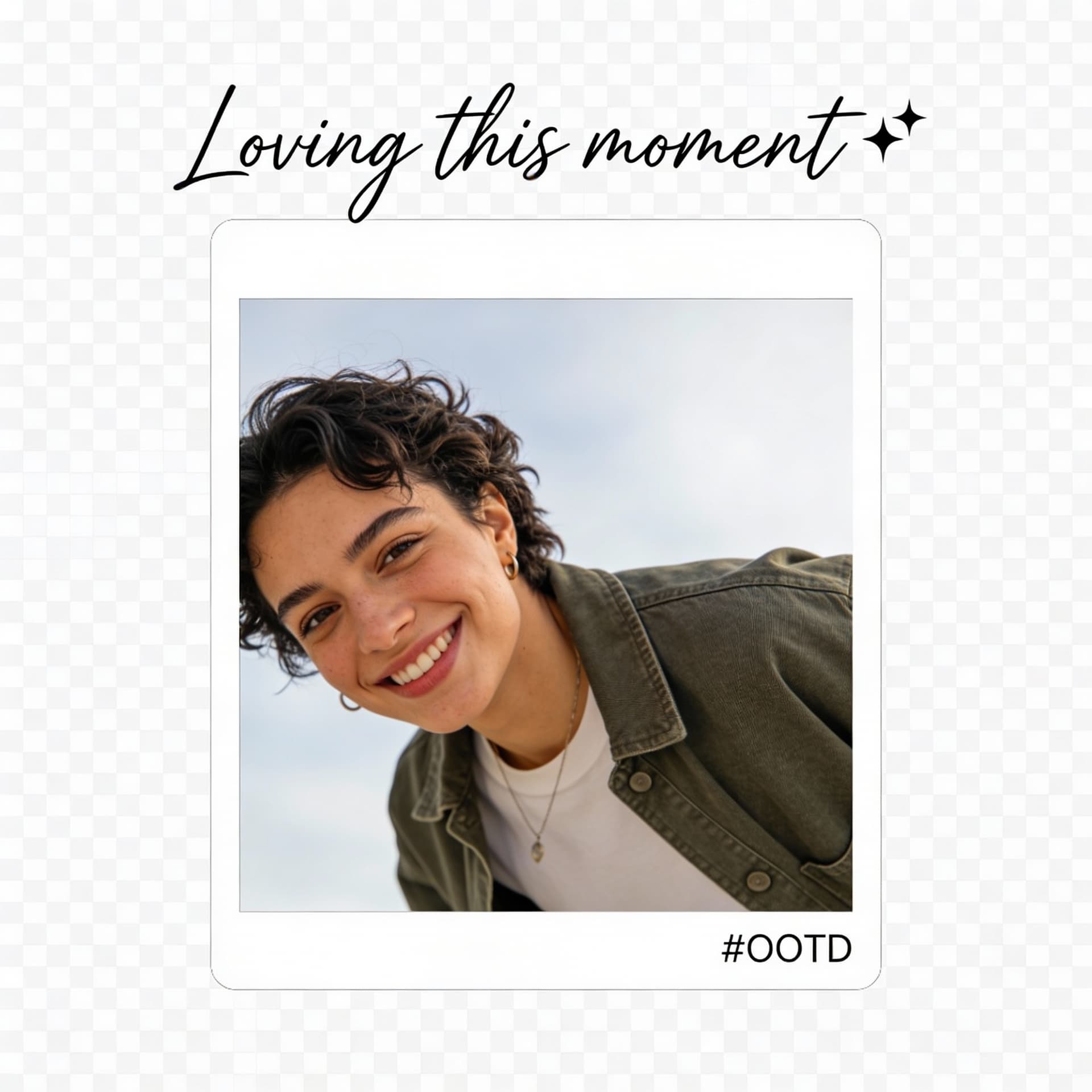
Design Posts Without Masking by Hand
Get your subject as a transparent PNG ready for thumbnails, stories and ads. Layer it over text, color or graphics in your editor. Swap in a new background
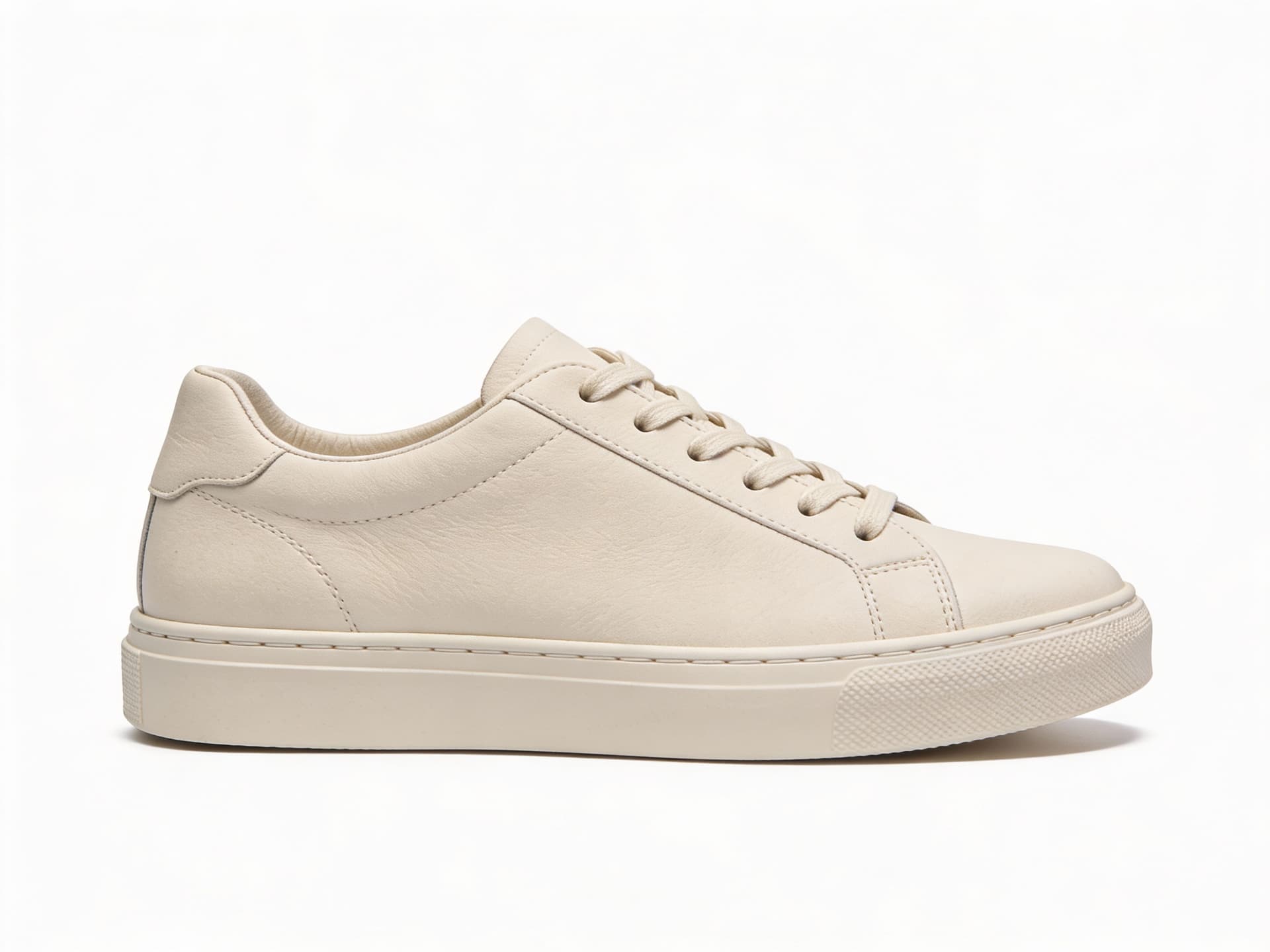
Sharpen Small Cutouts for Print
A small or low-resolution cutout can look soft once enlarged. Upscale your transparent PNG before using it on banners, flyers or slides. Upscale your image
Who Uses AI Background Remover
Four ways people use it every week

Get consistent product photos for every listing

Skip the pen tool and start layouts faster

Cut yourself out for thumbnails in seconds

Place your portrait on a clean background
How to Remove a Background with CreateVision
Upload your photo, select a style, and download your professional result instantly

Upload Your Image
Select any image with a background you want to remove. Clear subjects with good contrast against the background give the cleanest edges.

Remove the Background
Click Remove Background. The AI finds the subject and separates it from everything behind it.

Download Transparent PNG
In seconds, download a clean PNG with a transparent background, ready for your store, slides or designs.
The All-in-One AI Creation Platform
One account for images, videos, an AI agent that works for you, expert AI mentors and 80+ ready-made tools.

AI Image & Video Generator
Every leading model in one workspace: Seedream, Nano Banana, GPT Image, Seedance, Veo and more.
Open
Ava, your AI creative agent
Describe what you need and Ava plans, generates and iterates for you.
Open
80+ AI tools
One-click tools for photos, videos, cards, portraits and viral trends.
Open
Template library
Thousands of ready prompts and styles to start from.
Open
Studios
Portrait, marketing, poster and cinema studios for finished work, not single shots.
Open
AI model library
Compare and pick the right image or video model for every job.
Open
AI mentors
Learn from expert mentors in photography, design and video, then create with their guidance.
Open190K+ creators
Using CreateVision to create and share
What Users Say
Real feedback from users worldwide
“I run an online store with 500+ products. This tool saved me weeks of manual editing. The transparent PNGs are perfect for my product listings!”

“As a graphic designer, I need clean cutouts daily. This AI background remover is incredibly accurate and fast. It's now my go-to tool.”

“I was amazed by how well it handles hair and complex edges. Much better than other tools I've tried. Highly recommended!”

AI Background Remover FAQs
An AI background remover finds the main subject in your photo and deletes everything behind it automatically. CreateVision's version gives you a transparent PNG you can use for products, profile pictures and designs, with no manual masking.
The best background remover gives you a real cutout, not a redrawn picture. CreateVision outputs a true transparent PNG with an alpha channel, handles fine edges like hair and fur, and costs a clear 10 credits per image. You upload, click once and download.
Upload your image and click Remove Background. The AI detects the subject, separates it from the background and returns a PNG where the background is fully transparent. The whole process takes seconds.
You get a PNG file with a transparent background. Photos with one clear subject and good contrast against the background give the cleanest result. Hair, fur and detailed outlines are supported, though very busy scenes can need a second try.
Each image costs 10 credits, and you see the cost before you start. You can begin with 200 free credits from Google sign-up. Free accounts download with a small CreateVision mark, while subscribers and credit-pack buyers can turn the watermark off.
Yes, you can use your cutouts in product listings, ads and client work, as long as you own or have the rights to the original photo. Your uploads are processed only to create your result and are never sold.
The AI has to decide where the subject ends. Low contrast, motion blur, glass or a subject that blends into the background make that harder. If an edge looks off, try a sharper photo or one with a plainer background.
Remove Any Background in Seconds with AI
Upload your photo and download a true transparent PNG for 10 credits per image.
Related Tools You Might Like
Explore more AI creative tools