AI Photo to Sketch
Convert photos into beautiful pencil sketch drawings with AI
Tap to uploadDrop image or click
JPG · PNG · WebP
Preview Examples


Drag the slider to compare
What is AI Photo to Sketch?
AI Photo to Sketch converts your photos into pencil, charcoal, ink and line drawings. Choose from 10 drawing techniques, then adjust line weight, shading, detail and paper texture. It works on portraits, pets, buildings and landscapes.

Why Turn Your Photo to Sketch Here
Professional quality, privacy protected, instant results
Pick From 10 Drawing Techniques
Choose pencil, charcoal, ink wash, cross-hatching, contour line, manga line art and more. Each one follows a real drawing method.
Get Real Shading and Line Work
The AI draws with hatching, shading and line work instead of a flat filter. Your sketch reads like it came from a pencil.
Fine-Tune Every Stroke
Set line weight, shading style, detail level and paper texture. You get the look you want without redrawing anything.
See What You Can Do With Photo to Sketch
Perfect for various professional scenarios, instant and secure
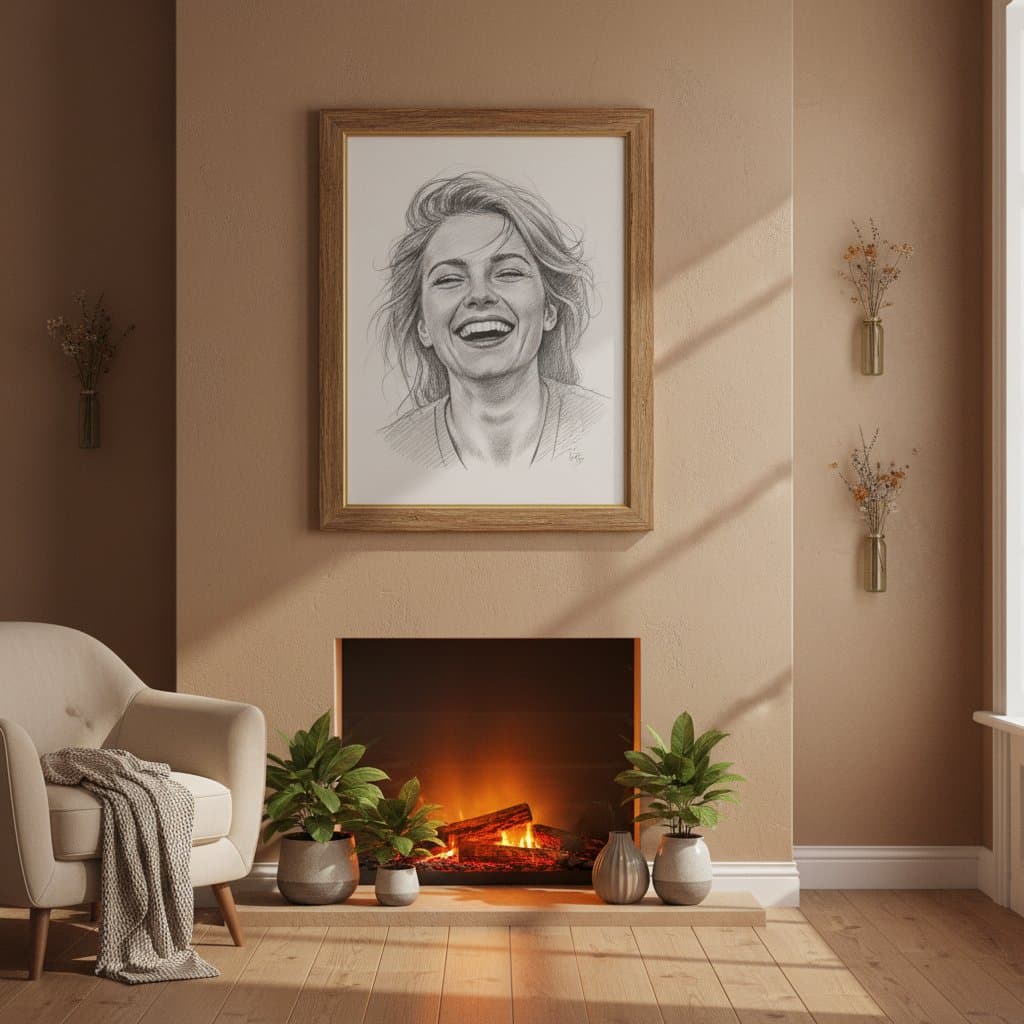
Turn Favorite Photos Into Framed Art
Convert a photo you love into a pencil or charcoal drawing. Print your sketch and hang it on the wall like a hand-drawn piece. Try other art styles
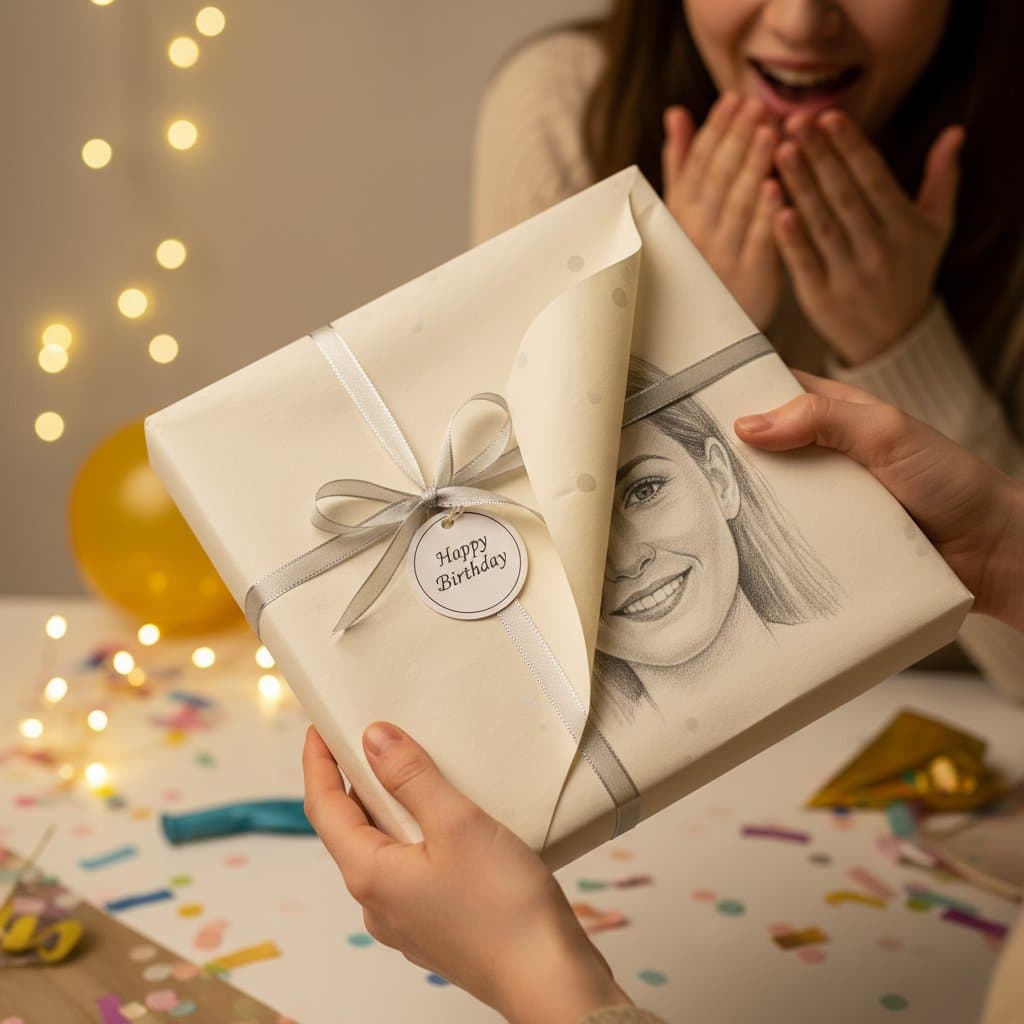
Give a Sketch Portrait as a Gift
Turn a photo of a friend, parent or pet into a drawn portrait. It makes a personal present for a birthday or anniversary. Make a cartoon portrait
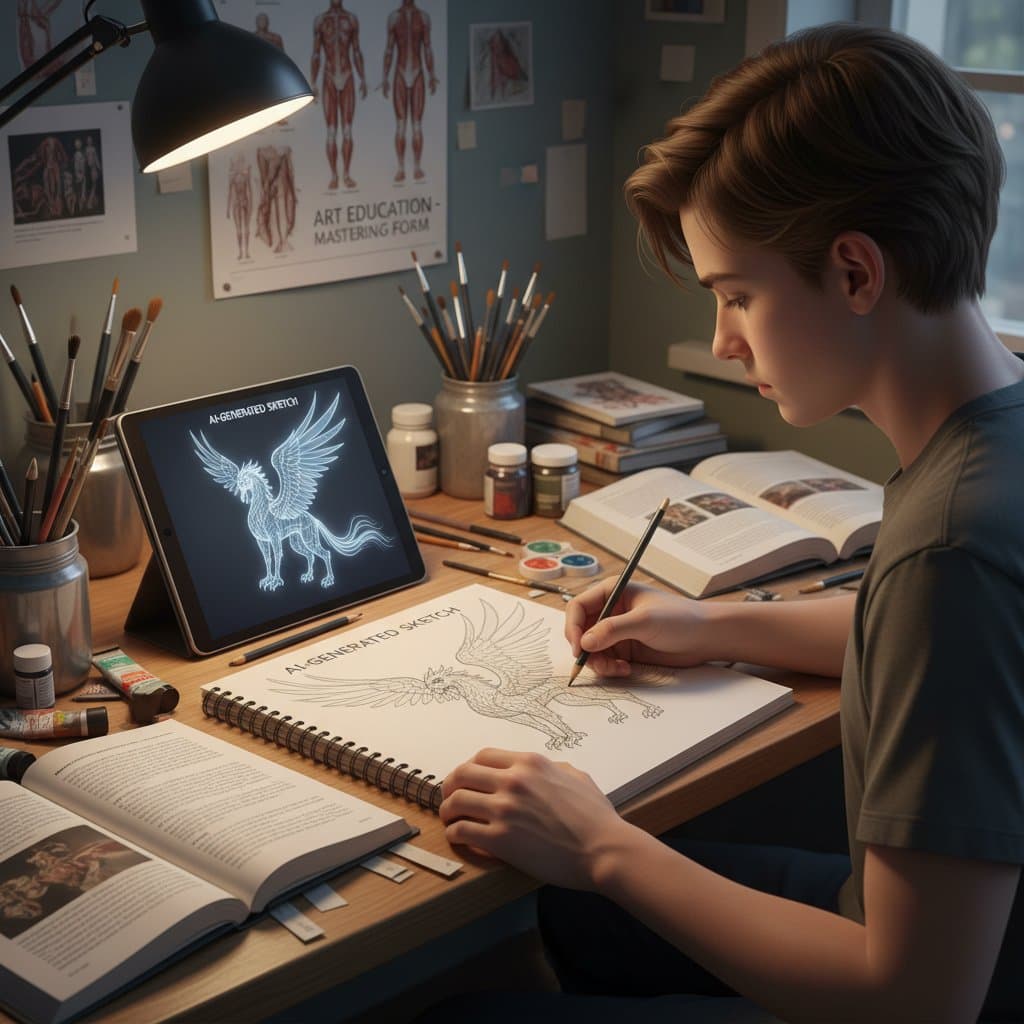
Create Drawing References From Any Photo
Artists, students and designers use your sketch as a starting point for hand-finished work. Cross-hatching and contour modes show form clearly. Build a storyboard
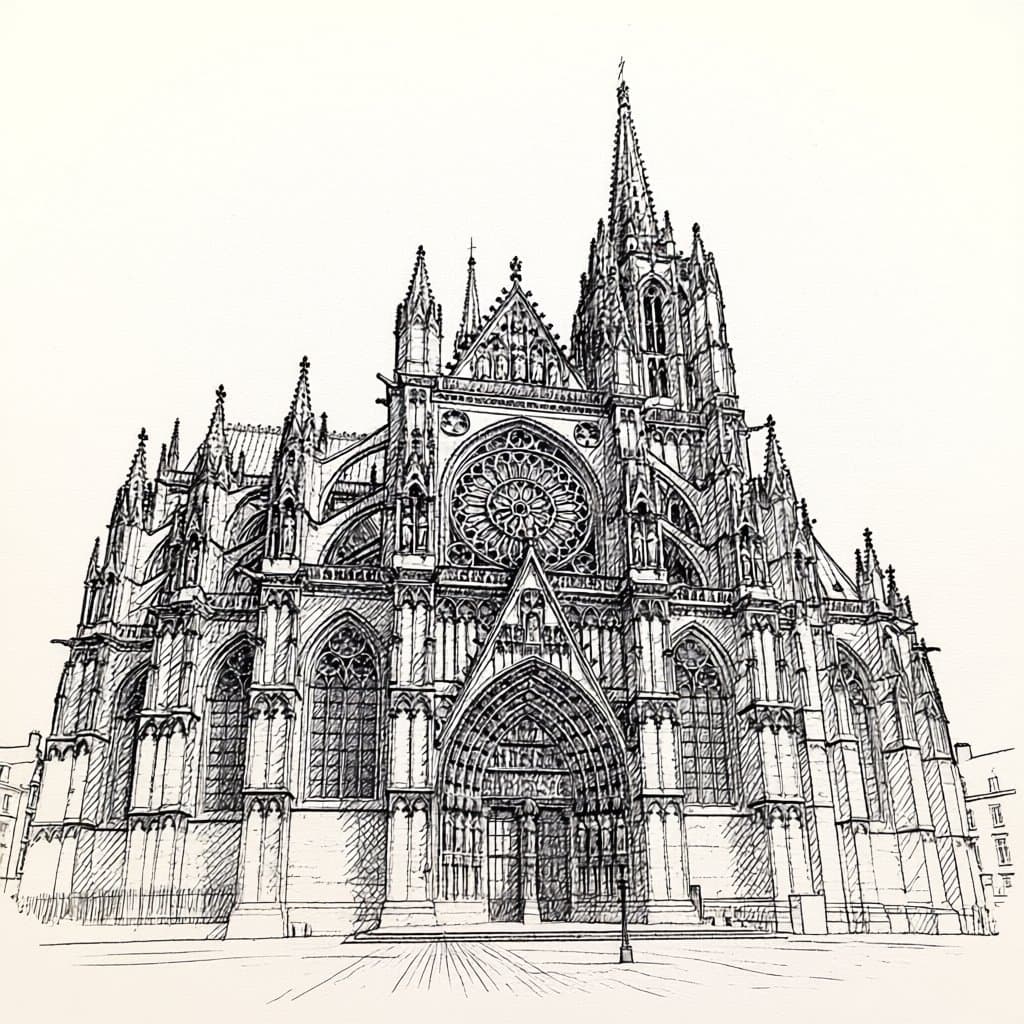
Draw Buildings With Clean Perspective Lines
Switch to Architectural or Technical Drawing mode for houses, streets and landmarks. Your photo becomes a clean line study of the structure. Try photo to anime
Who Uses AI Photo to Sketch
Four ways people use it every week
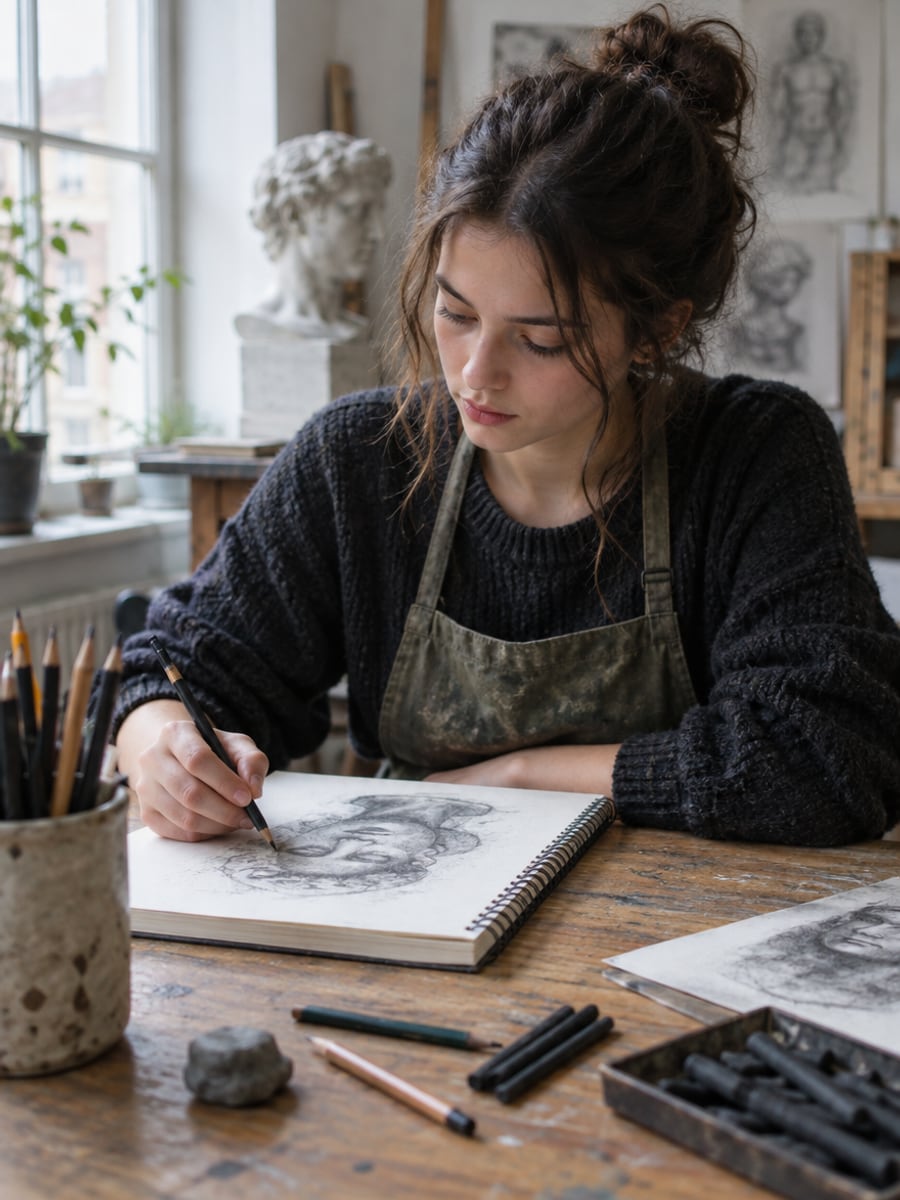
Study shading and hatching from your own photos
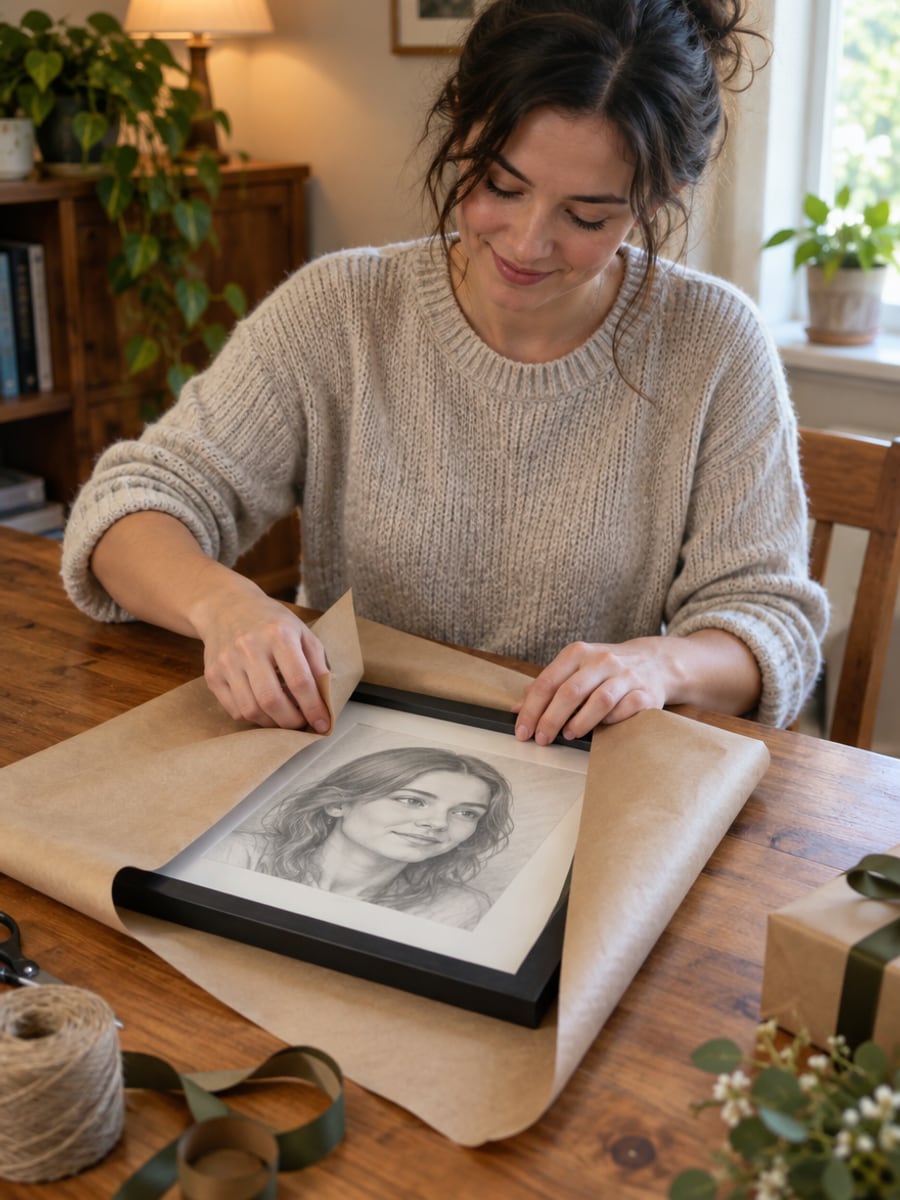
Turn a family photo into a drawn keepsake
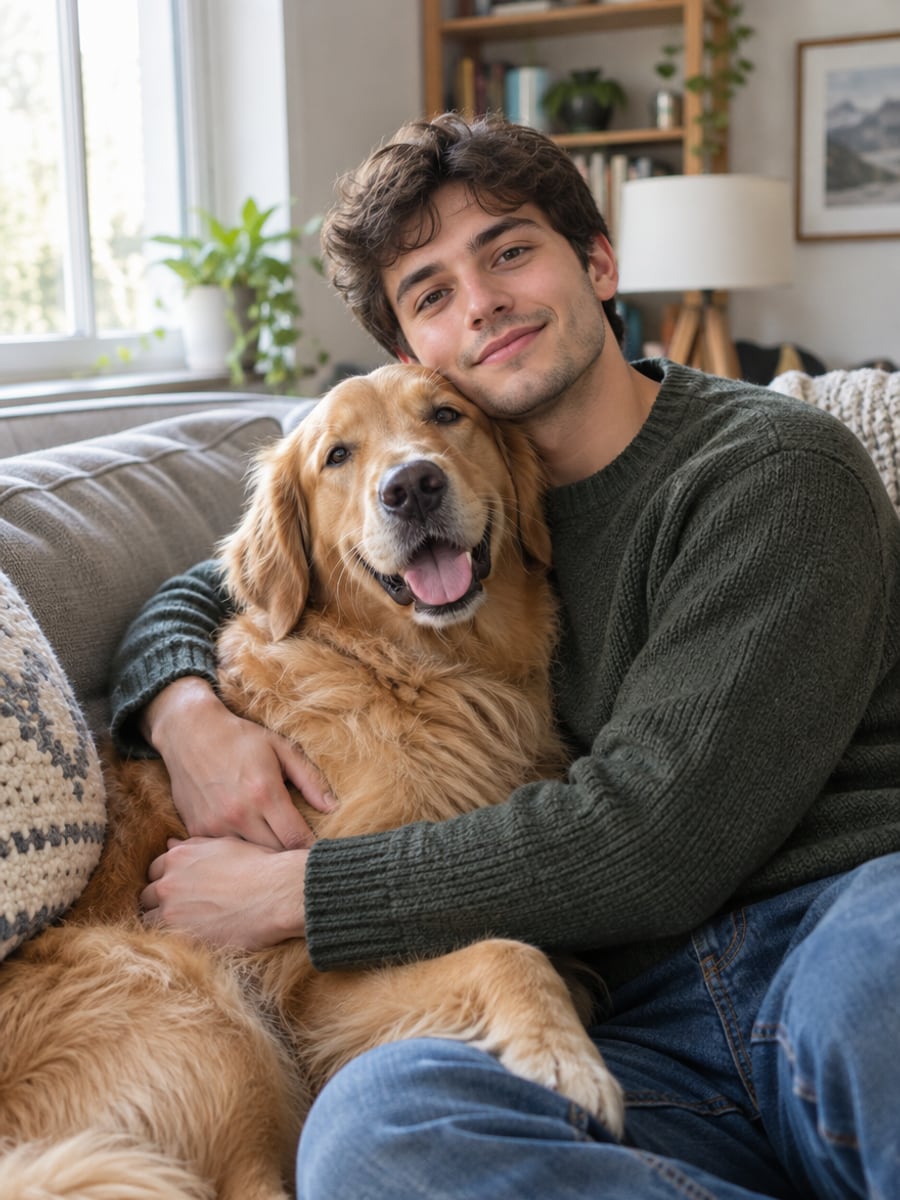
See your dog or cat as a charcoal drawing
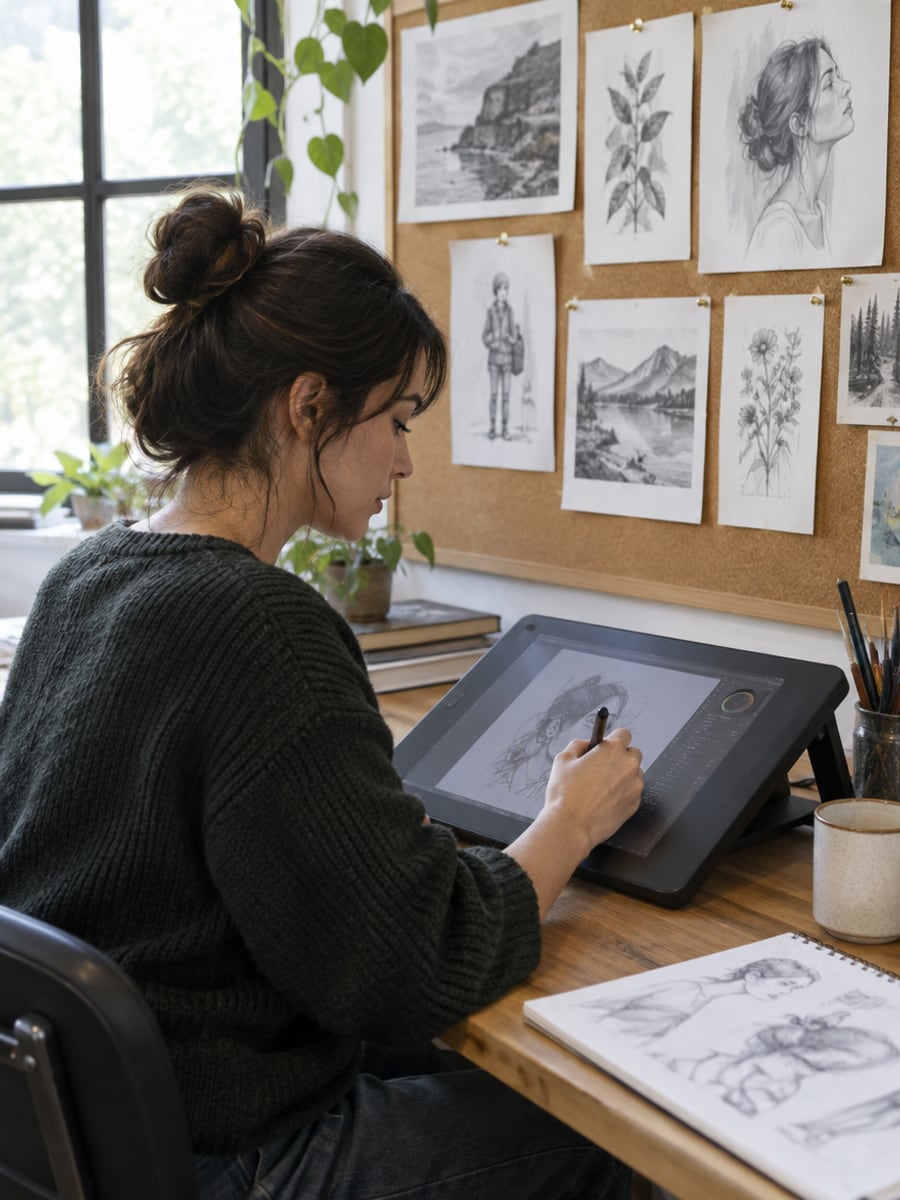
Start client concepts from a clean sketch
How to Turn a Photo to Sketch with CreateVision
Upload your photo, select a style, and download your professional result instantly

Upload Your Photo
Upload any photo, such as a portrait, a building, a pet or a landscape. Clear, well-lit photos with good contrast work best.

Select a Sketch Style
Choose pencil, charcoal, ink wash or another technique. Adjust line weight, shading and detail if you want more control.

Download Your Sketch
Get your sketch in high resolution, ready for printing or digital use.
The All-in-One AI Creation Platform
One account for images, videos, an AI agent that works for you, expert AI mentors and 80+ ready-made tools.

AI Image & Video Generator
Every leading model in one workspace: Seedream, Nano Banana, GPT Image, Seedance, Veo and more.
Open
Ava, your AI creative agent
Describe what you need and Ava plans, generates and iterates for you.
Open
80+ AI tools
One-click tools for photos, videos, cards, portraits and viral trends.
Open
Template library
Thousands of ready prompts and styles to start from.
Open
Studios
Portrait, marketing, poster and cinema studios for finished work, not single shots.
Open
AI model library
Compare and pick the right image or video model for every job.
Open
AI mentors
Learn from expert mentors in photography, design and video, then create with their guidance.
Open190K+ creators
Using CreateVision to create and share
What Users Say
Real feedback from users worldwide
“The pencil sketch option is incredible. Turned a photo of my grandmother into a beautiful portrait that looks hand-drawn.”

“As an art student, I use this for quick reference sketches. The cross-hatching mode is surprisingly accurate.”

“Made architectural sketches of buildings I photographed. Perfect for my design portfolio presentations.”

FAQs About Our AI Photo to Sketch
AI photo to sketch turns a photo into a drawing that looks hand-made. CreateVision's tool converts your photo into a pencil sketch, charcoal drawing, ink wash or another of 10 drawing techniques. The AI adds real shading and line work rather than an edge filter.
The best converter gives you real drawing techniques and control over the result. CreateVision offers 10 techniques, including cross-hatching, contour line, manga line art and architectural drawing. You can set line weight, shading style, detail level and paper texture. It works on portraits, pets, buildings and landscapes.
Upload a photo, pick a drawing technique, and optionally adjust line weight, shading, detail and paper texture. The AI redraws your photo in that technique and returns a high-resolution sketch you can download.
Pencil Sketch and Portrait Sketch give the most traditional, realistic results, while Charcoal adds more drama. Architectural mode is designed for buildings and structures with clean perspective lines. Most modes produce black and white results, and Ink Wash adds subtle tonal variation.
Each sketch costs credits based on the style tier: Natural is 60 credits (the default), Precise is 50 and Identity is 40. You can start with 200 free credits from Google sign-up. Free accounts download with a small CreateVision mark, and subscribers and credit-pack buyers can turn it off.
Yes, you can print your sketch or use it in digital projects. Many artists use the result as a reference or starting point for hand-finished work. Only upload photos you have the right to use, especially portraits of other people.
The AI redraws your photo, so dark, blurry or low-contrast photos give weaker sketches. For portraits, use a clear, well-lit face photo at a front or three-quarter angle. If a result is off, try another technique or change the detail level.
Turn Any Photo to Sketch With Real Shading
Upload a photo, pick one of 10 drawing techniques, and download a sketch ready to print.
Related Tools You Might Like
Explore more AI creative tools