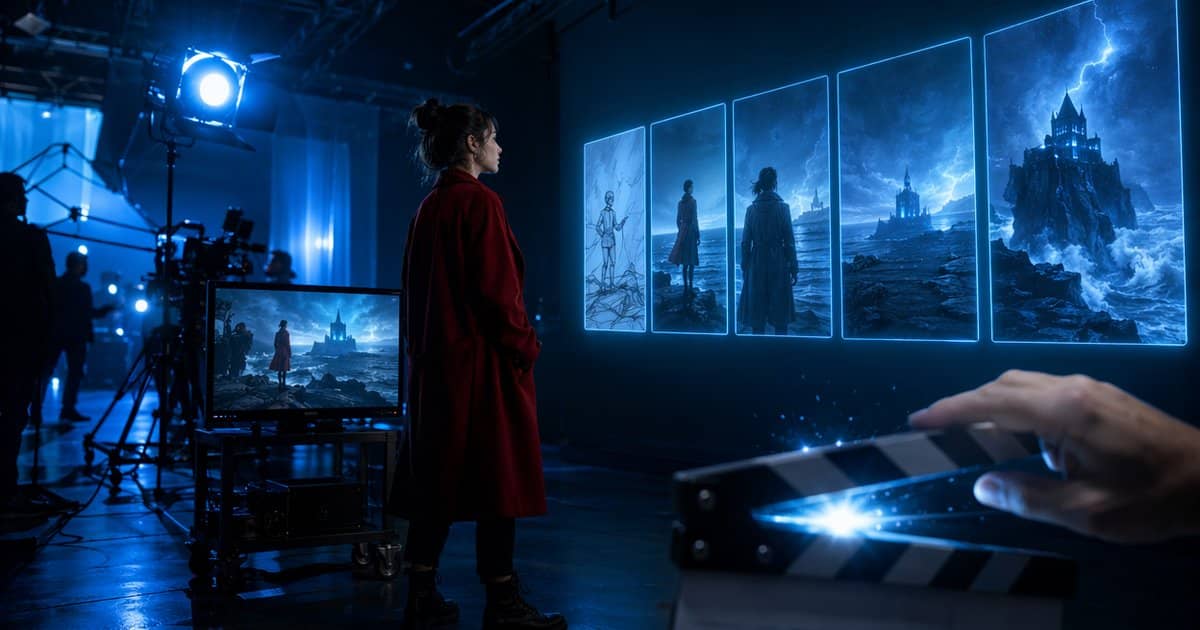
Upload one couple photo or two person reference photos. The images guide identity and composition — they are not opening or closing frames.
Preview
How does an AI couple video get made?
AI Couple Video is a reference-to-video generator that turns one or two photos into a short romantic clip of the two of you. Choose one of ten scenes, from sunset walks to Paris streets, or write your own prompt. It runs on Seedance 2.0 and exports a vertical video ready to share.

Why Couples Choose Our AI Couple Video Generator
Made for everyday people, not editors.
Ten Romantic Scenes Ready
Pick a sunset walk, a Paris street, a snowy evening or a cafe date. Or write your own short prompt.
Made for How You Share
Get a 9:16 vertical clip ready for Reels, Shorts, TikTok or a quick text. Every video downloads with no watermark.
Your Photos, Your Call
Your photos are used to make your clip and nothing else. They are never training data or part of a public dataset.
See What You Can Do With AI Couple Video
Real moments, ready to share — pick the one that fits.
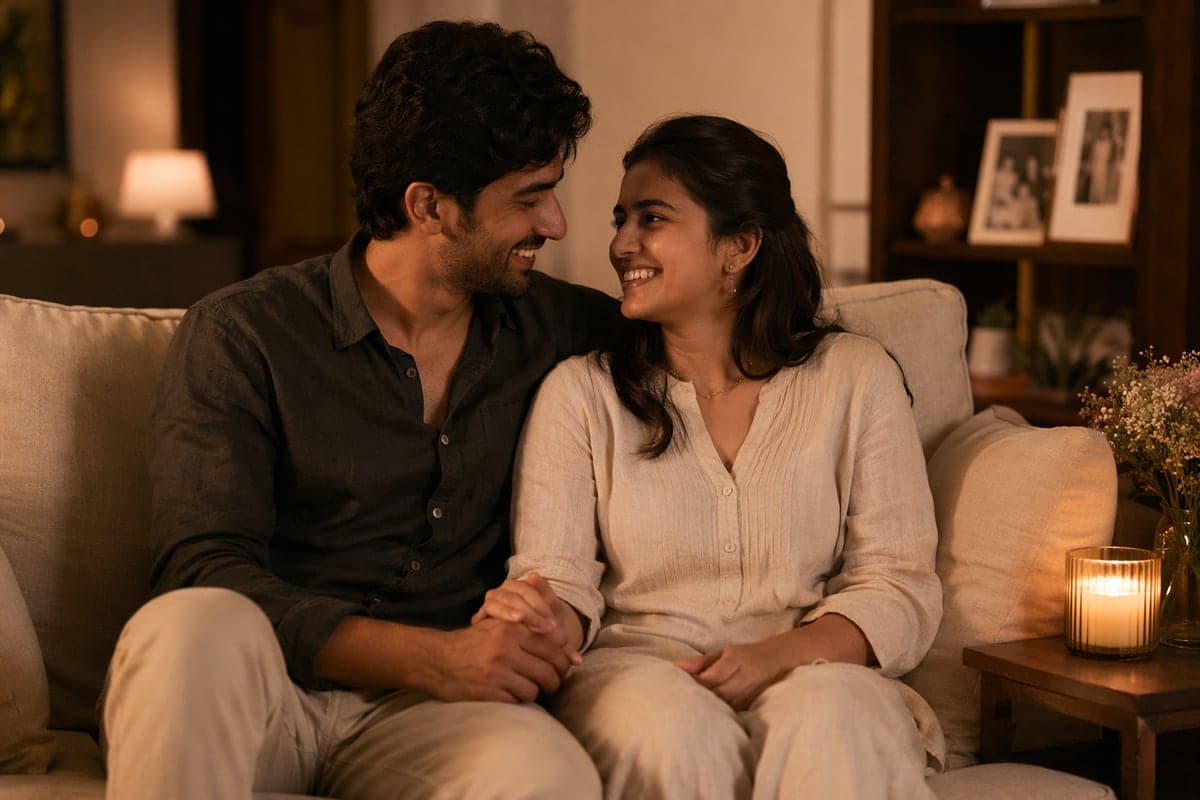
Surprise Your Partner on Your Anniversary
Send a short clip of the two of you in a card or a midnight text. Sometimes that lands harder than any gift. Make couple photos too
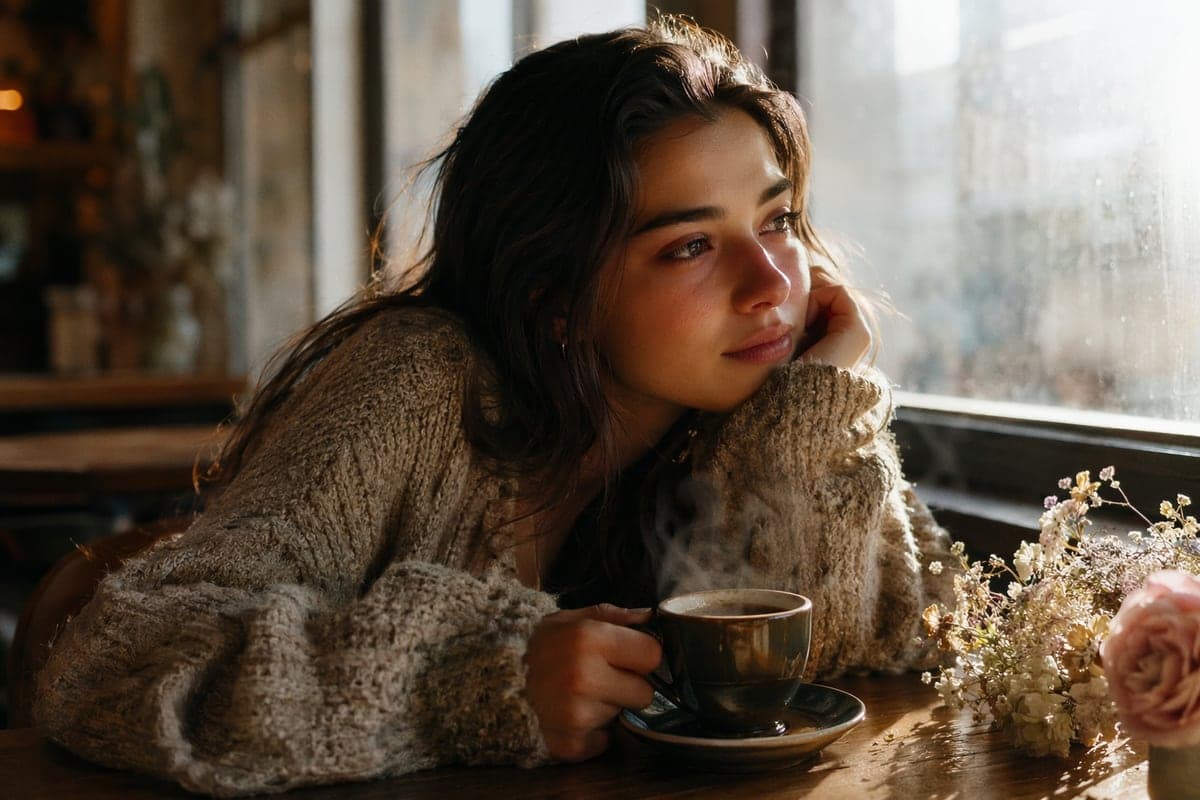
Share a Room Across the Distance
Put the two of you in a place you have never shared. Rewatch your clip when the time difference feels long. Direct a longer story
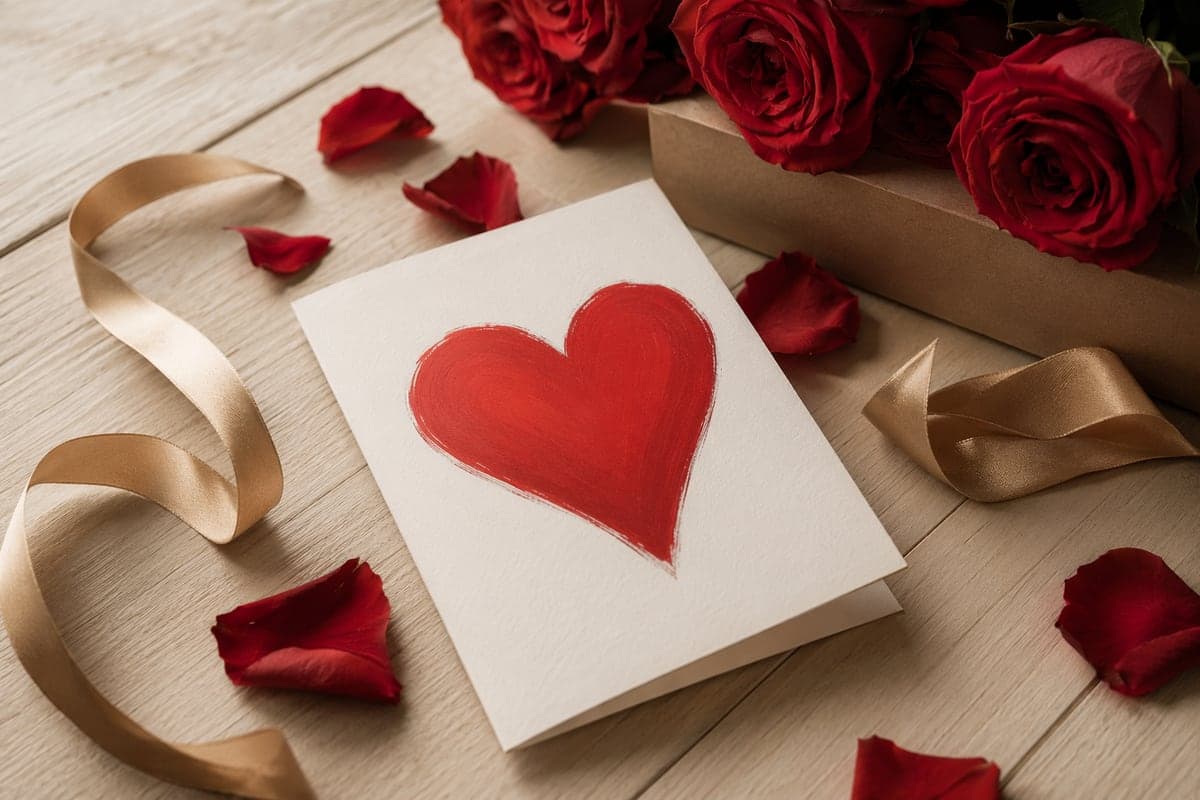
Send a Valentine With Your Faces
Swap the generic e-card for a digital Valentine starring the two of you. Your partner will keep this one. Create a couple portrait
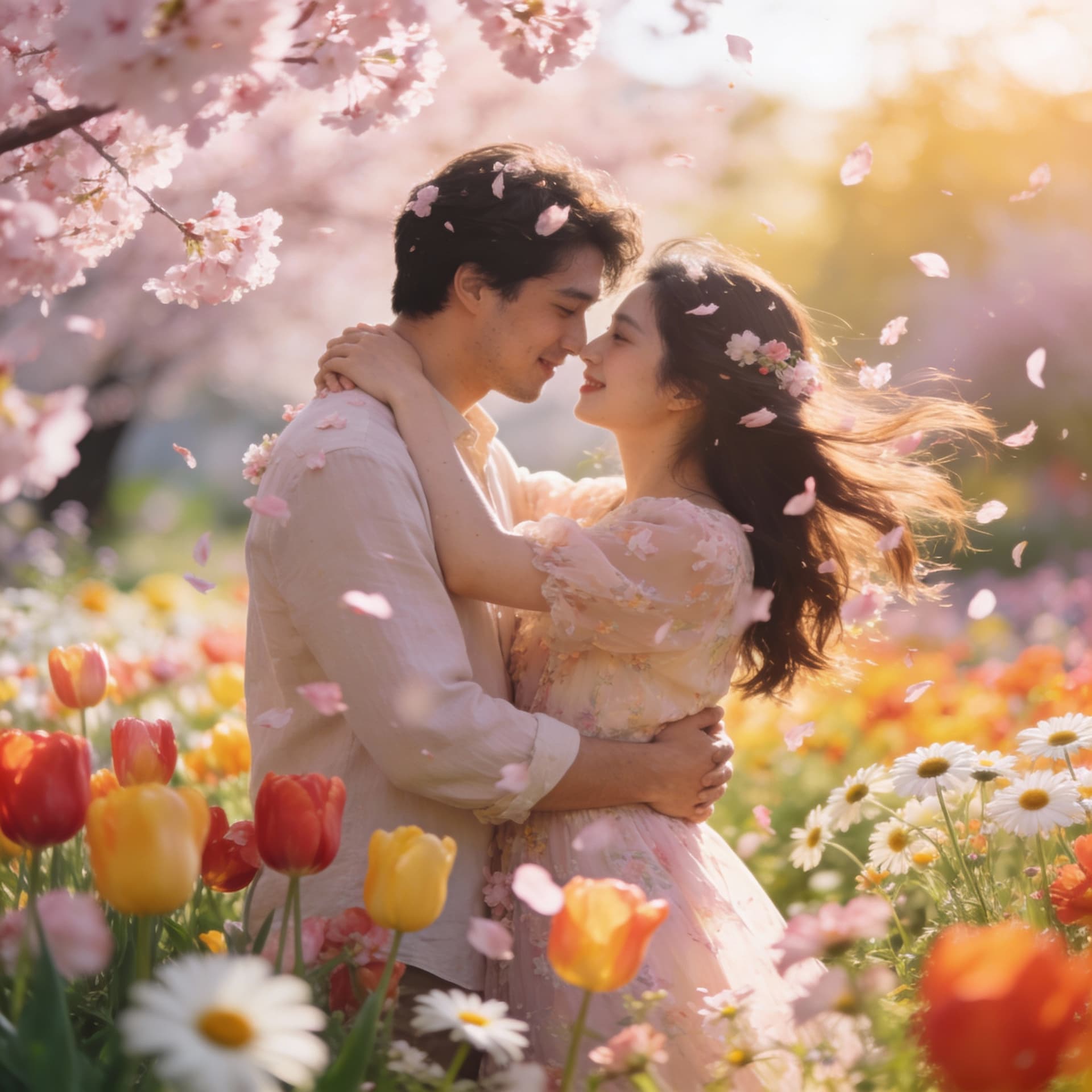
Preview Your Wedding Day Mood
Use the garden or sunset scene to set the tone for a save-the-date or a reception slideshow. Your faces stay recognizable in every frame. Try AI Wedding Video
Who Uses AI Couple Video
Four ways people use it every week
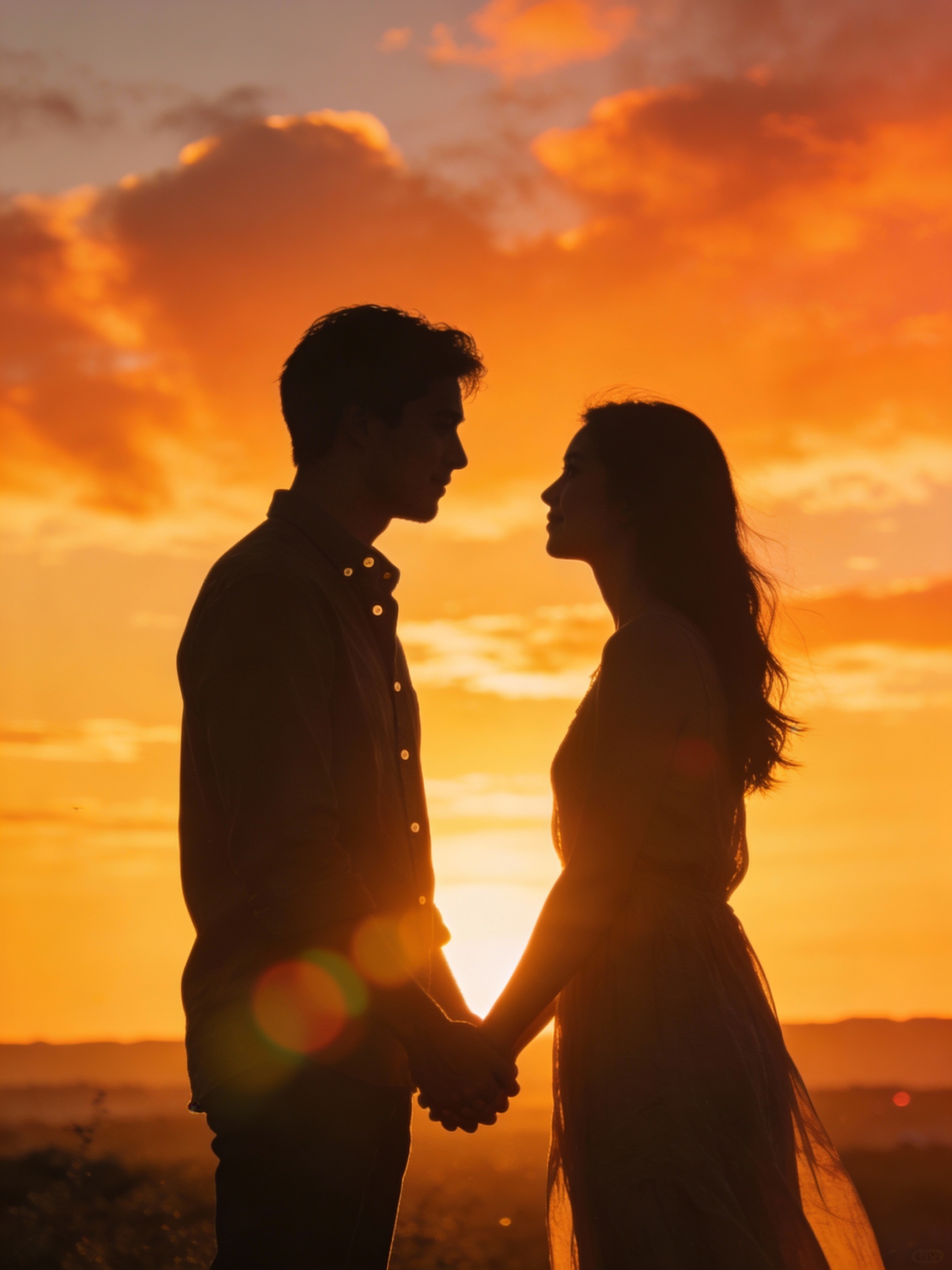
Turn two selfies into a clip worth rewatching
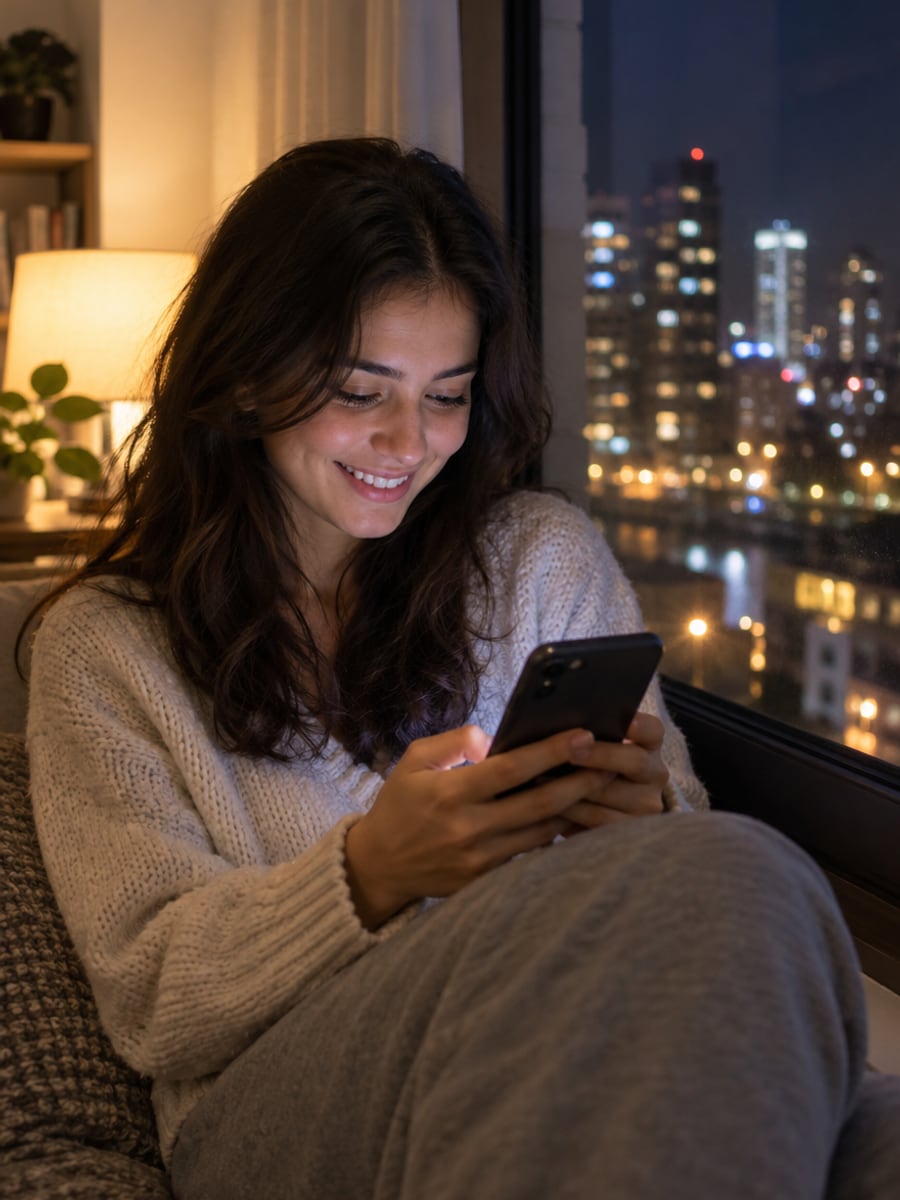
Share a moment together when you are apart
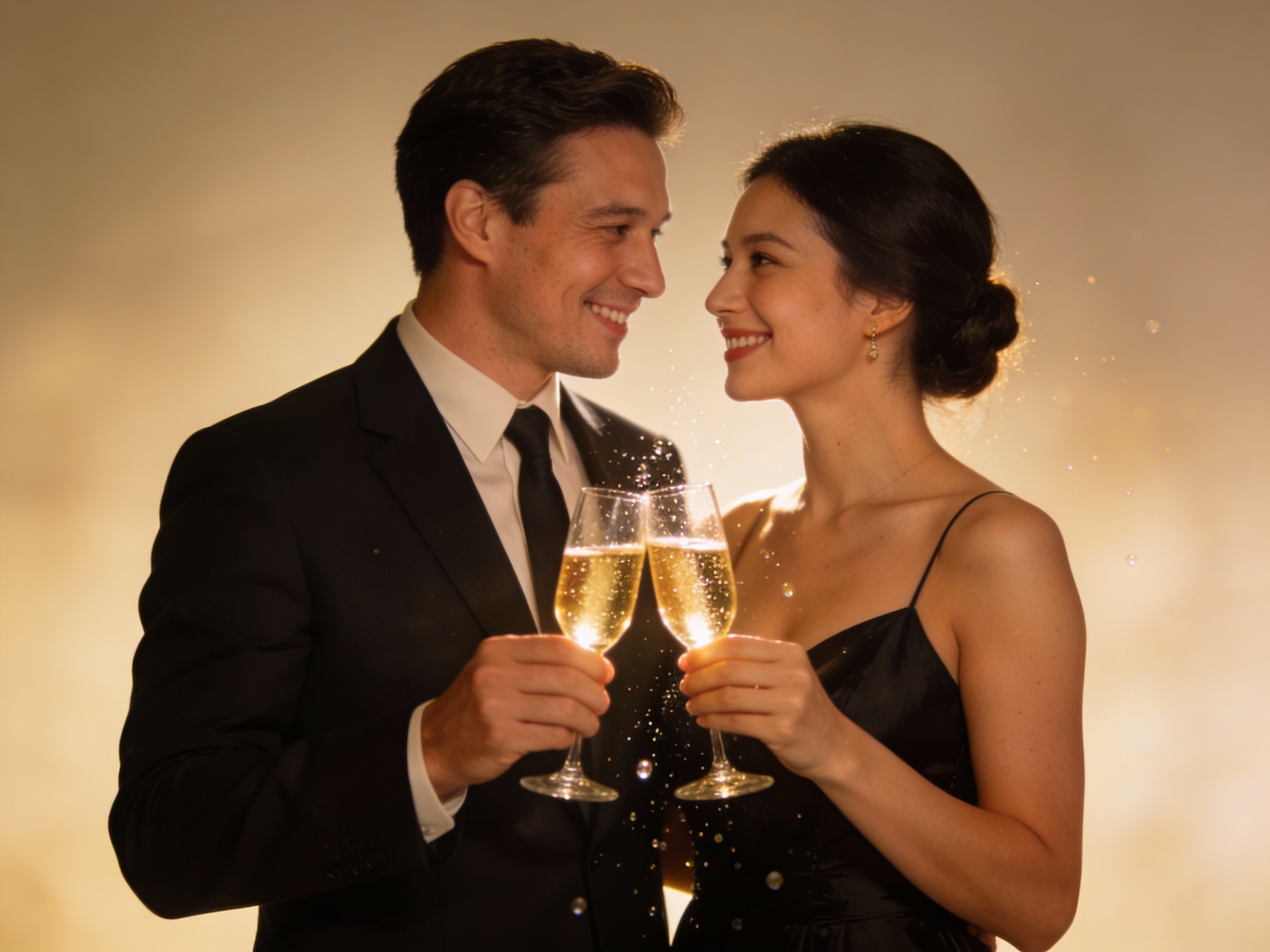
Add a romantic clip to your save-the-dates
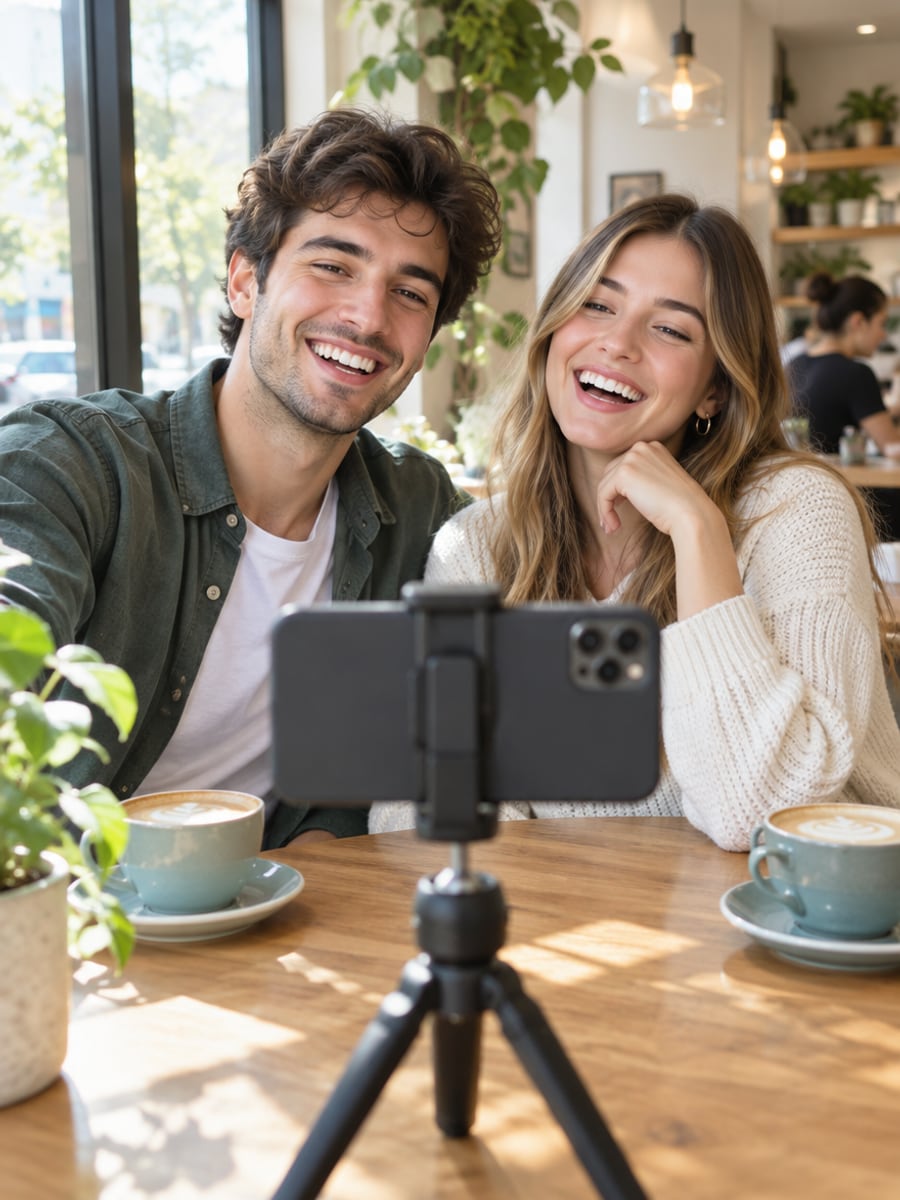
Post vertical romance clips straight to your feed
How to Make a Couple Video with CreateVision
Three small steps to a video you'll actually want to send.
Upload your photos
Add one or two clear, front-facing photos. Two photos, one of each person, usually give the most natural couple result.
Pick a scene
Choose one of ten scene presets, or write your own short prompt. Set the length and resolution if you want.
Generate and download
Click Generate and download your MP4 in about two minutes. Share it anywhere with no watermark.
The All-in-One AI Creation Platform
One account for images, videos, an AI agent that works for you, expert AI mentors and 80+ ready-made tools.
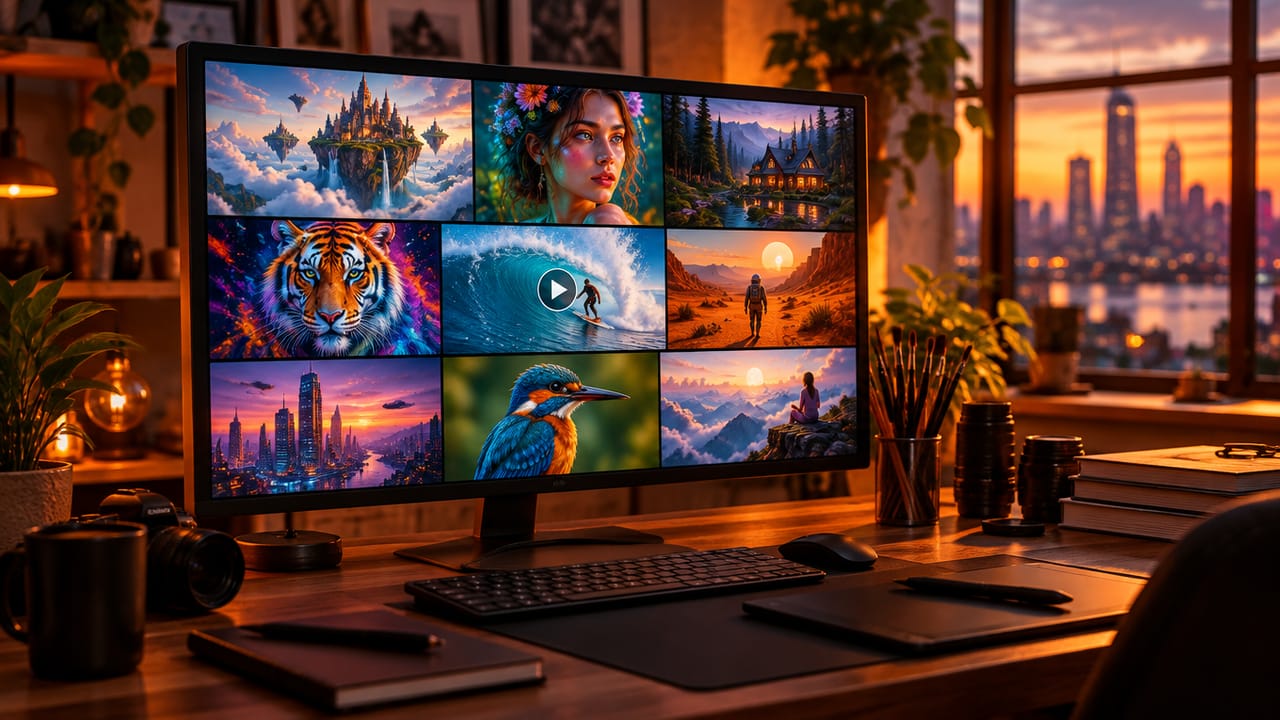
AI Image & Video Generator
Every leading model in one workspace: Seedream, Nano Banana, GPT Image, Seedance, Veo and more.
Open
Ava, your AI creative agent
Describe what you need and Ava plans, generates and iterates for you.
Open
80+ AI tools
One-click tools for photos, videos, cards, portraits and viral trends.
Open
Template library
Thousands of ready prompts and styles to start from.
Open
Studios
Portrait, marketing, poster and cinema studios for finished work, not single shots.
Open
AI model library
Compare and pick the right image or video model for every job.
Open
AI mentors
Learn from expert mentors in photography, design and video, then create with their guidance.
Open190K+ creators
Using CreateVision to create and share
FAQs About Our AI Couple Video Generator
AI Couple Video turns one or two reference photos into a short romantic video of the two of you. You pick from ten scenes, from sunset walks to Paris streets, or write your own prompt. The result is a vertical clip ready for Reels, Shorts, TikTok or a text.
The best one keeps both faces recognizable and makes sharing easy. CreateVision runs on Seedance 2.0 by default, gives you ten ready scenes plus custom prompts, and lets you set the length from 4 to 15 seconds. Videos download with no watermark on any plan, and your photos are never used as training data.
You upload your photos, choose a scene and click Generate. The model uses your photos as references for both people and renders the scene around them. A clip is usually ready in about two minutes.
One photo is enough to start, but two photos, one of each person, usually give the most natural result. The default clip is 6 seconds in 9:16. You can choose any length from 4 to 15 seconds, or Auto, at 480p or 720p.
The default tier, Seedance 2.0 Mini, costs 90 credits for a 6-second 480p clip. Longer clips, 720p and other quality tiers cost more, and the exact price shows on the Generate button before you confirm. You can start with 200 free credits from Google sign-up.
Yes. Once your video is ready you can play it in the browser, download the MP4 with no watermark, and share it on Instagram, TikTok or anywhere else. Your photos are used only to make your clip and are never used as training data.
Each generation is a new take, so poses and expressions vary. Clear, front-facing, well-lit photos give the most consistent faces. If a result misses, regenerate with the same photos, pick a different scene or write a custom prompt. Each regeneration is a separate generation.
Make Your AI Couple Video Today
Upload two photos, pick a romantic scene, and send a clip your partner will want to keep.
Related Tools You Might Like
Explore more AI creative tools