
Marketing Studio
AI Ad Generator
Pick a product from your library, cast an AI creator, choose a hook — and ship scroll-stopping ads for a fraction of a UGC shoot.
The rig tap a slot to open its options
Pipeline
Video engine
Duration
Dialogue
Keyframe 40 + Grok Imagine 1.5 64 · Failed generations are refunded automatically.
Start from a template
Proven ad formats with the copy built in — pick one, add your product, generate.
UGC
Real-person recommendation, phone-shot authenticityTry-On
Garments and footwear worn on camera — fabric, print and logo held faithfulFood & Drink
Appetite-first formats — sizzle, pour and first-bite reactionsTikTok
Fast, loud, trend-literate — built for the feedCommercial
Polished brand-spot look — TV-grade light and gradeApp Demo
Screen-forward walkthrough — the interface is the starWhat is Marketing Studio
A creative testing factory for people who sell things — not another video slot machine
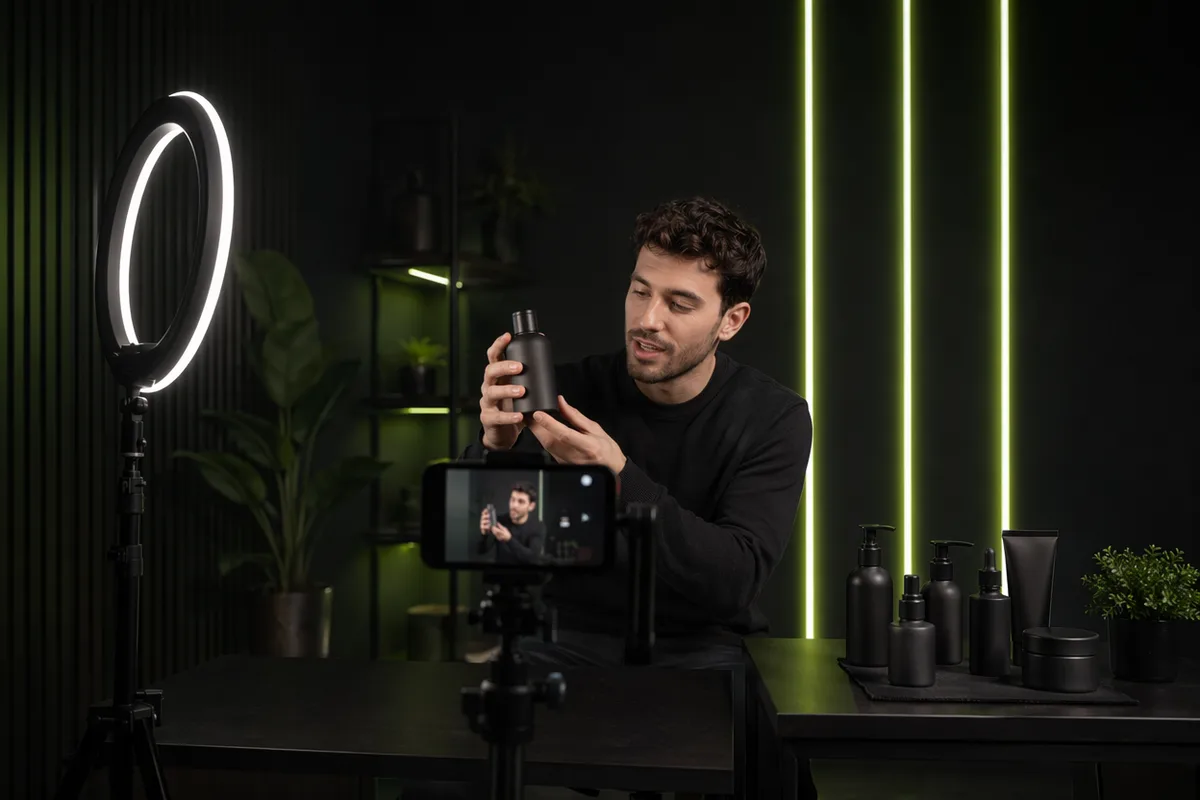
Marketing Studio turns any product — a physical item, an app or a website — into scroll-stopping vertical video ads. You keep a persistent product library and a persistent cast of AI creators; the studio handles casting, staging, scripting and rendering. Every choice is a concrete production decision — a hook, a setting, a spoken line — not an adjective in a prompt.
Under the hood it runs the same two-step architecture the industry’s biggest ad platforms use in production: a fused opening frame that locks your product’s shape, colors and label text, then an image-to-video pass that animates it. The difference is that we hand you the checkpoint between the steps — you approve the frame before the expensive render, and an approved frame becomes an asset you can shoot takes from all day.
It is built for the real workflow of performance marketing: generate cheap variants, find the angle that converts, then scale the winner. Eighteen templates distilled from the formats currently dominating short-form feeds get you from product photo to publishable ad in two clicks — copy included.
18
proven ad templates
12
persistent AI creators
17
scroll-stopping hooks
14
settings to shoot in
5
video engines, priced per take
8
spoken languages
Built against the complaints
We read thousands of AI ad-tool complaints. Then we built the answers in.
Warped labels, credit traps, generation lotteries, the same five avatars everywhere — the complaints below are real, and each card shows the concrete mechanism that answers it. No promises without a mechanism behind them.
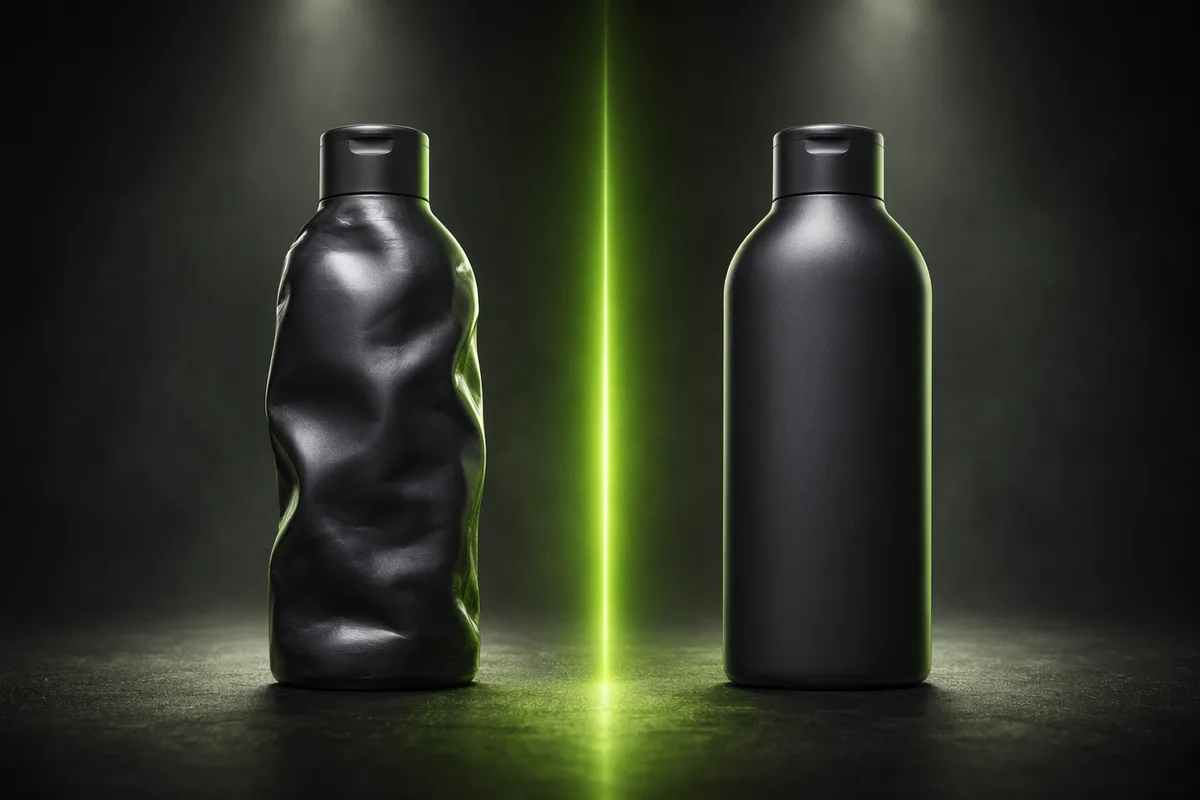
“Halfway through the clip the label on my bottle turned into nonsense. My product doesn’t even look like my product.”
Product warping & garbled labels
Your product photos are a hard constraint, not a suggestion. The opening frame is fused directly from your uploaded shots with fidelity rules on shape, colors, logo and label text — and the video step is instructed to keep the product unchanged in every frame. You approve the frame before the expensive video step ever runs.

“600 credits gone in 2 days with only 3 videos. Credit anxiety is real, and it’s by design.”
Credit traps & billing surprises
The exact credit price sits on the Generate button before you press it — keyframe and video priced separately, no hidden multipliers. Failed generations are refunded automatically, and per-second engines settle against the real rendered duration, refunding the difference.
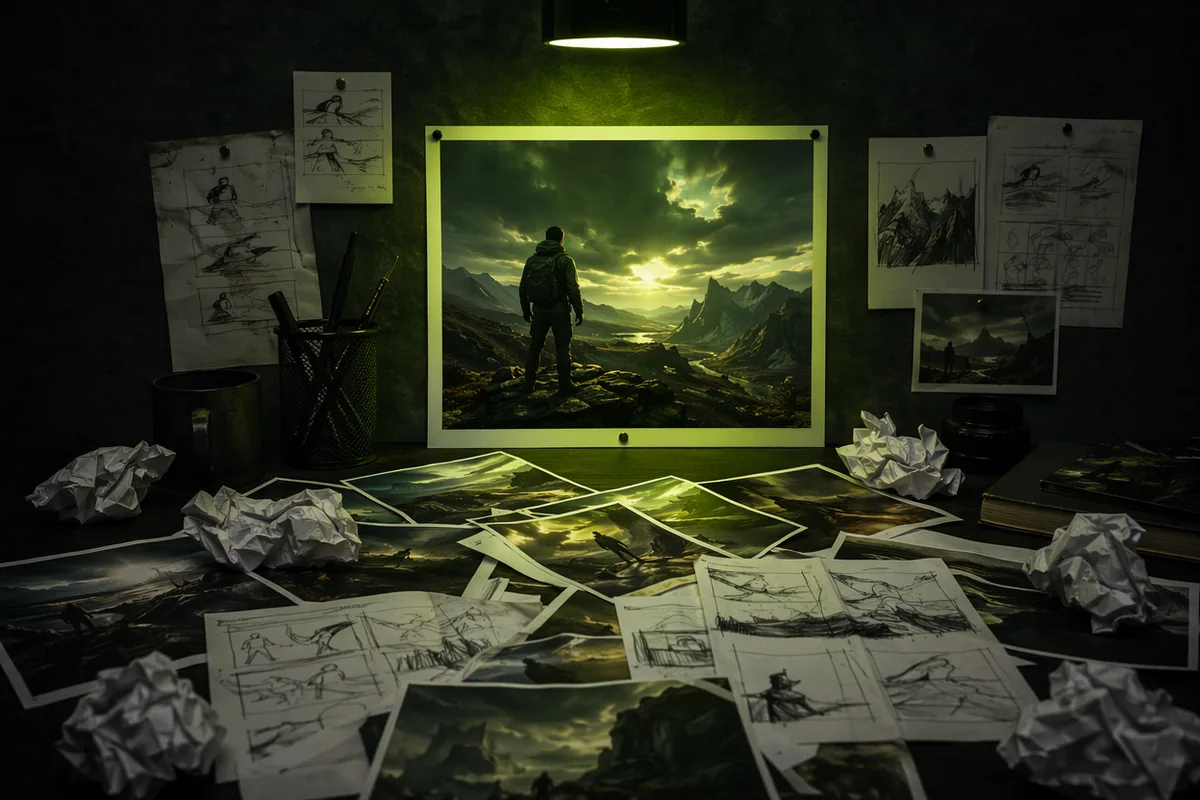
“Testing a bunch of hooks at $11 a pop feels steep — one word change means paying for the whole video again.”
Iteration costs a fortune
The two-step pipeline makes iteration nearly free: re-shoot the opening frame for a fraction of the cost until it’s right, and only then commit to the video render. Swapping hooks, settings, avatars or the script never re-bills what you didn’t re-render.

“Creators want $200+ per video. I need to test 10 angles to find one winner — I can’t pay that ten times.”
Real UGC is $150–1,200 per video
A complete ad here — cast, shot and rendered — costs a fraction of a single human UGC video. Run the same product through five hooks and three avatars for less than one creator invoice, find the winning angle, then spend your real budget on scaling it.

“It burns credits incredibly fast and produces output I can’t use. There’s no preview — every generation is a slot machine pull.”
The generation lottery
The approval point kills the lottery. You see the opening frame — the product, the face, the staging — before a single video credit is spent. If it’s wrong, re-rolling the frame costs coffee money, not the whole ad. The expensive step only ever runs on a frame you already like.
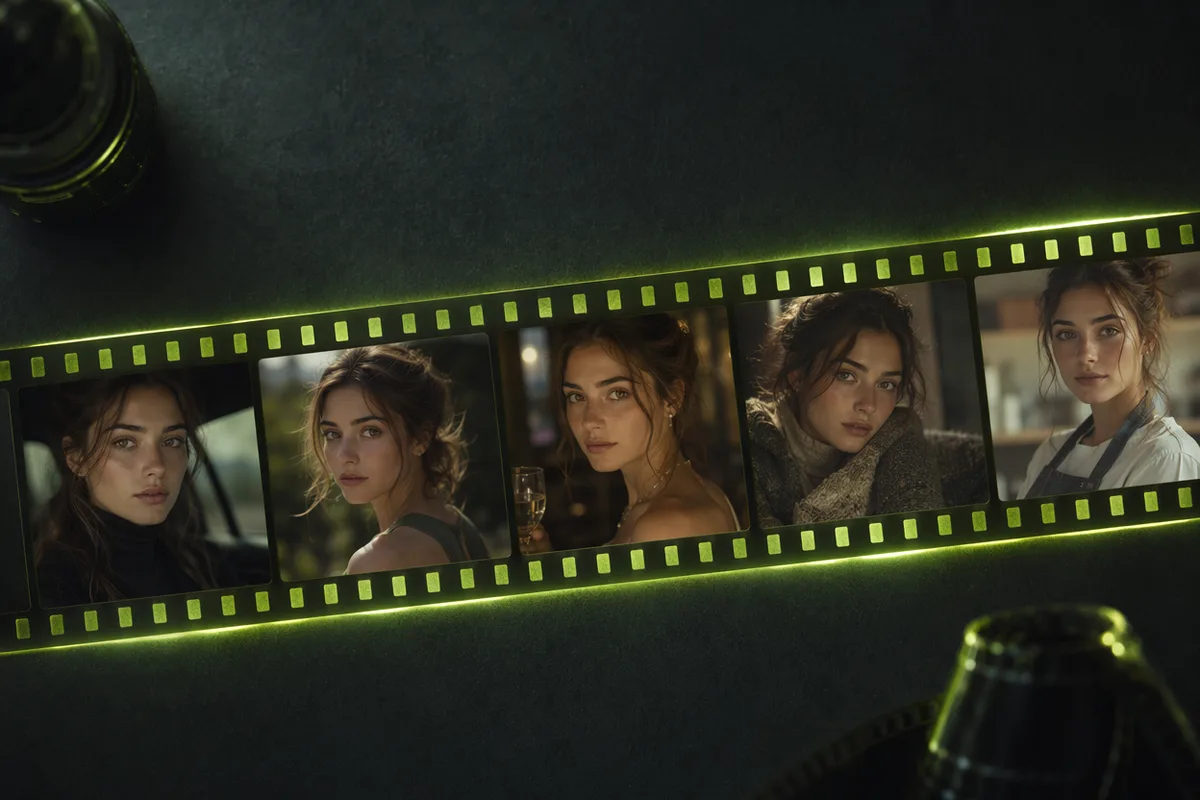
“Generated characters don’t have persistent identities across sessions — I can’t build a face my audience recognizes.”
No persistent brand face
Your cast is permanent. The 12 studio avatars keep the same identity in every ad you make, and you can upload your own model once and reuse them forever. Products live in your library the same way — add once, advertise for months.
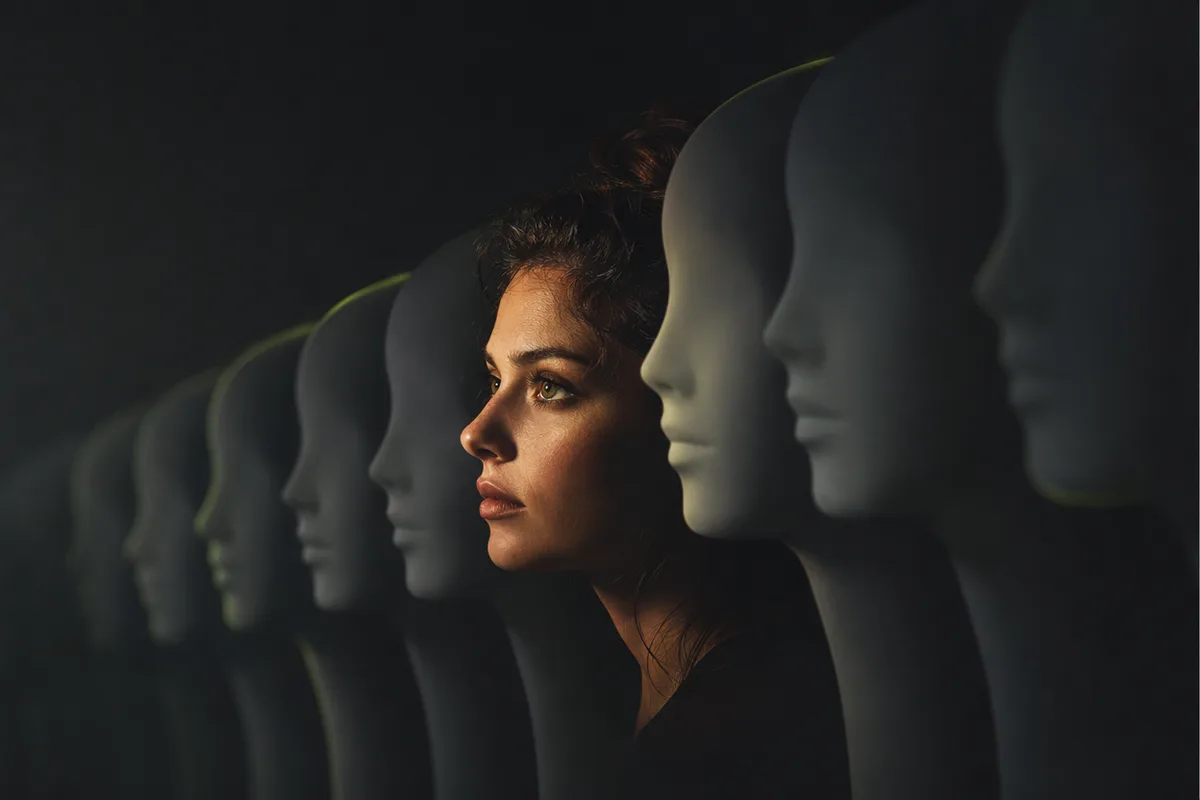
“Every AI ad on my feed uses the same five default avatars. My audience scrolls past because they’ve literally seen that woman sell six other products.”
The same-avatar fatigue
Twelve creators across ages, ethnicities and energy levels — from a Berlin minimalist to a trustworthy dad — each cast for specific product categories. And when preset faces aren’t enough, one photo turns your own model, founder or teammate into the face of the brand.
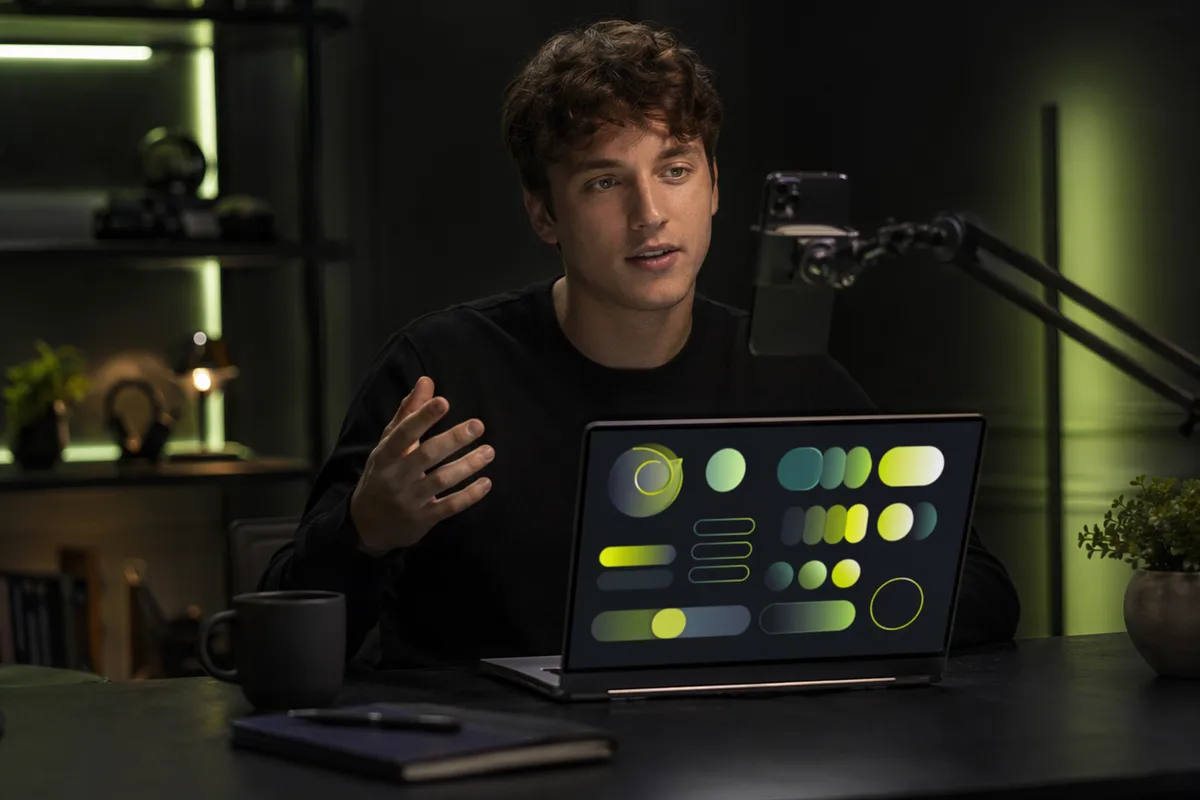
“I hired freelancers for my app promo — 100% of the responses ignored the brief. I don’t have the budget for a pro editor.”
Apps & websites get ignored
Marketing Studio treats apps and websites as first-class products. Upload a screenshot, and the ad puts it on a real device in the creator’s hands — readable, faithful, demo-ready. Built for indie developers who ship products, not briefs.
Why Marketing Studio
Six mechanisms, not six adjectives

Approve before you pay for video
The industry’s production pipelines — and ours — build a keyframe first because video models can’t hold product detail on their own. We’re the ones who hand that checkpoint to you: see the exact opening frame, re-roll it cheaply, and only send it to the video engine when it’s right.
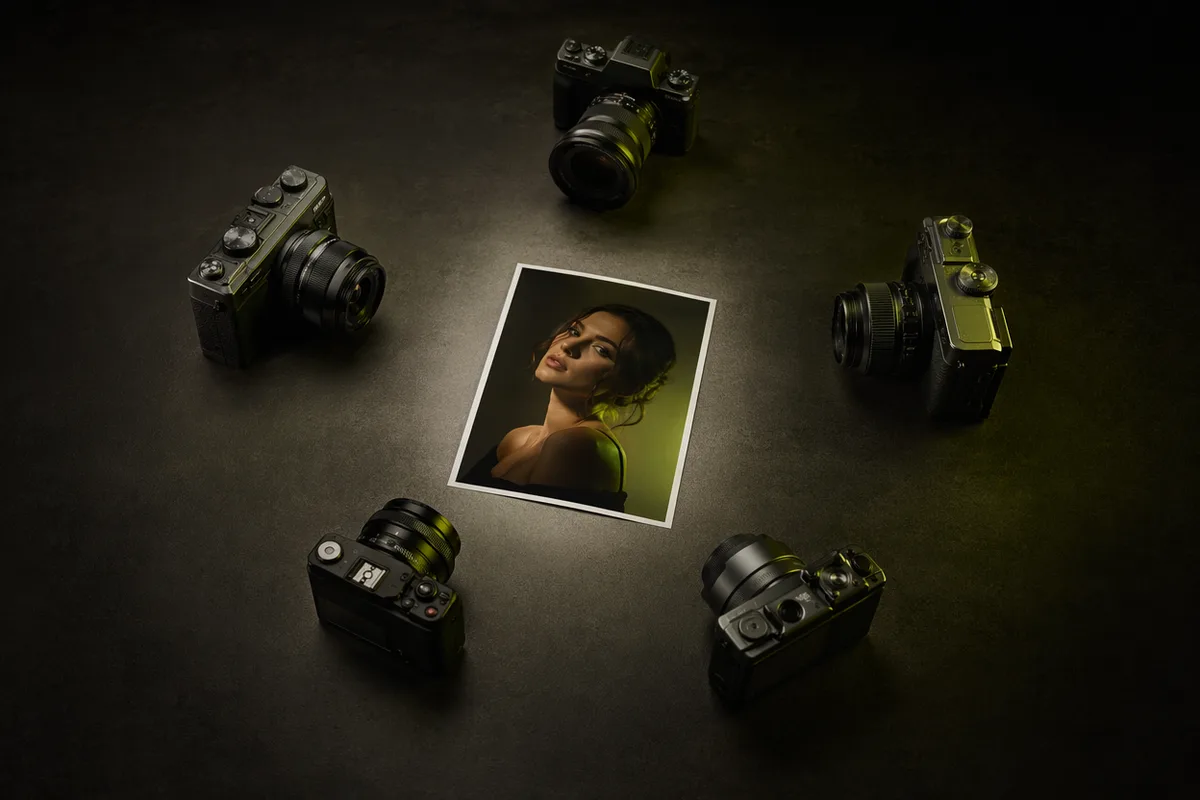
One frame, as many takes as you like
An approved frame becomes a reusable asset. Roll a budget take on the cheapest engine, then re-roll the winner on a premium engine — the engine picker sits right at the approval point, priced per take. That’s the draft-then-upgrade workflow performance marketers already run manually across three tools.
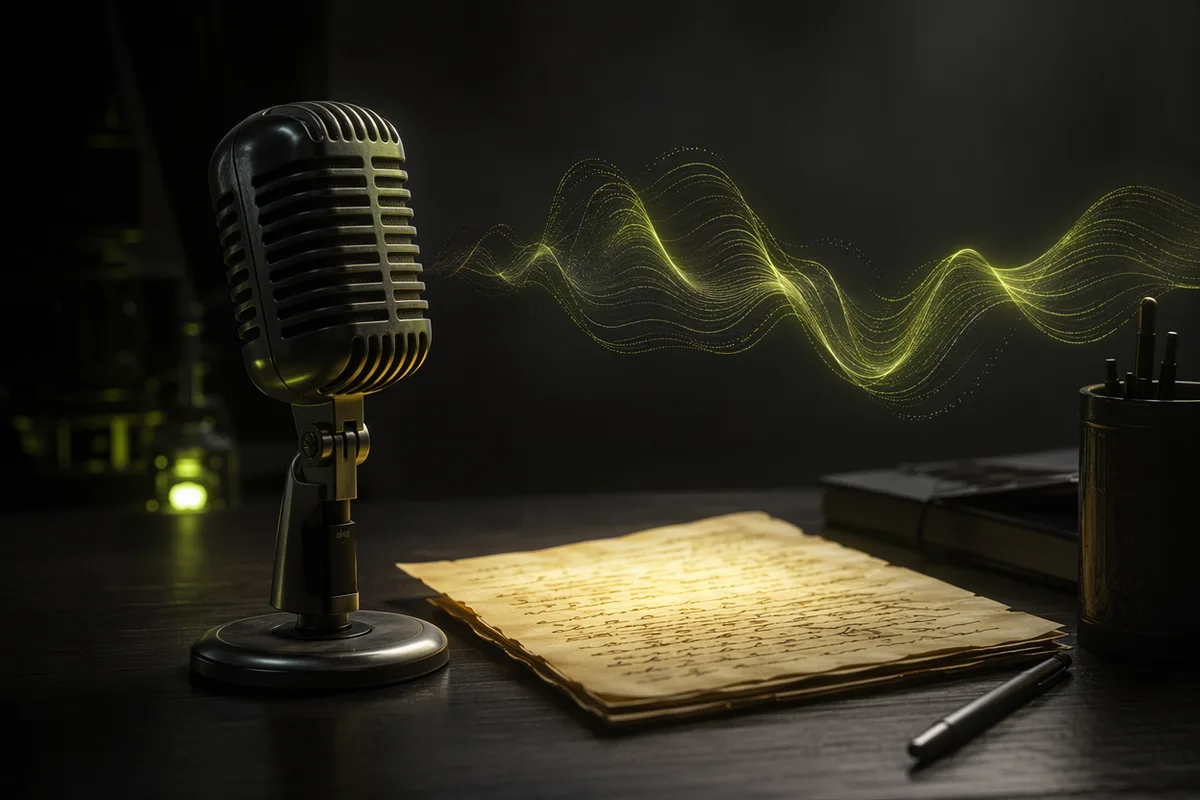
Dialogue you actually control
Templates prefill a proven spoken line you can edit word for word — or flip to improv and let the creator riff on your key selling point. A live length check warns when a line won’t fit the clip, and every engine receives the dialogue in the exact syntax its model follows best. Eight spoken languages, honestly listed.
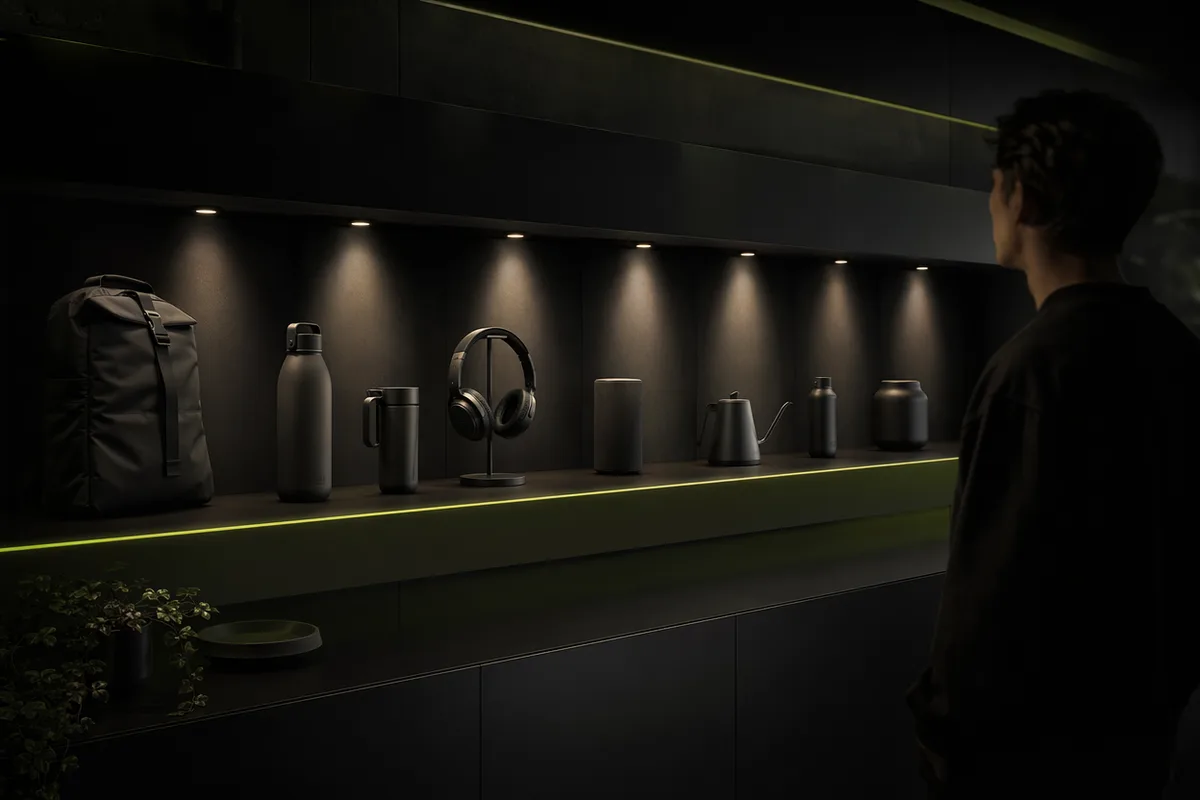
A catalog and cast that persist
Add a product once — photos, screenshots, selling points — and it lives in your library for every future ad. Cast the same creator across a whole campaign so your audience starts recognizing the face. Assets persist; you stop re-uploading and start compounding.
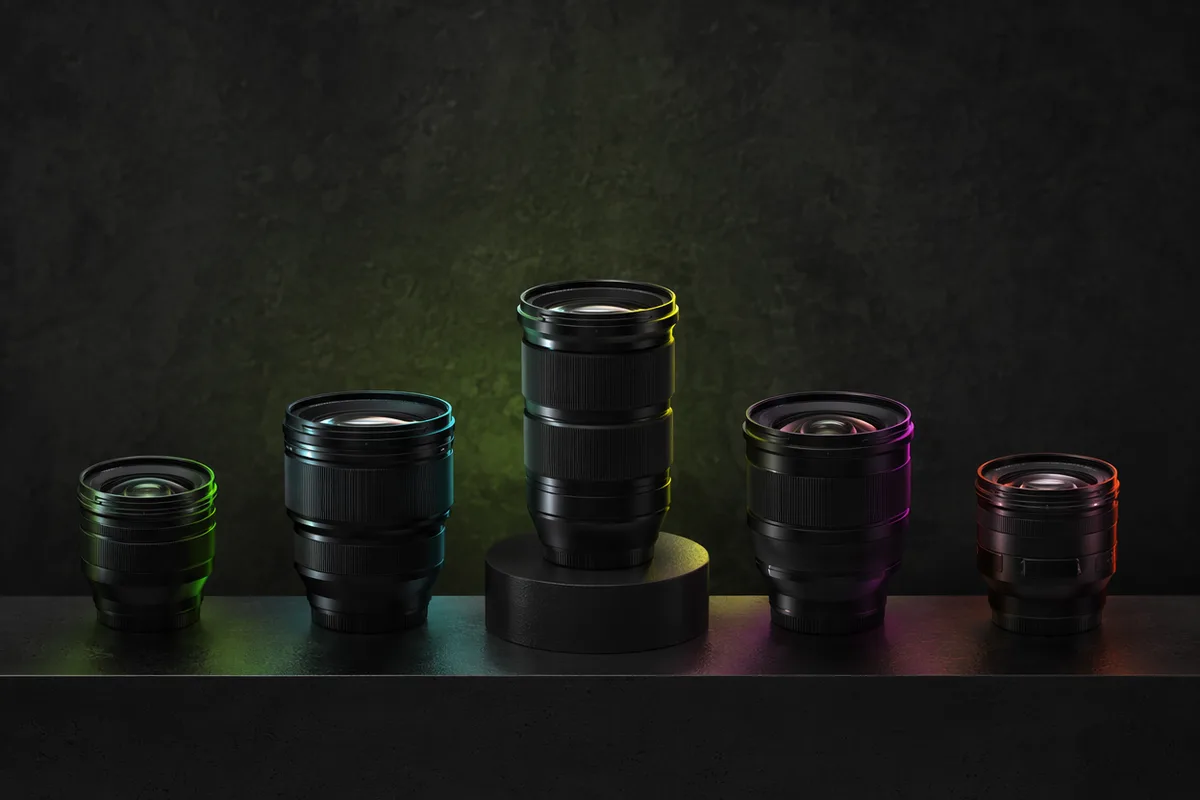
Five engines, matched to the job
Talking ads route to engines with native speech and lip-sync; stunt hooks to motion-strong engines; texture pieces to the premium tier with native sound design. Silent engines are honestly labeled instead of quietly producing a mute ad. You pick per take — or let the template pick for you.

18 templates mined from what already converts
The template wall isn’t decoration — it’s a distillation of the ad formats dominating short-form feeds right now, from Honest Review to Giant in the City. Each one sets the hook, the setting, the format, the engine and the opening line in one tap. Add your product and generate.
How it works
Product in, campaign out
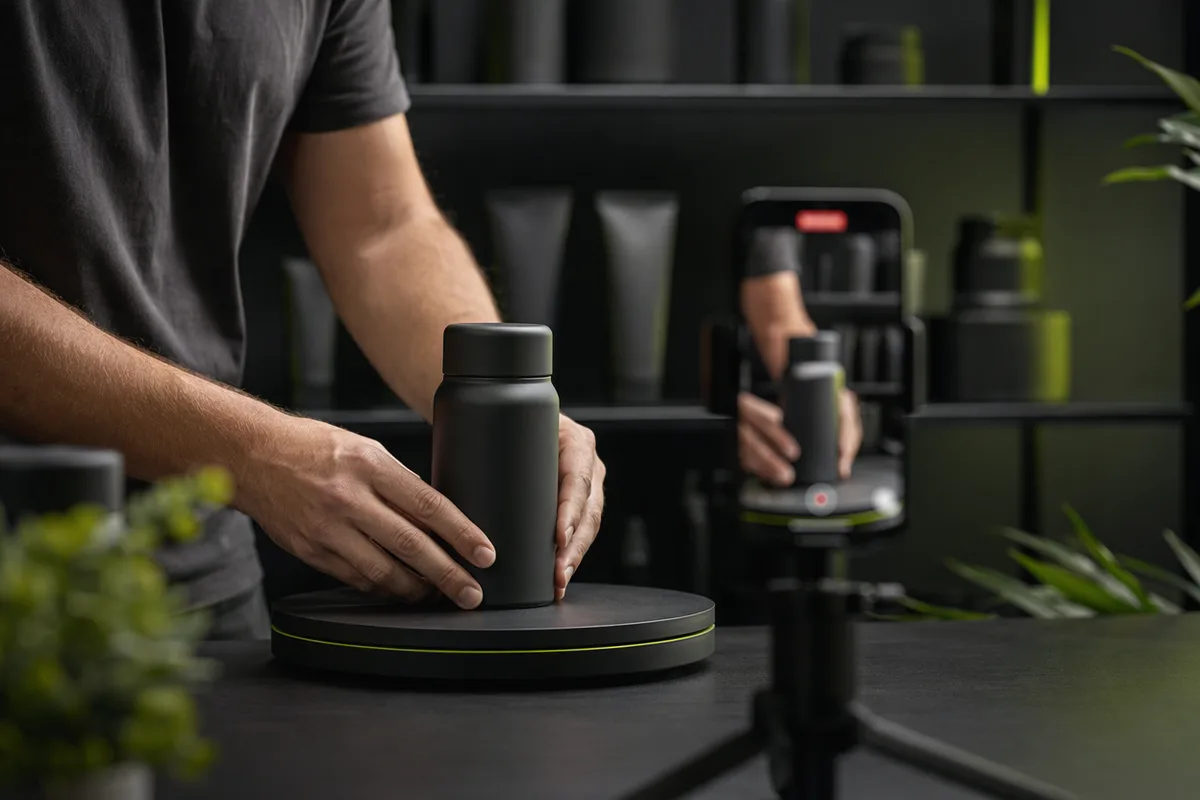
Add your product
Physical product, app or website — upload photos or a screenshot once and it lives in your product library, reusable across every ad you ever make.
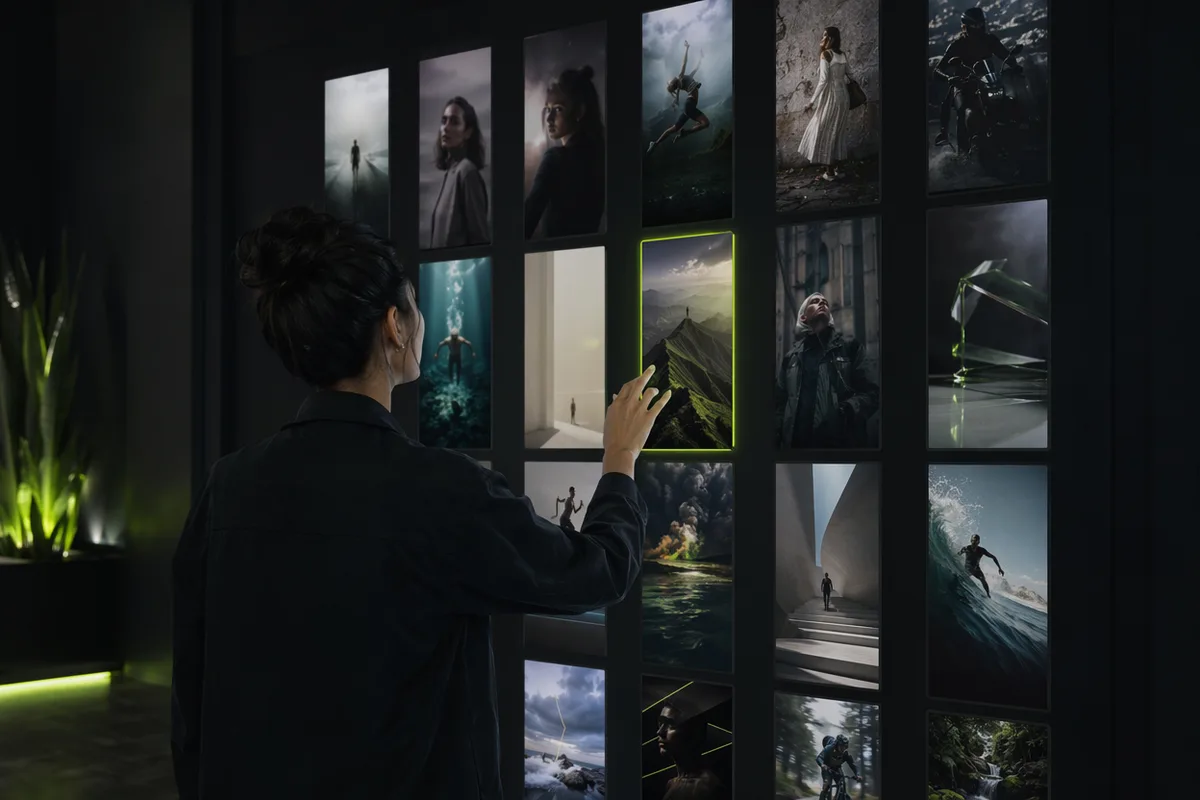
Pick a template or build the rig
One tap on a template sets the hook, setting, format, engine and a proven opening line. Or direct it yourself: cast one of 12 creators, choose from 17 hooks and 14 settings, write the exact script.
Approve the opening frame
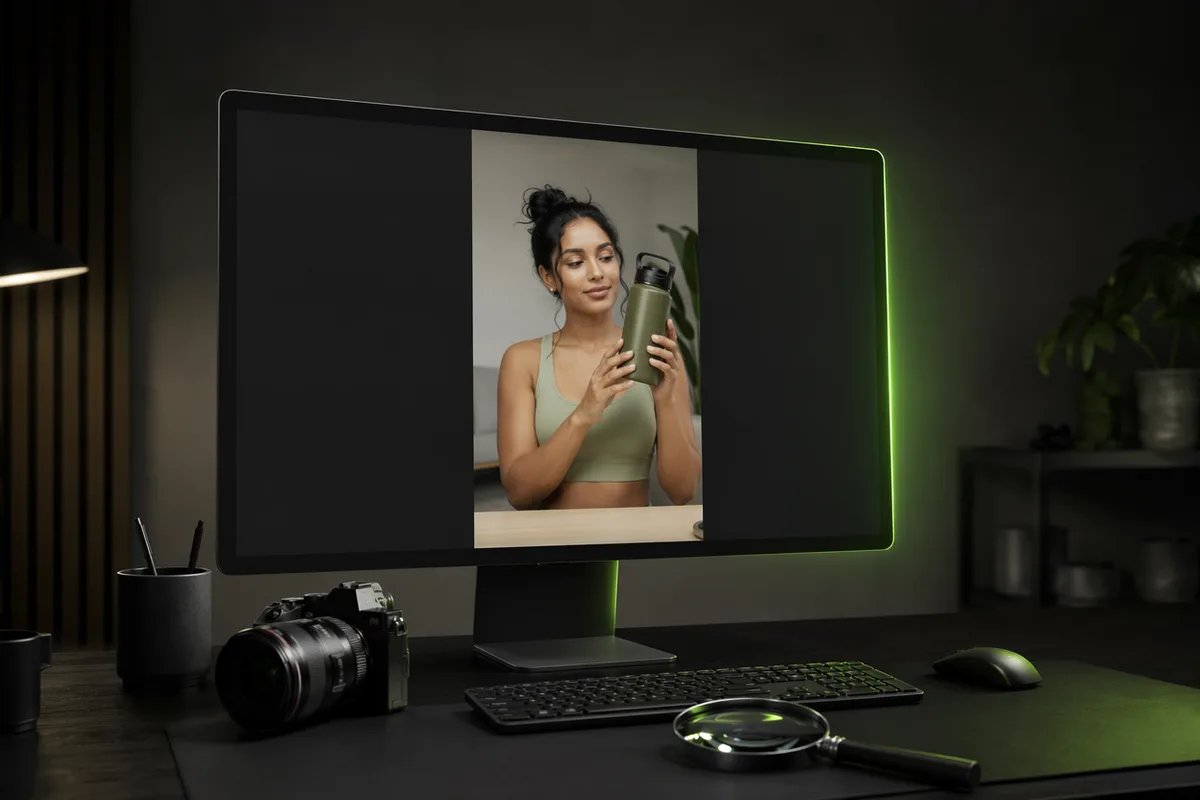
The studio fuses your product and creator into one still frame first. Check the label, the face, the staging. Re-shoot it for pocket change until it’s right — or skip straight to one-take mode when speed matters more.

Roll takes until one wins
Send the approved frame to any engine, priced per take. Draft cheap, upgrade the winner to a premium render, download vertical feed-ready ads — and keep every take in your history.
FAQ
Questions, answered straight
How much does one ad cost?
The opening frame costs 40 credits, and the video step depends on the engine you choose — from 64 credits for an 8-second budget take to premium renders. The exact total is shown on the Generate button before you commit, and failed generations are refunded automatically.
Will my product look exactly like my product?
Product fidelity is the studio’s hard rule. Your uploaded photos are used as direct visual references with explicit constraints on shape, colors, logo and label text, and you approve the opening frame before the video renders. If the frame is wrong, re-shooting it costs only the keyframe price.
What’s the difference between the two pipeline modes?
“Approve the frame first” builds a keyframe, waits for your approval, then animates it — maximum product fidelity and the cheapest way to iterate. “One take, straight to video” sends your photos directly into a reference-to-video engine in a single pass — fastest and cheapest overall, best for volume testing. Both are one click apart; use precision for hero ads and one-take for quantity.
Can I re-generate the video with a different engine?
Yes — that’s the point of the approval checkpoint. An approved frame is a reusable asset: the engine picker sits right on the approval card, and after any finished video an “Another take” button rolls the same frame again on whichever engine you pick, each take priced individually.
How do I control what the creator says?
Two dialogue modes. Exact script: the creator speaks your line word for word — templates prefill a proven one, you edit freely, and a live counter warns if the line won’t fit the clip length. Improvise: you give the topic and key selling point, the model delivers it naturally. Either way you choose the spoken language from eight natively supported options.
Why are some engines disabled when I write an exact script?
Because they render silent video. Rather than quietly producing a mute ad — a top complaint about other tools — the studio grays out non-speaking engines in script mode and tells you why. Switch to improv mode (or a speaking engine) and they come right back.
Can I advertise an app or website, not a physical product?
Yes — apps and websites are first-class product types. Upload a mobile or desktop screenshot and the ad shows it on a real device in the creator’s hands, with the App Demo format built for screen-forward walkthroughs.
Can I use my own face or model instead of the preset avatars?
Yes. Upload one photo of yourself or your model and the studio locks their identity — bone structure, eyes, skin and hair — while expression, angle and lighting adapt to each scene. Reuse the same face across every ad to build a recognizable brand presence.
Do I own the ads and can I run them on TikTok or Meta?
Yes — ads you generate are yours to download and run on any platform. Remember to use each platform’s AI-content disclosure where required (for example TikTok’s AI-generated content label); disclosed AI ads are not penalized in reach, while undisclosed ones can be rejected in review.
Should AI ads replace my human creators?
Honest answer: use them as a testing factory first. The workflow that actually wins on paid social is generating cheap variants to find the winning angle, then investing real budget — sometimes including human creators — into scaling it. Marketing Studio is built for exactly that loop: test wide for pocket change, scale what converts.
Keep creating
Related tools & studios
The set is lit. Your creator is waiting.
One product photo, one template, one approved frame — see your product in a creator’s hands before spending anything serious. Failed generations refund automatically.