
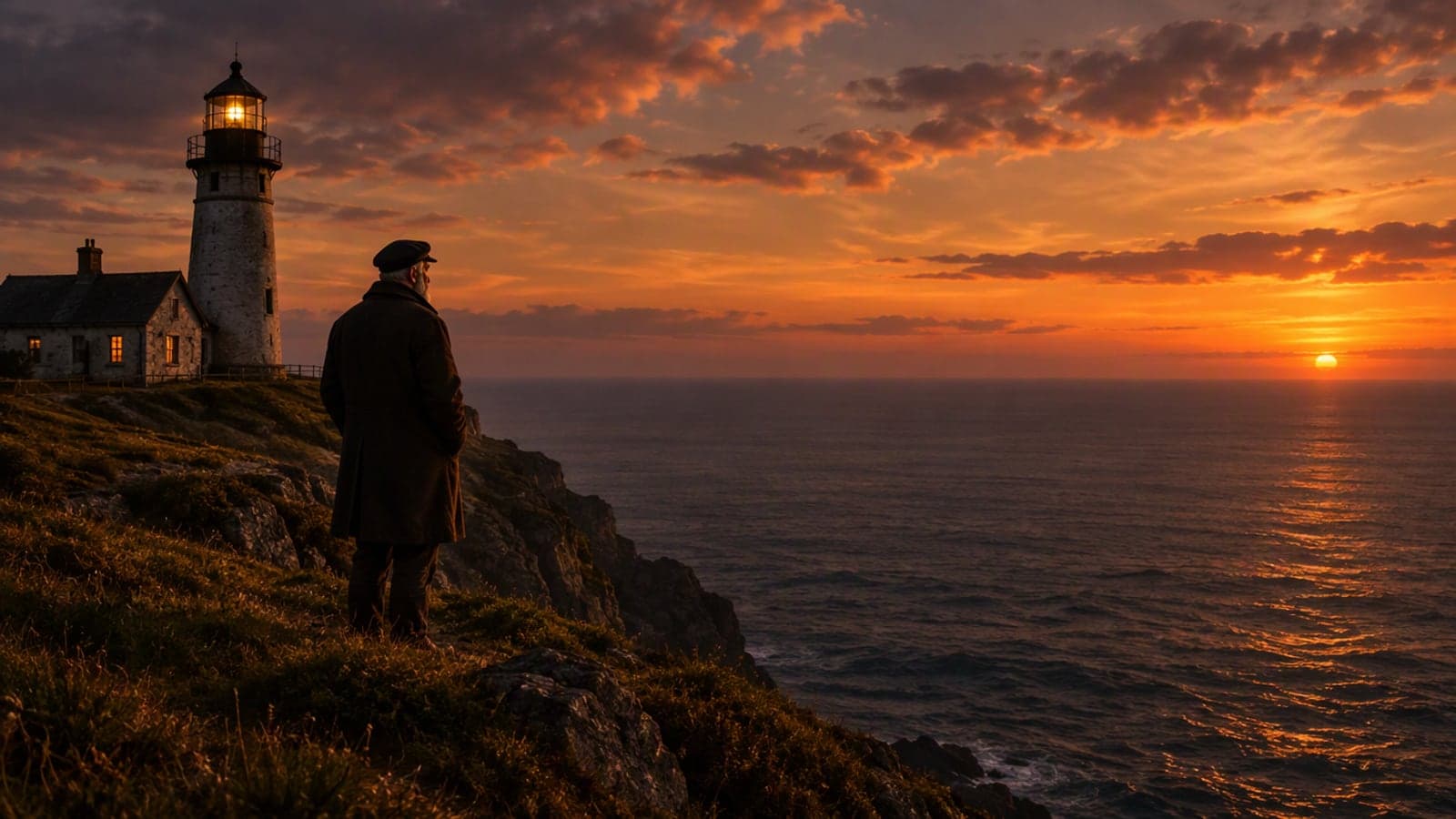
AI Story Video Generator – Turn a Topic or Script into a Narrated Story Video
Write one line or paste a full script. The director builds a shot list you can edit, every scene gets an AI image in the style you pick, a natural voice narrates it in your language, and captions are burned in — a vertical MP4 in one to three minutes. From 115 credits, held until the video completes.
Narration in EN (from the page language). Captions follow your script.
Tap to uploadDrop image or click
JPG · PNG · WebP
One clear photo — the same person appears in every scene
What is AI Story Video Generator?
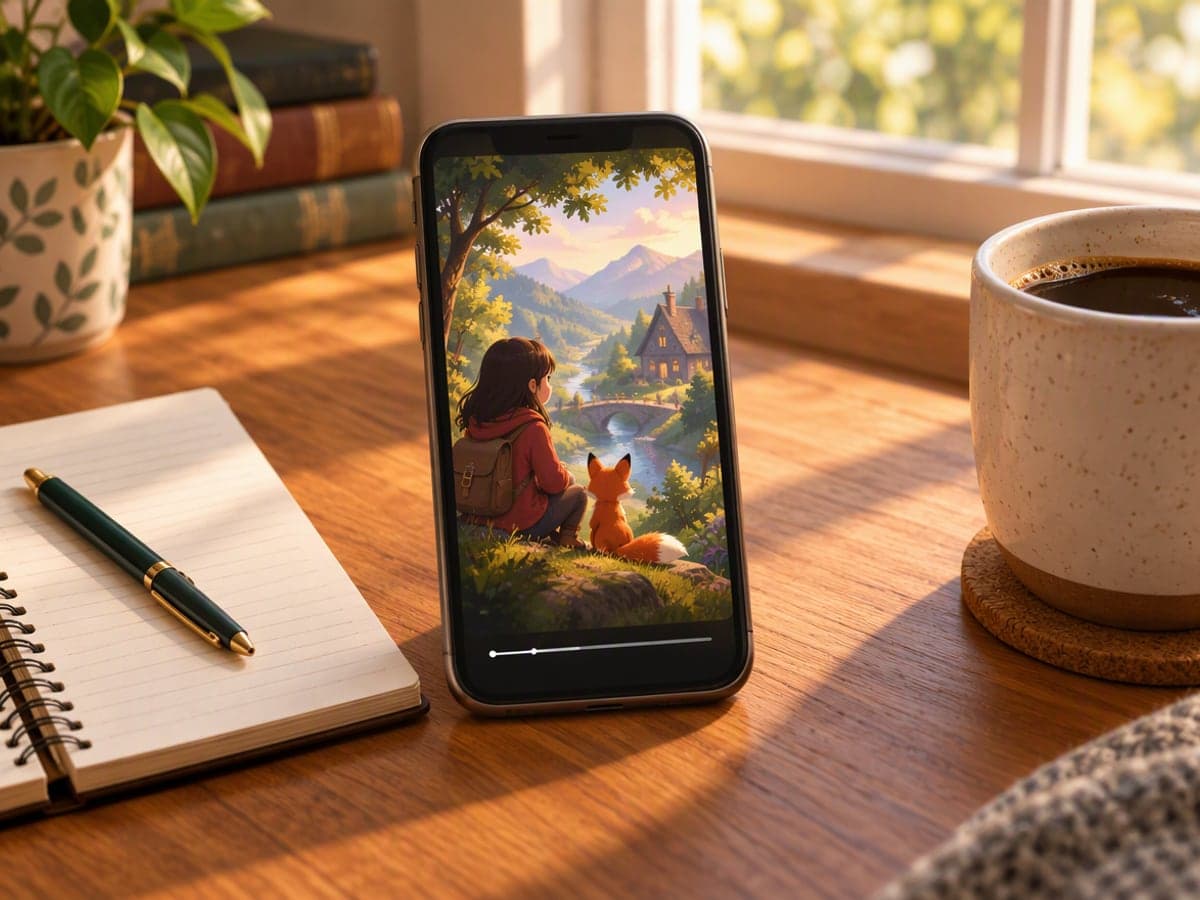
AI Story Video Generator makes the faceless story videos that fill Shorts, Reels and TikTok: a topic or script becomes a numbered shot list, each shot becomes an AI-generated image in a consistent style (with your own main character if you upload a photo), a narrator reads every line in one of ten languages, and subtitles are rendered into the picture. You review and edit the shot list before anything is rendered, so credits go to the version you actually want.
Why Choose AI Story Video Generator?
Made for everyday people, not editors.
One run, whole video
Images, voiceover, captions and the edit happen in one job. No timeline, no stock library, no exporting between apps.
Edit before you pay
The shot list is yours to change. Credits are held only when you click Render and released if anything fails.
Ten narration languages
English, Chinese, Japanese, Korean, French, German, Spanish, Italian, Russian and Portuguese, each with six voices. The script and captions can be in any of our 27 languages.
What Can You Use AI Story Video Generator For?
Real moments, ready to share — pick the one that fits.
Faceless story channels
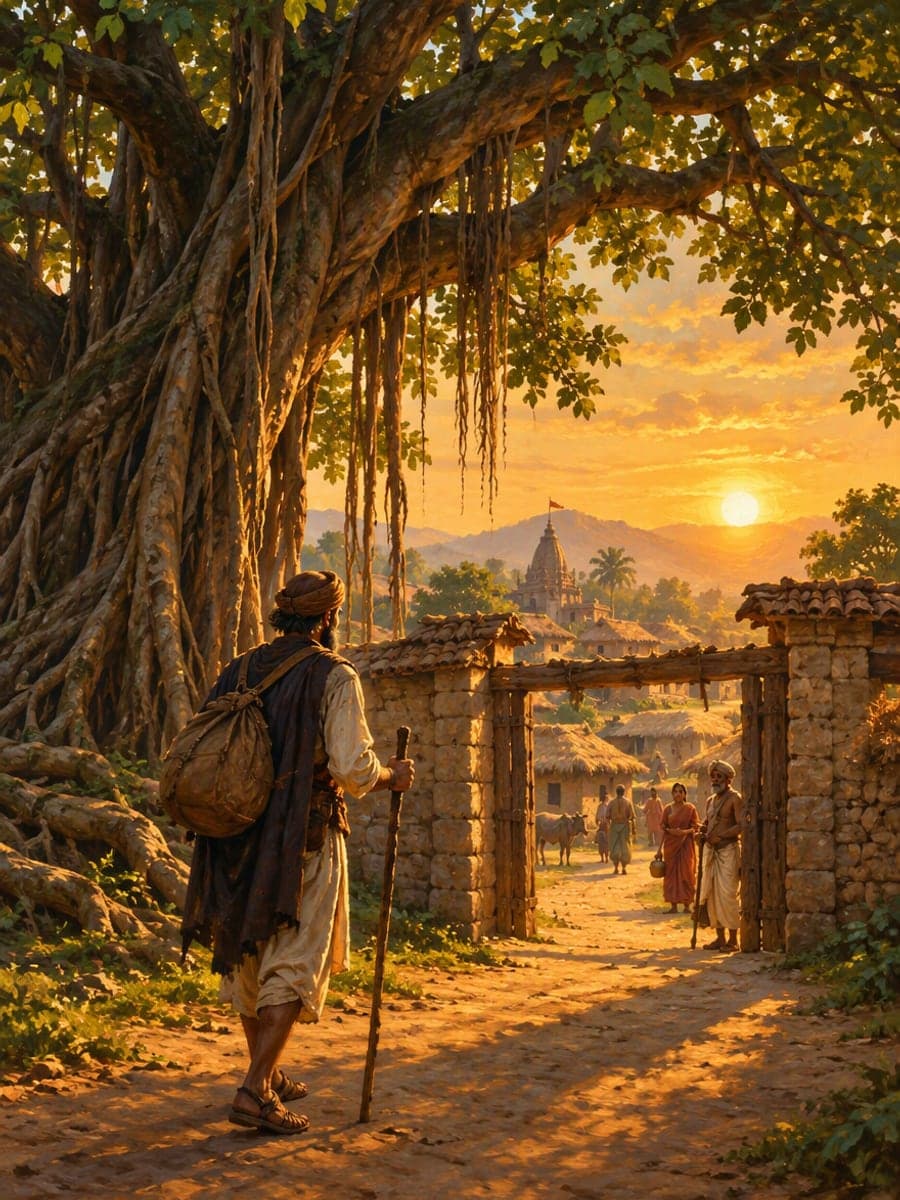
Folk tales, history bites, moral stories, true-crime summaries: the formats that run daily on Shorts and Reels without anyone on camera.
Bedtime and classroom stories
Turn a made-up tale or a lesson into a gentle watercolor or 3D story with a calm narrator, ready for the family group or the smart board.

Founder and brand stories
The origin story, a customer's journey or a product myth-buster, told in sixty seconds with your own character photo carrying it through.
How to Use AI Story Video Generator in 3 Simple Steps
Three small steps to a video you'll actually want to send.
💡Step 1:Write the story
One line is enough — or paste a full script up to 4,000 characters. Pick a visual style, a length (30, 60 or 90 seconds) and a narrator voice; add a photo if you want the same character in every scene.

✏️Step 2:Fix the shot list
The director returns one narration line and one image description per scene. Rewrite anything, drop a scene, then check the price — it is shown per scene before you render.

✨Step 3:Render and download
Click Render. Scenes are painted, the narration is recorded, captions are burned in and the MP4 is saved to your history. Download it or change a line and render again.
AI Story Video Generator – Turn a Topic or Script into a Narrated Story Video
Write one line or paste a full script. The director builds a shot list you can edit, every scene gets an AI image in the style you pick, a natural voice narrates it in your language, and captions are burned in — a vertical MP4 in one to three minutes. From 115 credits, held until the video completes.
Frequently Asked Questions About AI Story Video Generator
A sentence. The director expands a topic into a full shot list; if you already have a script, paste it and it will be split into scenes without rewriting your words.
Yes. Upload one clear photo as the main character and every image is generated with that person as the reference. Without a photo the director fixes a written description of the character and reuses it in every scene.
English, Chinese, Japanese, Korean, French, German, Spanish, Italian, Russian and Portuguese, with six voices each. The narration language follows the page language; if you use the site in another language, the narrator speaks English while the script and captions stay in your language.
Usually one to three minutes for a 60-second story: the scenes are painted in parallel, the narration is recorded, and the edit with captions takes a few seconds on our side.
Building the shot list costs 5 credits. Rendering costs 20 credits per scene plus 15 for the edit: a 30-second story (5 scenes) is 115, 60 seconds (8 scenes) is 175, 90 seconds (12 scenes) is 255. Rendering credits are held when you click Render and only charged when the video completes.
Yes. Captions are a switch, and the voice is chosen per render. Re-rendering the same shot list reuses the images and narration that did not change, so you only pay again for what is new.
Yes, videos you generate can be used in personal and commercial projects under our terms. You are responsible for the script and any photo you upload. Downloads carry no watermark on a subscription.
In this version each scene is a still image with a slow cinematic push, pan or pull and a cross-fade between scenes — the format most story channels use. An animated tier with a short AI video clip per scene is next.
Related Tools You Might Like
Explore more AI creative tools