Drop your image here or click to browse
Support JPG, PNG, WebP up to 10MB
One clear, front-facing photo of yourself. The star is rendered by the model — no celebrity photos are used or needed.
Preview
Why Do AI Celebrity Videos Usually Go Wrong?
We built this generator around the three things people complain about most after trying other tools — and made each fix something you can verify.
"The celebrity looked great — I didn't. My face melted into someone else's by the second frame."
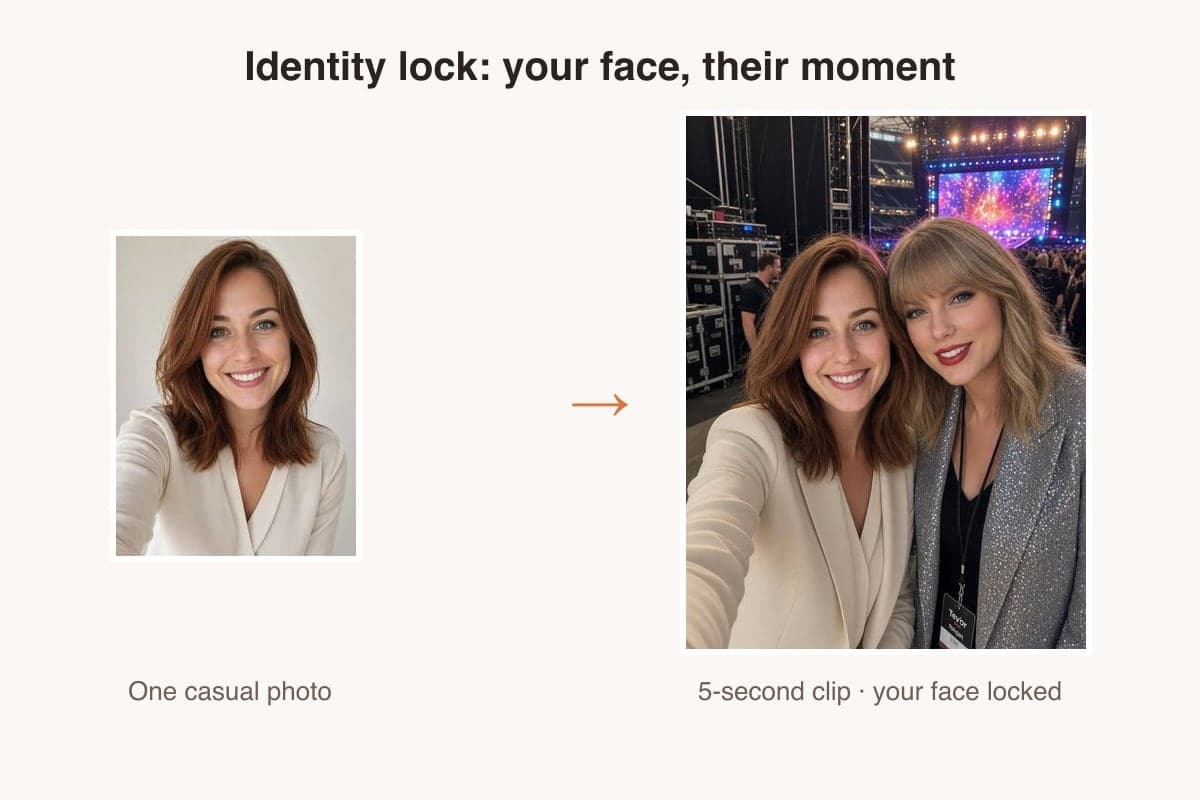
Identity lock keeps your face sharp through all five seconds — check the same person holding up across the 12 clips below.
"Rejected, rejected, rejected — and every rejection still cost me credits."
Grok Imagine 1.5 passed 10 of 10 celebrity prompts in our tests, and if a generation is ever rejected or fails, your credits are refunded automatically.
"It looked free until I uploaded my photo — then came the paywall and the watermark."
Pricing is on the page: 45 credits for a 5-second Grok clip, 75 with Seedance Mini, 550 with Seedance 2.5 — and a failed run is refunded automatically.
What is an AI celebrity video generator?
The AI Celebrity Video Generator turns one photo of you into a short clip next to a star, in scenes like backstage, the pitch or the red carpet. Your face stays locked while the star is rendered from the scene description. Every output carries an AI-generated label and is meant for personal fun, not endorsements or ads.
12 Stars, Real Results
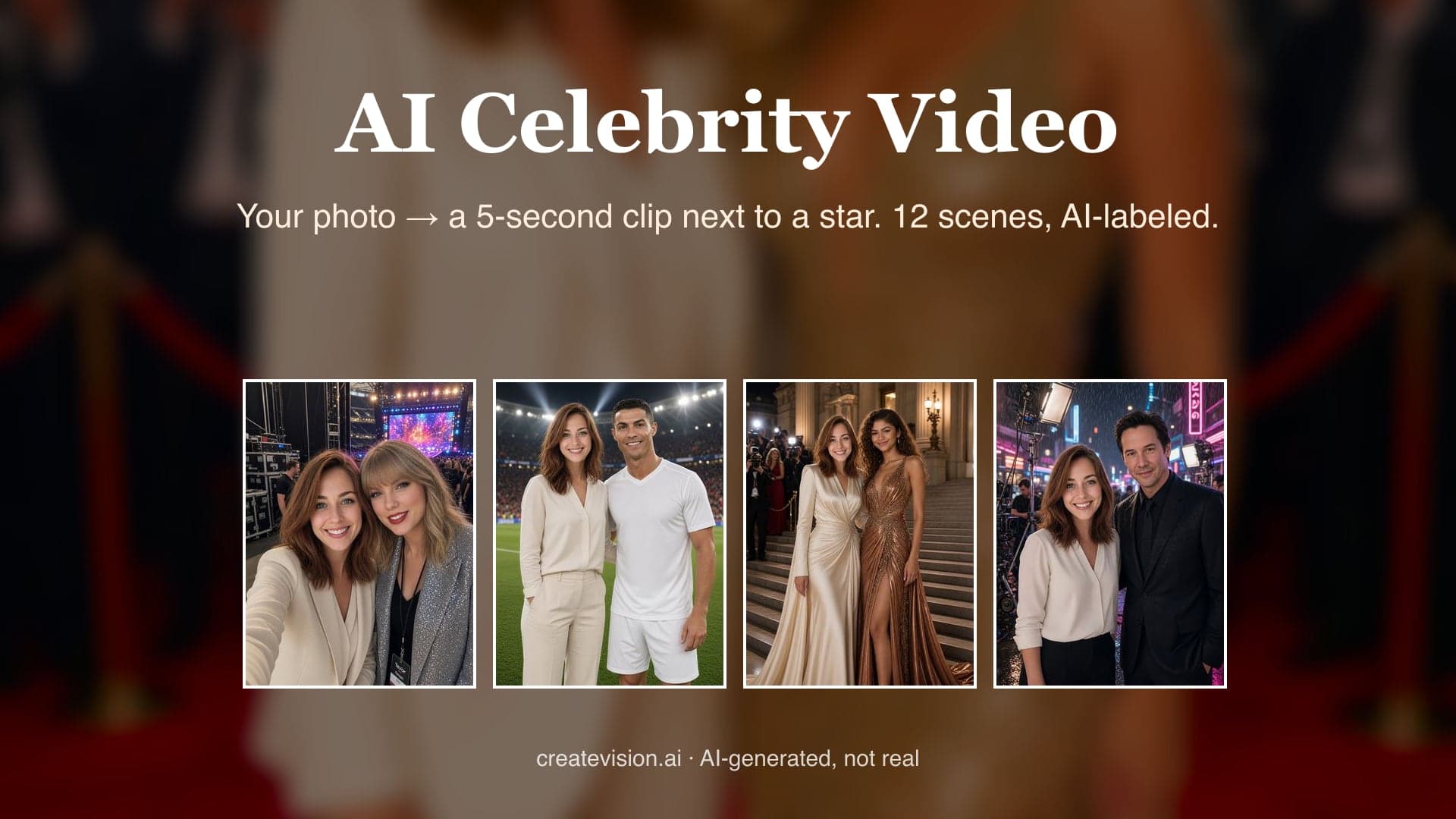
Every clip below was generated by this tool from the same one casual photo — same prompts, same pipeline, AI-labeled. What you see is what you get.
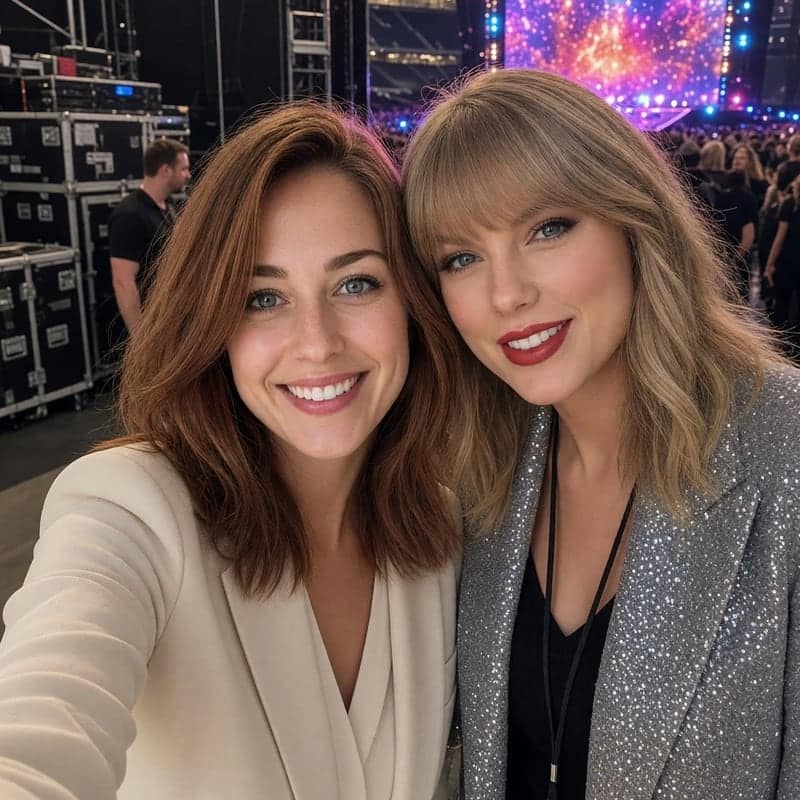
Backstage with Taylor Swift
Stage lights, confetti, a backstage selfie with the biggest pop star alive — from one photo of you.
On Stage with Elon Musk
A keynote stage, a giant screen behind, a laugh shared with Elon Musk.
On the Pitch with Ronaldo
Floodlights, the white kit, the celebration pose — you on the pitch with Ronaldo.
Red Carpet with Beyoncé
Camera flashes, sequins, the red carpet — a wave next to Beyoncé.
Premiere with Tom Cruise
Sunglasses in hand, the premiere wall behind — a grin shared with Tom Cruise.
Trophy Night with Messi
Confetti falling, a golden trophy lifted — trophy night beside Messi.
Gala Steps with Zendaya
Museum steps, couture gowns, a gala pose next to Zendaya.
Film Set with Keanu Reeves
Rain, neon, a black suit and a calm thumbs-up from Keanu Reeves.
Rooftop with Jackie Chan
Hong Kong at golden hour, a playful kung-fu pose from Jackie Chan.
Gym with The Rock
A bright gym, a flex and a laugh with The Rock.
Studio with Rihanna
Mixing console behind, a peace sign from Rihanna, a sway to the music.
Yacht with DiCaprio
Sunset on the deck, a toast raised with Leonardo DiCaprio.
Why Fans Use Our AI Celebrity Video Generator
Made for everyday people, not editors.
Your Face, Locked In
Your photo pins your face geometry, hairstyle and skin tone through the whole clip, so you look like yourself next to the star.
Only Your Photo Needed
You upload one photo of yourself. The star is rendered from the scene description, and no celebrity photos are used or stored.
Clearly AI-Labeled
Every clip is marked as AI-generated. It is made for fun, fan edits and birthday videos, not for endorsements, ads or deception.
See What You Can Do With an AI Celebrity Video
Real moments, ready to share — pick the one that fits.
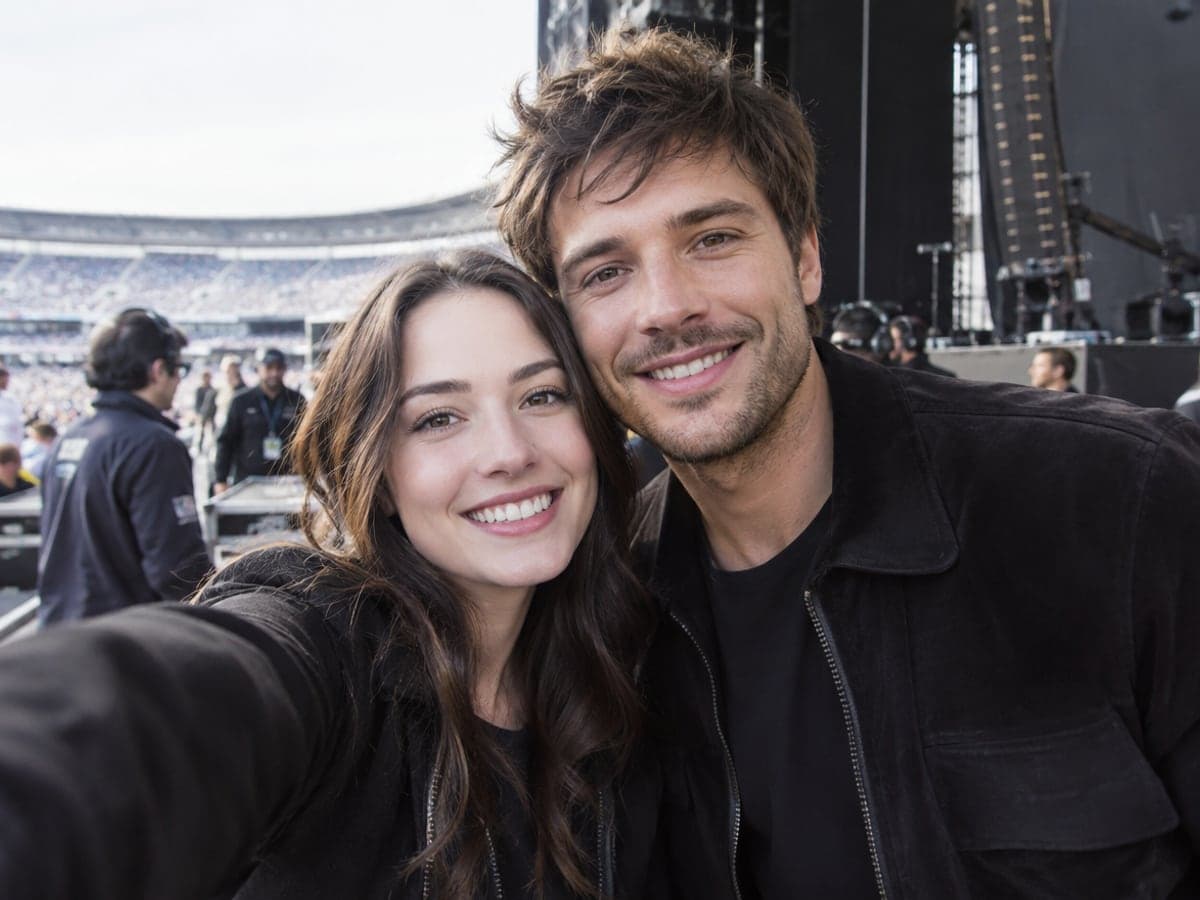
Get the Meet-and-Greet You Missed
Pick a backstage, stadium or red carpet scene and stand next to the artist you love. One photo of you is all it takes, and the clip is labeled AI. Make a celebrity photo
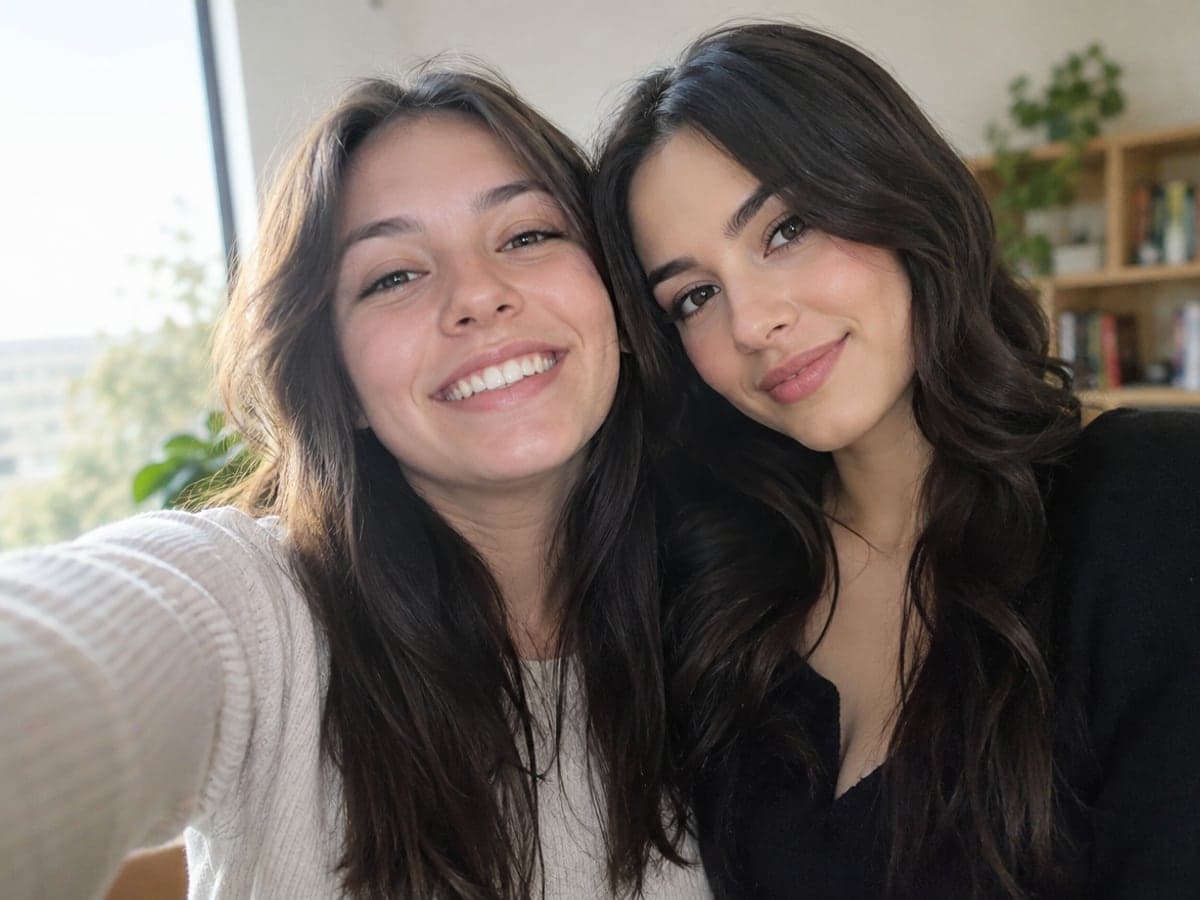
Surprise a Fan on Their Birthday
Send the birthday person five seconds next to their idol, with their own face in it. Use their photo with their permission and keep the AI label on. Try AI Hug Video
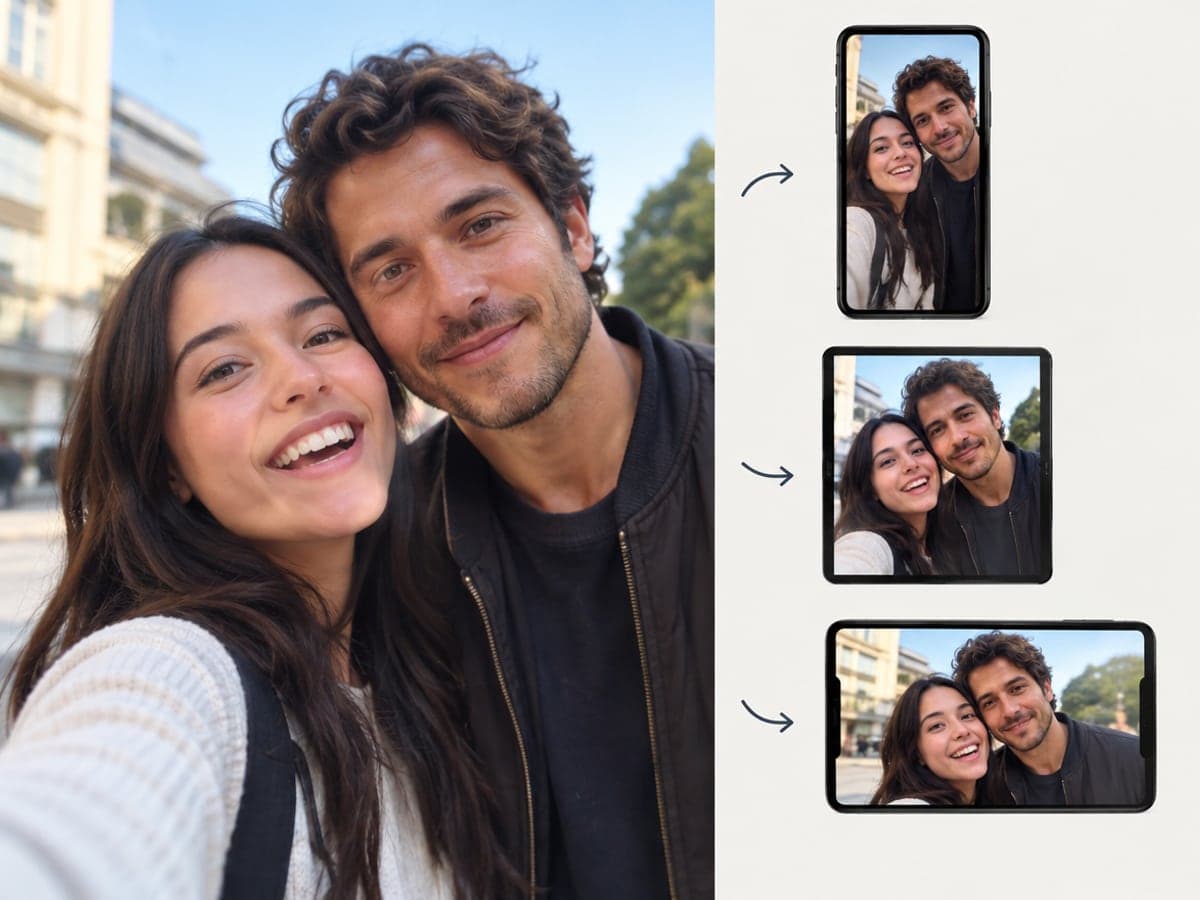
Post a Fan Clip That Travels
The 'me and a celebrity' clip is a format people share. Your video comes out vertical 9:16 for Reels, TikTok and Shorts, with 1:1 and 16:9 one tap away. Try AI Dance Video
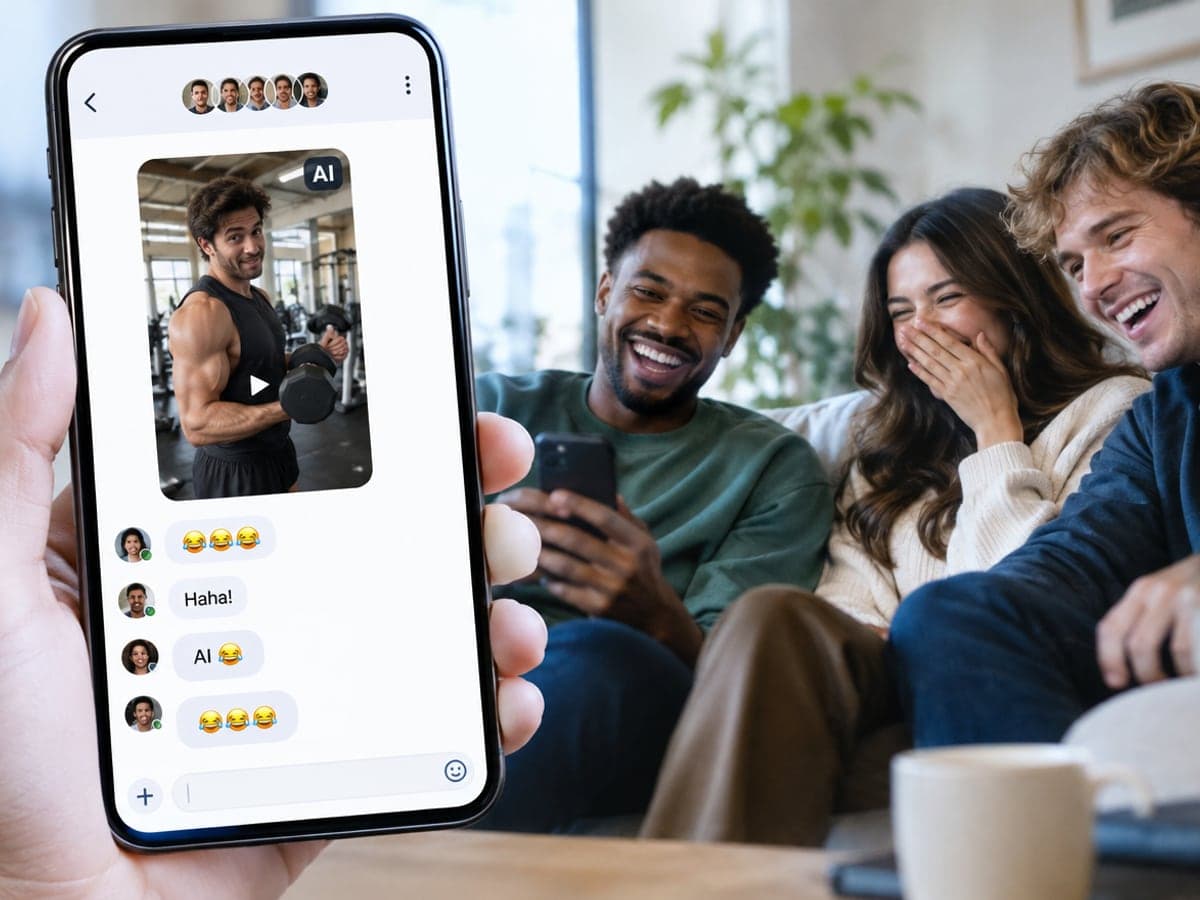
Share a Laugh With Your Friends
Drop a clip of yourself at the gym or on a film set into the group chat. Everyone sees the AI label, so the joke stays a joke. Create a couple photo
Who Uses AI Celebrity Video
Four ways people use it every week
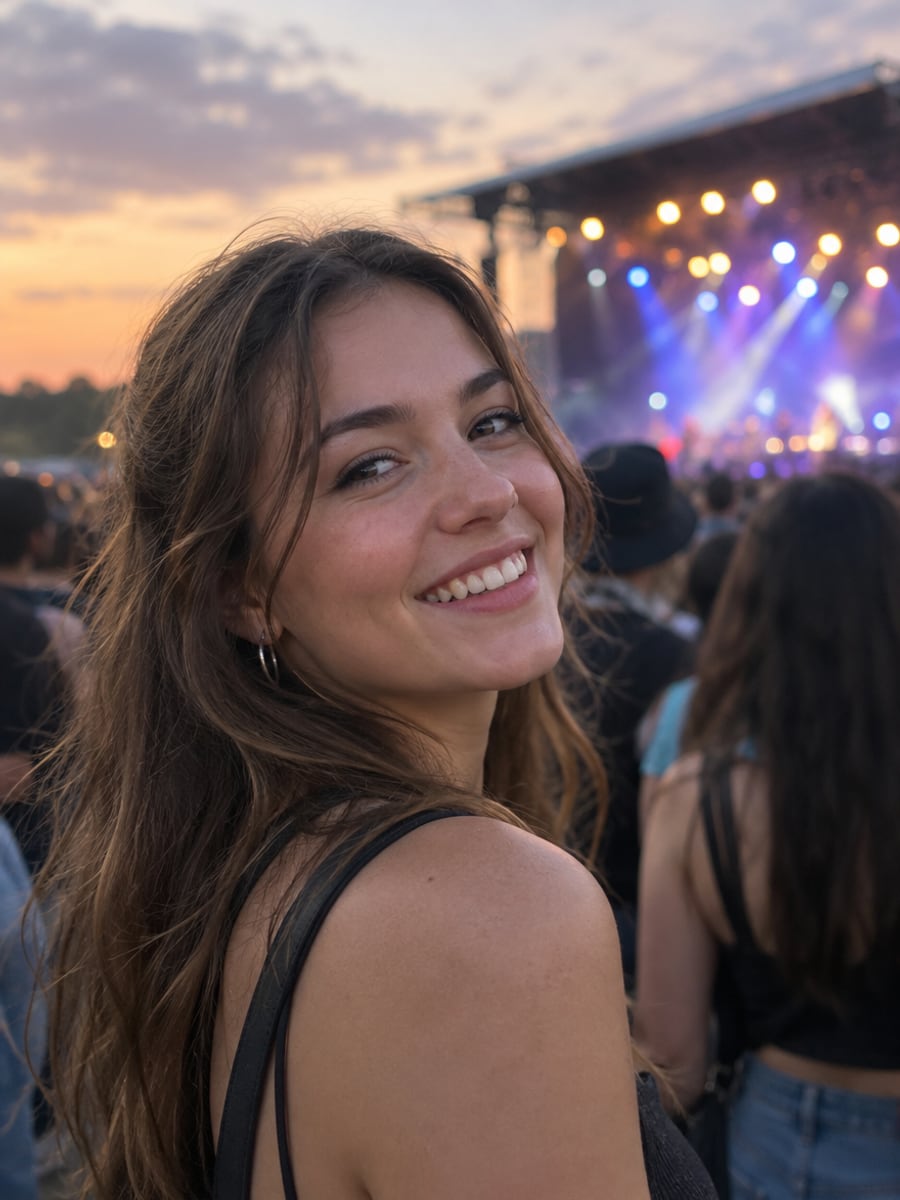
Stand backstage next to the artist you follow
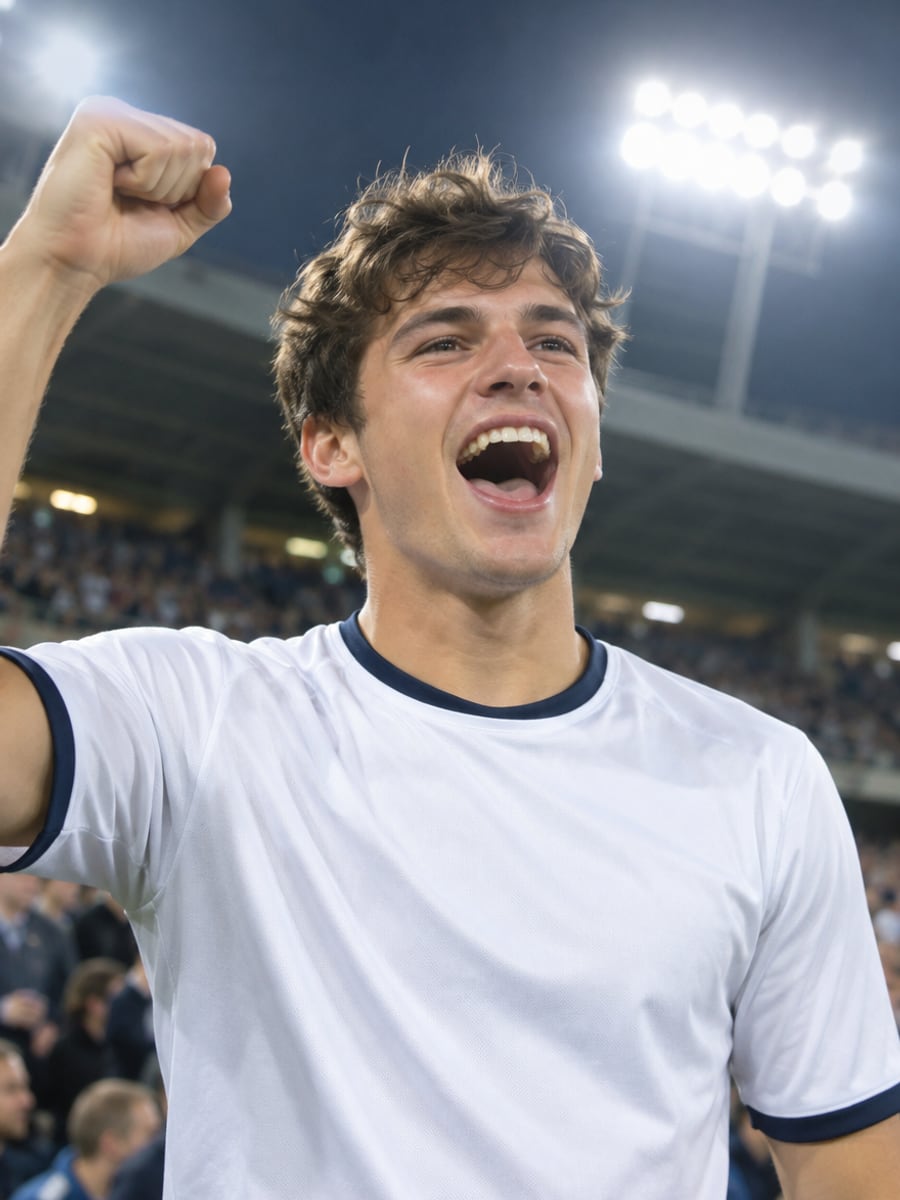
Share the pitch with your favorite player
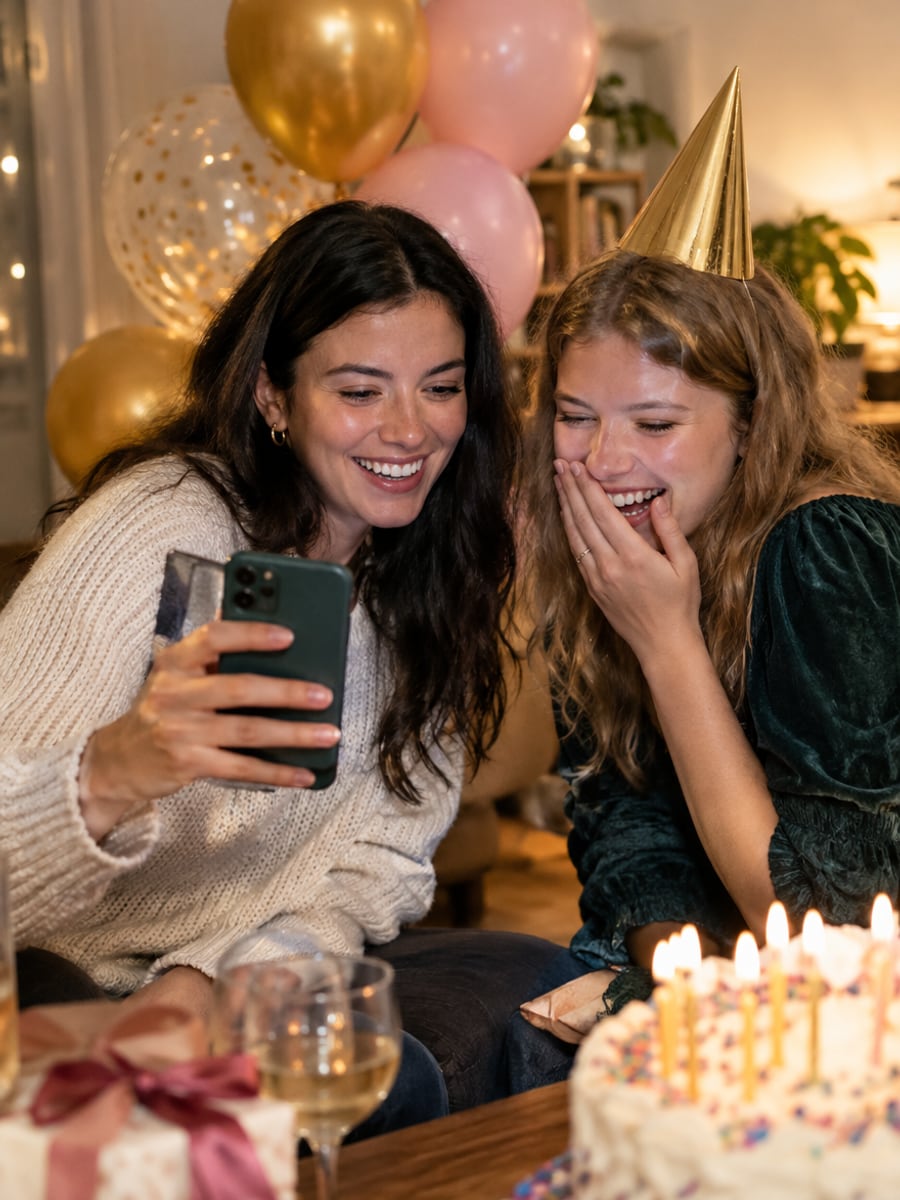
Give a birthday video they will not forget
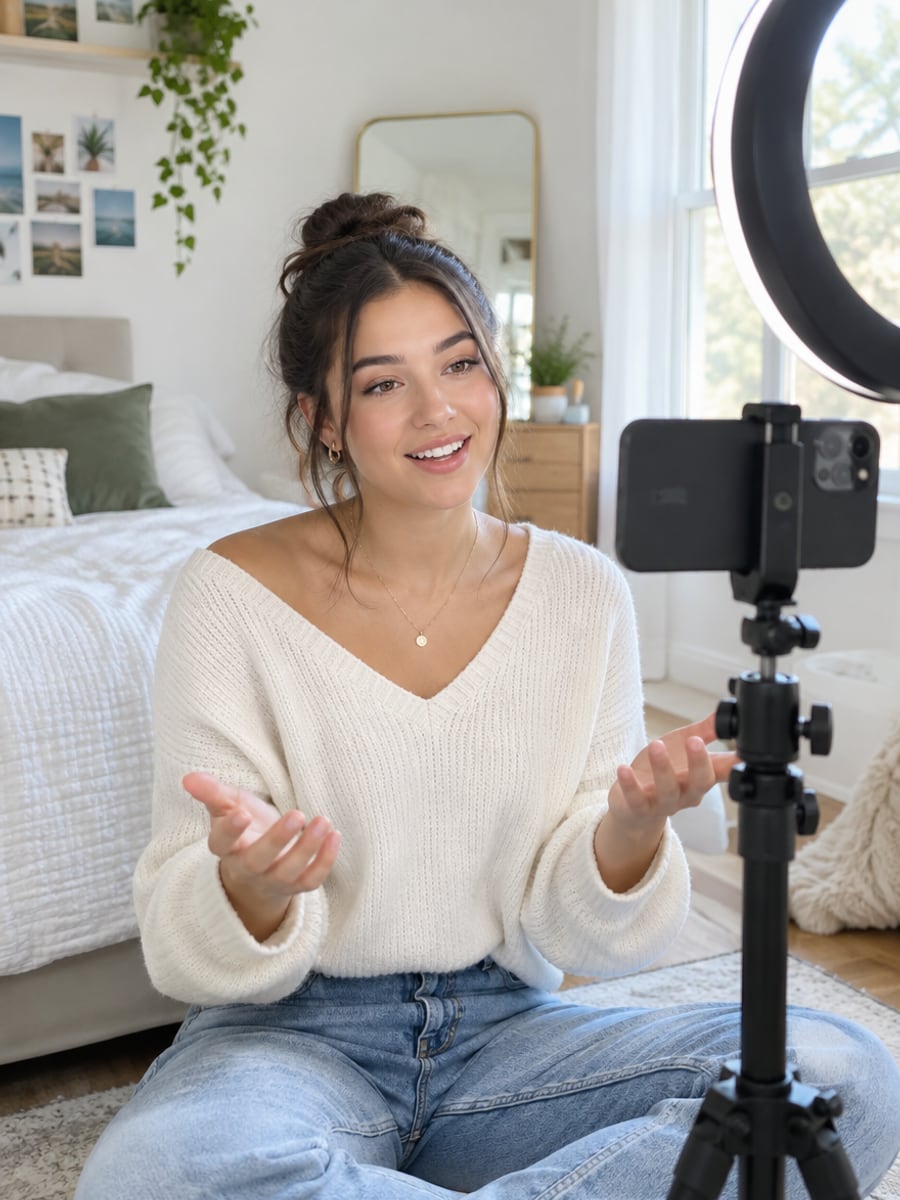
Make a clearly labeled fan clip for your feed
How to Make a Celebrity Video with CreateVision
Three small steps to a video you'll actually want to send.
Upload your photo
Add one clear, front-facing photo of yourself. Higher resolution gives better results.
Pick a star and scene
Choose one of 12 scenes, like backstage, the pitch or the red carpet, or write your own short prompt.
Generate and download
Click Generate and download a 5-second vertical MP4 with an AI label, or choose 10 or 15 seconds first.
The All-in-One AI Creation Platform
One account for images, videos, an AI agent that works for you, expert AI mentors and 80+ ready-made tools.

AI Image & Video Generator
Every leading model in one workspace: Seedream, Nano Banana, GPT Image, Seedance, Veo and more.
Open
Ava, your AI creative agent
Describe what you need and Ava plans, generates and iterates for you.
Open
80+ AI tools
One-click tools for photos, videos, cards, portraits and viral trends.
Open
Template library
Thousands of ready prompts and styles to start from.
Open
Studios
Portrait, marketing, poster and cinema studios for finished work, not single shots.
Open
AI model library
Compare and pick the right image or video model for every job.
Open
AI mentors
Learn from expert mentors in photography, design and video, then create with their guidance.
Open190K+ creators
Using CreateVision to create and share
AI Celebrity Video Generator FAQs
An AI celebrity video generator makes a short clip of you next to a well-known star. On CreateVision you upload one photo of yourself and pick a scene, such as backstage at a concert or on a film set. The model keeps your face and renders the star from the scene description, and every clip is labeled as AI-generated.
Look for one that keeps your face accurate and labels the result honestly, which is how CreateVision's works. Your photo locks your face geometry, hairstyle and skin tone through the clip. You get 12 ready-made scenes, vertical 9:16 output, and an AI-generated label on every video. Every sample on this page was made with this exact tool from one casual photo.
You upload only your own photo; you do not need a photo of the celebrity. The star is rendered by the model from the scene description, and no celebrity photos are used or stored. Your photo is the identity reference, so your face stays consistent while the two of you appear together in the scene.
A clear, front-facing photo with your face at least thumbnail-sized works best; sunglasses, heavy filters and group shots lower the match. The video is 5 seconds by default in vertical 9:16, and you can choose 10 or 15 seconds, 480p or 720p, and 1:1 or 16:9. Nudity, minors and hateful content are rejected before generation, and rejected jobs are not charged.
On the default Quick tier, video costs 9 credits per second at 480p and 17 credits per second at 720p. A 5-second 480p clip is 45 credits, 10 seconds is 90 and 15 seconds is 135. Higher quality tiers cost more, and each tier button shows its exact price. You can start with 200 free credits from Google sign-up, and failed or rejected generations are refunded automatically.
For personal, non-commercial fun, yes, as long as you keep the AI label on. Do not use the clip to imply an endorsement, to pass it off as real, to deceive anyone, or in advertising; that can violate publicity and consumer-protection laws. Only upload photos of yourself or of people who agreed to it. Videos download as clean MP4s with no watermark on any plan.
Twelve public figures from music, film and sport: Taylor Swift, Elon Musk, Cristiano Ronaldo, Beyoncé, Tom Cruise, Lionel Messi, Zendaya, Keanu Reeves, Jackie Chan, Dwayne Johnson, Rihanna and Leonardo DiCaprio. There are no politicians and no minors. Each star appears next to you in the scene; the tool does not turn you into the celebrity.
Make Your AI Celebrity Video Now
Upload one photo, pick a star and a scene, and get a clearly labeled clip of you side by side.
Related Tools You Might Like
Explore more AI creative tools