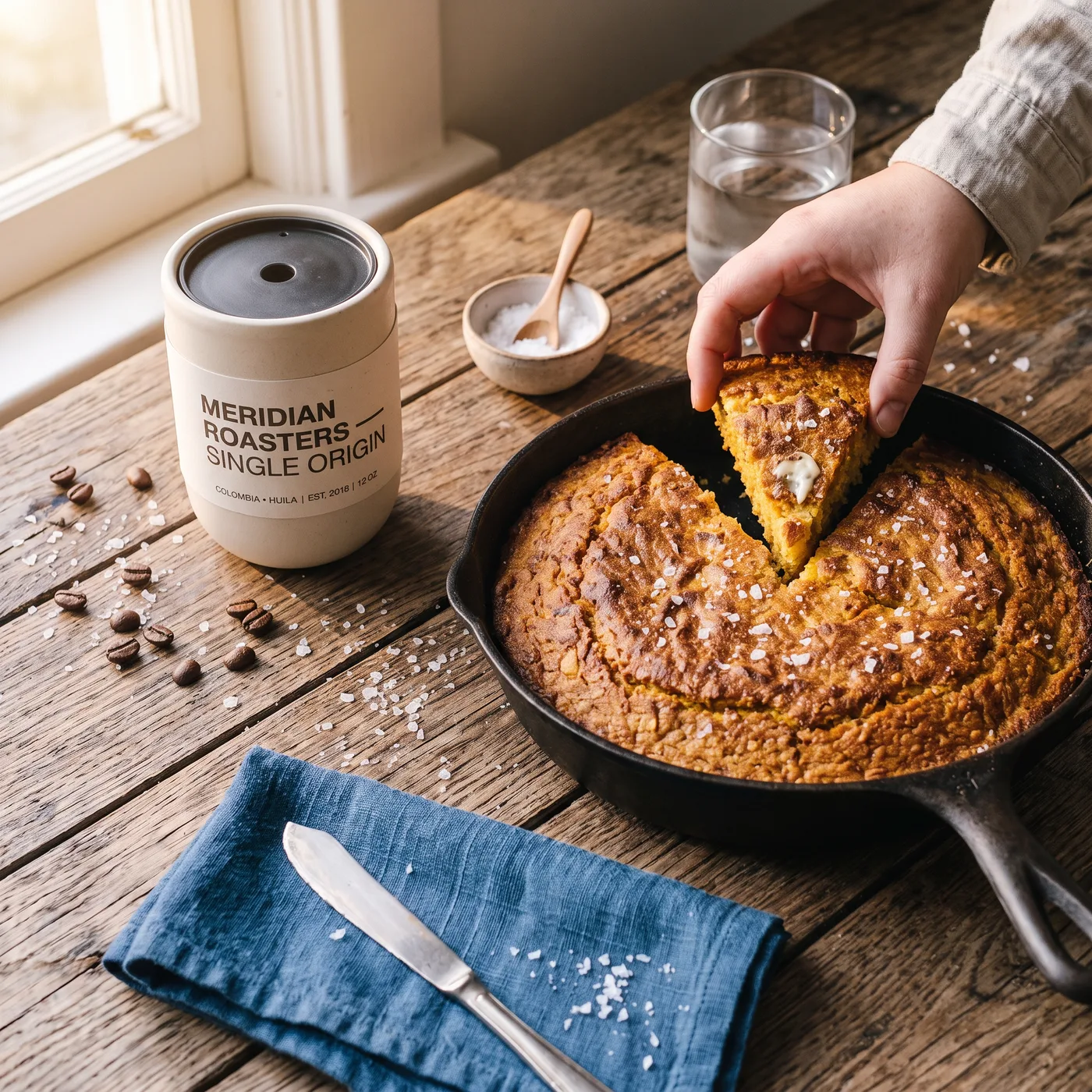
Nano Banana Pro Official AI Image Generator

Create with the official Nano Banana Pro model using reference images, resolution controls, and optional web-search support.

Official channelWeb searchHigh resolution
0 / 2,000
~150 cr

The official Gemini 3 Pro image channel: maximum stability, high-resolution output, and optional web-search grounding for prompts that reference real things.

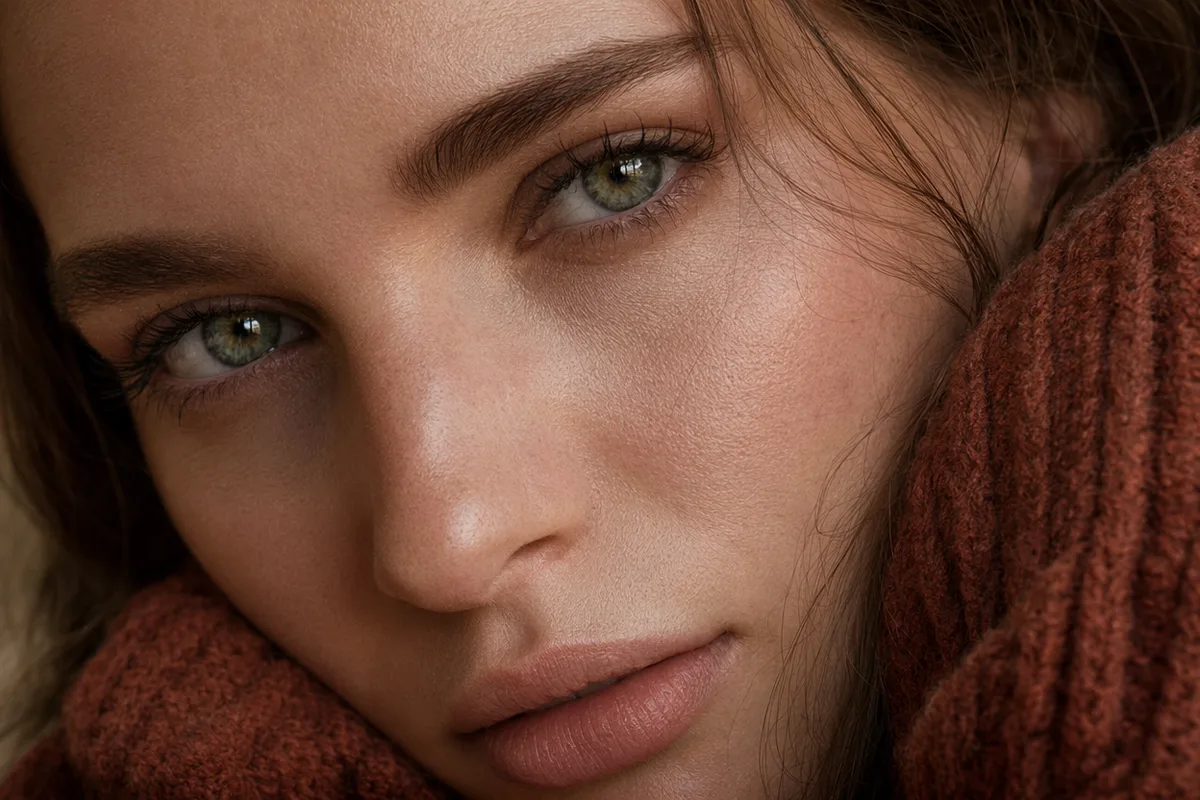
Polished magazine-quality AI studio portrait

Official channel reliability

This is the direct, official route to Google's strongest image model — no reverse-engineered shortcuts. That means stable behavior, dependable uptime, and output quality that matches what the model is actually capable of. When the result is going in front of a client, this is the channel to use.

Business headshot relit from office wall to golden-hour park

Web-search grounded generation

Enable web search and the model can look up what it is drawing — a real product, a place, a current style — before generating. Prompts that reference real-world subjects come back accurate instead of approximate, which is uniquely useful for editorial and marketing work.

High fashion editorial AI portrait against a terracotta wall

High-resolution, print-ready output

Generate at resolutions suitable for print and large-format use, with the same character consistency and fusion strengths the Nano Banana family is known for. Fine detail — fabric weave, skin texture, typography — survives at full size.

A dress restyled from red to emerald silk with identical composition

Reference images for controlled results

Attach reference images to lock identity, product, or style, then direct the scene in plain language. The official channel's stronger instruction following keeps complex multi-reference briefs coherent in a single generation.

More Image Models Like Nano Banana Pro Official

Compare Nano Banana Pro Official with other image models — same workspace, one click to switch.

How to Use Nano Banana Pro Official

Three steps from a blank prompt box to a finished image.

  1. 1

    Select Nano Banana Pro Official

    Open the model picker and choose Nano Banana Pro Official. The panel shows its credit cost, resolution options, and aspect ratios before you spend anything.

  2. 2

    Describe what you want

    Write the subject, setting, lighting, and finish. Attach reference images if the model accepts them.

  3. 3

    Generate, then keep going

    Download the result, or continue — edit it, restyle it, upscale it, or animate it into video. Every generation keeps its prompt and parameters.

Beyond Nano Banana Pro Official

One account, the full image and video generation workflow.

Nano Banana Pro Official Pricing and Free Daily Credits

Run Nano Banana Pro Official on the free tier's daily credits, or upgrade for premium models, faster generation, and 4K output.

Free

$0

Perfect for getting started

  • 80 credits per day, 400 per month
  • Z Image Turbo drafts at 0 credits
  • Standard generation speed
  • Generation history included
Get Started

Premium

Most popular
$29/month

Billed annually · $240/year

  • 1,600 credits/day, 8,000 credits/month
  • All premium models — GPT Image 2, Nano Banana, Seedream, Seedance, Veo, Kling
  • 5x generation speed, priority queue
  • AI prompt enhancement
Upgrade to Premium

Ultimate

$49/month

Billed annually · $300/year

  • 4,000 credits/day, 18,000 credits/month
  • HD generation up to 4K resolution
  • Priority support
  • Fastest queue and early access to new models
Upgrade to Ultimate

Nano Banana Pro Official — Frequently Asked Questions

1

What is the difference between Nano Banana Pro Official and Nano Banana Pro?

Official uses Google's official Gemini 3 Pro image channel for maximum stability, resolution, and web-search support. Nano Banana Pro uses an economical channel that is great for high-volume fusion work at a lower credit cost.

2

What does web search add to image generation?

The model can look up real-world subjects referenced in your prompt — products, places, styles — before generating, so results reflect reality instead of a guess.

3

What resolution can it produce?

High-resolution output suitable for print and large-format use. Resolution options are shown in the generator, and higher tiers unlock the largest sizes.

4

Does it support reference images?

Yes. Attach references to preserve a character, product, or style while changing scene, lighting, or composition.

5

How much does it cost per image?

The exact credit cost is always shown before you generate. It is priced above the standard Nano Banana models, reflecting the official channel and higher resolution.

6

When should I choose it over Seedream 5?

Choose Nano Banana Pro Official for consistency, fusion, and grounded real-world subjects. Choose Seedream 5 when maximum photoreal skin and material rendering is the priority.

Generate with the official Nano Banana Pro channel

Generate with the official Nano Banana Pro channel

Start Generating Images

Discover our one-click AI image tools

One-click tools for everything around generation — polish, restyle, and share.