

AI video model

Kling 3.0 AI Video Generator

Create video from a prompt or a still image with Kling 3.0 — pick resolution up to 4K, duration from 3 to 15 seconds, and optional sound, all in one CreateVision AI workspace.

Text & image to videoUp to 4KOptional sound

Explore More Models

Compare Kling 3.0 with other video models — same workspace, one click to switch.

Get Inspired

A glimpse of what people are creating with AI video models on CreateVision AI.

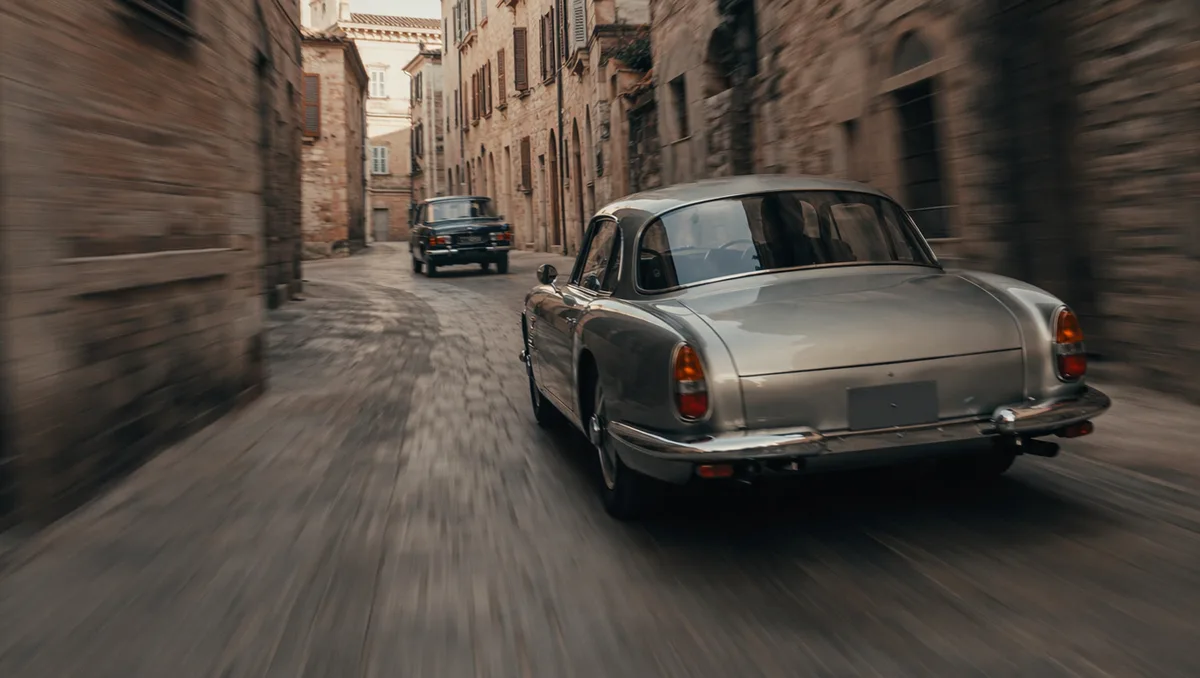
AI video still of a vintage car chase through narrow European streets
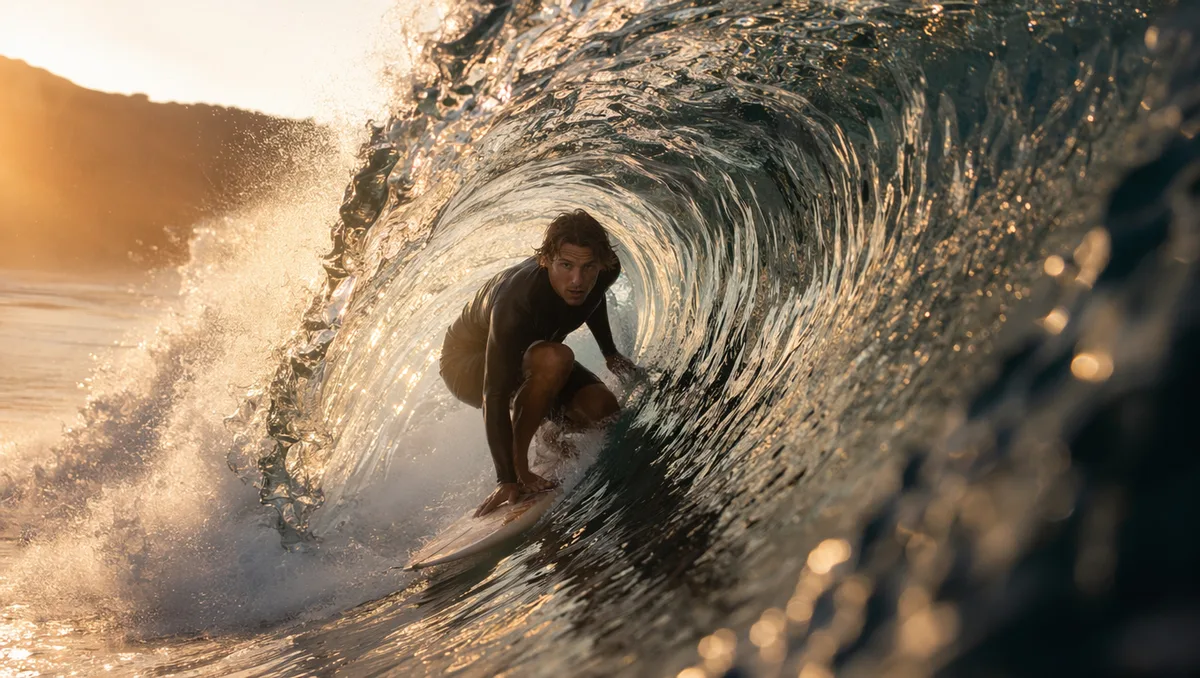
AI video still of a surfer inside a glassy barrel wave at sunrise
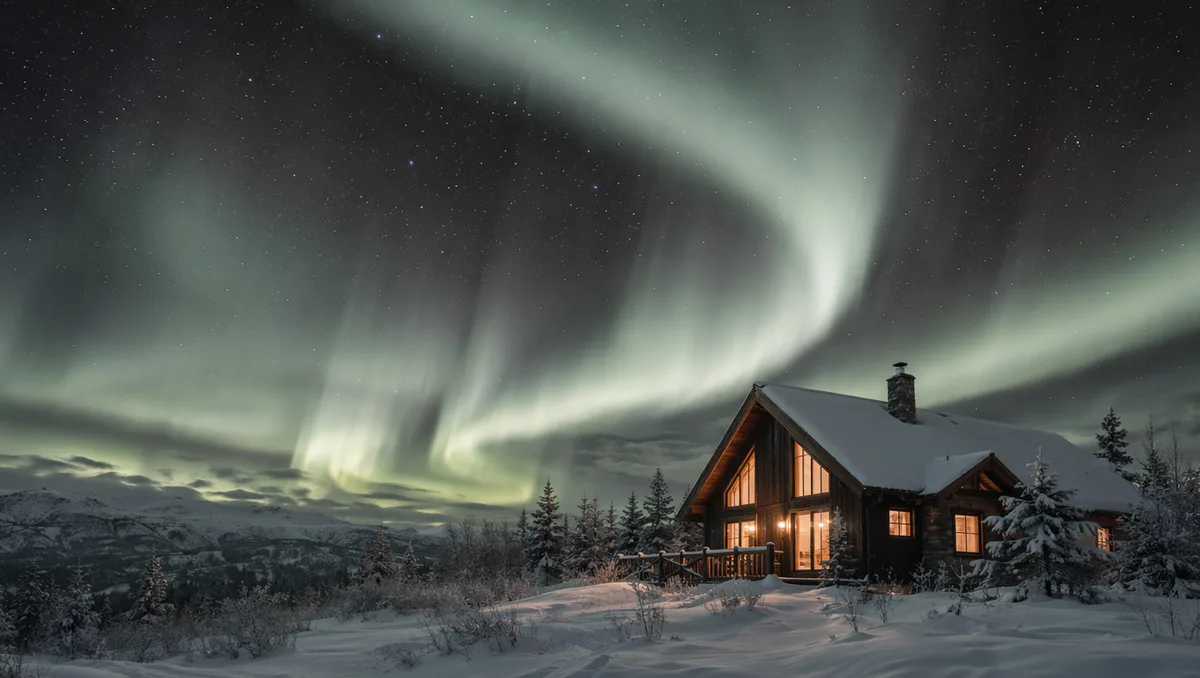
AI video still of northern lights swirling over a snowy cabin
AI video still of rain running down a cafe window with warm bokeh
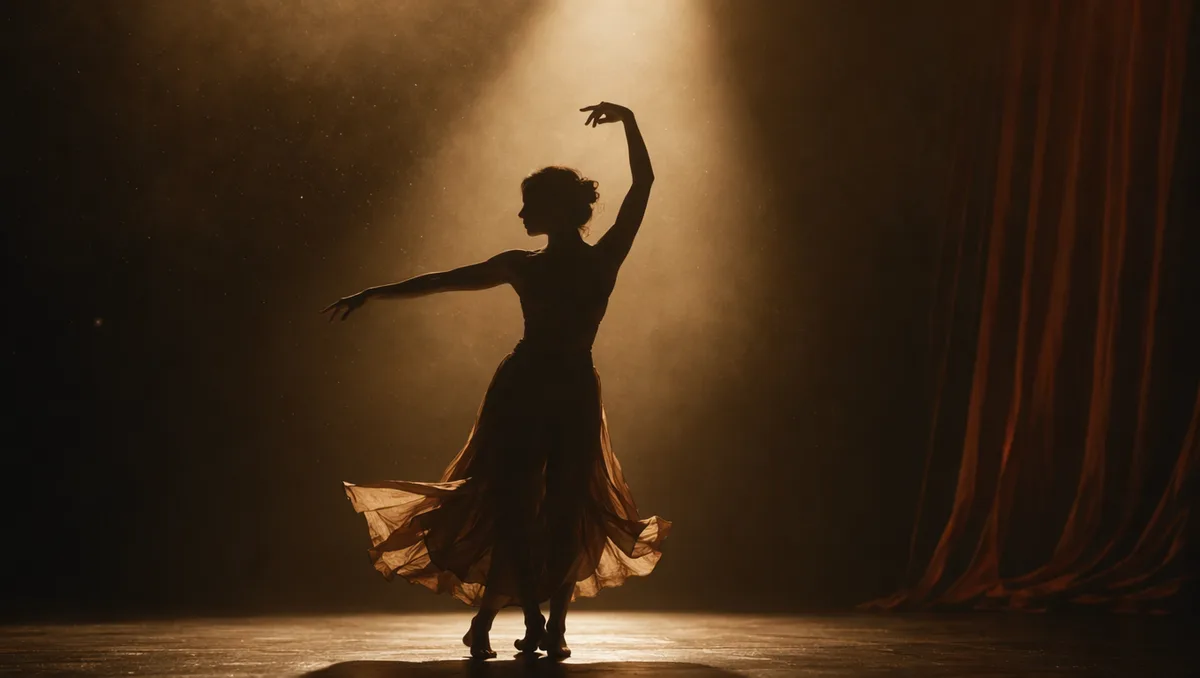
AI video still of a dancer silhouette on a smoky stage under amber light
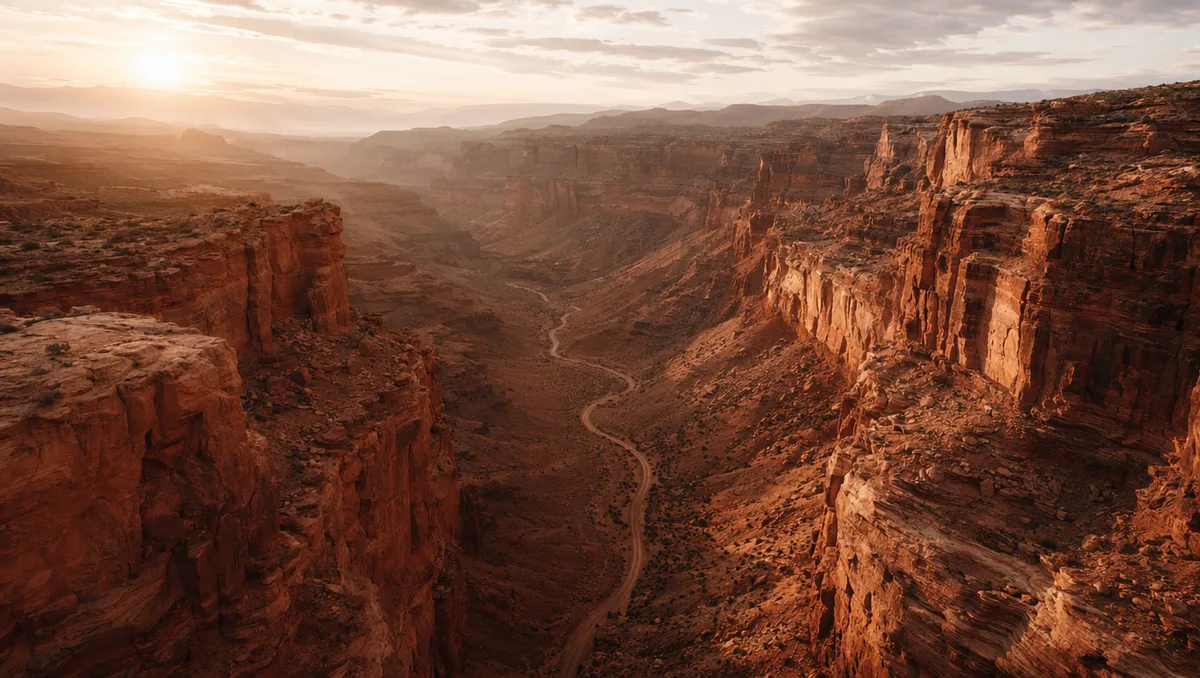
AI video still from a drone flight through a red rock canyon
AI video still of milk splashing around chocolate cookies
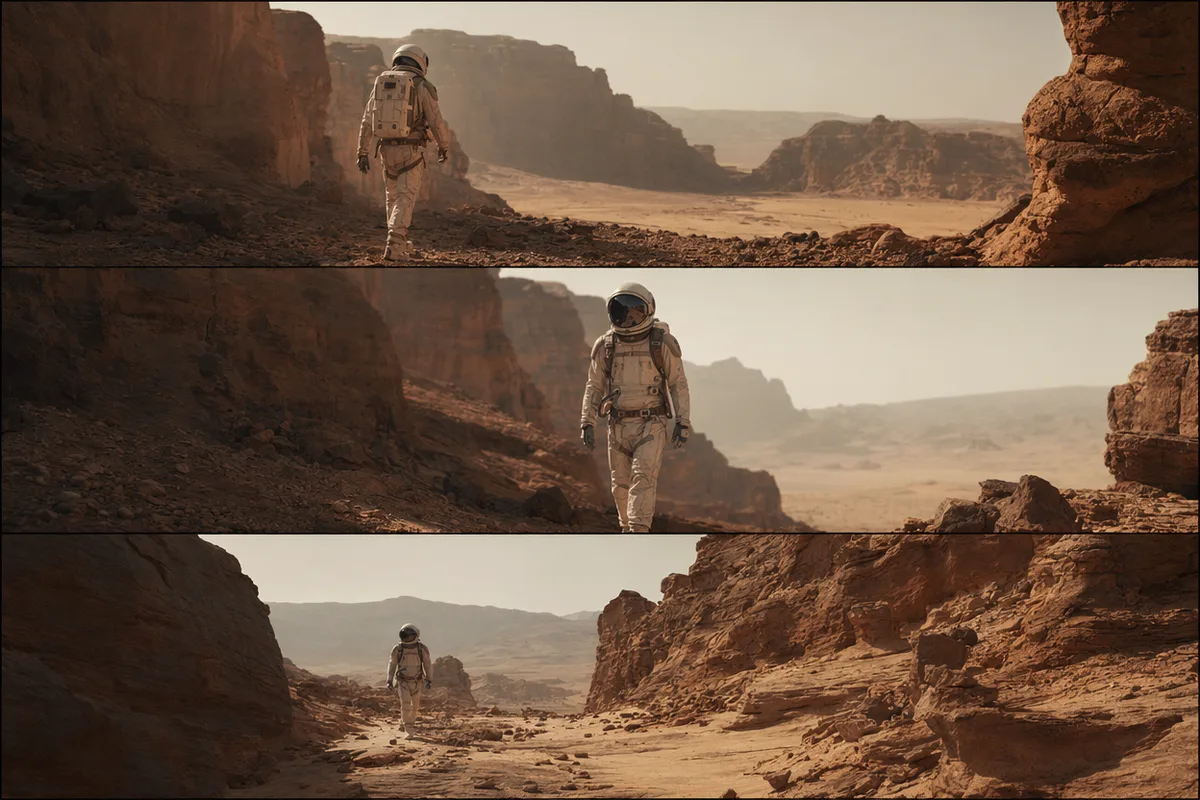
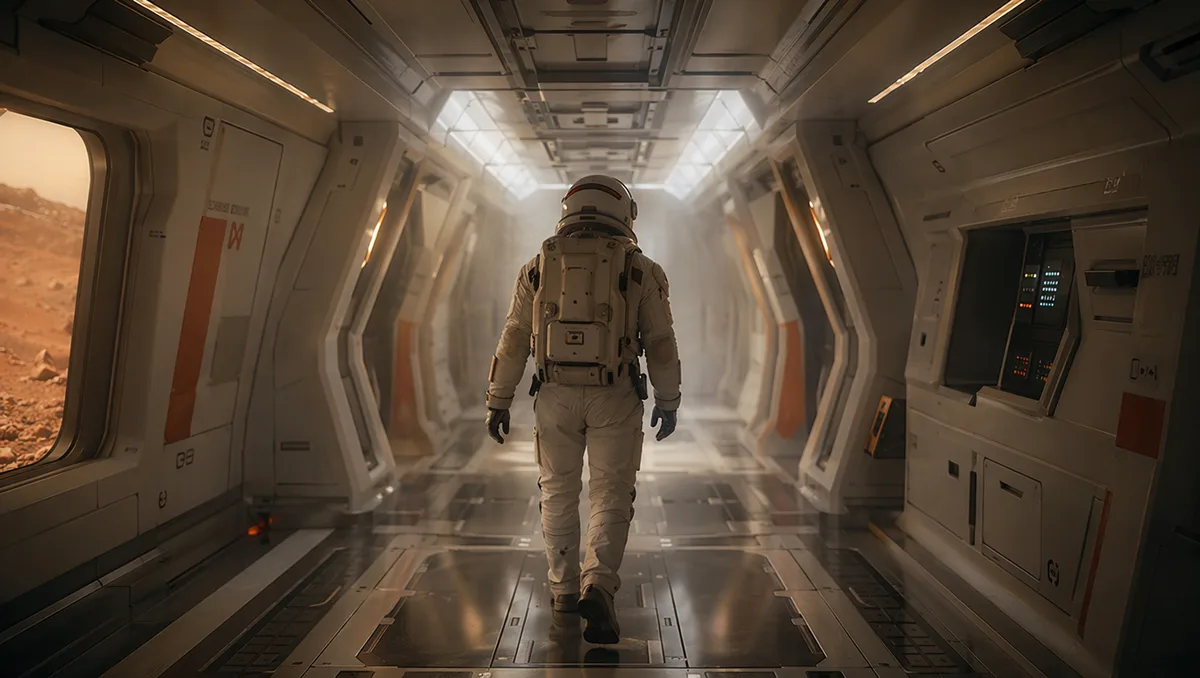
AI video still of an astronaut walking down a glowing spaceship corridor

Kling 3.0 — text and image to video with up to 4K and sound

Kling's latest generation turns a prompt or a single still into fluid, physically believable motion, with resolution up to 4K, duration from 3 to 15 seconds, and optional generated sound effects baked into the same pass.

AI video still of a vintage car chase through narrow European streets

Text-to-video and image-to-video in one model

Start from a written prompt or animate an existing photo — Kling 3.0 handles both modes natively. Describe a scene from scratch, or upload a still and direct how it should move, without switching tools or losing your reference.

AI video still from a drone flight through a red rock canyon

Resolution up to 4K

Choose 720p for quick drafts, 1080p for finished social clips, or 4K when the shot needs to hold up on a large screen. The cost for each tier is shown before you generate, so quality is a deliberate choice rather than a surprise on the invoice.

AI video still of northern lights swirling over a snowy cabin

Flexible 3–15 second clips

Pick the exact length you need, from a 3-second loop to a 15-second sequence. Longer durations give Kling room to develop camera movement and action, while short clips keep iteration fast and credits efficient.

AI video still of a dancer silhouette on a smoky stage under amber light

Optional generated sound

Toggle sound on to let Kling 3.0 add matching audio effects in the same generation, or keep it silent when you plan to score the clip yourself. Either way the result arrives ready to drop into an edit.

Keep exploring CreateVision AI

One account, the full image and video generation workflow.

Choose Your Plan

Start free with daily credits. Upgrade for premium models, faster generation, and 4K output.

Free

$0

Perfect for getting started

  • 80 credits per day, 400 per month
  • Z Image Turbo drafts at 0 credits
  • Standard generation speed
  • Generation history included
Get Started

Premium

Most popular
$29/month

Billed annually · $240/year

  • 1,600 credits/day, 8,000 credits/month
  • All premium models — GPT Image 2, Nano Banana, Seedream, Seedance, Veo, Kling
  • 5x generation speed, priority queue
  • AI prompt enhancement
Upgrade to Premium

Ultimate

$49/month

Billed annually · $300/year

  • 4,000 credits/day, 18,000 credits/month
  • HD generation up to 4K resolution
  • Private generation — results stay out of the gallery
  • Fastest queue and early access to new models
Upgrade to Ultimate

Frequently Asked Questions

1

What is Kling 3.0?

Kling 3.0 is the latest generation of Kuaishou's Kling video model, generating fluid, physically believable motion from a text prompt or a single reference image, at resolutions up to 4K.

2

Does Kling 3.0 support image-to-video?

Yes. Upload one photo and Kling 3.0 animates it into video; with no image it works as a pure text-to-video model. You choose the mode by whether you attach a reference.

3

What resolutions and durations are available?

720p, 1080p, and 4K, with duration adjustable from 3 to 15 seconds. Higher resolution and longer duration cost more, and the exact credit price is shown before you generate.

4

Can Kling 3.0 generate sound?

Yes — sound is an optional toggle. Turn it on to add generated audio effects in the same pass, or leave it off for a silent clip you can score later.

5

How is Kling 3.0 priced?

Per second of output, scaled by resolution and whether sound is enabled. You see the total before confirming, and failed generations are refunded automatically.

6

Kling 3.0 vs Veo 3.1 Pro or Seedance 2.0?

Kling 3.0 is a strong all-rounder for prompt- and image-driven motion up to 4K. Veo 3.1 Pro leans premium-cinematic with native audio, and Seedance 2.0 leads on multi-shot consistency. You can switch between all three in the same workspace.

Generate your first clip with Kling 3.0

Start Generating Videos