
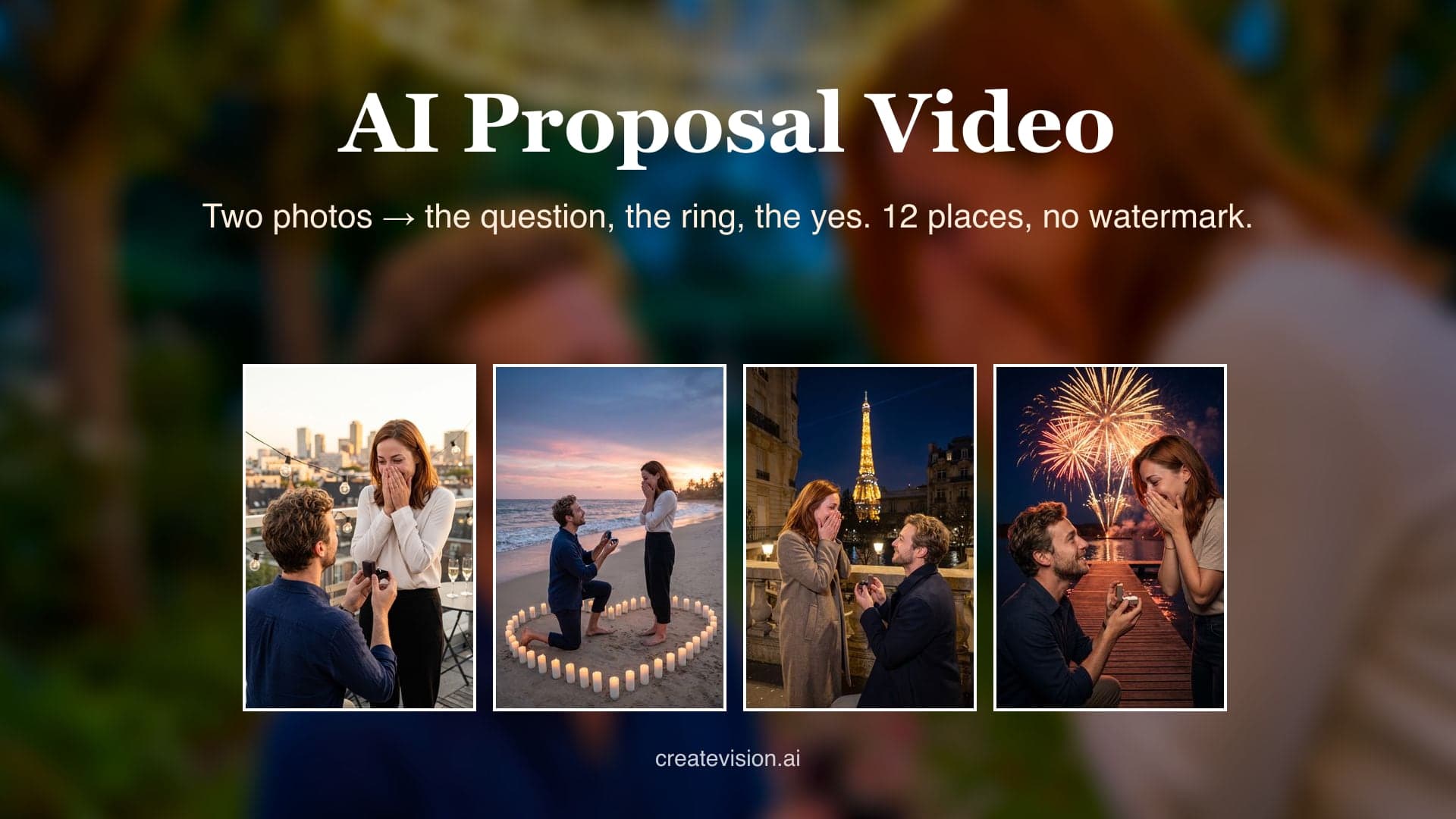
Two ways to start: one photo with both of you in it, or two separate photos. The first person kneels with the ring, the second says yes. Any outfit works — the scene dresses you for the moment.
Preview
Why Do AI Proposal Videos Usually Go Wrong?
We built this generator around the three things people complain about most after trying other tools.
"It was a beautiful proposal — for two people who weren't us. The ring was perfect, the faces drifted."
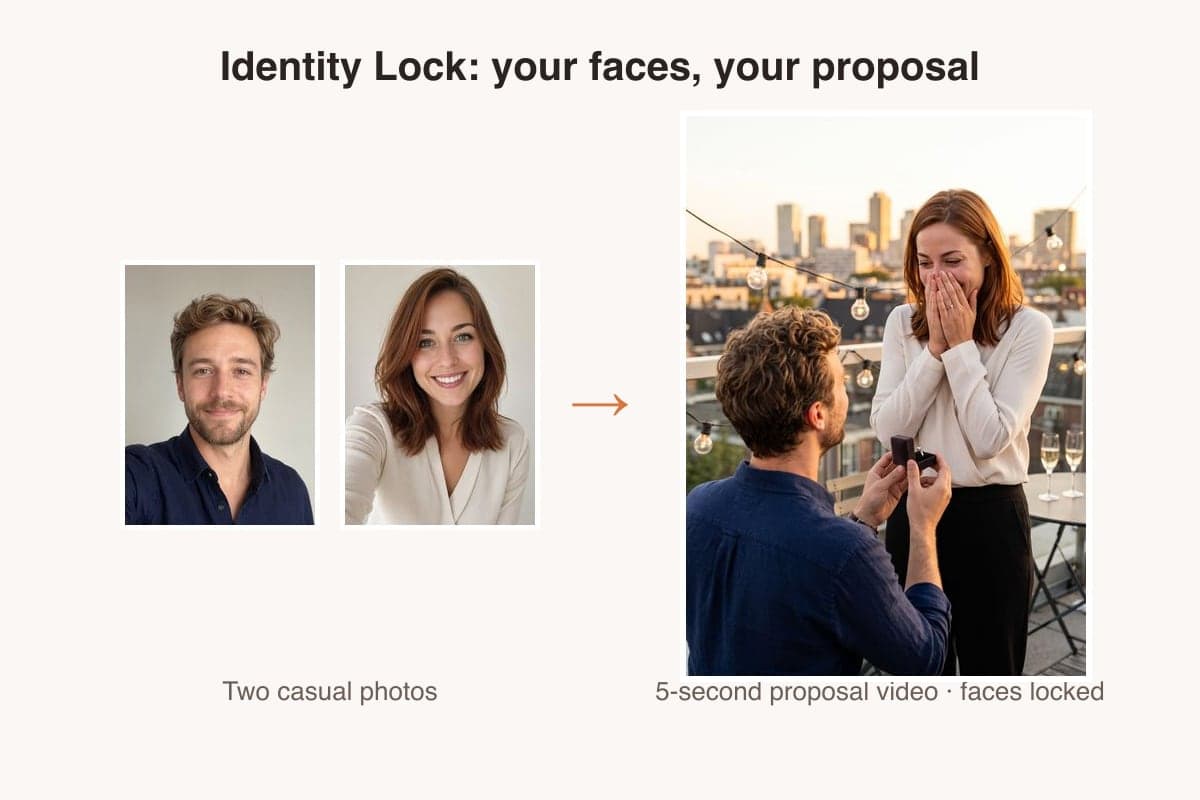
Identity lock keeps both faces sharp from the kneel to the yes — check the same couple holding up across all 12 scenes below.
"Failed generations burned my credits with nothing to show, and support never answered."
If a generation fails or is rejected, your credits are refunded automatically — every time, no support ticket needed.
"It looked free until I uploaded our photos — then came the paywall and the watermark."
Pricing is on the page: 45 credits for a 5-second Grok clip, 75 with Seedance Mini, 550 with Seedance 2.5 — and a failed run is refunded automatically.
What is an AI proposal video?
It turns one or two photos into a short proposal video, with one of you on one knee and the other saying yes. Pick from 12 settings, from a rooftop at sunset to fireworks, and download it in 9:16, 1:1 or 16:9 with no watermark.
12 Places to Ask, Real Results
Every clip below was generated by this tool from the same two casual portraits — same prompts you'll use, first take, no cherry-picking. Hover any card to play.
Rooftop Sunset
City skyline glowing gold, string lights, a ring box opening — the rooftop proposal everyone pictures first.
Beach at Dusk
Barefoot on wet sand at dusk, a heart of candles, waves behind — the question asked where the sea can hear it.
Candlelit Dinner
White linen, roses, a candle flickering between you — the dinner that turns into the story you'll tell.
Mountain Summit
Clouds below, sunrise ahead, the box opened at the top of the climb — for couples who earn their views.
Under the Christmas Tree
Fairy lights, wrapped gifts, a knit sweater — the Christmas morning that becomes the family's favorite one.
Paris by Night
A bridge over the Seine, the tower sparkling behind — the postcard proposal, with your faces in it.
Kitchen Morning
Robe, coffee mug, pancakes on the counter — the ordinary morning that turns extraordinary.
Garden Fairy Lights
A canopy of fairy lights at blue hour, petals on the grass — the garden ask that feels like a dream.
First Snow
Snow drifting, breath visible, a ring under the lamplight — the first-snow proposal.
Hot Air Balloon
In the basket at sunrise, fields far below — the question asked a thousand feet up.
Cherry Blossom
Pink petals drifting on a spring path — the proposal with the softest light of the year.
Fireworks
Fireworks over the lake, faces lit gold and red — the yes that comes with its own finale.
Why Couples Use Our AI Proposal Video Generator
Made for everyday people, not editors.
Keep Both Faces Unmistakably Yours
Your photos pin each face's geometry, hairstyle and skin tone, so the person kneeling and the person saying yes both look like you.
Start From Any Casual Photo
No engagement shoot needed. A phone selfie or two casual portraits are enough; the ring, the setting and the light come from the scene.
Download With No Watermark
Every proposal video downloads clean on every plan, in 9:16 for Reels, TikTok and Shorts, or 1:1 and 16:9.
See What You Can Do With an AI Proposal Video
Real moments, ready to share — pick the one that fits.
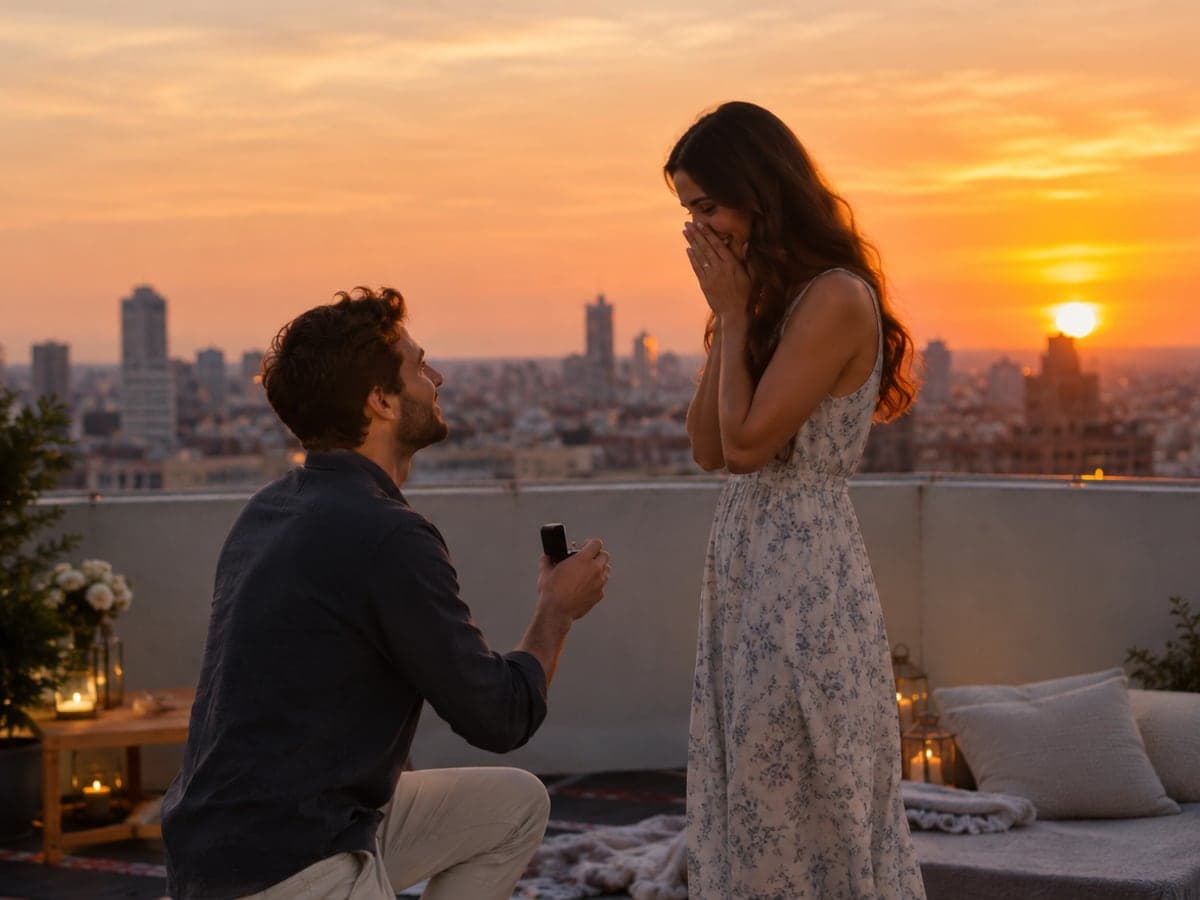
Preview Your Proposal Before You Ask
Planning to propose? Put the two of you on a rooftop at sunset or a beach at dusk before you book anything. Keep the clip as the moment you pictured. Make a couple photo
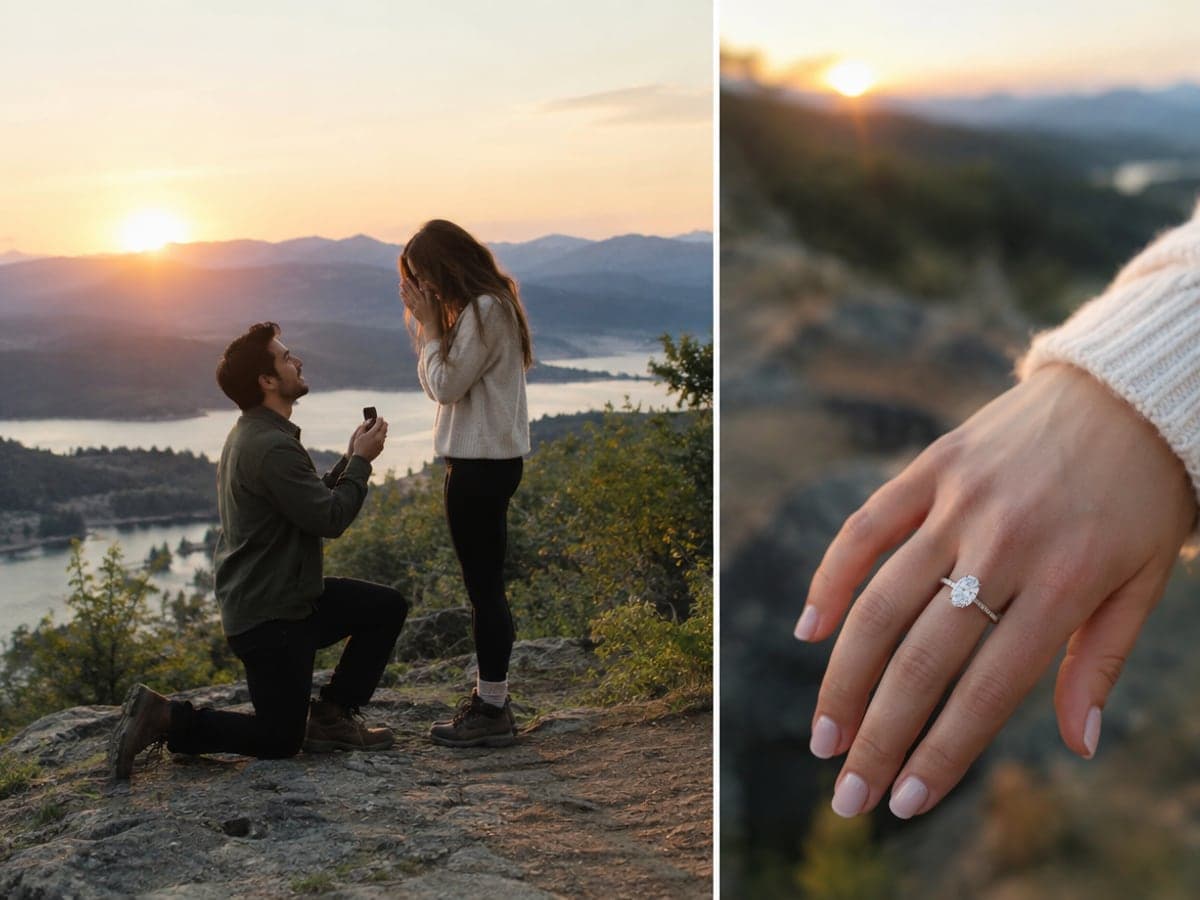
Announce Your Engagement With a Clip
Already engaged? Recreate the question in a setting close to where it happened. Post it next to your ring photo so friends see the story. Create wedding photos
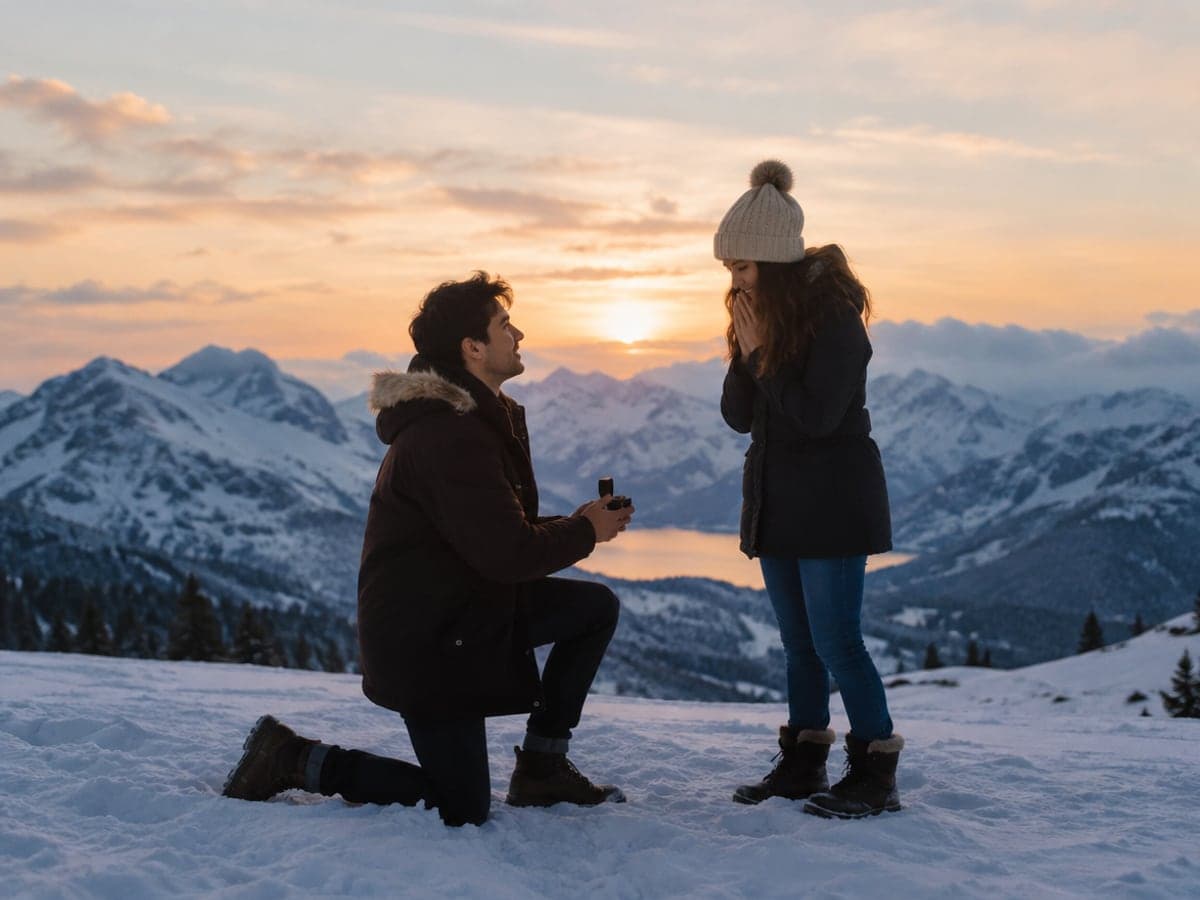
Replay the Question on Your Anniversary
Upload a photo from back then and stage the proposal again. Choose the place you always talk about, from Paris at night to first snow. Try a kiss video
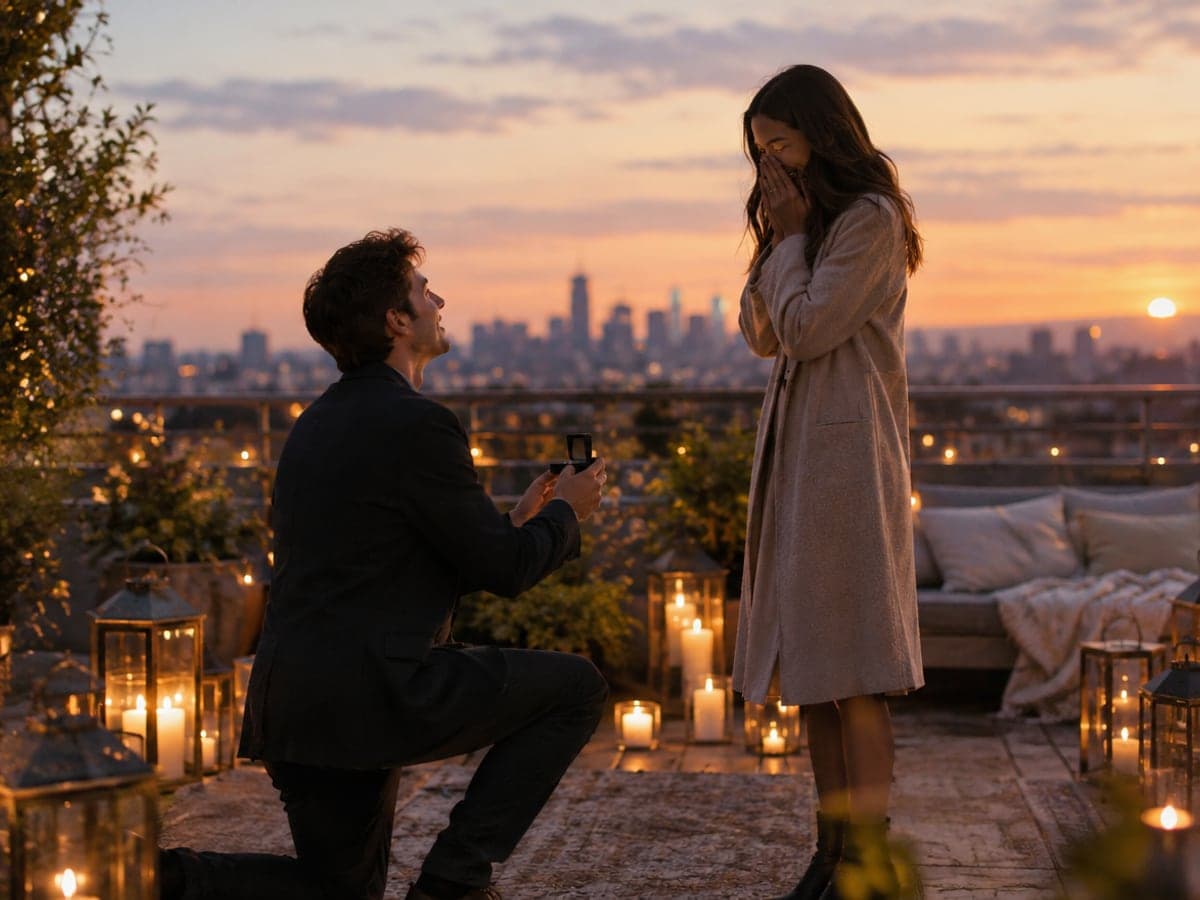
Pick From Twelve Places to Ask
Choose a rooftop, beach, candlelit dinner, summit, Christmas tree, Paris bridge, kitchen, fairy lights, snow, balloon, cherry blossom or fireworks. Your scene sets the ring, the light and the mood. Make a wedding video
Who Uses AI Proposal Video
Four ways people use it every week
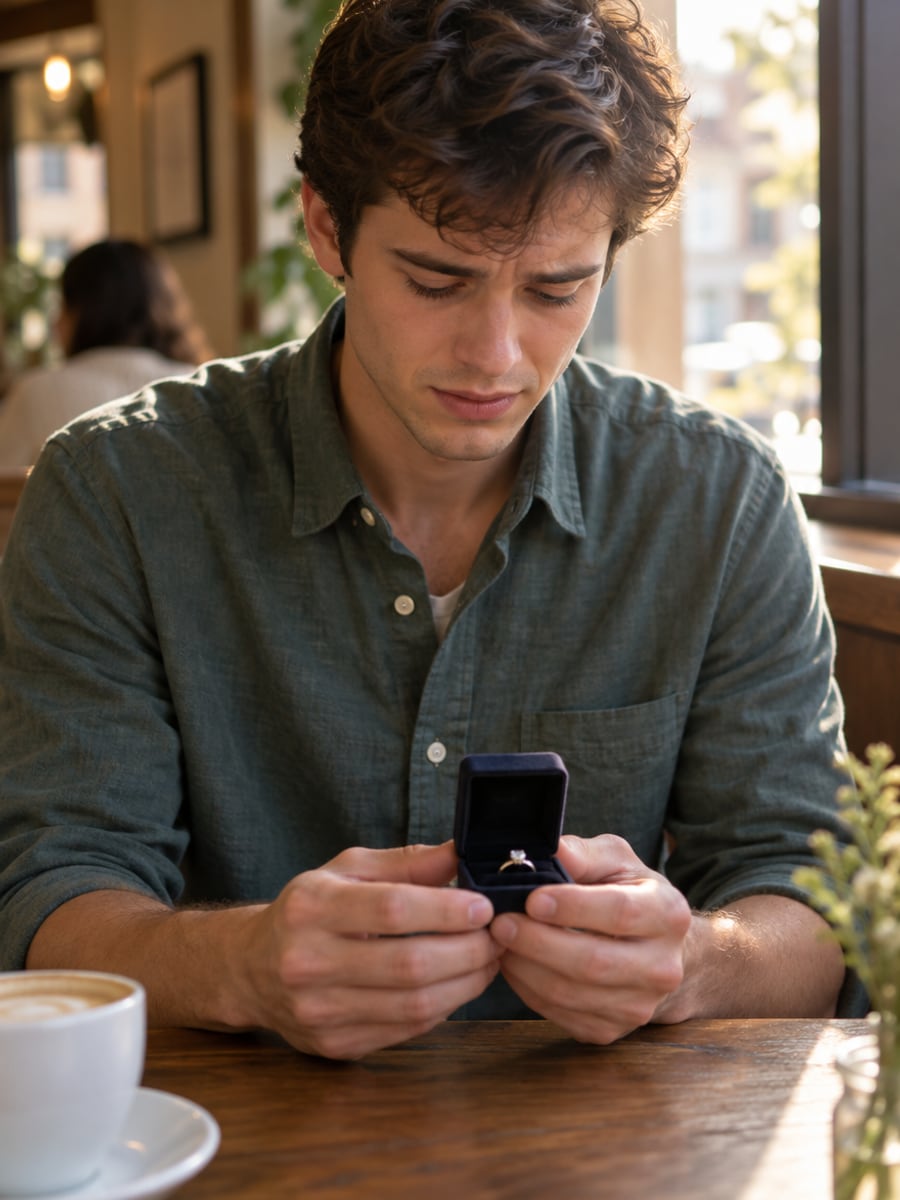
See the rooftop or beach before you book it
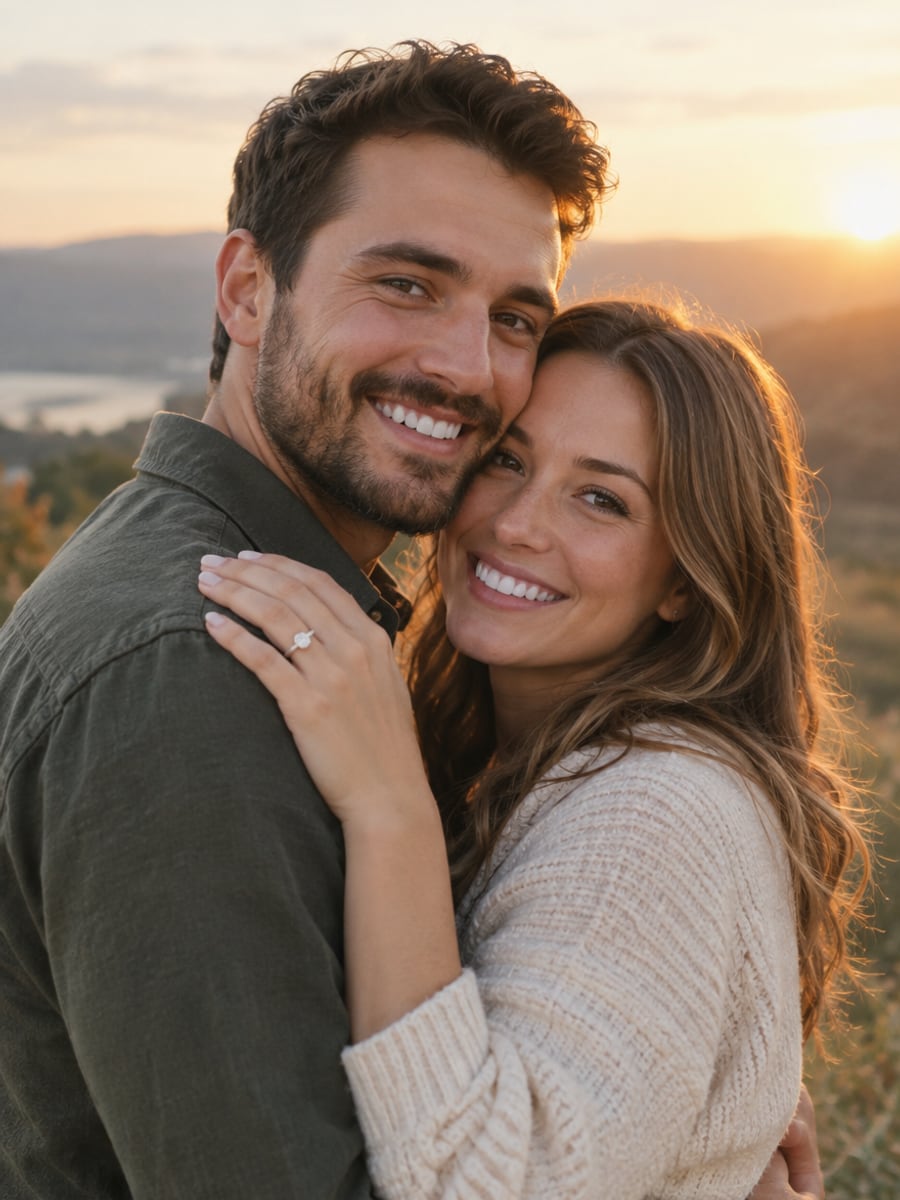
Turn your yes into a clip worth posting
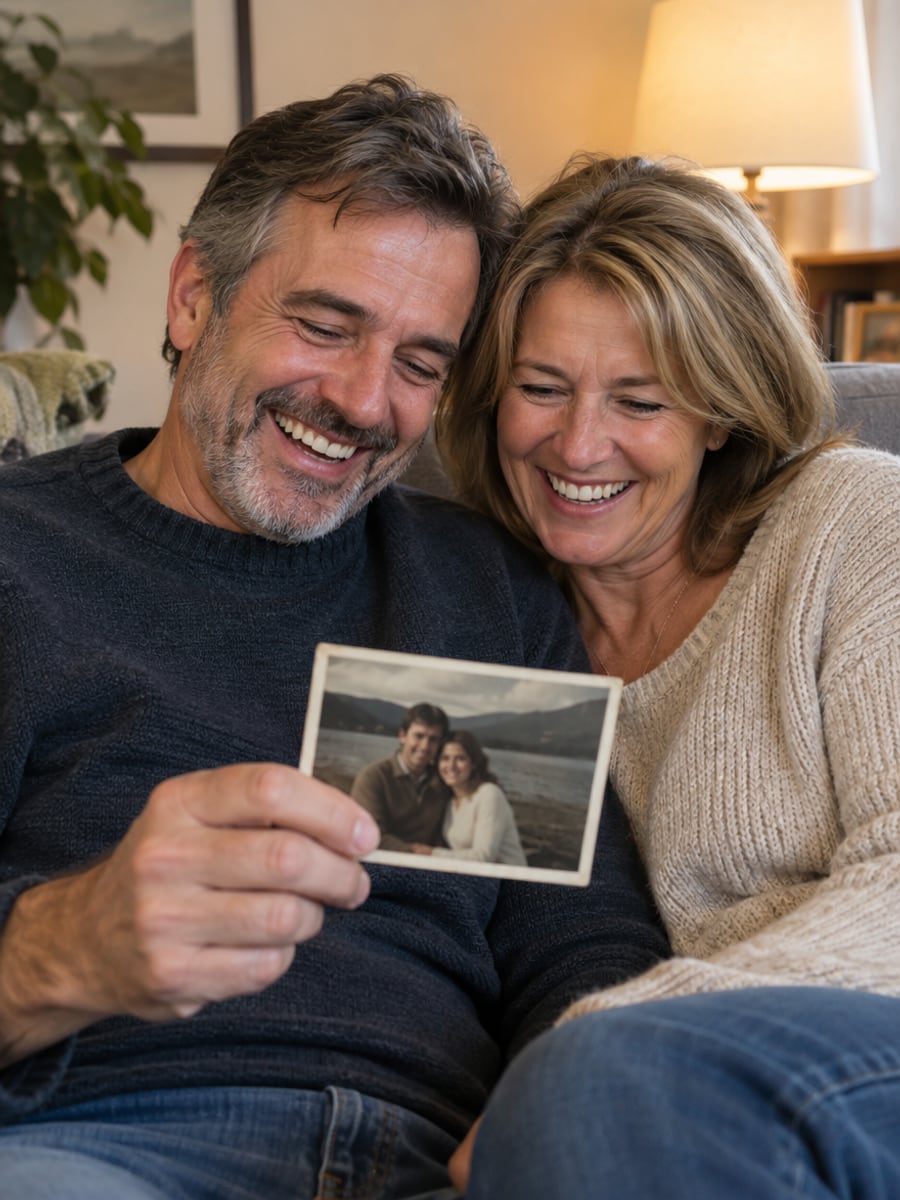
Relive the question years after you asked it
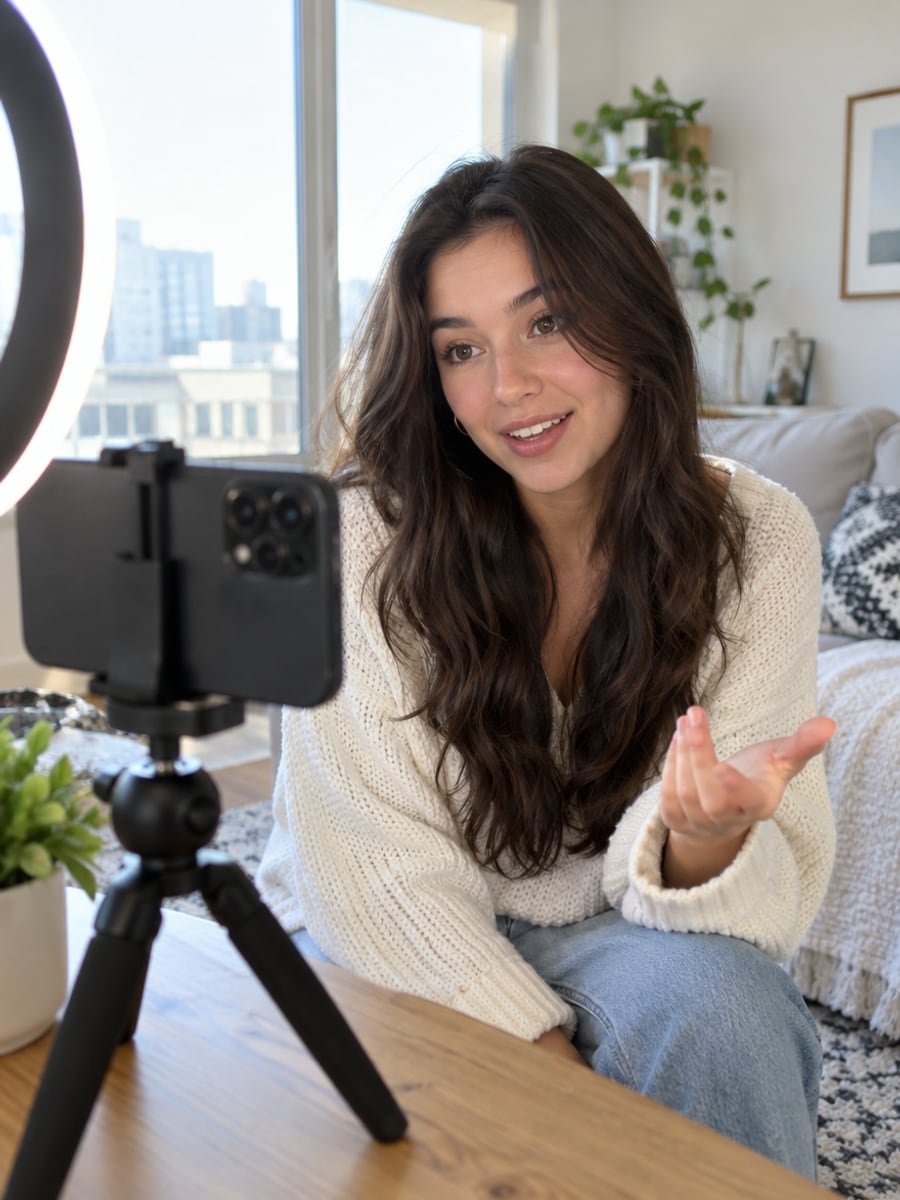
Post vertical proposal clips without any watermark
How to Make a Proposal Video with CreateVision
Three small steps to a video you'll actually want to send.
Upload your photos
Add one photo of the two of you, or one clear photo of each person. The first photo is the one who kneels.
Pick a place
Choose one of 12 proposal scenes, then set the length, resolution and aspect ratio.
Generate and download
Click Generate and download your MP4 with no watermark, ready to send or post.
The All-in-One AI Creation Platform
One account for images, videos, an AI agent that works for you, expert AI mentors and 80+ ready-made tools.

AI Image & Video Generator
Every leading model in one workspace: Seedream, Nano Banana, GPT Image, Seedance, Veo and more.
Open
Ava, your AI creative agent
Describe what you need and Ava plans, generates and iterates for you.
Open
80+ AI tools
One-click tools for photos, videos, cards, portraits and viral trends.
Open
Template library
Thousands of ready prompts and styles to start from.
Open
Studios
Portrait, marketing, poster and cinema studios for finished work, not single shots.
Open
AI model library
Compare and pick the right image or video model for every job.
Open
AI mentors
Learn from expert mentors in photography, design and video, then create with their guidance.
Open190K+ creators
Using CreateVision to create and share
AI Proposal Video FAQs
An AI proposal video is a short clip that shows a marriage proposal starring you and your partner, made from ordinary photos instead of a real shoot. CreateVision's generator places the two of you in one of 12 settings, with one person on one knee holding the ring and the other saying yes.
The best one keeps you looking like yourselves and gives you a clip you can actually post. CreateVision uses your photos as identity references for face geometry, hairstyle and skin tone, offers 12 ready proposal scenes, and exports 9:16, 1:1 or 16:9 with no watermark on any plan. Every sample on this page was made with this tool from the same two casual portraits.
You upload one or two photos and pick a scene. The person in the first slot kneels and presents the ring; the person in the second slot says yes. Swap the photos to swap roles, so it works for any couple.
A clear, front-facing photo with each face at least thumbnail-sized works best. Sunglasses, heavy filters and group shots with many people lower accuracy. Nudity and photos of minors in suggestive contexts are rejected before rendering, and rejected runs cost nothing.
The default Quick tier costs 9 credits per second at 480p and 17 credits per second at 720p, so a 5-second 480p clip is 45 credits, 10 seconds is 90 and 15 seconds is 135. Higher-quality tiers cost more, and the exact price shows on each tier button before you generate. You can start with 200 free credits from Google sign-up, and failed or rejected generations are refunded automatically.
No watermark. Videos download clean on every plan, including free accounts, so you can send them, post them or keep them. Use photos of yourself and your partner, and if you make one before proposing, keep it off their feed until you have asked.
AI video can still miss on hands, the ring or a face turned away from the camera, and some scenes suit your photos better than others. If a clip is close but not right, try a clearer front-facing photo or another scene. If a task fails or is rejected, your credits come back automatically.
Make Your AI Proposal Video Today
Upload one or two photos, pick where the question gets asked, and download a proposal clip with no watermark.
Related Tools You Might Like
Explore more AI creative tools

