

AI Image Upscaler
Enlarge and sharpen photos up to 8x with Topaz-powered AI — natural detail, no plastic look.
Tap to uploadDrop image or click
JPG · PNG · WebP
Higher output resolution costs more. Max output 20000px.
Preview Examples


Drag the slider to compare
What is AI Image Upscaler?
It's a browser-based photo enlarger powered by the Topaz upscaling engine. It increases resolution up to 8x and rebuilds genuine detail — so low-res or blurry images become sharp and natural-looking, without the plastic 'AI look' other tools add.

Why Our AI Image Upscaler Looks Natural
Professional quality, privacy protected, instant results
Real Detail, No Plastic Look
The upscaler runs on the Topaz engine, which rebuilds real texture instead of the waxy, over-sharpened look many upscalers leave behind.
Faces and Textures Stay Natural
Skin, hair, foliage and fabric keep believable fine detail. Portraits stay sharp and lifelike, not airbrushed.
Upscale Right in Your Browser
No desktop app and no powerful GPU. Upload from any device and enlarge your image 2x or 4x.
See What You Can Do With AI Image Upscaler
Perfect for various professional scenarios, instant and secure

Enlarge Photos for Large-Format Prints
Turn small or old shots into 4K-class files for posters, canvases and gallery prints. Your enlargement keeps real texture instead of looking artificially sharpened. Create a sharp headshot

Meet Marketplace Rules Without a Reshoot
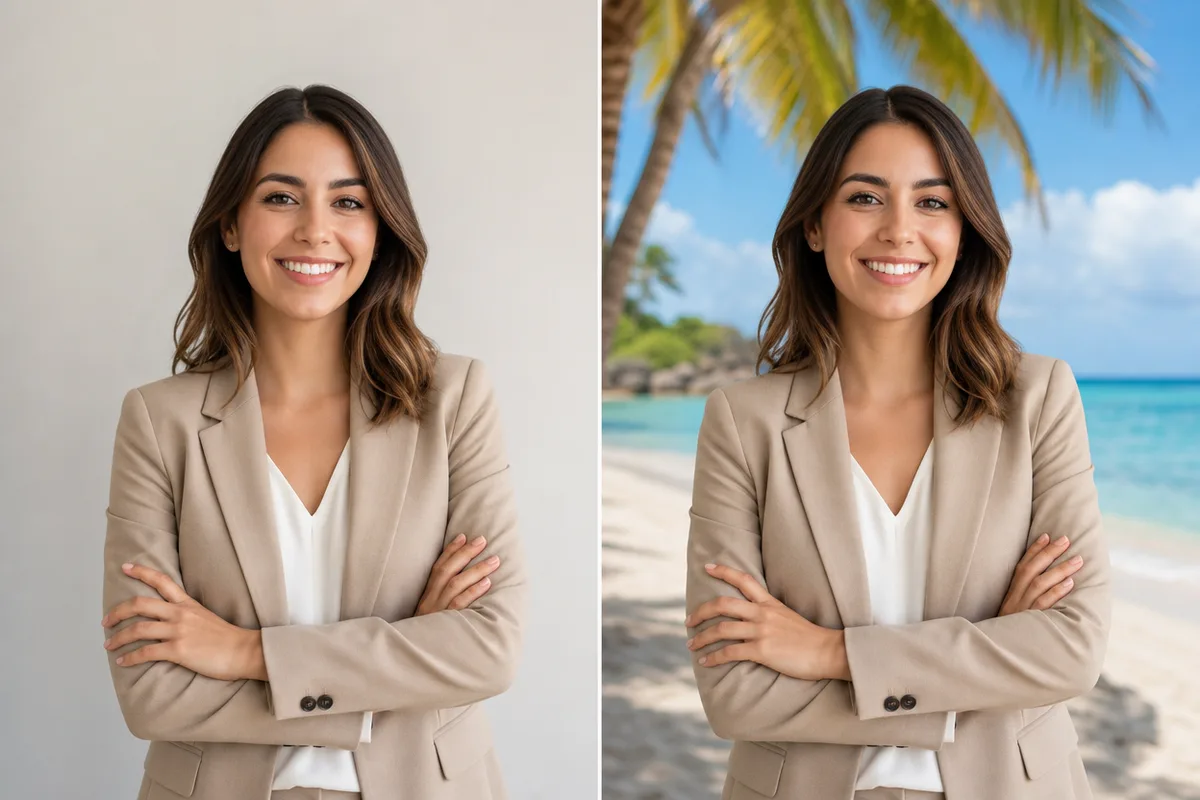
Upscale your product photos to meet listing resolution requirements. Edges, materials and colors stay crisp and true, so your listing looks clean instead of blurry. Remove the background

Recover Detail in Old, Blurry Photos
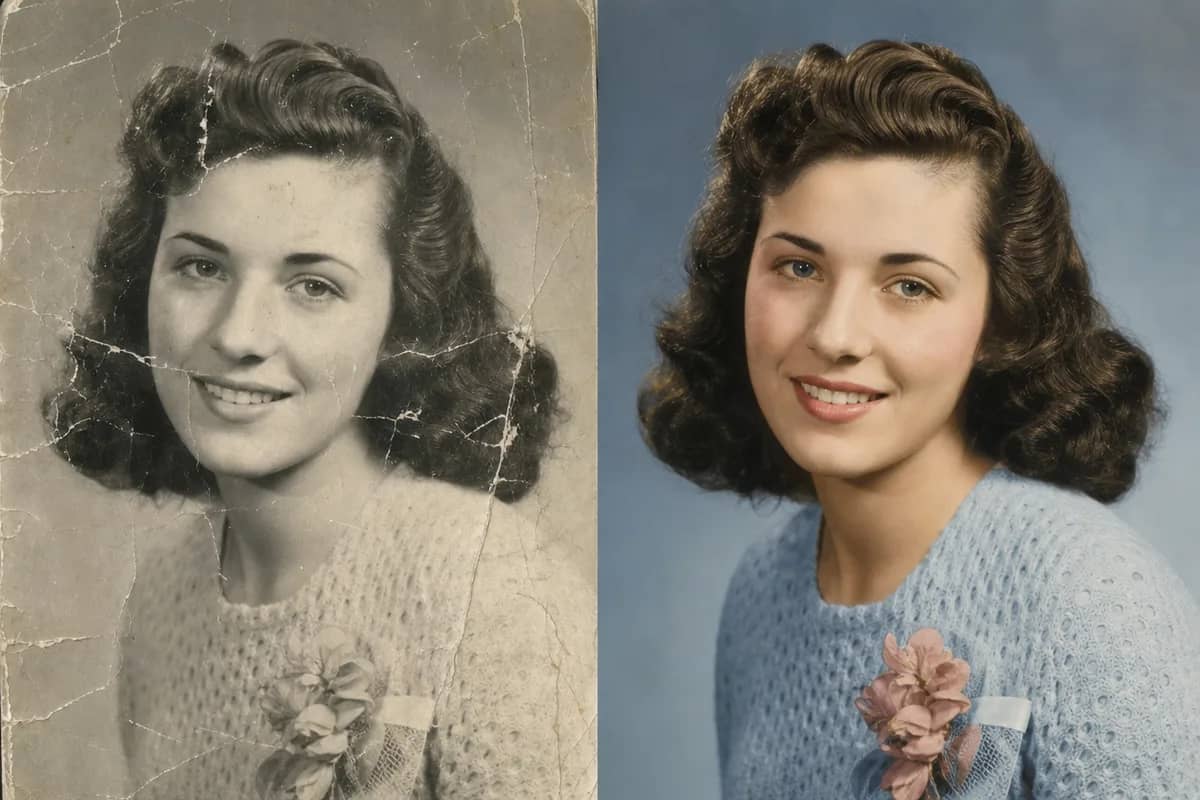
Bring soft, low-res or scanned family photos back into focus. The AI recovers believable detail and cuts noise while keeping your photo's original character. Restore old photos
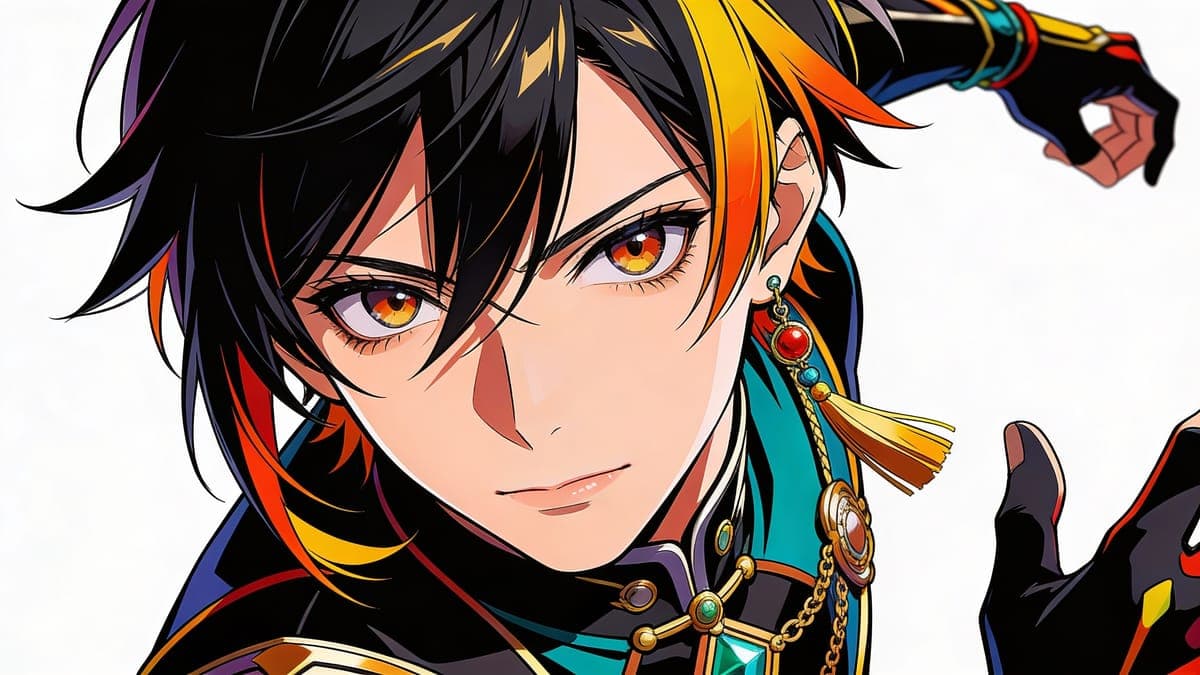
Sharpen Landscapes, Artwork and Anime
Upscale your landscapes, illustrations and anime art to a higher resolution. Lines stay clean and colors stay true to your original image. Change the background
Who Uses AI Image Upscaler
Four ways people use it every week
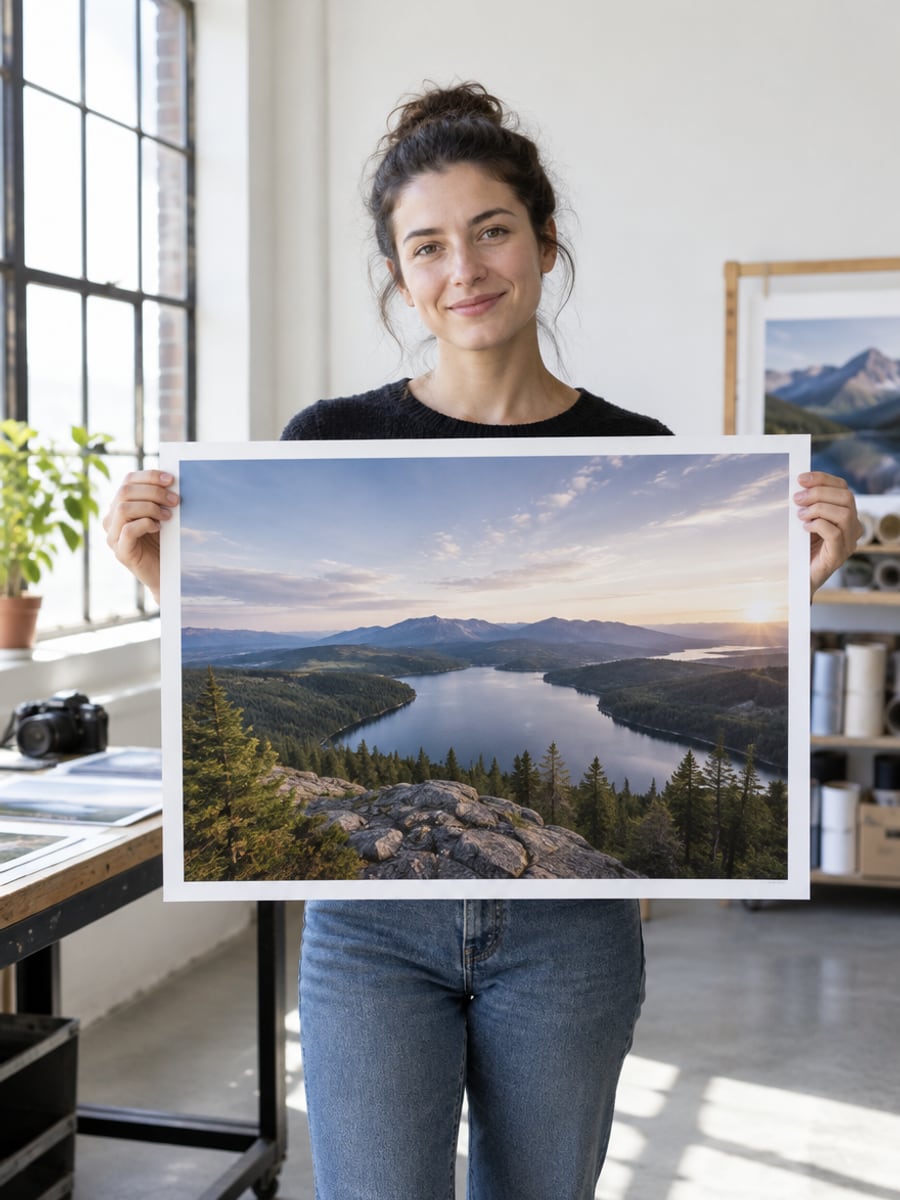
Print older or cropped shots at poster size
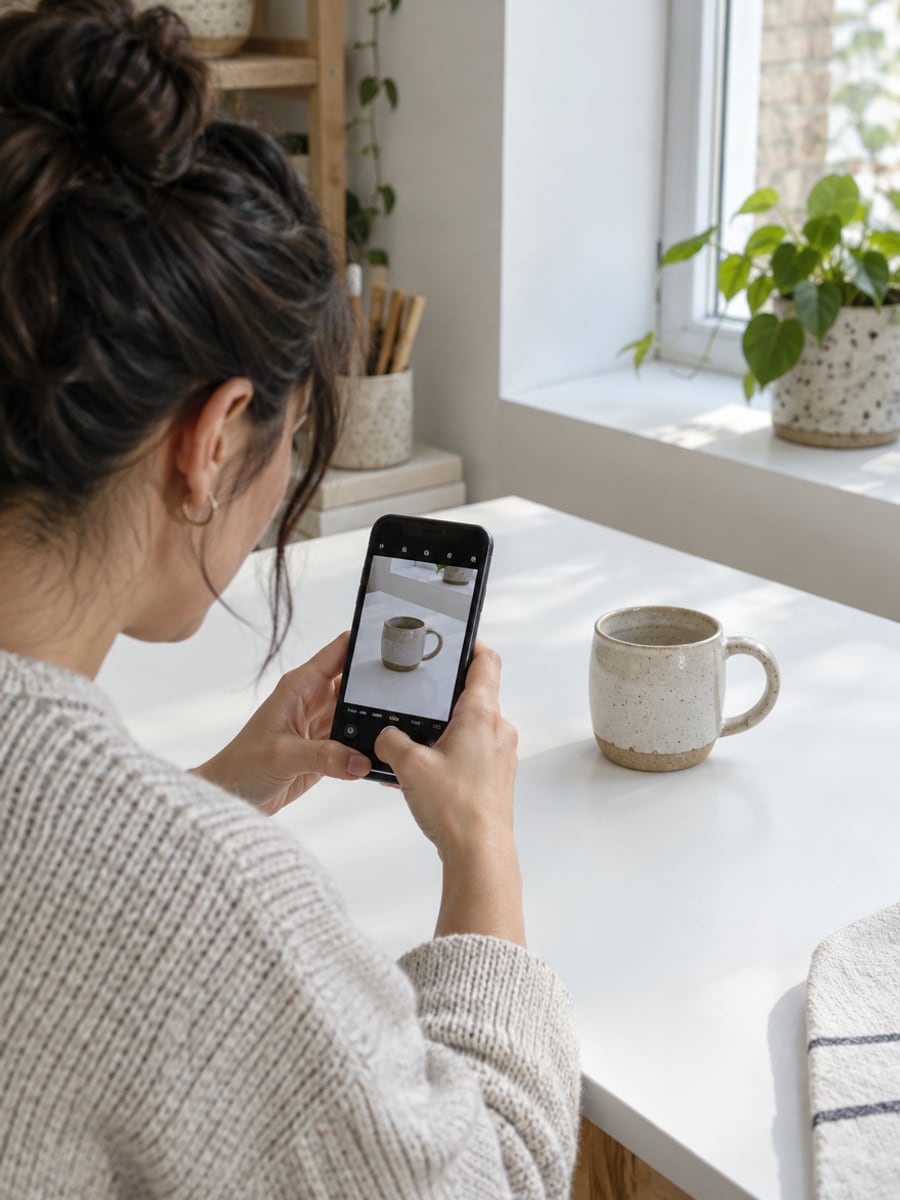
Get sharper product photos without a reshoot
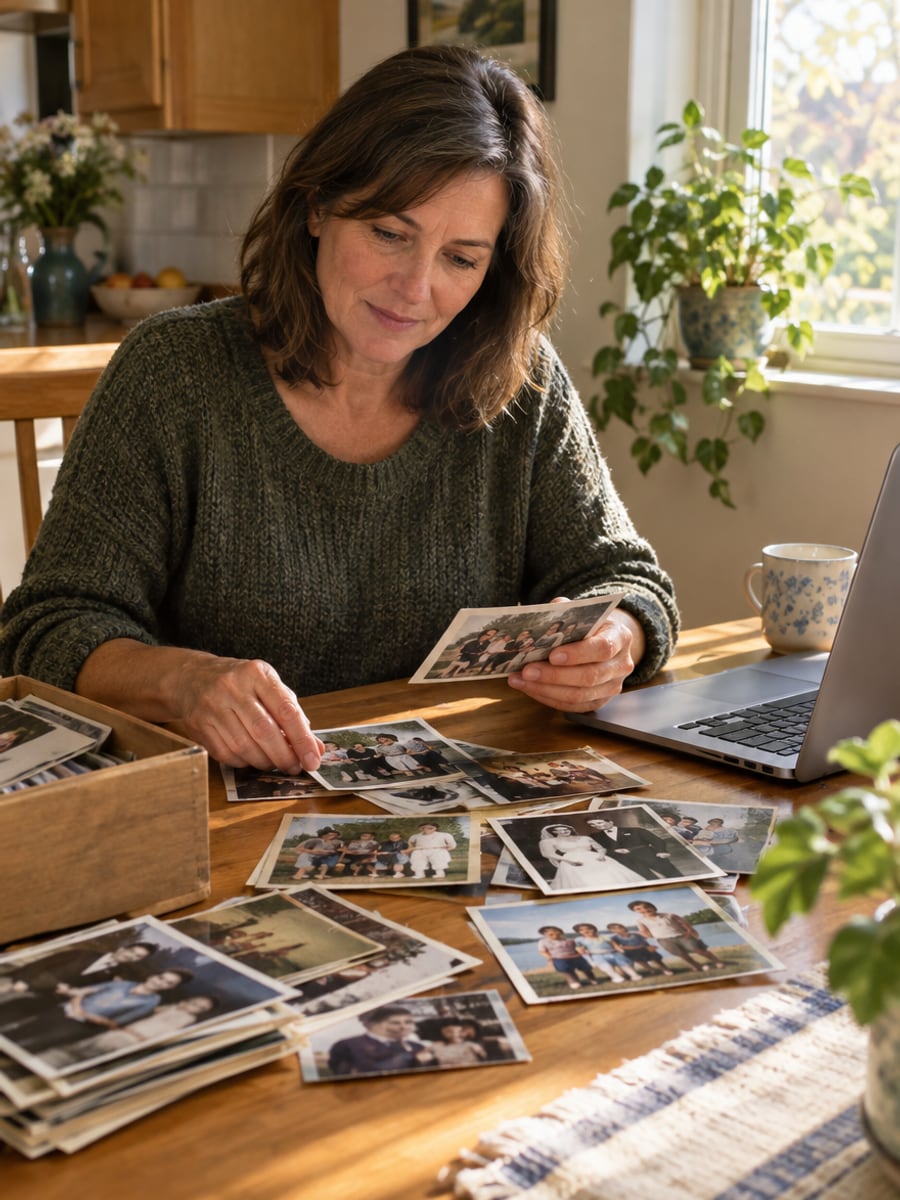
Bring scanned family photos back into focus
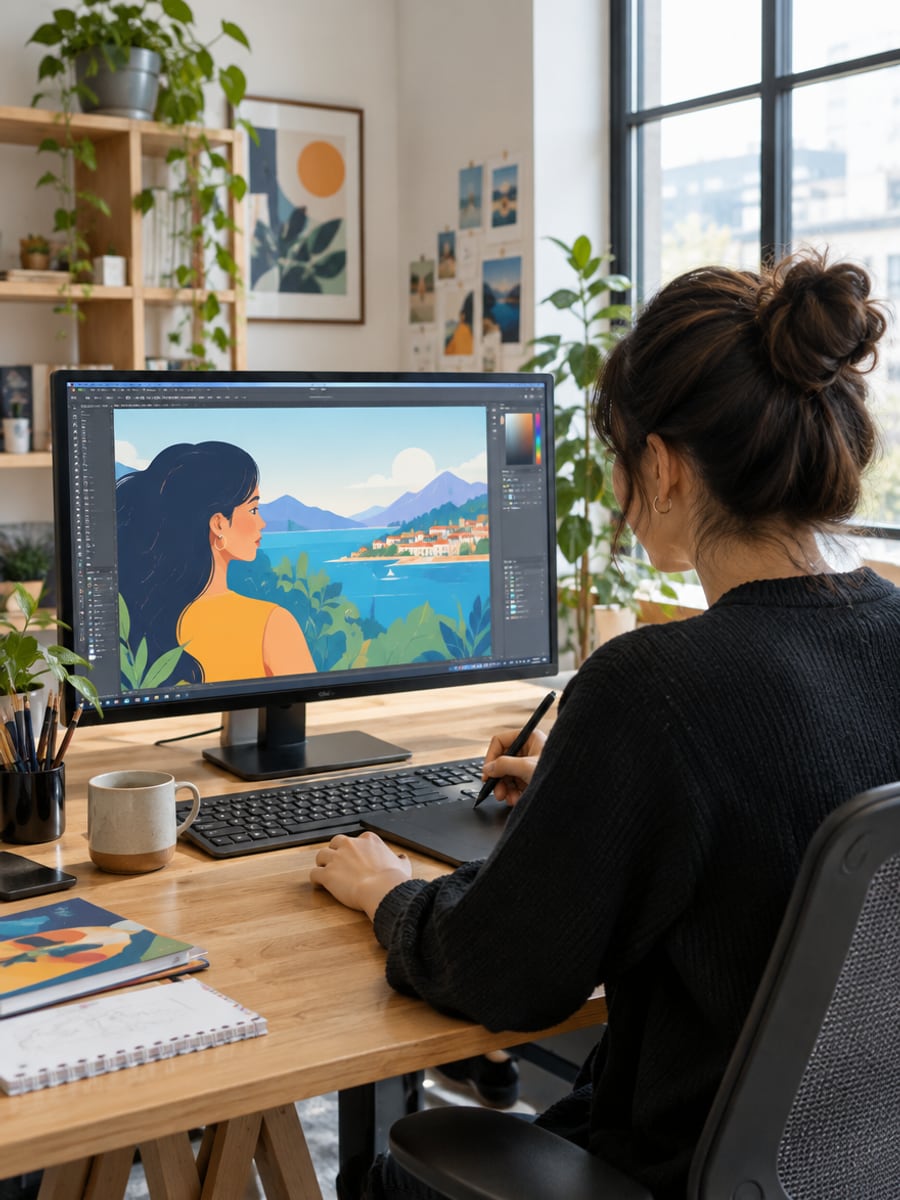
Turn low-res assets into print-ready files
How to Upscale Images with CreateVision
Upload your photo, select a style, and download your professional result instantly

Upload Your Photo
Drop in a JPG, PNG or WebP up to 10MB, such as a portrait, product shot, artwork or old scan.

Pick 2x or 4x
Choose how much to enlarge your image, with 2x as the default. The exact credit cost appears on the button before you generate.

Download Your Result
Get a clean, high-resolution image. The AI adds natural detail and sharpness while keeping your original colors and framing.
The All-in-One AI Creation Platform
One account for images, videos, an AI agent that works for you, expert AI mentors and 80+ ready-made tools.

AI Image & Video Generator
Every leading model in one workspace: Seedream, Nano Banana, GPT Image, Seedance, Veo and more.
Open
Ava, your AI creative agent
Describe what you need and Ava plans, generates and iterates for you.
Open
80+ AI tools
One-click tools for photos, videos, cards, portraits and viral trends.
Open
Template library
Thousands of ready prompts and styles to start from.
Open
Studios
Portrait, marketing, poster and cinema studios for finished work, not single shots.
Open
AI model library
Compare and pick the right image or video model for every job.
Open
AI mentors
Learn from expert mentors in photography, design and video, then create with their guidance.
Open190K+ creators
Using CreateVision to create and share
What Users Say
Real feedback from users worldwide
“It rescued a folder of grainy low-light event photos. Noise gone, detail back — and faces still look like people, not mannequins.”

“I upscaled decades-old family photos for large canvas prints. The detail looks natural — no plastic, over-smoothed faces — like they were shot on a modern camera.”

“As a photographer I run every low-res client shot through this. 4x keeps skin and fabric texture real, so big prints hold up close.”

FAQs About Our AI Image Upscaler
It is a tool that increases an image's resolution while rebuilding fine detail. CreateVision's runs in your browser on the Topaz upscaling engine, so low-res or blurry images become sharp and natural-looking without a plastic look.
We think CreateVision's is a strong choice because it uses the Topaz engine, which reconstructs real texture instead of smearing or over-denoising. Faces, skin and fabric stay natural. It runs in your browser with no install, and the exact credit cost shows on the button before you generate.
Upload your image and choose a 2x or 4x upscale. Unlike simple resizing, which stretches existing pixels and looks soft, the Topaz engine reconstructs the detail that should exist at the higher resolution. You get real texture and edges, not interpolation blur.
You can upload JPG, PNG and WebP files up to 10MB each. Portraits, product shots, landscapes, artwork, anime and old scanned photos all work well. A reasonably clean source always upscales better than a heavily compressed one, and your original aspect ratio and colors are preserved.
The price depends on the size of your upscaled image. If its longest side is up to 2048 px, it costs 30 credits; up to 4096 px, 60 credits; larger, 150 credits. The exact cost appears on the button after you upload. You can start with 200 free credits from Google sign-up.
Yes. Use 4x on a reasonably sized source for posters, canvases and large-format prints, where higher resolution holds detail up close. Output can reach 4K and beyond, up to 12,288 px on the longest side. Free accounts download with a small CreateVision mark, which subscribers and credit-pack buyers can turn off.
An upscaler can only rebuild detail the source suggests. Very small, heavily compressed or badly blurred images give the engine less to work with, so results may look softer. For the most natural results, start from the cleanest version of your image you have.
Upscale Your Images Without the Plastic Look
Upload any image and enlarge it 2x or 4x with natural, Topaz-powered detail.
Related Tools You Might Like
Explore more AI creative tools

Related Tools You Might Like
Explore more AI creative tools