
SEEDREAM 5.5 · IN PRACTICE
01
A product. A portrait. A campaign.
Start with a direction you can see. These images were generated for CreateVision AI with Seedream 5.5; open the originals, inspect the details and try the same setup.
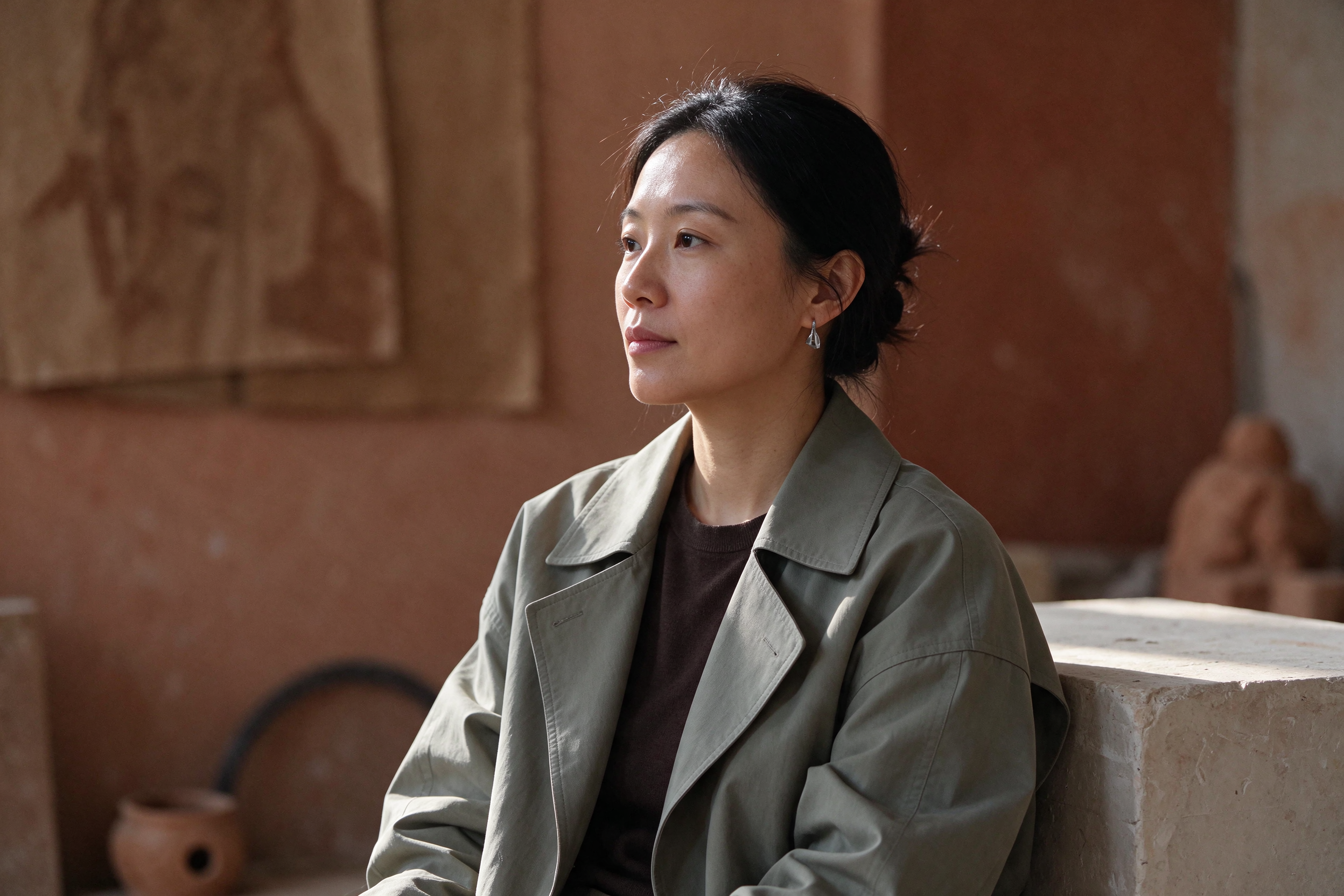
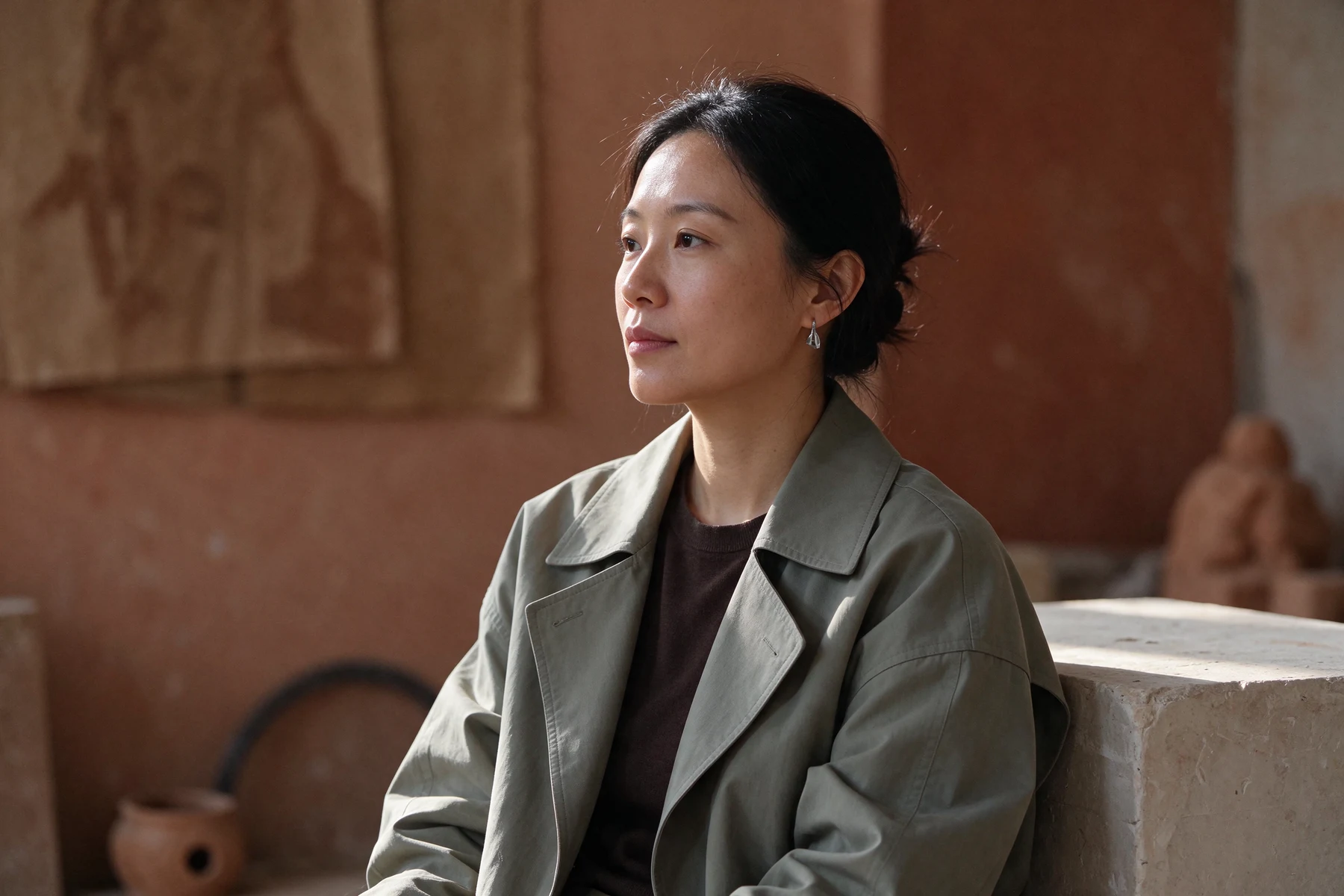
3:2 · 2K · PNG40 credits
Prompt & settings
Editorial photograph for a contemporary design journal. An adult East Asian woman in a sculptural sage green jacket and dark cocoa knit top, natural skin texture, hair tied back with loose strands, small silver geometric earrings. Seated on the right beside a low cream plaster plinth in a sunlit terracotta studio. Wide quiet negative space on the left, warm directional daylight, restrained film tones, elegant unposed expression, authentic fabric texture. Waist-up composition, 50 mm documentary fashion photography. No text, logos or watermark.
Loads a draft. Generate when you are ready.
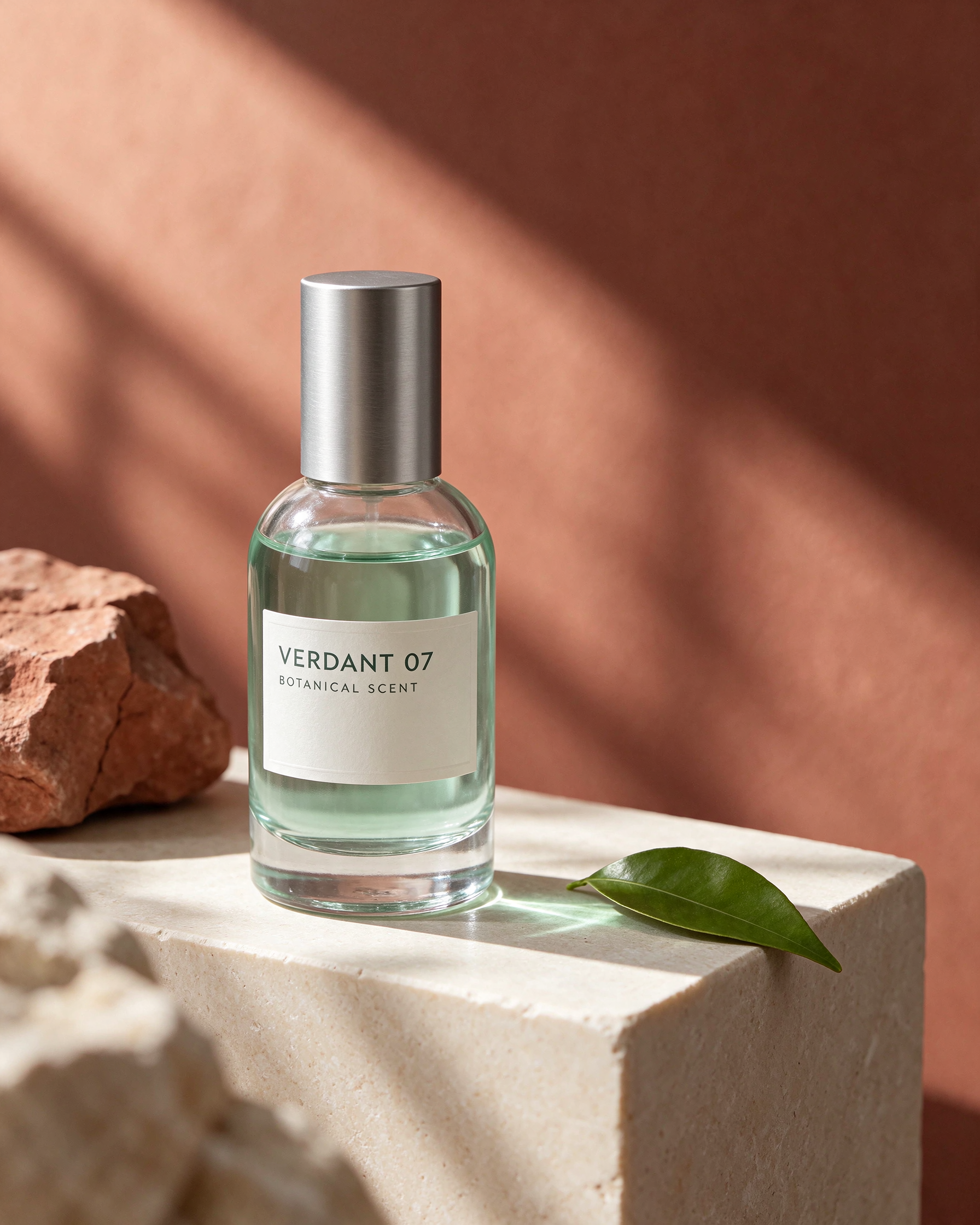
4:5 · 2K · PNG40 credits
Prompt & settings
High-end product still life for a fictional botanical scent, a small clear cylindrical glass bottle containing pale green liquid, brushed silver cylindrical cap and a clean ivory label reading exactly "VERDANT 07" and below it "BOTANICAL SCENT". Complete bottle on a cream stone cube, one fresh citrus leaf, muted terracotta background with a diagonal shaft of morning sunlight. Accurate refraction, subtle caustics, tactile stone, crisp label and restrained luxury art direction. No other text or watermark.
Loads a draft. Generate when you are ready.
Bilingual poster
Describe the subject, composition, light and finish. Provide exact text in quotes and choose the canvas your design needs.
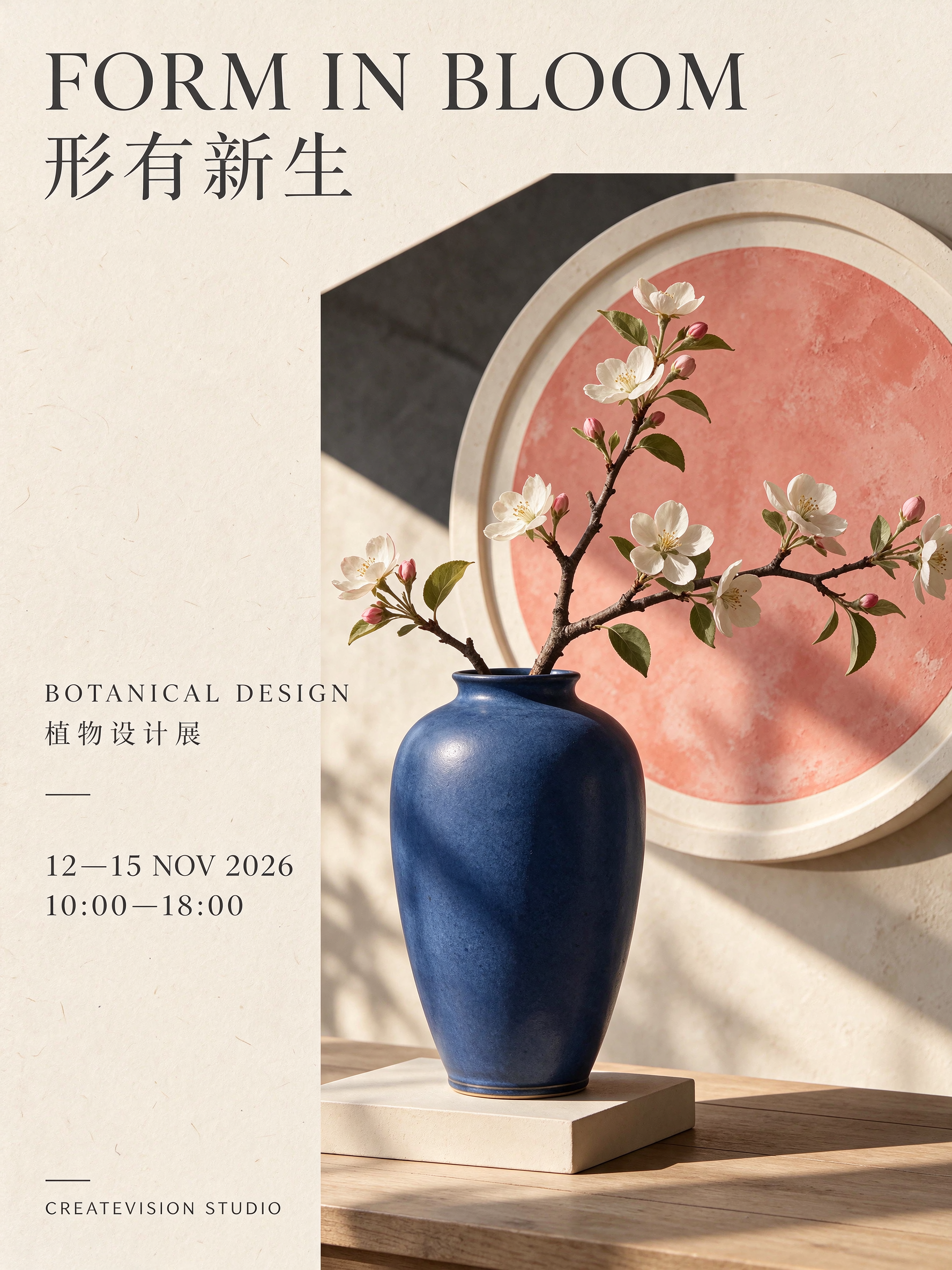
3:4 · 2K · PNG40 credits
Prompt & settings
Create a refined bilingual botanical design exhibition poster on cream paper. One cobalt blue ceramic vase with an architectural branch, a soft coral geometric circle, disciplined editorial grid and generous margins. Use exactly these text lines, each once: "FORM IN BLOOM", "形有新生", "BOTANICAL DESIGN", "植物设计展", "12—15 NOV 2026", "10:00—18:00", "CREATEVISION STUDIO". Visually clear hierarchy and accurately legible Chinese and English. No extra lettering, no fake letters.
Loads a draft. Generate when you are ready.
02
A new color, within the same idea.
Slide between the original poster and the first edit. The requested change is the tea tin color; also check the label, leaves, lighting and composition.
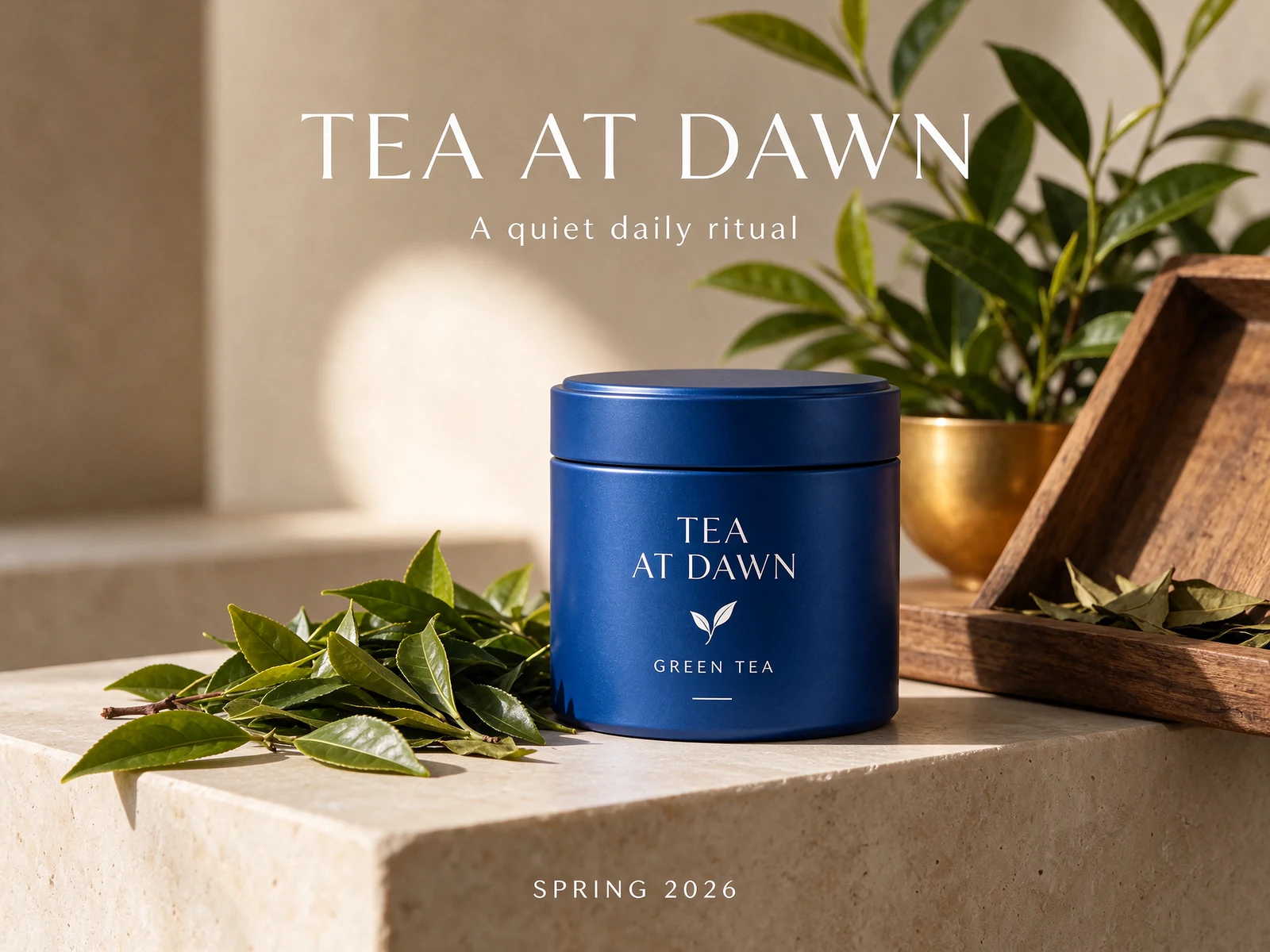
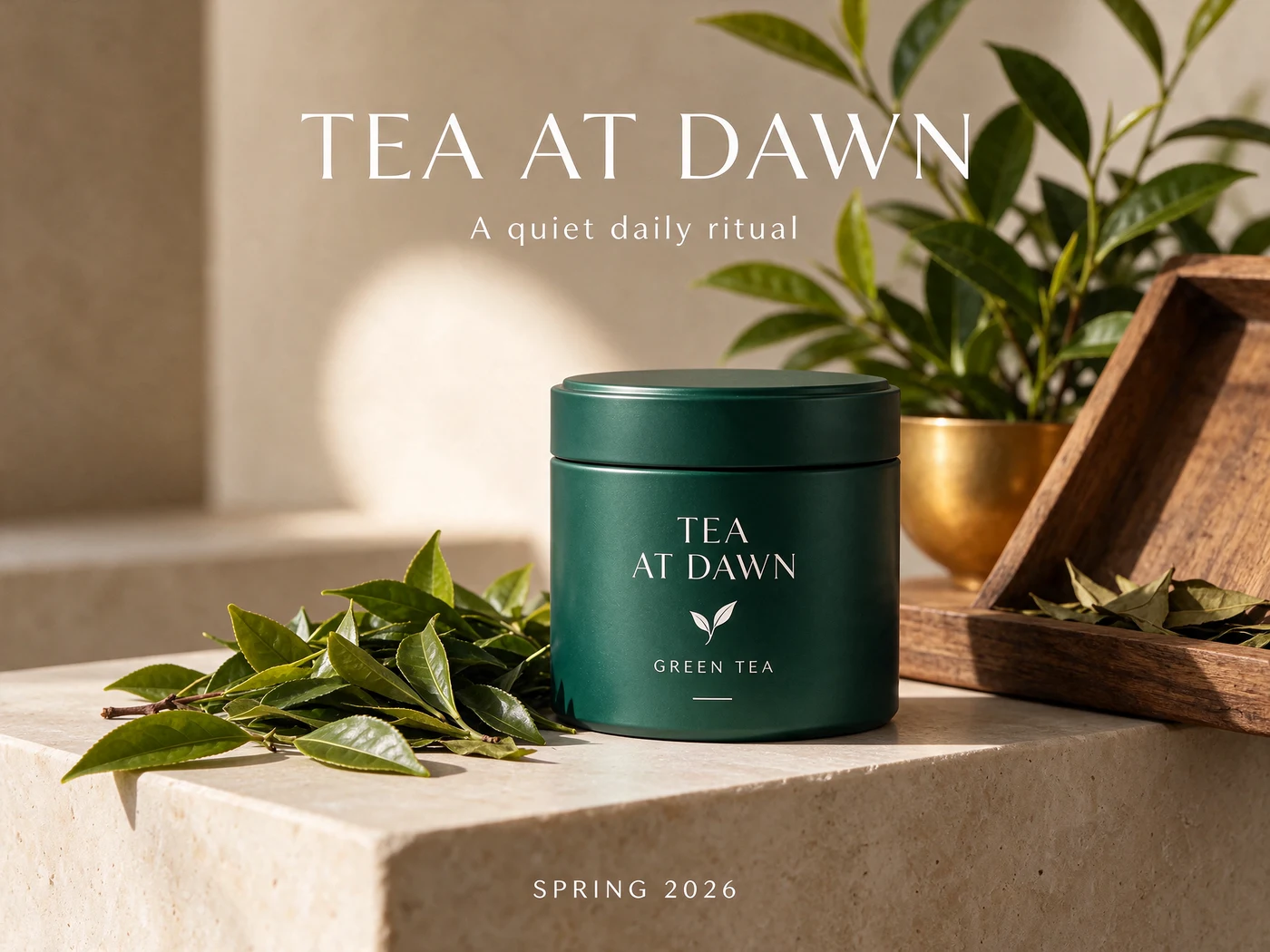
A successful color change does not mean every other pixel stayed identical. This is one recorded edit, not a guarantee of exact preservation.
4:3 · 1.5K · PNG35 credits
Prompt & settings
Change only the blue tea tin body to deep jade green. Preserve the exact tea tin shape, lid, TEA AT DAWN branding, poster title, subtitle, SPRING 2026 footer, leaves, pedestal, plants, crop and lighting. Do not add objects.
Input image 1 ↗Loads a draft. Generate when you are ready.
One image, five decisions.
Each step uses the previous output as its reference. Follow the sequence to see which changes carry forward—and where the product, wording or composition drifts.
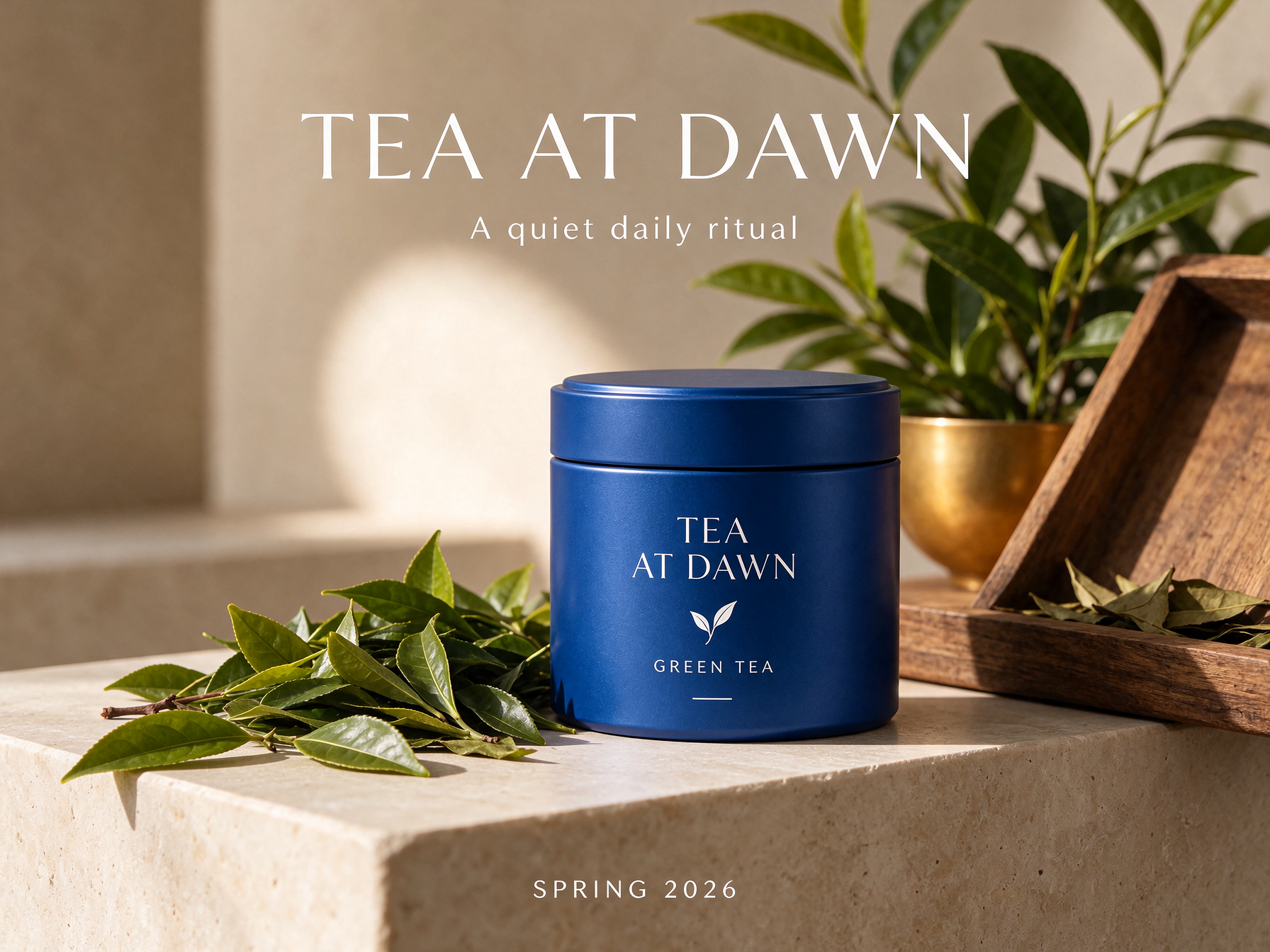
Editing step 0/5
Starting image
Before starting another round, check earlier changes as well as the latest instruction. Keep the versions you like so you can return to them.
03
Transparency you can inspect.
Change the backdrop to examine real PNG alpha, edge detail and the appearance of translucent materials. A transparent canvas and see-through glass are different things.
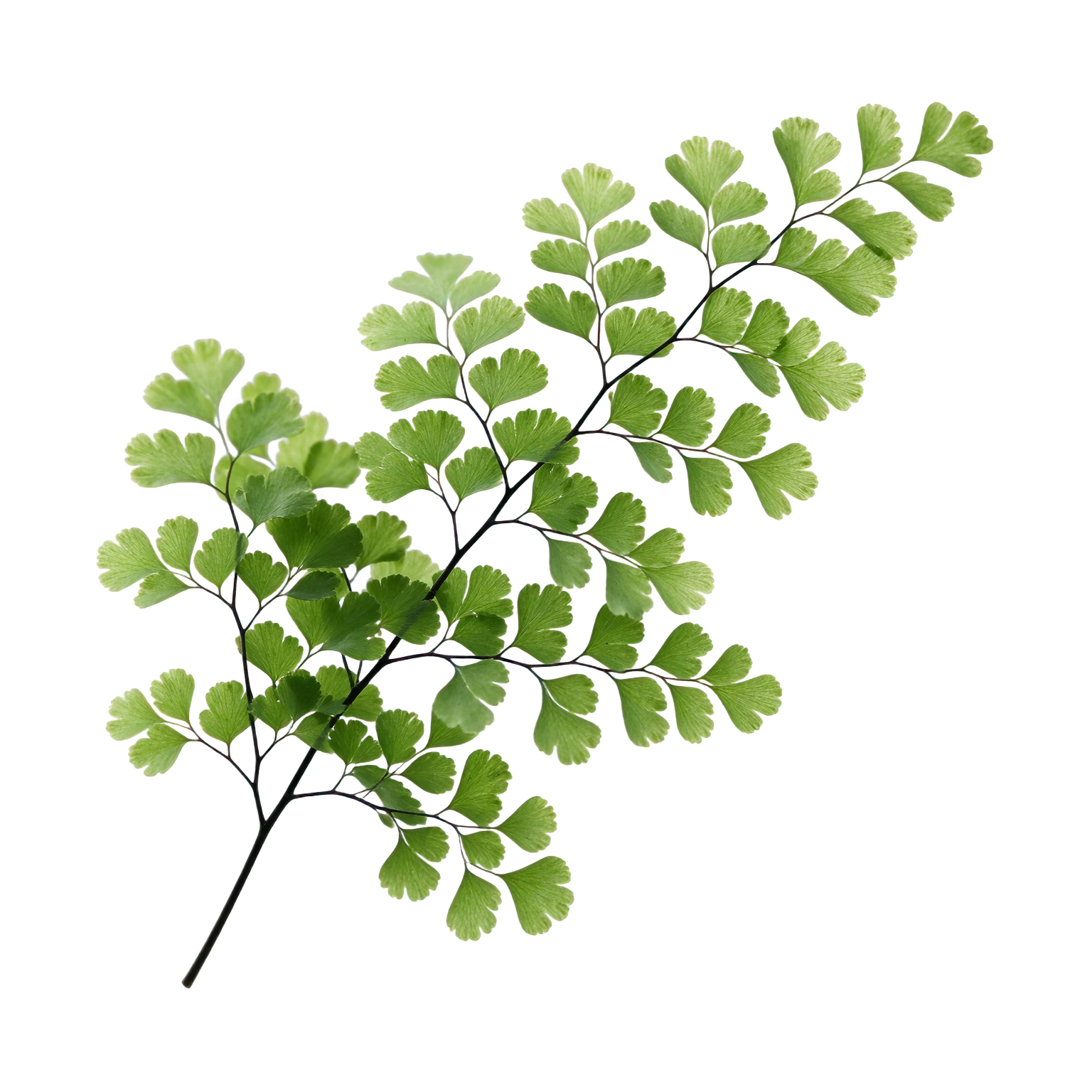
Fine botanical edges
25 cr · PNGLoads a draft. Generate when you are ready.
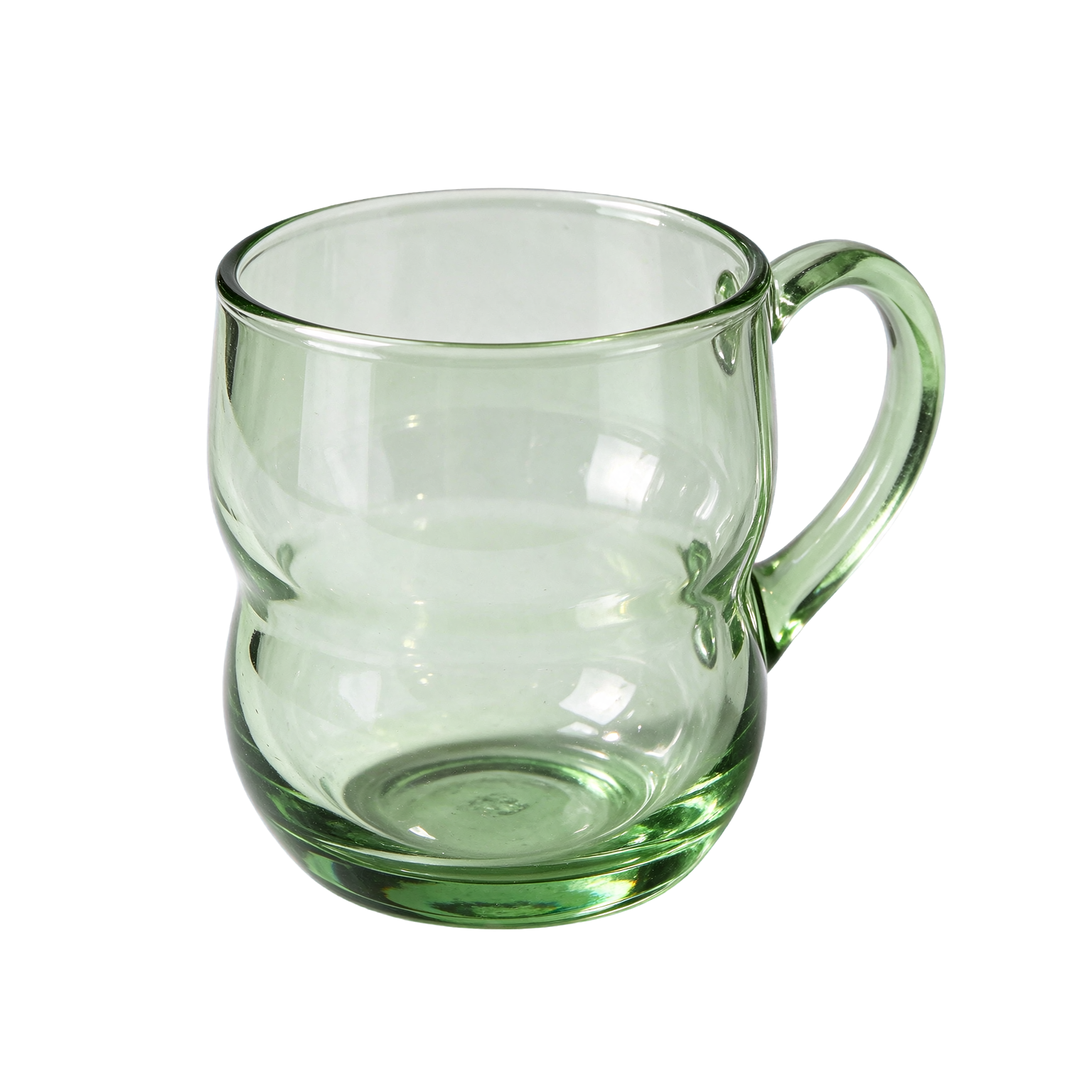
Glass and highlights
25 cr · PNGLoads a draft. Generate when you are ready.
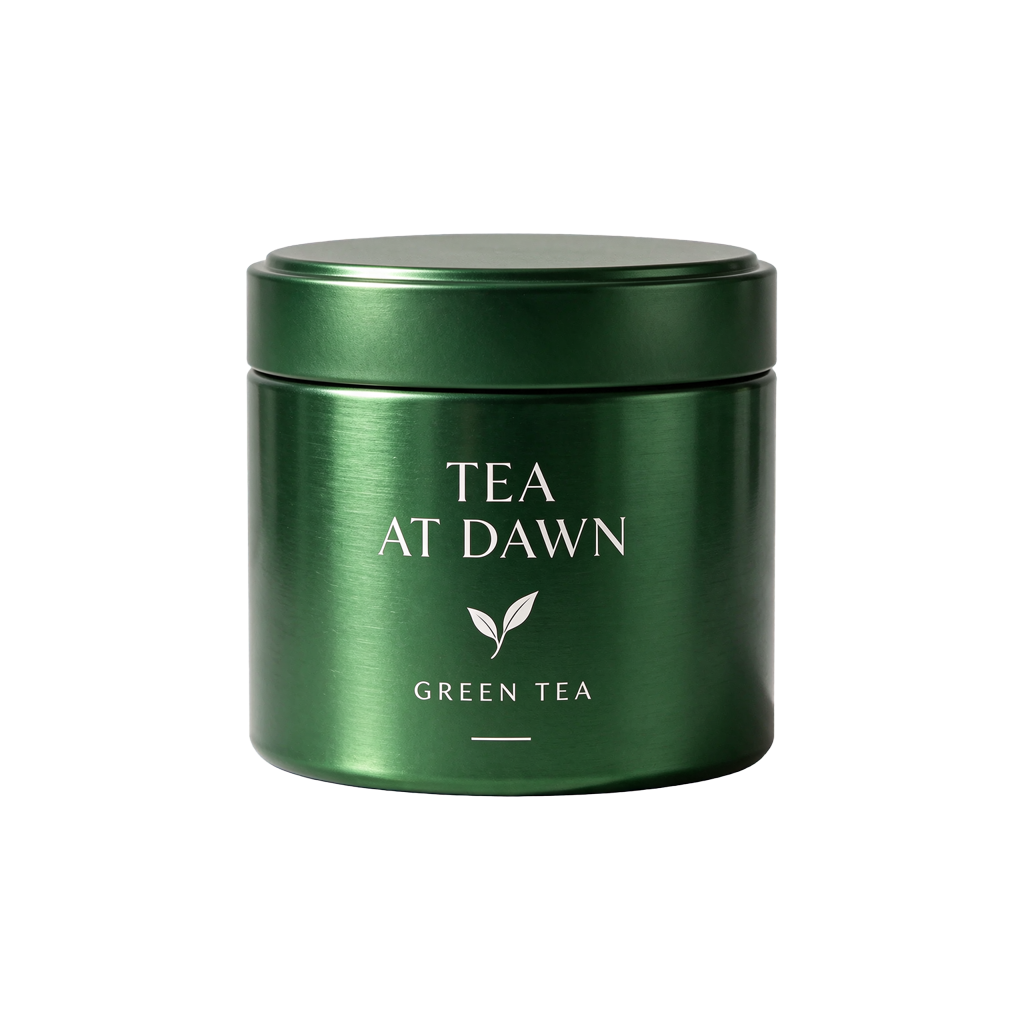
Product cutout
35 cr · PNGLoads a draft. Generate when you are ready.
These originals contain transparent pixels. Inspect them on both light and dark backdrops; an alpha channel alone does not prove that every edge or glass surface is ready to use.
04
From a finished poster to reusable pieces.
Choose the base or a separate element. Open the original PNGs and inspect the text metadata rather than treating a flattened poster as an editable source document.
1555 × 1517 · PNG · z=1
This example returned one base and four transparent layers. Positions and stacking order are included in the records. Layer canvases can differ from the source; overlap and hidden detail still need review.
For these outputs: a 210-credit reservation limit and a calculated total of 135 credits including the base.
Loads a draft. Generate when you are ready.
05
Know what changes the quote.
1K and 1.5K share the same output rate. Reference images add to the quote individually. The same model tariff applies to every membership.
| Output tier | No references | 1 reference | 5 references | 10 references |
|---|---|---|---|---|
| 1K / 1.5K | 25 credits | 35 credits | 75 credits | 125 credits |
| 2K | 40 credits | 50 credits | 90 credits | 140 credits |
Exact canvases above 2,610,000 pixels use the 2K rate. One image is generated per request; 4K is not offered by this model.
Layers: reserve a limit, pay for actual outputs.
The default limit of 8 outputs reserves 330 credits: 10 for the input plus 40 for each allowed output. Completed outputs cost 25 or 40 each according to their actual pixel area, plus the input. Unused reserved credits return to your balance.
Give each round a clear job.
- 01
Create a starting point
Describe the subject, composition, light and finish. Provide exact text in quotes and choose the canvas your design needs.
- 02
Make a focused edit
Use the current image as a reference. Name one target change and the features that should remain consistent.
- 03
Prepare the deliverable
Check labels at full size, inspect alpha on different backdrops, or split the result into image layers for further work.
Real outputs, with room to inspect them.
CreateVision AI generated three new showcase images, two transparent assets and a five-step editing chain for this page. The earlier launch records add a poster, a transparent reference edit and a layer decomposition. Every original, prompt, setting and input relationship is retained.
These are illustrative workflow checks, not repeated quality trials, a model ranking or a latency guarantee. The edit source was itself generated by Seedream 5.5, which can favor reconstruction of its own imagery. Timings include network and polling overhead. Published credits are CreateVision AI quotes, not a claimed customer-wallet transaction.
- Recorded requests
- 13
- Delivered images
- 17
Recorded 12 November 2026
Make the next version yours.
Choose an example above or start with your own image. Your prompt, references and model controls stay together in the workspace.
Create with Seedream 5.5 ↗