Animate reference images

Image to Video Generator

Upload an image, describe the motion, and turn still visuals into short AI videos with clear model and parameter controls.

Image animationReference guidedMotion generation
0 / 2,000
~100 cr

Popular Models

The animation engines: faithful motion from any still image.

Get Inspired

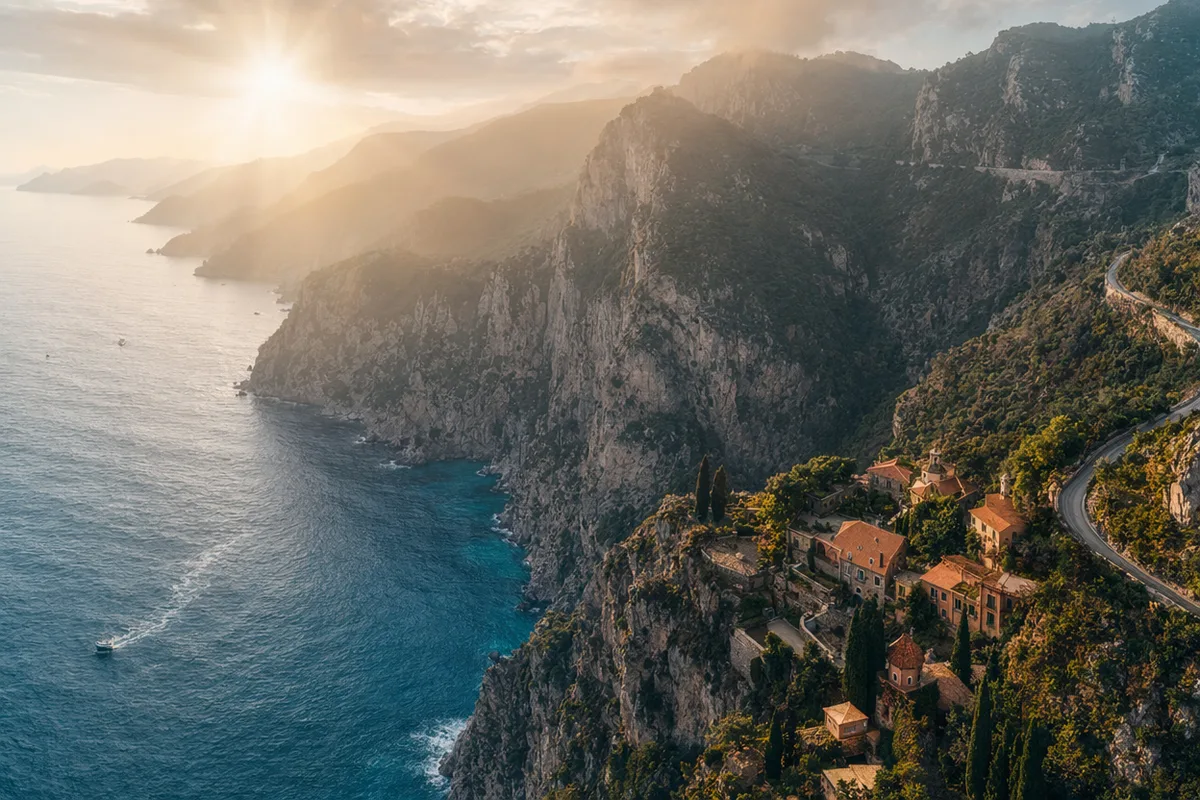
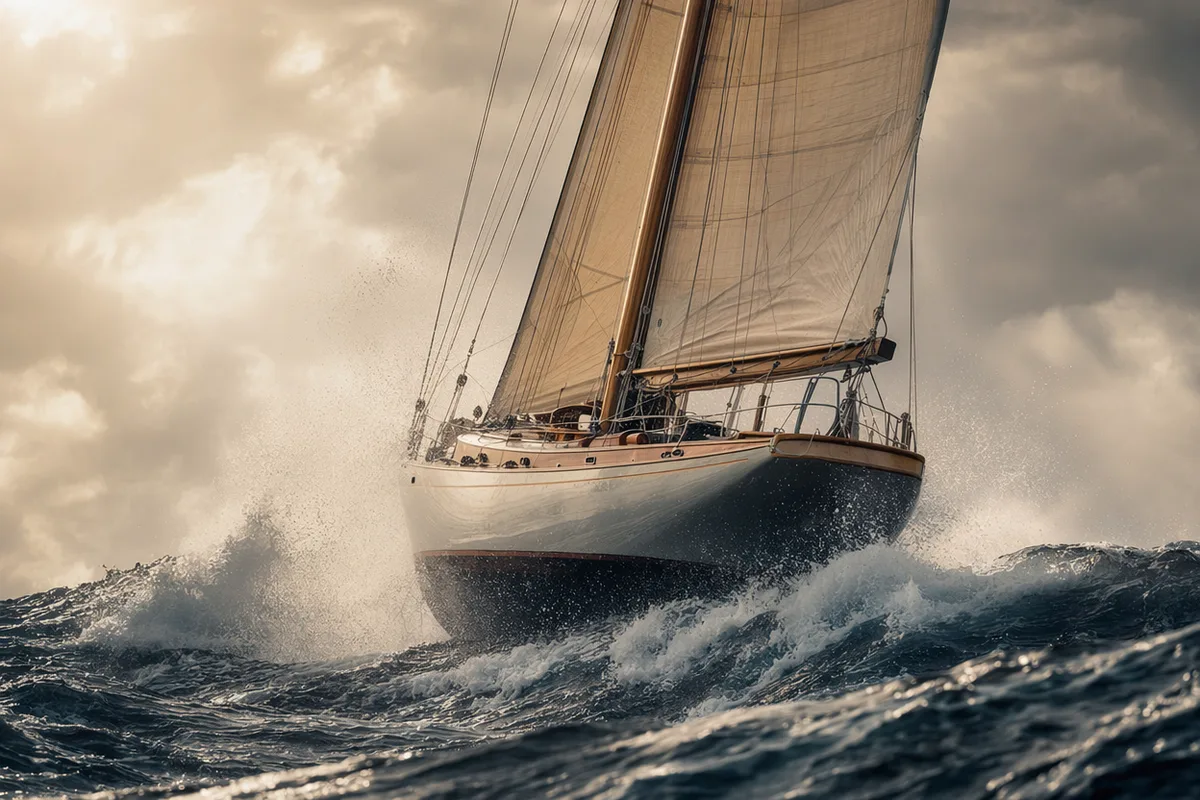
Stills animated into motion with CreateVision AI.

AI video still of a vintage car chase through narrow European streets
AI video still of a surfer inside a glassy barrel wave at sunrise
AI video still of northern lights swirling over a snowy cabin
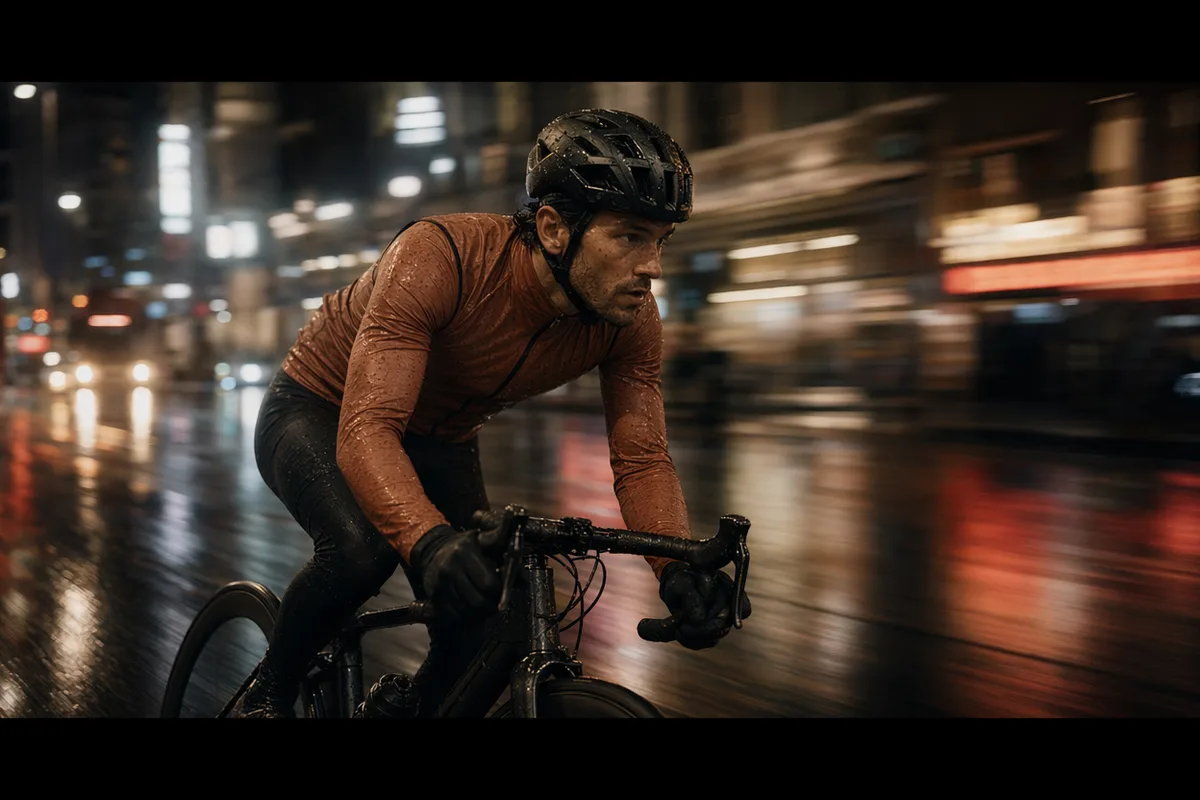
AI video still of rain running down a cafe window with warm bokeh
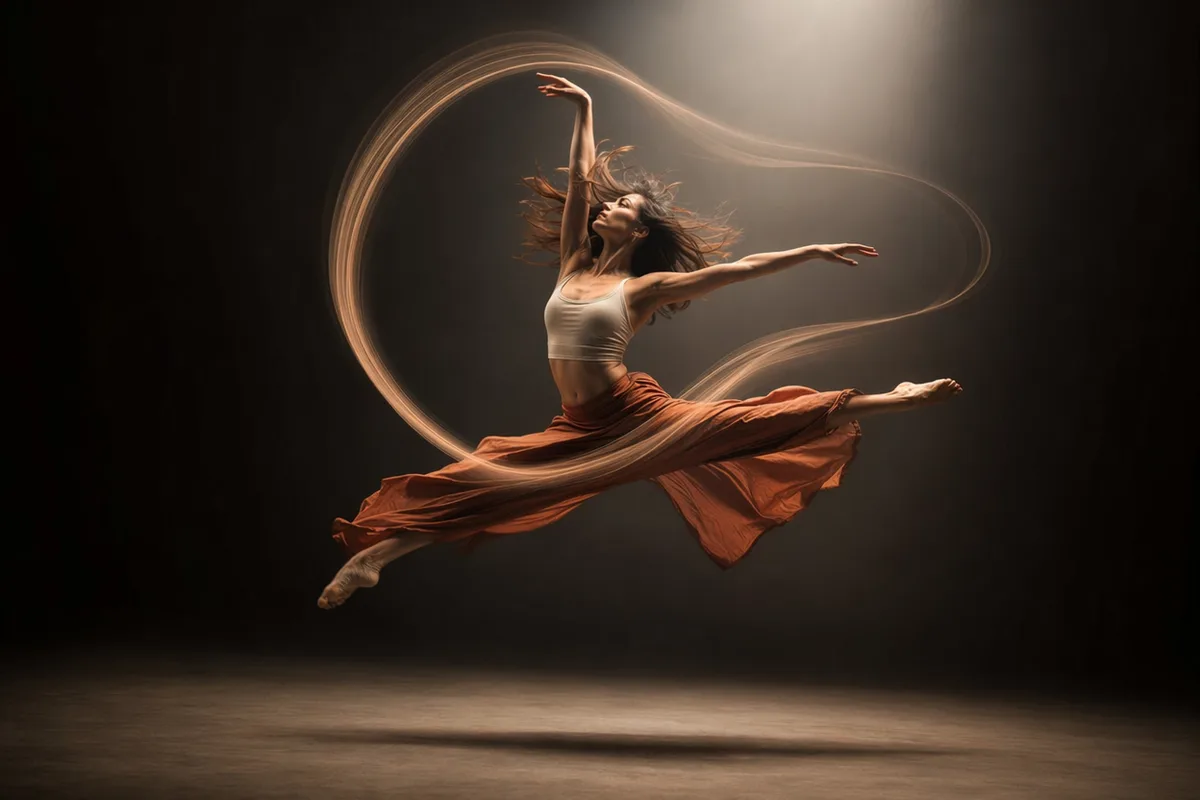
AI video still of a dancer silhouette on a smoky stage under amber light
AI video still from a drone flight through a red rock canyon
AI video still of milk splashing around chocolate cookies
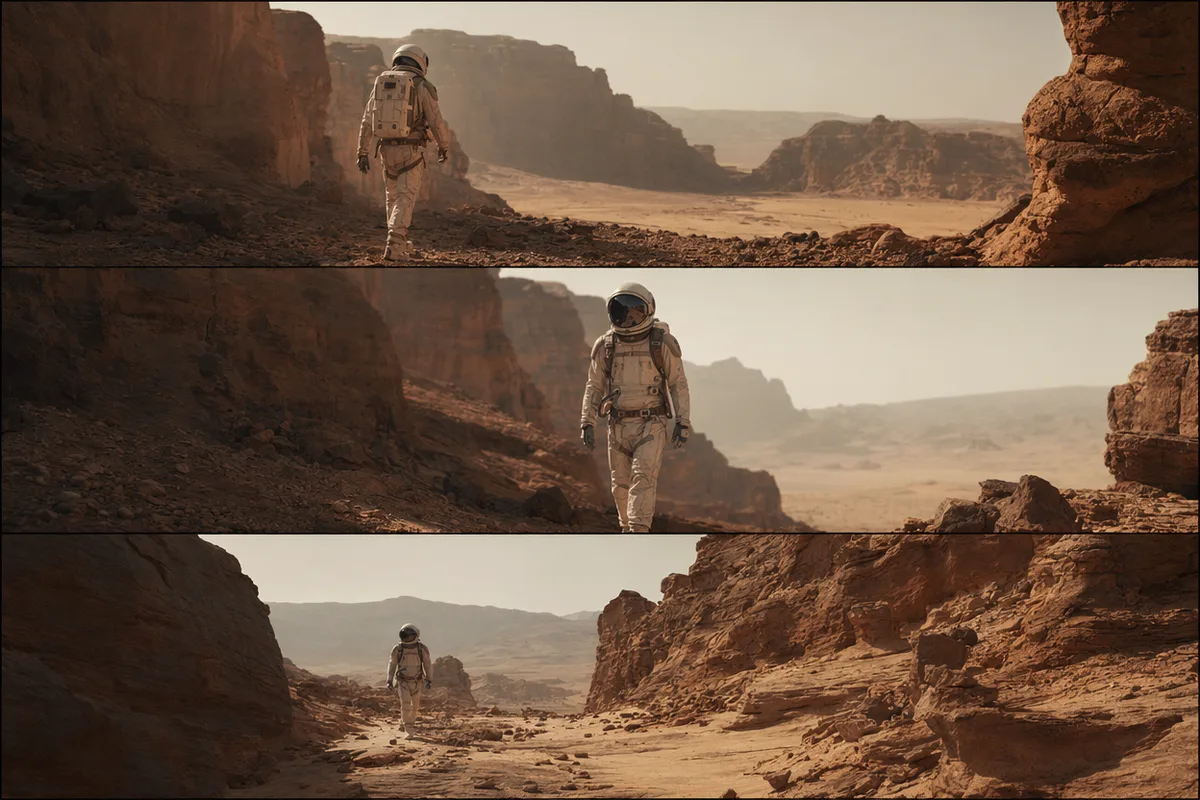
AI video still of an astronaut walking down a glowing spaceship corridor

Image to video AI — your photo, now with motion and sound

Upload a still, describe the movement, and the model animates it faithfully — the use case communities love most, from reviving old family photos to turning product shots into ads.

A vintage family photograph gently coming alive with motion

Bring old photos back to life

The most beloved image-to-video use case on the internet: a vintage family photo gains gentle, natural motion — a smile, a breeze, a turn of the head. The original stays recognizable; the moment becomes a memory you can watch.
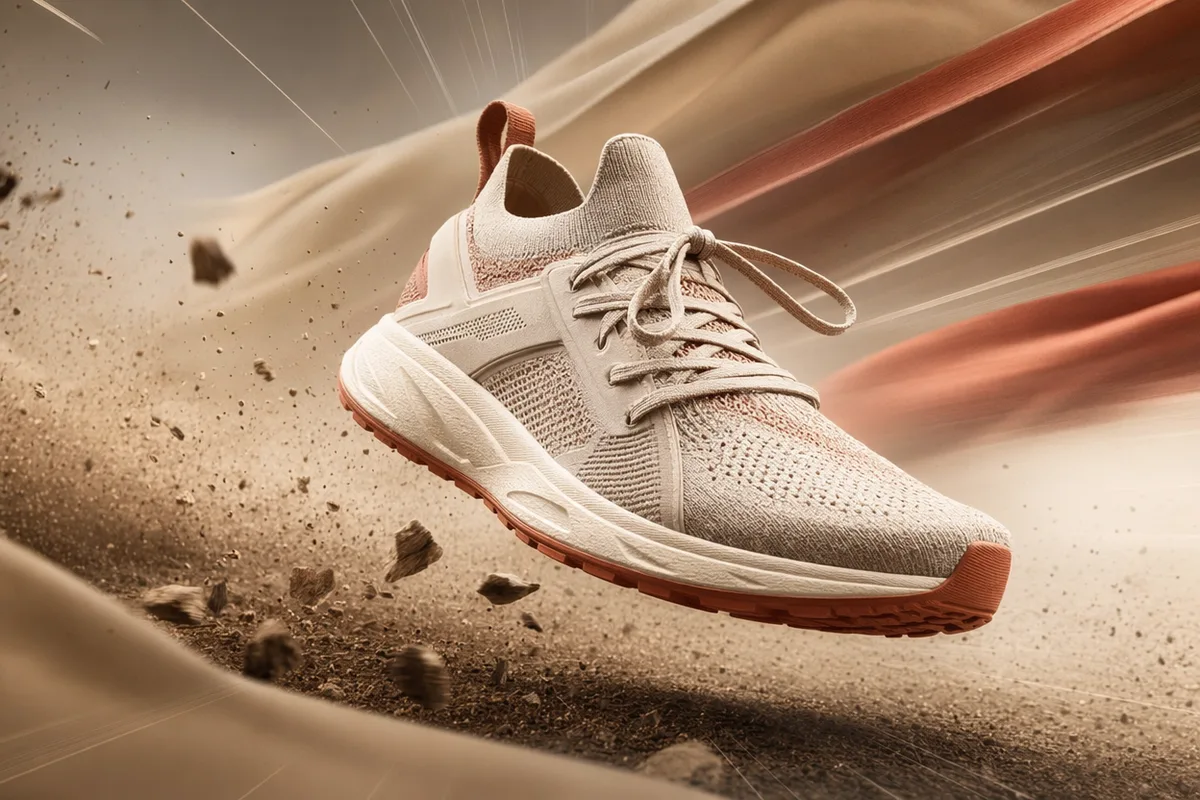
A still sneaker photo bursting into dynamic motion

Product stills become product ads

One hero shot becomes a moving clip — dust, fabric ripple, rotation, splash — ready for feeds and product pages. E-commerce teams turn an existing photo library into a video library without a single shoot.

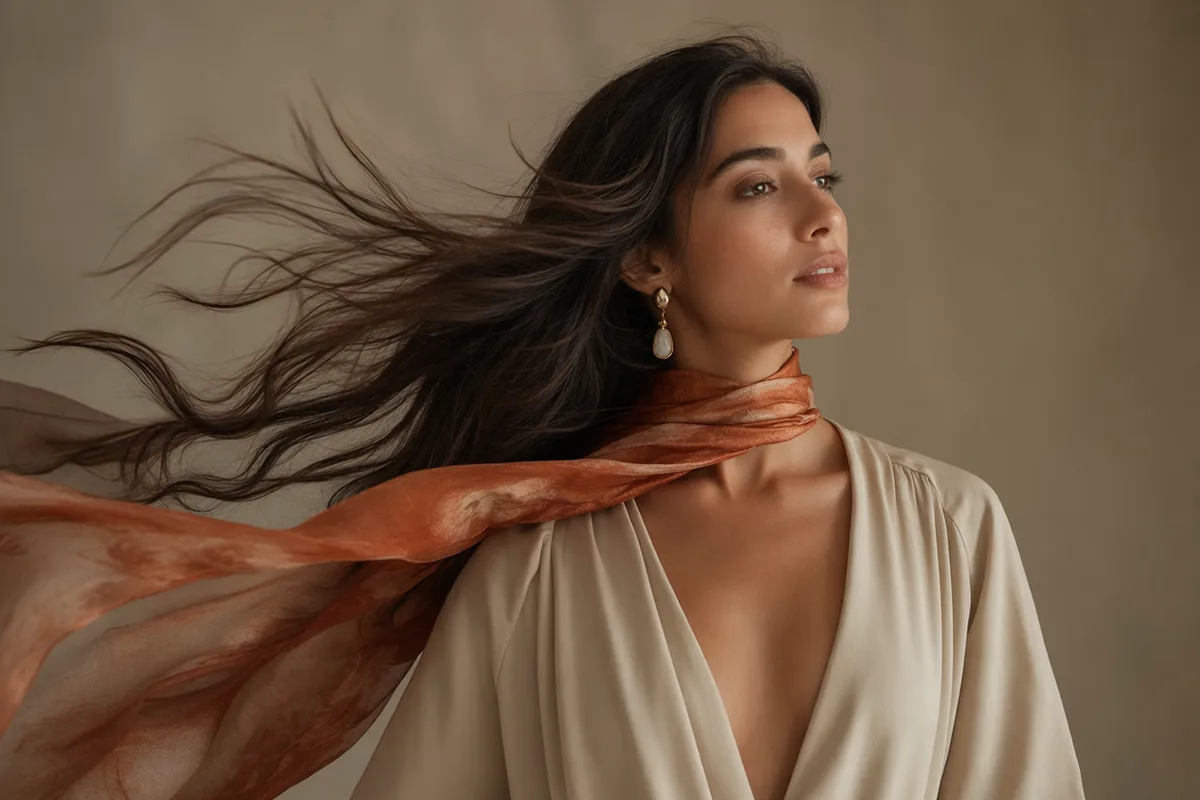
Portrait with hair and scarf flowing in cinematic motion

Portraits with believable motion

Hair and clothing move with physics viewers accept; expressions stay true to the person. Kling 3.0 can even transfer a full motion reference — a dance, a gesture — onto your character while preserving identity.

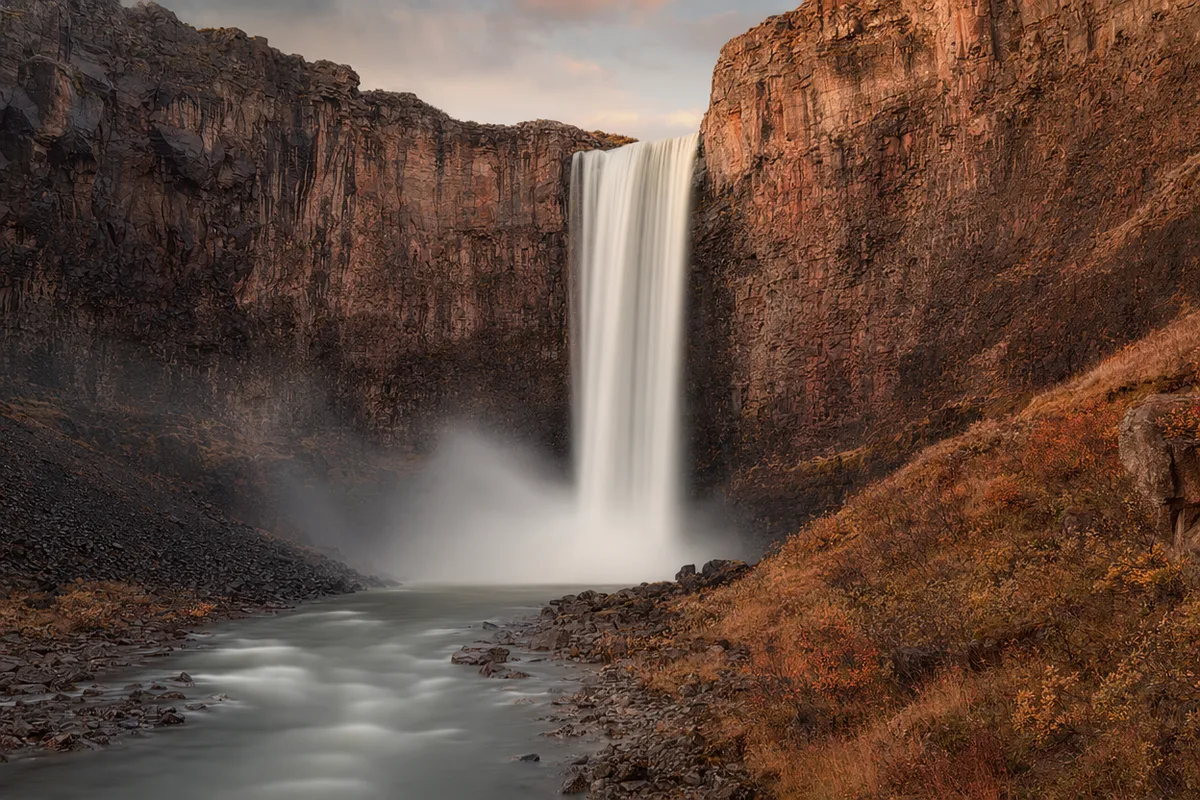
Waterfall landscape with silky flowing motion

Scenery into living ambience

Waterfalls flow, clouds drift, rain falls — landscapes and interiors become ambient loops for backgrounds, screens, and mood pieces, with native audio if you want the scene to sound like it looks.

Keep exploring CreateVision AI

One account, the full image and video generation workflow.

Choose Your Plan

Start free with daily credits. Upgrade for premium models, faster generation, and 4K output.

Free

$0

Perfect for getting started

  • 80 credits per day, 400 per month
  • Z Image Turbo drafts at 0 credits
  • Standard generation speed
  • Generation history included
Get Started

Premium

Most popular
$29/month

Billed annually · $240/year

  • 1,600 credits/day, 8,000 credits/month
  • All premium models — GPT Image 2, Nano Banana, Seedream, Seedance, Veo, Kling
  • 5x generation speed, priority queue
  • AI prompt enhancement
Upgrade to Premium

Ultimate

$49/month

Billed annually · $300/year

  • 4,000 credits/day, 18,000 credits/month
  • HD generation up to 4K resolution
  • Private generation — results stay out of the gallery
  • Fastest queue and early access to new models
Upgrade to Ultimate

Frequently Asked Questions

1

How does image to video work?

Upload a photo, describe the motion you want, and the model generates a video that starts from — and stays faithful to — your image, adding movement, camera work, and optionally sound.

2

Will the video still look like my photo?

Yes — fidelity to the source image is the core requirement, and the lineup (Seedance, Veo, Kling) is selected for exactly that. Faces and products remain recognizable.

3

Can I animate old or damaged photos?

Yes — reviving vintage photos is one of the most popular workflows. For badly damaged photos, restore them first with the AI image editor, then animate.

4

Can I control the motion?

Yes — describe the movement in the prompt, or use Kling 3.0 Motion Control to transfer the exact motion from a reference video onto your character.

5

How much does it cost?

Per second of output depending on model, resolution, and audio, always shown before generating. Failed generations refund automatically.

6

Does the agent understand image-to-video requests?

Yes — tell Ava "animate this photo" in chat with the image attached, and it plans an image-to-video generation with the right model and settings.

7

What formats do I get?

MP4 video at the resolution you selected, stored in your history and downloadable from our CDN.

Pick a photo — watch it move

Start Animating Images