AI Art Style Transfer
Convert photos into various artistic styles
Tap to uploadDrop image or click
JPG · PNG · WebP
Preview Examples


Drag the slider to compare
What is AI Art Style Transfer?
AI Art Style Transfer is an AI-powered tool that transforms your photos into professional results instantly.

Why Use Our AI Art Style Transfer
Professional quality, privacy protected, instant results
Paint Like Famous Masters
Pick Van Gogh, Monet, Picasso, Da Vinci or Ukiyo-e, or go with pop art, watercolor, oil painting, sketch or digital art.
Keep Your Photo Recognizable
The AI repaints the brushwork and color while keeping the subject, layout and key shapes of your original photo.
Dial In Style Intensity
Choose subtle, moderate, strong or extreme style, then set color and detail preservation to get the look you want.
See What You Can Do With AI Style Transfer
Perfect for various professional scenarios, instant and secure
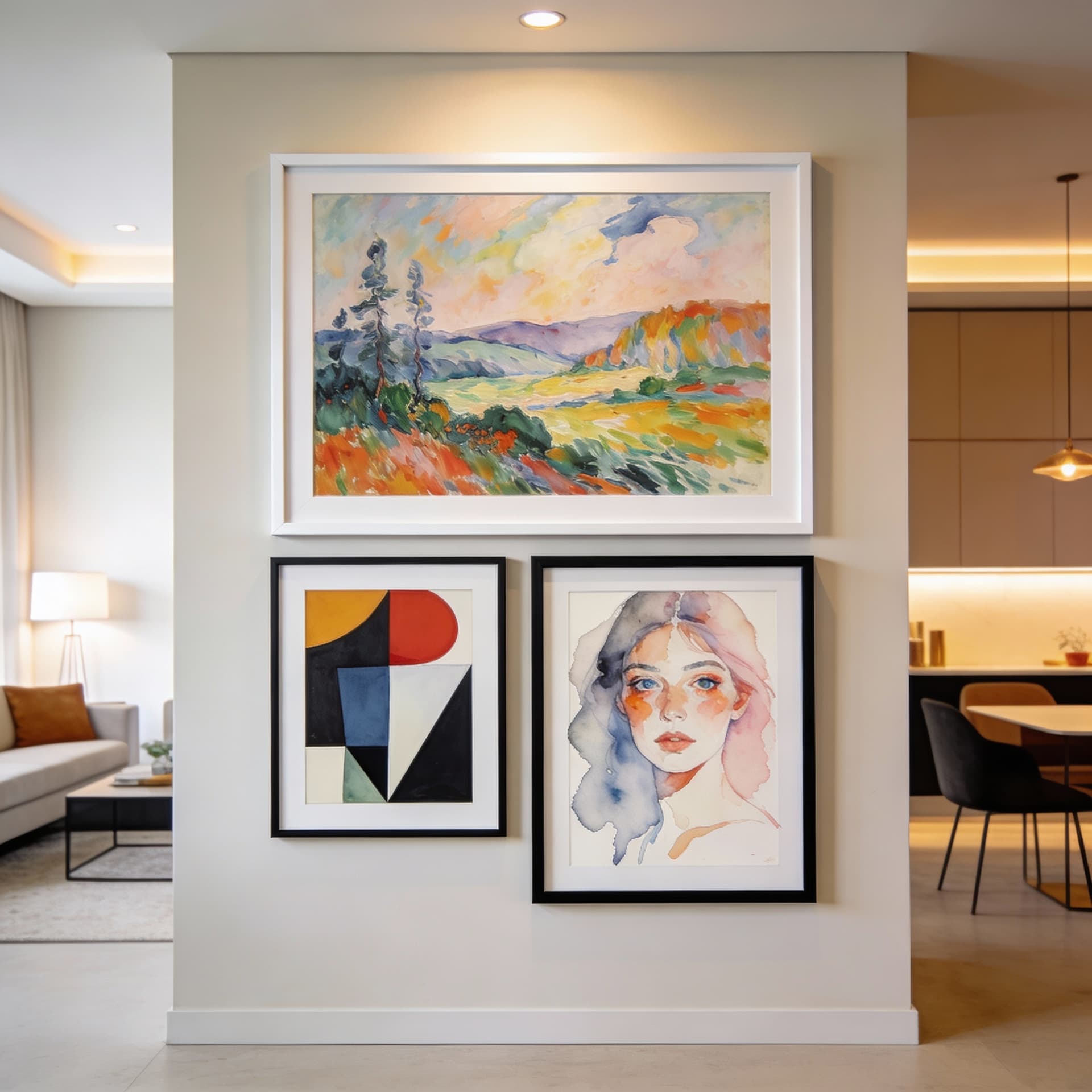
Turn Personal Photos Into Wall Art
Upload a favorite travel shot, pet photo or family moment and see it as an oil painting or watercolor. Your result is a print-friendly image you can frame for your own walls. Upscale before printing
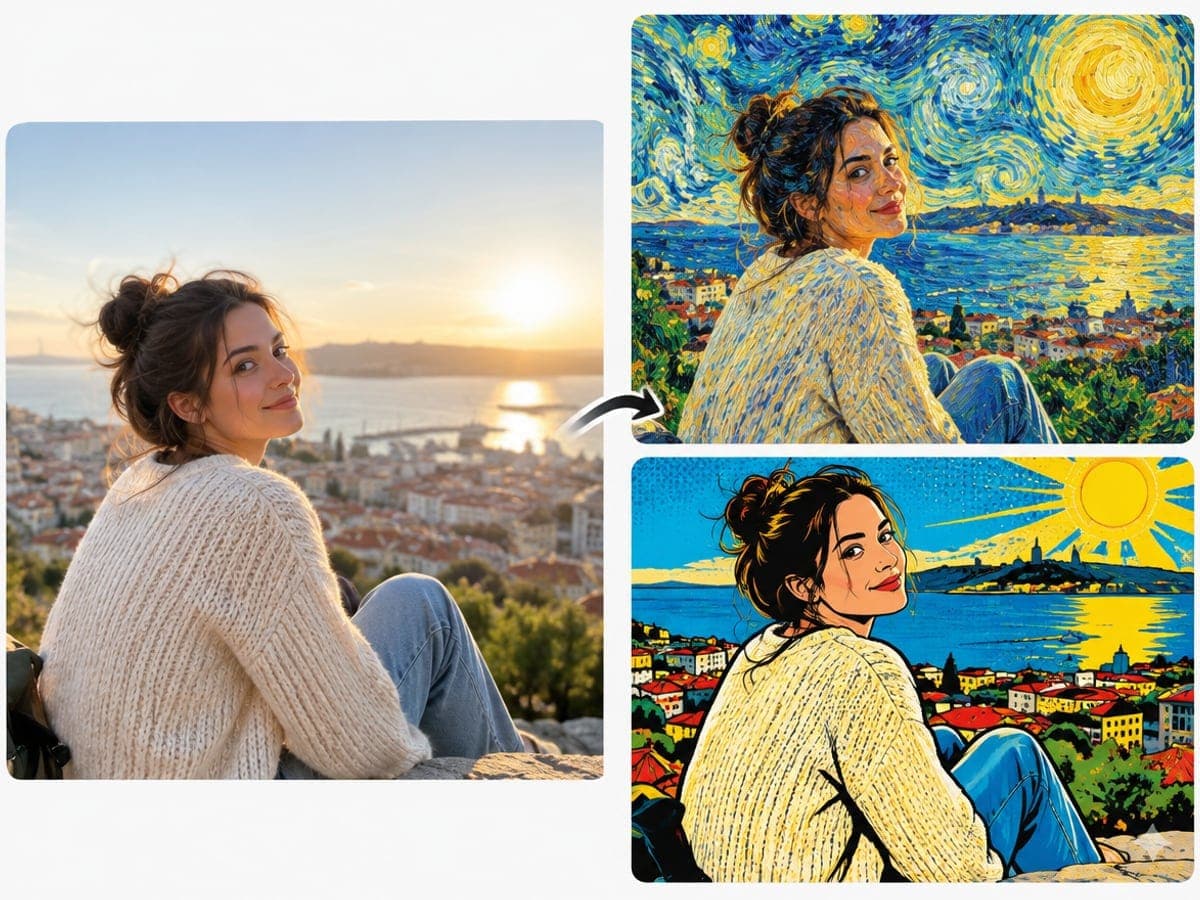
Make Social Posts Look Hand Painted
Give your everyday photos a Van Gogh swirl or a pop art punch before you post. Your feed stands out without any drawing skills. Try anime style
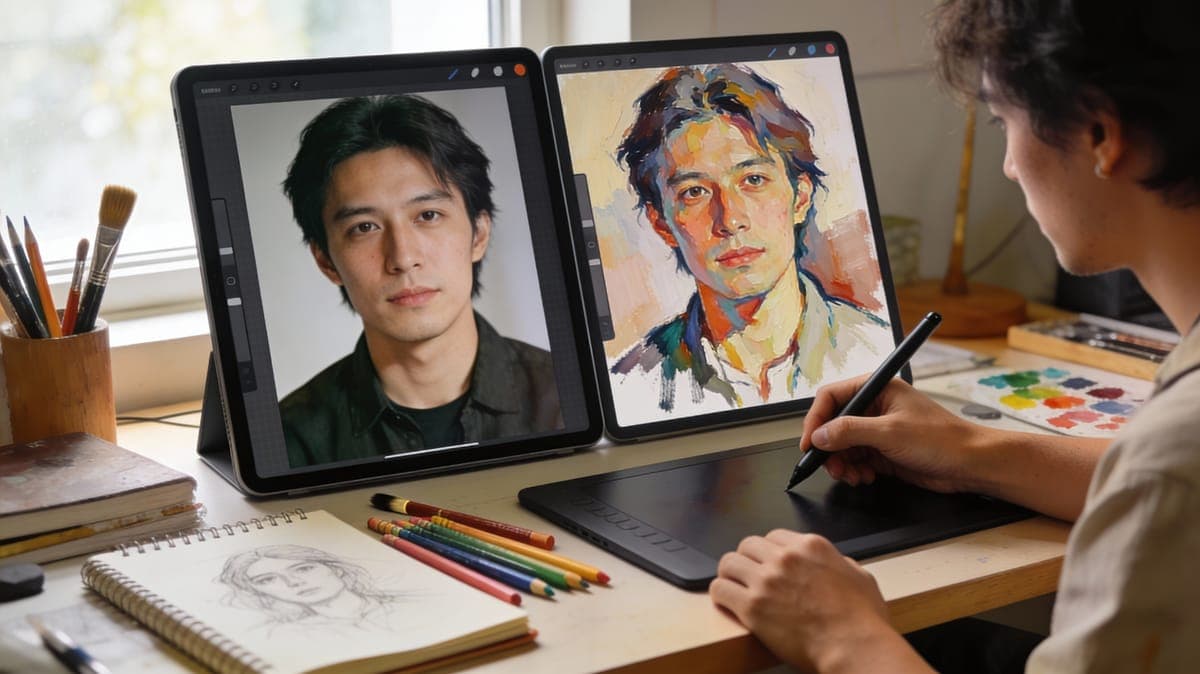
Explore Art Styles for Creative Projects
Test the same photo in Monet, Picasso and Ukiyo-e to compare moods for a presentation or design draft. Each version helps you decide on a visual direction faster. Turn photos into sketches
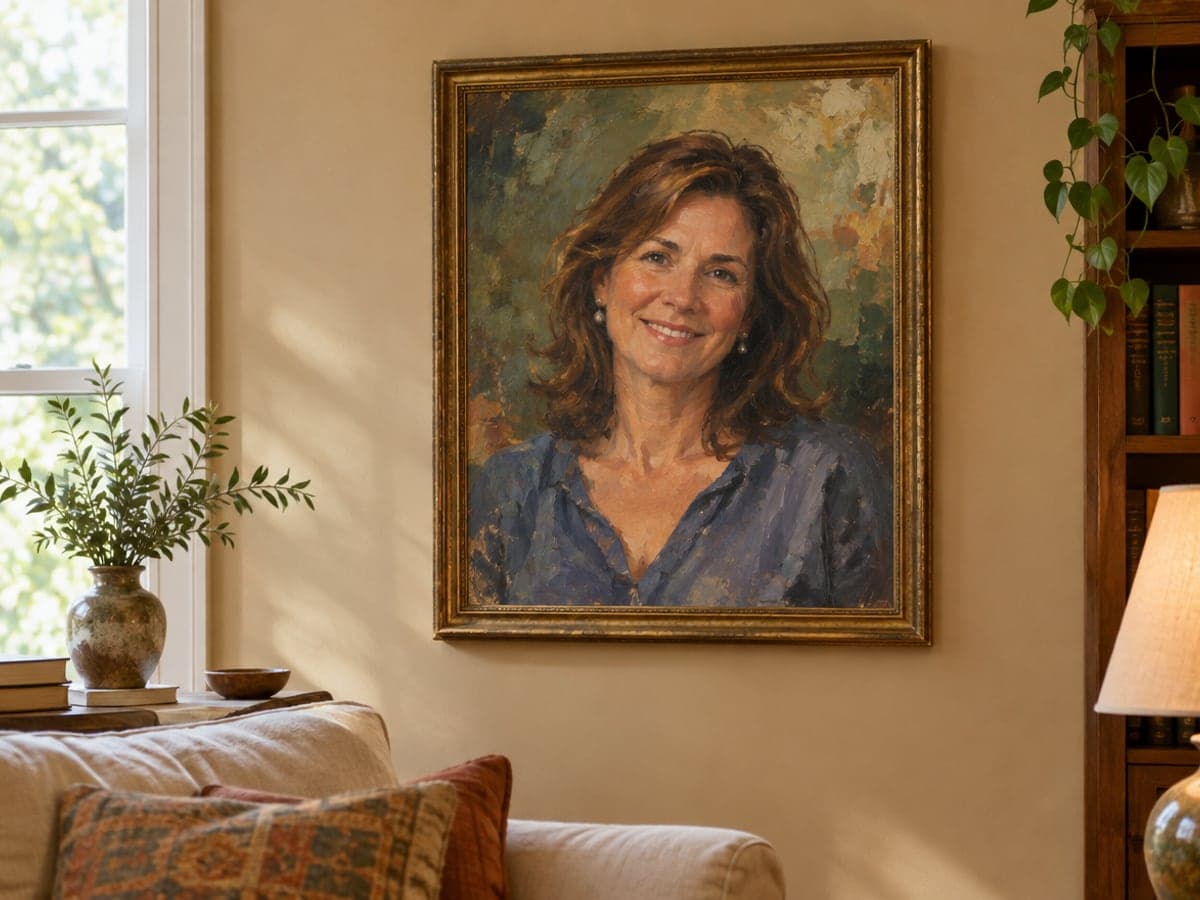
Create a Painted Portrait as a Gift
Turn a portrait of your partner, parent or friend into a classic oil painting look. Your gift feels personal because it starts from a photo you took together. Make a cartoon portrait
Who Uses AI Art Style Transfer
Four ways people use it every week
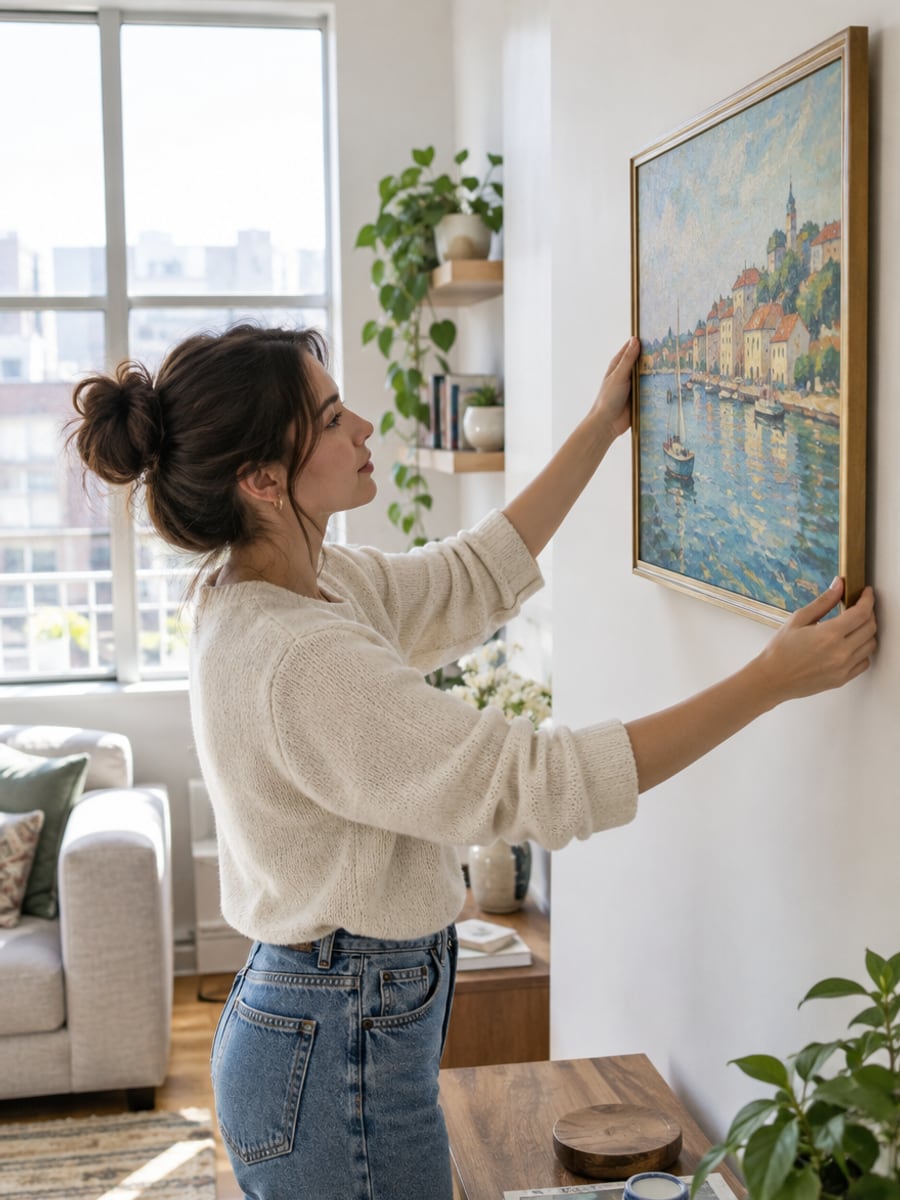
Fill your walls with art made from your photos
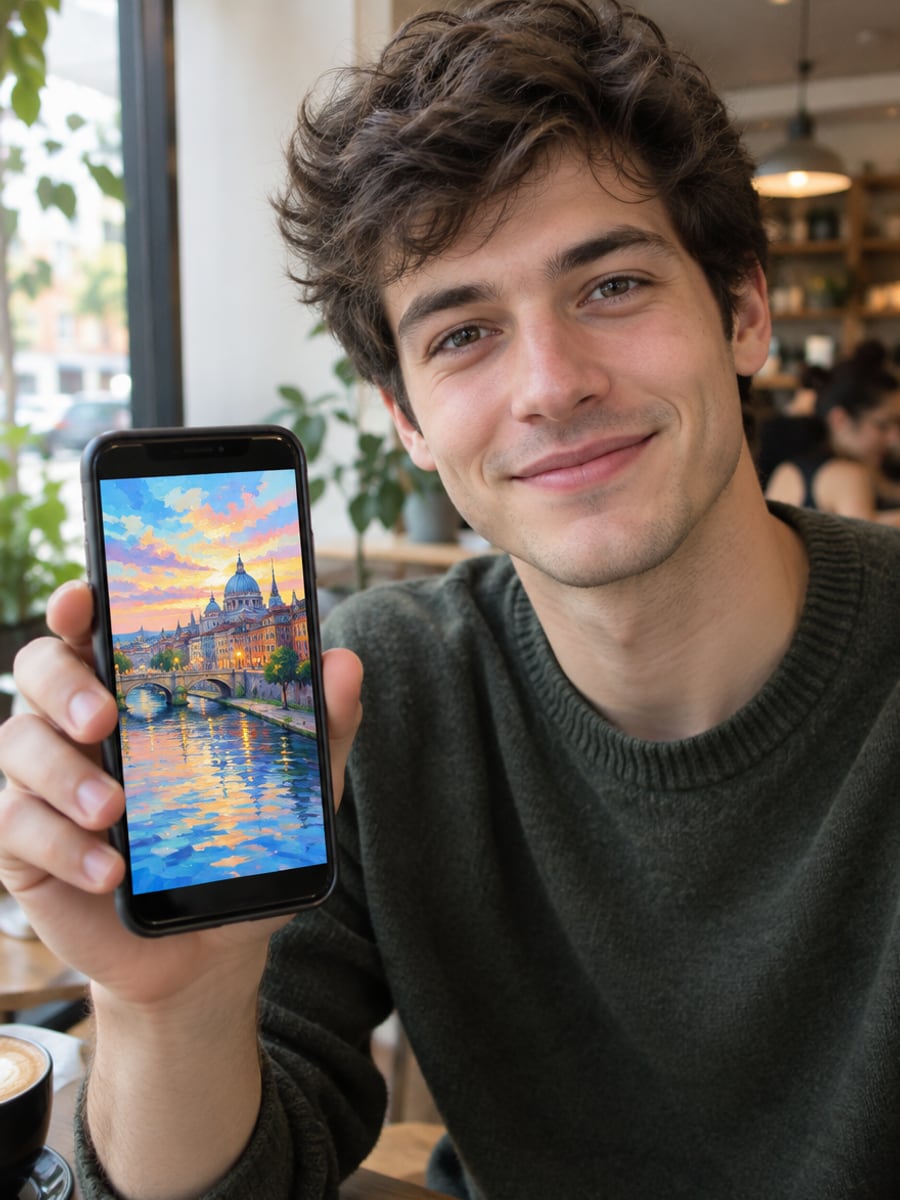
Give every post a painted look that stops the scroll
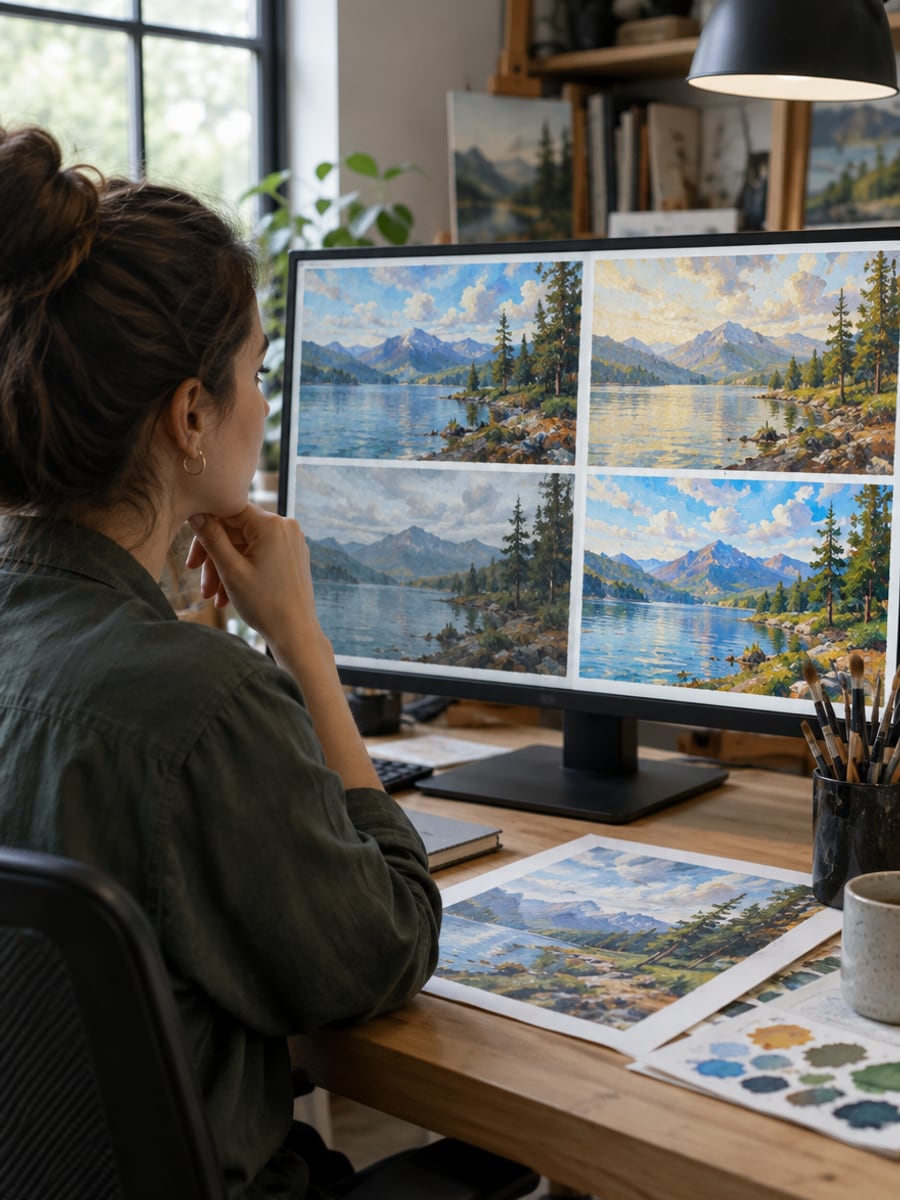
Test art directions on one photo in minutes
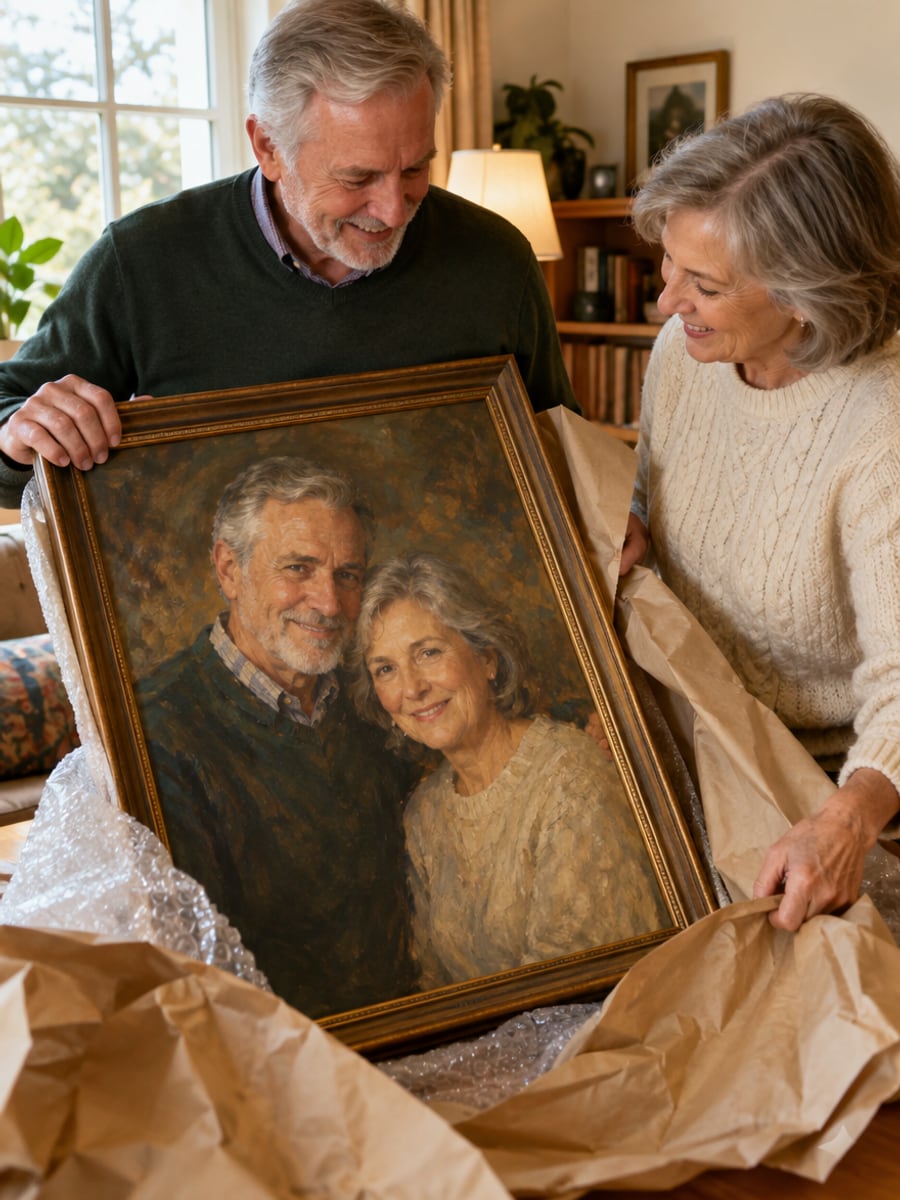
Turn a shared photo into a painting they keep
How to Turn Photos Into Art with CreateVision
Upload your photo, select a style, and download your professional result instantly

Upload Your Photo
Upload any photo you want to transform. Landscapes, portraits, pets and architecture all work well.

Choose an Art Style
Pick a style such as Van Gogh, Monet, Picasso, Ukiyo-e or watercolor. Open the advanced options to set style intensity, color and detail.

Generate Your Artwork
The AI repaints your photo in the chosen style while keeping its main subject and composition. Download the result or try another style.
The All-in-One AI Creation Platform
One account for images, videos, an AI agent that works for you, expert AI mentors and 80+ ready-made tools.
AI Image & Video Generator
Every leading model in one workspace: Seedream, Nano Banana, GPT Image, Seedance, Veo and more.
Open
Ava, your AI creative agent
Describe what you need and Ava plans, generates and iterates for you.
Open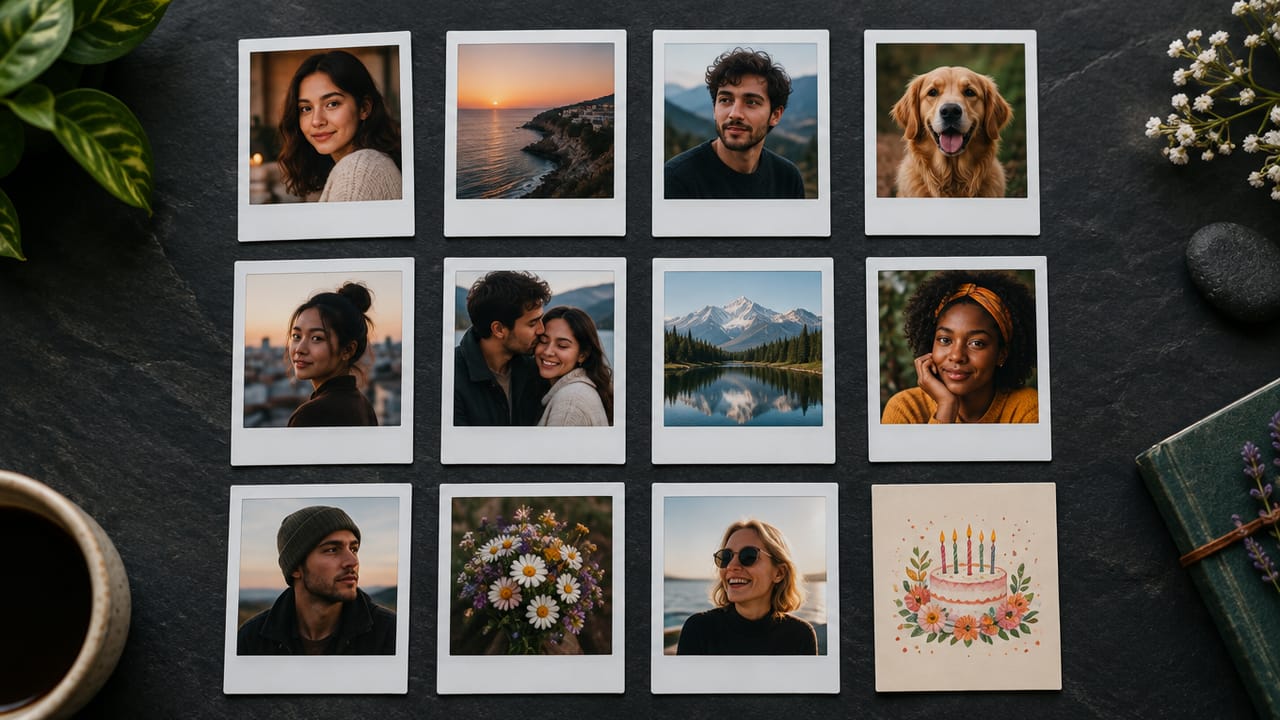
80+ AI tools
One-click tools for photos, videos, cards, portraits and viral trends.
Open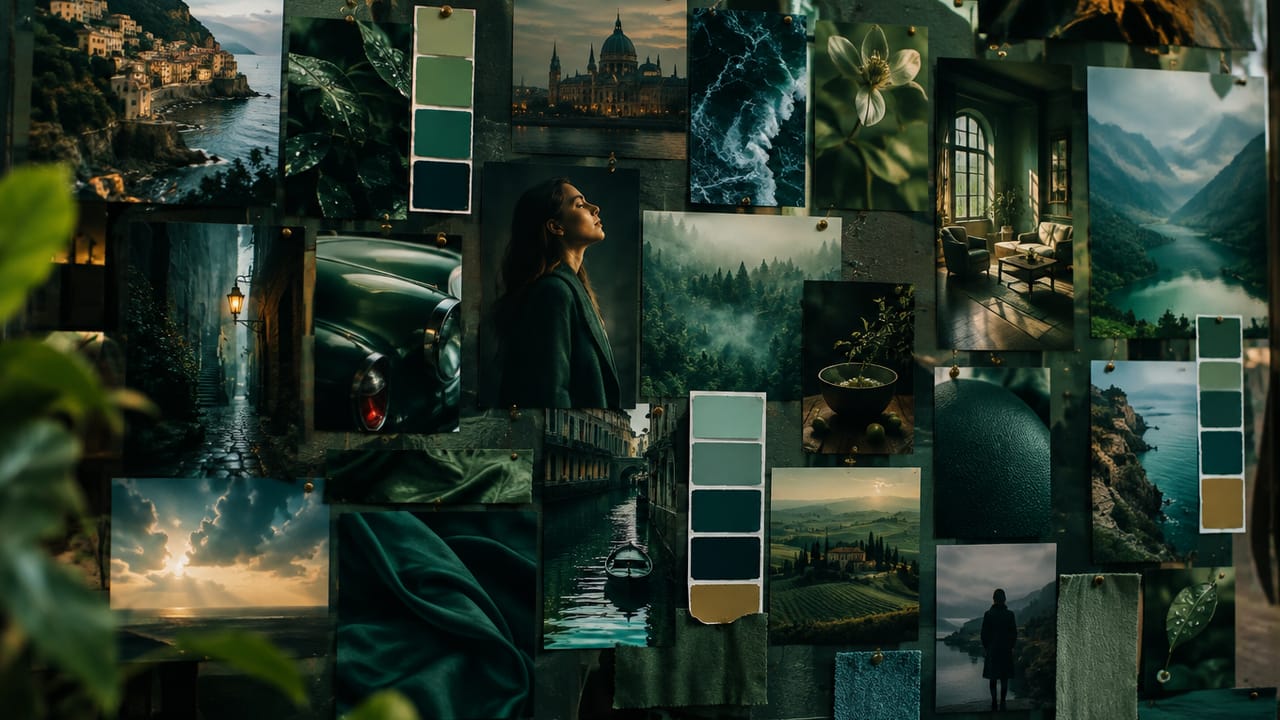
Template library
Thousands of ready prompts and styles to start from.
Open
Studios
Portrait, marketing, poster and cinema studios for finished work, not single shots.
Open
AI model library
Compare and pick the right image or video model for every job.
Open
AI mentors
Learn from expert mentors in photography, design and video, then create with their guidance.
Open190K+ creators
Using CreateVision to create and share
What Users Say
Real feedback from users worldwide
“As a digital artist, this tool helps me explore styles quickly. The Van Gogh and Monet effects are remarkably authentic.”

“I use this for client presentations to show artistic treatments. It's faster than manually creating style mockups.”

“I've printed several transformed photos as canvas art for my home. Guests always ask where I got such unique pieces.”

FAQs About Our AI Art Style Transfer
AI art style transfer repaints a photo in the look of a specific art style. It keeps the subject and composition of your photo and changes the brushwork, color and texture. On CreateVision you upload a photo, pick a style and get a new painted version of your image.
The best tool gives you real style choices and keeps your photo recognizable. CreateVision offers ten styles, from Van Gogh and Monet to watercolor, sketch and digital art. You can also control style intensity, color treatment and detail preservation, and every result costs a flat 50 credits.
You upload one photo and choose a style. The AI reads the subject and layout of your image, then repaints it with the brushwork and palette of that style. Optional settings let you pick an art movement, a style intensity from subtle to extreme, a color treatment and how much detail to keep.
You can choose Van Gogh (Starry Night), Monet (Impressionism), Picasso (Cubism), Da Vinci (Renaissance), Ukiyo-e (Japanese), Pop Art, Watercolor, Oil Painting, Sketch and Digital Art. For best results, upload a clear, well-lit photo of at least 1000x1000 pixels.
Each artwork costs 50 credits. If you sign up with Google, you start with 200 free credits, which covers four artworks. After that you can subscribe or buy a credit pack.
You can download your artwork and print it for your home or as a gift. For commercial use, check the usage terms for your plan and make sure you own or have the rights to the photo you uploaded. Free accounts download images with a small CreateVision mark, and subscribers and credit-pack buyers can turn it off.
Some styles change a photo more than others. Strong or extreme intensity can reshape faces and small details, and busy or low-resolution photos give the AI less to work with. If a result drifts too far, lower the intensity, set detail preservation to high or try a clearer photo.
Turn Your Photos Into Art With AI
Pick a master style, set the intensity and get a painted version of your photo for 50 credits.
Related Tools You Might Like
Explore more AI creative tools