Prompt to video

Text to Video Generator

Describe the scene, motion, mood, and camera direction, then generate video with a model and parameter set that fits the job.

Prompt to motionDuration controlVideo model selection
0 / 2,000
~100 cr

Popular Models

Prompt-to-clip engines, from leaderboard leader to cinematic specialist.

Get Inspired

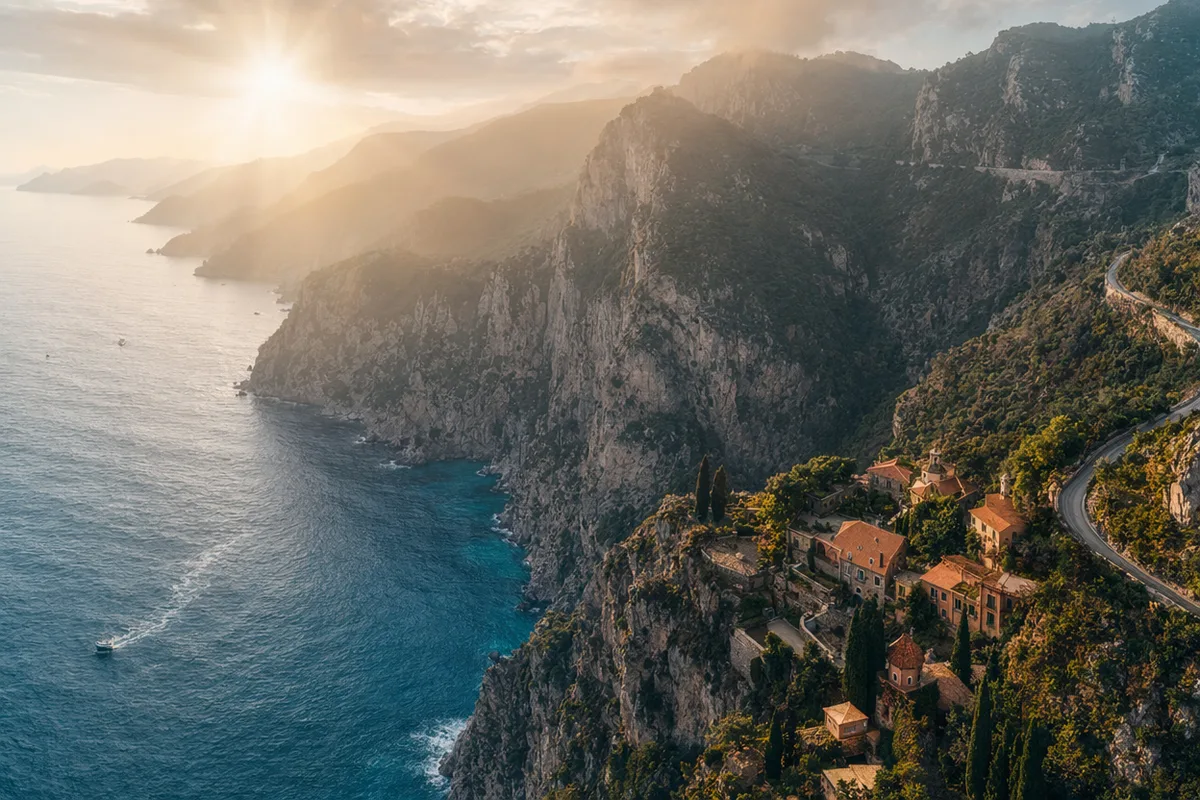
Stills from prompt-generated AI videos.

AI video still of a vintage car chase through narrow European streets
AI video still of a surfer inside a glassy barrel wave at sunrise
AI video still of northern lights swirling over a snowy cabin
AI video still of rain running down a cafe window with warm bokeh
AI video still of a dancer silhouette on a smoky stage under amber light
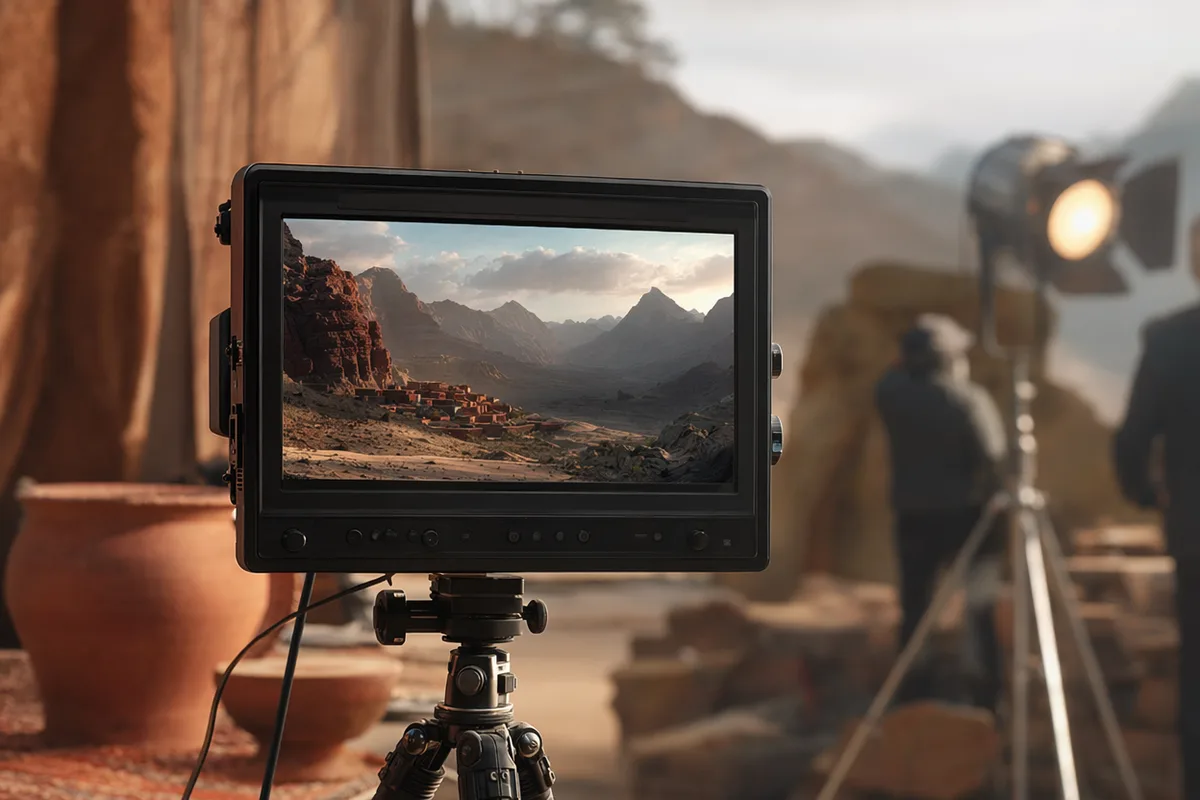
AI video still from a drone flight through a red rock canyon
AI video still of milk splashing around chocolate cookies
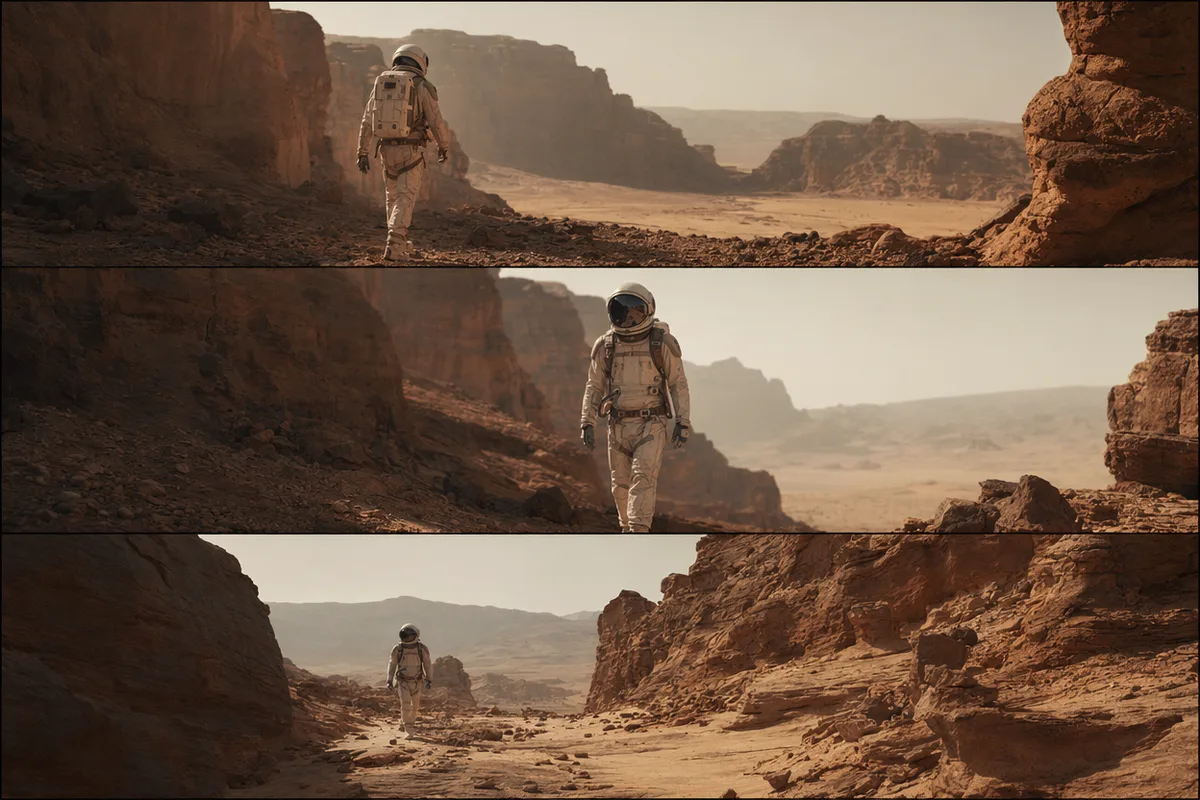
AI video still of an astronaut walking down a glowing spaceship corridor

Text to video AI — write the scene, get the footage

Describe subject, motion, mood, and camera, and generate cinematic clips with native audio. Powered by Seedance 2.0 — the model currently winning blind preference votes — alongside Veo 3.1 Fast.

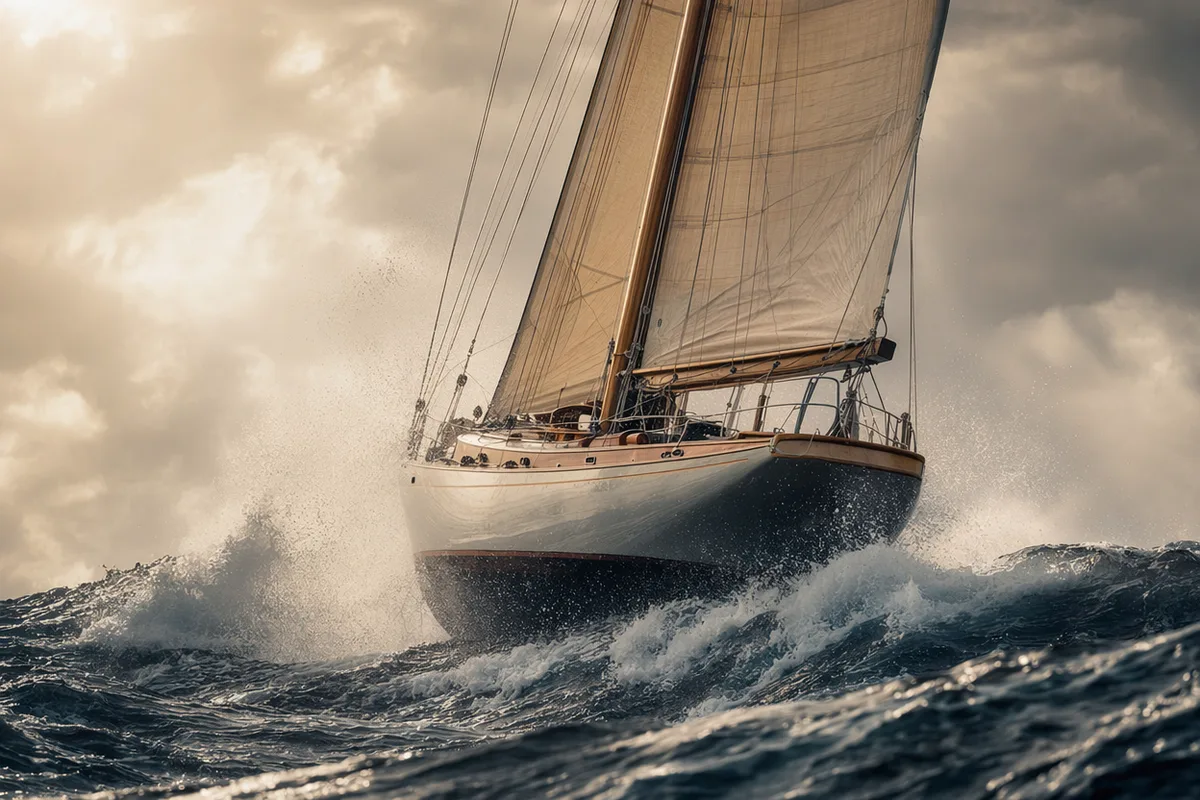
Cinematic AI film still of a sailboat in a storm

Cinematic scenes from plain sentences

A storm at sea, a chase through neon streets, a quiet diner at night — write it like you would tell a friend, and the model handles cinematography. Veo output is repeatedly described as "directed, not generated": intentional light, believable physics, real camera grammar.

Timelapse sequence of a flower blooming across three frames

Motion and timing you can specify

Slow push-in, timelapse bloom, handheld energy — motion direction in the prompt is followed, and duration is yours to set (4–15 seconds depending on model). The clip matches the brief instead of approximating it.

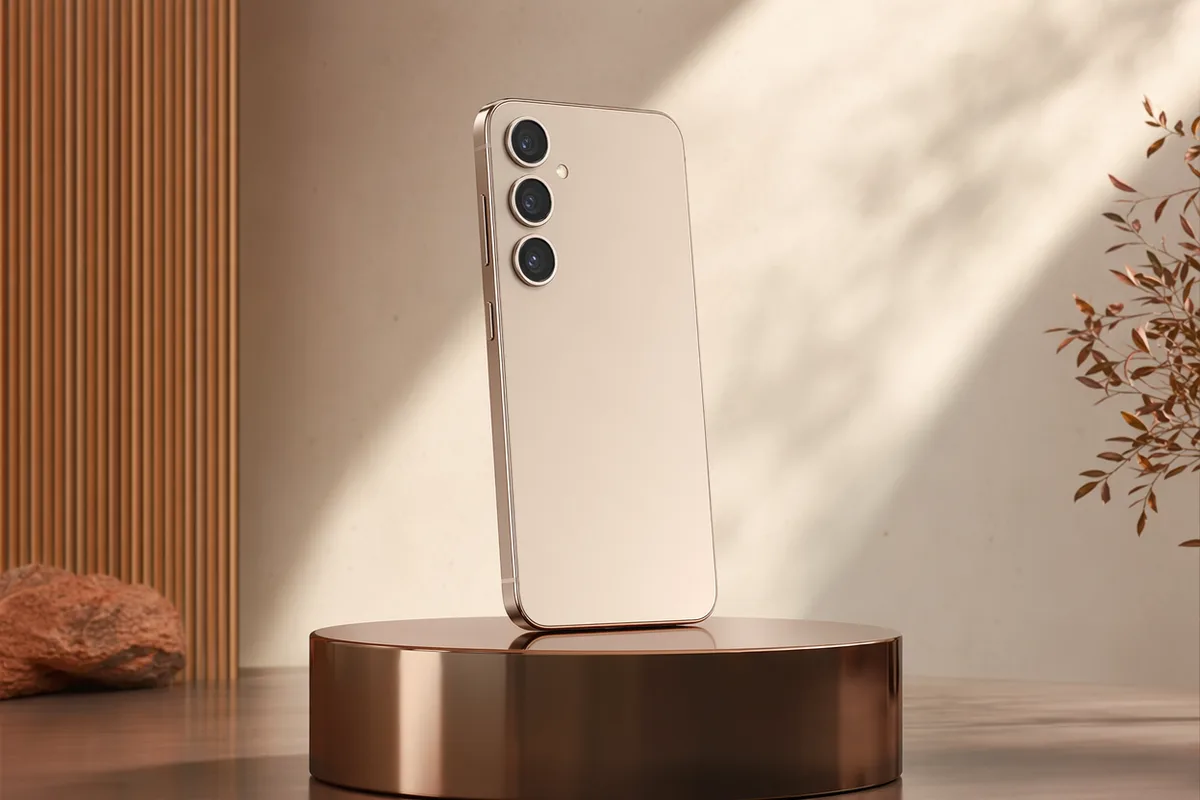
Commercial-style product video frame of a rotating smartphone

Product and brand clips in minutes

Rotating hero shots, pour shots, unboxings — commercial-style footage that used to need a studio session generates from a paragraph. Per-second pricing with the exact cost shown upfront keeps campaigns budgetable.

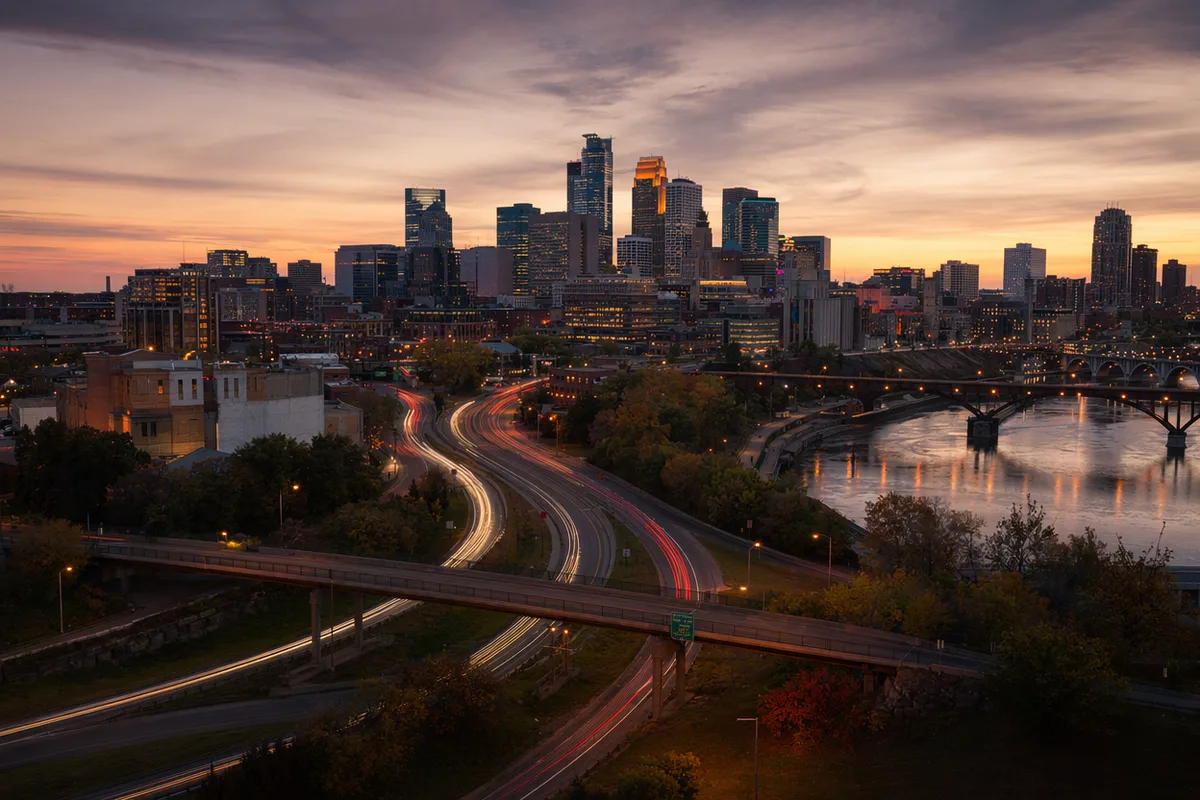
City skyline timelapse with light trails at dusk

Sound included, vertical ready

Native dialogue, ambience, and effects arrive with the visuals; 9:16 vertical and 16:9 widescreen are both first-class. The output is a postable clip, not a silent draft.

Keep exploring CreateVision AI

One account, the full image and video generation workflow.

Choose Your Plan

Start free with daily credits. Upgrade for premium models, faster generation, and 4K output.

Free

$0

Perfect for getting started

  • 80 credits per day, 400 per month
  • Z Image Turbo drafts at 0 credits
  • Standard generation speed
  • Generation history included
Get Started

Premium

Most popular
$29/month

Billed annually · $240/year

  • 1,600 credits/day, 8,000 credits/month
  • All premium models — GPT Image 2, Nano Banana, Seedream, Seedance, Veo, Kling
  • 5x generation speed, priority queue
  • AI prompt enhancement
Upgrade to Premium

Ultimate

$49/month

Billed annually · $300/year

  • 4,000 credits/day, 18,000 credits/month
  • HD generation up to 4K resolution
  • Private generation — results stay out of the gallery
  • Fastest queue and early access to new models
Upgrade to Ultimate

Frequently Asked Questions

1

How does text to video work?

You describe the scene — subject, motion, mood, camera — and an AI video model generates a clip from scratch, including native audio. No source footage is needed.

2

Which model should I use?

Seedance 2.0 Fast for affordable iteration, Seedance 2.0 for multi-shot stories, Veo 3.1 Fast for single-shot cinematic polish, Seedance 1.5 Pro when you need exact 1080p/duration control.

3

How long can the videos be?

Roughly 4 to 15 seconds per generation depending on the model, with scene extension available on Seedance 2.0 to continue sequences.

4

Do clips include audio?

Yes — Seedance and Veo generate dialogue, ambience, and effects natively. Audio can be disabled on Seedance for a lower per-second rate.

5

How much does it cost?

Per second, varying with model, resolution, and audio — always displayed before you generate, with automatic refunds on failures.

6

How do I write a good video prompt?

Name the subject, the action, the setting, the mood, and the camera move. The built-in prompt enhancer expands short ideas into well-structured video briefs automatically.

7

Can I make vertical videos for TikTok and Reels?

Yes — choose 9:16 per generation for vertical platforms, or 16:9 for YouTube and web.

Write one paragraph — premiere one clip

Start Generating Videos