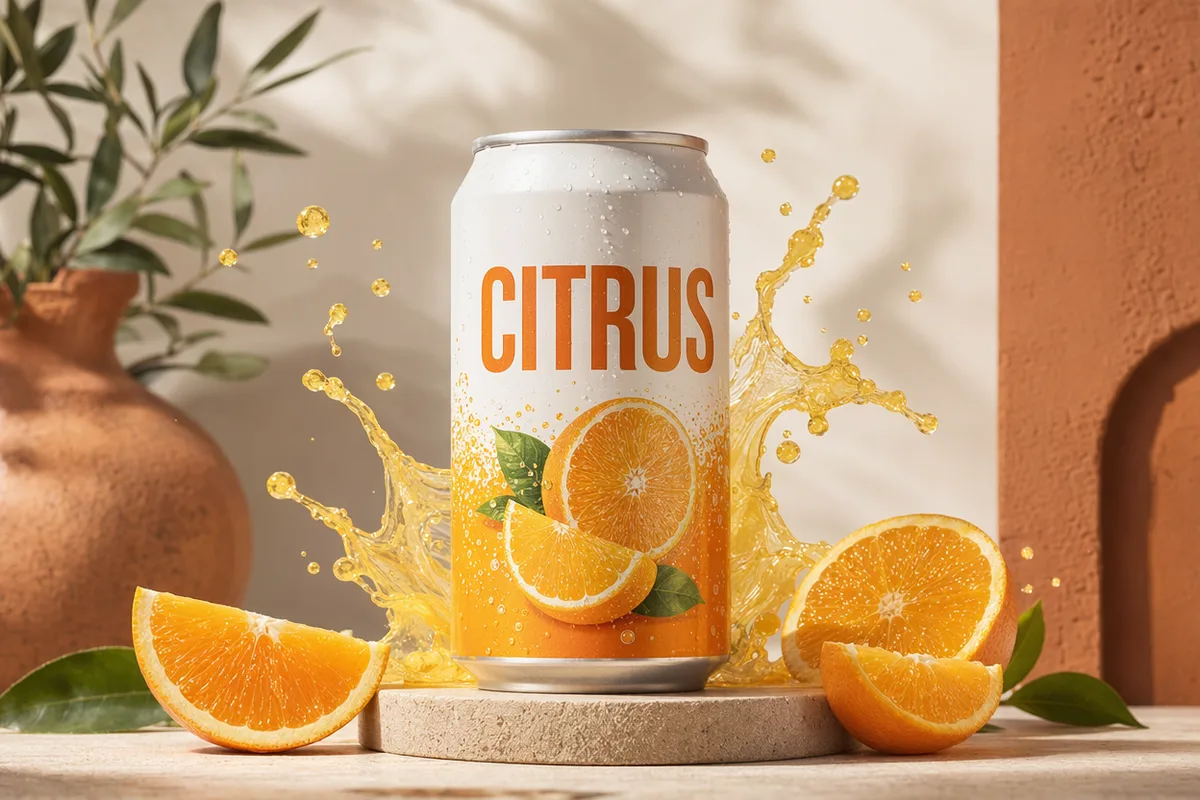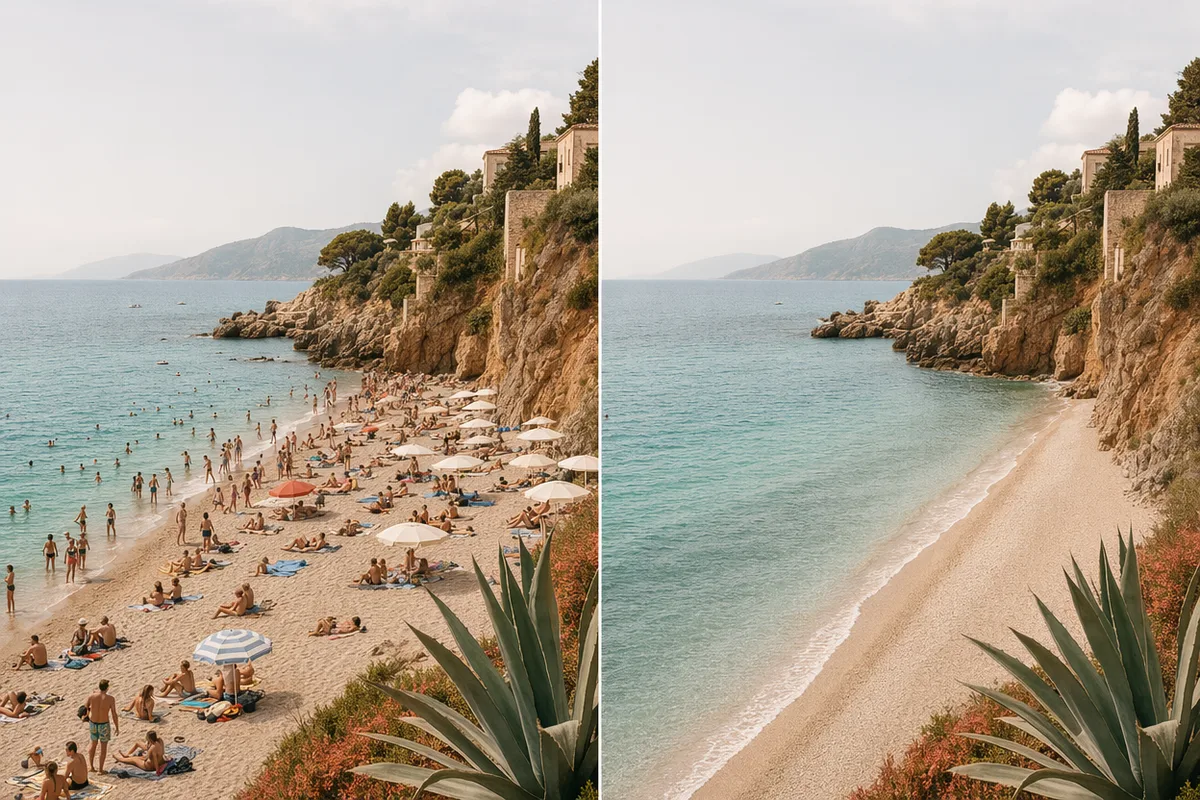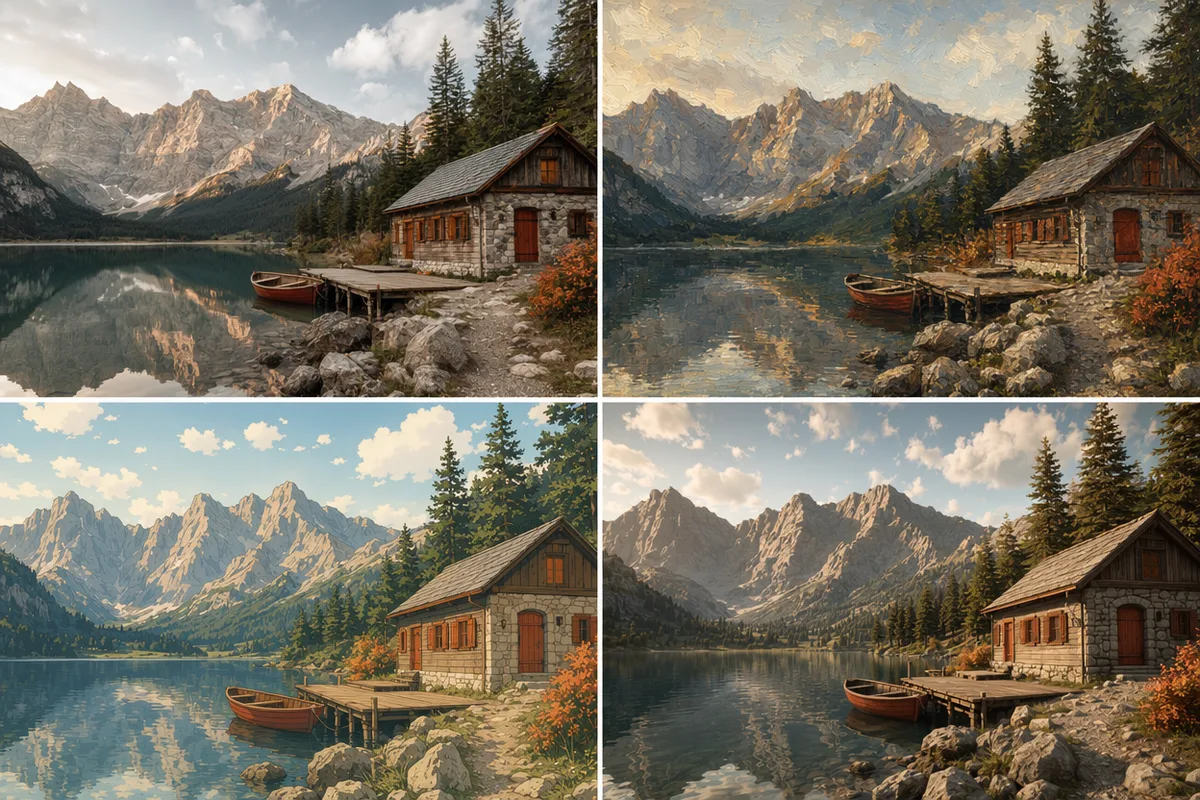
Reference image workflow

Image to Image Generator

Start from one or more reference images, describe the change, and generate consistent image variations in the same workspace.

Reference imagesStyle transferImage variation
0 / 2,000
Free

Popular Models

The models communities trust for reference-driven generation and editing.

Get Inspired

Restyles, fusions, and reference-driven sets created with CreateVision AI.

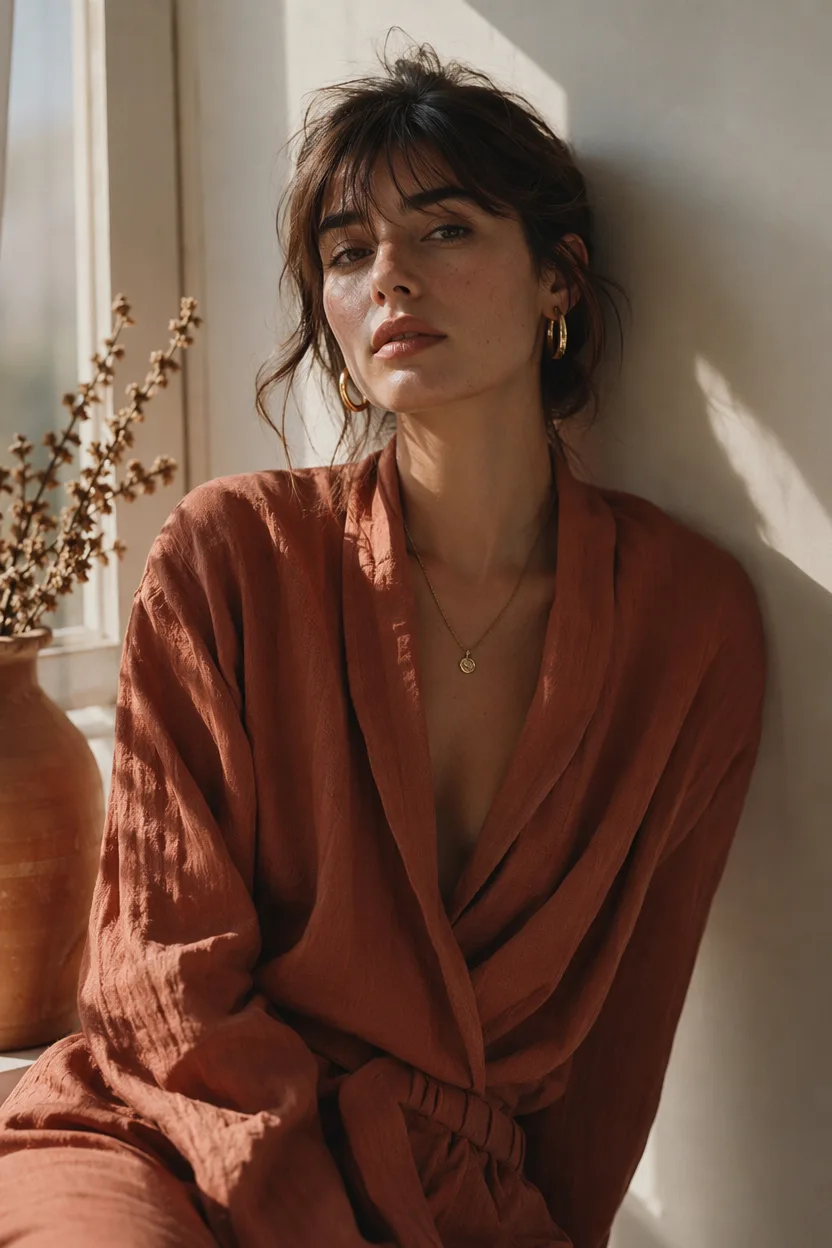
AI generated editorial portrait of a woman in soft window light
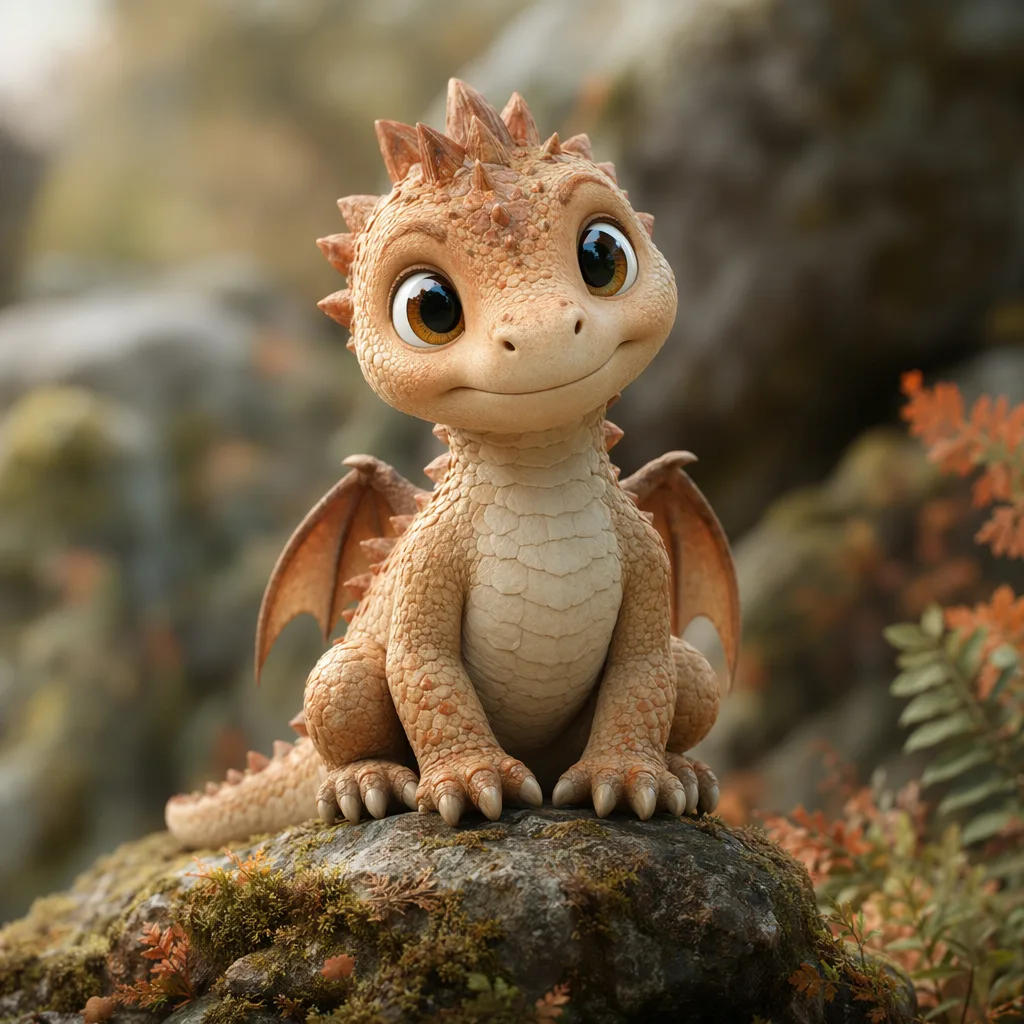
AI generated 3D baby dragon character on a mossy stone
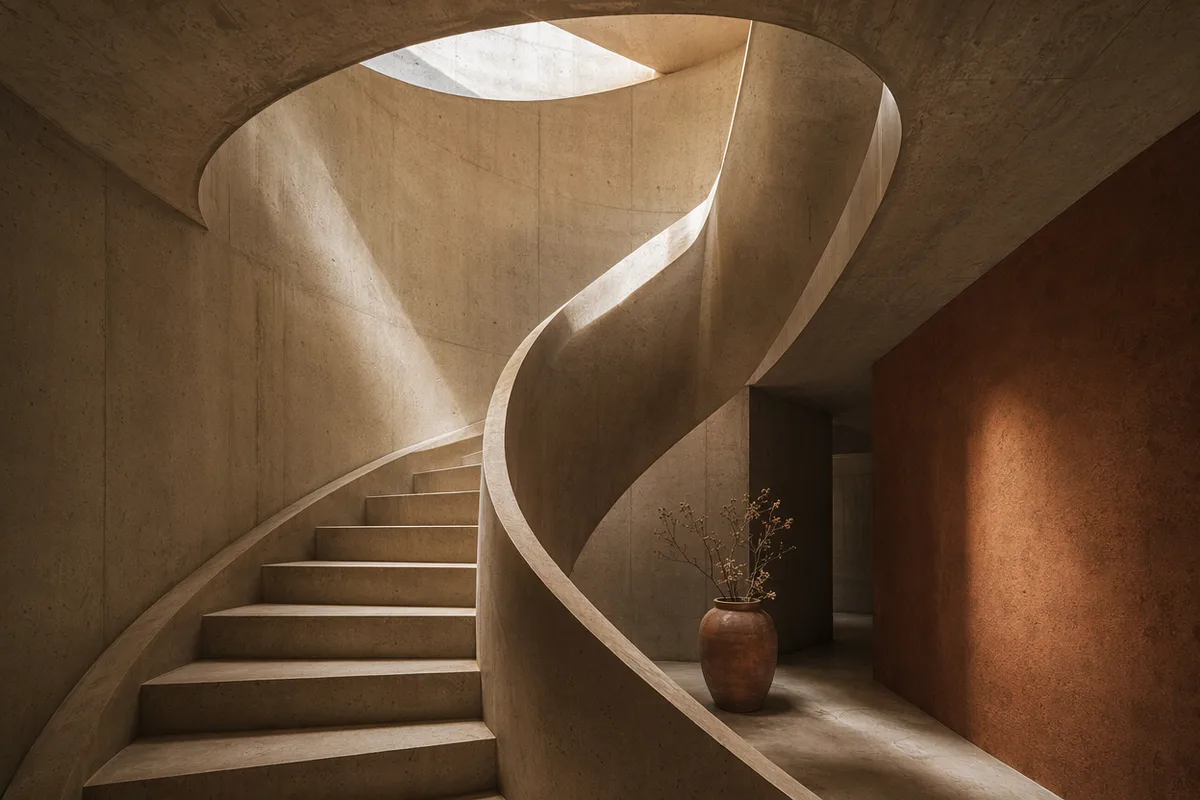
AI generated architectural photo of a warm concrete spiral staircase
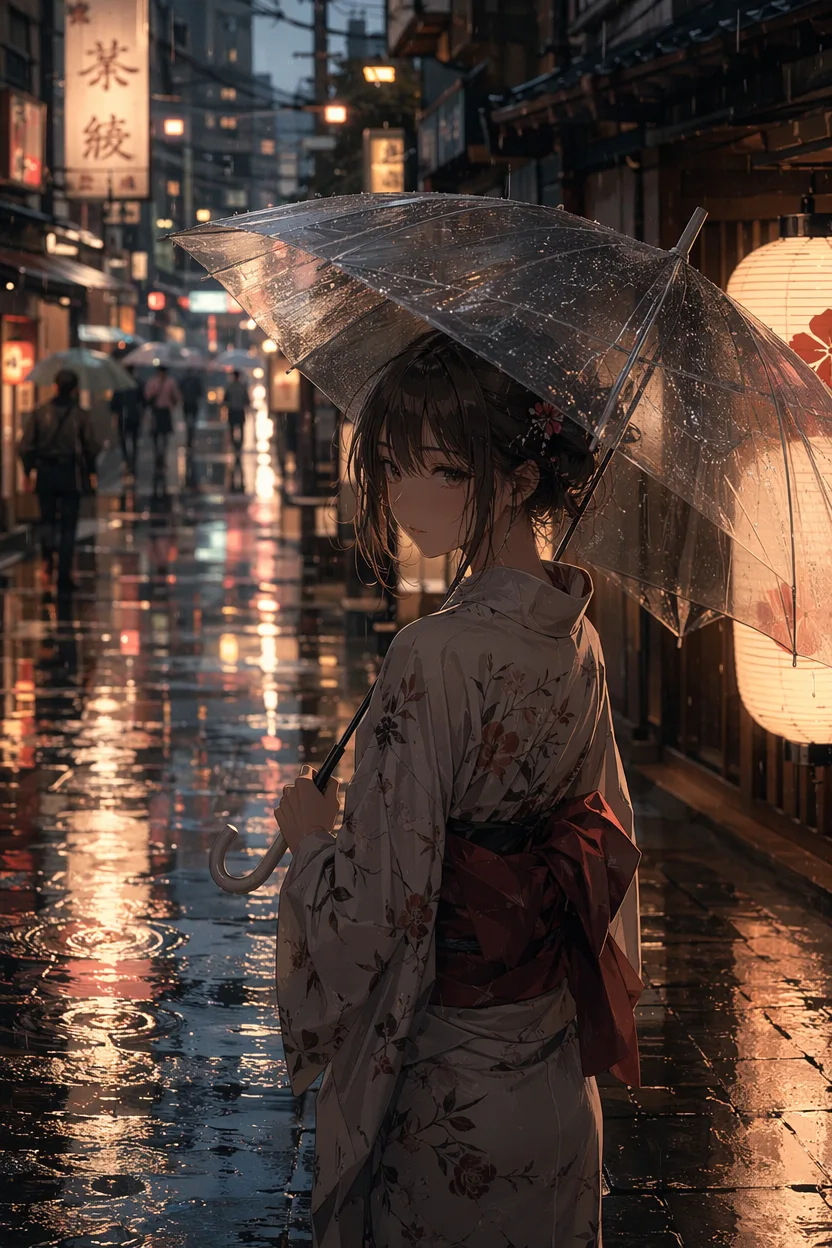
AI generated anime illustration of a girl with an umbrella on a rainy neon street
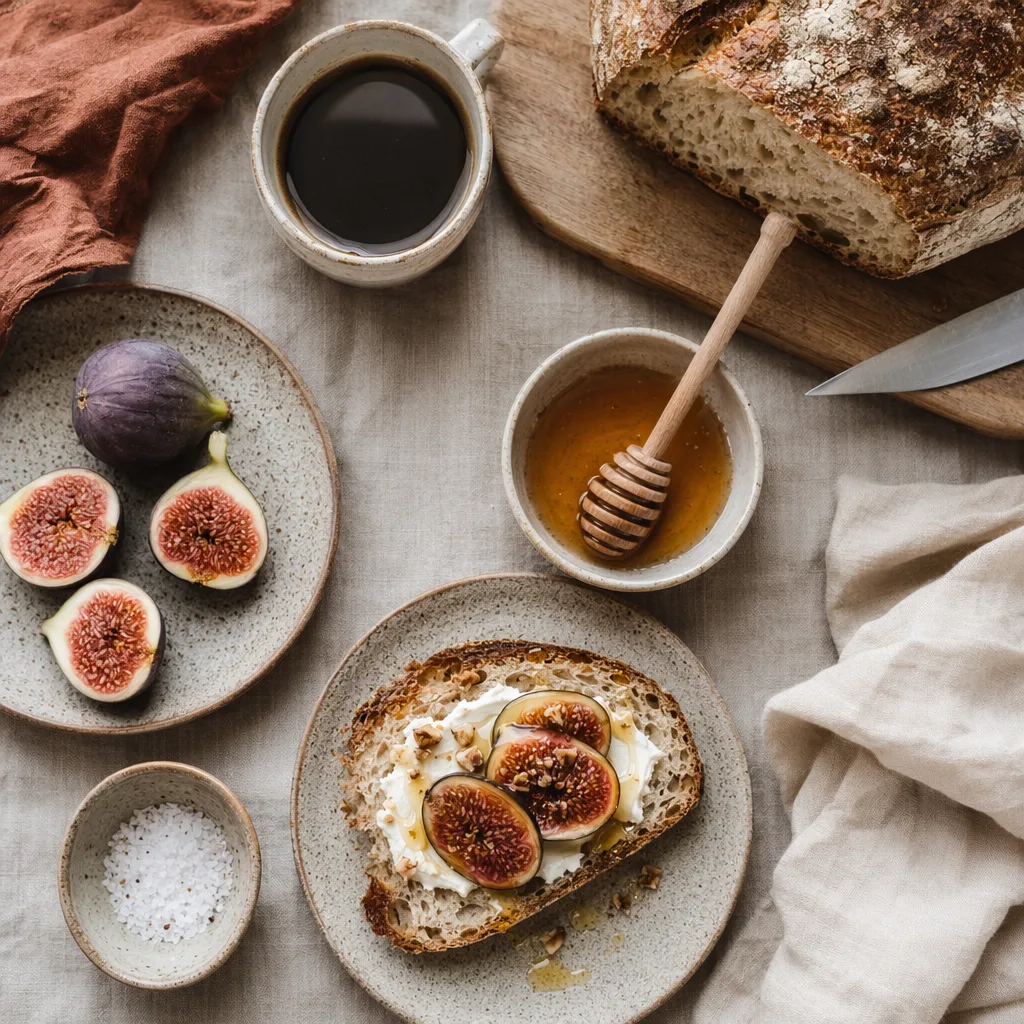
AI generated overhead food photography of a rustic breakfast spread
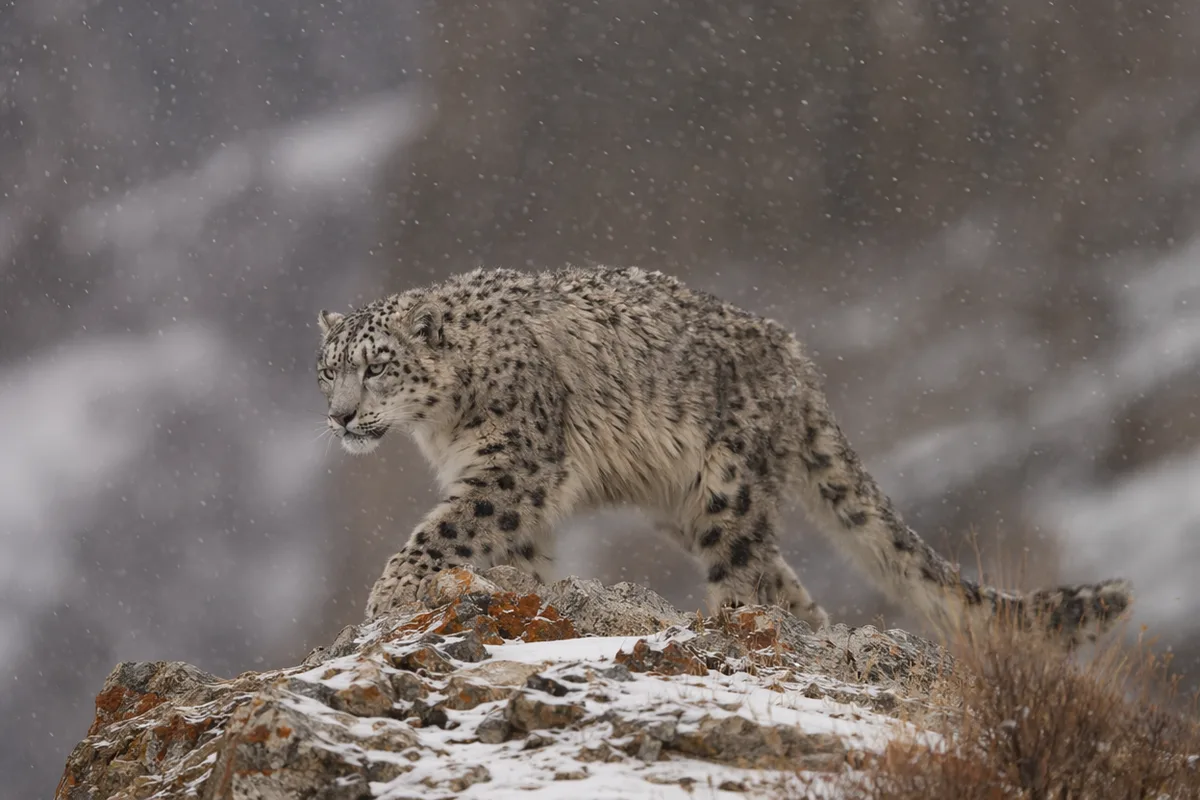
AI generated wildlife photo of a snow leopard in falling snow
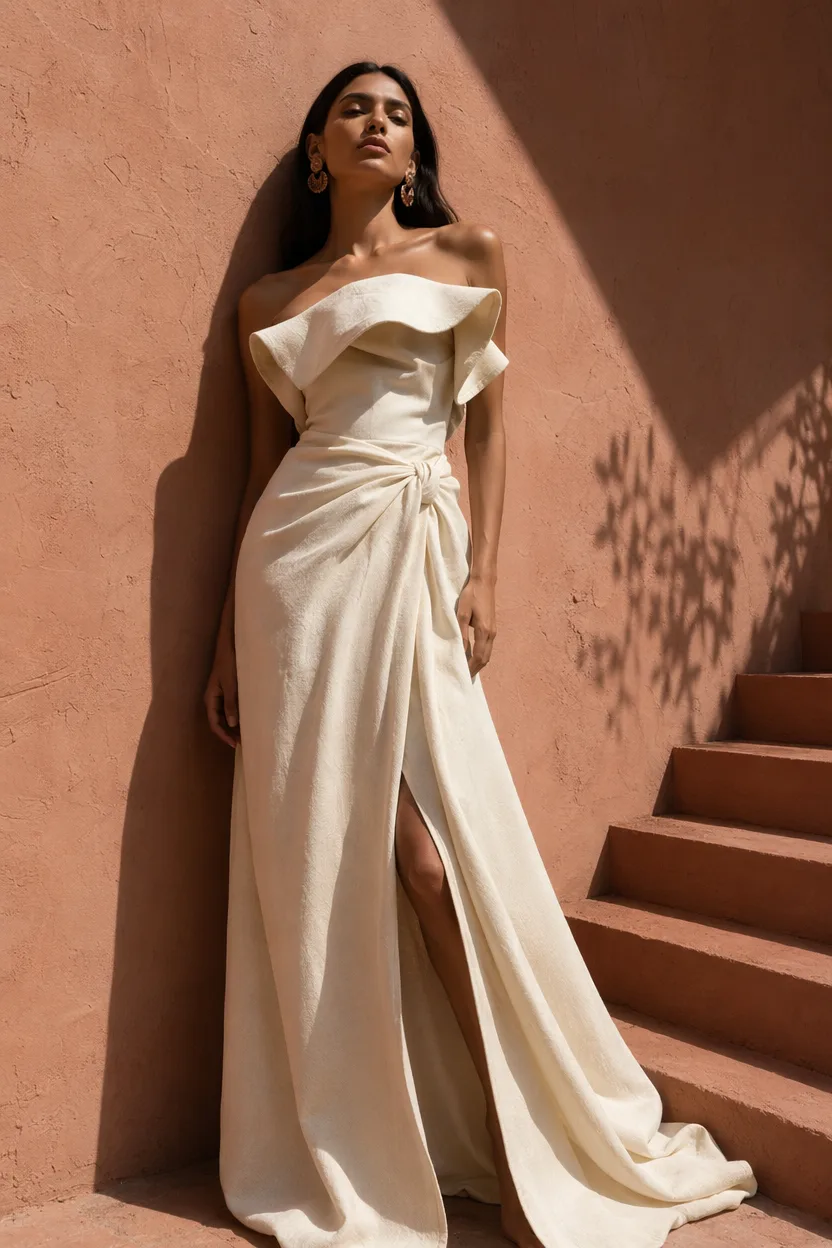
AI generated high fashion editorial portrait against a terracotta wall
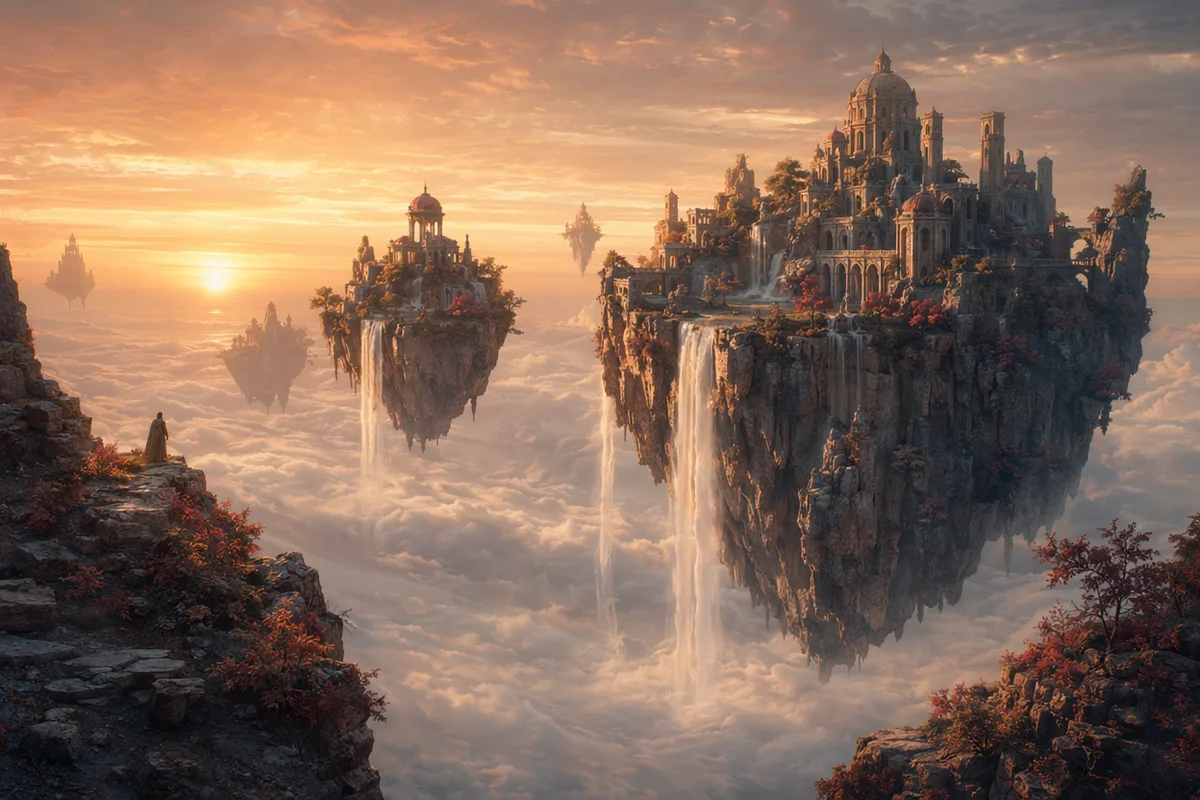
AI generated fantasy landscape of floating islands with waterfalls

Image to image AI — keep what works, change what doesn't

Upload references and direct the change in plain language: restyle materials, swap backgrounds, hold characters steady across a whole series. The workflows users praise most, in one panel.

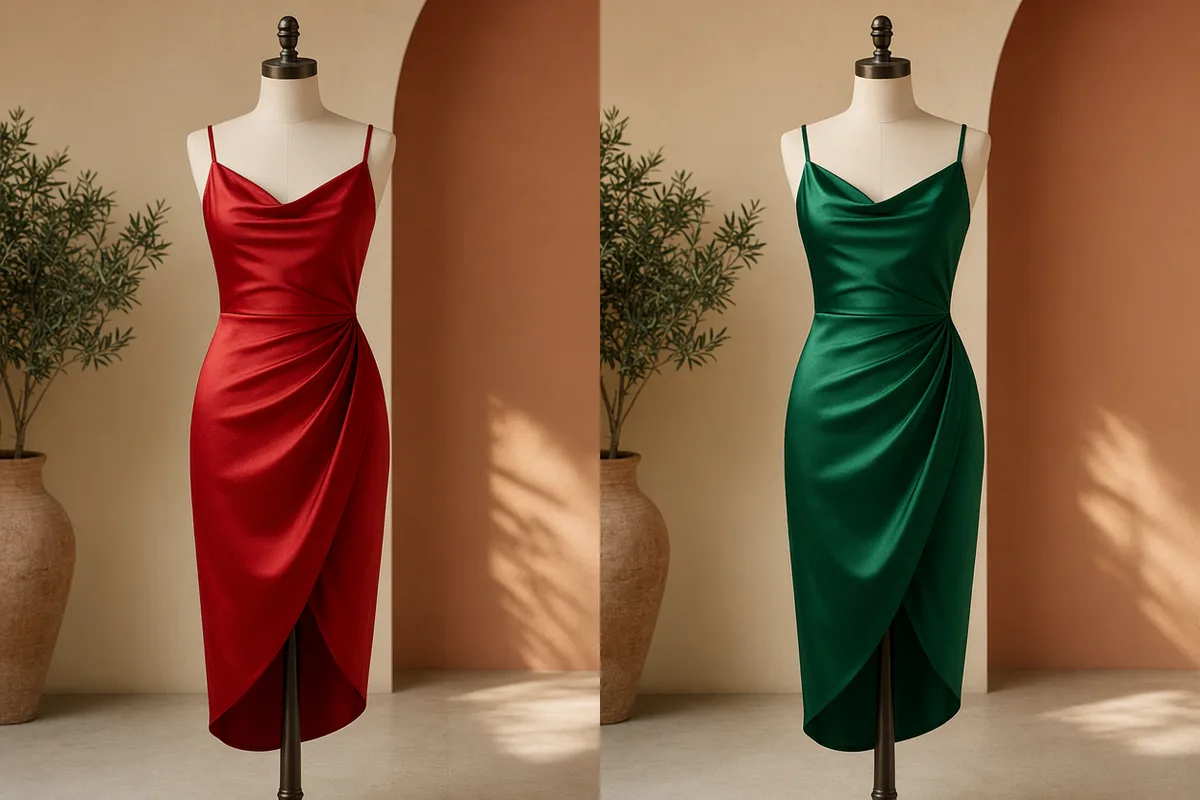
The same dress and pose restyled from red to emerald silk

Restyle without losing the composition

Change the fabric, the lighting, the season, the medium — while the framing and subject stay put. Reference-based restyling means the photo you liked becomes the photo you needed, instead of a lottery ticket on a new generation.
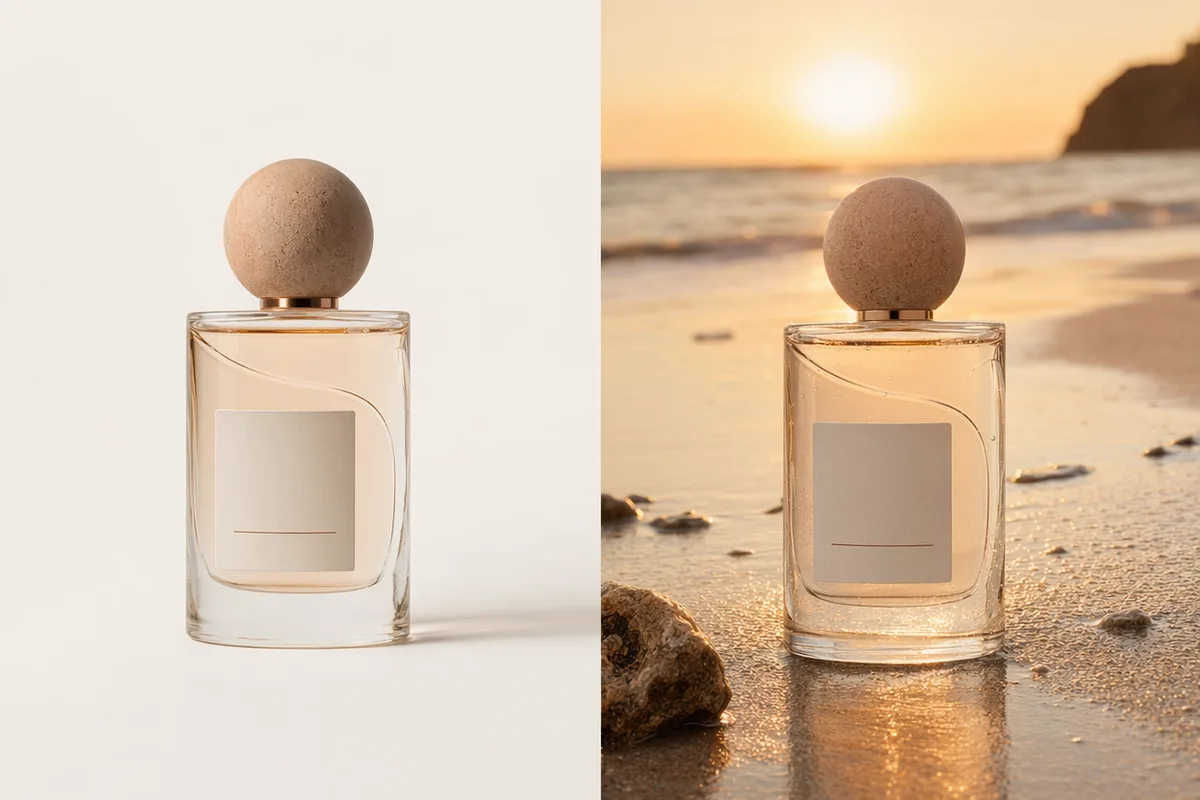
A perfume bottle shown on studio white and on a sunset beach

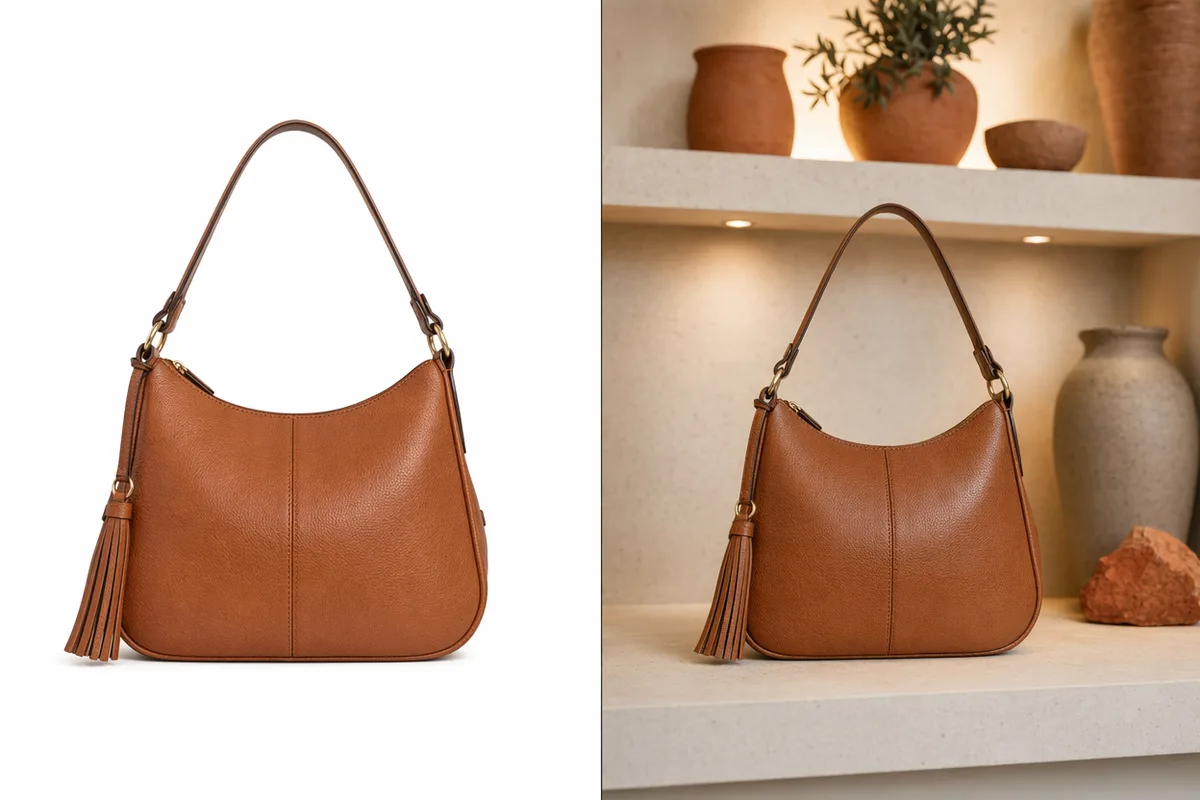
Background swaps with believable light

Move a product from white seamless to a sunset beach and the lighting, shadows, and reflections follow automatically — the tedious relight work users say takes the longest in manual editing. E-commerce sets that used to need a studio day take minutes.

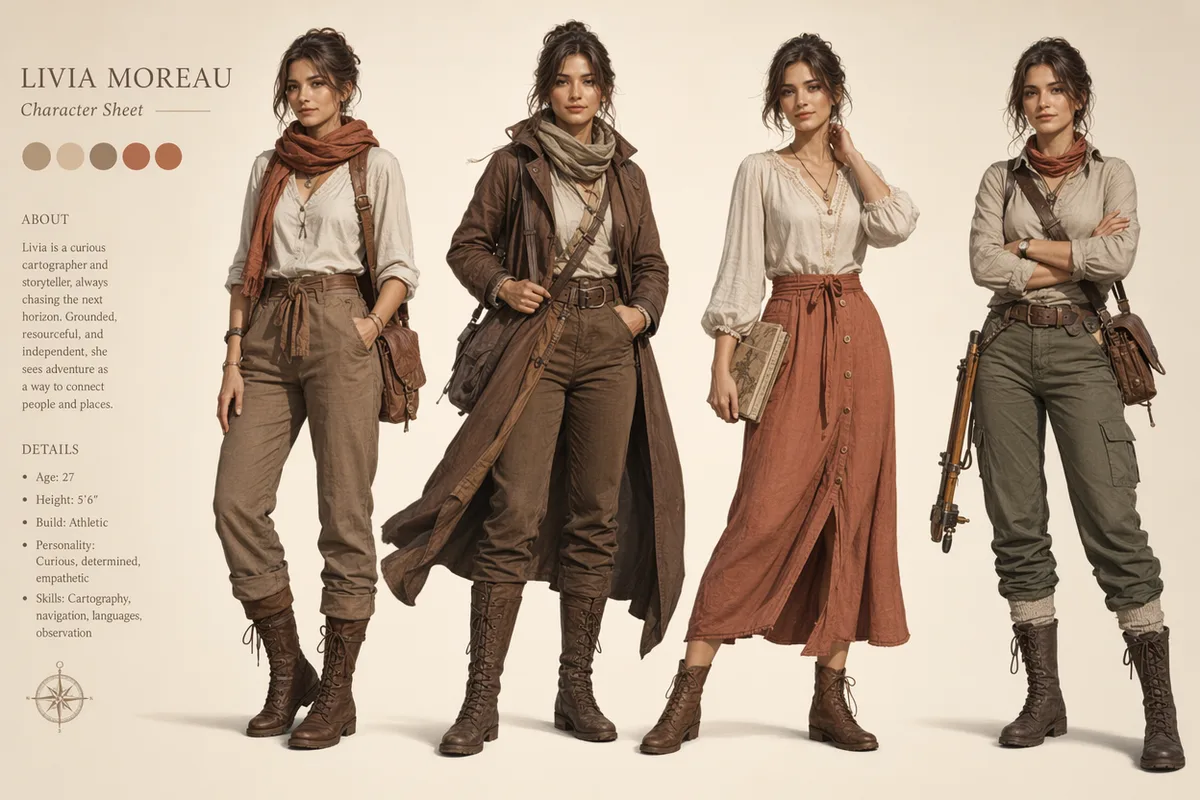
Character model sheet with one heroine in four consistent outfits

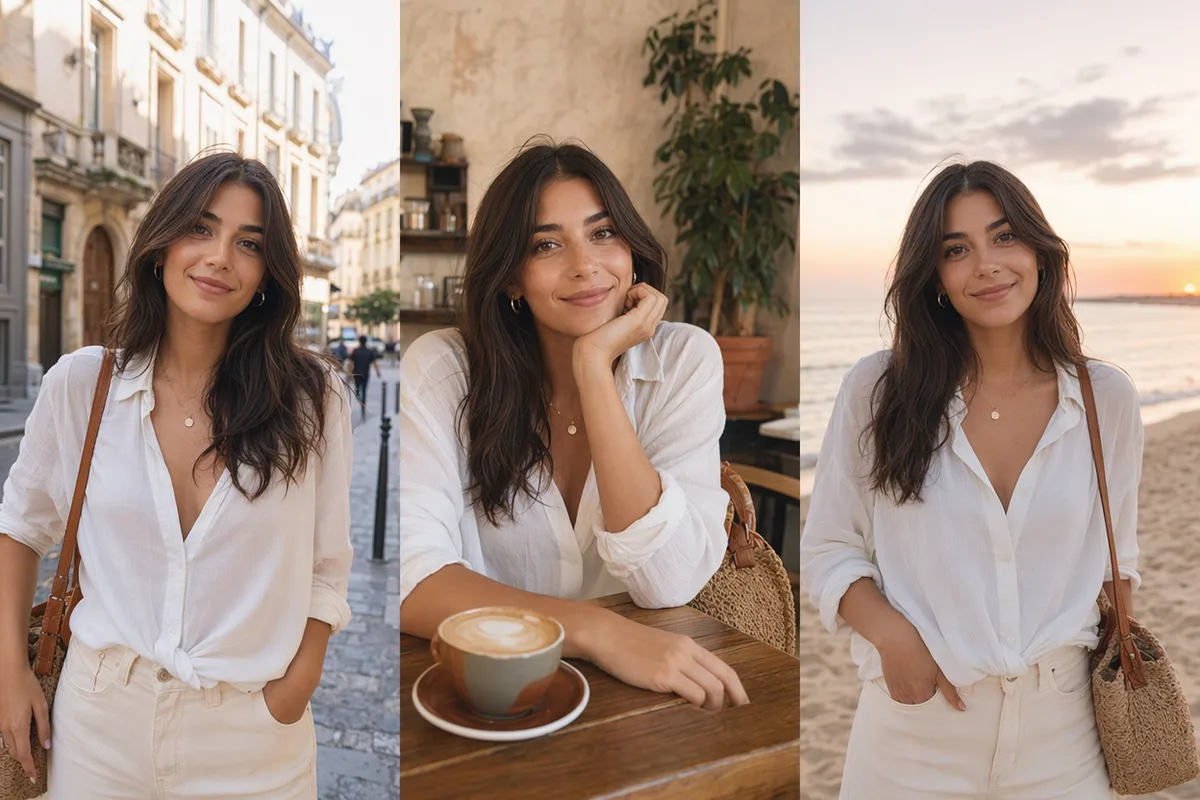
Character consistency across a series

Nano Banana's celebrated "character DNA" keeps the same face, outfit, and style across poses and scenes. Build model sheets, story panels, and brand mascots that read as one character — the capability Reddit calls genuinely rare in AI tools.

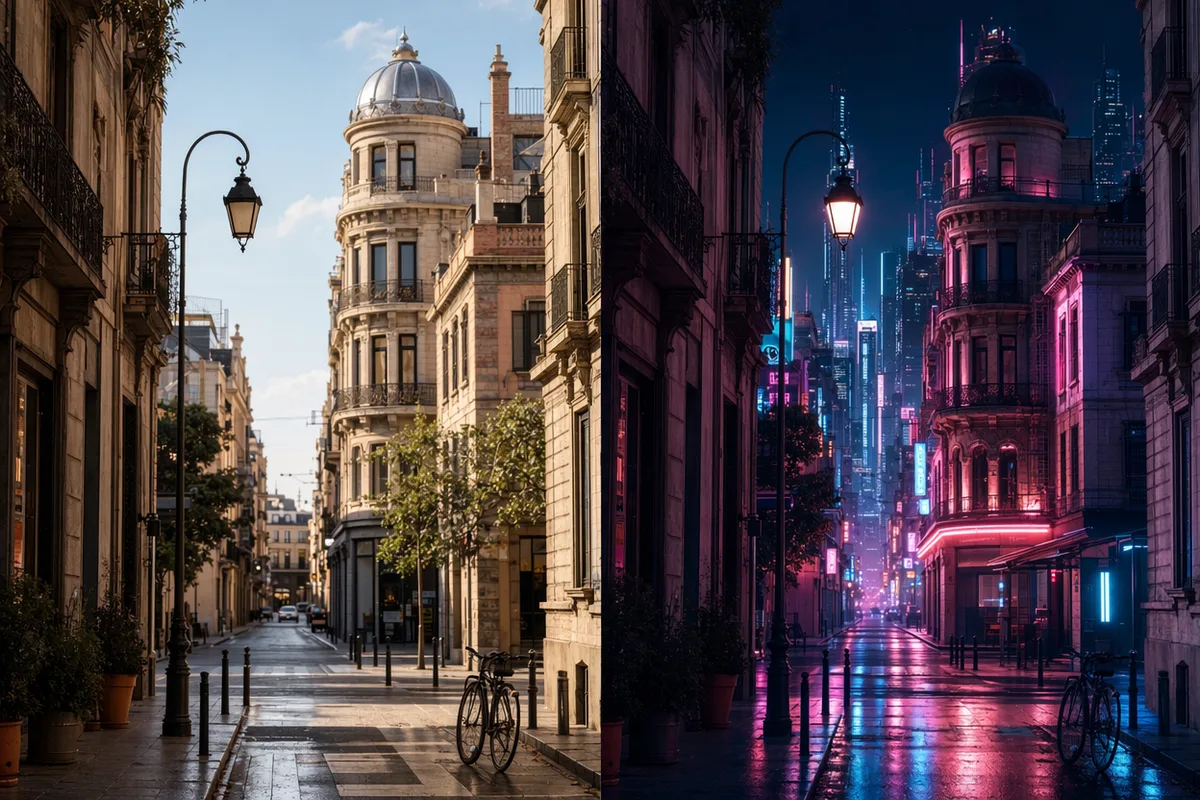
A sunny street photo transformed into a neon cyberpunk night scene

Full-scene style transfer

Day to night, photo to anime, modern to cyberpunk — transform the entire mood of an image while its structure survives. Pair multiple references to fuse subjects, products, and scenes into one coherent composite.

Keep exploring CreateVision AI

One account, the full image and video generation workflow.

Choose Your Plan

Start free with daily credits. Upgrade for premium models, faster generation, and 4K output.

Free

$0

Perfect for getting started

  • 80 credits per day, 400 per month
  • Z Image Turbo drafts at 0 credits
  • Standard generation speed
  • Generation history included
Get Started

Premium

Most popular
$29/month

Billed annually · $240/year

  • 1,600 credits/day, 8,000 credits/month
  • All premium models — GPT Image 2, Nano Banana, Seedream, Seedance, Veo, Kling
  • 5x generation speed, priority queue
  • AI prompt enhancement
Upgrade to Premium

Ultimate

$49/month

Billed annually · $300/year

  • 4,000 credits/day, 18,000 credits/month
  • HD generation up to 4K resolution
  • Private generation — results stay out of the gallery
  • Fastest queue and early access to new models
Upgrade to Ultimate

Frequently Asked Questions

1

What is image to image AI?

Generation guided by reference images: you upload one or more images, describe the change, and the model produces a new image that keeps what you specified — subject, composition, style — while changing the rest.

2

How many reference images can I upload?

It depends on the model — Nano Banana models fuse multiple references, and GPT Image 2 accepts up to 16. The panel shows the limit for the selected model.

3

Which model is best for keeping a character consistent?

Nano Banana 2 and Nano Banana Pro are the community picks for character consistency and face preservation across scenes and edits.

4

Can I just change one part of an image?

Yes — for surgical local edits like removing an object or changing one color, use Qwen Image Edit Plus, which preserves everything you did not ask to change.

5

Does it work with product photos?

Yes — background swaps, scene placement, and restyling with automatic lighting adjustment are core e-commerce workflows here.

6

How much does it cost?

Per-image credit costs depend on the model — from 20 credits for Nano Banana upward — and are always shown before you generate. Free accounts get 80 daily credits.

7

Will my uploaded photos stay private?

Uploads are used to fulfil your generation and stored securely. Ultimate members can additionally enable private generation to keep results out of the public gallery.

Upload a reference and direct the change

Start Transforming Images