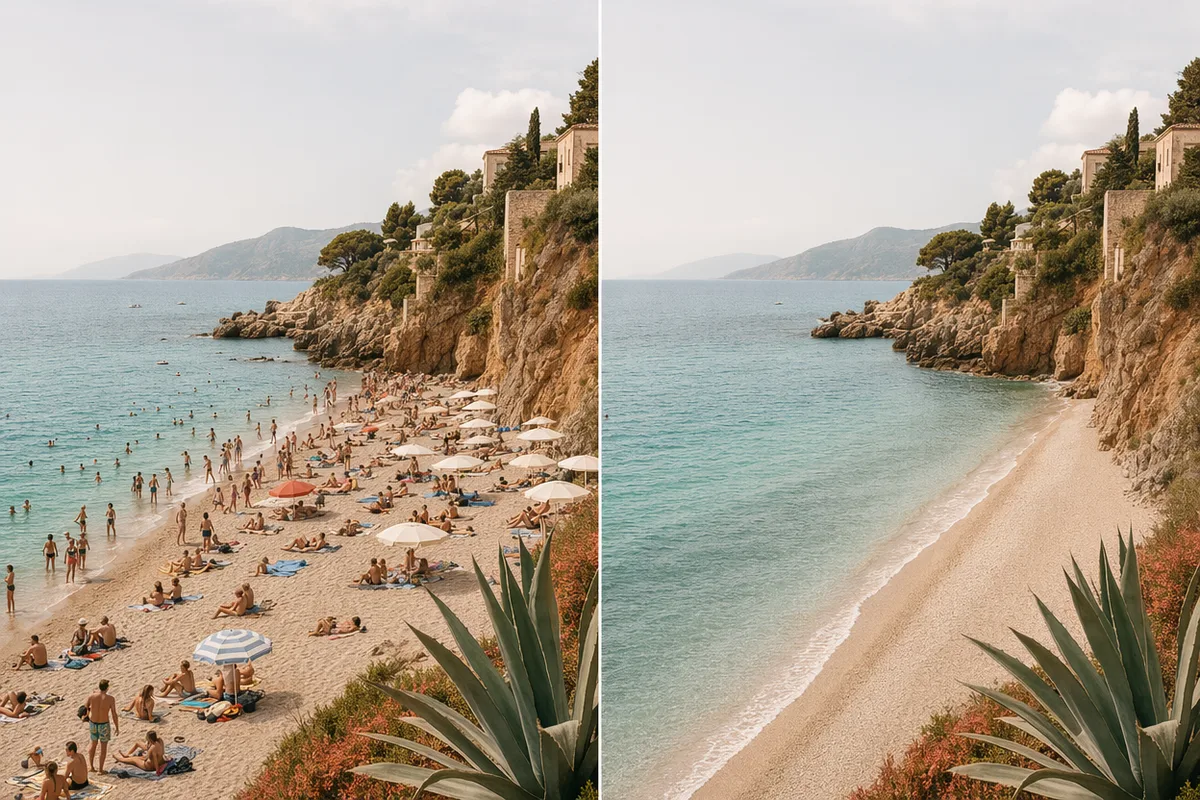
Remove anything, cleanly
Tourists, wires, logos, clutter — gone, with the background reconstructed convincingly. One-click-style object removal is the most-loved capability in AI editing communities, and it is the first thing this editor does well.
Use reference images and editing prompts to transform photos, swap styles, refine details, or generate new image directions.
Professional-grade results without Photoshop expertise — the promise users actually want from AI editing. Describe the change; the editor touches only what you named.
Tourists, wires, logos, clutter — gone, with the background reconstructed convincingly. One-click-style object removal is the most-loved capability in AI editing communities, and it is the first thing this editor does well.
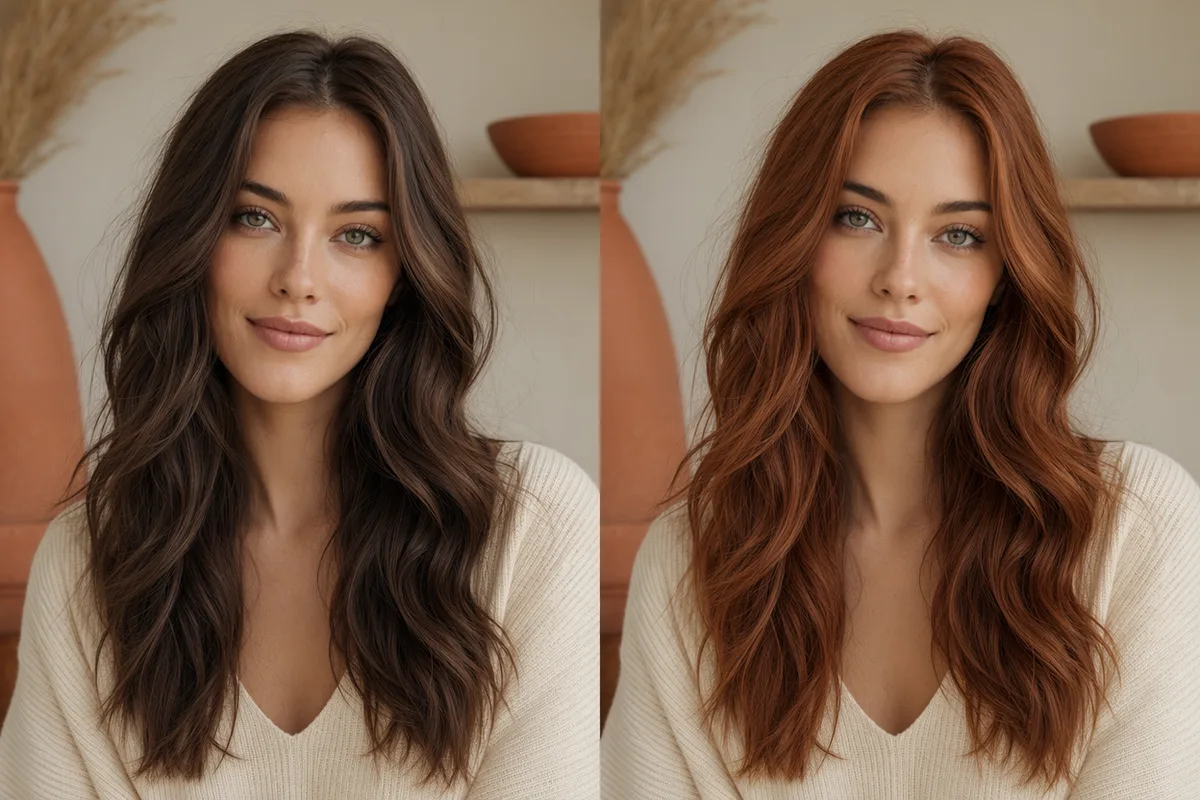
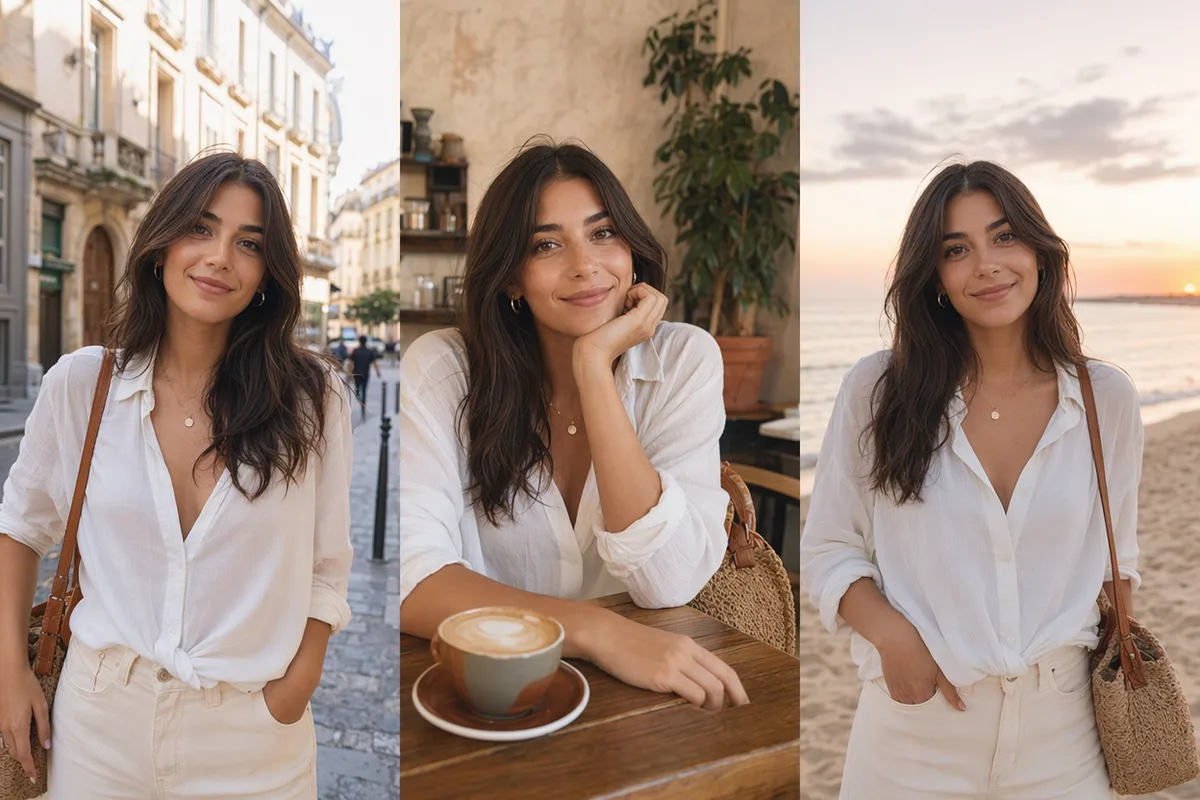
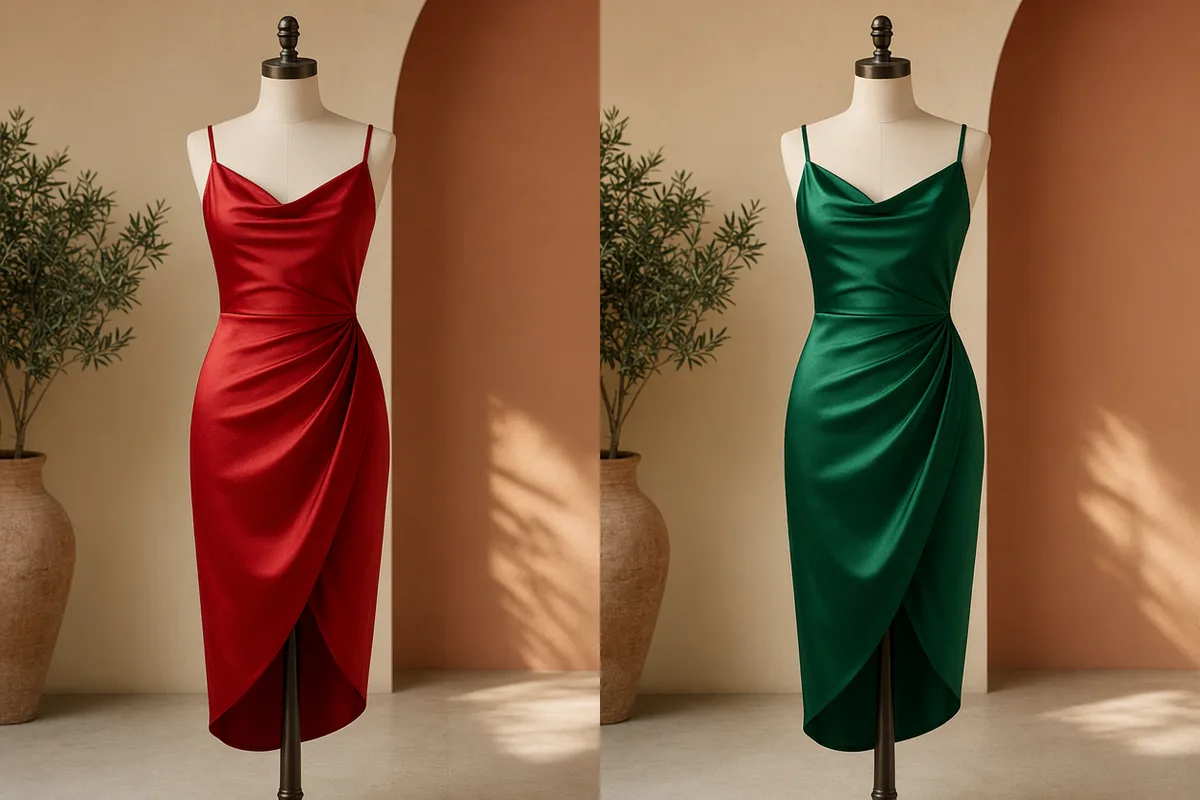
Change the hair color and only the hair changes — same face, same light, same background. Qwen Image Edit Plus is engineered for surgical precision, so an edit is an edit, not a re-roll of the whole image.

Re-letter a sign, fix a label, translate packaging — with the original font, size, and style matched, in English and Chinese. Text editing inside photos is a rare capability, and it ships here.
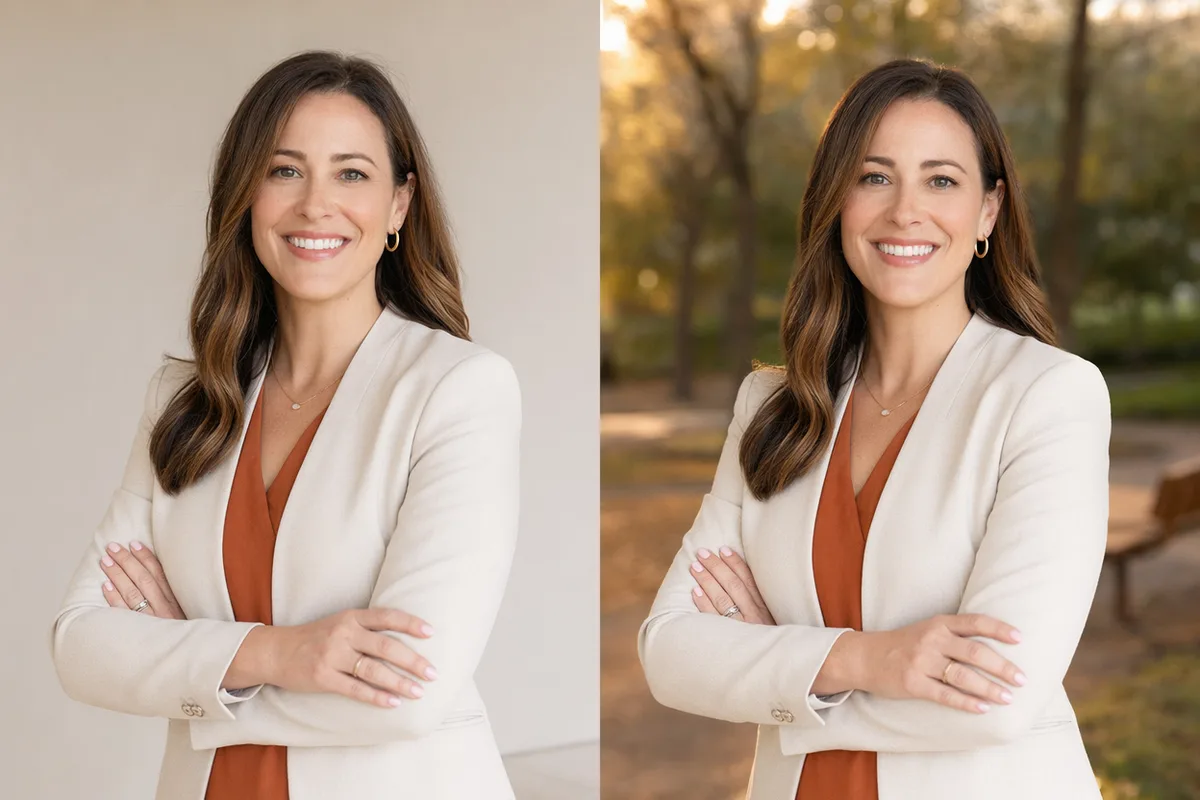
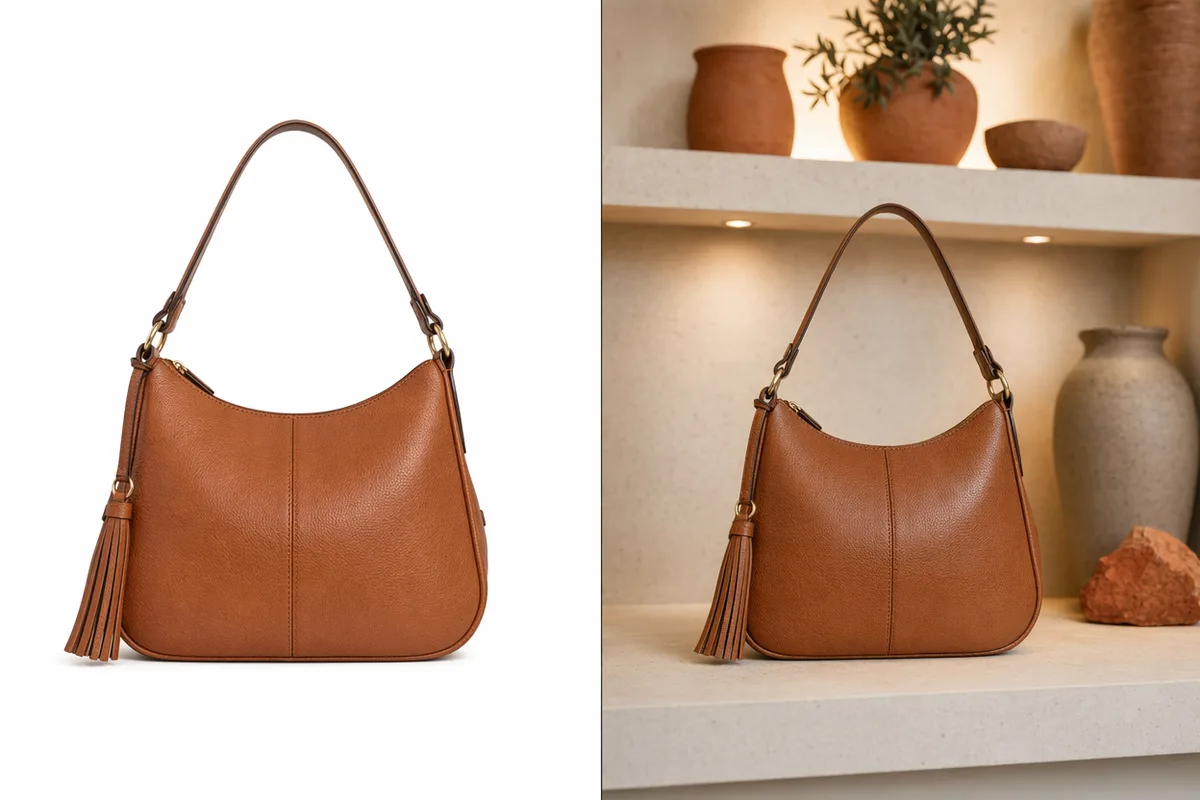
Office wall to golden-hour park, studio white to lifestyle scene — the subject is preserved and relit to match the new environment automatically. Headshots, listings, and profile photos upgrade in one pass.
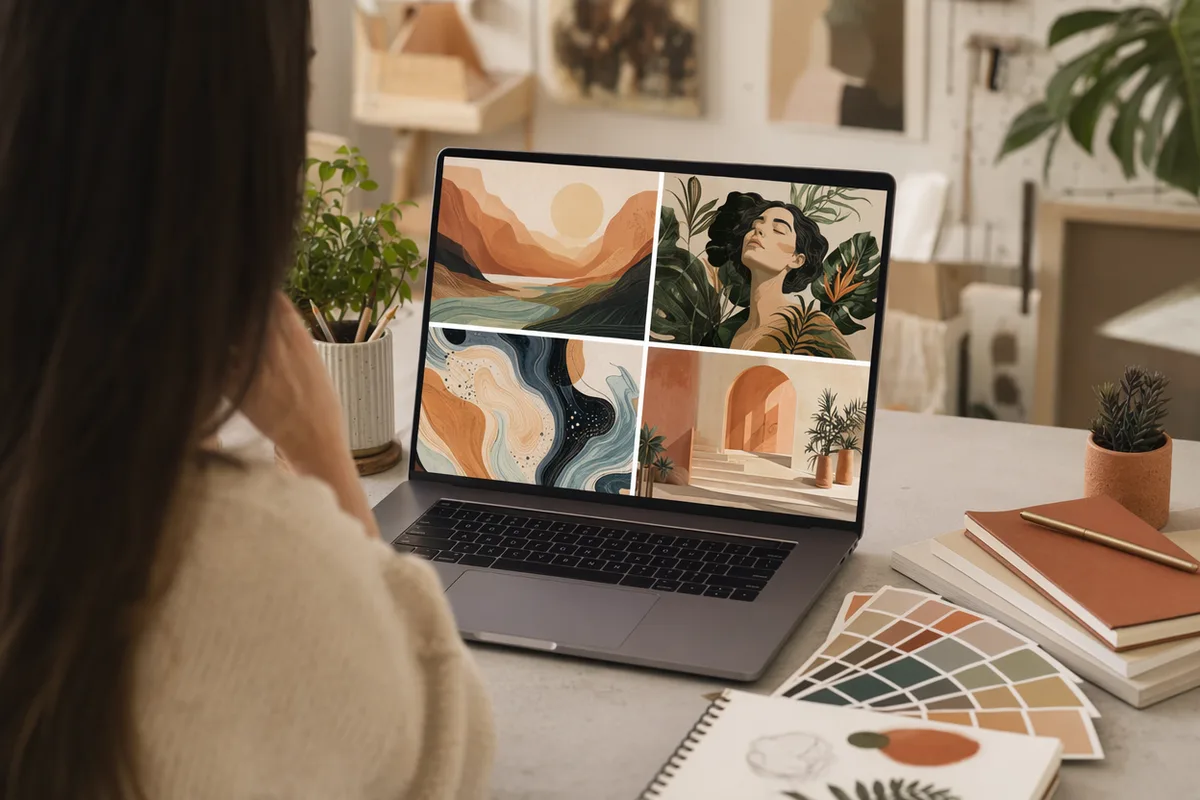
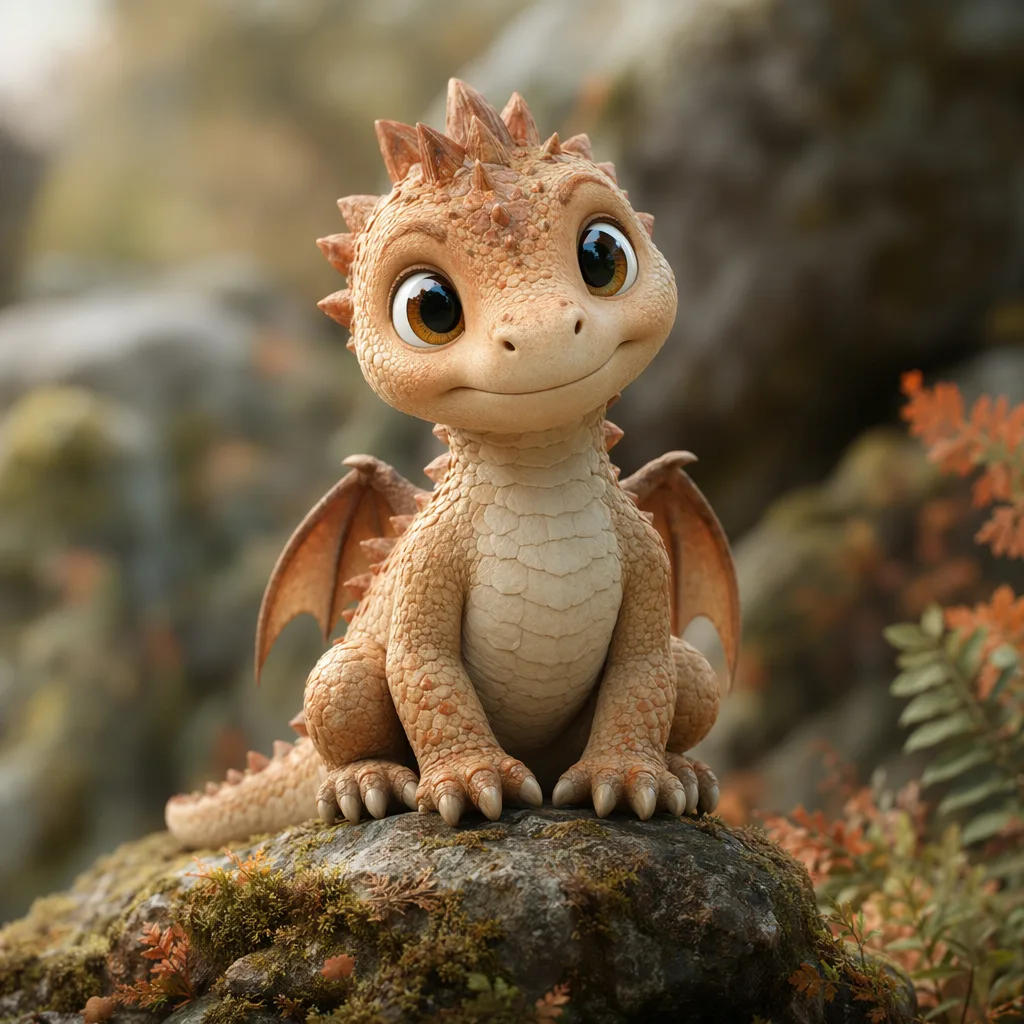
Output from the same engines that handle your edits here — they read an existing photo the same way they build a new one.


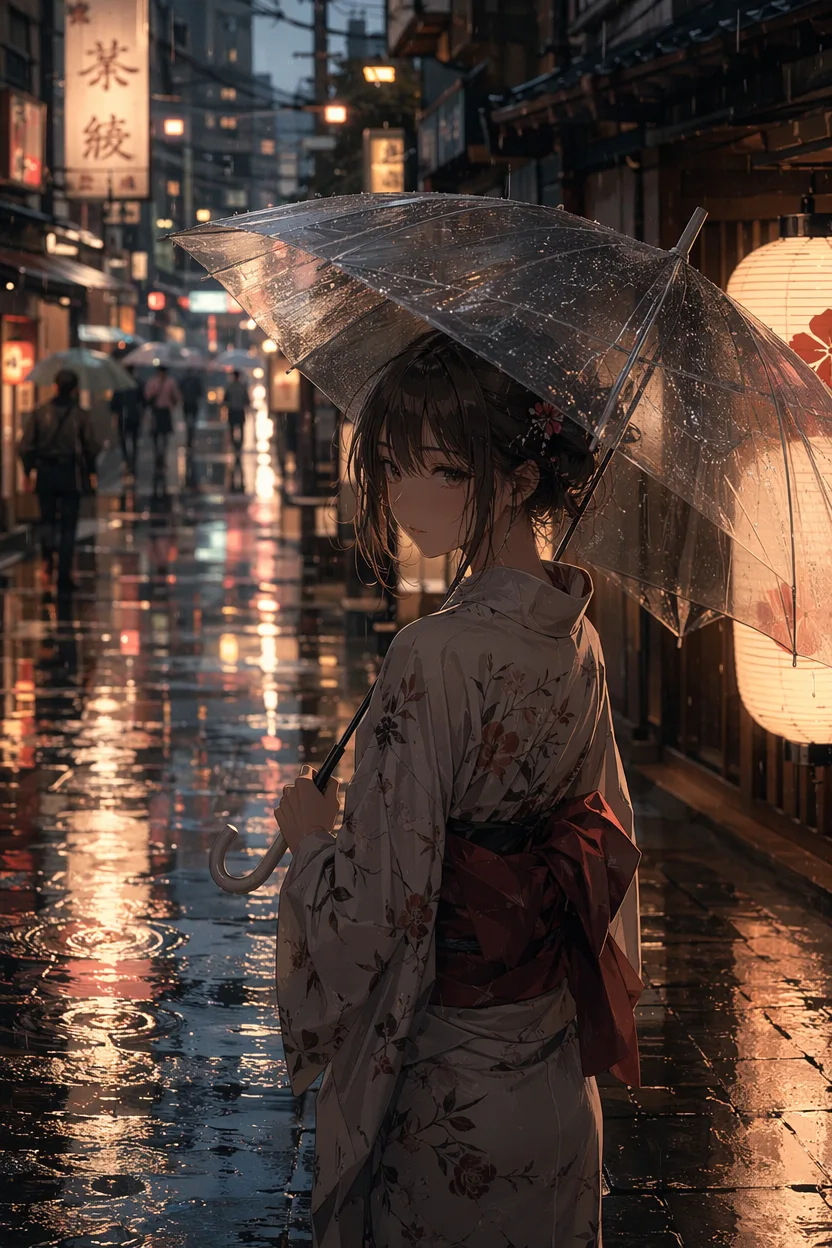
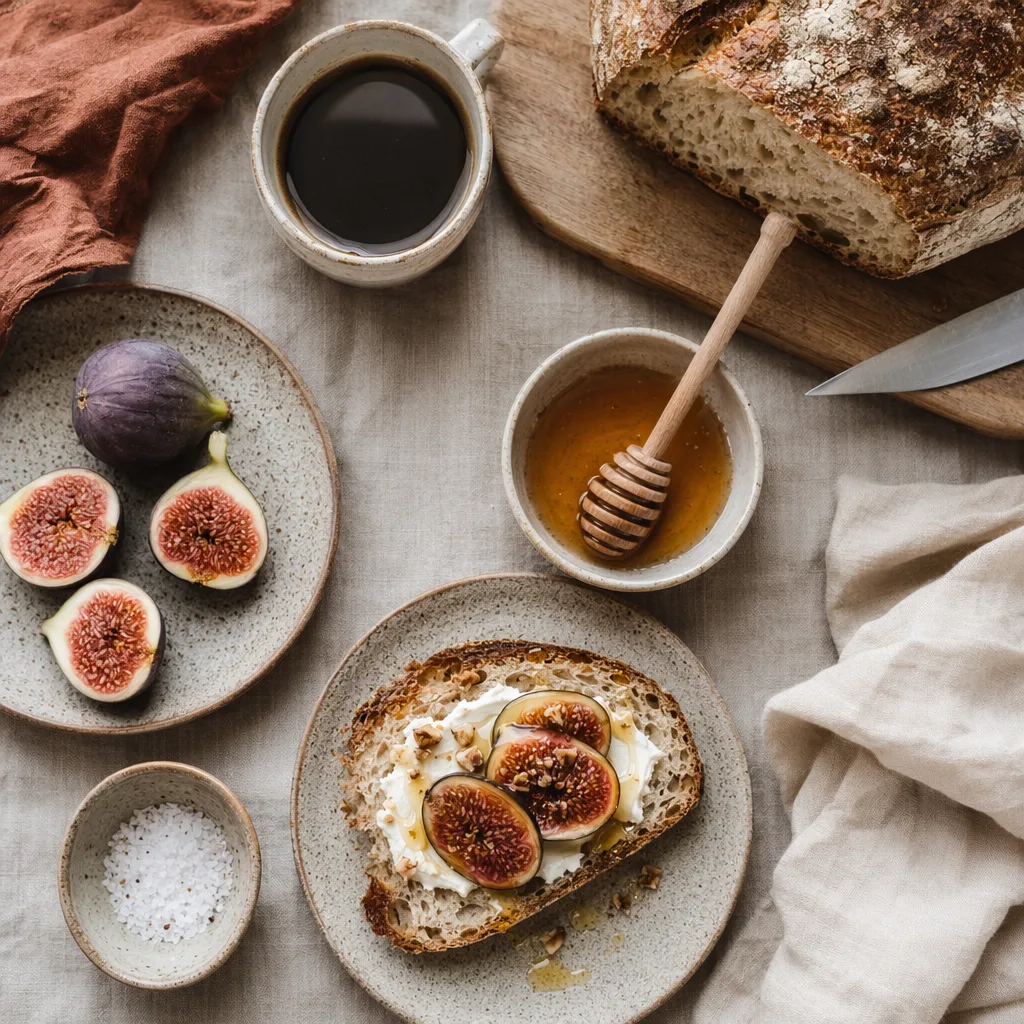
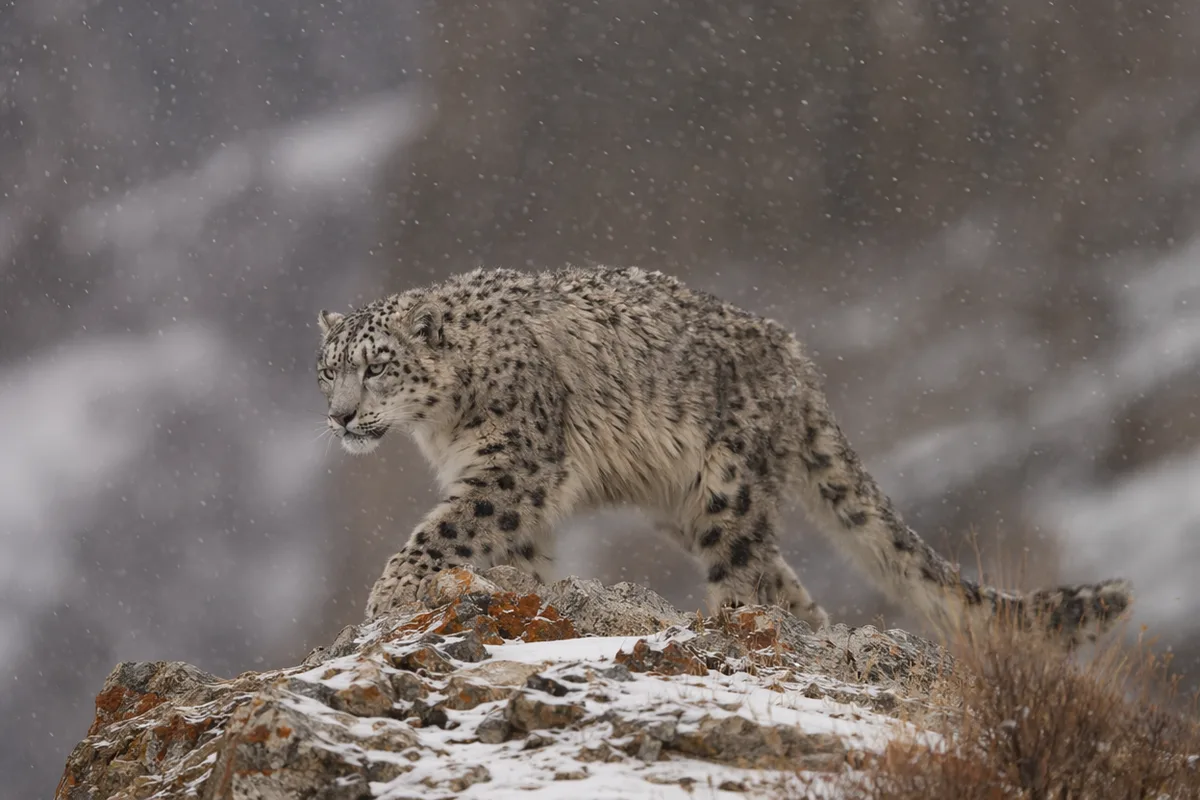

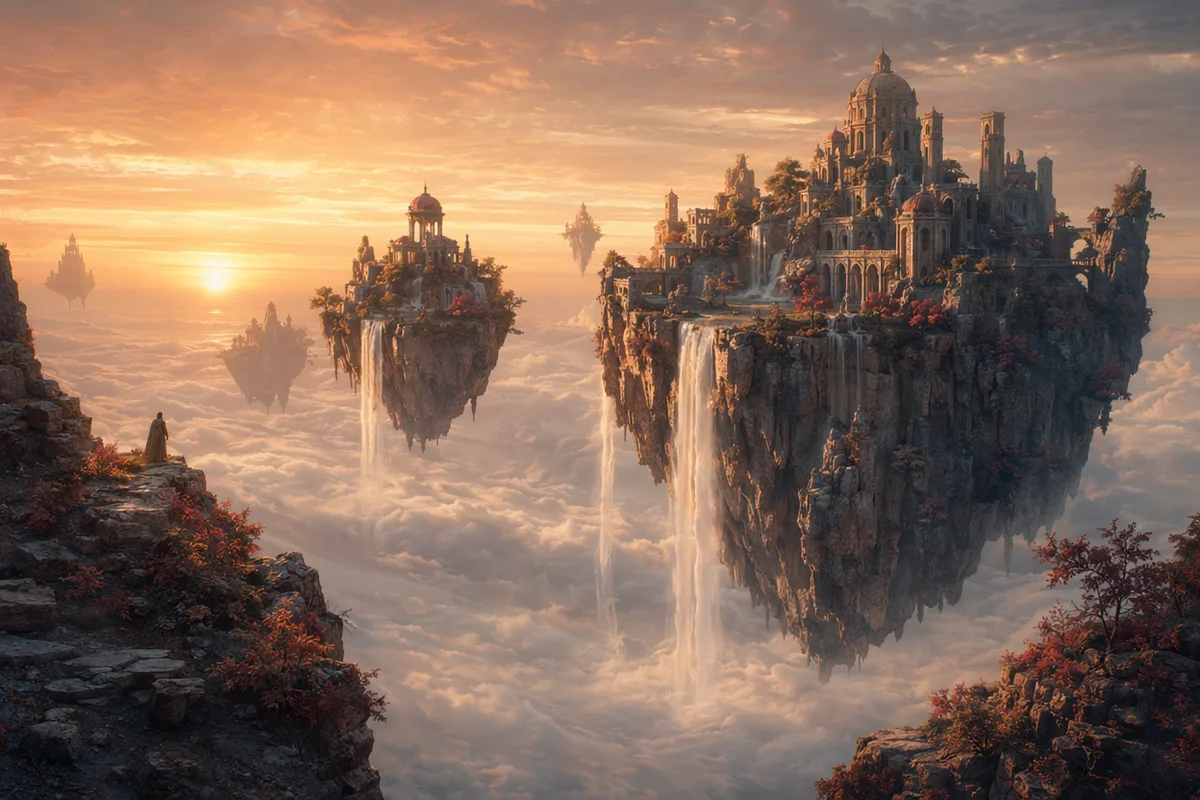
Engines that change the part you name and leave the rest of the photo alone.
| Input | One image (JPG or PNG) plus a written instruction. |
|---|---|
| Best-suited models | Qwen Image Edit Plus for precise local edits; Nano Banana 2 and GPT Image 2 for instruction-heavy or multi-element changes. |
| Typical edits | Object removal, background replacement, relighting, retouching, style conversion, text removal. |
| Resolution | Up to 2K on most models; 4K on the Ultimate plan. |
| Cost | 20 to 40 credits per edit depending on the model, shown before you run it. |
| Source file | Never overwritten. Every pass is saved separately in your history. |
Upload the photo, describe the edit, review the result.
Any JPG or PNG works. The AI image editor reads the whole image so it can match lighting and grain when it writes new pixels.
Write the edit as an instruction — remove this, replace that, restyle this region. Being specific about what should stay is as useful as naming what should change.
Compare against the original and rerun with a tighter instruction if needed. Each pass is saved separately, so nothing overwrites your source file.
An editing instruction is not a description of the picture. It is a description of the change.
Remove, replace, add, recolour, relight — start with the verb.
remove
Exactly which element, described well enough to be unmistakable.
the parked silver car on the right
What should be there instead. If you skip this, the model invents it.
continue the brick wall and pavement behind it
What must not change.
leave the people and the lighting untouched
remove the background
remove the background behind the subject and replace it with a plain warm-grey studio backdrop; keep the edge of her hair intact and keep the original lighting on her face
Bare “remove the background” leaves both the replacement and the edge quality to chance. Naming the backdrop and calling out hair edges targets the exact place these edits usually fail.
fix the lighting
relight the scene as if the main light came from the window on the left; keep skin tone natural, keep the shadow direction consistent on the wall behind
“Fix” assumes the model shares your judgement. Naming the light source and the two things that must stay consistent turns a vague complaint into an executable edit.
Editing is one part of the workflow. Generation, upscaling, and video sit in the same account.
The editing engine in depth — what it changes well and where it struggles.
Clean cutouts, including hair and semi-transparent edges.
Replacing a scene and keeping the lighting believable.
Restyling an existing photo without losing the subject.
Reference-driven editing and multi-image fusion.
How editing fits alongside generation in one pipeline.
The AI image editor runs on the same credit pool as everything else — free to sign up, with monthly credits for the premium engines on paid plans.
Perfect for getting started
Billed annually · $240/year
Billed annually · $468/year
Object removal, background replacement, precise local edits (color, clothing, details), in-image text editing, style transfer, and identity-preserving retouching — all driven by plain-language instructions.
No. Upload the image and describe the change in your own words; the editor handles selection, masking, lighting, and blending automatically.
Qwen Image Edit Plus is the precision default; Nano Banana models handle fusion-style edits, and GPT Image 2 excels when readable text is involved. You can switch per task.
Yes — identity preservation through edits is a core strength of the editing lineup, validated repeatedly in community testing.
Yes, including matching the original font and style, in English and Chinese.
Qwen Image Edit Plus costs 30 credits per edit; other models vary, with the exact price always shown first. Signing up is free.
Yes — every result returns to your history with full context, so you can keep refining, regenerate with another model, upscale to 4K, or animate it.
Yes. Describe the object and the editor reconstructs what should sit behind it. For a one-click version with no prompt writing, the dedicated object remover tool does the same job with a preset instruction.
The edited region is regenerated, so it is new detail rather than the original pixels. Output resolution follows your plan — up to 4K on Ultimate. If you need more, run the result through the upscaler afterwards.
Signing up is free, and editing draws on the same credit pool as generation. Per-edit cost depends on the model you pick and is shown before you run it.
One-click tools for everything around generation — polish, restyle, and share.