
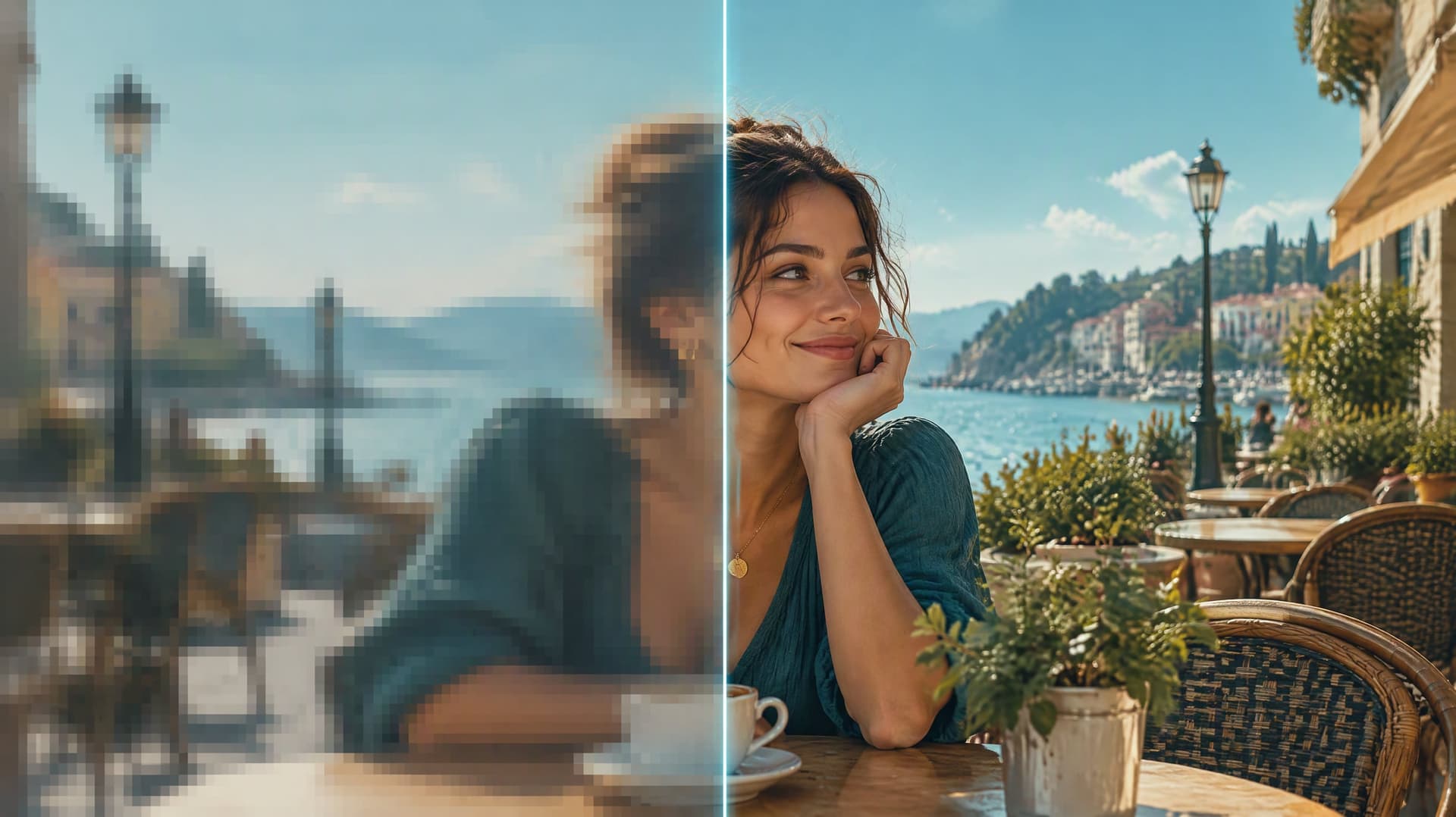
Preview
Upload a clip, pick the output size and a mode, and the enhanced MP4 appears here.
Why Do Online Video Upscalers Usually Disappoint?
Three complaints show up in every review of video enhancers. Here is what we do about each.
"They charged me for a full minute on a nine-second clip."
We read the real length from your file and bill per second, rounded up to the next second. The exact credit cost is on the button before you click.
"The result had a logo across the corner — useless for the actual video."
No watermark at any tier. What you download is the clip you can post.
"Every face came out smooth and plastic, like a doll."
Pick Face fidelity to keep features exactly as they are, or Soft when a clip already looks over-processed. Seven modes, same price.
How does AI video upscaling work?
Your clip goes to Tencent Cloud's video super-resolution model, a diffusion-transformer enhancer that rebuilds detail frame by frame from the content of the picture. It is not a simple resize: textures, edges and fine text are reconstructed, while the frame rate, duration and audio are left exactly as they were.

Four Clips, Real Results
Every clip below went through this tool. The first frame on each card is the original; hover to play the enhanced output.
 Original
AI clip → 1080p
A 480p AI-generated clip enhanced to 1080p in Face fidelity mode — skin texture and eyes are rebuilt without changing the face.
 Original
Street → 4K
A busy street with small faces far from the camera, taken to 4K in Distant faces mode.
 Original
Anime → 1080p
Flat colours and line art in Anime mode — edges stay clean instead of turning into noise.
 Original
Product → 4K
A product shot taken to 4K in Detail boost mode — fabric weave and label text come back sharp.
Why Creators Trust Our AI Video Upscaler
Made for everyday people, not editors.
Rebuild Real Detail, Not Blur
A super-resolution model rebuilds texture, edges and fine lines from what is in the frame, instead of stretching pixels into a bigger blur.
Keep Faces Unchanged
Face fidelity mode keeps eyes, nose and mouth as they are and only cleans noise. Distant faces mode does the same for small faces.
Pay Per Second, Shown First
We read your file's true length and charge per second at the size you chose. The number on the button is what you pay.
See What You Can Do With an AI Video Upscaler
Real moments, ready to share — pick the one that fits.
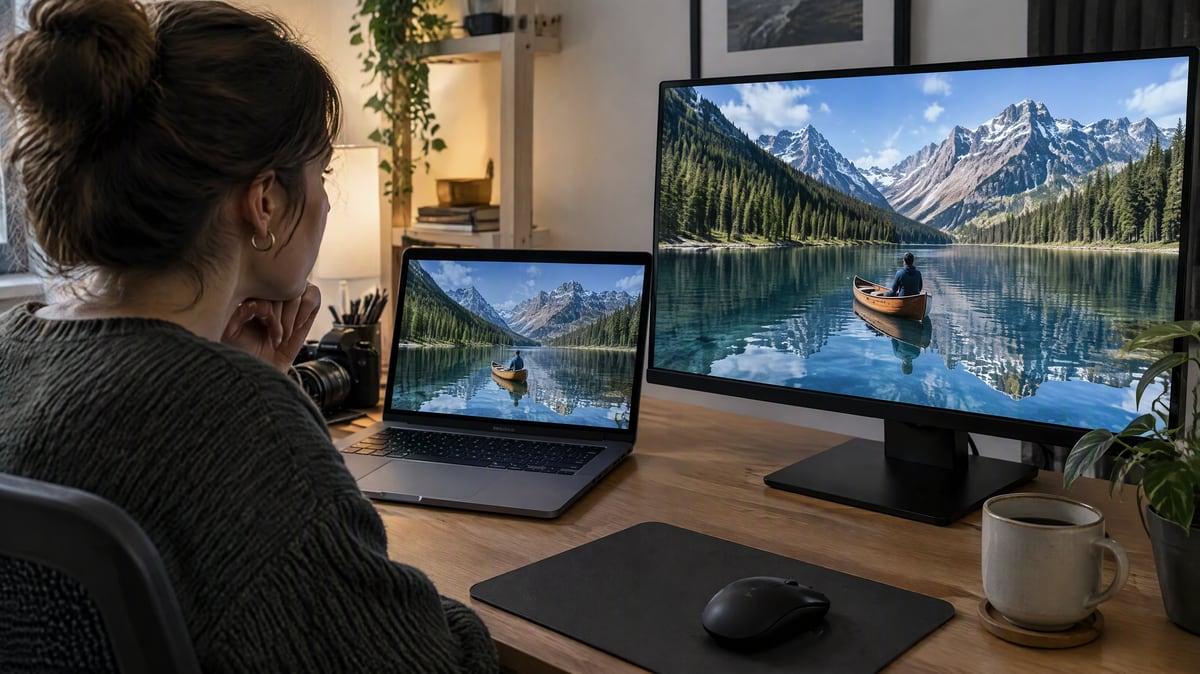
Take Your AI Clips to 1080p or 4K
Many AI video models export at 480p or 720p. Run your clip through Realistic or Face fidelity and post it at 1080p, 2K or 4K. Make a clip first
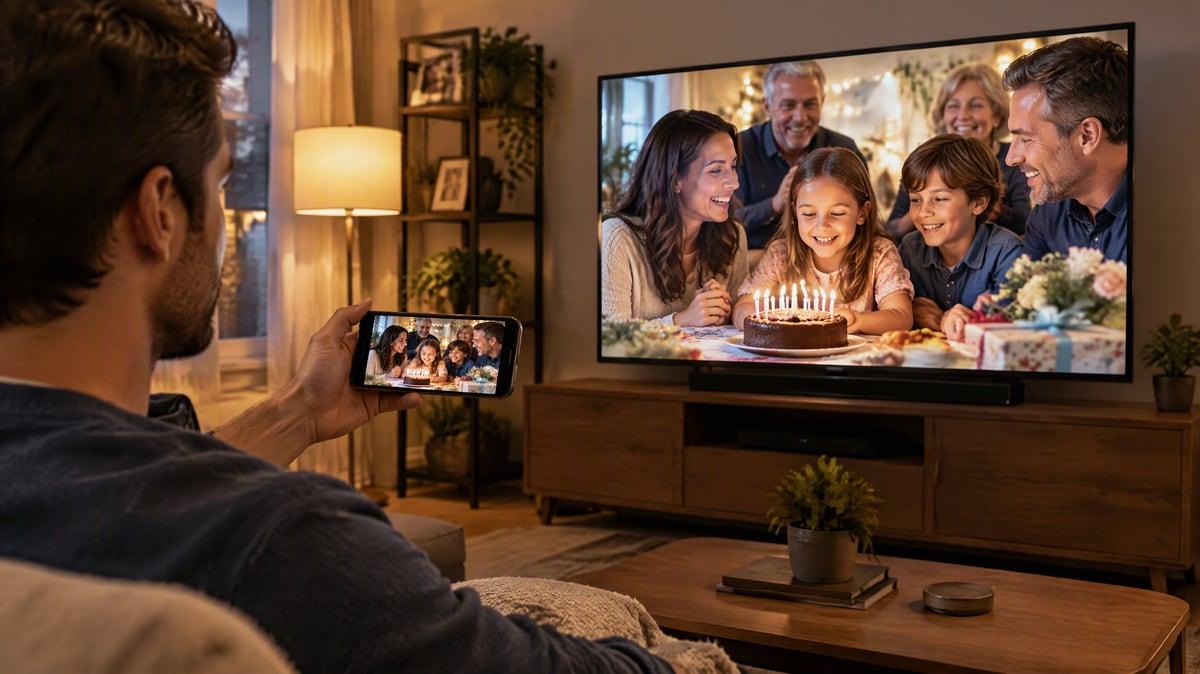
Make Phone Footage Hold Up on Big Screens
Zoomed, compressed or low-light phone clips look soft on a TV or in a presentation. Detail boost brings your edges and text back. Upscale a photo too
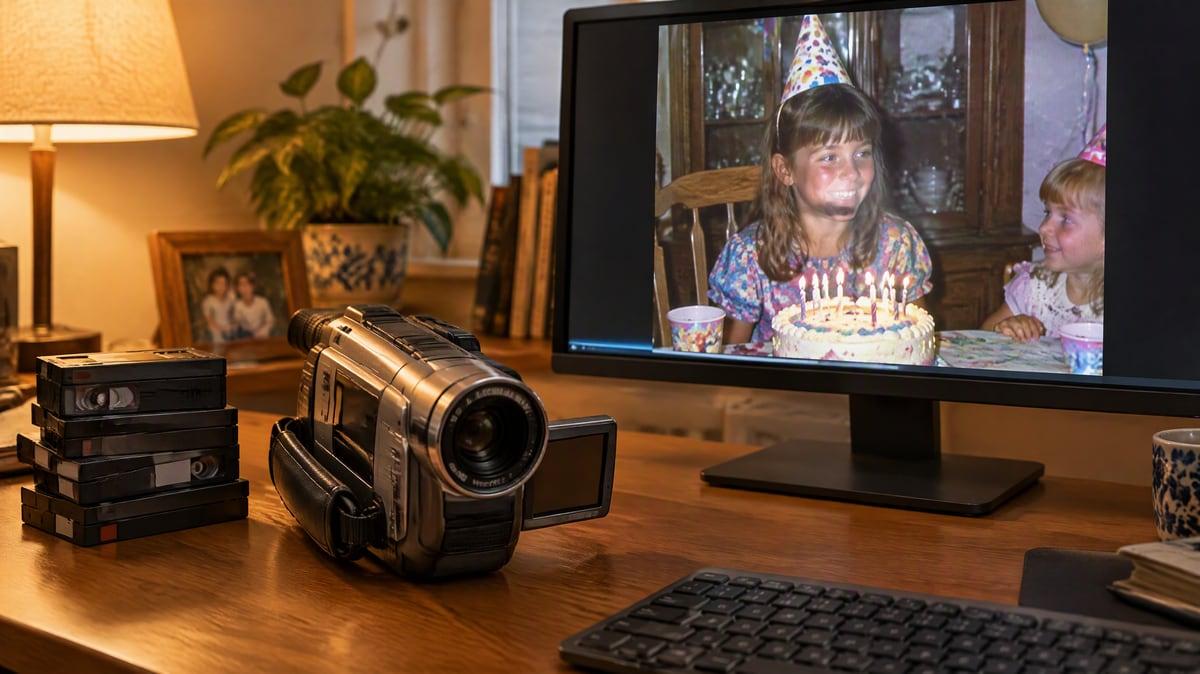
Clean Up Old and Archive Clips
Camcorder transfers, early uploads and screen recordings carry heavy compression. Soft mode cleans those artifacts from your clip without a plastic look. Revive old photos

Sharpen Anime and Flat-Color Art
Animation needs clean lines, not film grain. Pick Anime, or Anime distant for wide shots, and your linework comes back crisp at the size you choose. Try video face swap
Who Uses AI Video Upscaler
Four ways people use it every week
Post your 480p generations at 1080p or 4K

Give old home videos a sharper second life

Make product clips sharp enough for any screen
Keep linework clean when you go to 4K
How to Upscale a Video with CreateVision
Three small steps to a video you'll actually want to send.
Upload the Clip
Add an MP4 or MOV up to 60 seconds and 120 MB, with a source up to 4K. We read its real length and size the moment it lands.
Pick Size and Mode
Choose 720p, 1080p, 2K or 4K (only sizes at or above your source are offered) and one of seven modes. The credit cost updates as you choose.
Download the MP4
The enhanced clip plays next to the original so you can compare, then downloads as an MP4 with the audio and frame rate intact.
The All-in-One AI Creation Platform
One account for images, videos, an AI agent that works for you, expert AI mentors and 80+ ready-made tools.
AI Image & Video Generator
Every leading model in one workspace: Seedream, Nano Banana, GPT Image, Seedance, Veo and more.
Open
Ava, your AI creative agent
Describe what you need and Ava plans, generates and iterates for you.
Open
80+ AI tools
One-click tools for photos, videos, cards, portraits and viral trends.
Open
Template library
Thousands of ready prompts and styles to start from.
Open
Studios
Portrait, marketing, poster and cinema studios for finished work, not single shots.
Open
AI model library
Compare and pick the right image or video model for every job.
Open
AI mentors
Learn from expert mentors in photography, design and video, then create with their guidance.
Open190K+ creators
Using CreateVision to create and share
FAQs About Our AI Video Upscaler
An AI video upscaler raises the resolution of a clip and rebuilds detail that a plain resize cannot. CreateVision's AI Video Upscaler returns a sharper 720p, 1080p, 2K or 4K MP4. It keeps your audio and frame rate and lets you choose how faces, edges and textures are treated.
CreateVision's upscaler rebuilds real detail with Tencent Cloud's video super-resolution model instead of stretching pixels. You get seven modes at one price, including Face fidelity and Distant faces for people. Pricing is per second and shown on the button before you pay, and there is no watermark on any plan.
Your clip goes to Tencent Cloud's video super-resolution model, which rebuilds detail frame by frame from the content of the picture. Textures, edges and fine text are reconstructed. The duration and audio stay the same, and no frames are interpolated.
MP4 or MOV, up to 60 seconds and 120 MB, with a source whose short side is up to 2160 px. The output cannot be smaller than the source: a 1080p clip can go to 1080p, 2K or 4K, and a 4K clip can only be enhanced at 4K.
3 credits per second at 720p, 7 at 1080p (the default), 12 at 2K and 26 at 4K, counted on the output and rounded up to the next second. A 10-second clip is 70 credits at 1080p or 260 at 4K. Keeping 60 fps doubles the rate, and only applies when your source is really above 30 fps. You can start with 200 free credits from Google sign-up.
Yes. The download carries no logo or corner badge on any plan, so the file you get is the one you can publish. Your upscaled clips stay in your private gallery until you delete them.
The model rebuilds detail from what is in the frame. Clean 480p and 720p sources come back clearly sharper, while heavily compressed or very blurry sources get cleaner rather than brand new. Nothing is re-imagined, so content, motion and faces stay the same. Pick Face fidelity if even subtle smoothing would bother you.
Upscale Your Video to 1080p, 2K or 4K
Upload once, pick a size and mode, and download a sharper MP4 with no watermark. The credit cost shows before you pay.
Related Tools You Might Like
Explore more AI creative tools
