Drop your image here or click to browse
Support JPG, PNG, WebP up to 10MB
Up to 9 images for multi-fusion
Upload 1–9 reference images. The images guide subject, style, and composition — they are not first or last frames.
Preview
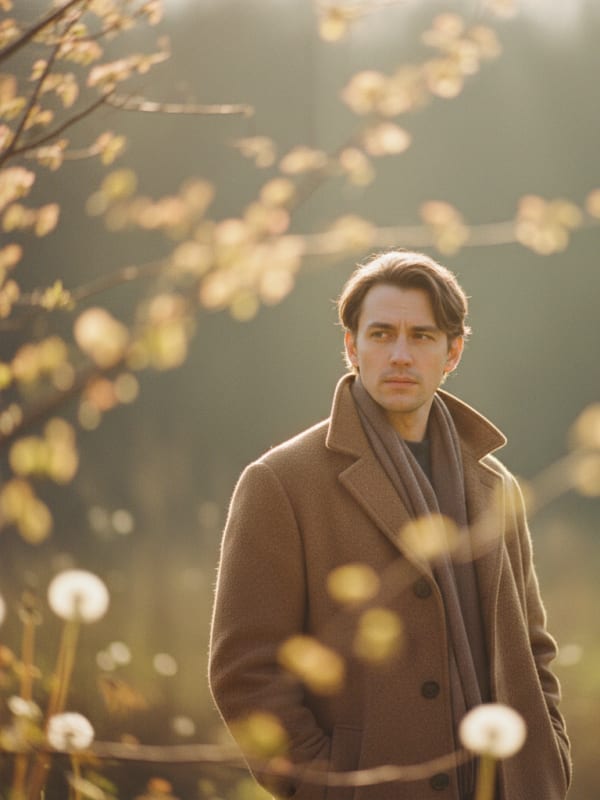
What does image to video AI actually do?
AI Image to Video animates a still photo into a 4 to 8-second clip for Reels, blog headers, product pages and event teasers. Pick one of ten motion presets or describe your own, then choose from four engines including Seedance 2.0 and Seedance 2.5.

Why Creators Use Our Image to Video AI
Made for everyday people, not editors.
Animate Any Photo You Have
Portraits, landscapes, products and plates of food all work. Drop in a clear still and watch it move.
Choose Four Video Engines
Pick Grok, Seedance 2.0 Mini, Seedance 2.0 Fast or Seedance 2.5. Each tier shows its price before you generate.
Ready for Every Feed
Export in 9:16, 1:1, 16:9, 4:3 or 3:4, so your clip fits Reels, Shorts, TikTok or a website without re-cropping.
See What You Can Make With Image to Video AI
Real moments, ready to share — pick the one that fits.
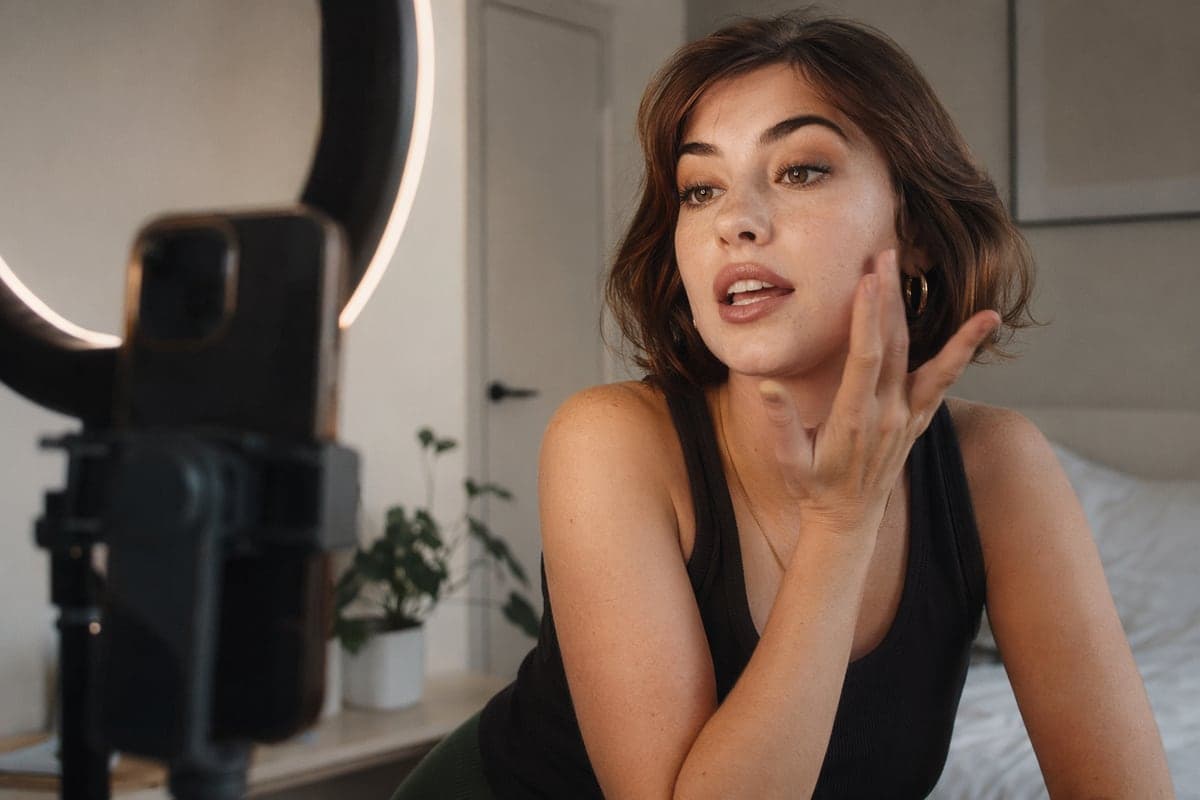
Stop the Scroll With a Moving Still
Open your Reel with a photo that suddenly comes alive. A 9:16 clip drops straight into Reels, Shorts and TikTok. Plan your next shots
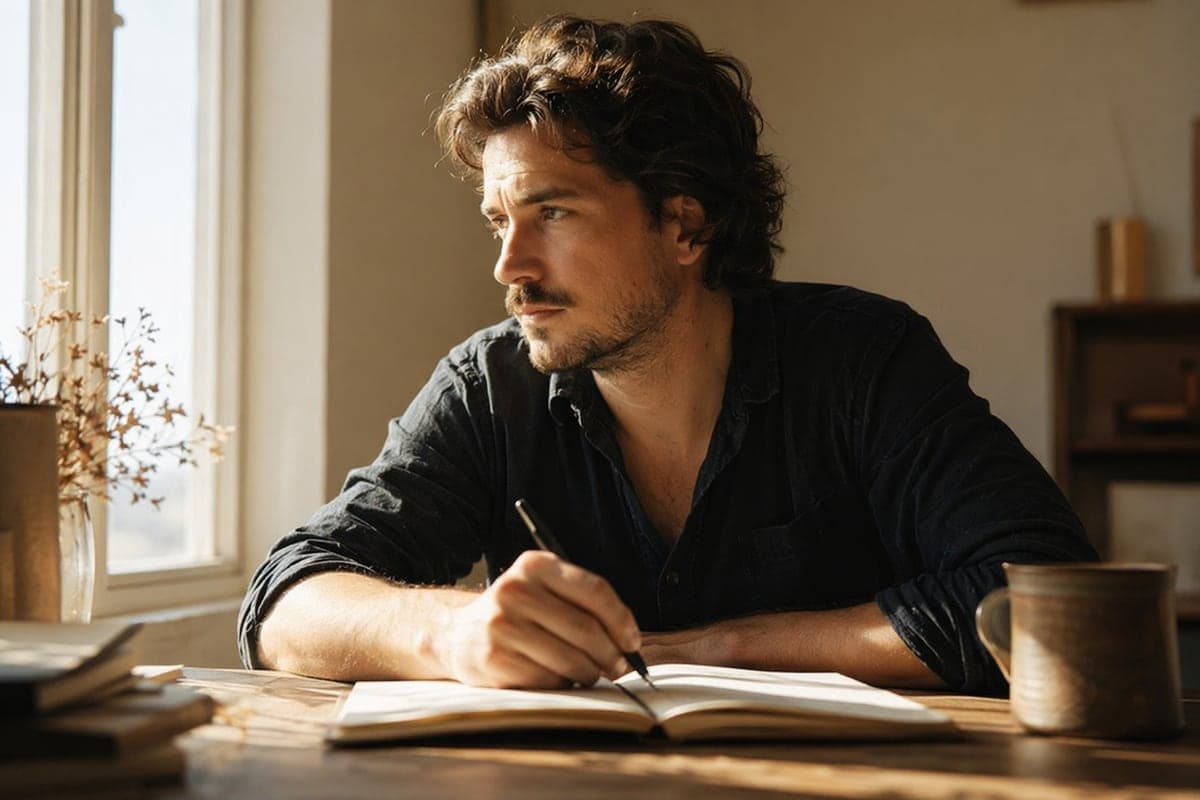
Give Your Blog Hero Image Motion
Turn the header image of your story into a short clip that breathes and loops. Choose 4, 6 or 8 seconds to fit your layout. Upscale the result
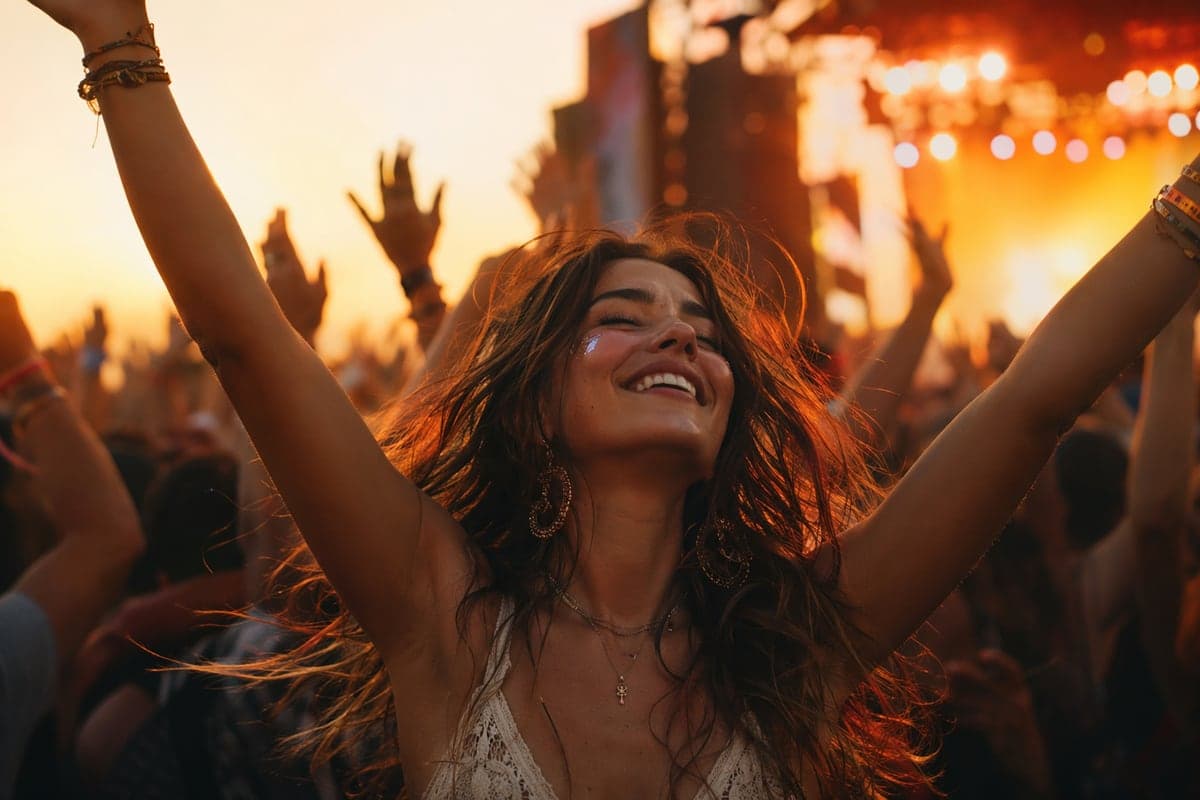
Turn Your Event Flyer Into a Teaser
Animate the image you already made for your event. The same picture becomes a short teaser for stories and invitations. Try AI Time Machine
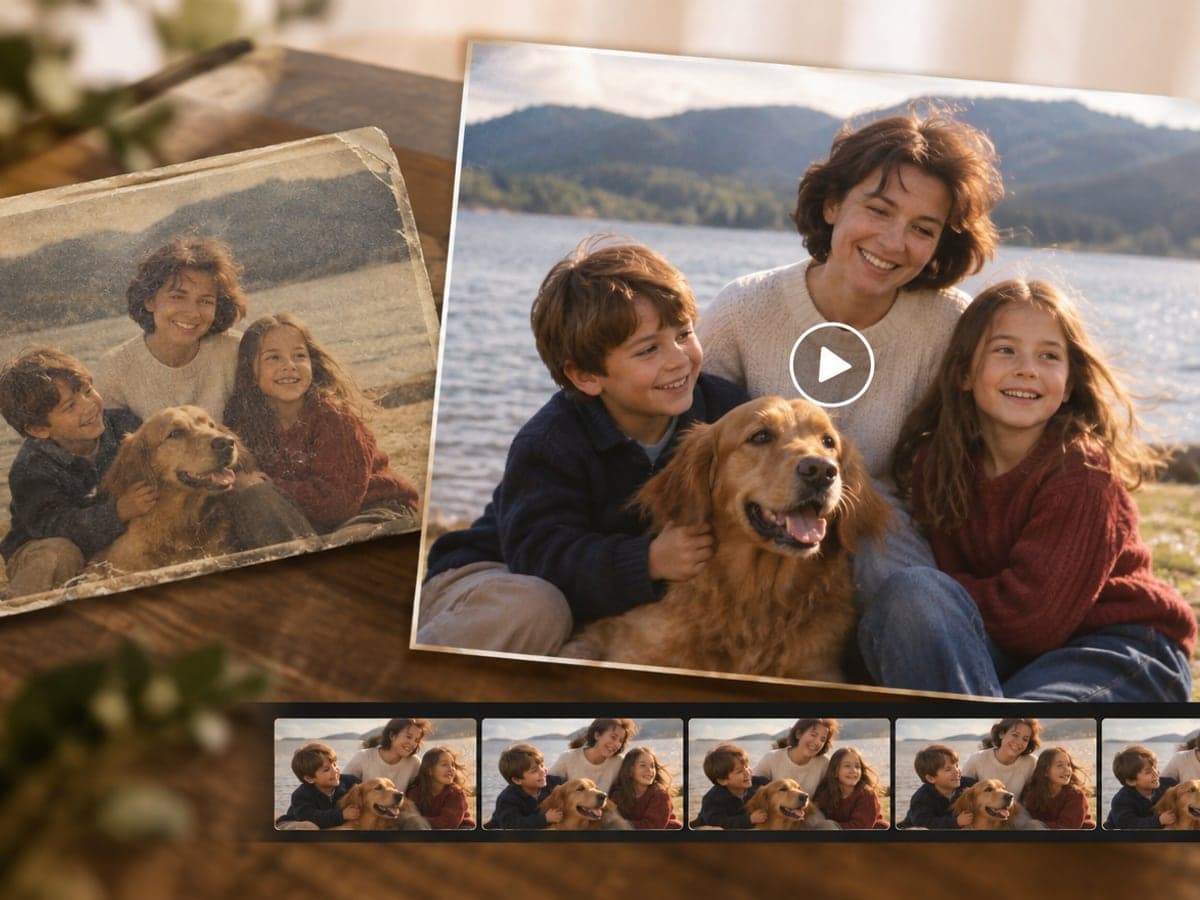
Bring Old Family Photos Back to Life
Upload a scanned family photo and add gentle motion with a preset like Gentle Drift. Your still memory becomes a short clip to share. Restore old photos first
Who Uses AI Image to Video
Four ways people use it every week
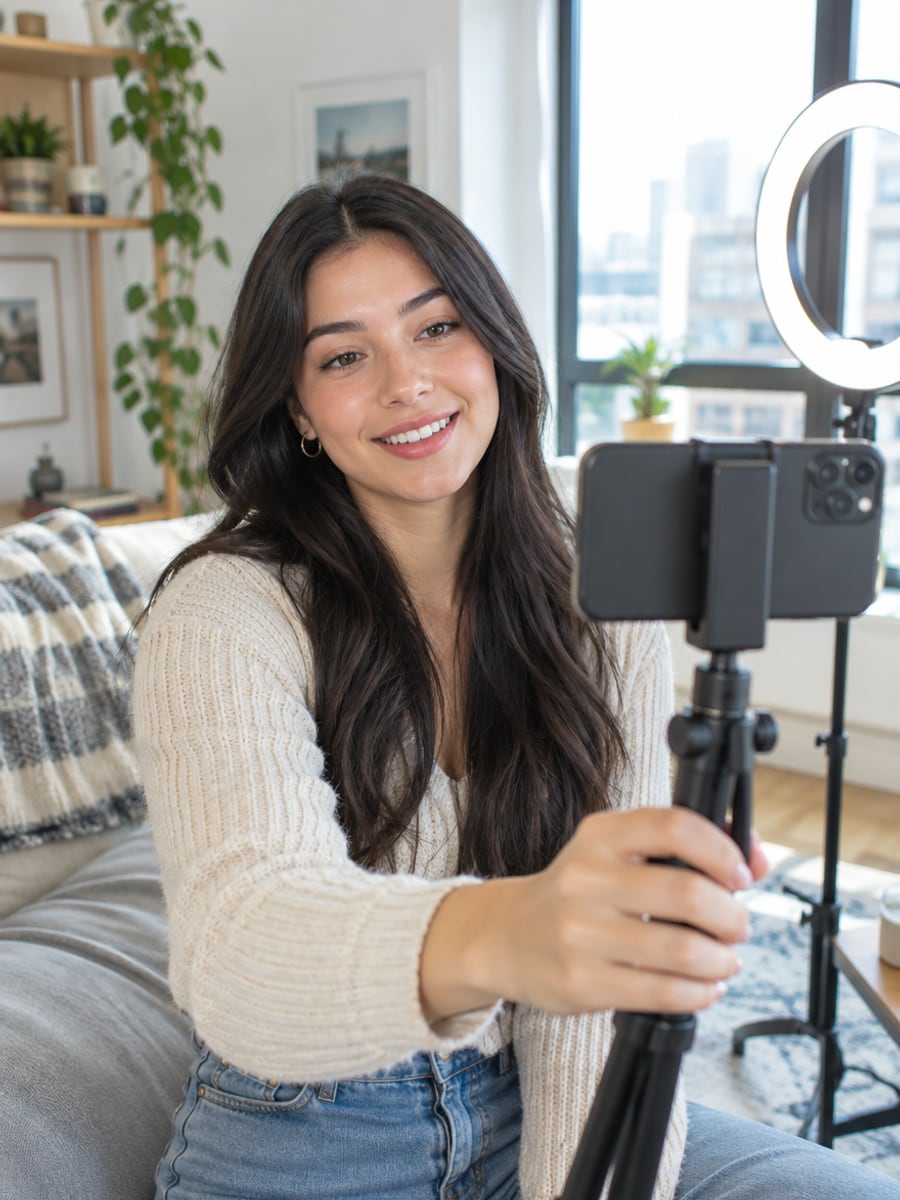
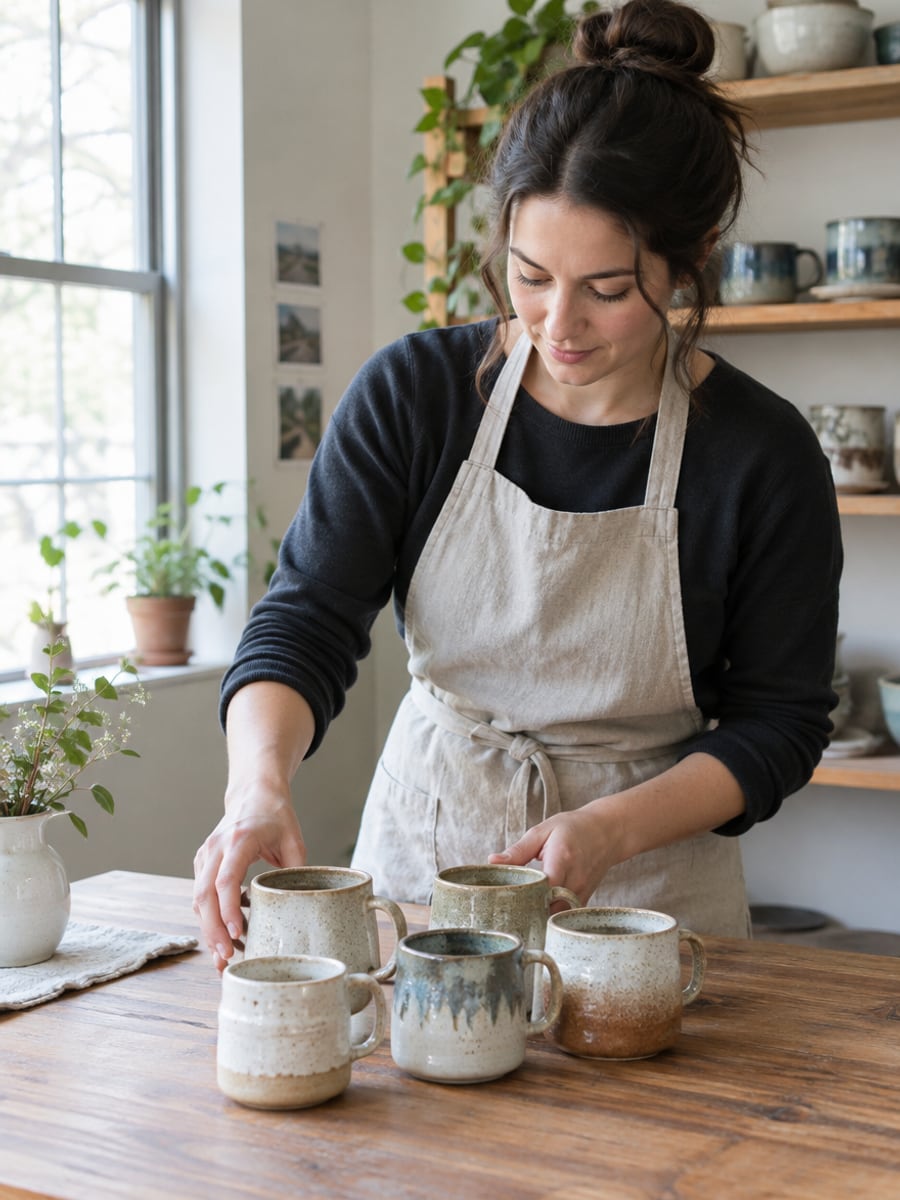
Turn every photo into a scroll-stopping opener
Make product photos move without a video shoot
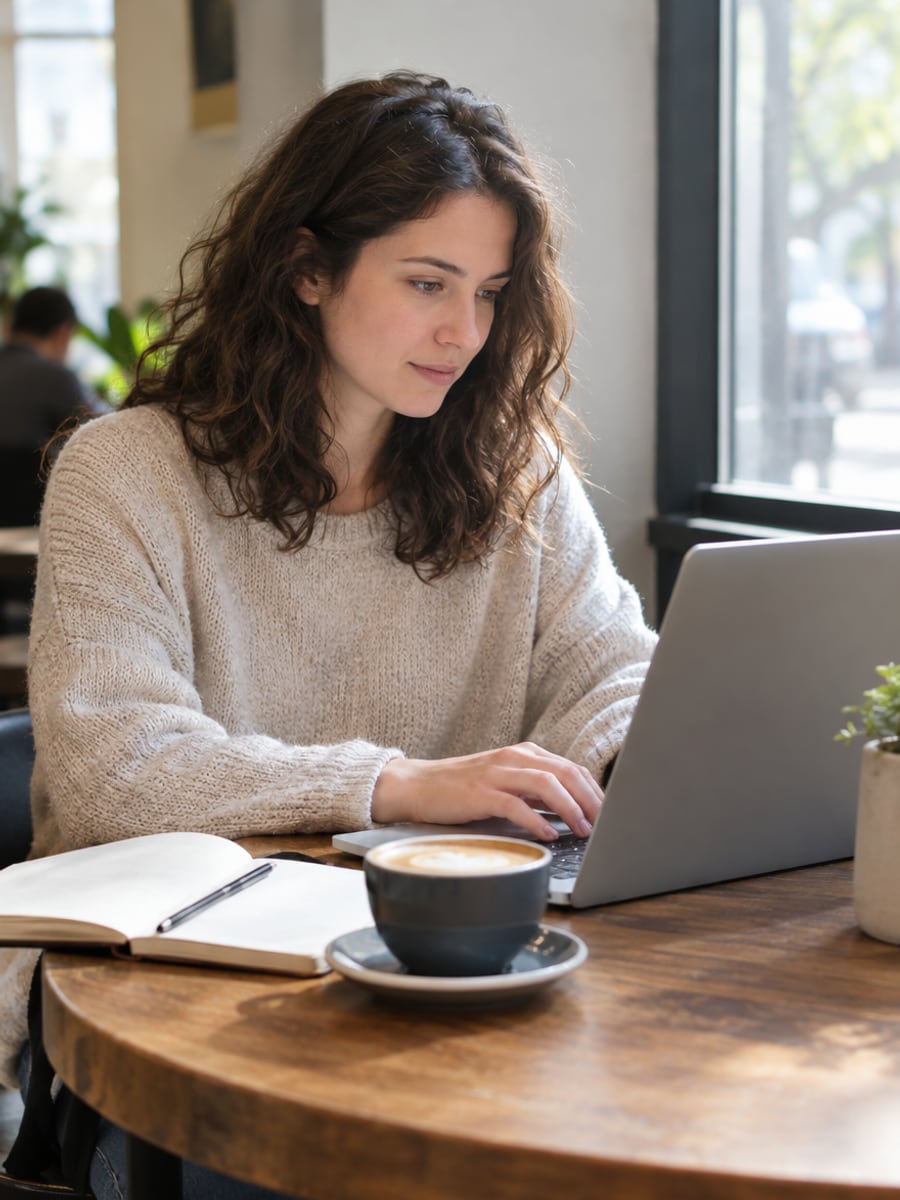
Give your story headers a few seconds of motion
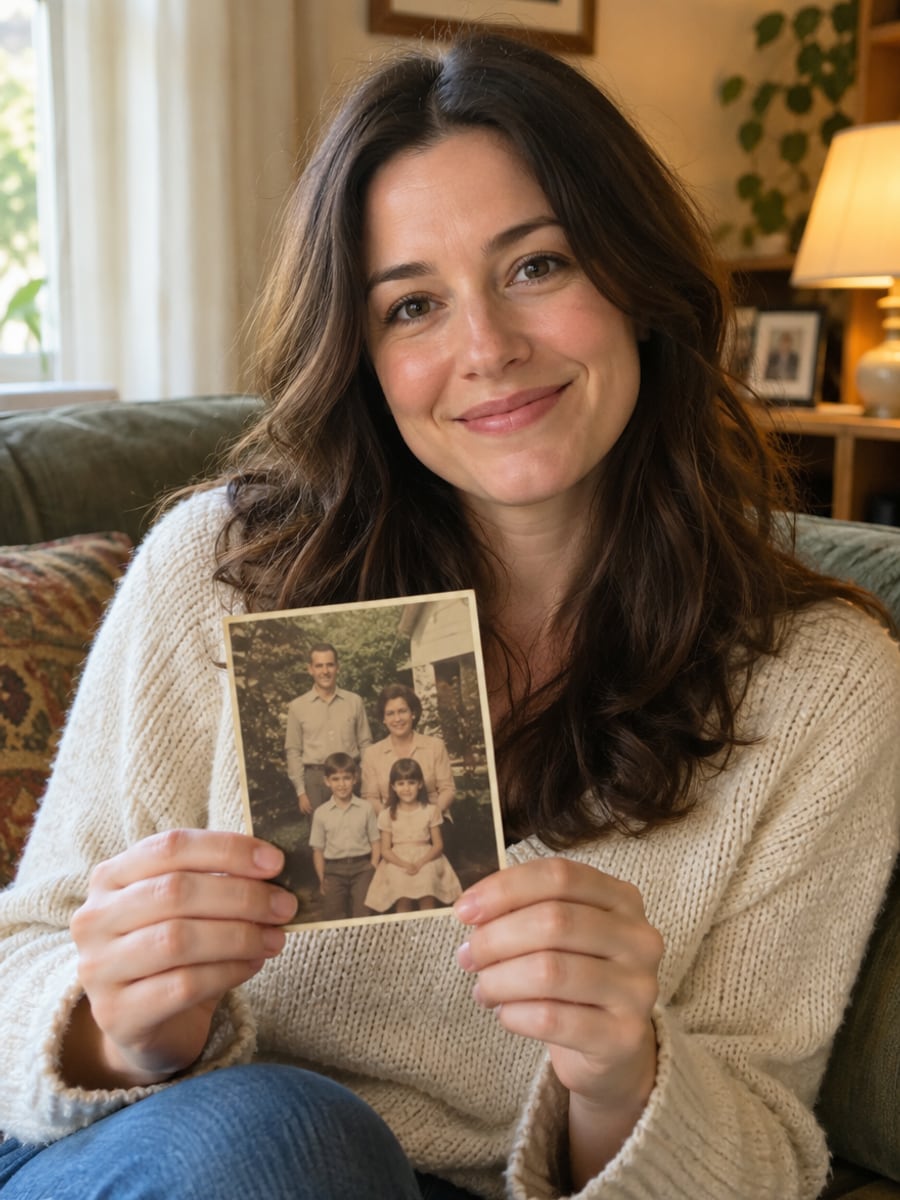
Watch favorite family photos gently come alive
How to Turn a Photo to Video with CreateVision
Three small steps to a video you'll actually want to send.

Upload your photo
Add one clear, well-lit photo, or several reference images. Higher resolution gives better results.

Pick a motion
Choose a one-click motion preset such as Cinematic Zoom or Natural Breeze, or describe the motion in your own words.

Generate and download
Choose 4, 6 or 8 seconds and a frame shape, click Generate and download your MP4.
The All-in-One AI Creation Platform
One account for images, videos, an AI agent that works for you, expert AI mentors and 80+ ready-made tools.
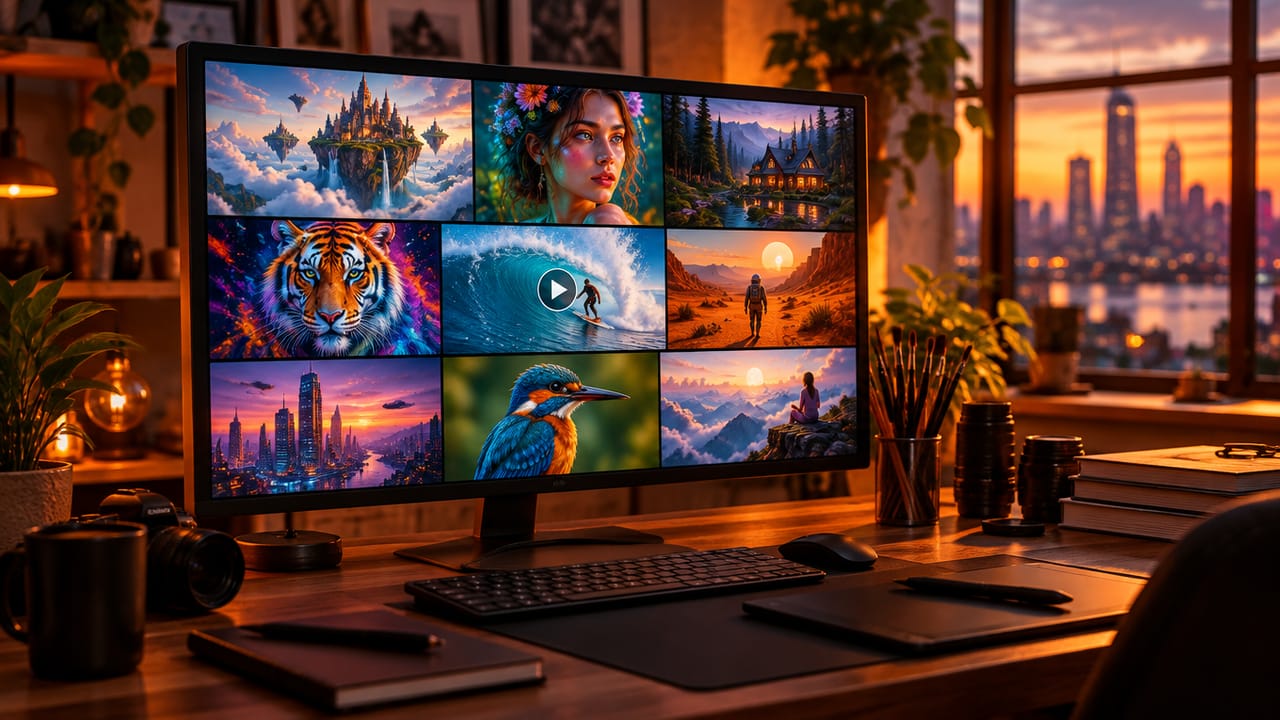
AI Image & Video Generator
Every leading model in one workspace: Seedream, Nano Banana, GPT Image, Seedance, Veo and more.
Open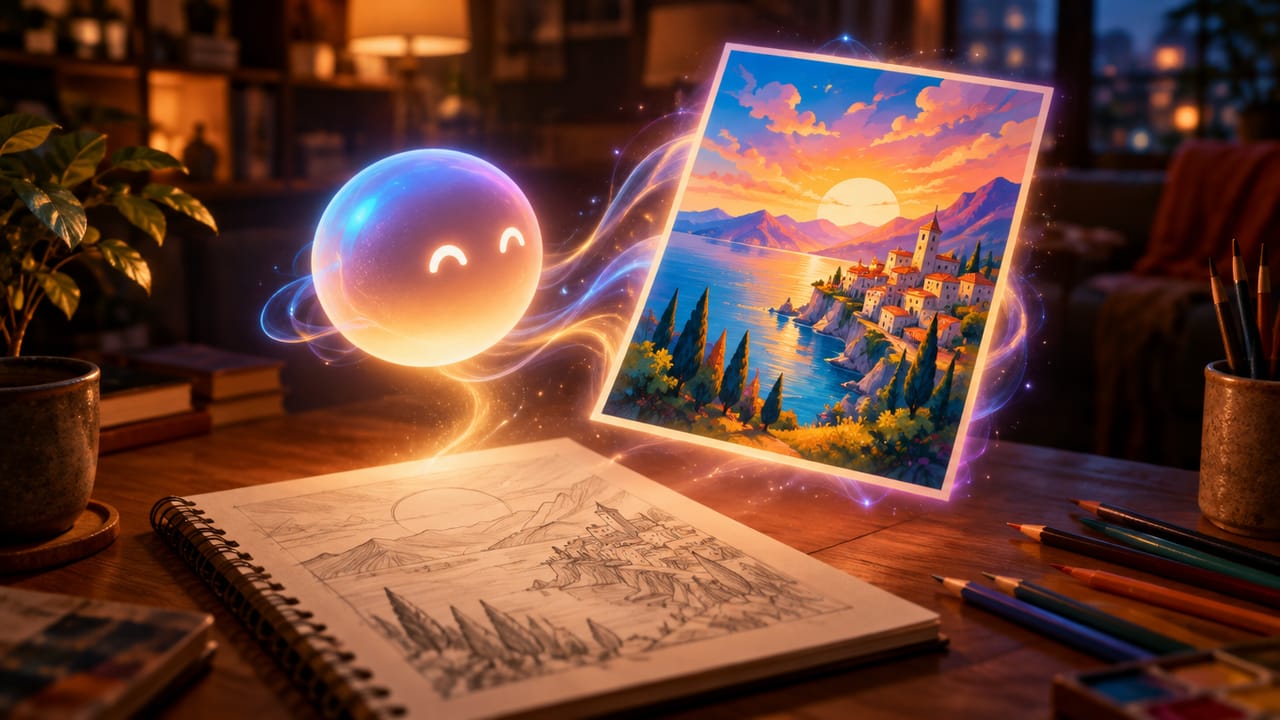
Ava, your AI creative agent
Describe what you need and Ava plans, generates and iterates for you.
Open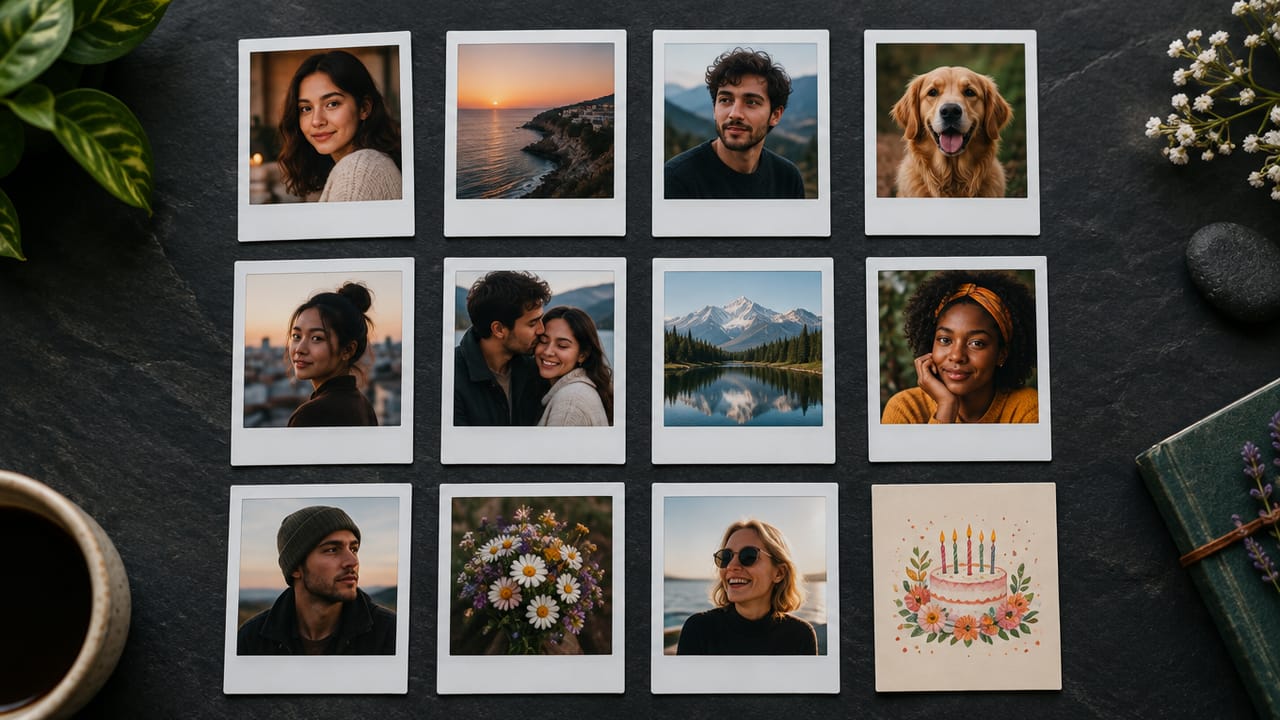
80+ AI tools
One-click tools for photos, videos, cards, portraits and viral trends.
Open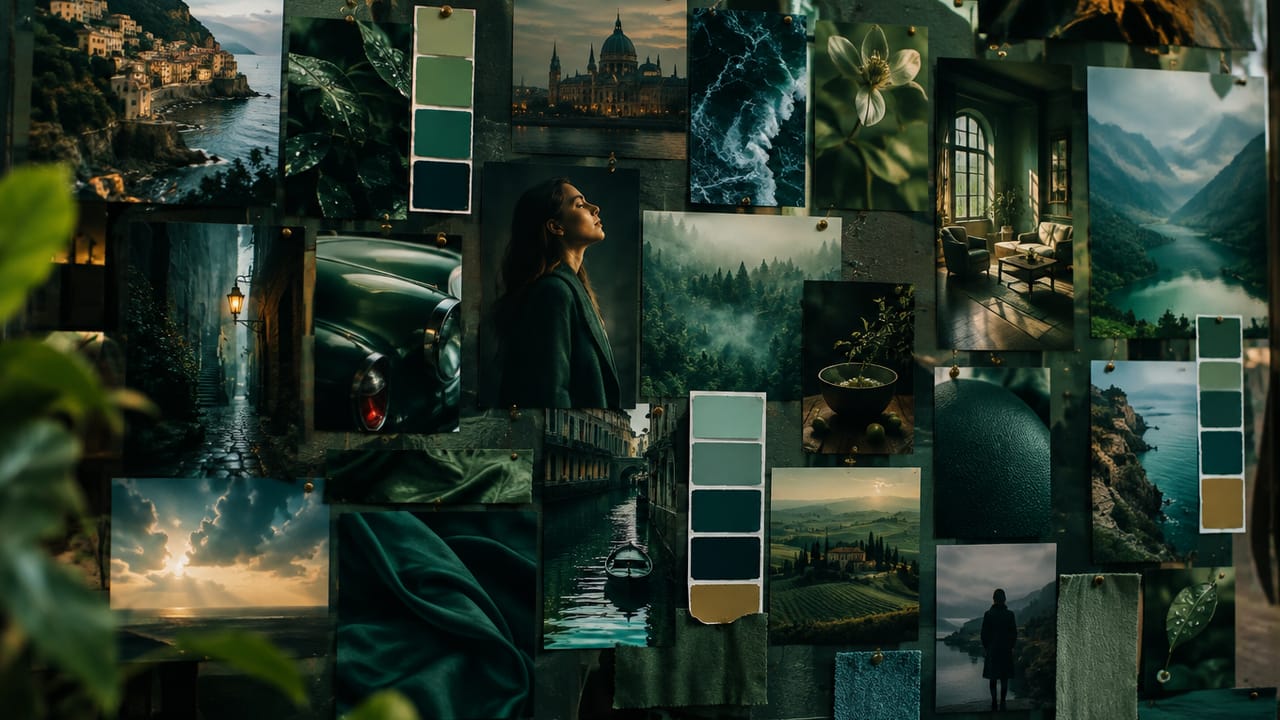
Template library
Thousands of ready prompts and styles to start from.
Open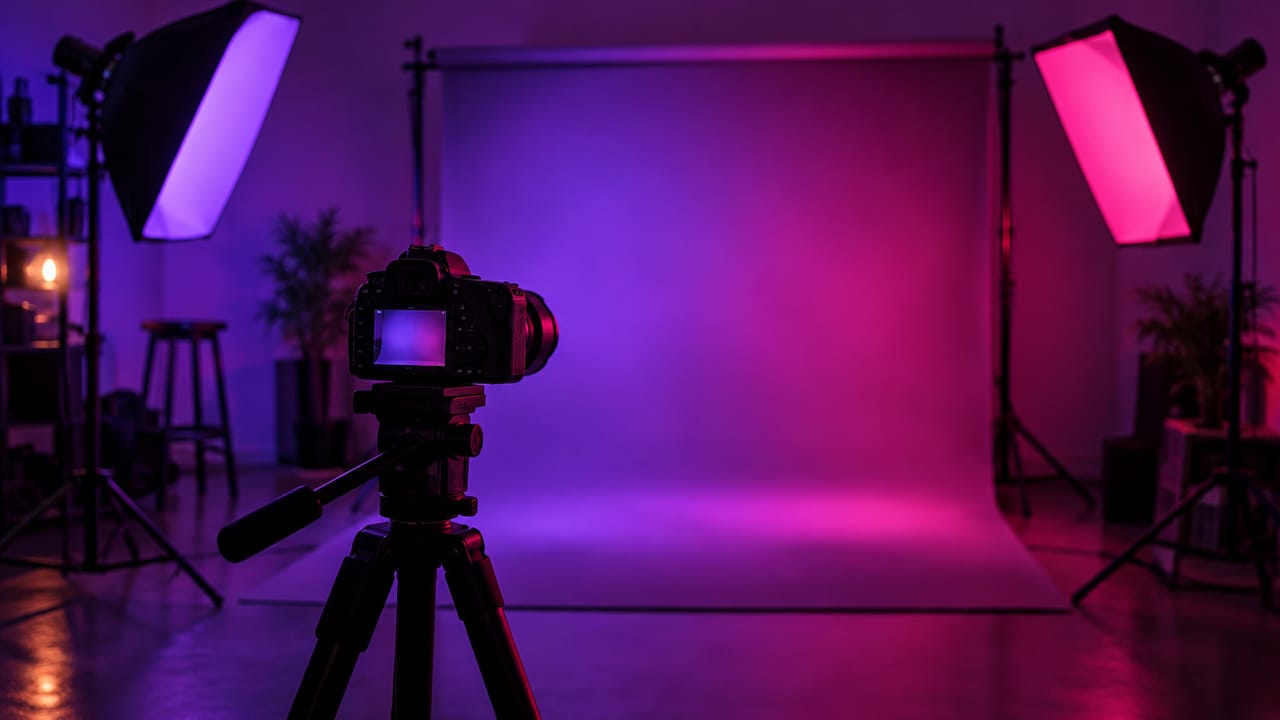
Studios
Portrait, marketing, poster and cinema studios for finished work, not single shots.
Open
AI model library
Compare and pick the right image or video model for every job.
Open
AI mentors
Learn from expert mentors in photography, design and video, then create with their guidance.
Open190K+ creators
Using CreateVision to create and share
Image to Video AI FAQs
Image to video AI turns a still photo into a short video clip by adding natural motion such as a camera push, moving hair, drifting clouds or falling snow. On CreateVision you upload a photo, pick a motion preset or write a prompt, and get a 4 to 8-second MP4.
The best tool lets you match quality and cost to the job. CreateVision gives you four engines in one place (Grok, Seedance 2.0 Mini, Seedance 2.0 Fast and Seedance 2.5), ten one-click motion presets plus your own prompt, and five aspect ratios. Video results download without a watermark.
Upload a photo, choose a motion preset or describe the motion, then pick an engine, length and aspect ratio. The video model uses your photo as the visual reference and keeps the main subject and scene while adding movement. You can also set a first frame and a last frame to control where the clip starts and ends.
High-resolution, well-lit photos with a clear subject work best. Portraits, landscapes, products and scenes all work. Blurry, very dark or heavily cropped images give the model less to work with.
The default engine, Seedance 2.0 Mini, costs 15 credits per second at 480p and 30 at 720p, so a 6-second 480p clip is 90 credits. Seedance 2.0 Fast costs 35 credits per second at 480p and 75 at 720p. Other engines show their price on the tier button. You can start with 200 free credits from Google sign-up.
Video results download without a watermark on any plan. Commercial use follows the terms of your plan, which are listed on the pricing page. Uploaded reference photos are deleted automatically within 24 hours, and your results stay in your private gallery until you delete them.
Each clip is generated fresh, so motion can differ from one run to the next. Busy scenes, small faces and hands are the hardest parts to animate. Try a clearer photo, a simpler motion prompt or a higher engine if a result is not what you wanted.
Turn Your Photo to Video in Minutes
Upload a still, pick a motion and get a 6-second clip from 90 credits with no watermark.
Related Tools You Might Like
Explore more AI creative tools