Prompt to image

Text to Image Generator

Write a prompt and generate images with controllable models, sizes, quality levels, and saved generation history.

Prompt drivenFast draftsModel control
0 / 2,000
Free

Popular Models

Every top text-to-image AI model in one workspace — switch with one click.

Get Inspired

A glimpse of what people are creating with CreateVision AI.

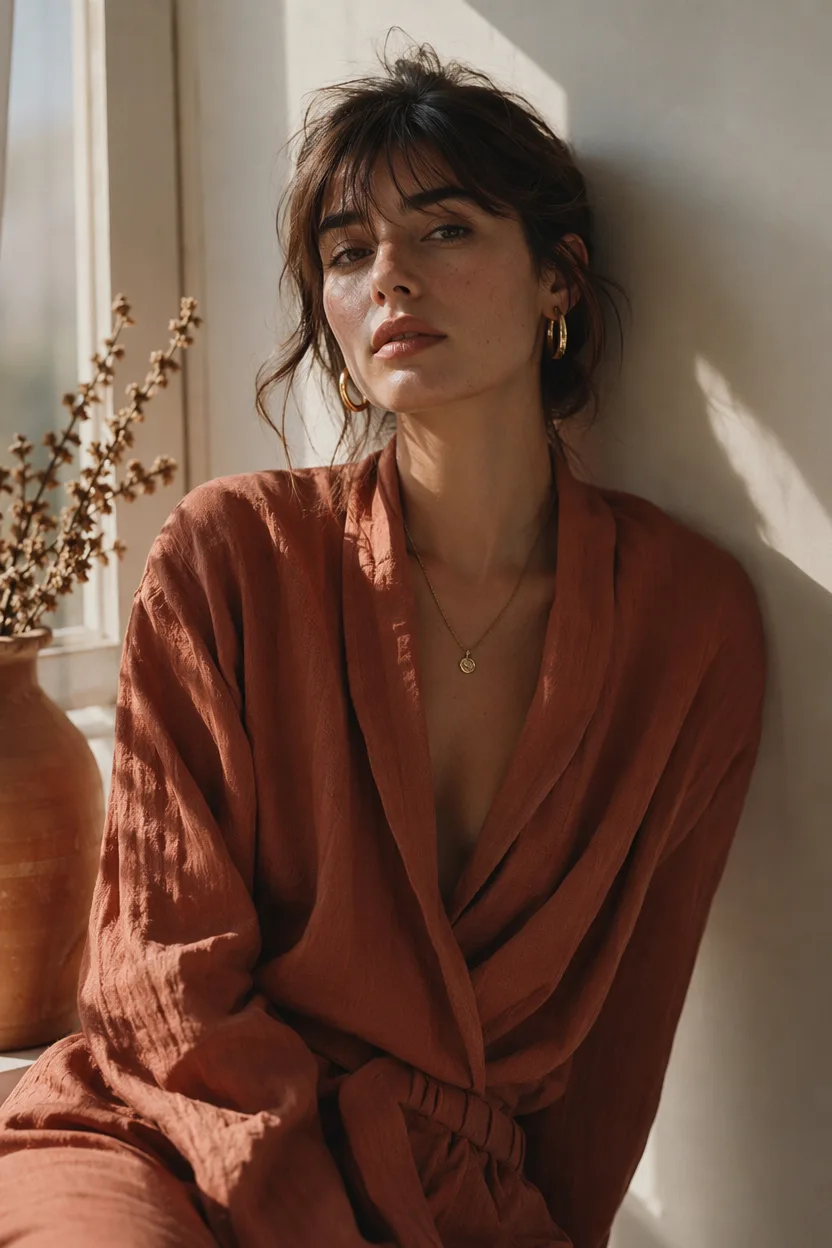
AI generated editorial portrait of a woman in soft window light
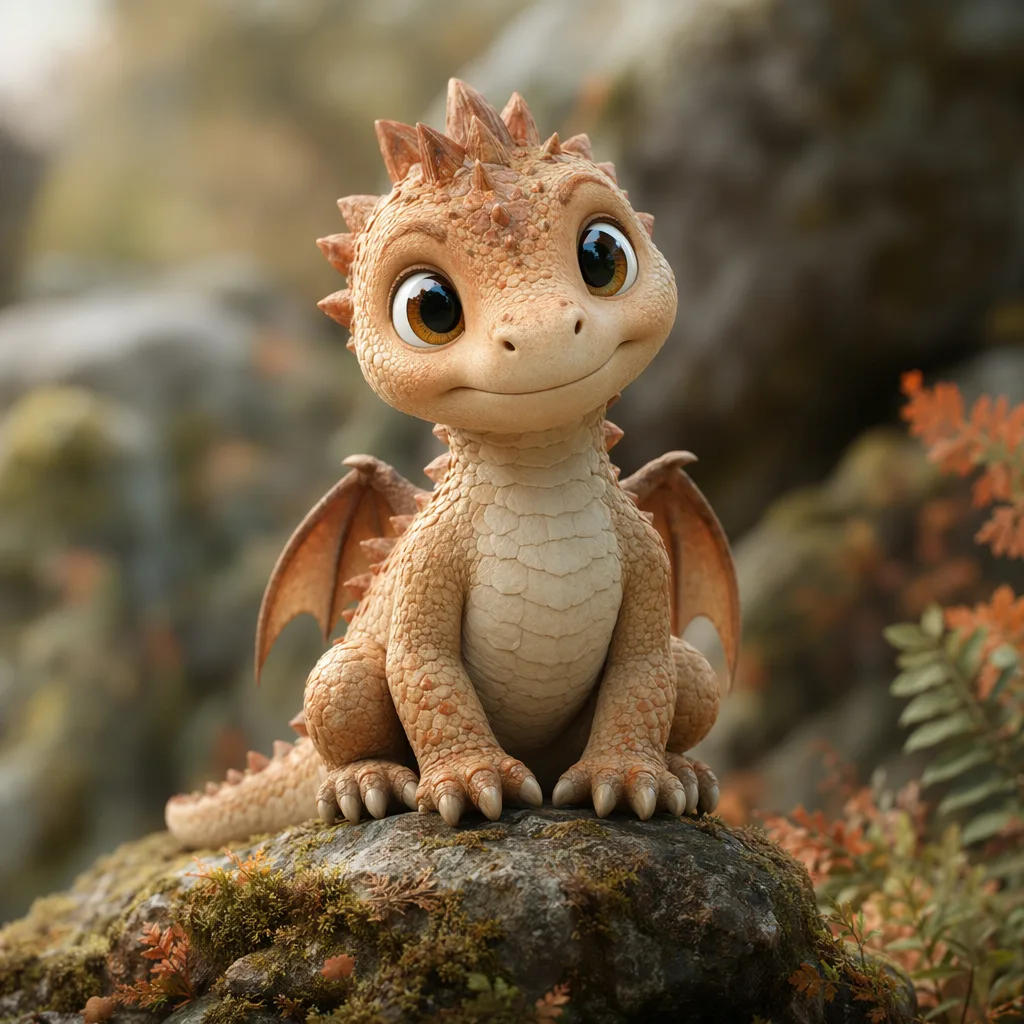
AI generated 3D baby dragon character on a mossy stone
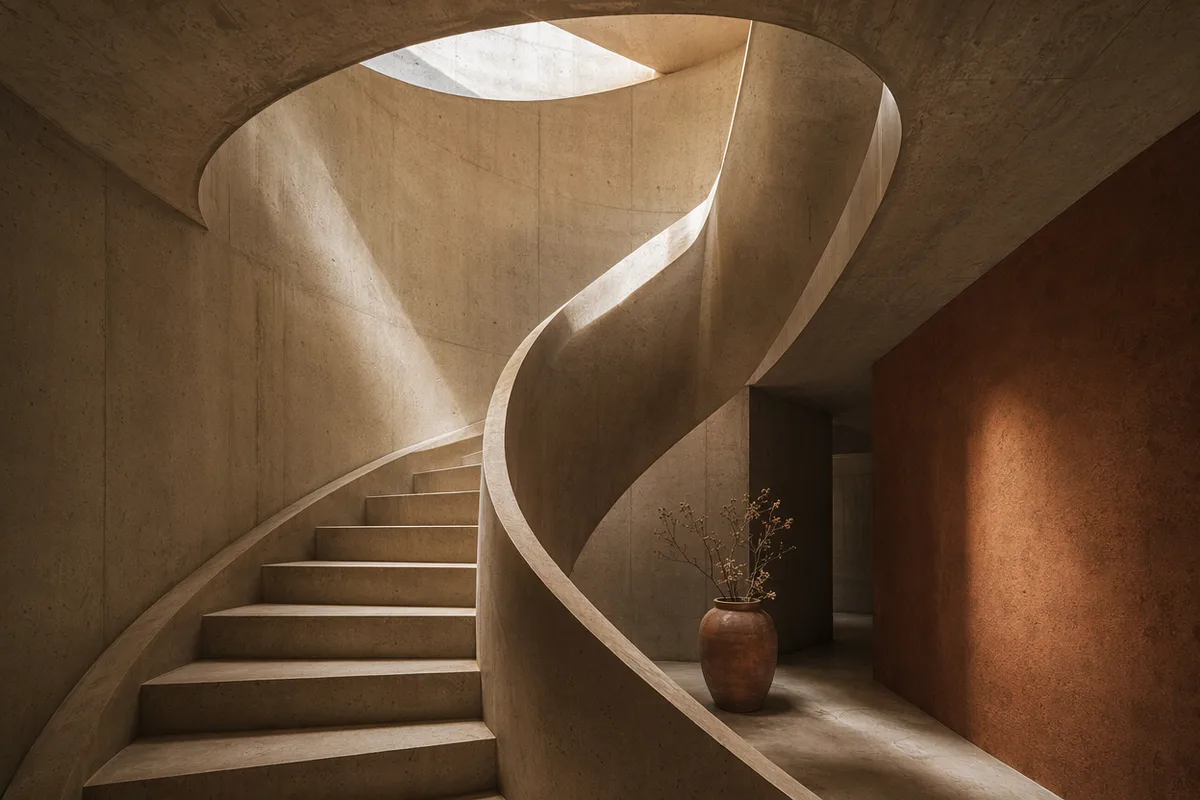
AI generated architectural photo of a warm concrete spiral staircase
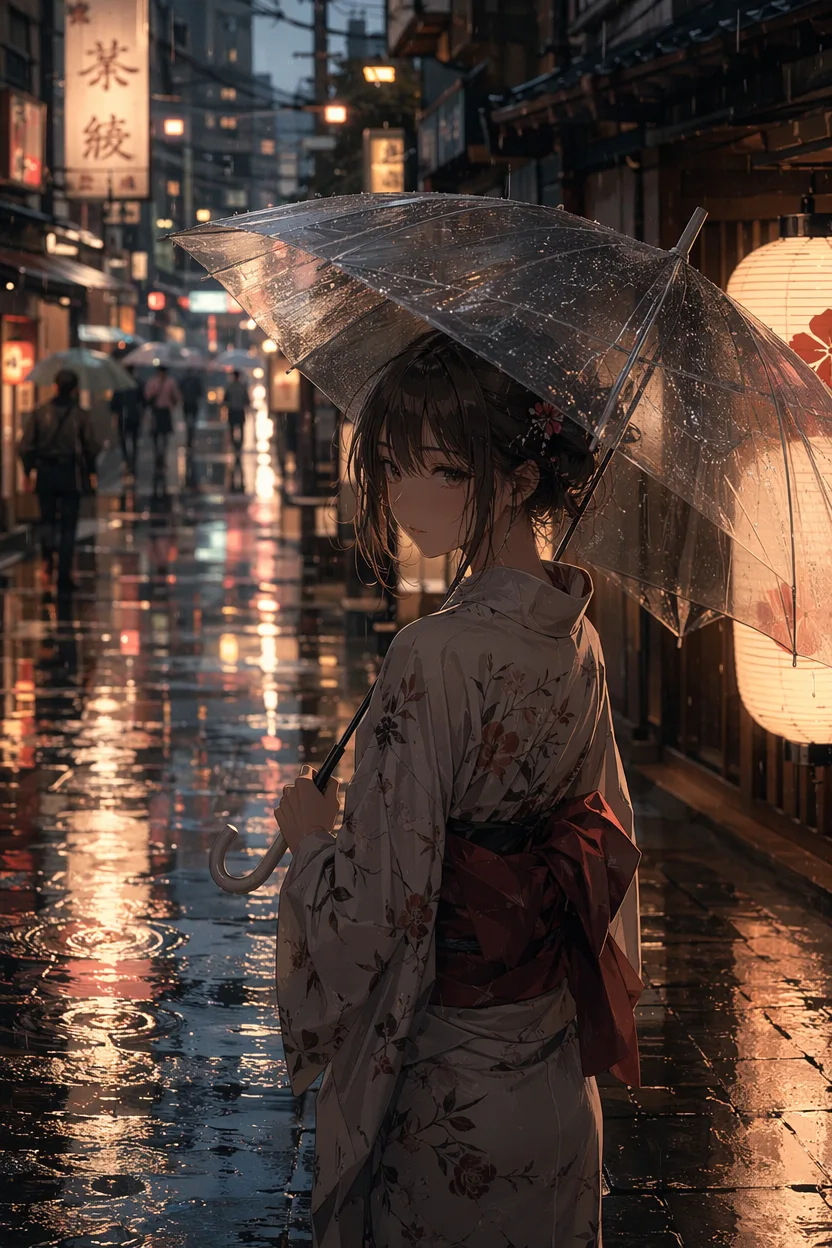
AI generated anime illustration of a girl with an umbrella on a rainy neon street
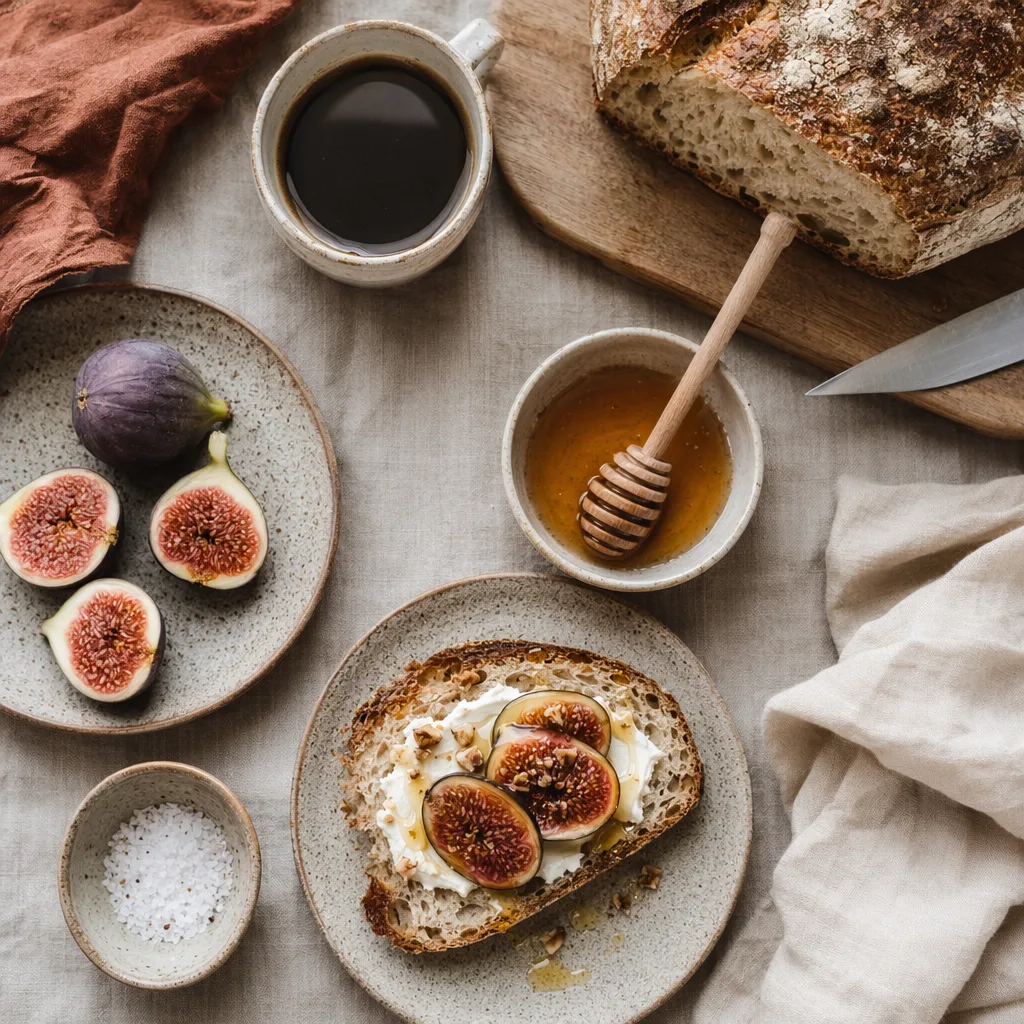
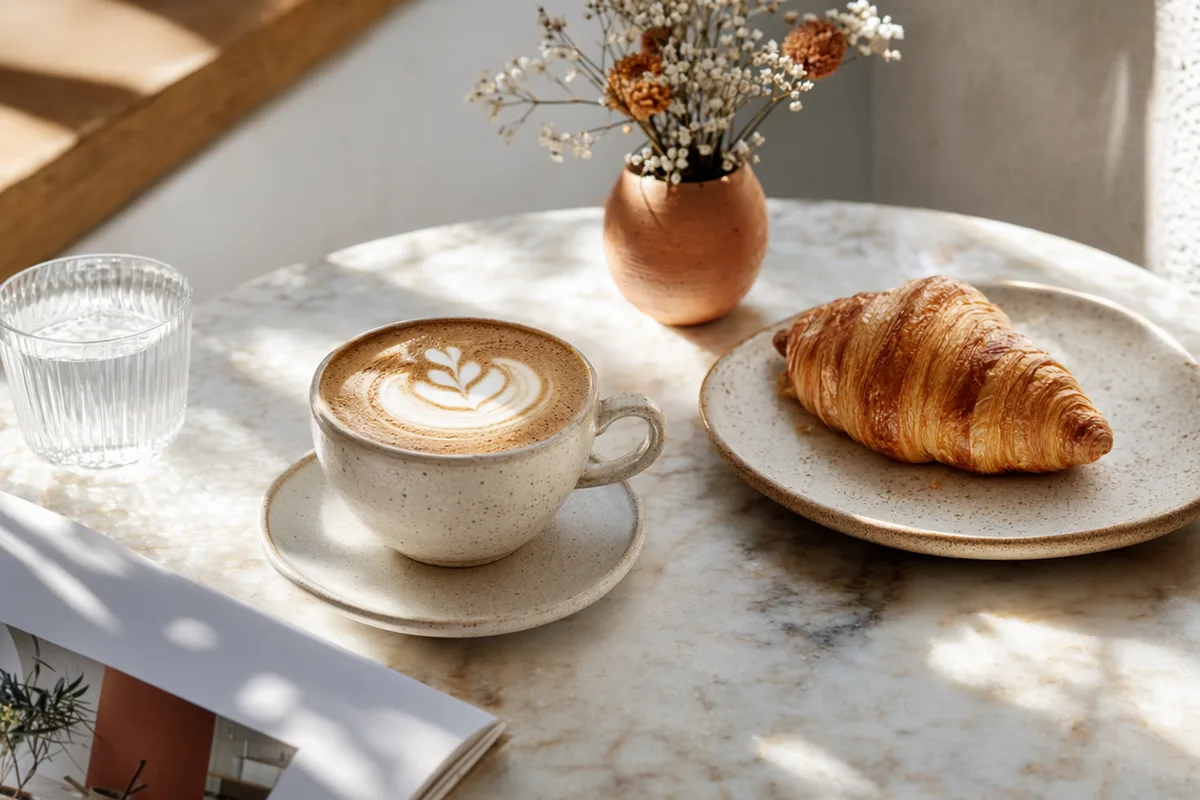
AI generated overhead food photography of a rustic breakfast spread
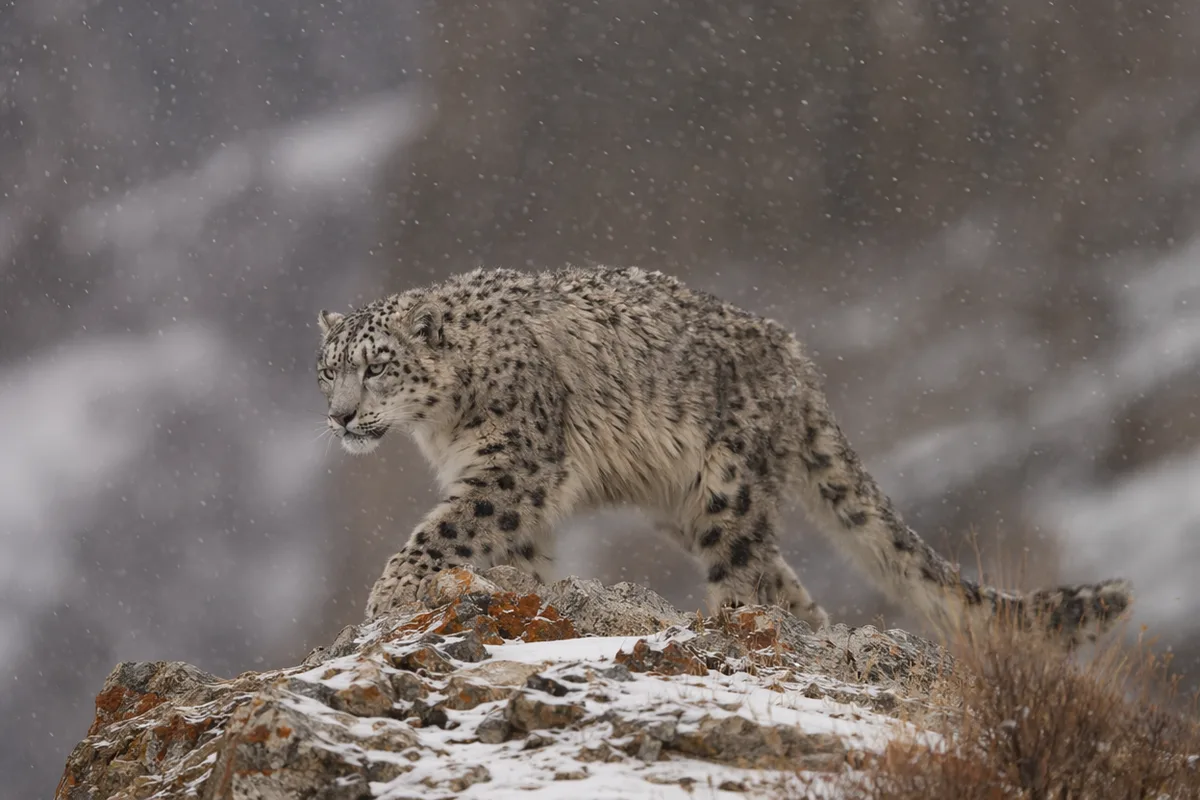
AI generated wildlife photo of a snow leopard in falling snow
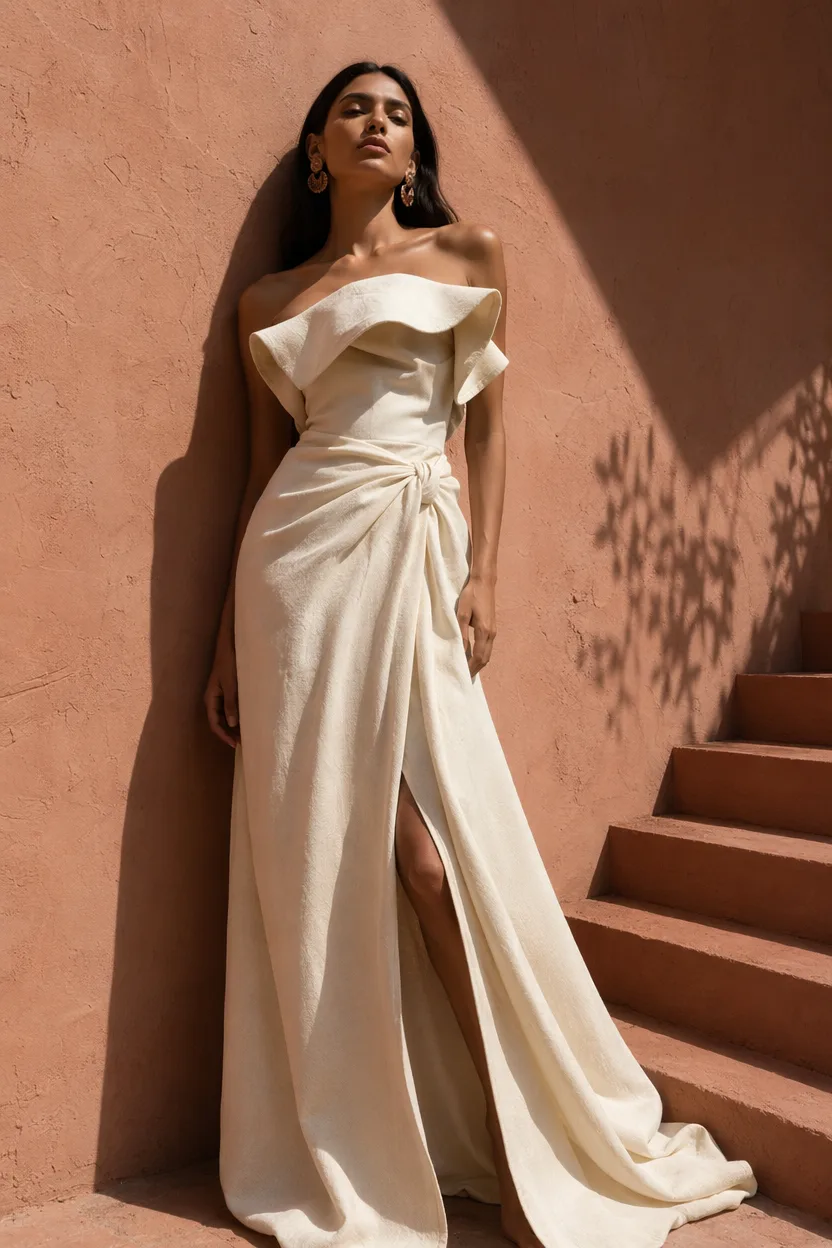
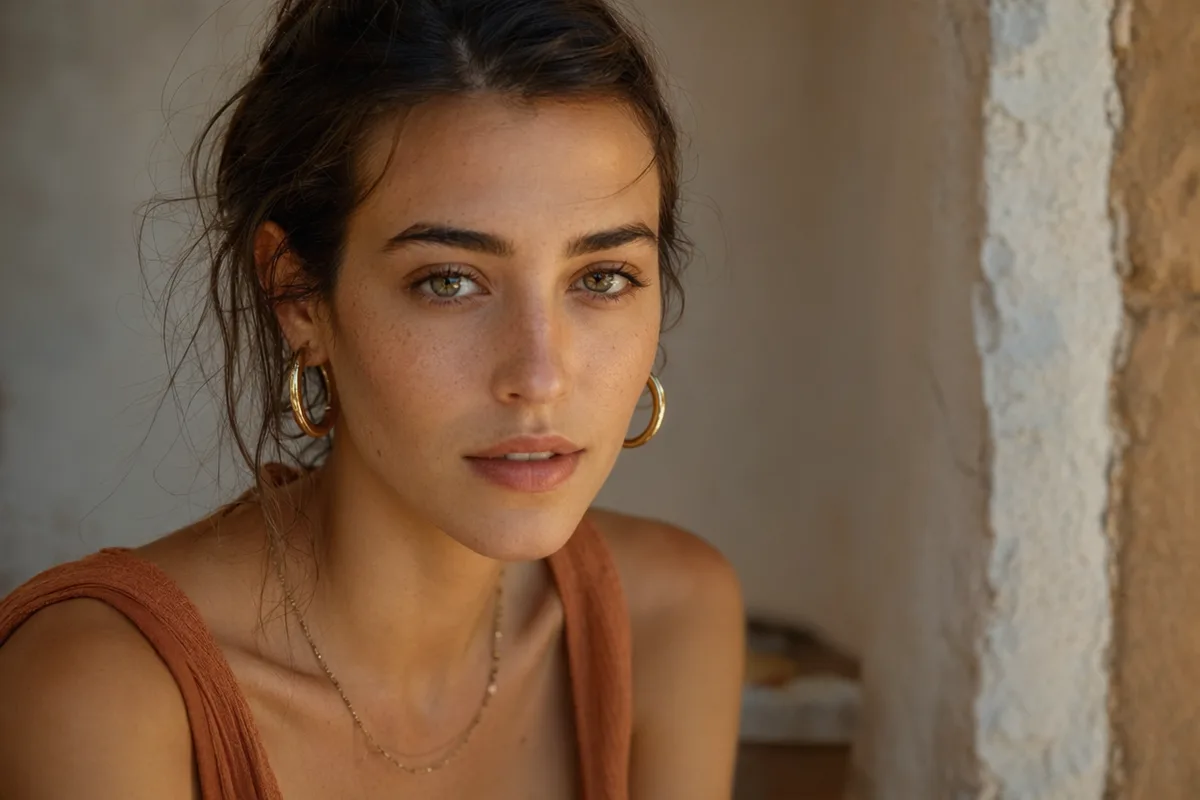
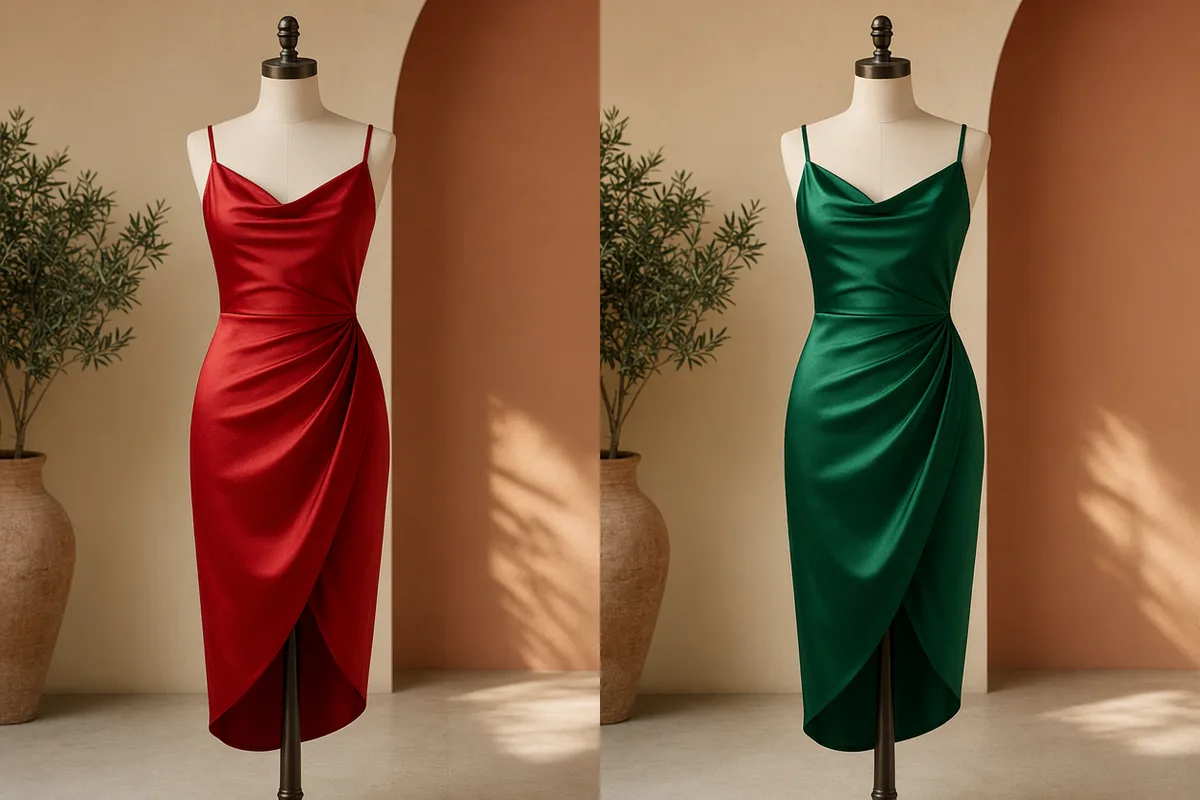
AI generated high fashion editorial portrait against a terracotta wall
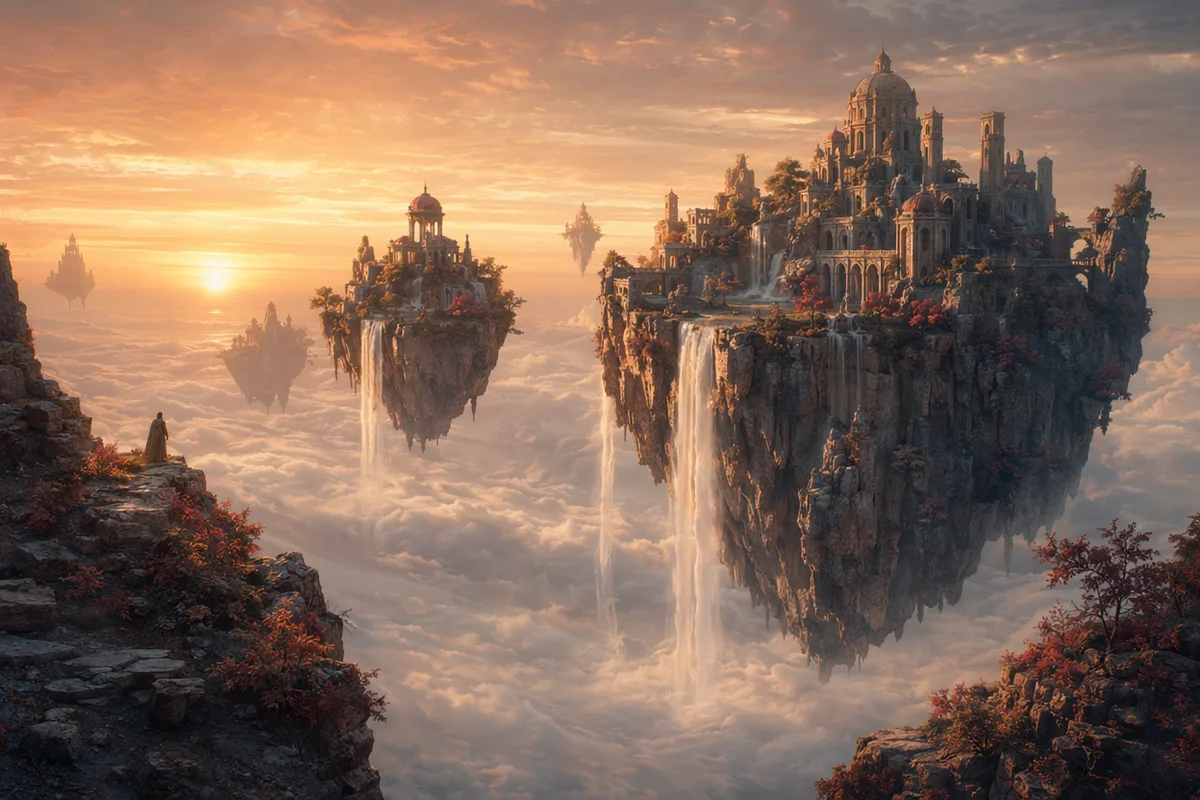
AI generated fantasy landscape of floating islands with waterfalls

From a sentence to a finished image — every top text-to-image AI model in one place

Free AI text to image generator with daily free credits. Switch between GPT Image 2, Nano Banana 2, Seedream 5, and Z Image Turbo in one panel — from one line of description to finished images.

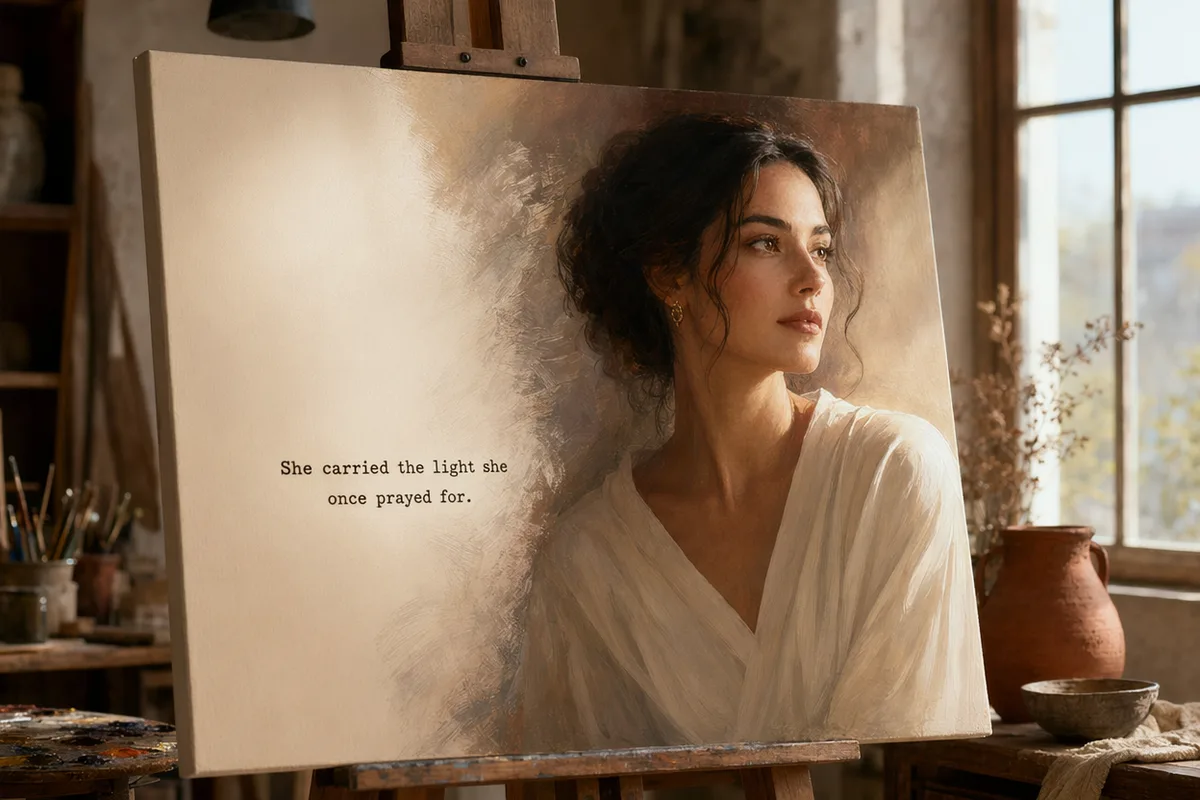
Text prompt turning into a finished AI portrait

Write a thought, get a finished image

No prompt-engineering manuals or advanced parameter tuning. Describe the subject, scene, style, lighting, and mood; the AI prompt enhancer fills in the details and the generator returns polished candidates. Z Image Turbo drafts cost 0 credits, so you can iterate freely before spending on premium models.
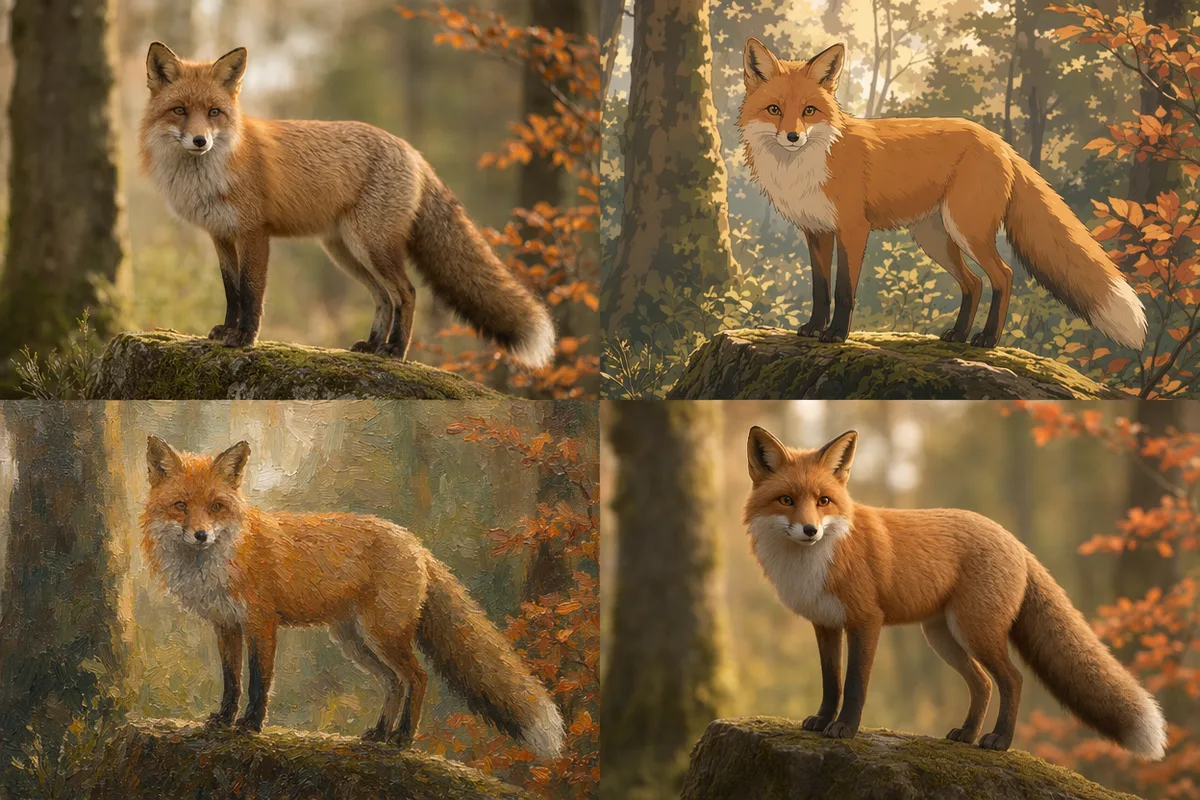
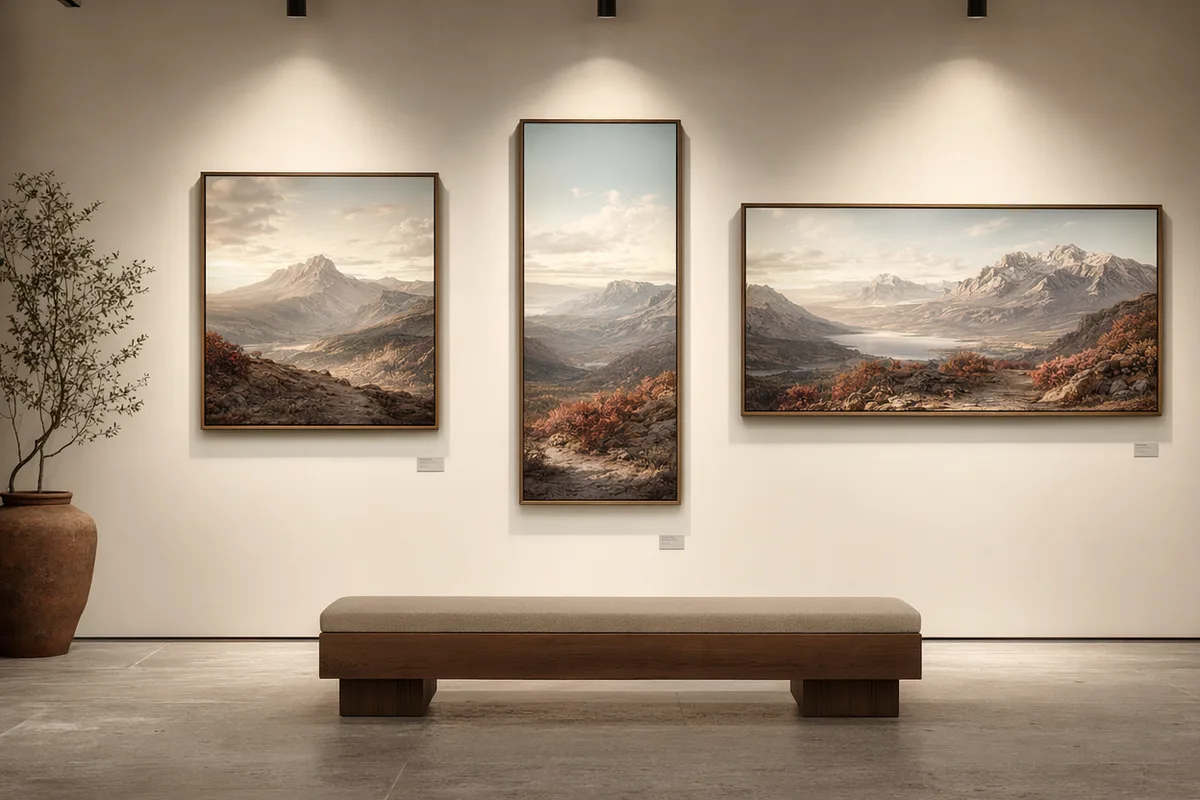
One prompt rendered in multiple AI model styles

One prompt, multiple model directions

Run the same prompt across top text-to-image AI models. GPT Image 2 leads on long-prompt fidelity and in-image text; Nano Banana 2 handles multi-element composition and character consistency; Seedream 5 brings cinematic photoreal lighting; Z Image Turbo returns fast drafts for quick exploration.

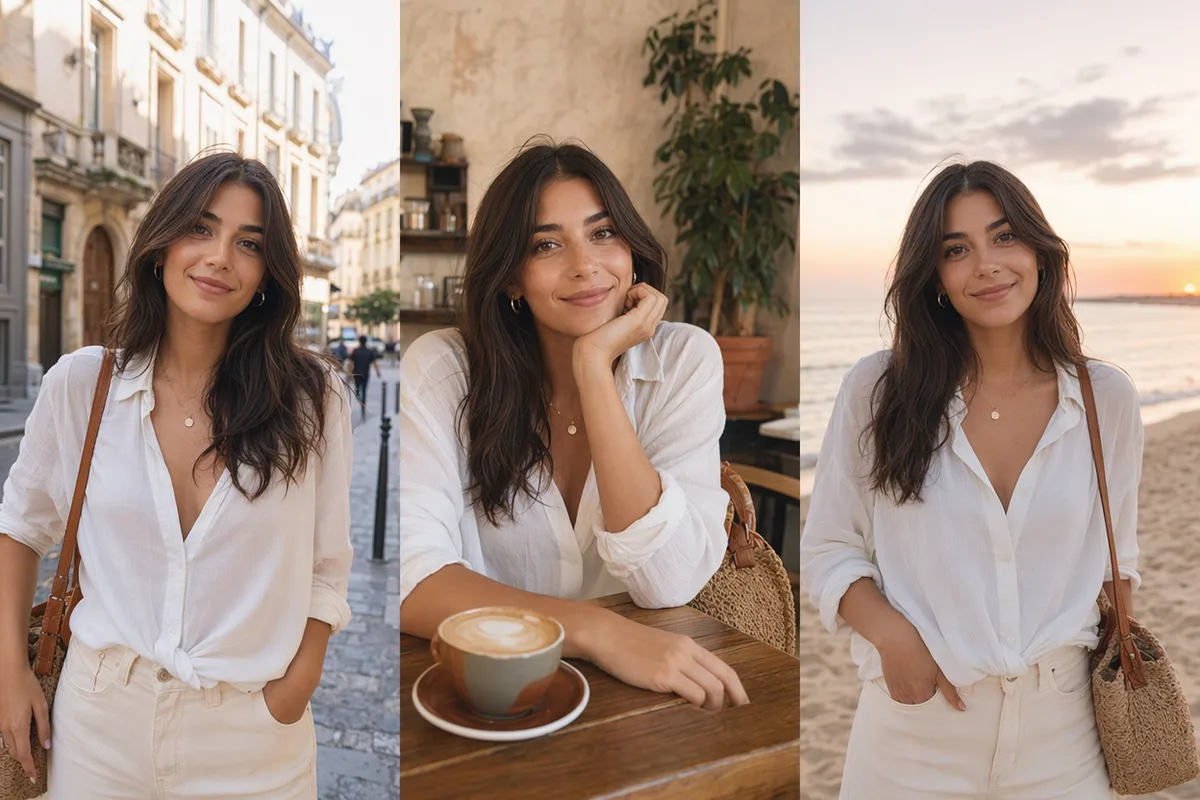
AI image shown in multiple aspect ratios and resolutions

Control ratio, resolution, and format

Pick square, portrait, landscape, or widescreen ratios to match the destination — social posts, banners, thumbnails, or print. Choose resolution up to 4K on higher tiers, set output format, and download HD results without leaving the workspace.

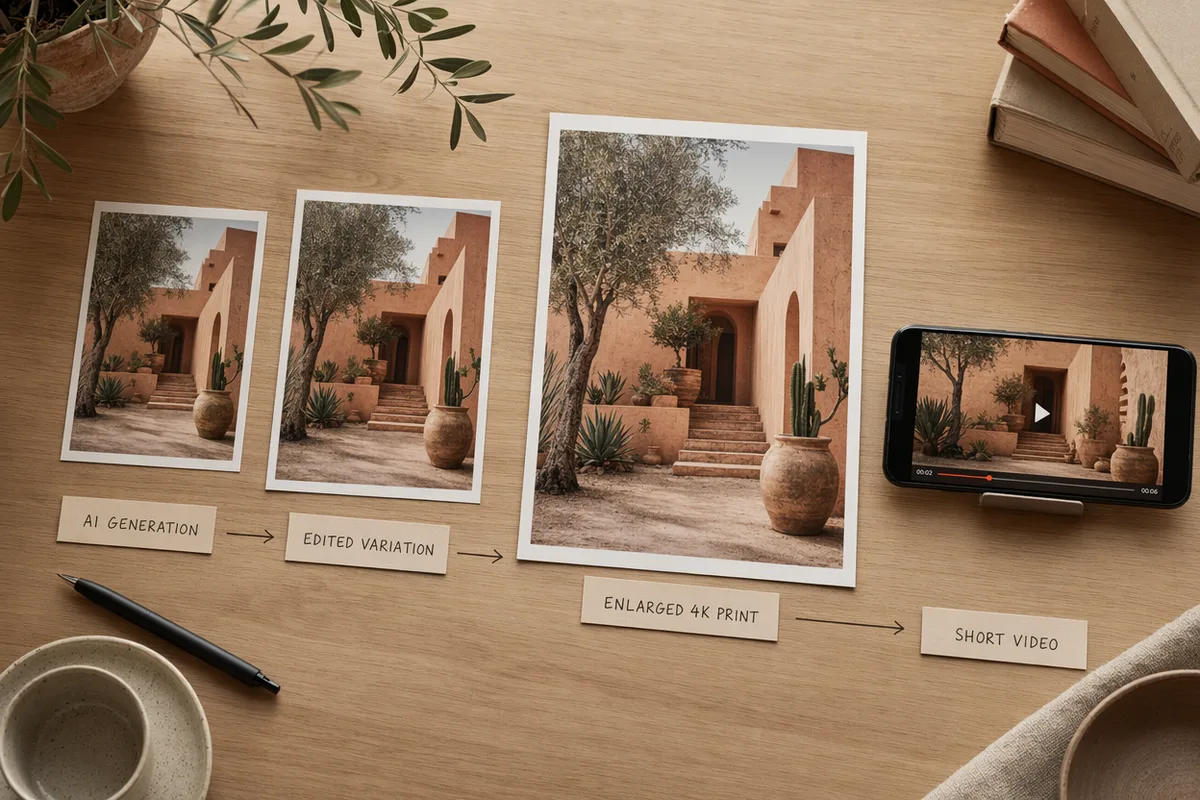
AI image moving through edit, upscale and video workflows

From generation to edit, upscale, and video

A finished image is a starting point. Continue with image-to-image restyling, precise AI editing, 4K upscaling, or send the result straight into an image-to-video workflow. Every generation keeps its prompt, model, and parameters in history so you can pick up where you left off.

Keep exploring CreateVision AI

One account, the full image and video generation workflow.

Choose Your Plan

Start free with daily credits. Upgrade for premium models, faster generation, and 4K output.

Free

$0

Perfect for getting started

  • 80 credits per day, 400 per month
  • Z Image Turbo drafts at 0 credits
  • Standard generation speed
  • Generation history included
Get Started

Premium

Most popular
$29/month

Billed annually · $240/year

  • 1,600 credits/day, 8,000 credits/month
  • All premium models — GPT Image 2, Nano Banana, Seedream, Seedance, Veo, Kling
  • 5x generation speed, priority queue
  • AI prompt enhancement
Upgrade to Premium

Ultimate

$49/month

Billed annually · $300/year

  • 4,000 credits/day, 18,000 credits/month
  • HD generation up to 4K resolution
  • Private generation — results stay out of the gallery
  • Fastest queue and early access to new models
Upgrade to Ultimate

Frequently Asked Questions

1

Is the text to image generator free to use?

Yes. Every account gets 80 free credits per day, and Z Image Turbo generations cost 0 credits, so you can produce free drafts daily. Premium models like GPT Image 2 and Seedream consume credits per image, and paid plans add larger credit allowances.

2

Which AI models can I use for text to image?

CreateVision AI bundles GPT Image 2, Nano Banana 2, Nano Banana Pro, Seedream 5 and 4.5, Qwen Image Edit Plus, and the free Z Image Turbo. You can switch models in one panel and rerun the same prompt to compare directions.

3

How do credits work?

Each model has a per-image credit cost — for example Z Image Turbo is free, Nano Banana costs 20 credits, and premium models cost more. Credits refresh daily and monthly based on your plan, and the generator always shows the cost before you create.

4

Can I use the generated images commercially?

Images you generate can be used in personal and commercial projects under our terms of service. You are responsible for the content of your prompts and for respecting copyright, likeness rights, and platform content rules.

5

What aspect ratios and resolutions are supported?

Common square, portrait, landscape, and widescreen ratios are supported, including 1:1, 3:4, 4:3, 16:9, and 9:16. Resolution options depend on the selected model and plan, with HD up to 4K available on the Ultimate tier.

6

Can I write prompts in my own language?

Yes. The platform supports 27 languages, and the AI prompt enhancer understands non-English prompts, translating and enriching them so the model receives a detailed, well-structured description.

7

Can I keep editing after generation?

Yes. You can continue with image-to-image restyling, precise AI editing, regenerate with another model, upscale to 4K, download the result, or send the image into an image-to-video workflow.

8

Where are my generations stored?

Every generation is saved to your history with its prompt, model, parameters, and credits used, so you can revisit, regenerate, or continue editing later. Ultimate members can enable private generation to keep results out of the public gallery.

Turn a single line into an image — start with CreateVision AI

Start Generating Images