CREATEVISION AI · PRACTICAL VIDEO GUIDES
Before you start
01Judge the complete clip against the input, not a selected still frame.
02Inspect each mode separately: text, image, keyframes, reference and editing solve different problems.
03The recorded waits are historical observations; current queues, costs and results can differ.
Case 1: a 30-second connected take
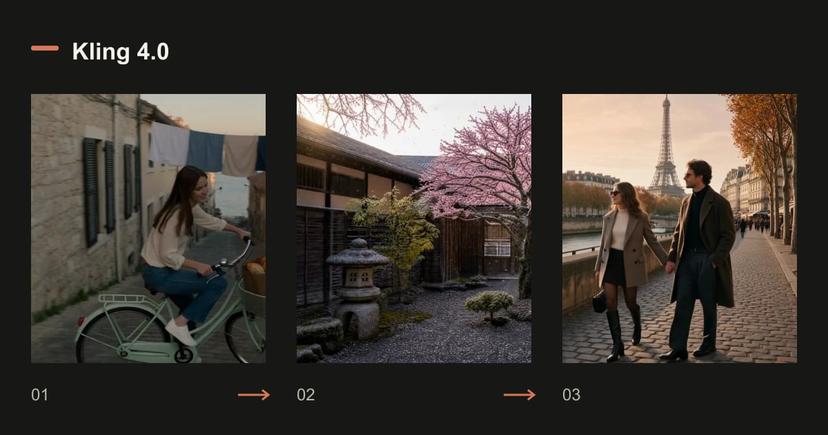
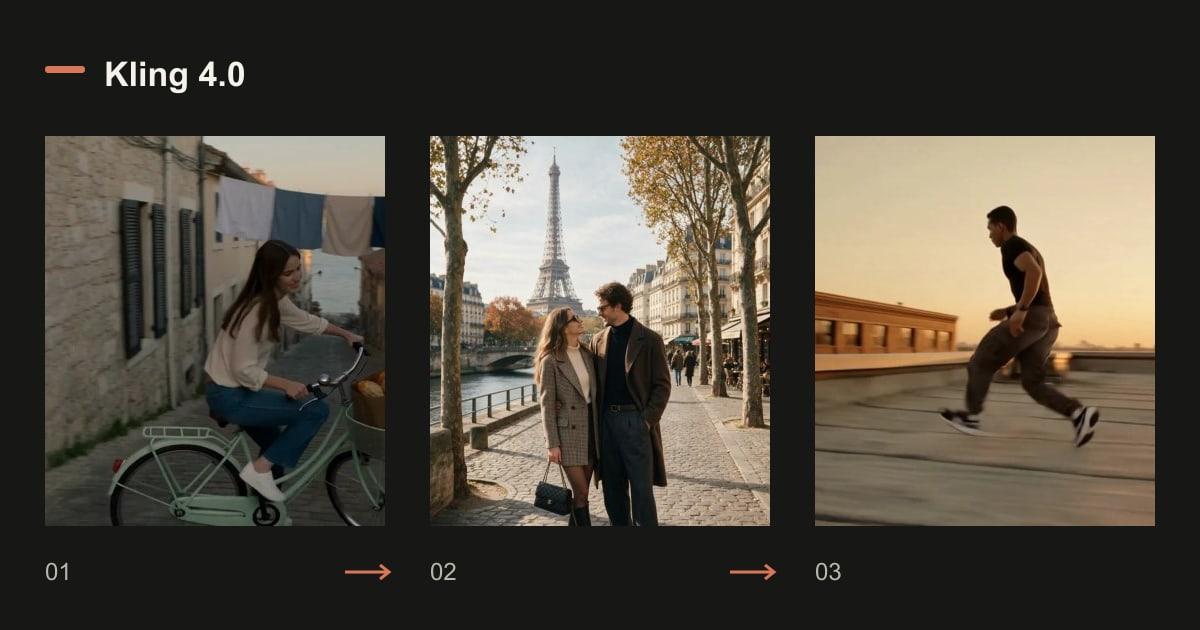
The cyclist brief asks for travel, an interaction at a bakery and a waterfront ending in one take. Use it to inspect continuity and event coverage: does the subject remain recognizable, do the requested events occur, and is the ending connected to the route?
The historical run recorded 490 seconds of waiting. That is one observation, not an average or a latency guarantee. A 30-second generation also costs more than testing the central action in a shorter clip.
Read the original prompt
One continuous 30-second take, no cuts. Early morning on a steep cobbled street in an old harbour town: the camera follows a young woman on a pale-green vintage bicycle as she coasts downhill past a bakery whose metal shutter is rolling up. She slows, the baker hands her a paper bag of bread, she laughs and rides on beneath lines of drying laundry. The street opens onto the waterfront just as the sun clears the horizon; seagulls lift off the railings and she stops at the edge of the quay, looking out at the boats. Steady gimbal follow at shoulder height that rises slowly into a wide shot at the end, warm low sunlight, natural colour. Sound: tyres on cobbles, a bicycle bell, the shutter rattling, gulls and a light sea breeze.
Loading an example fills a draft. Review the settings and current quote before generating.
Case 2: a short text-to-video scene
The paper boat brief isolates an object, reflective water and a slow tracking camera. Its narrower action makes it easier to see whether the requested movement is present. Check the boat structure and its contact with water throughout the clip.
A successful atmospheric scene does not prove that dense choreography, exact signage or multiple speakers will work equally well.
Read the original prompt
A paper boat drifts down a rain-soaked street at dusk, neon reflections ripple across the water, slow tracking shot, cinematic detail.
Loading an example fills a draft. Review the settings and current quote before generating.
Case 3: animating a starting portrait
The couple image-to-video case starts from a 3:4 photograph. The output preserves portrait framing rather than following a new widescreen request. Inspect the turn, smile, hands and face details against the source.
A recognizable starting frame is not proof of identity stability later in a clip. Evaluate the middle and ending as well.
Read the original prompt
The couple slowly turn toward each other and smile, a gentle breeze moves their hair, soft golden-hour light, subtle handheld camera.
Loading an example fills a draft. Review the settings and current quote before generating.
Case 4: connecting three checkpoints
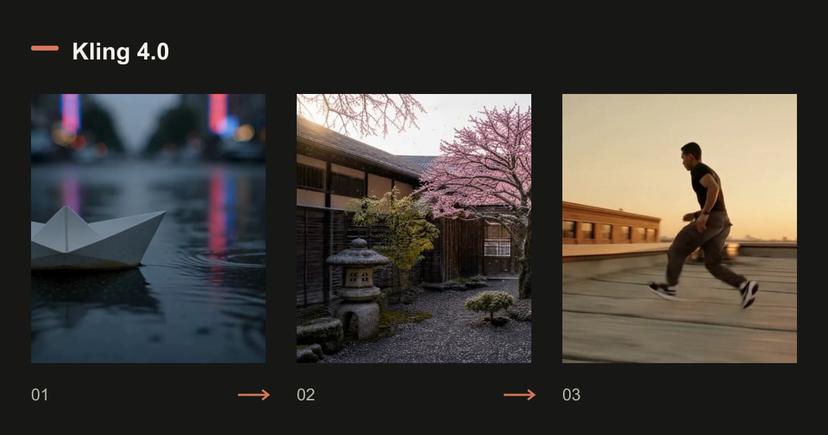
The winter-to-summer tree gives the model a beginning, middle and ending. Open the three original frames and check whether the transitions follow their order without changing the courtyard.
The original run used three frames in a five-second clip and recorded 191 seconds of waiting. This demonstrates the submitted setup; it does not establish that every complex transition will follow an exact timestamp.
Read the original prompt
Locked-off wide shot of a stone courtyard with one cherry tree, shown as a smooth time-lapse through the seasons: the winter snow melts away, the tree bursts into pink blossom and petals drift down, then the blossom gives way to dense summer leaves under bright sun. The camera never moves. Sound: a cold wind at first, then birdsong and cicadas as summer arrives.
Loading an example fills a draft. Review the settings and current quote before generating.
Case 5: the same people in a different composition
Reference-to-video asks for the couple walking beside a Paris quay in a wider shot. Compare this with the image-to-video example: references support a new arrangement, while a starting frame anchors the original composition.
Check likeness and clothing through movement. This one case cannot establish a universal identity score or a ranking against another model.
Read the original prompt
The couple from <<<image_1>>> walk hand in hand along a Paris street at golden hour, slow dolly follow, soft handheld feel.
Loading an example fills a draft. Review the settings and current quote before generating.
Case 6: changing the grade of an existing clip
The rooftop edit requests warmer color and grain. The original clip is included so you can compare movement, framing and sound. Judge the requested visual change separately from any unintended changes.
Editing a six-second source is not priced like a six-second text-only generation because source video contributes billable seconds. Check the current quote before running your own clip.
Read the original prompt
Regrade <<<video_1>>> to a warm golden-hour look with soft film grain, keep everything else unchanged.
Loading an example fills a draft. Review the settings and current quote before generating.
What this review can and cannot tell you
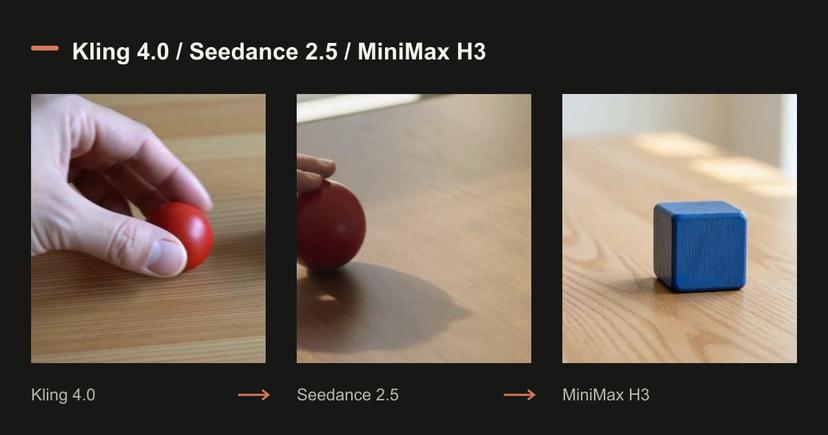
These are historical first-take examples, selected to document six workflows. There is no matched competing-model sample behind a universal winner claim. The new three-model comparison uses separate shared tasks and two attempts per setting.
Resolution, duration and audio-stream presence can be checked from files. An audio stream does not prove correct wording or lip sync. Use your own acceptance checklist for readable text, hands, interaction, subject identity and any product detail that must be exact.
- Useful for seeing actual modes, input preparation and the form of the output.
- Insufficient for a population-wide success rate, a universal speed claim or a general model ranking.
- Original prompts and files are included; loading them does not automatically generate.
Questions before generating
Does this review show six different models?
No. It shows six cases from Kling 4.0. Text and image, keyframes, references and editing are different workflows within that model.
Are the displayed waits what I will wait today?
No. They were observed in the recorded runs and include queue and request overhead. Current waiting times vary.
How should I decide whether to pay for a longer clip?
Test the hardest action in a short version, inspect all essential details, then increase duration only when the basic result is usable.
Compare plans and credit packs
Know the volume you need? Compare membership credits with a one-time credit pack before choosing. Your draft stays under your control.