CREATEVISION AI · PRACTICAL VIDEO GUIDES
Before you start
01Separate subject movement from camera movement.
02Explain the role of each reference and the details that must survive a change.
03Revise one mismatch at a time, keeping a successful baseline.
Build the prompt around one visible event
Write subject → action → setting → camera → continuity → sound. This is a drafting aid rather than syntax the model requires. Replace vague adjectives with instructions you can check in the output. “Cinematic” says less than “one continuous shoulder-height tracking shot.”
For an image input, keep the existing composition and name what should move. For text generation, establish the subject and scene first. For dialogue, give exact words and identify the speaker; an audio track alone does not establish correct speech.
Text: give a long take a readable route
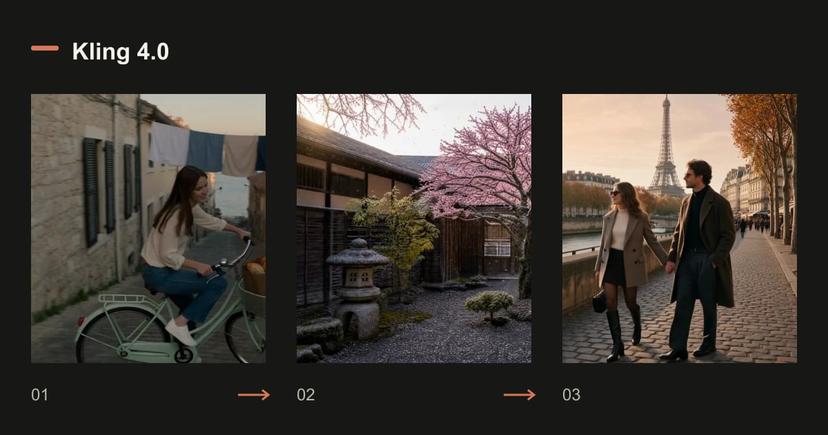
The harbor-town example follows one cyclist through connected events. Its changing camera height and recurring bicycle provide continuity. A longer take gives events more time, but it does not guarantee that every requested event appears. Read the original prompt, then watch whether the actions connect.
Read the original prompt
One continuous 30-second take, no cuts. Early morning on a steep cobbled street in an old harbour town: the camera follows a young woman on a pale-green vintage bicycle as she coasts downhill past a bakery whose metal shutter is rolling up. She slows, the baker hands her a paper bag of bread, she laughs and rides on beneath lines of drying laundry. The street opens onto the waterfront just as the sun clears the horizon; seagulls lift off the railings and she stops at the edge of the quay, looking out at the boats. Steady gimbal follow at shoulder height that rises slowly into a wide shot at the end, warm low sunlight, natural colour. Sound: tyres on cobbles, a bicycle bell, the shutter rattling, gulls and a light sea breeze.
Read the original prompt
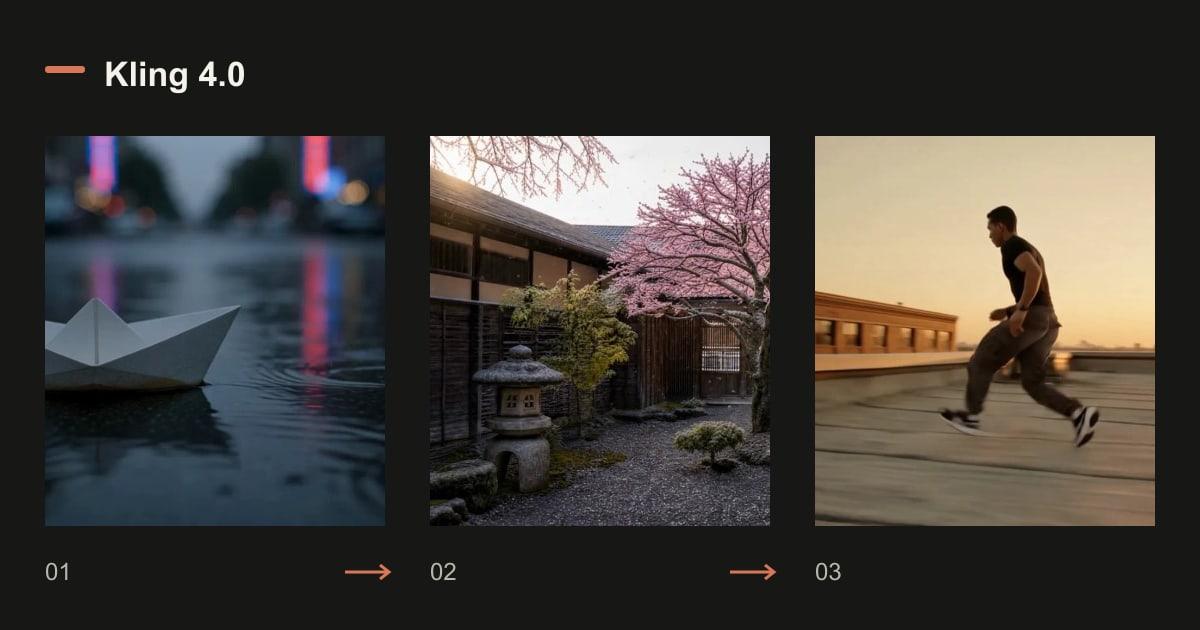
A paper boat drifts down a rain-soaked street at dusk, neon reflections ripple across the water, slow tracking shot, cinematic detail.
Loading an example fills a draft. Review the settings and current quote before generating.
Image: request motion without replacing the picture
“Make it beautiful” leaves the intended action unspecified. A useful instruction names a restrained head turn or a gentle camera move, then lists the features that must remain recognizable. Do not ask an image with a cropped torso to reveal an invented outfit below the frame.
Read the original prompt
The couple slowly turn toward each other and smile, a gentle breeze moves their hair, soft golden-hour light, subtle handheld camera.
Loading an example fills a draft. Review the settings and current quote before generating.
Keyframes: describe the connection between checkpoints
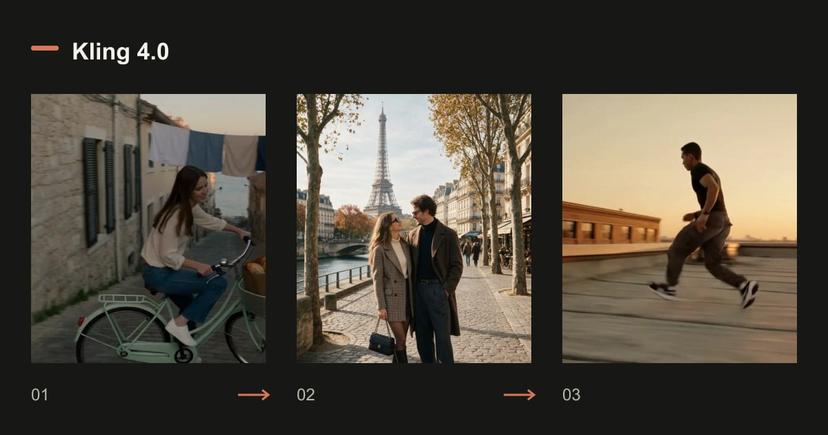
The tree example uses winter, blossom and summer frames. The prompt keeps the camera fixed and describes the transition between seasons. It does not simultaneously request a new location or another tree. With more frames, check that the requested clip has enough time for each change.
Read the original prompt
Locked-off wide shot of a stone courtyard with one cherry tree, shown as a smooth time-lapse through the seasons: the winter snow melts away, the tree bursts into pink blossom and petals drift down, then the blossom gives way to dense summer leaves under bright sun. The camera never moves. Sound: a cold wind at first, then birdsong and cicadas as summer arrives.
Loading an example fills a draft. Review the settings and current quote before generating.
Reference: assign each asset one job
A person reference should define appearance. A location reference should define the environment. A movement reference should guide action or camera rhythm. Name these roles, rather than asking the model to follow every detail of every file.
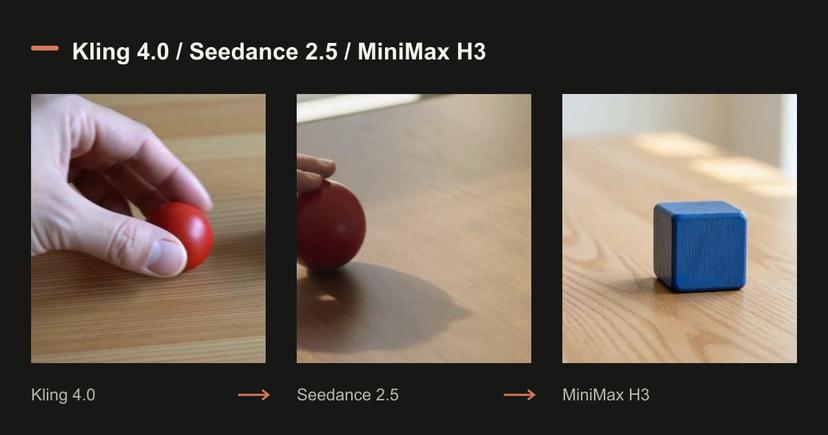
The couple example asks for the same people in a new wider composition. That differs from animating the source photograph in place. Check face shape, clothing and who appears on each side of the shot.
Read the original prompt
The couple from <<<image_1>>> walk hand in hand along a Paris street at golden hour, slow dolly follow, soft handheld feel.
Loading an example fills a draft. Review the settings and current quote before generating.
Edit: say both what changes and what stays
A useful editing request is bounded: warmer late-afternoon color and fine grain, with the movement, framing and sequence preserved. Review the changed detail and the protected details separately. If several unrelated elements change, simplify the request before another paid attempt.
Read the original prompt
Regrade <<<video_1>>> to a warm golden-hour look with soft film grain, keep everything else unchanged.
Loading an example fills a draft. Review the settings and current quote before generating.
Turn a failed prompt into a useful next attempt
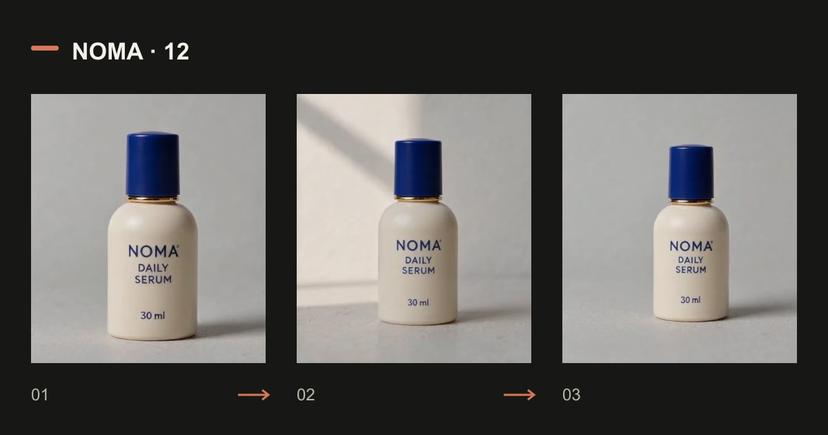
Keep the source files, duration and quality fixed while changing one instruction. If a person barely turns, make the requested direction and end pose clearer. If a product deforms, reduce camera movement and keep the reference angle. If exact lettering is essential, leave space for editable text instead of rerolling decorative typography indefinitely.
| Mismatch | First change to try |
|---|---|
| Unrelated shots | Use one subject and a single connected action |
| Camera ignores the instruction | Choose one move and a clear final framing |
| Identity changes | Reuse the same reference and reduce occlusion |
| Product shape drifts | Keep the front angle and ask for less motion |
| Too many events disappear | Shorten the action list or increase duration after a cheap test |
Questions before generating
Should every prompt contain timestamps?
No. A continuous simple action can be one paragraph. Use timed beats when order matters, and keep the total consistent with the selected duration.
Can I reuse these prompts in another model?
Use them as a starting brief, then adapt reference syntax, supported modes, duration and audio controls. Compare only the capabilities each model actually exposes.
Should I keep generating until a result looks good?
Set a small attempt budget and a concrete acceptance checklist. Save a usable baseline and target one error in each revision.
Compare plans and credit packs
Know the volume you need? Compare membership credits with a one-time credit pack before choosing. Your draft stays under your control.