AI image model

GPT Image 2 AI Image Generator

Generate with GPT Image 2 using ratio, quality, batch, and reference-image controls in one CreateVision AI workspace.

OpenAI image modelReadable textReference images

Explore More Models

Compare GPT Image 2 with other image models — same workspace, one click to switch.

Get Inspired

A glimpse of what people are creating with AI image models on CreateVision AI.

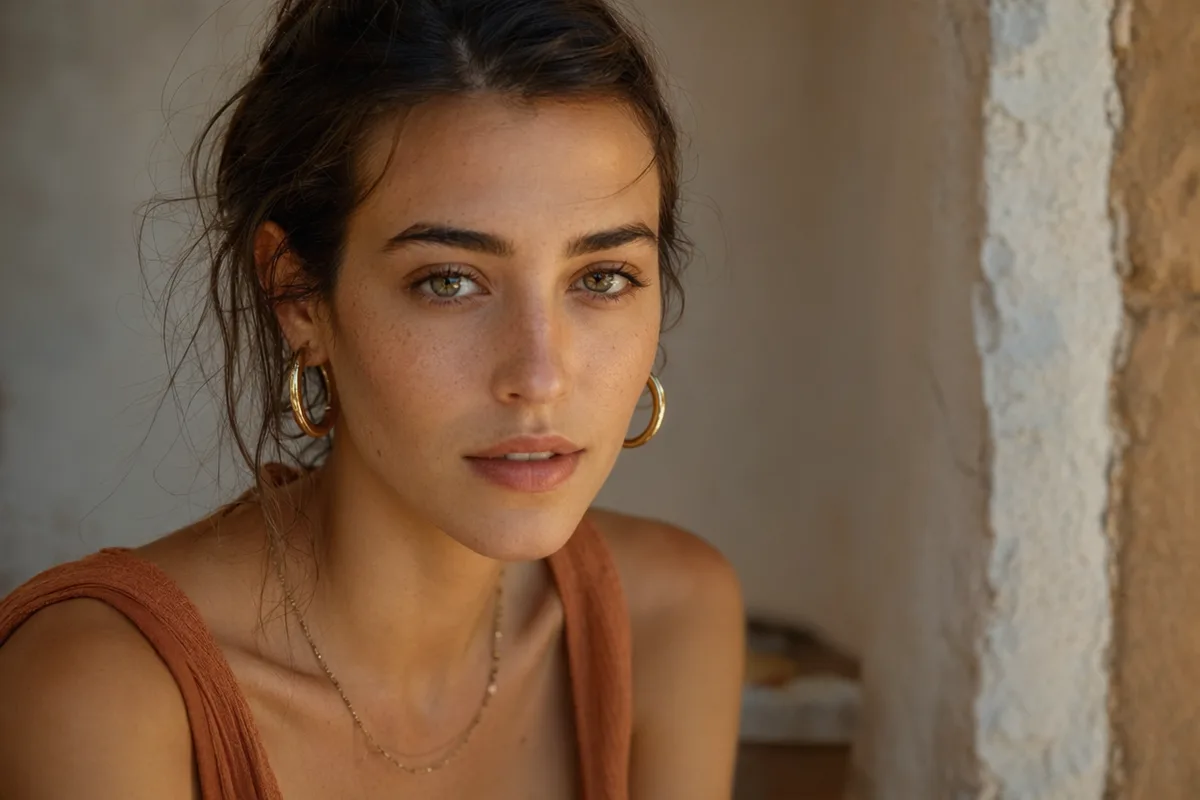
AI generated editorial portrait of a woman in soft window light
AI generated 3D baby dragon character on a mossy stone
AI generated architectural photo of a warm concrete spiral staircase
AI generated anime illustration of a girl with an umbrella on a rainy neon street
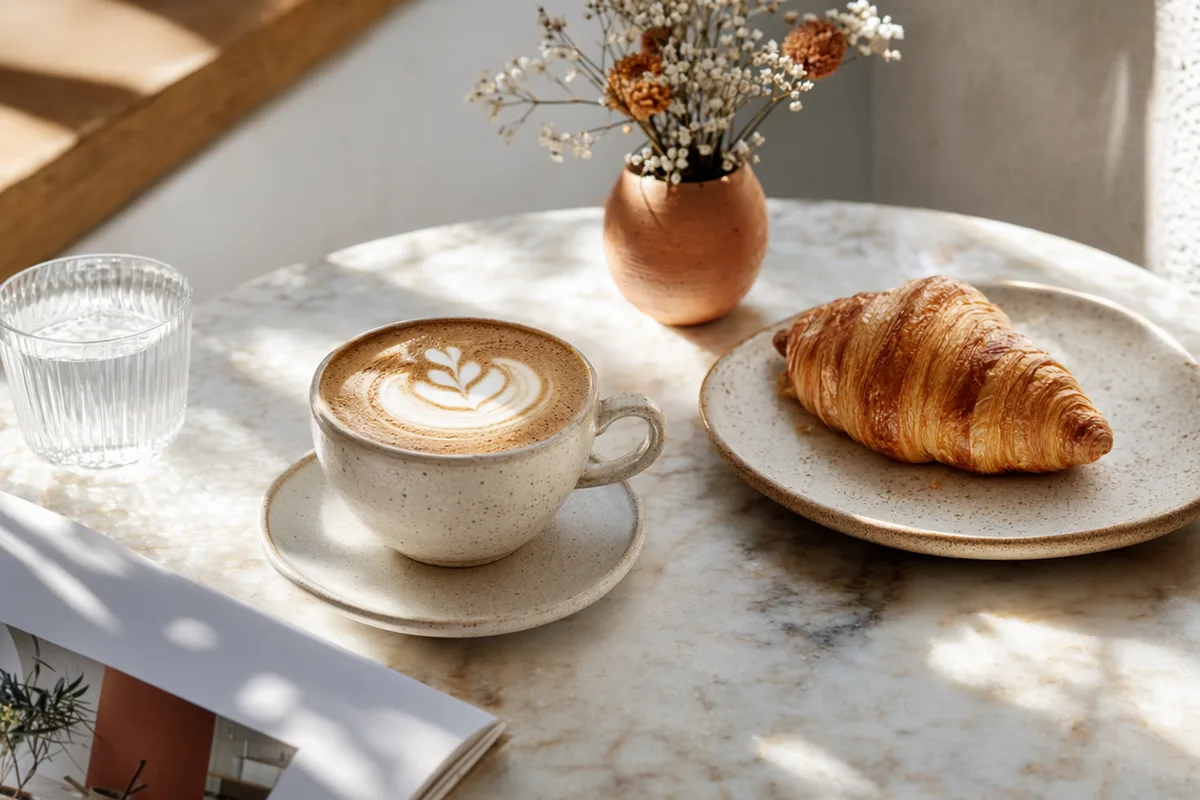
AI generated overhead food photography of a rustic breakfast spread
AI generated wildlife photo of a snow leopard in falling snow
AI generated high fashion editorial portrait against a terracotta wall
AI generated fantasy landscape of floating islands with waterfalls

GPT Image 2 — the model that reads your brief and writes your text

OpenAI's image model is the community favorite for complex instructions and clean in-image typography. Use it in CreateVision AI with ratio, resolution, quality, and reference-image controls.

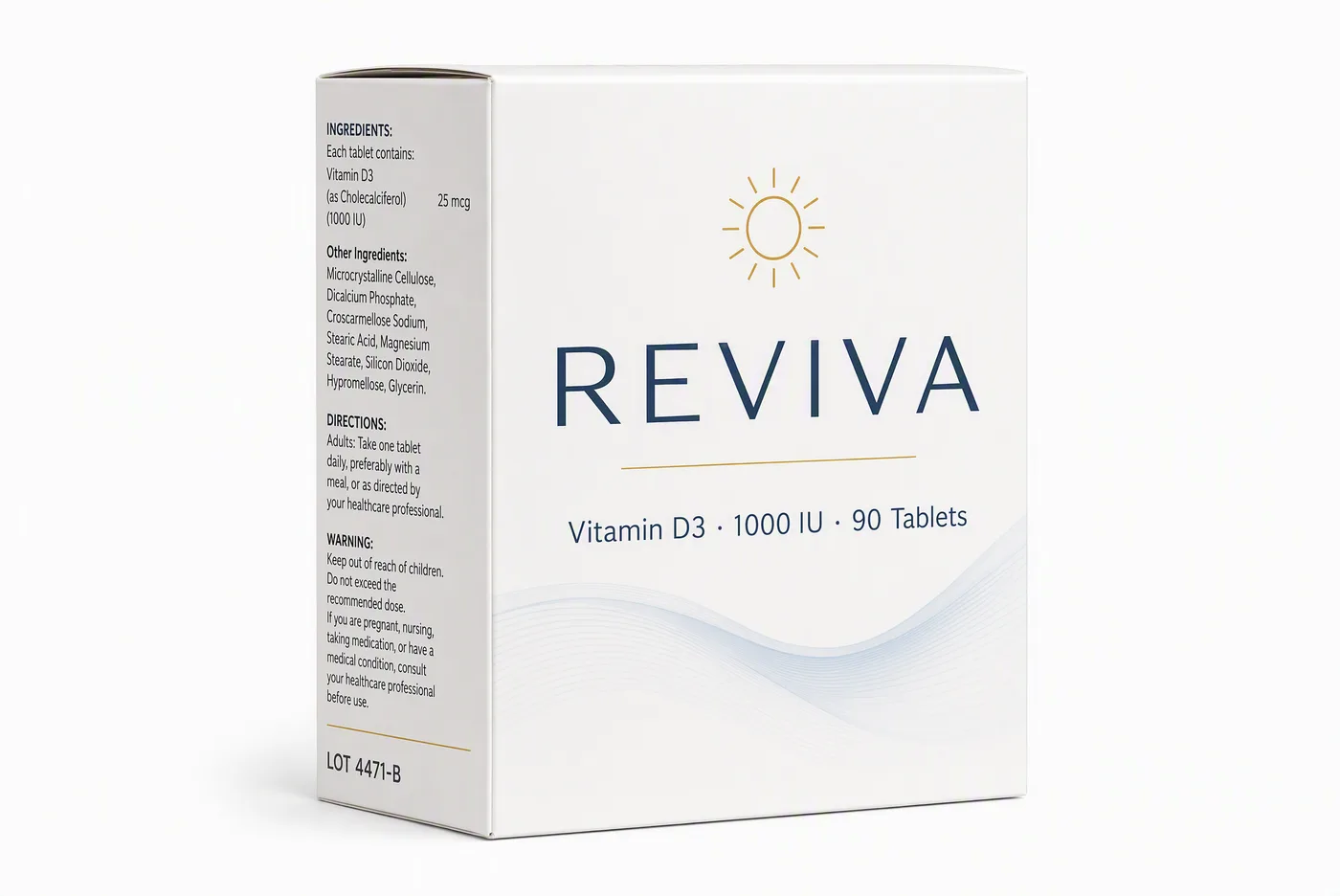
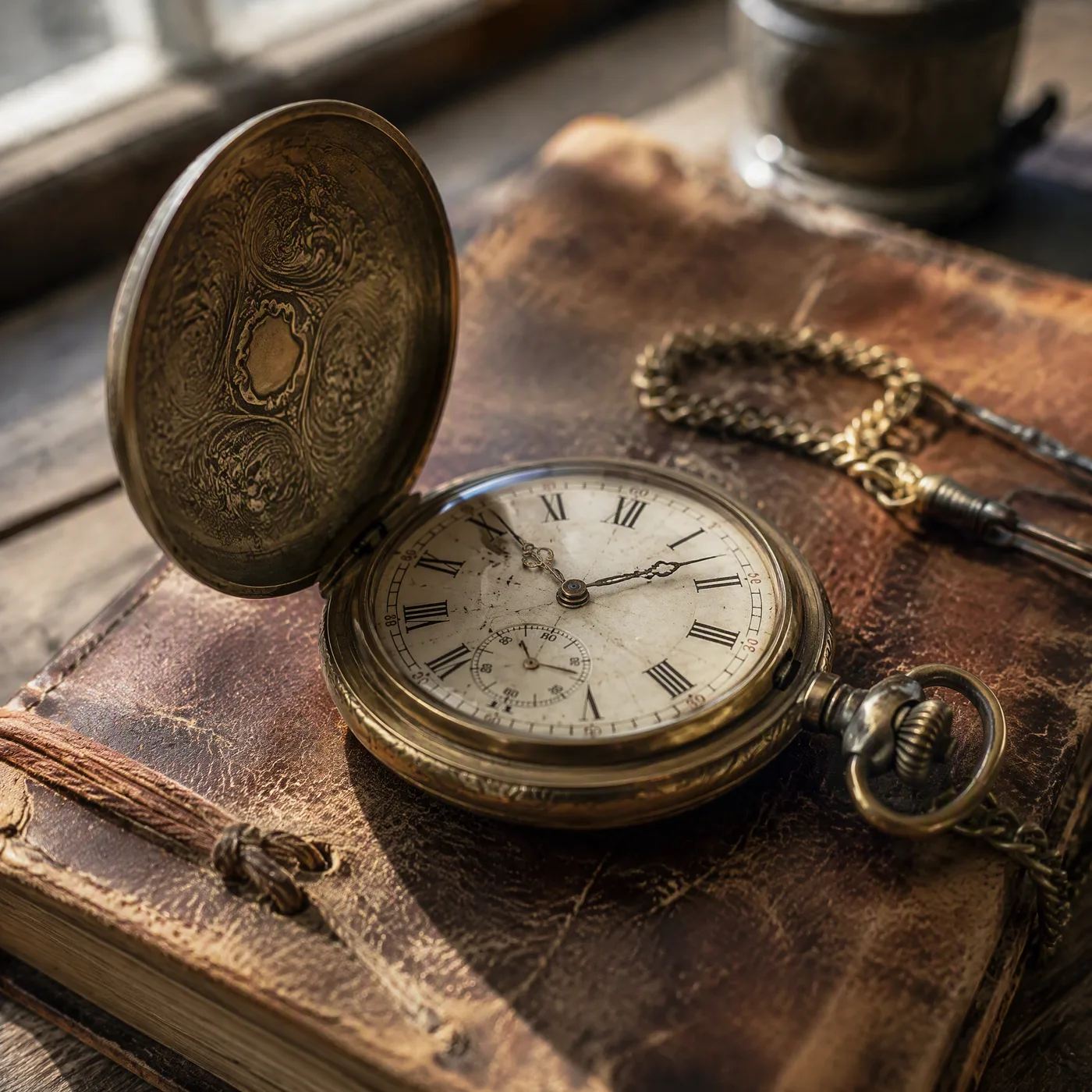
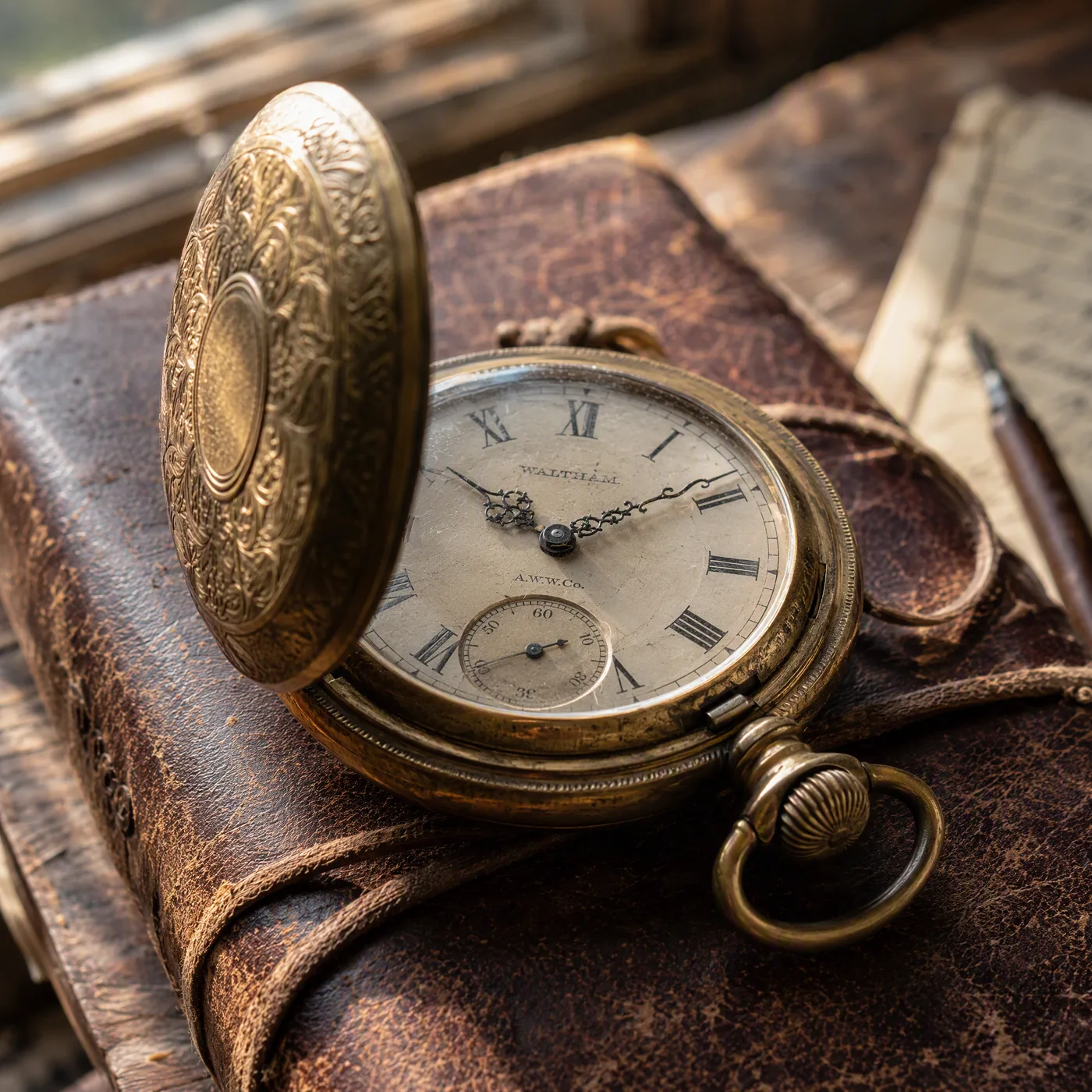
AI generated soda can poster with crisp readable label text

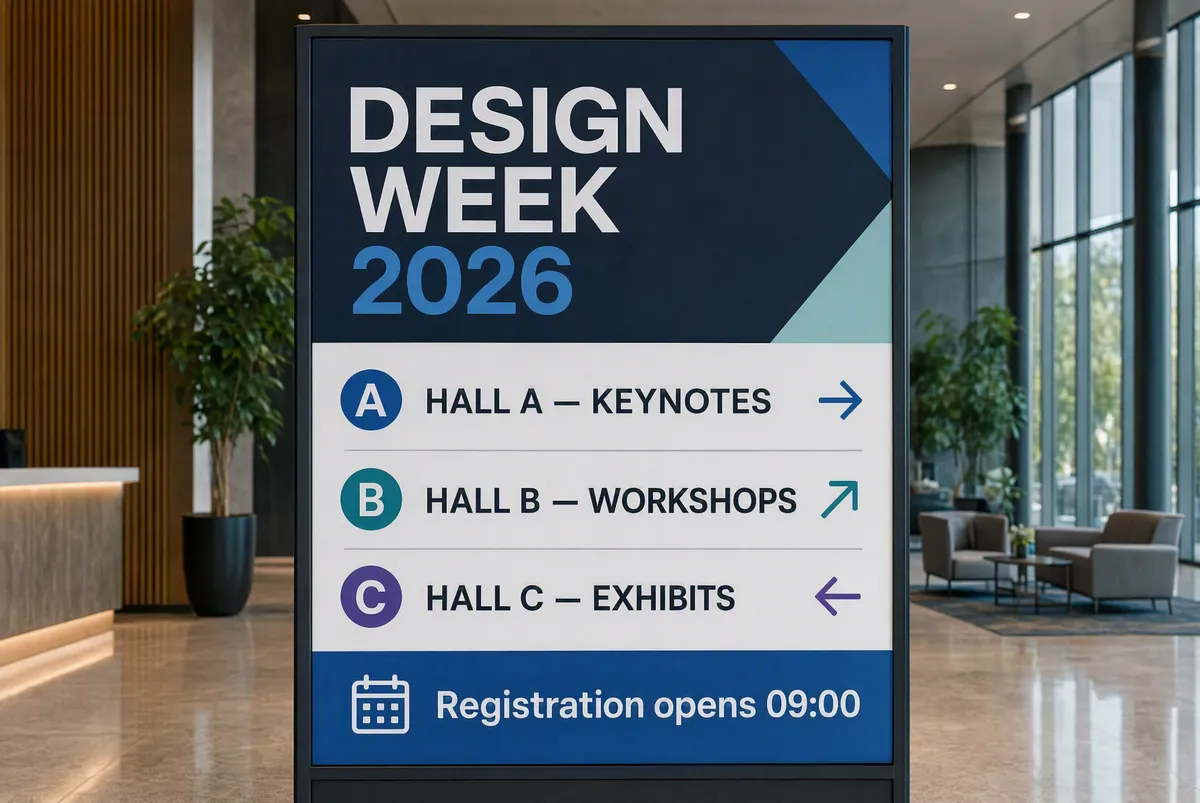
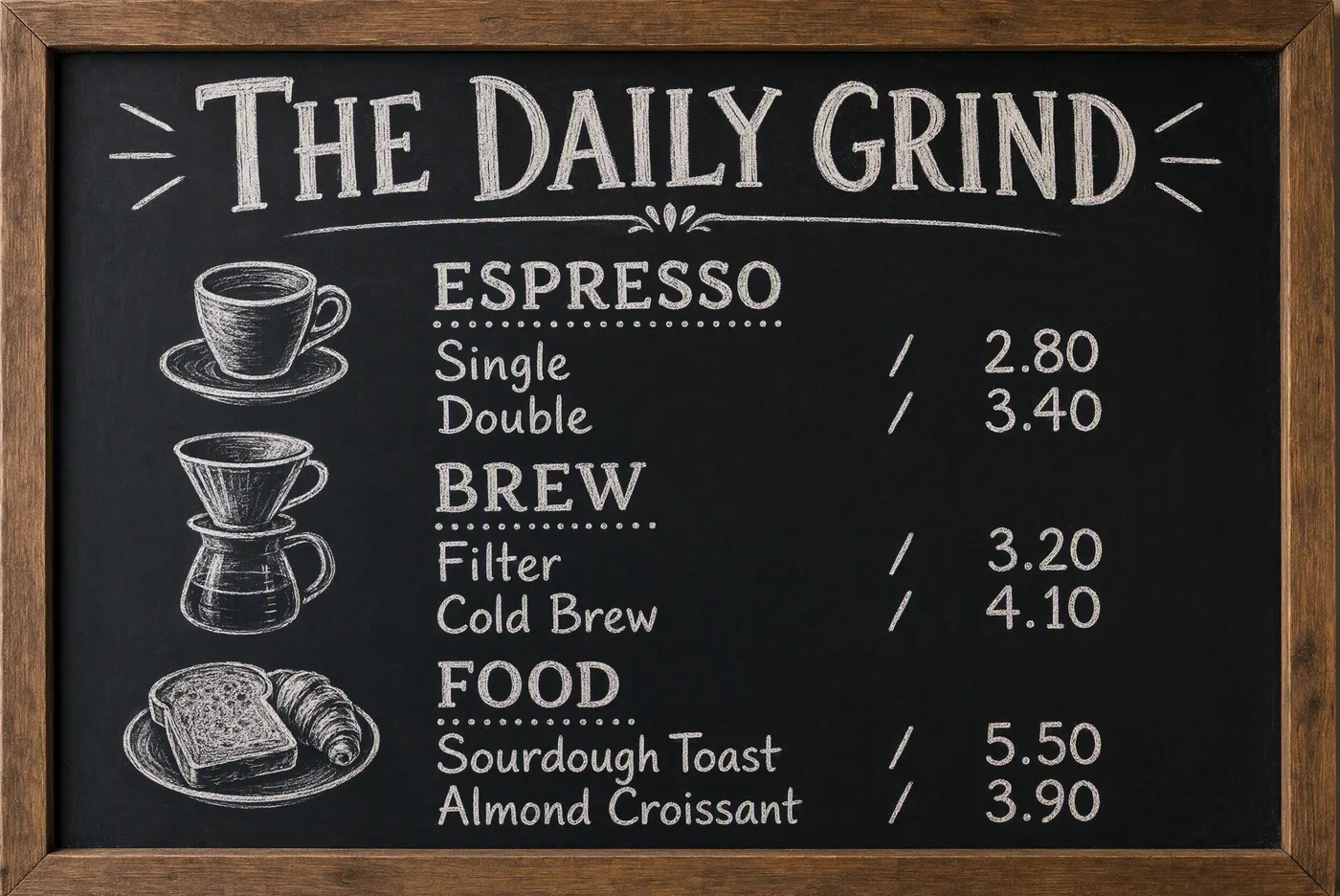
In-image text that is actually readable

Posters, packaging, signage, UI mockups — GPT Image 2 renders short and multi-line text with near-perfect accuracy, across multiple languages. Communities consistently rank it the gold standard for text-heavy work, which is why designers reach for it whenever a label, headline, or logo lockup has to be legible on the first try.
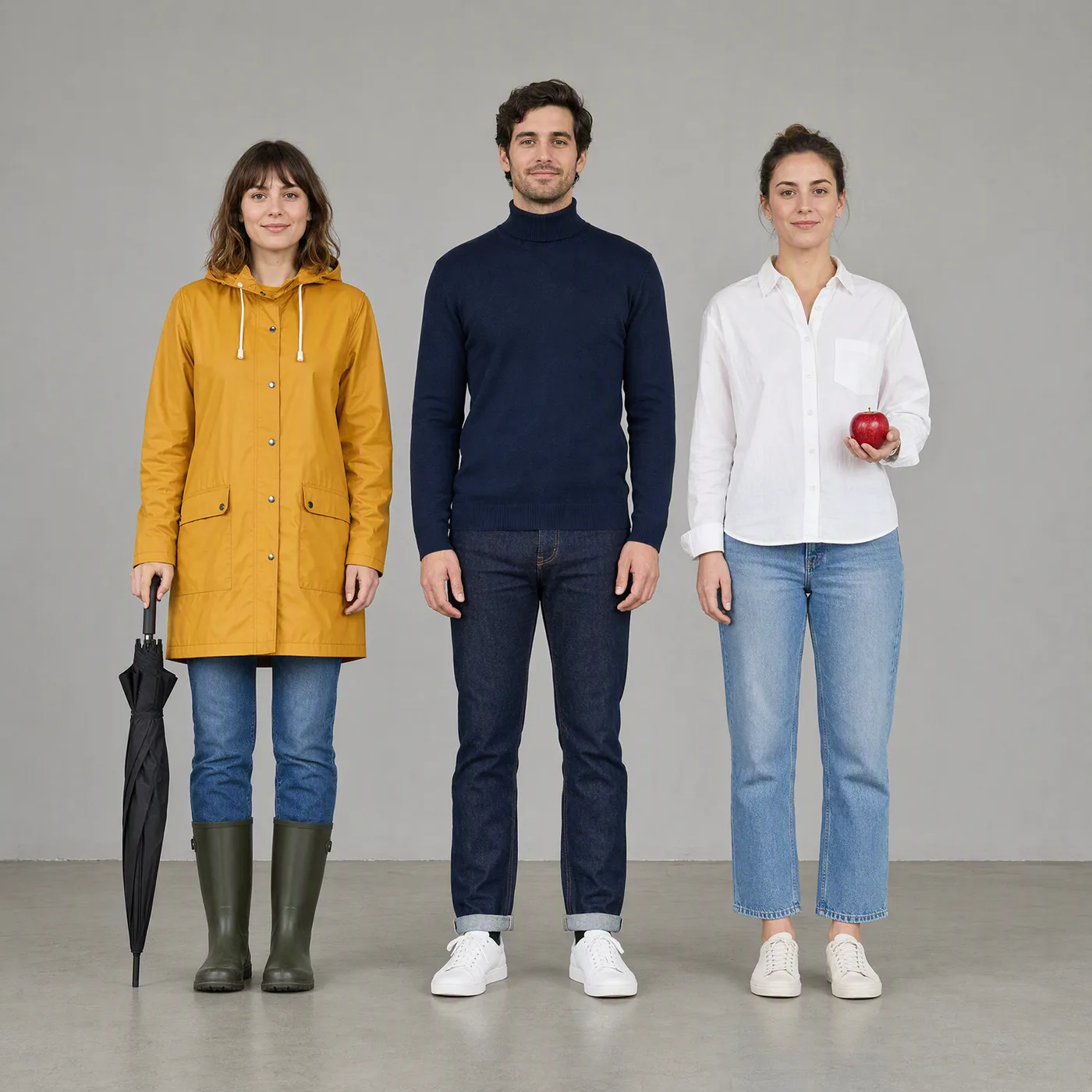
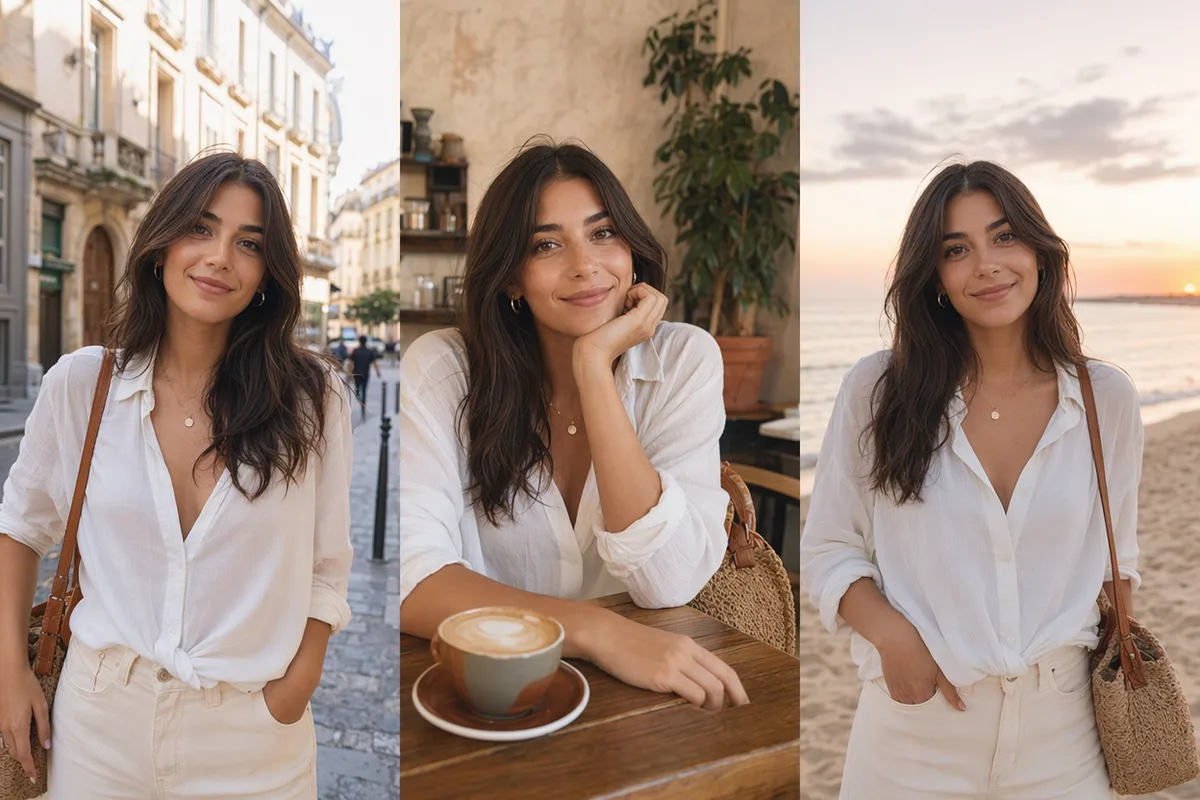
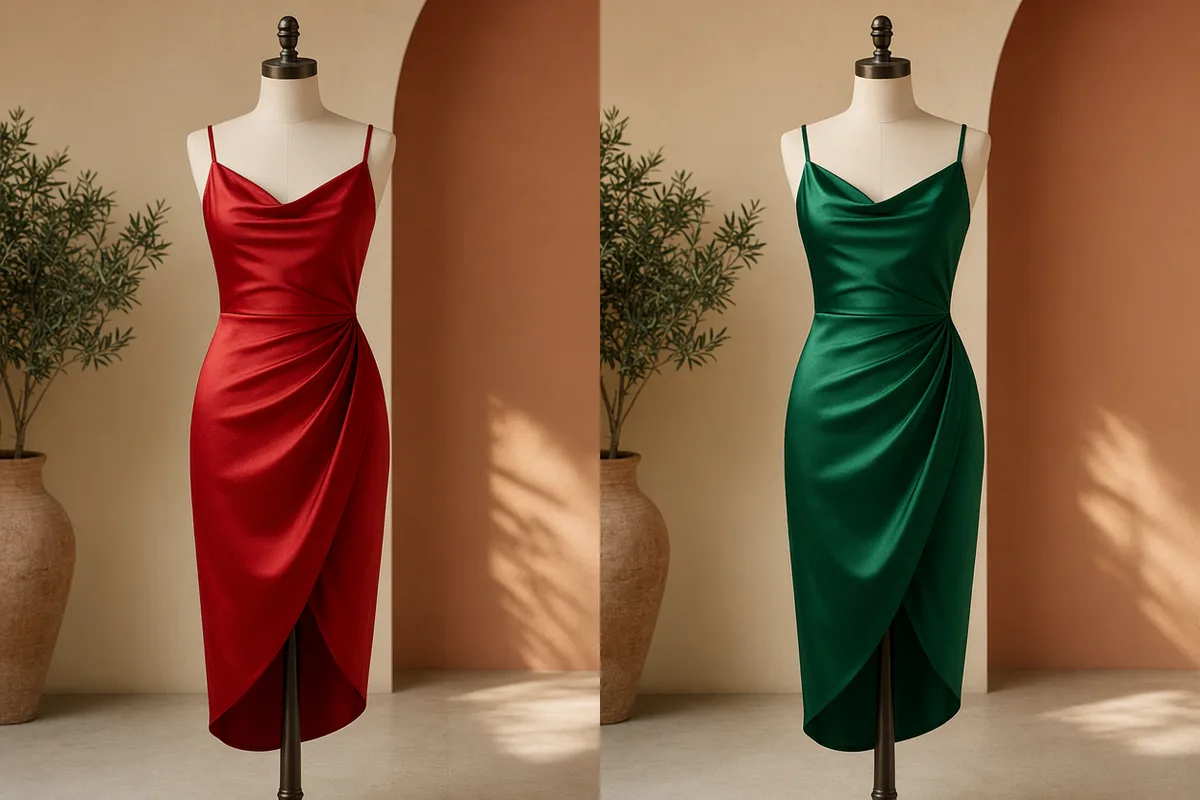
One prompt rendered as four different styled images

Complex briefs, followed to the letter

Spatial relationships, negations, conditional logic, multi-element layouts — GPT Image 2 interprets long prompts semantically instead of keyword-matching. Describe a full scene with foreground, background, and mood, and the composition comes back organized the way you wrote it.

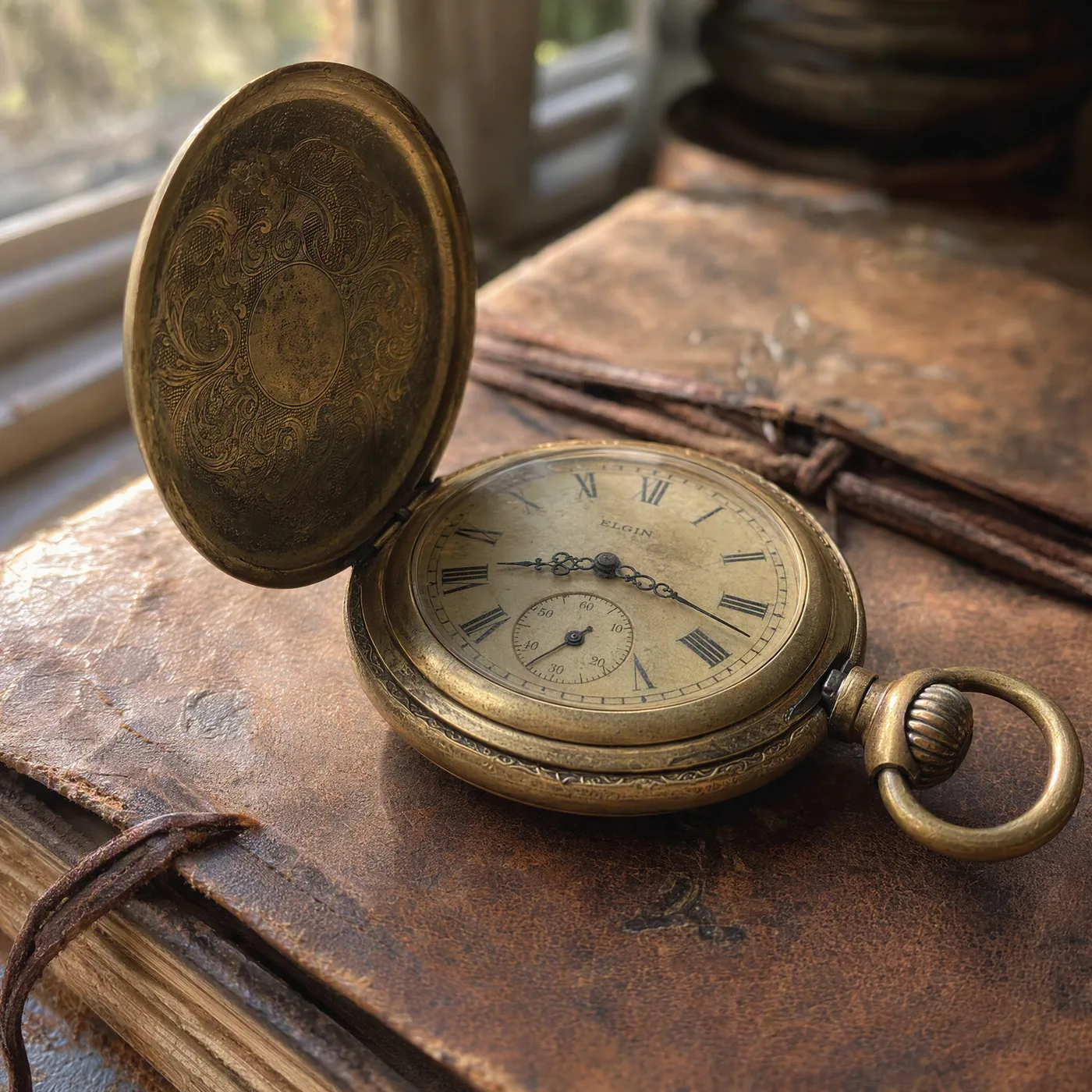
Storefront sign with crisp professionally lettered typography

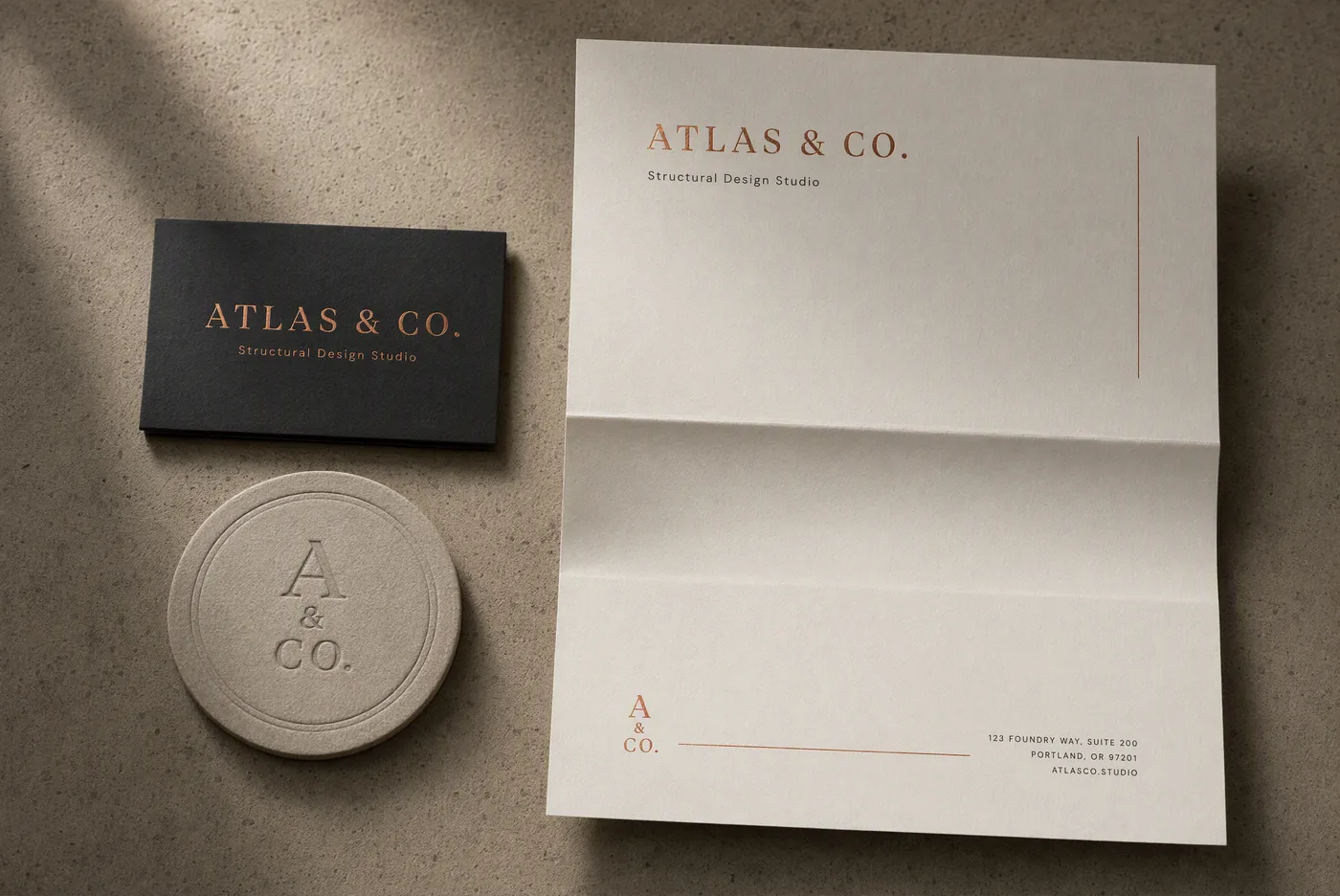
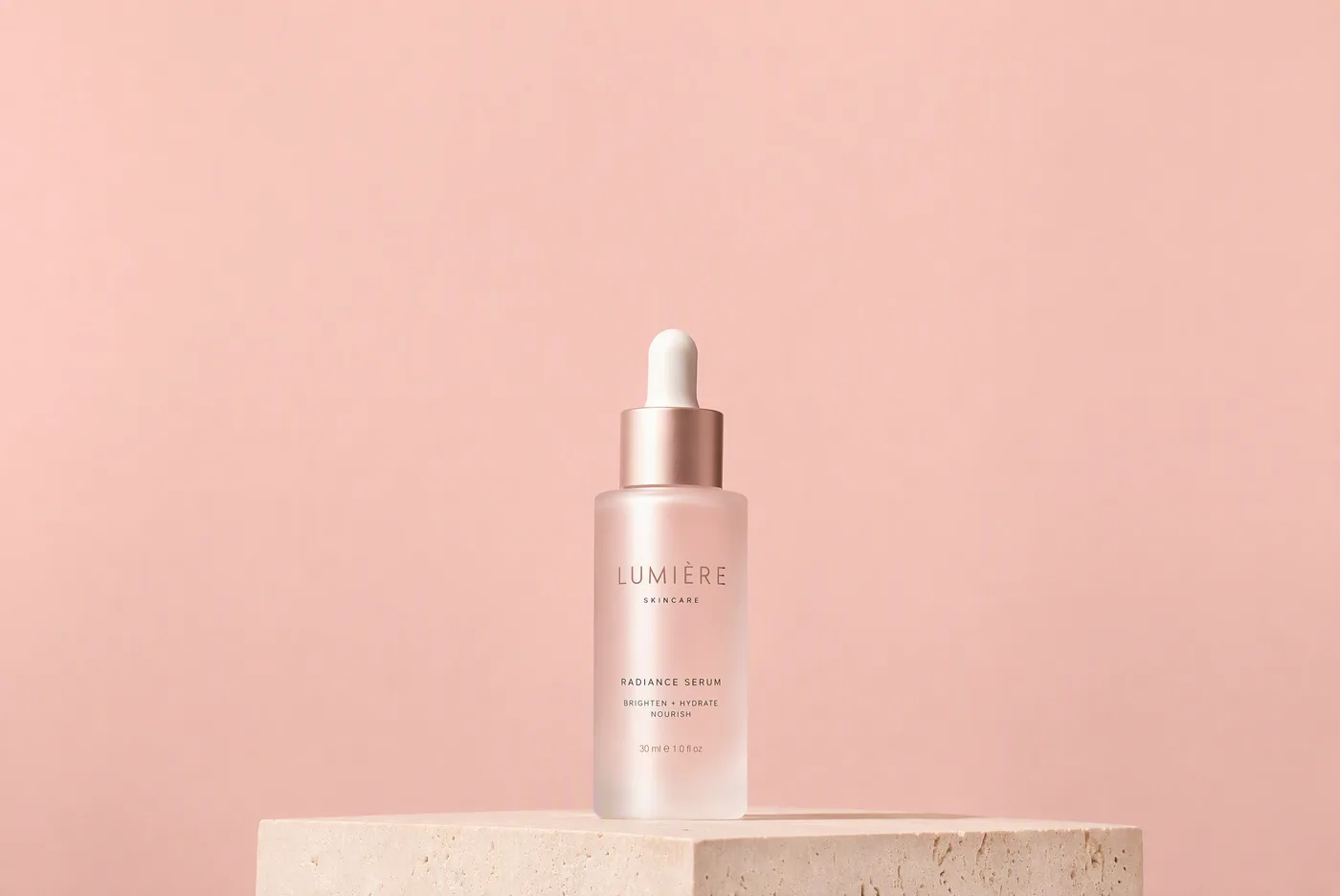
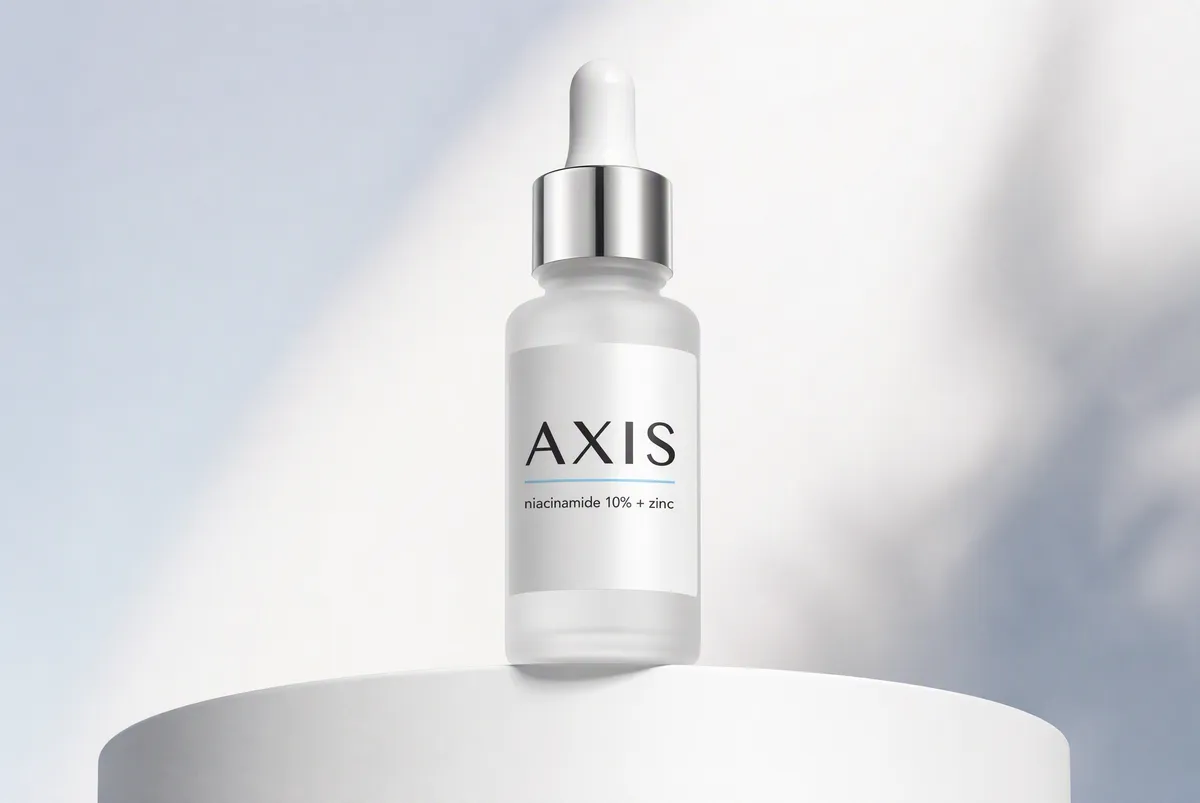
Built for product and brand work

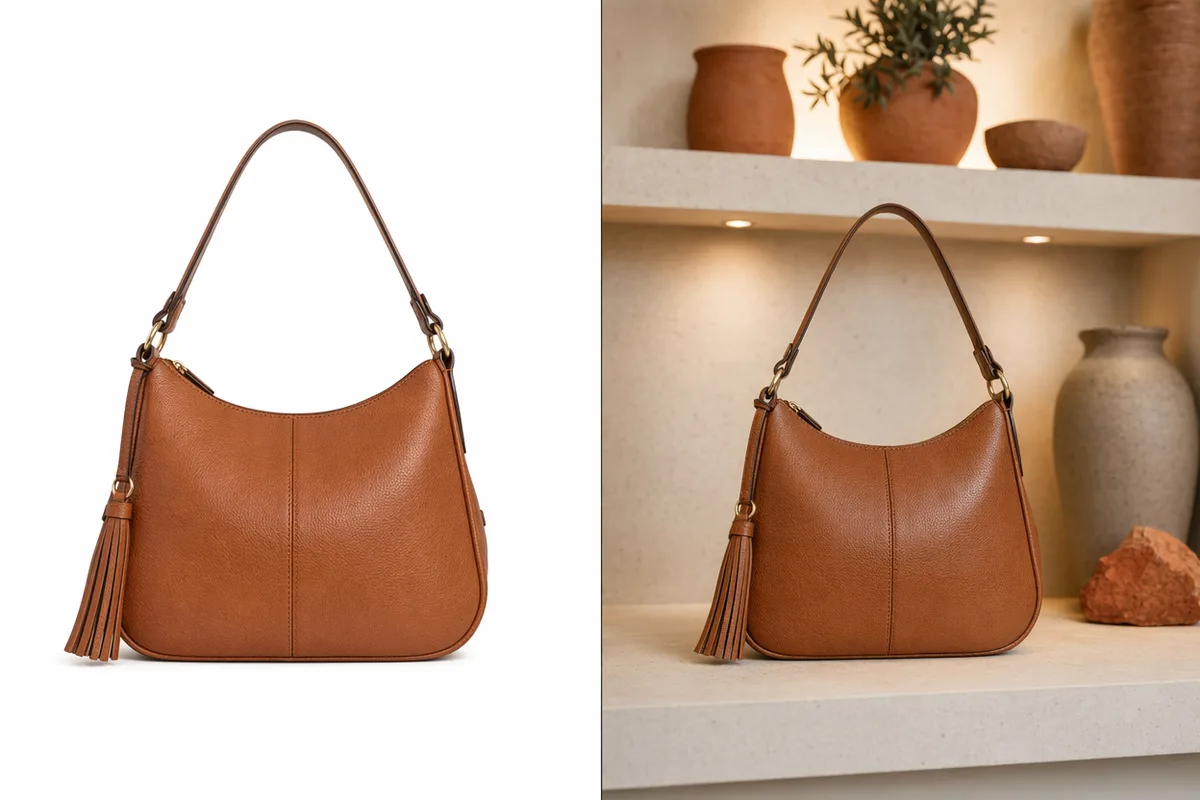
Clean studio compositions, consistent art direction, and dependable typography make GPT Image 2 a natural fit for product mockups, ads, and branded social assets. Pair it with up to 16 reference images to keep packaging, colors, and brand elements consistent across a whole campaign.

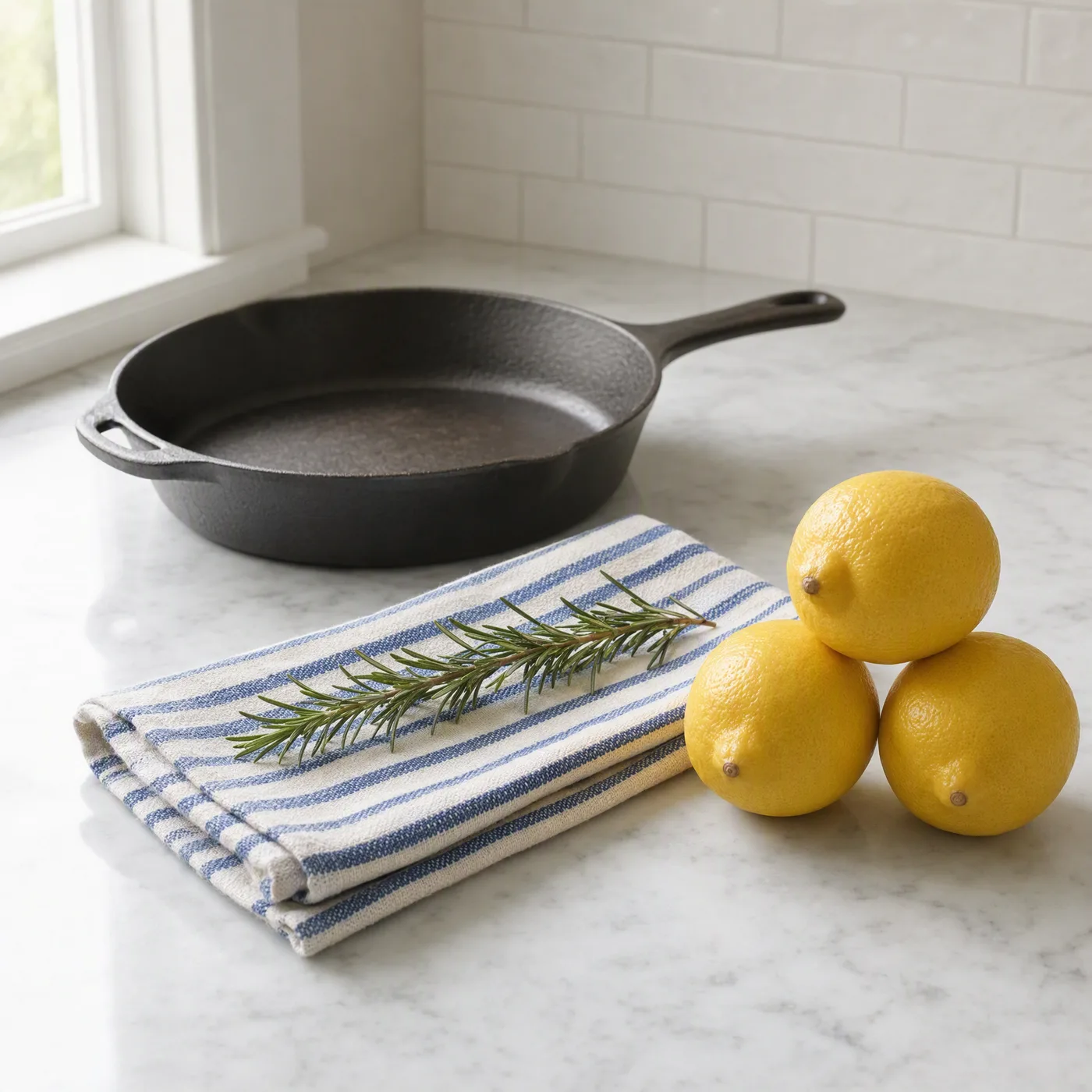
Image workflow from draft to edited, enlarged, and animated versions

Full quality and batch control

Choose low, medium, or high quality and 1K, 2K, or 4K-class resolution to balance speed against fidelity, then batch up to 10 images per run. Every generation keeps its prompt and parameters in history, so a winning setting is one click away from being reused.

Keep exploring CreateVision AI

One account, the full image and video generation workflow.

Choose Your Plan

Start free with daily credits. Upgrade for premium models, faster generation, and 4K output.

Free

$0

Perfect for getting started

  • 80 credits per day, 400 per month
  • Z Image Turbo drafts at 0 credits
  • Standard generation speed
  • Generation history included
Get Started

Premium

Most popular
$29/month

Billed annually · $240/year

  • 1,600 credits/day, 8,000 credits/month
  • All premium models — GPT Image 2, Nano Banana, Seedream, Seedance, Veo, Kling
  • 5x generation speed, priority queue
  • AI prompt enhancement
Upgrade to Premium

Ultimate

$49/month

Billed annually · $300/year

  • 4,000 credits/day, 18,000 credits/month
  • HD generation up to 4K resolution
  • Private generation — results stay out of the gallery
  • Fastest queue and early access to new models
Upgrade to Ultimate

Frequently Asked Questions

1

What is GPT Image 2 best at?

Prompt fidelity and in-image text. It excels at product mockups, posters with readable typography, multi-element layouts, and long, detailed briefs where the composition must follow your instructions exactly.

2

Does GPT Image 2 support reference images?

Yes — up to 16 reference images per generation. Use them to keep products, characters, or brand assets consistent while changing the scene, style, or layout.

3

How much does GPT Image 2 cost on CreateVision AI?

Cost depends on the quality and resolution you pick (low/medium/high × 1K/2K/4K). The generator always shows the exact credit cost before you create, and your plan refreshes credits daily and monthly.

4

Which aspect ratios and sizes are supported?

Square, portrait, and landscape ratios such as 1:1, 2:3, 3:2, and 16:9, plus auto sizing. In ratio mode you can also choose 1K, 2K, or 4K-class resolution.

5

Is GPT Image 2 good for photorealism?

It produces polished, art-directed results, but if you need maximum skin and material realism, Seedream 5 is the photoreal specialist. Many users draft layout and text with GPT Image 2, then restyle with a photoreal model.

6

Can I use GPT Image 2 results commercially?

Yes, images you generate can be used in personal and commercial projects under our terms of service. You remain responsible for prompt content, copyright, and likeness rights.

Put your next brief in front of GPT Image 2

Put your next brief in front of GPT Image 2

Start Generating Images