Free AI Image Generator

Turn a prompt or reference image into polished visuals with CreateVision AI's free AI image generator. Compare leading models, control style, aspect ratio, and resolution, then edit, upscale, or animate the result in the same workspace — no setup or prompt expertise required.

Text to imageImage to imageMultiple image models
0 / 2,000
Free

The AI image generator that carries you from first draft to final file

Communities agree on what makes an image platform worth using: real model variety, a free way in, reference-image support, and zero setup. This workspace is built around exactly that.

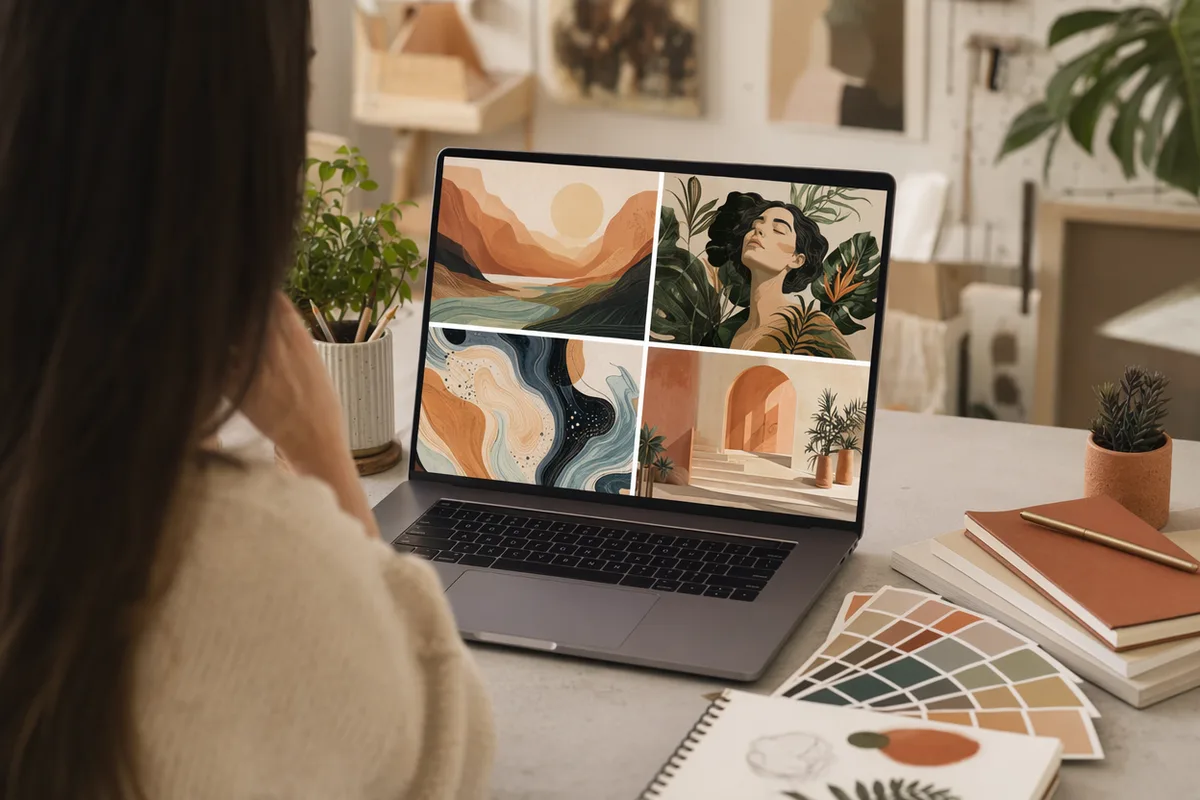
Creative workspace showing a grid of freshly generated AI artworks

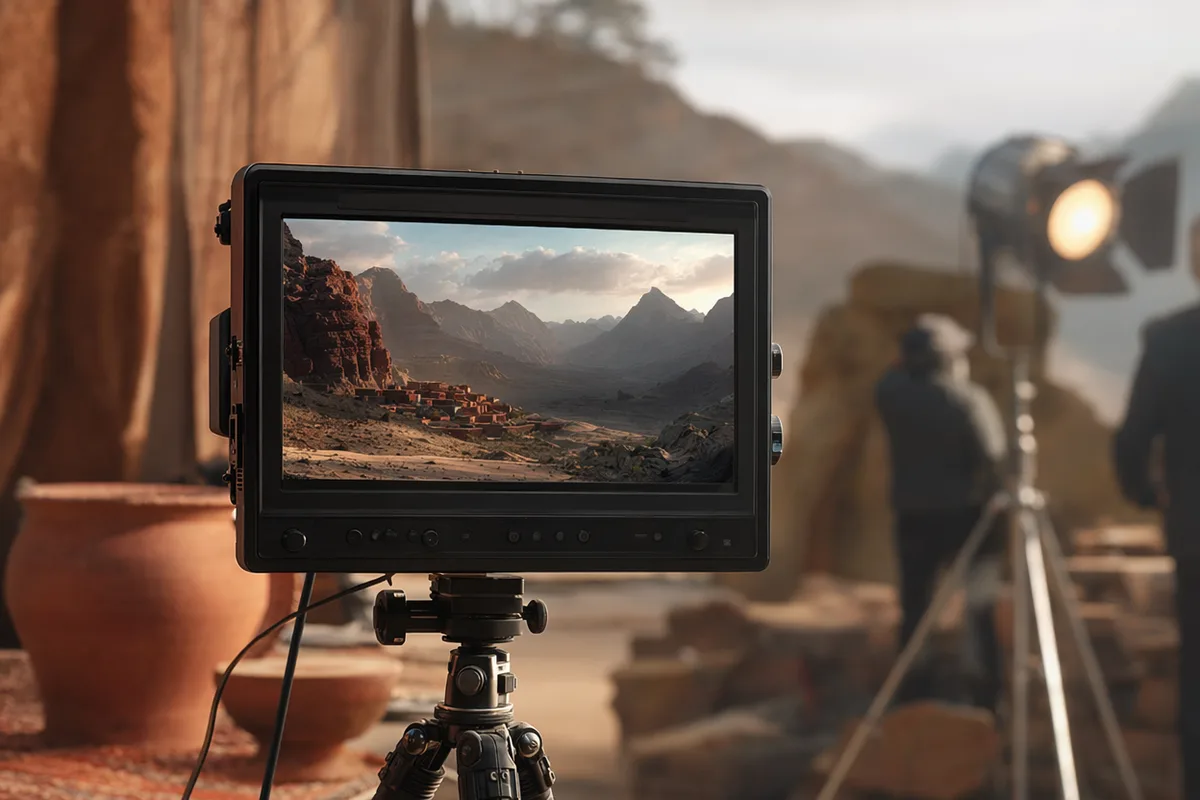
Every top model, no setup

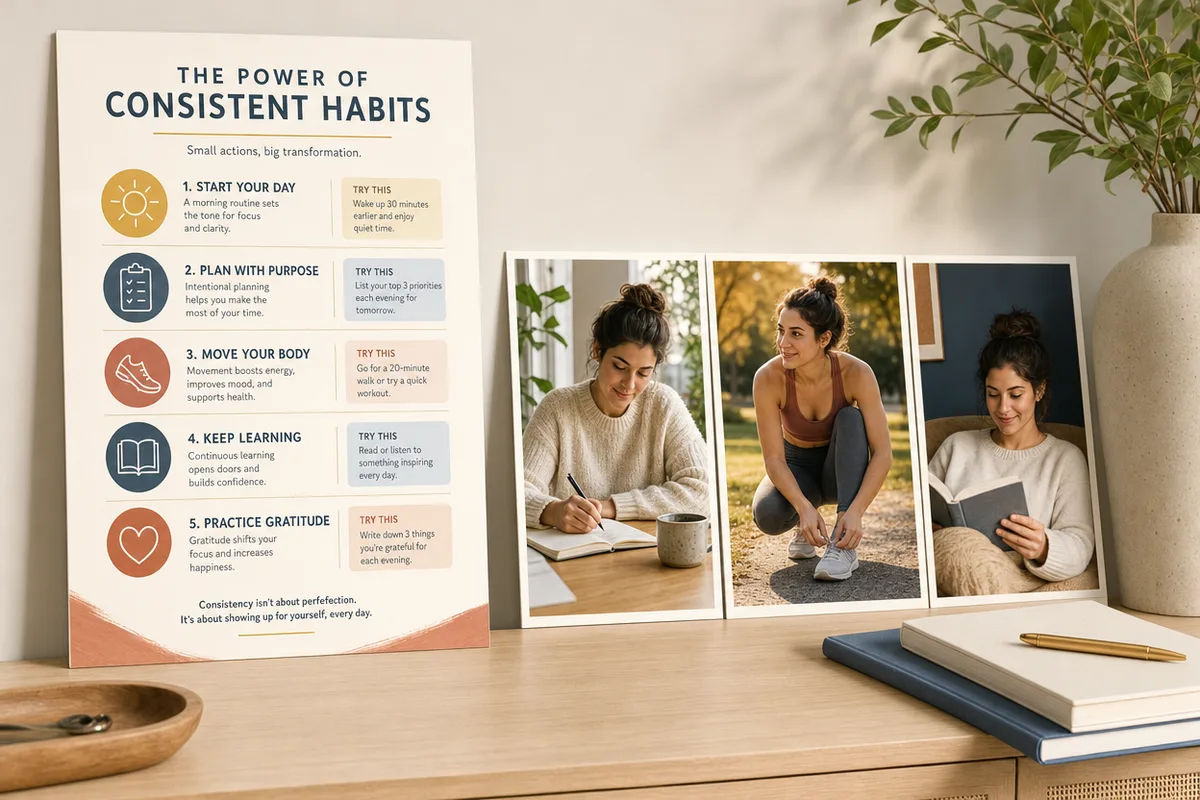
GPT Image 2 for briefs and in-image text, Nano Banana 2 for character consistency users call "honestly rare", Seedream 5 for pore-level photorealism, Z Image Turbo for free instant drafts. No GPU, no installation, no model files — the friction Reddit complains about with local tools simply is not here.
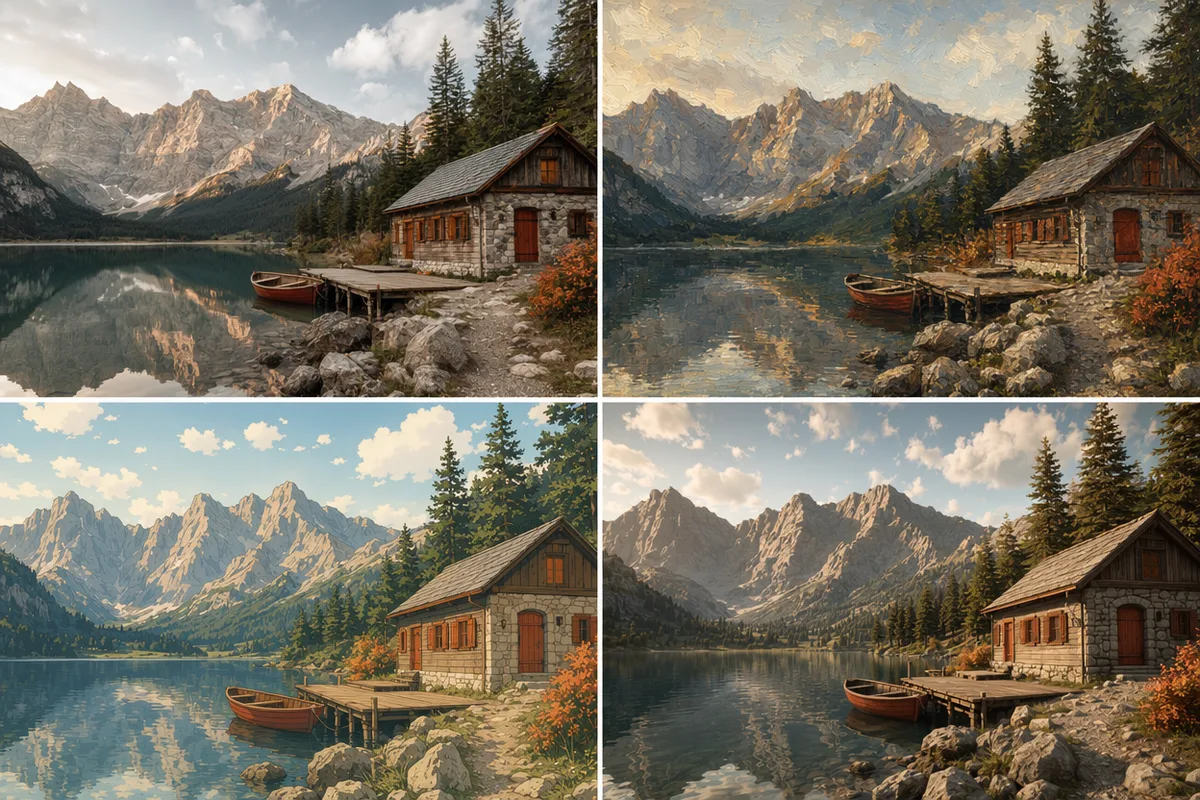
The same landscape rendered as photo, oil painting, anime, and 3D render

Compare directions before you commit

Rerun one prompt across models and styles in the same panel — photoreal, painted, anime, 3D — and pick the direction that fits. Style versatility without switching platforms is the single most-cited reason users stay with a generator.

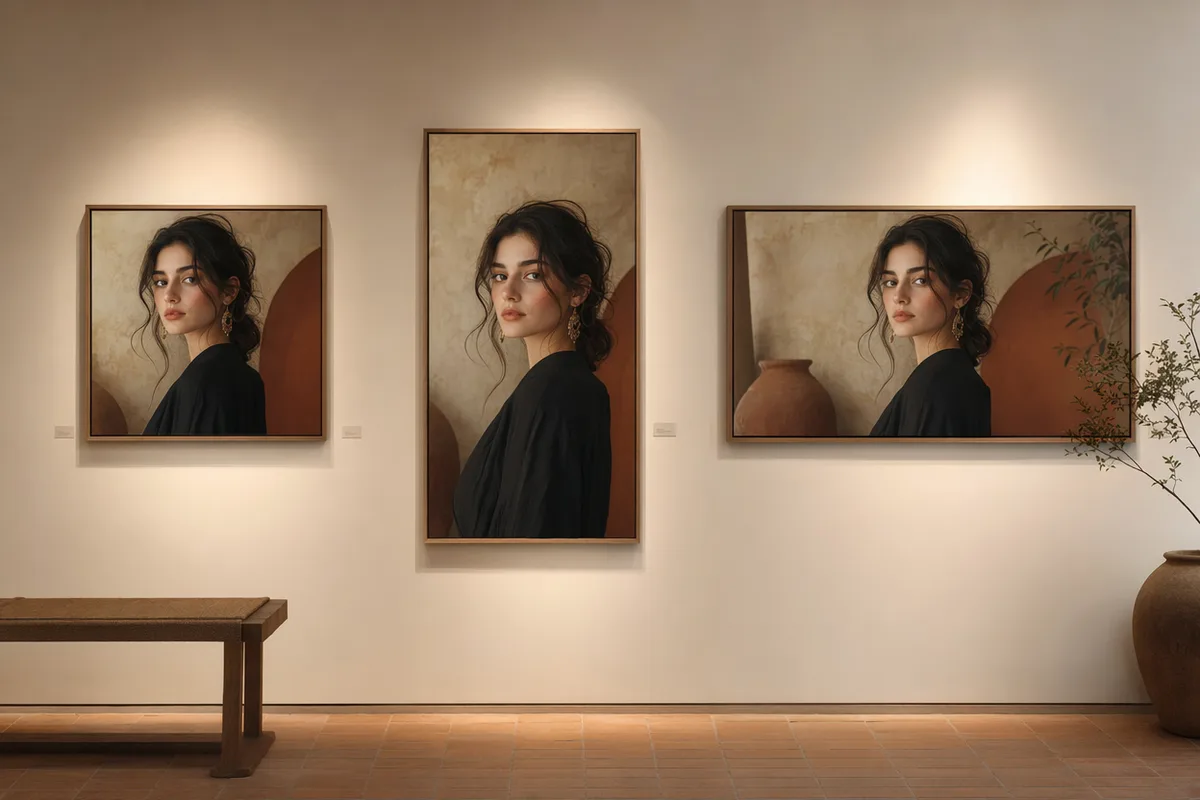
The same portrait framed at square, vertical, and widescreen sizes

Ratios and resolution for every destination

Square for feeds, vertical for stories, widescreen for banners — choose the ratio per generation and the resolution your plan allows, up to 4K on Ultimate. Download HD results directly from our CDN with no watermark on paid plans.

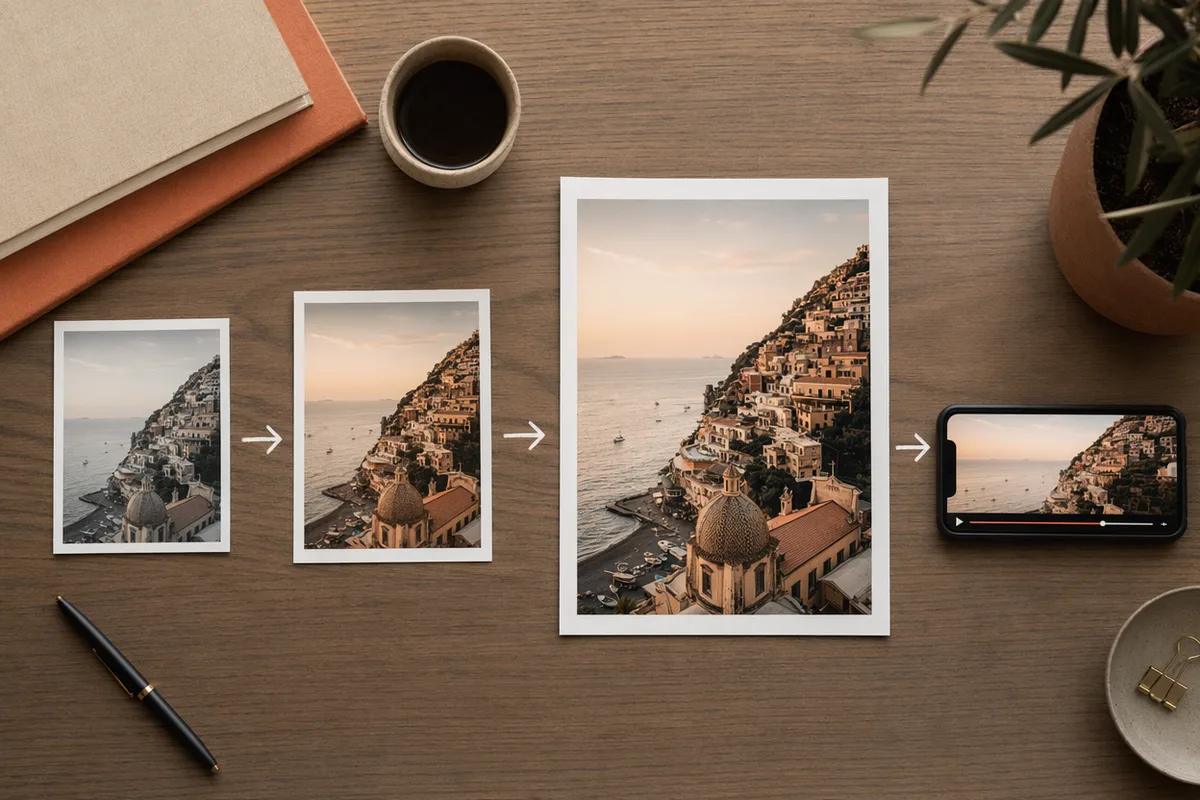
One image moving through edit, upscale, and video steps

Generation is the start, not the end

Every result carries follow-up actions: download, edit with precise AI tools, regenerate with another model, upscale to 4K, or animate into video. History keeps each image's prompt, model, and parameters, so any past result is a launchpad.

Images Made With This AI Image Generator

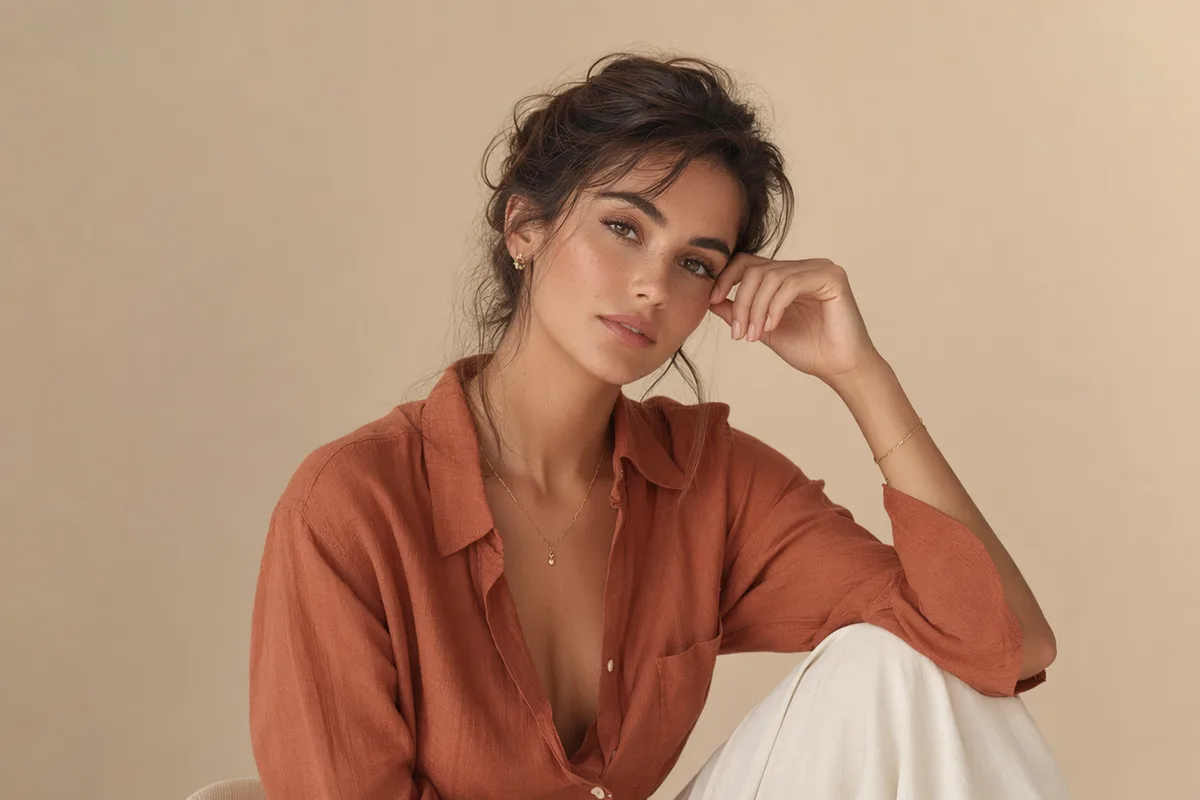
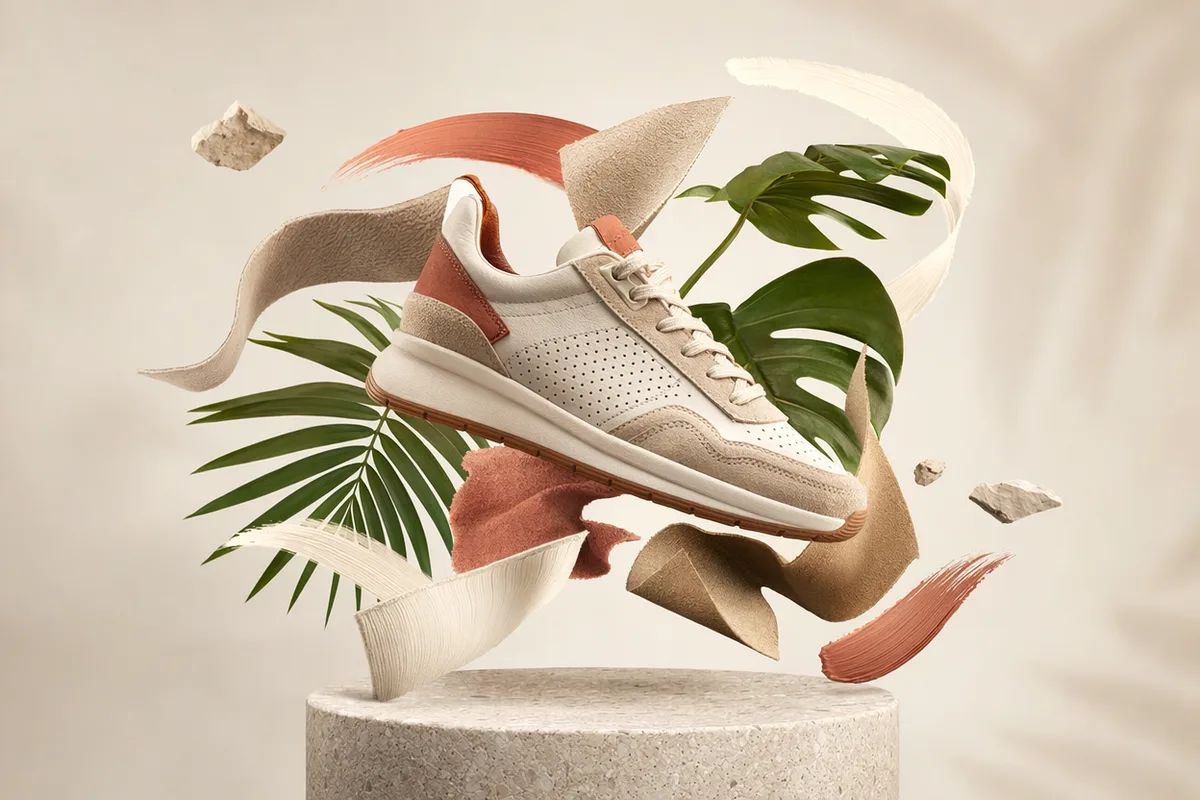
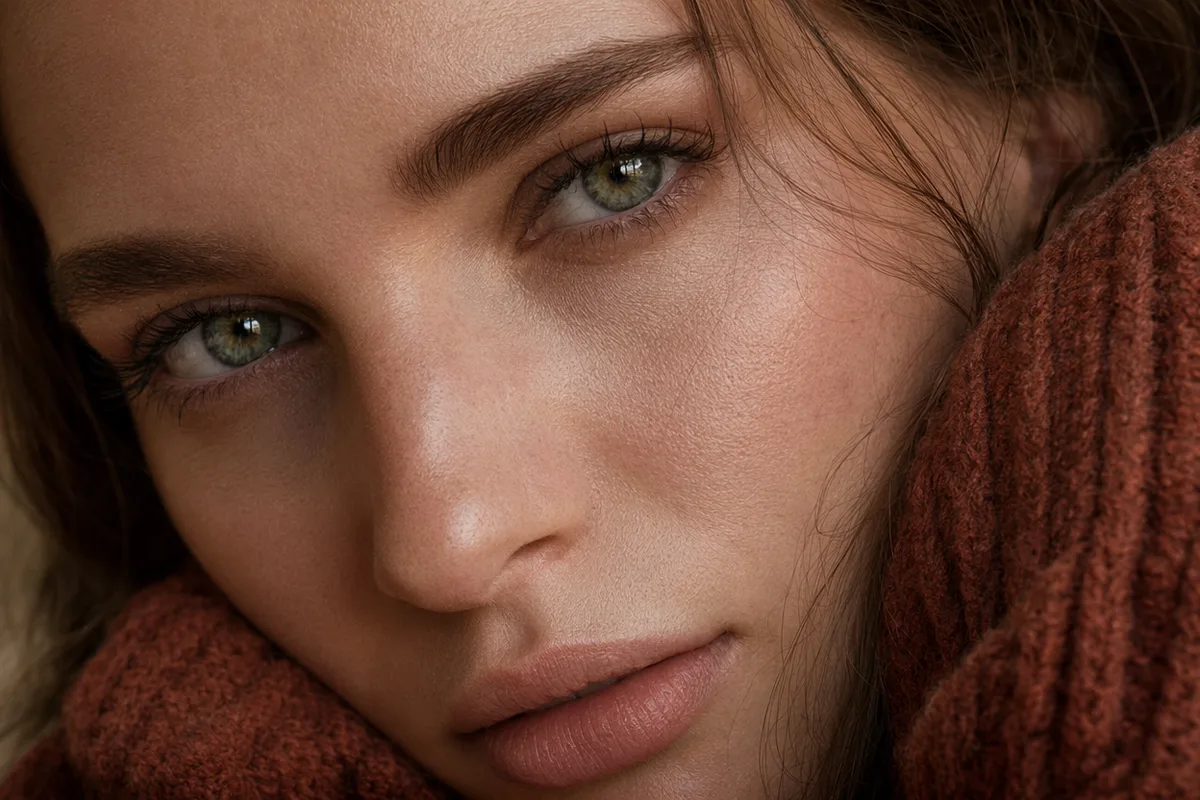
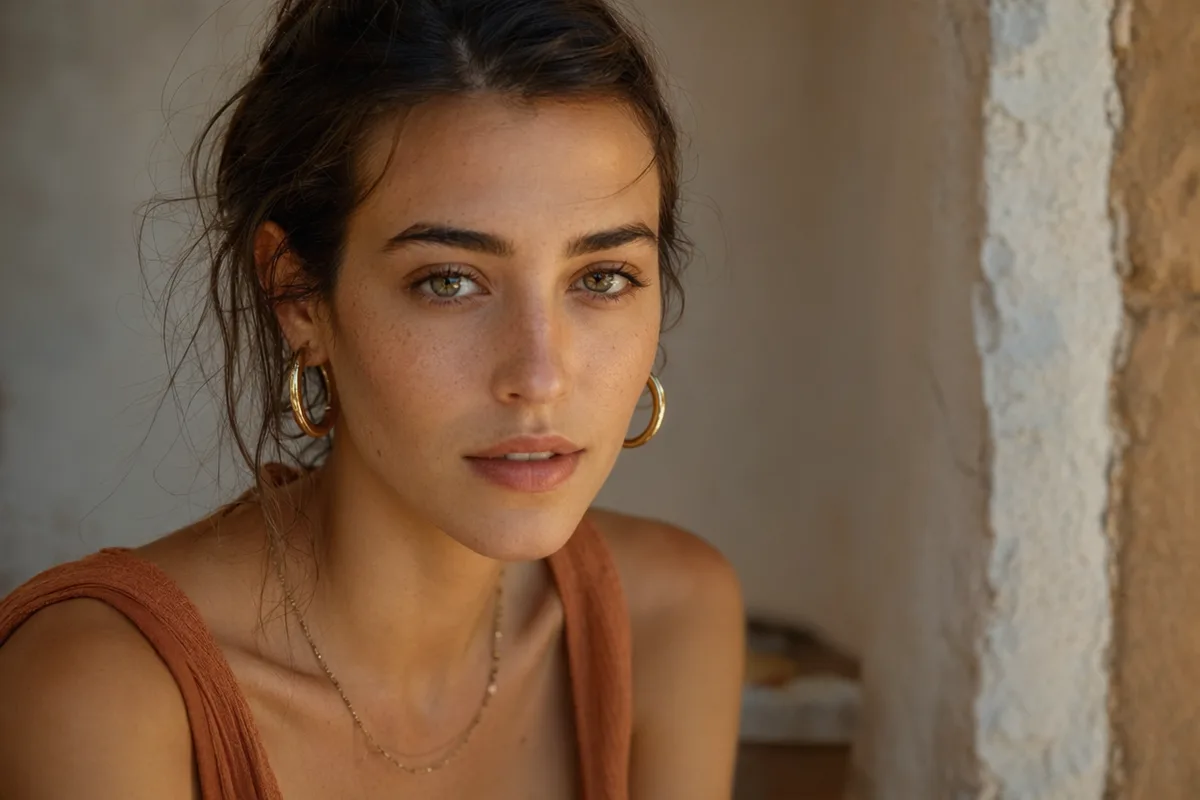
Portraits, products, anime, architecture — every image here was produced by the AI image generator on this page.

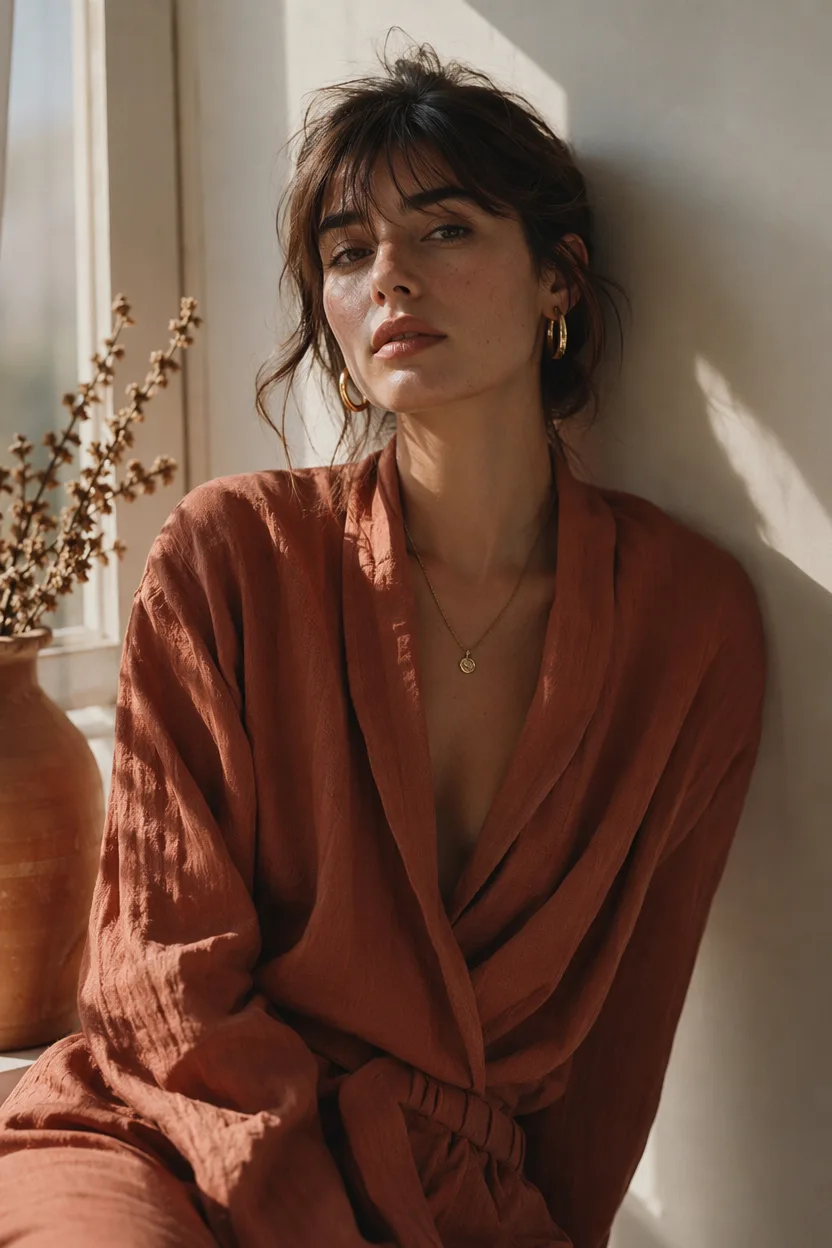
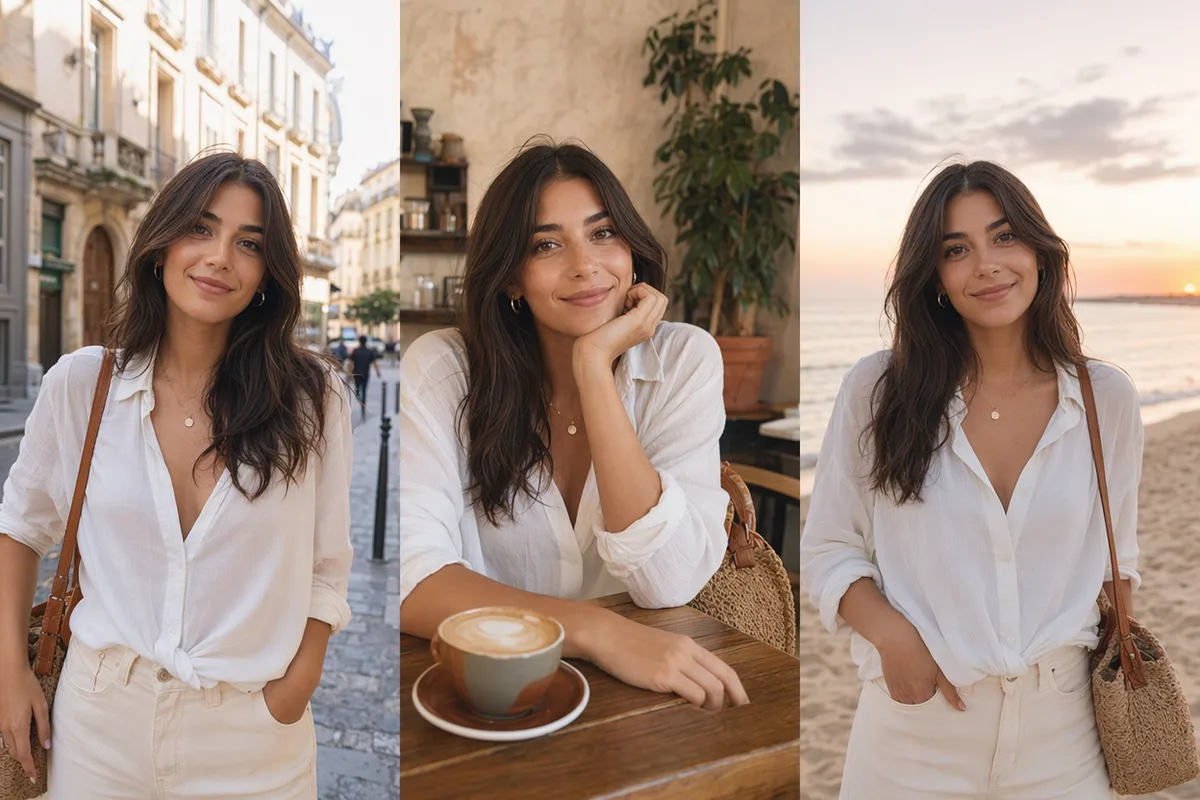
AI generated editorial portrait of a woman in soft window light
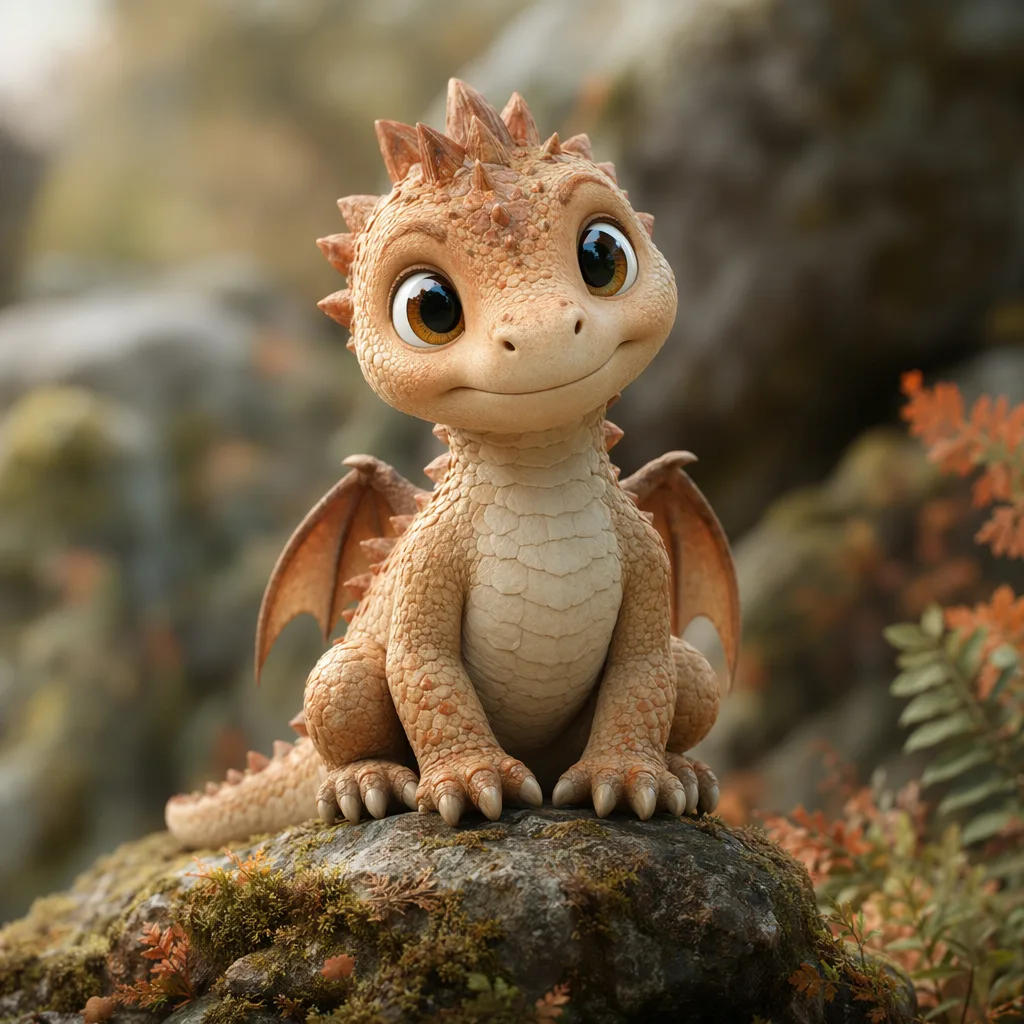
AI generated 3D baby dragon character on a mossy stone
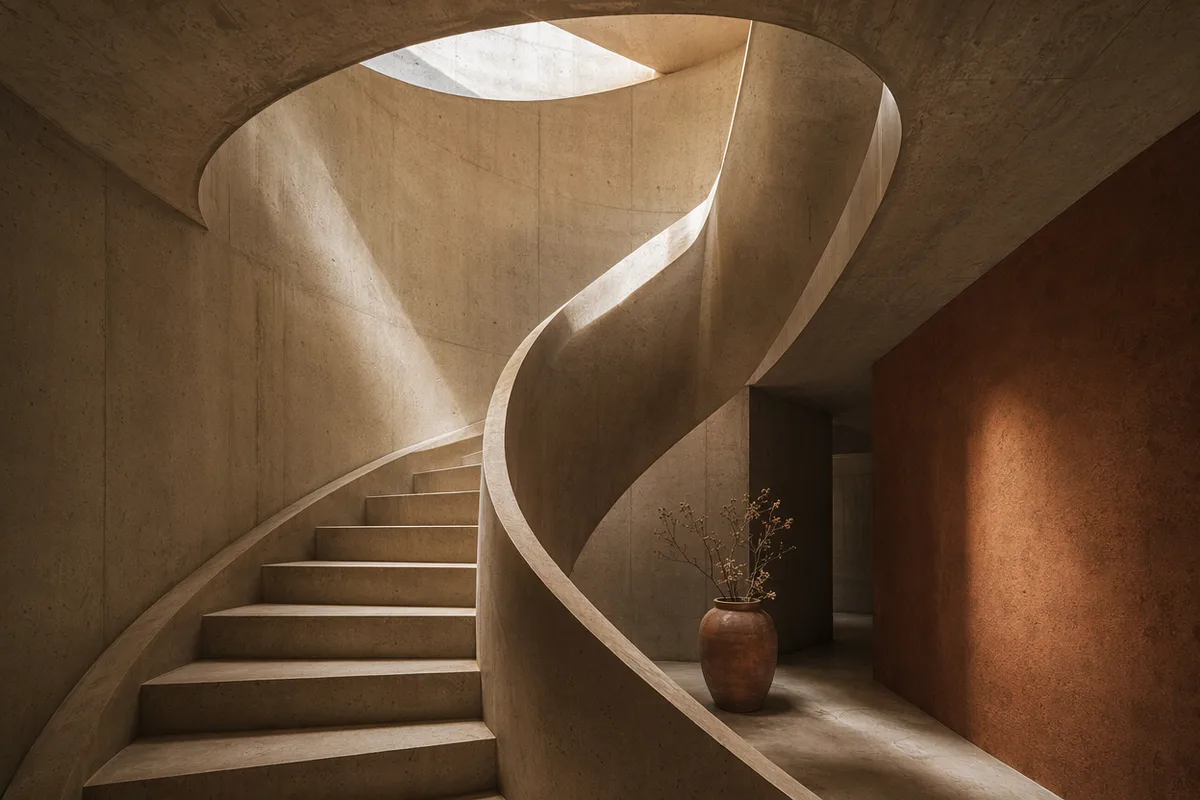
AI generated architectural photo of a warm concrete spiral staircase
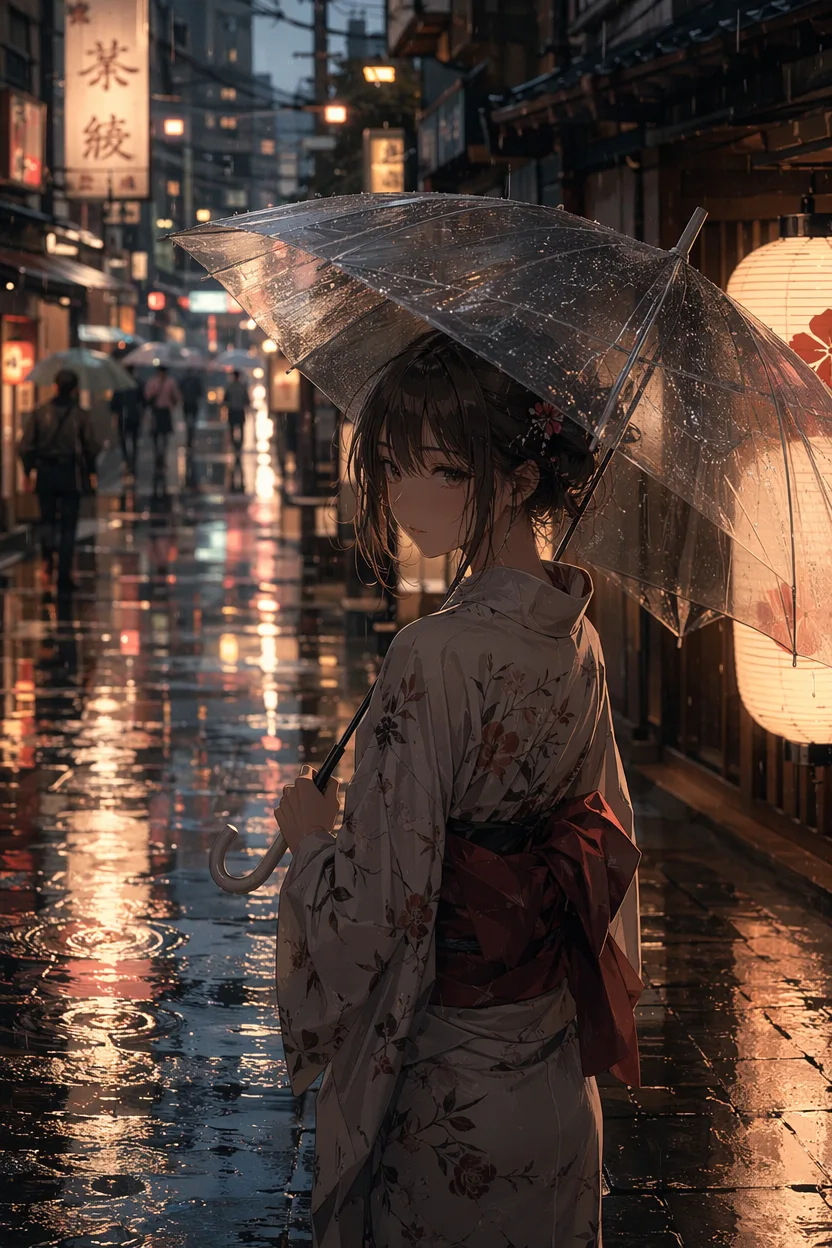
AI generated anime illustration of a girl with an umbrella on a rainy neon street
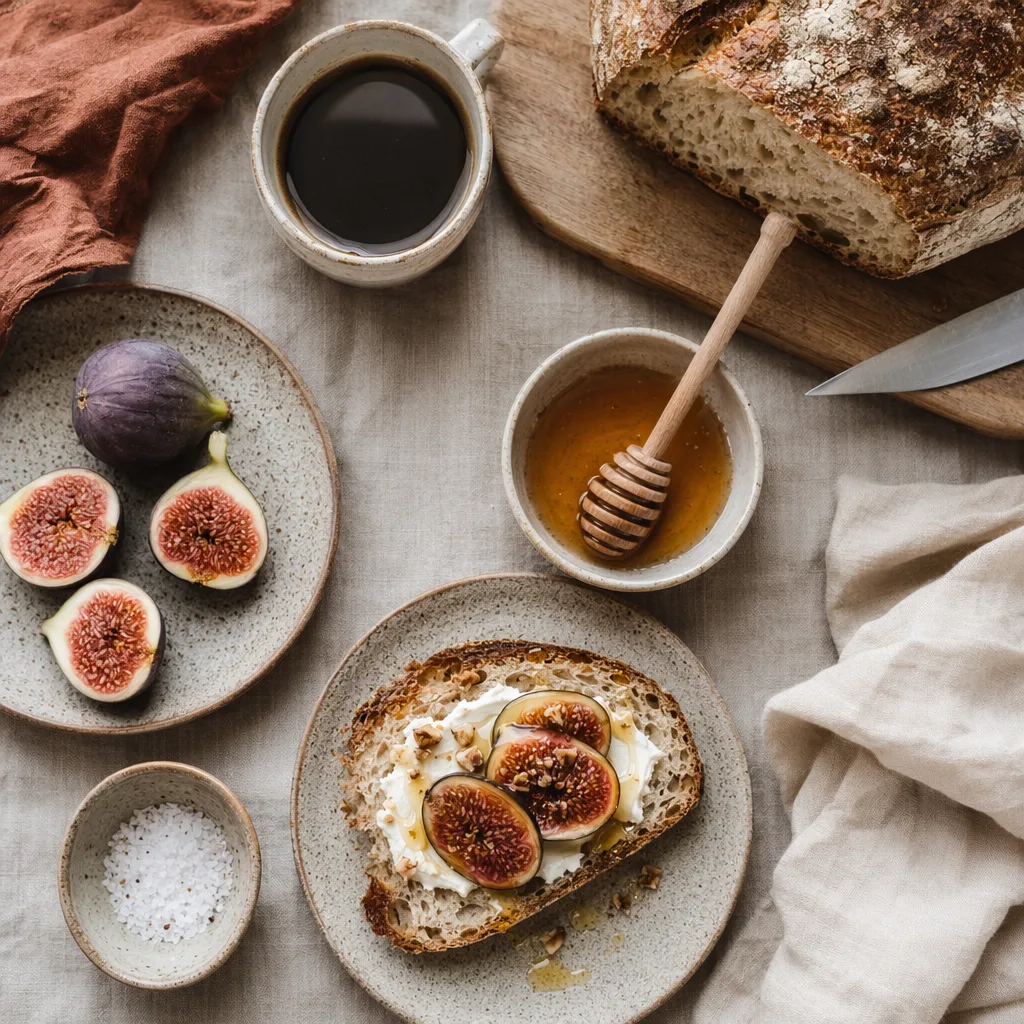
AI generated overhead food photography of a rustic breakfast spread
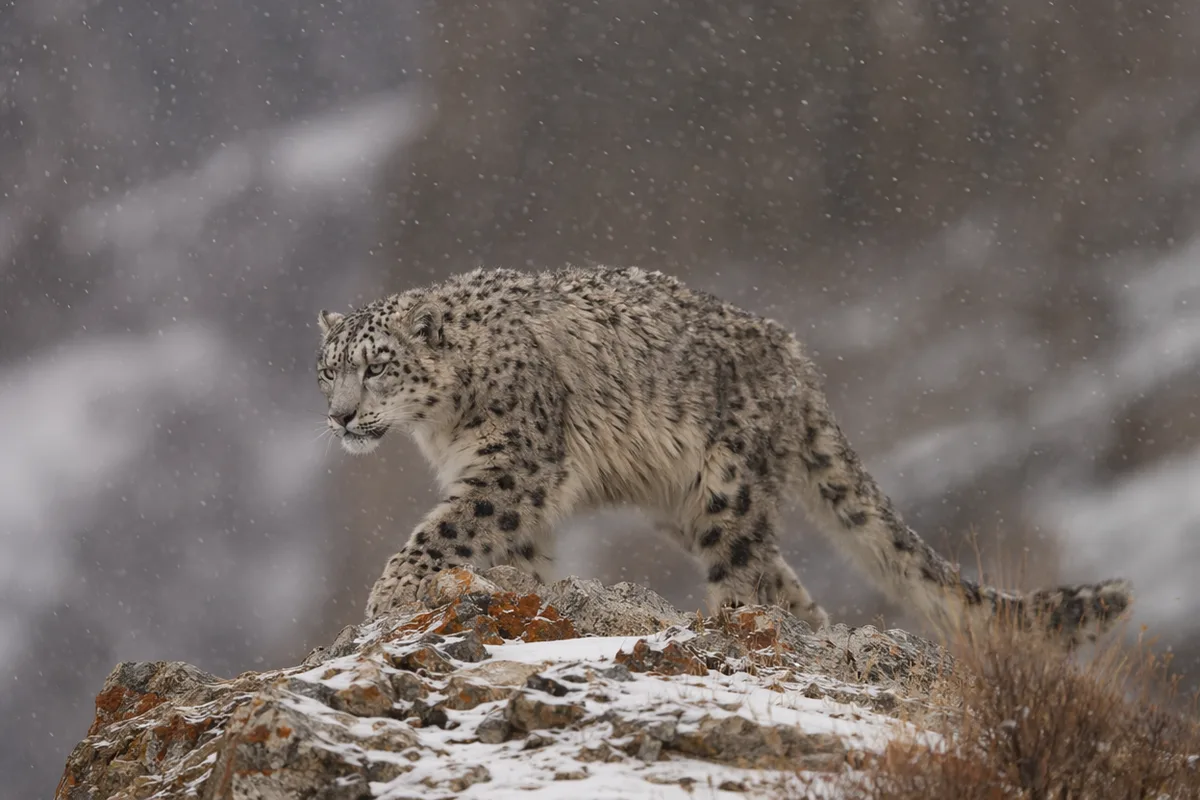
AI generated wildlife photo of a snow leopard in falling snow
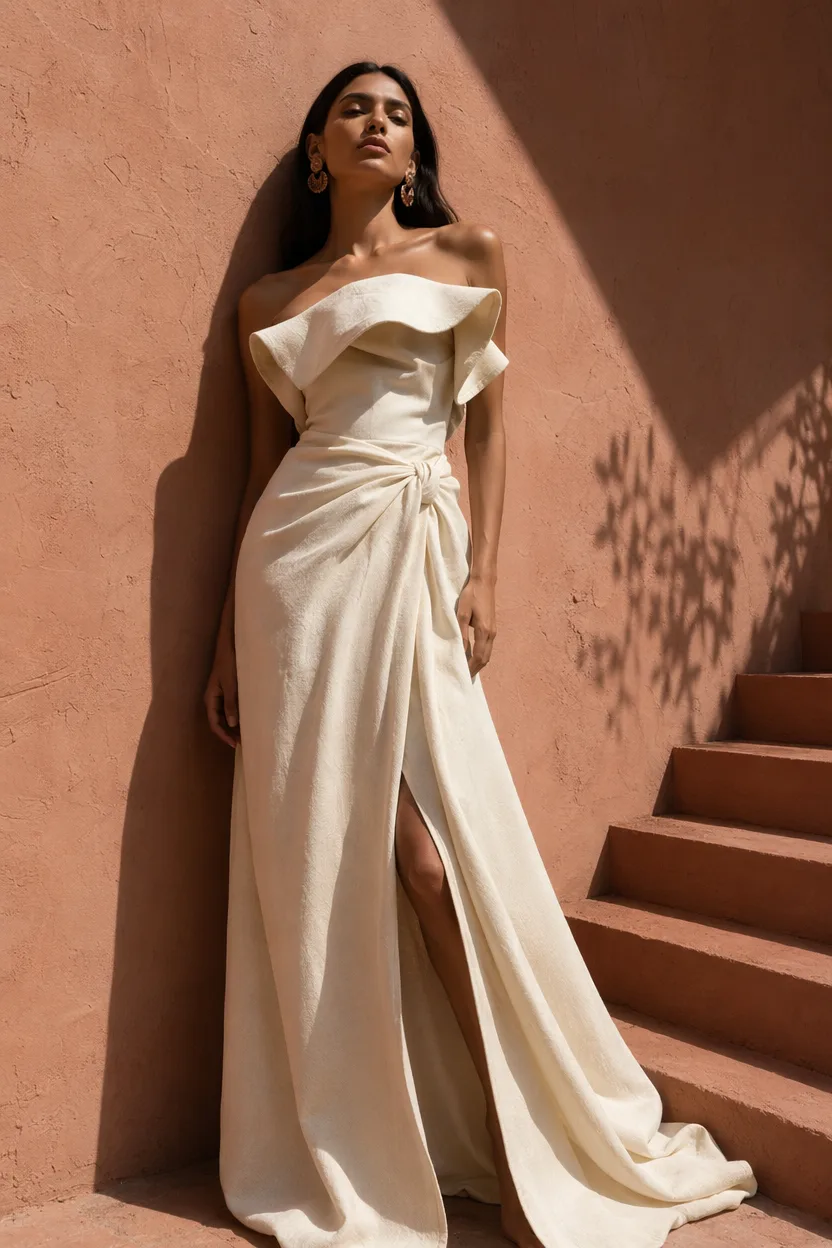
AI generated high fashion editorial portrait against a terracotta wall
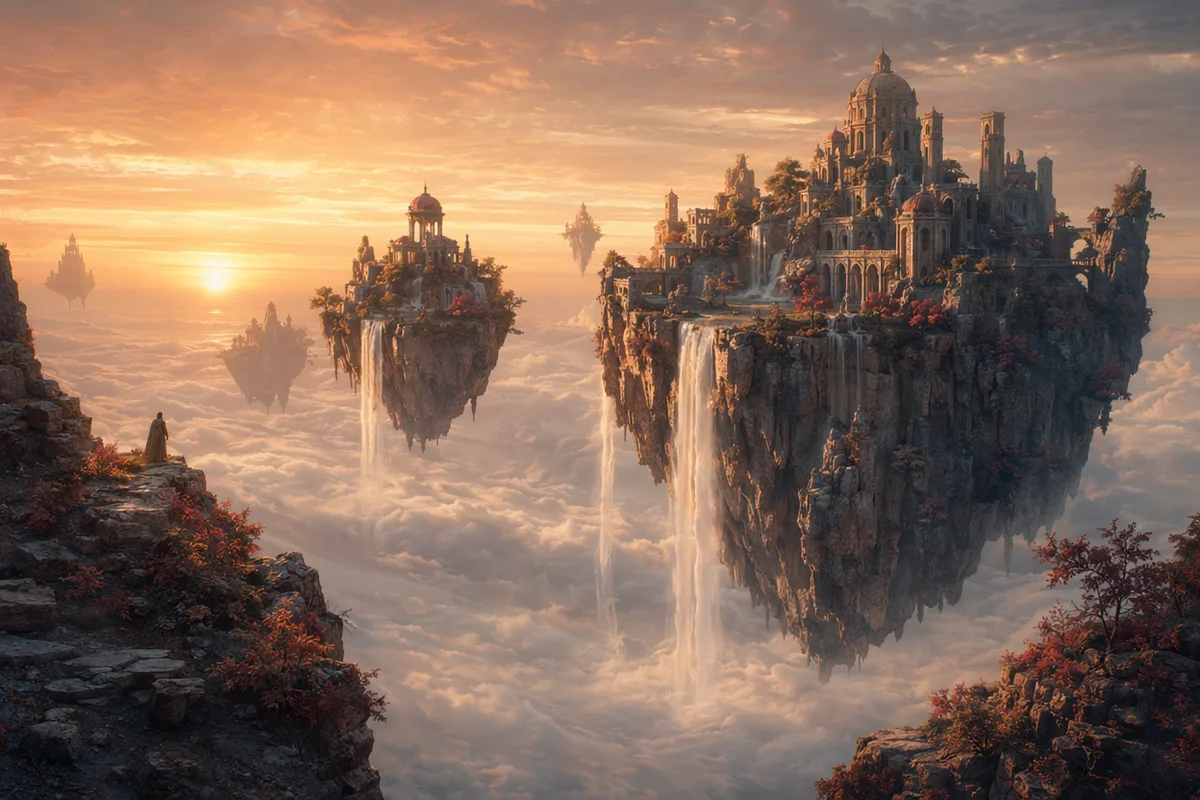
AI generated fantasy landscape of floating islands with waterfalls

Every AI Image Generator Model in One Workspace

Switch the engine behind the AI image generator with one click — no separate accounts, no re-uploading.

AI Image Generator Specifications

InputText prompt up to 2,000 characters, with optional reference images on models that support them.
Models availableGPT Image 2, Nano Banana 2, Nano Banana Pro, Seedream 5 / 4.5 / 4.0, Qwen Image Edit Plus, Midjourney, Z Image Turbo.
Aspect ratios1:1, 3:4, 4:3, 16:9, 9:16 and more, depending on the model.
ResolutionUp to 2K on most models; 4K on Seedream 4.0 and on the Ultimate plan.
Free tier80 credits per day and 400 per month, plus Z Image Turbo at 0 credits — so drafting continues at zero balance.
CostPer image, by model: 0 to 40 credits for most engines. The exact figure is shown before you generate.
Follow-up actionsEdit, restyle, upscale to 4K, or send the image into image-to-video without re-uploading.

How to Use the AI Image Generator

Three steps from a blank prompt box to a finished, downloadable image.

  1. 1

    Describe what you want

    Type the subject, setting, style, and mood into the AI image generator. Plain sentences work — the prompt enhancer expands shorthand into a full description before the model sees it.

  2. 2

    Pick a model and settings

    Choose the engine that fits the job, then set aspect ratio and resolution. The AI image generator shows the exact credit cost before you spend anything.

  3. 3

    Generate, then keep going

    Download the result, or continue inside the workspace — edit it, restyle it, upscale it to 4K, or animate it into video. Prompt and parameters stay in your history.

How to Write a Prompt for the AI Image Generator

The difference between a disappointing result and a usable one is almost never the model. It is what you typed.

1

Subject

The thing the image is about, with one concrete distinguishing detail.

an elderly fisherman, deep tan, hands on the net

2

Setting

The place, and what surrounds the subject.

on a wooden dock at dawn, boats out of focus behind

3

Light and lens

The light source and the shot. Skipping this is why images look generically “AI”.

low golden sunlight from behind, 85mm, shallow focus

4

Medium and mood

Photoreal, illustration, 3D, painting — and the feeling you want.

documentary photograph, weathered and warm

Vague

cool product photo of a watch

Specific

a brushed-steel dive watch on wet slate, single hard light from the upper left, water beads catching the highlight, deep shadows, commercial product photography, 100mm macro

Why it works

The vague version leaves the surface, the light, and the framing to chance, so every rerun looks different. The specific version fixes all three, which is what makes a set of product shots look like a set.

Vague

anime girl in a city

Specific

anime illustration of a schoolgirl waiting under a convenience-store awning, rain, neon signage reflecting in the puddles, cool blues with one warm sign, cel shading, wide shot

Why it works

Adding the weather, the palette rule (cool with one warm accent), the shading technique, and the shot size turns a generic request into a specific frame.

Habits worth dropping

  • Stacking quality words. “8k, ultra detailed, masterpiece, best quality” came from older models and does almost nothing on the engines here — the words spend prompt budget without changing the image.
  • Describing what you do not want. Most image models have no negative understanding in the prompt itself; “no hands in frame” often puts hands in frame. Describe the frame you do want instead.
  • Writing a paragraph before you have a draft. Generate a cheap draft first, see what the model got wrong, then spend words fixing exactly that.

Beyond the AI Image Generator

The AI image generator is one door into the workspace. These are the others.

Helpful Resources About AI Image Generation

AI Image Generator Pricing and Free Daily Credits

The AI image generator is free to start: 80 credits a day and a 0-credit model. Paid plans add premium engines, faster queues, and 4K output.

Free

$0

Perfect for getting started

  • 200 welcome credits, up to 80/day
  • Z Image Turbo drafts at 0 credits
  • Standard generation speed
  • Generation history included
Get Started

Premium

Most popular
$29/month

Billed annually · $240/year

  • 8,000 credits/month, no daily limits
  • All premium models — GPT Image 2, Nano Banana, Seedream, Seedance, Veo, Kling
  • 5x generation speed, priority queue
  • AI prompt enhancement
Upgrade to Premium

Ultimate

$49/month

Billed annually · $380/year

  • 18,000 credits/month, no daily limits
  • HD generation up to 4K resolution
  • Priority support
  • Fastest queue and early access to new models
Upgrade to Ultimate

AI Image Generator — Frequently Asked Questions

1

What is an AI image generator?

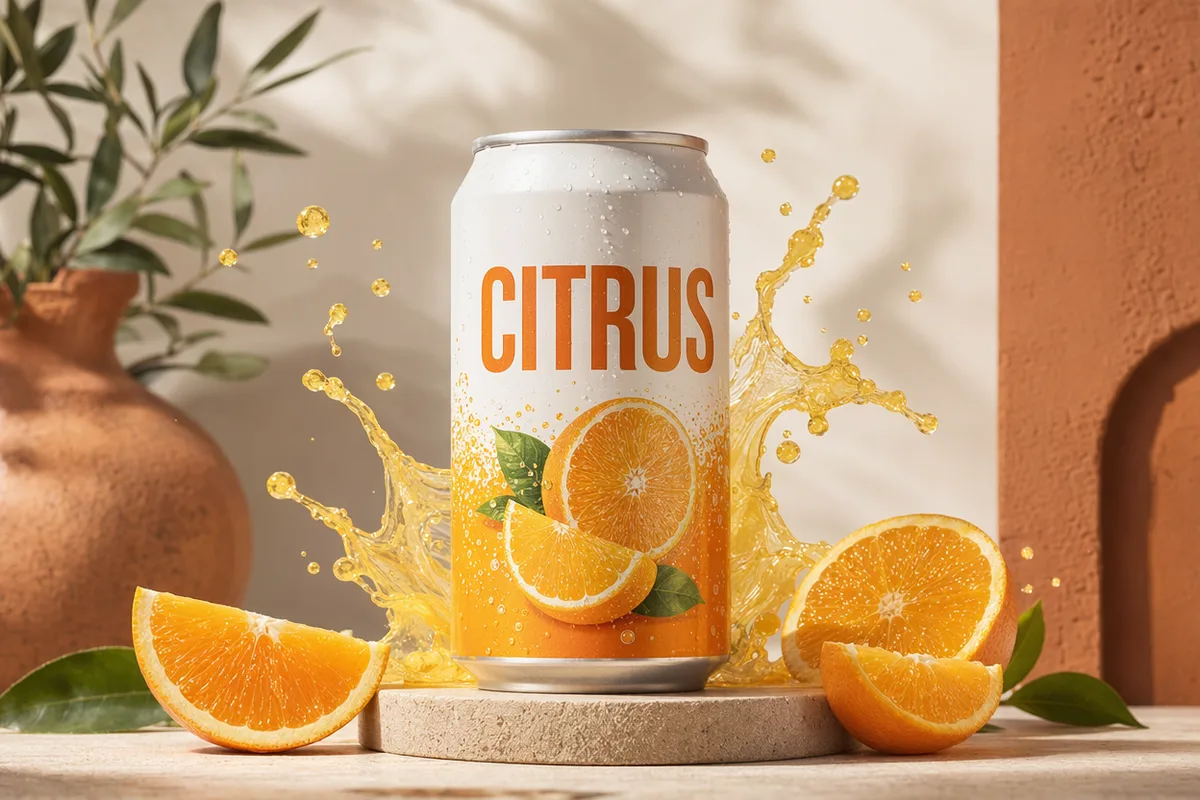
A tool that turns text descriptions or reference images into finished images using AI models. CreateVision AI bundles multiple leading models — GPT Image 2, Nano Banana, Seedream, Z Image Turbo — into one workspace so you can choose the best engine per task.

2

Is it free to use?

Yes. Free accounts get 80 credits per day plus Z Image Turbo at 0 credits for unlimited-style drafting. Paid plans unlock premium models, faster queues, and 4K output.

3

Which model should I pick?

GPT Image 2 for complex briefs and readable in-image text, Nano Banana 2 for character consistency and fusion, Seedream 5 for photorealism, Z Image Turbo for free fast drafts. You can switch any time and rerun the same prompt.

4

Can I upload my own images?

Yes — attach reference images to guide generation, keep a subject consistent, or edit an existing photo. Reference support varies by model and is shown in the panel.

5

Do generated images have a watermark?

Results are delivered clean for paid plans; you can download HD files directly. Free-tier outputs may include platform branding in some surfaces.

6

Can I use the images commercially?

Yes, under our terms of service. You are responsible for prompt content and for respecting copyright and likeness rights.

7

Does it work in my language?

The platform ships in 27 languages and the prompt enhancer understands non-English prompts, enriching them before they reach the model.

8

What happens to my generations?

They are saved to your history with prompt, model, and parameters, served from our CDN, and ready for follow-up actions — edit, regenerate, upscale, or video.

9

Is there a free AI image generator I can use without a subscription?

Yes. Every account gets 80 credits per day, and Z Image Turbo generates at 0 credits — so the AI image generator keeps working after the daily credits run out. No card is required to start.

10

What prompts work best with an AI image generator?

Name the subject, then the setting, then the lighting and lens or medium, and finish with the mood. Concrete nouns beat adjectives. If you would rather not think about structure, write one plain sentence and let the prompt enhancer expand it.

11

Can I generate product photos with this AI image generator?

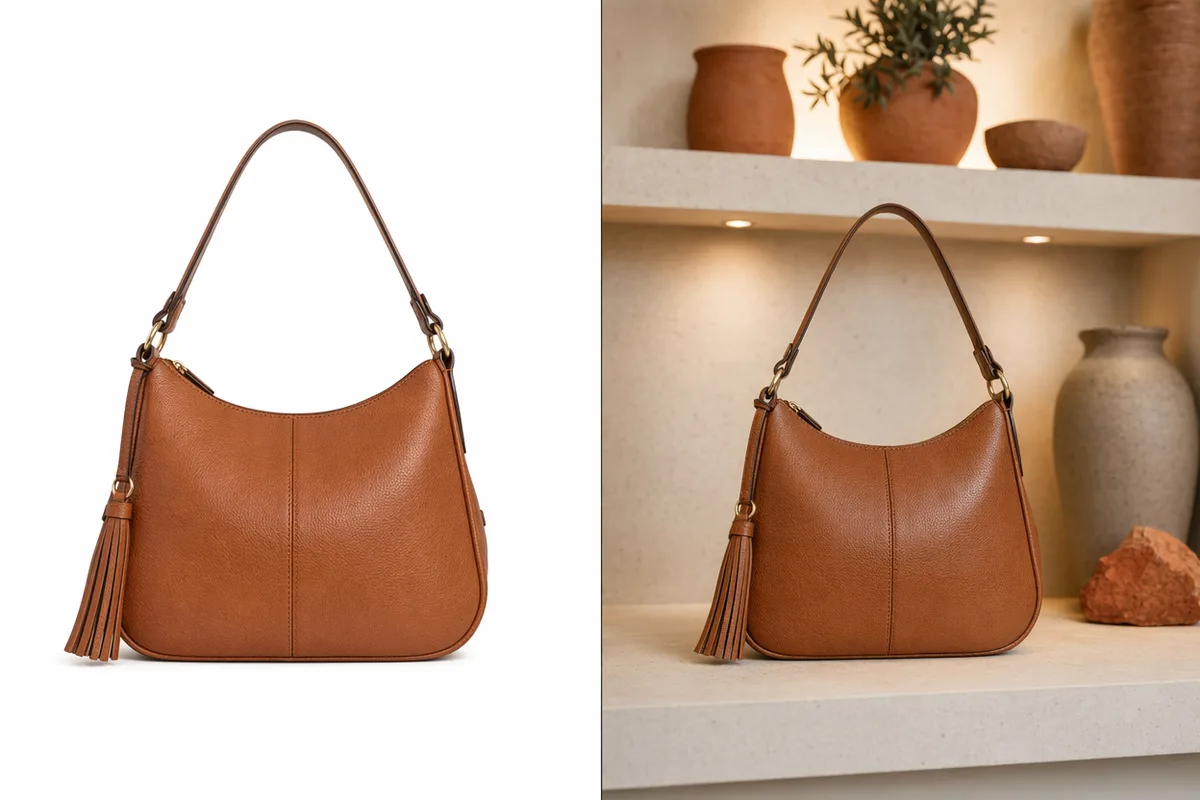
Yes. Upload the product as a reference image and describe the scene you want it placed in. For catalogue-style shots, the dedicated product mockup tool is usually faster than prompting from scratch.

12

Does the AI image generator support different art styles?

Yes — photoreal, illustration, anime, 3D render, watercolour, and more. Style comes from the prompt and the model you choose; rerunning the same prompt on a different engine is the quickest way to compare directions.

Pick a model and make something — it takes one sentence

Start Generating Images

Discover our one-click AI image tools

One-click tools for everything around generation — polish, restyle, and share.