AI Family Photo Generator
Create realistic family portraits from separate family member photos
Tap to uploadDrop image or click
JPG · PNG · WebP
Tap to uploadDrop image or click
JPG · PNG · WebP
Tap to uploadDrop image or click
JPG · PNG · WebP
Tap to uploadDrop image or click
JPG · PNG · WebP
Tap to uploadDrop image or click
JPG · PNG · WebP
Preview Examples


Select a scene to see different results
How does AI Family Photo Generator work?
Upload 2-5 family member photos, choose a family scene, and the AI creates one realistic family portrait with matched lighting and composition.

Why Families Use Our AI Family Photo Generator
Professional quality, privacy protected, instant results
Everyone Stays Recognizable
Each family member keeps their own face, while lighting and proportions are matched so the group looks like it was photographed together.
One Portrait From Separate Photos
Upload 2 to 5 photos taken at different times or places. The AI combines them into one family portrait with matched scale and pose.
Ready to Share and Print
Get clean portraits for family chats, cards, albums and framed prints.
See What You Can Do With AI Family Photos
Perfect for various professional scenarios, instant and secure
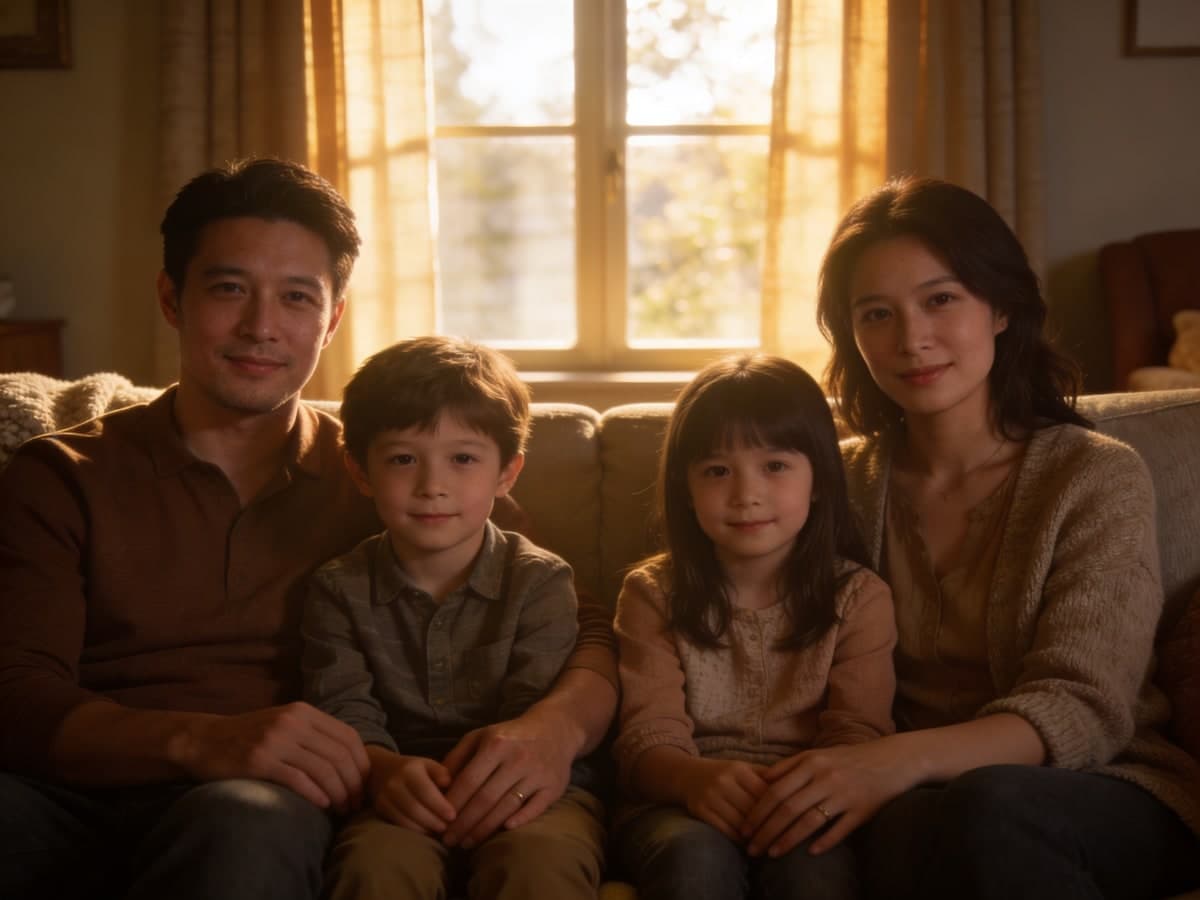
Bring Long-Distance Relatives Into One Photo
Your family lives in different cities or countries. Upload a photo of each person and get one portrait where everyone stands together. Mix a group photo
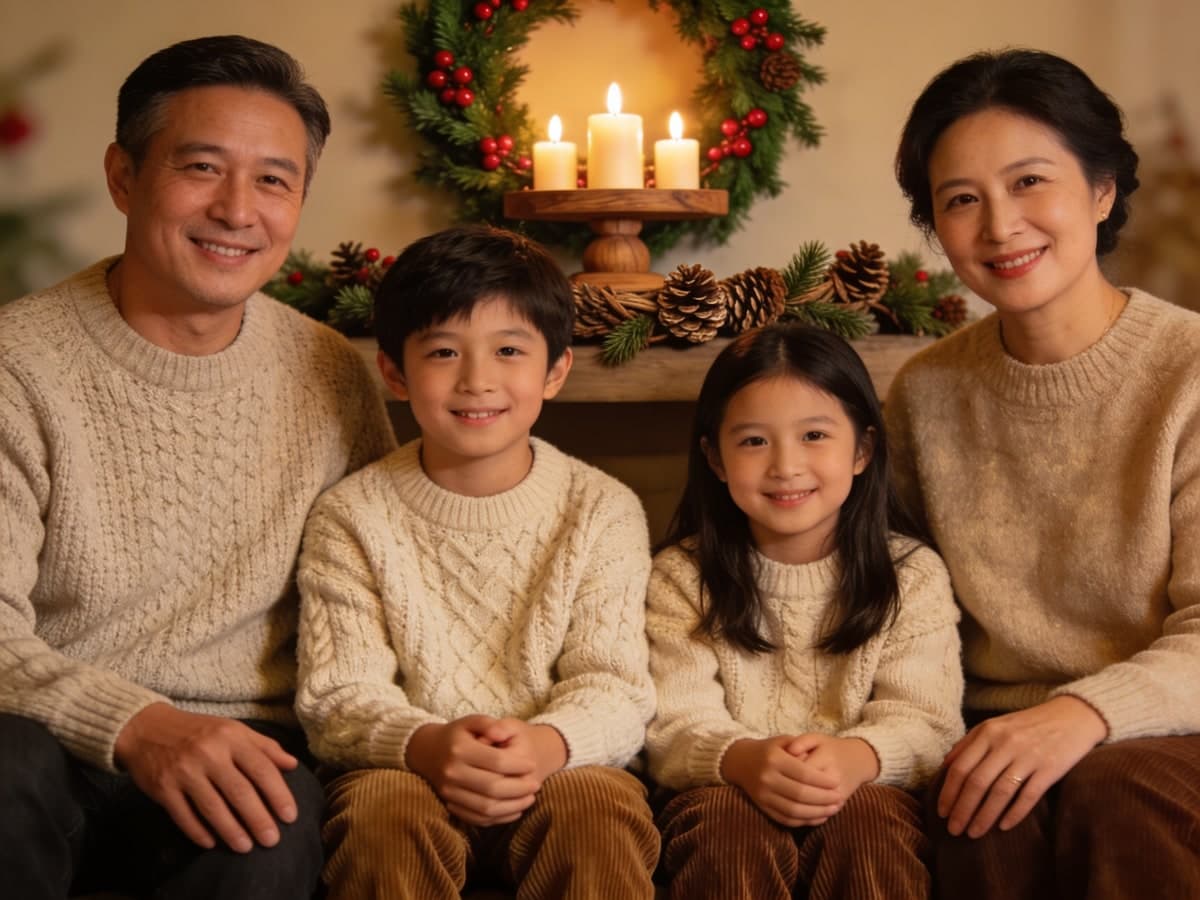
Make Your Holiday Family Card Photo
Create a polished family photo for Christmas cards, New Year greetings and family announcements. Pick a holiday scene and your card photo is ready. Design a Christmas card
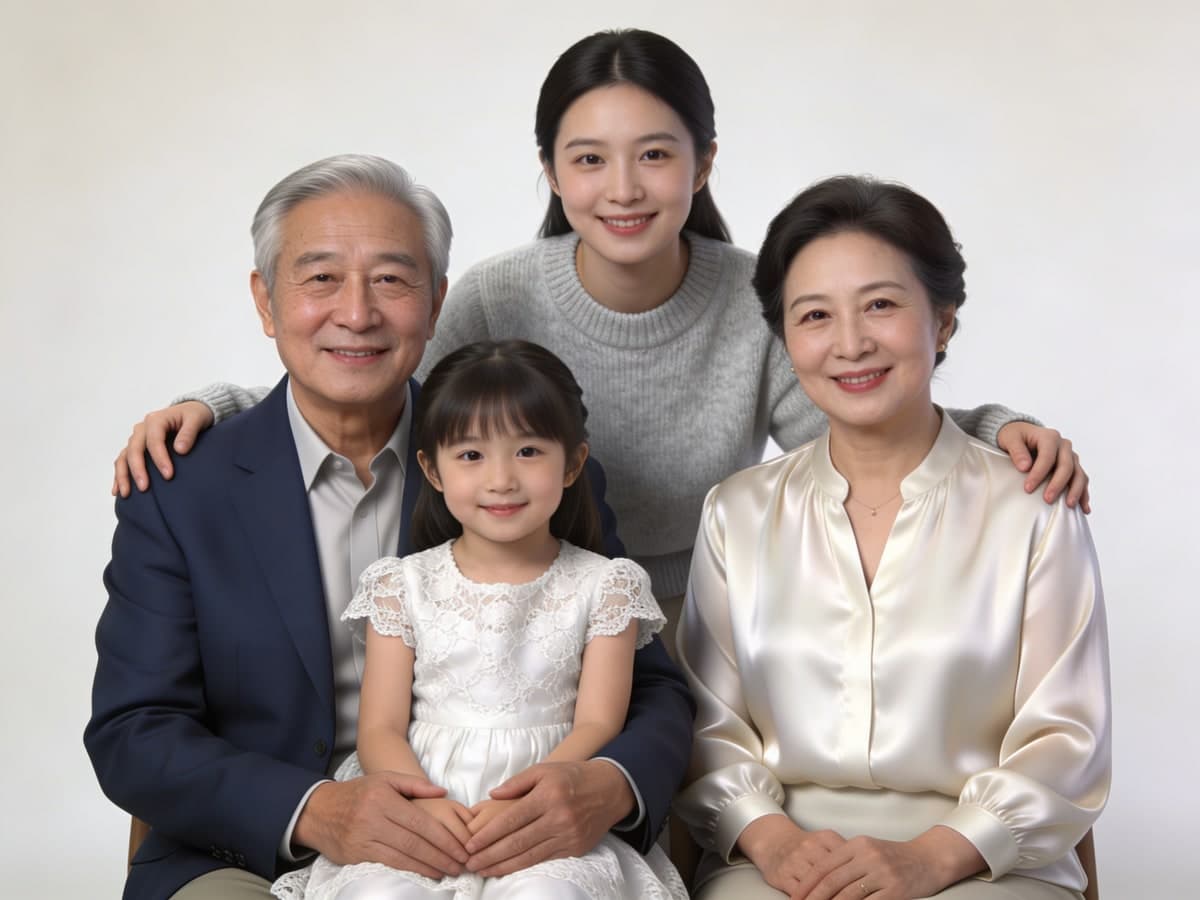
Create Respectful Legacy Keepsakes
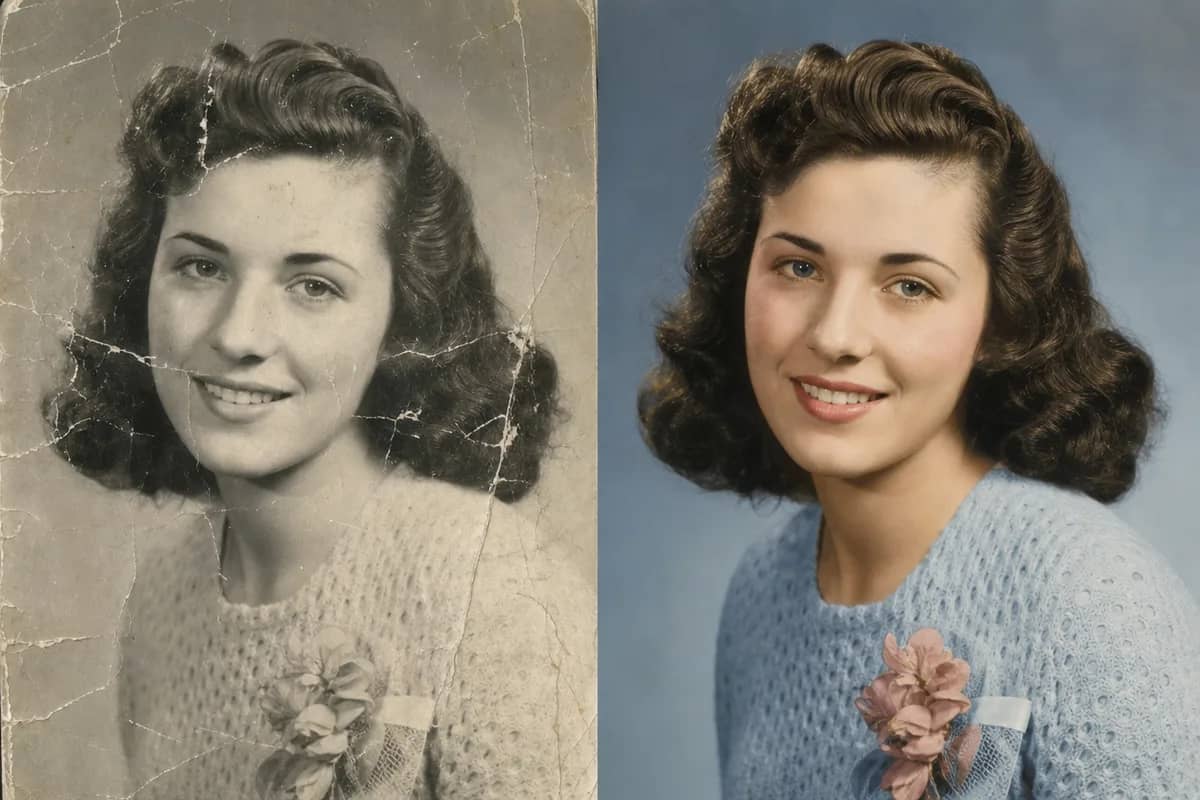
Turn the family photos you have into a portrait for albums, frames and memory projects. It works well for grandparents who could not join the reunion. Restore old photos first
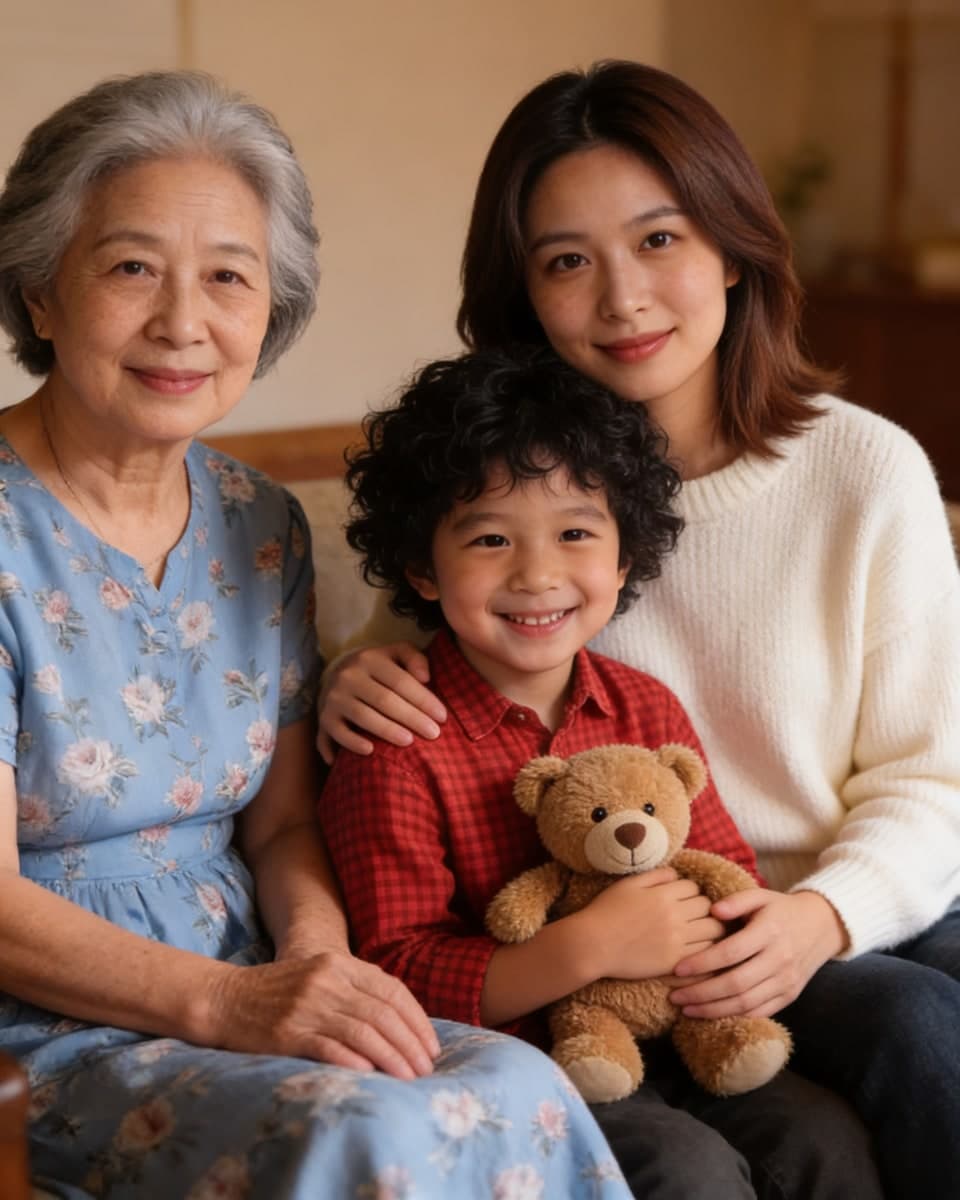
Add a Missing Person to Your Photo
Upload your existing family photo plus a clear photo of the person who was missing. The AI adds them to the group, matching the light and camera angle. Upscale for large prints
Who Uses AI Family Photo Generator
Four ways people use it every week
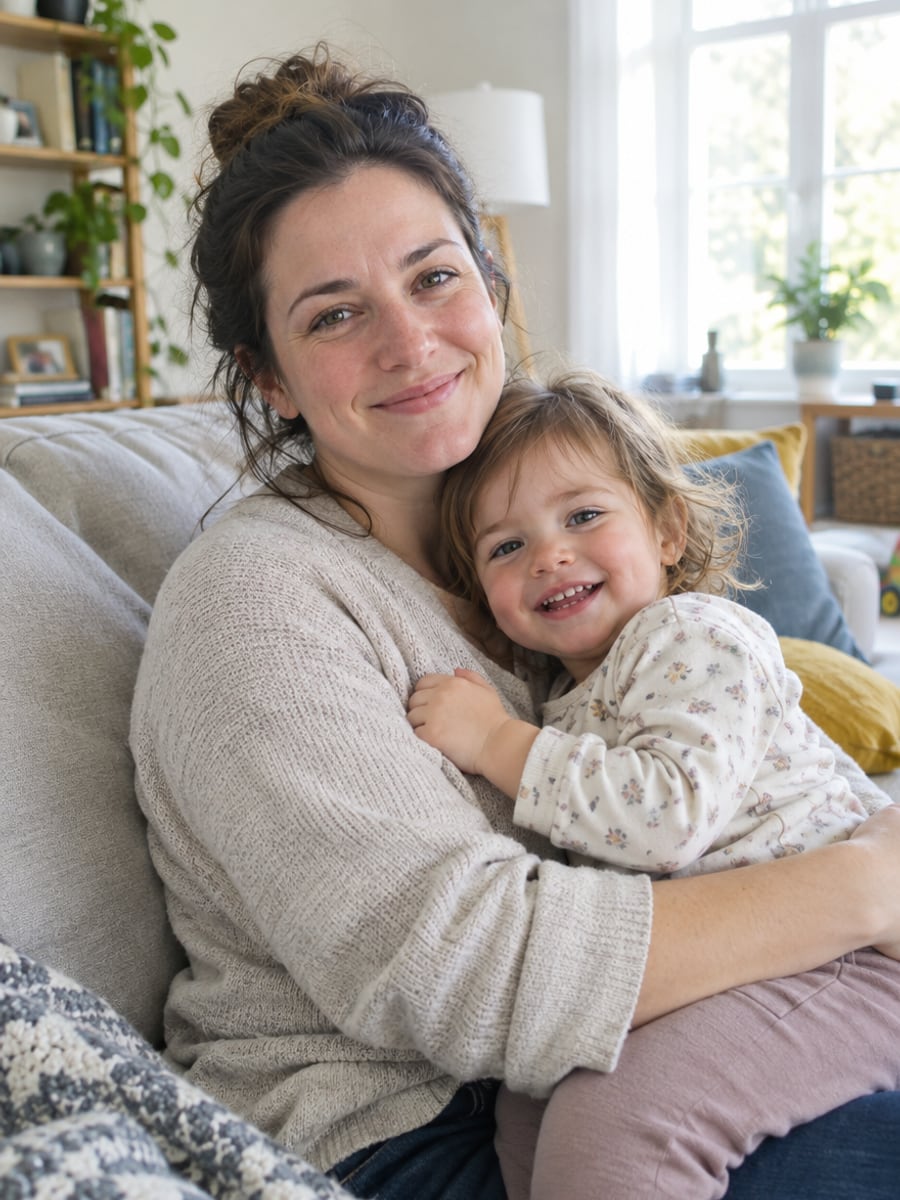
Get a family portrait without booking a studio
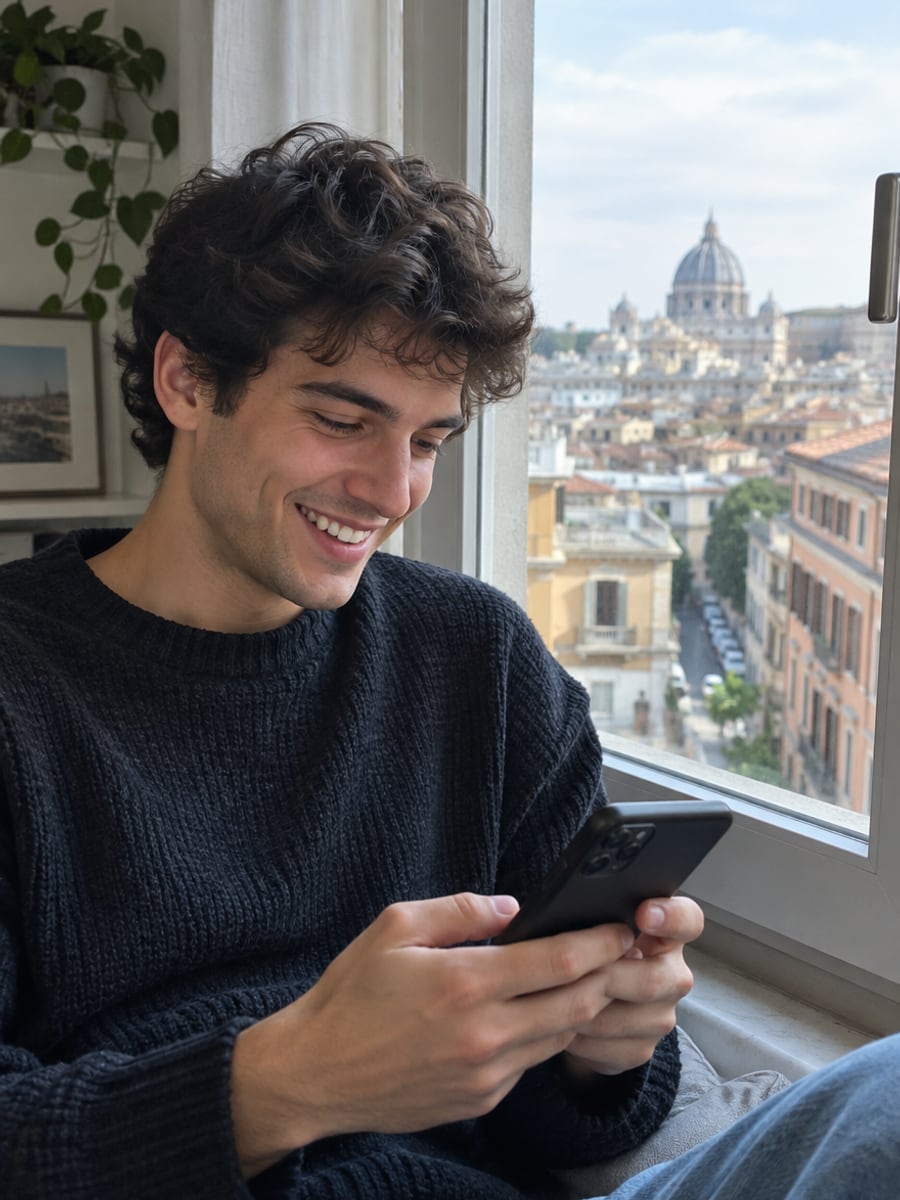
Stand together in one photo across any distance
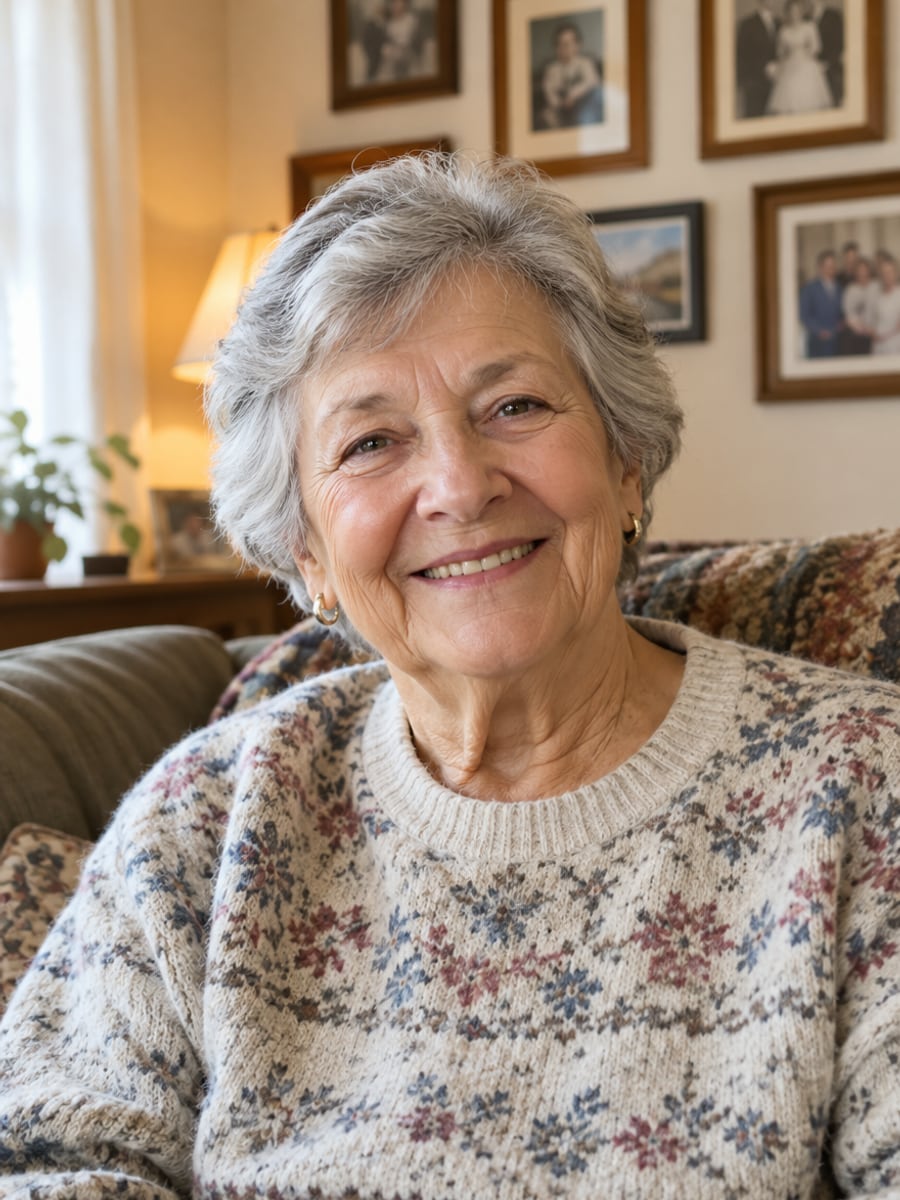
Frame one portrait with every grandchild in it
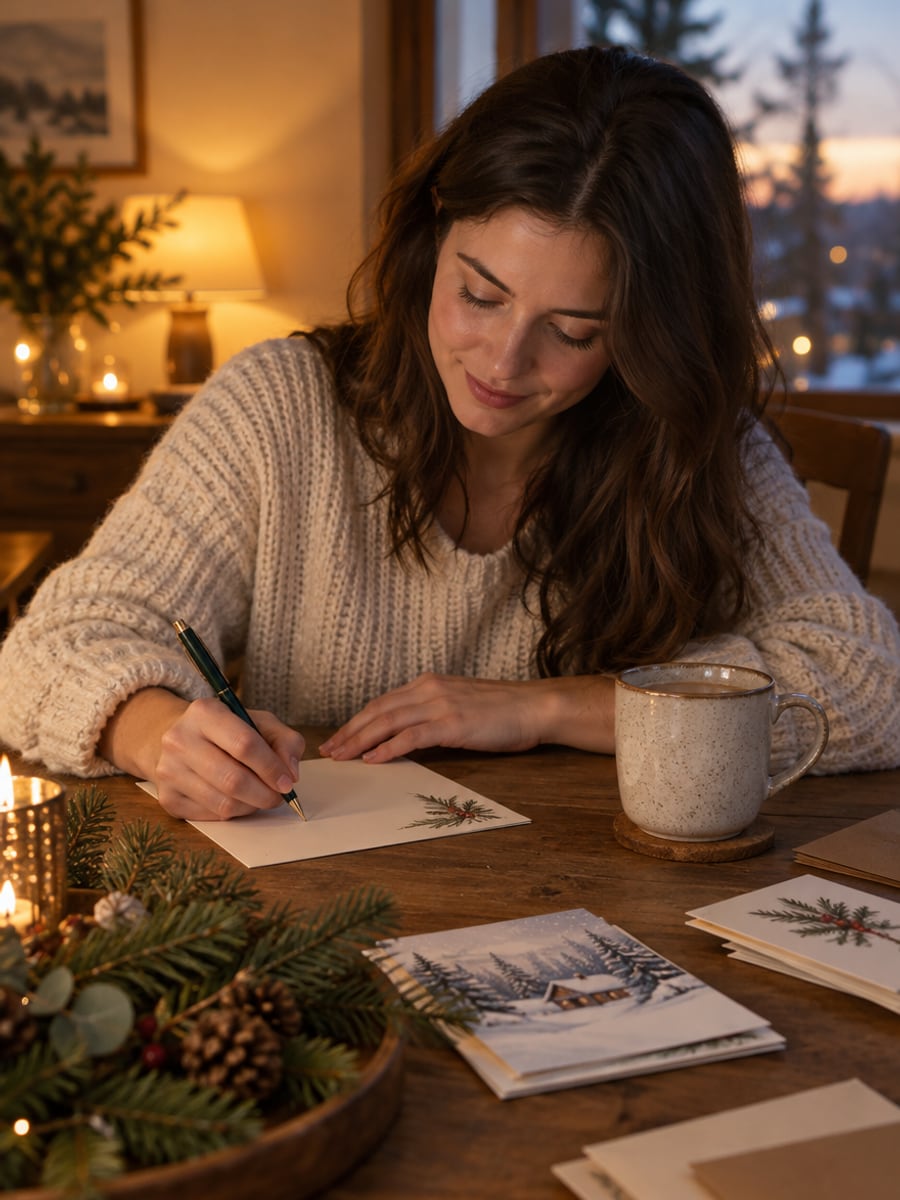
Send holiday cards with a polished family photo
How to Combine Family Photos with CreateVision
Upload your photo, select a style, and download your professional result instantly

Upload Family Members
Upload 2-5 clear photos of the family members you want in the portrait. Front-facing or slight-angle portraits work best.

Choose a Family Scene
Pick studio, home, outdoor, holiday, reunion, or legacy portrait styles.

Generate Family Portrait
AI composes everyone into one natural family photo with matched lighting, scale, and perspective.
The All-in-One AI Creation Platform
One account for images, videos, an AI agent that works for you, expert AI mentors and 80+ ready-made tools.

AI Image & Video Generator
Every leading model in one workspace: Seedream, Nano Banana, GPT Image, Seedance, Veo and more.
Open
Ava, your AI creative agent
Describe what you need and Ava plans, generates and iterates for you.
Open
80+ AI tools
One-click tools for photos, videos, cards, portraits and viral trends.
Open
Template library
Thousands of ready prompts and styles to start from.
Open
Studios
Portrait, marketing, poster and cinema studios for finished work, not single shots.
Open
AI model library
Compare and pick the right image or video model for every job.
Open
AI mentors
Learn from expert mentors in photography, design and video, then create with their guidance.
Open190K+ creators
Using CreateVision to create and share
What Users Say
Real feedback from users worldwide
“My siblings and parents live in three countries. This gave us a family portrait we could finally send to relatives.”

“We made a warm family photo for our baby announcement without booking a studio session.”

“I used old and recent family photos to create a respectful keepsake for our reunion album.”

AI Family Photo Generator FAQs
It is a tool that combines separate photos of family members into one realistic family portrait. You upload 2 to 5 photos, choose a scene, and the AI places everyone together with matched lighting, scale and perspective. Each person keeps their own face.
We think CreateVision's is a strong choice because it is tuned to keep every uploaded family member recognizable. It offers scenes made for family needs, including studio, home, holiday, reunion and keepsake portraits. It can also add a missing person to an existing family photo, matching the light and camera angle.
Upload 2-5 family member photos, choose a family scene, and the AI creates one realistic family portrait with matched lighting and composition. The photos can be taken at different times or in different places.
You can upload 2 to 5 people. For the best identity results, 3 to 4 people usually works best. Use clear, well-lit portraits with visible faces, and avoid sunglasses, heavy filters, extreme angles and very low-resolution images.
Each portrait costs credits based on the style tier you choose: Identity is 60 credits and Natural is 70. Identity is the default. You can start with 200 free credits from Google sign-up.
Uploaded photos are processed securely and are not used as a public face library. Use only photos you have the right to upload, and the tool does not provide public figure or celebrity faces. Results are ready for printing, and you can use the AI Image Upscaler for larger prints. Free accounts download with a small CreateVision mark, which subscribers and credit-pack buyers can turn off.
AI generation varies from run to run, and larger groups make it harder to keep every face exact. Results are best with 3 to 4 people and clear, well-lit source photos. If someone looks slightly off, replace that person's photo with a sharper one or try another style tier.
Bring Your Family Together in One Portrait
Upload photos of each family member and get one realistic AI family portrait, even when the photos were taken apart.
Related Tools You Might Like
Explore more AI creative tools