AI image model

Qwen Image Edit Plus AI Editor

Use Qwen Image Edit Plus for precise edits, prompt-based image transformations, and reference-aware changes.

Image editingPrompt transformsReference required

Explore More Models

Compare Qwen Image Edit Plus with other image models — same workspace, one click to switch.

Get Inspired

A glimpse of what people are creating with AI image models on CreateVision AI.

AI generated editorial portrait of a woman in soft window light
AI generated 3D baby dragon character on a mossy stone
AI generated architectural photo of a warm concrete spiral staircase
AI generated anime illustration of a girl with an umbrella on a rainy neon street
AI generated overhead food photography of a rustic breakfast spread
AI generated wildlife photo of a snow leopard in falling snow
AI generated high fashion editorial portrait against a terracotta wall
AI generated fantasy landscape of floating islands with waterfalls

Qwen Image Edit Plus — change exactly one thing, keep everything else

Alibaba's editing model is praised for surgical local edits: object removal, replacement, restyling, and even text editing that preserve the rest of the image pixel-faithfully.

Before and after of a handbag moved from white background to boutique shelf

Surgical local edits

Change the hair color, remove the passerby, swap the logo — and nothing else moves. Qwen Image Edit Plus is built for precise, semantically-targeted edits, the capability reviewers score it state-of-the-art on. The subject's identity and the scene's lighting survive untouched.

Beach photo with tourists removed in the after version

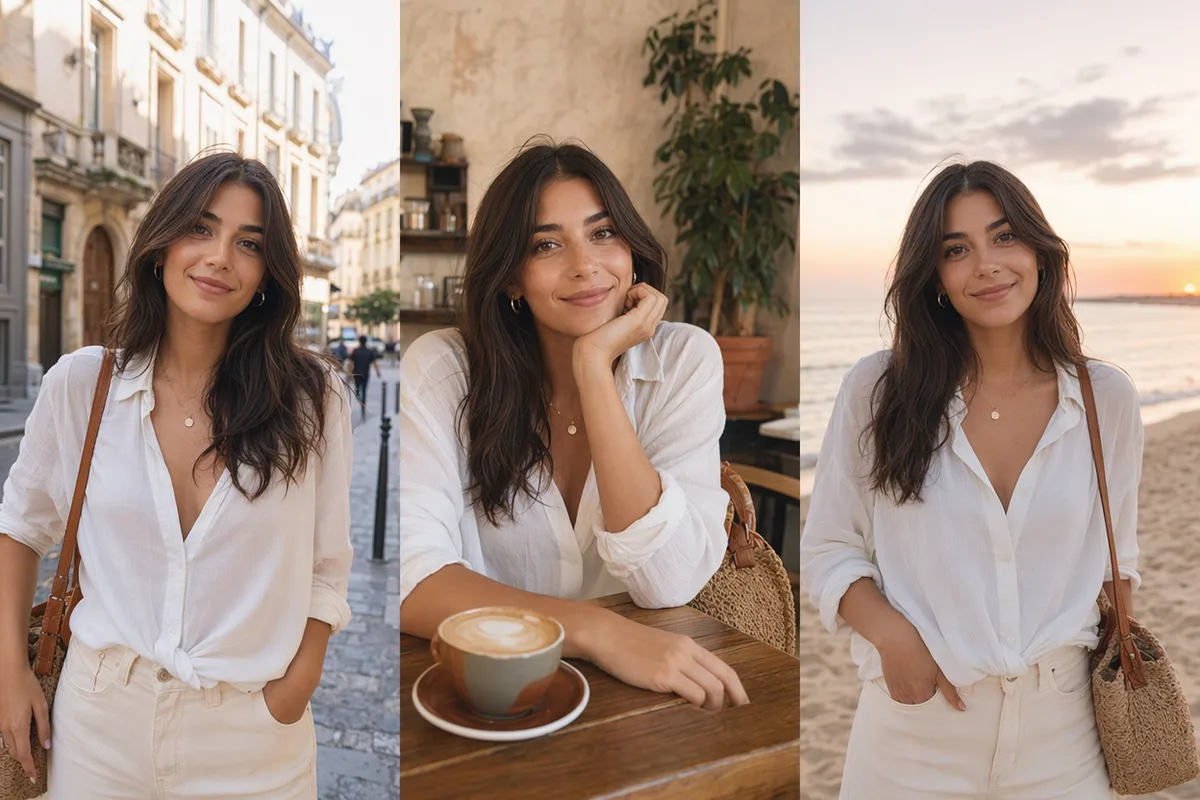
Object removal and replacement

Clear tourists from the beach, replace a prop, add an element that matches the scene's perspective and light. Removal and replacement are the bread-and-butter edits this model handles cleanly where general models repaint half the frame.

Portrait where only the hair color changes between versions

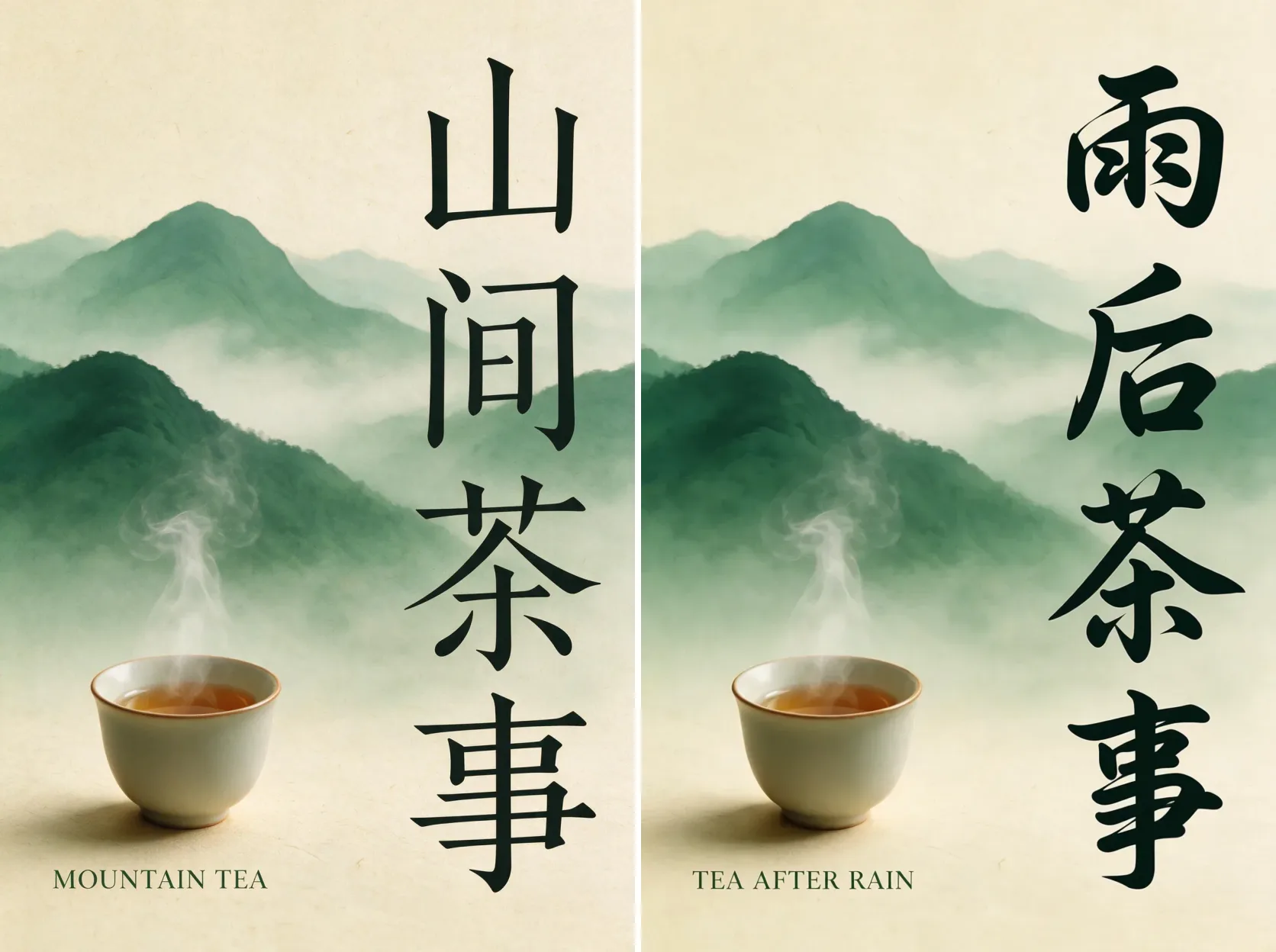
Text editing inside images

Edit lettering on signs, packaging, and posters — in English and Chinese — while matching the original font, size, and style. Bilingual character-level text editing is a standout strength noted across community reviews.

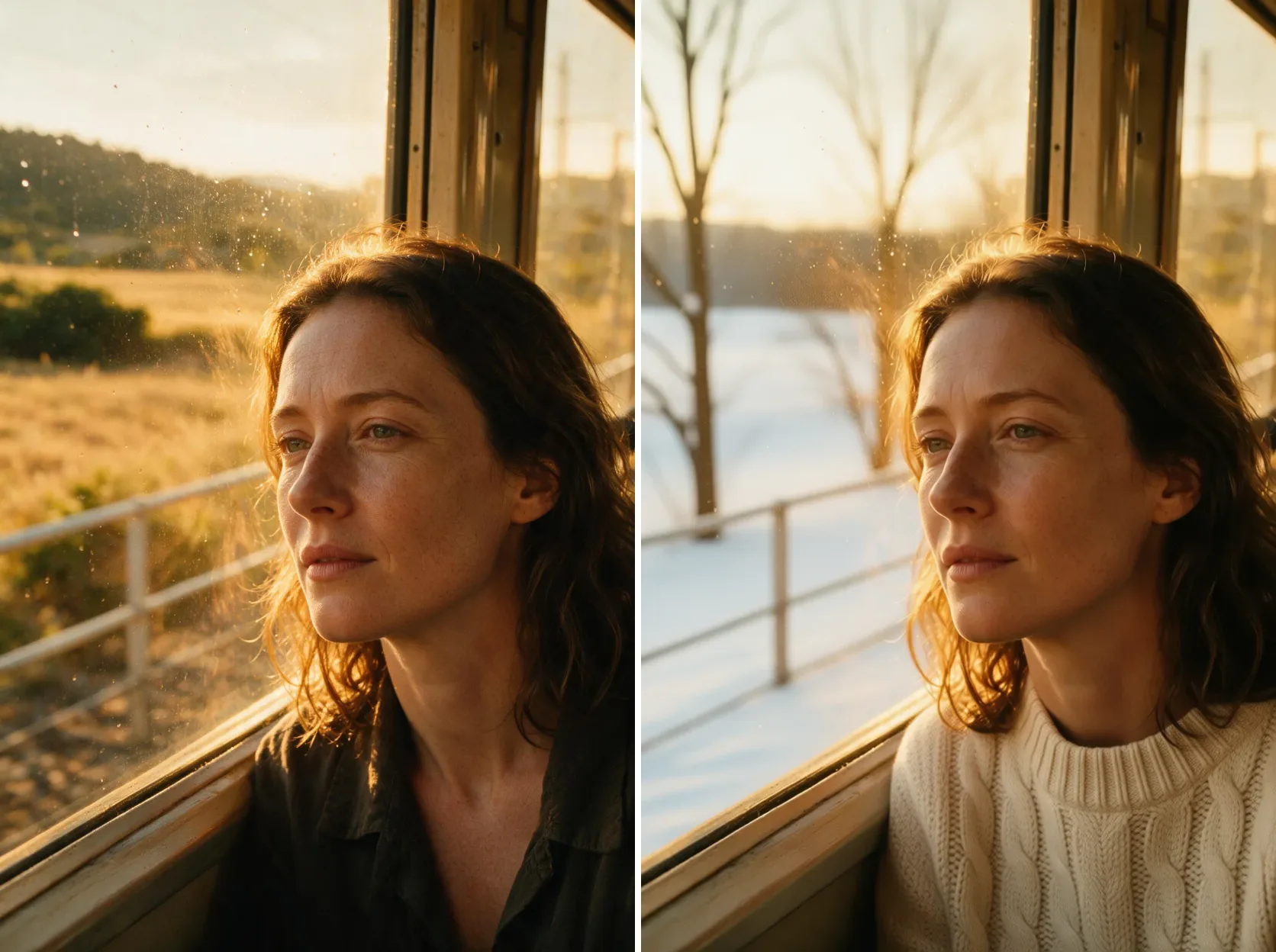
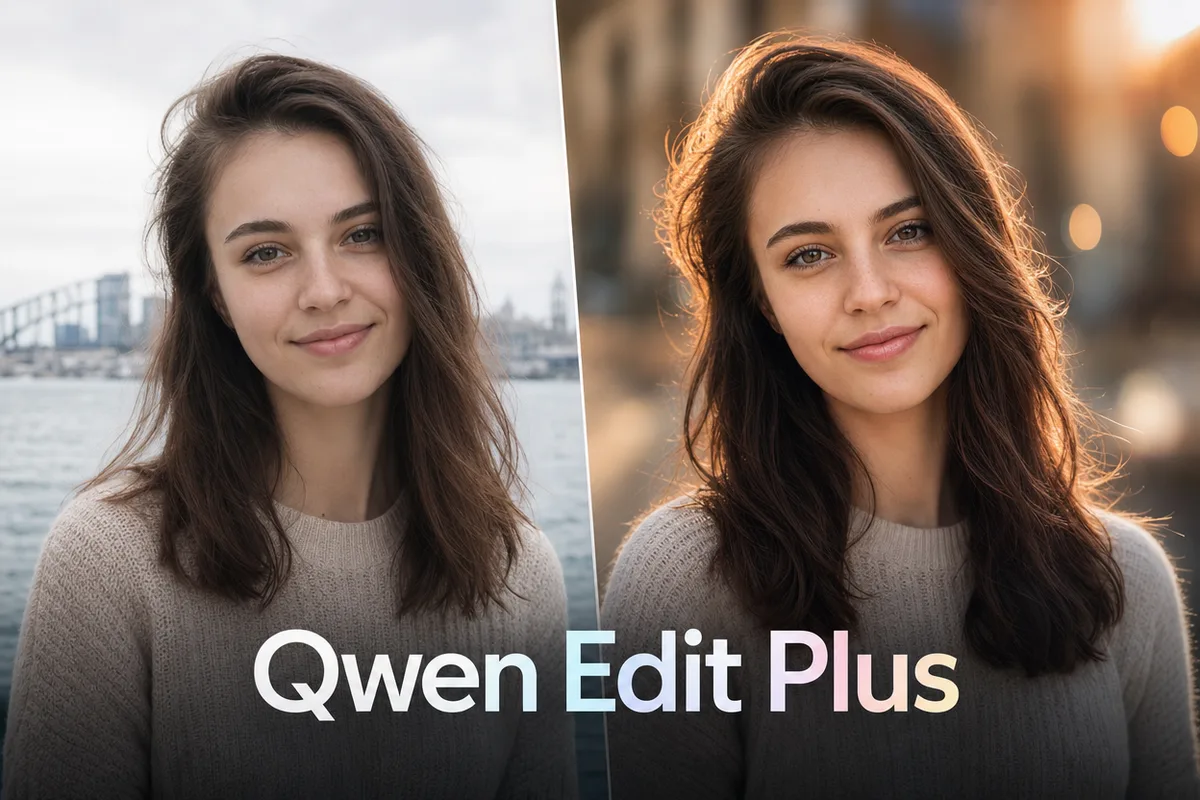
Headshot relit from office to golden-hour park setting

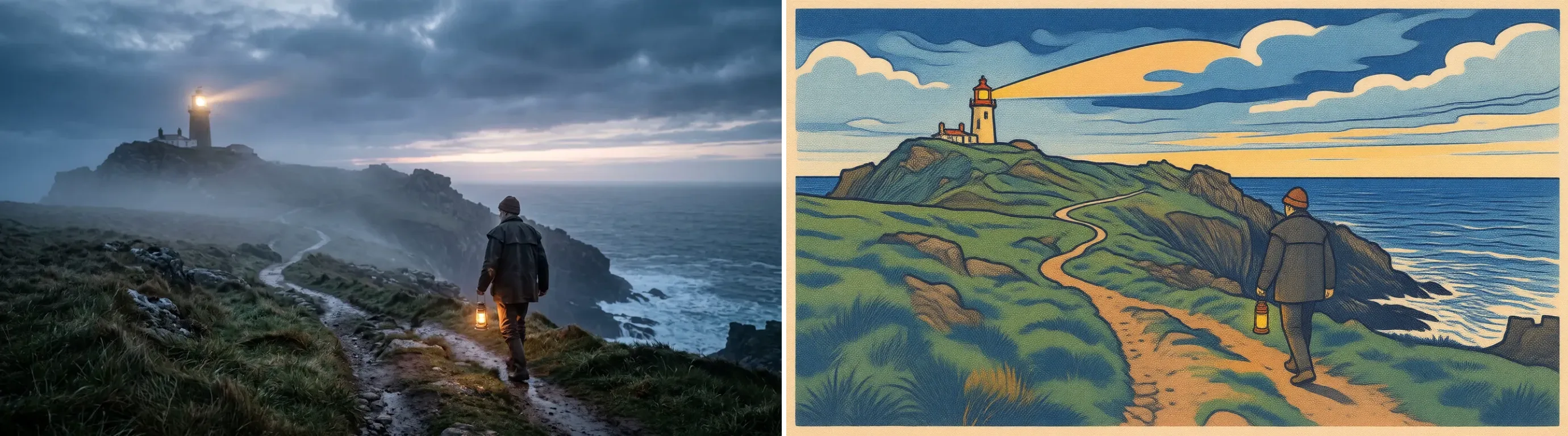
Style transfer and virtual try-on

Restyle a photo, rotate a product to a new angle, or swap garments for fashion try-on workflows. Edit Plus balances semantic consistency with visual fidelity, so transformations look intended rather than generated.

Keep exploring CreateVision AI

One account, the full image and video generation workflow.

Choose Your Plan

Start free with daily credits. Upgrade for premium models, faster generation, and 4K output.

Free

$0

Perfect for getting started

  • 80 credits per day, 400 per month
  • Z Image Turbo drafts at 0 credits
  • Standard generation speed
  • Generation history included
Get Started

Premium

Most popular
$29/month

Billed annually · $240/year

  • 1,600 credits/day, 8,000 credits/month
  • All premium models — GPT Image 2, Nano Banana, Seedream, Seedance, Veo, Kling
  • 5x generation speed, priority queue
  • AI prompt enhancement
Upgrade to Premium

Ultimate

$49/month

Billed annually · $300/year

  • 4,000 credits/day, 18,000 credits/month
  • HD generation up to 4K resolution
  • Private generation — results stay out of the gallery
  • Fastest queue and early access to new models
Upgrade to Ultimate

Frequently Asked Questions

1

What is Qwen Image Edit Plus best at?

Precise local edits: removing, replacing, or restyling specific elements — including text — while preserving the rest of the image and the subject's identity.

2

Do I need to upload an image?

Yes — it is an editing model, so a reference image is required. Upload the photo, describe the change, and generate.

3

How much does it cost?

30 credits per edit, shown before you generate.

4

Can it edit text inside an image?

Yes, in both English and Chinese, matching the original font and style — one of its most praised capabilities.

5

How is it different from Nano Banana editing?

Qwen Edit Plus is the precision specialist for local, targeted changes; Nano Banana models are stronger for whole-image fusion and scene-level restyling.

6

Will the person still look like themselves after an edit?

Yes — identity preservation through edits is a core design goal and a community-validated strength.

Make the precise edit with Qwen Image Edit Plus

Make the precise edit with Qwen Image Edit Plus

Start Generating Images