AI Wedding Photo Generator
Generate professional wedding photos with AI - multiple styles and cultural traditions
Tap to uploadDrop image or click
JPG · PNG · WebP
Tap to uploadDrop image or click
JPG · PNG · WebP
Preview Examples


Select a scene to see different results
How does AI Wedding Photo work?
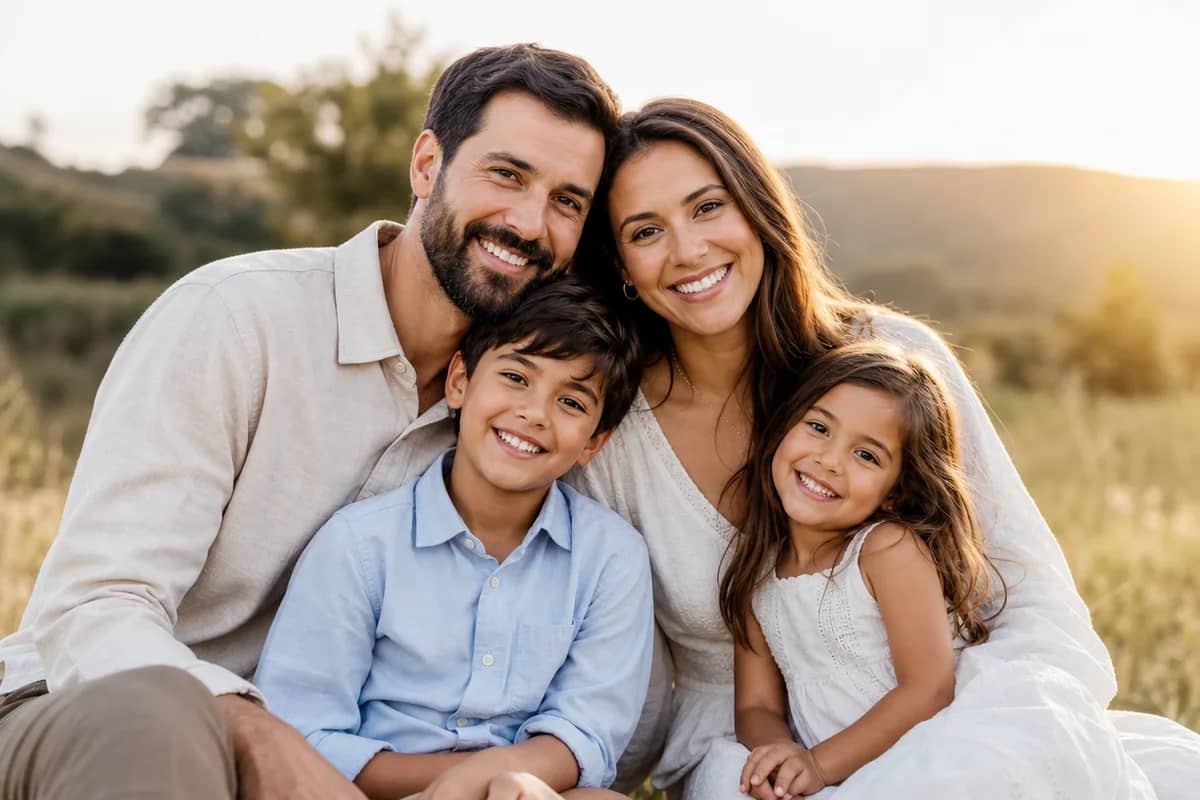
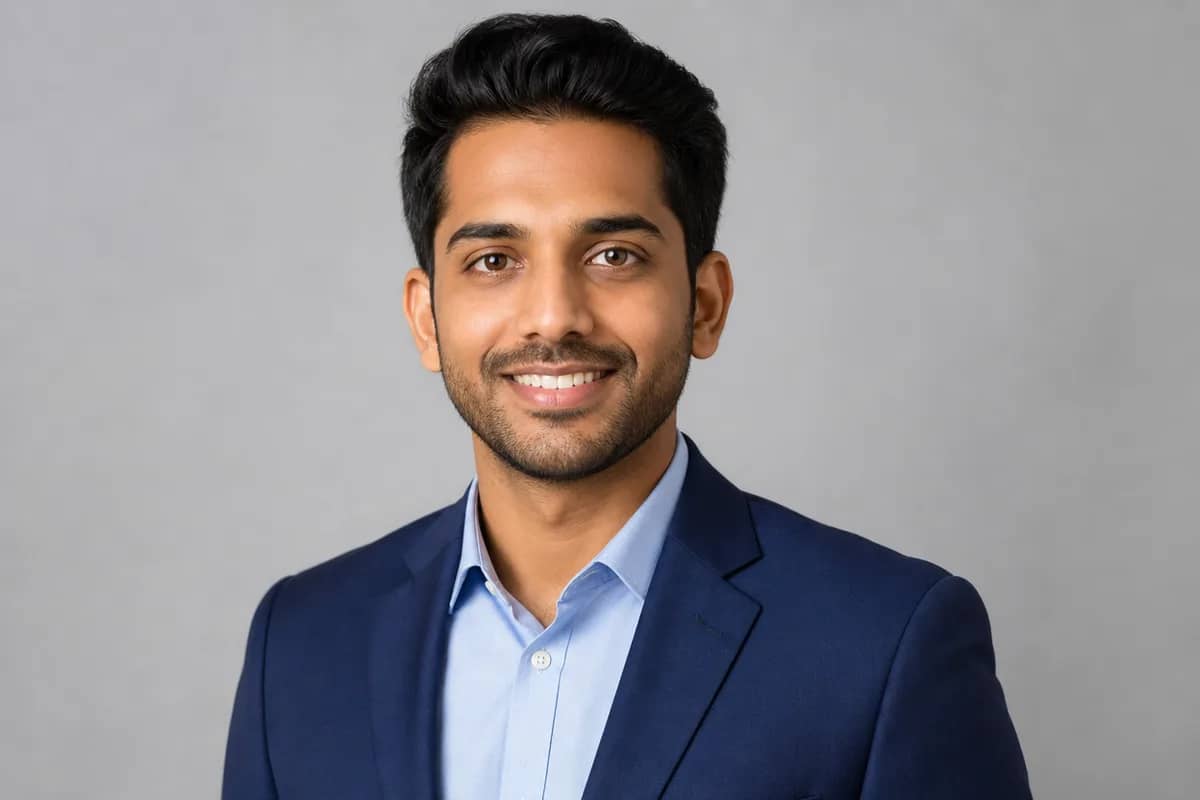
Upload bride and groom photos, select a wedding style (Western, Chinese, Indian, etc.), and our AI generates professional wedding photos in that tradition.

Why Couples Pick Our AI Wedding Photo Generator
Professional quality, privacy protected, instant results
Faces That Are Actually Yours
The tool reads both faces from your uploads and keeps bone structure, skin tone and hair for each person, so you look like yourselves at first glance.
No Couple Photo Needed
Upload one photo of each person, taken years apart or in different countries, and get one wedding portrait of you both.
Every Tradition, or Both of Yours
Pick from 10 wedding settings, from cathedral white to red qipao to a marigold mandap. Fusion couples can have an album in both traditions.
See What You Can Do With AI Wedding Photos
Perfect for various professional scenarios, instant and secure
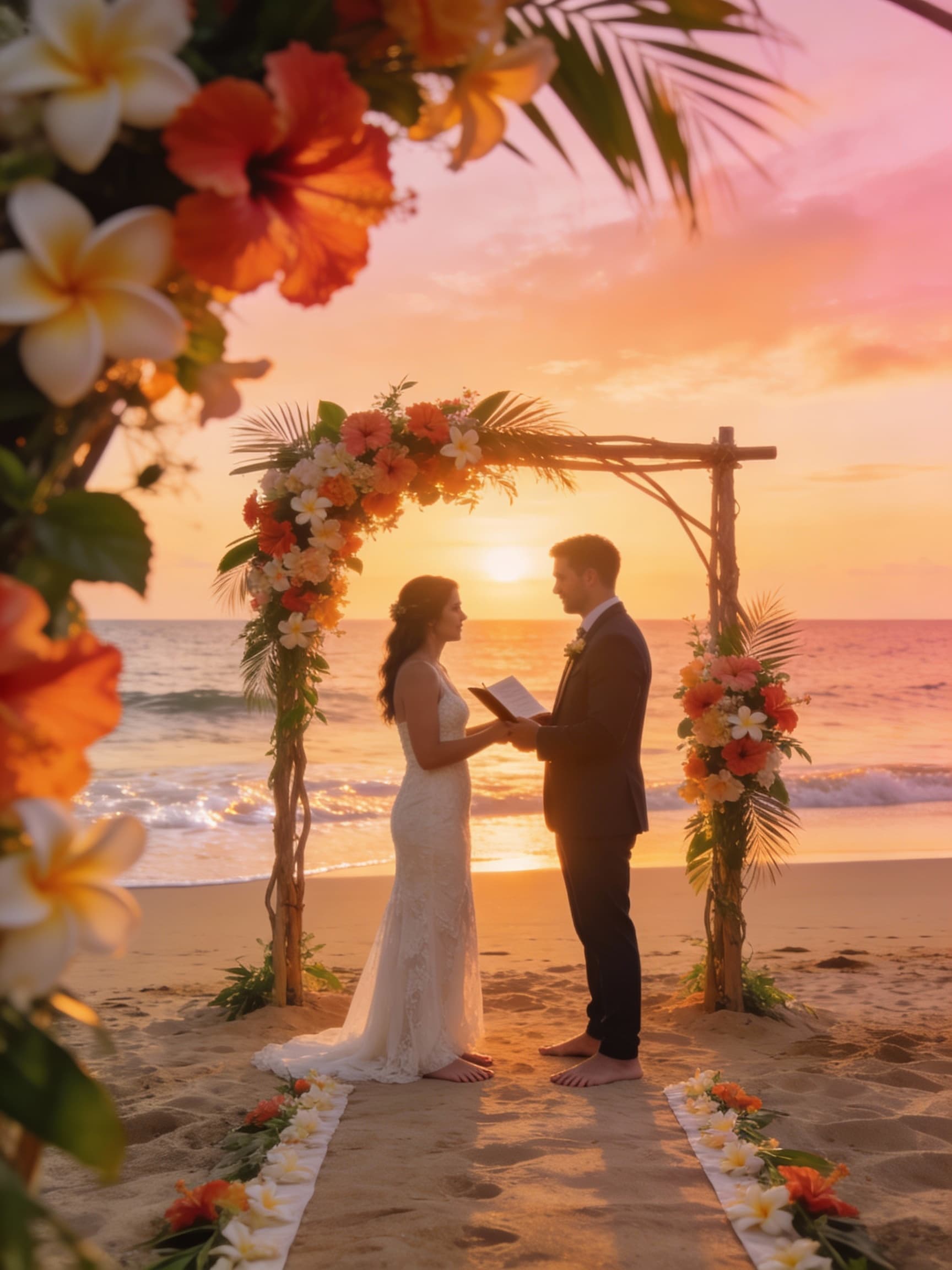
Preview Your Styles Before Booking a Shoot
See yourselves across beach, garden, church and cultural settings before you pay a photographer. Walk into the real shoot knowing which look suits you, or skip it. Try AI couple photos
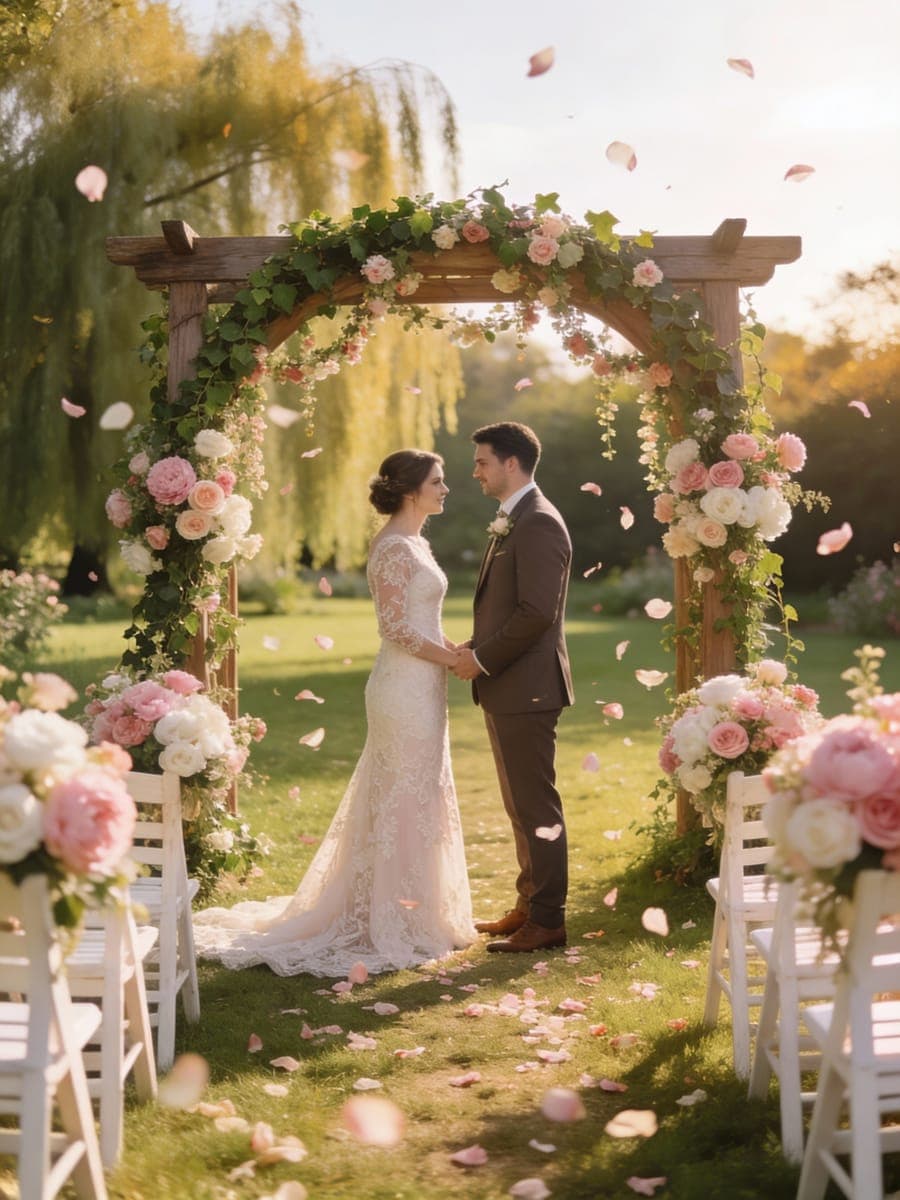
Get Invitation Photos Months Early
Save-the-dates often go out six months before the ceremony, long before real wedding photos exist. Create portraits now for your cards, wedding website and registry page. Make matching headshots
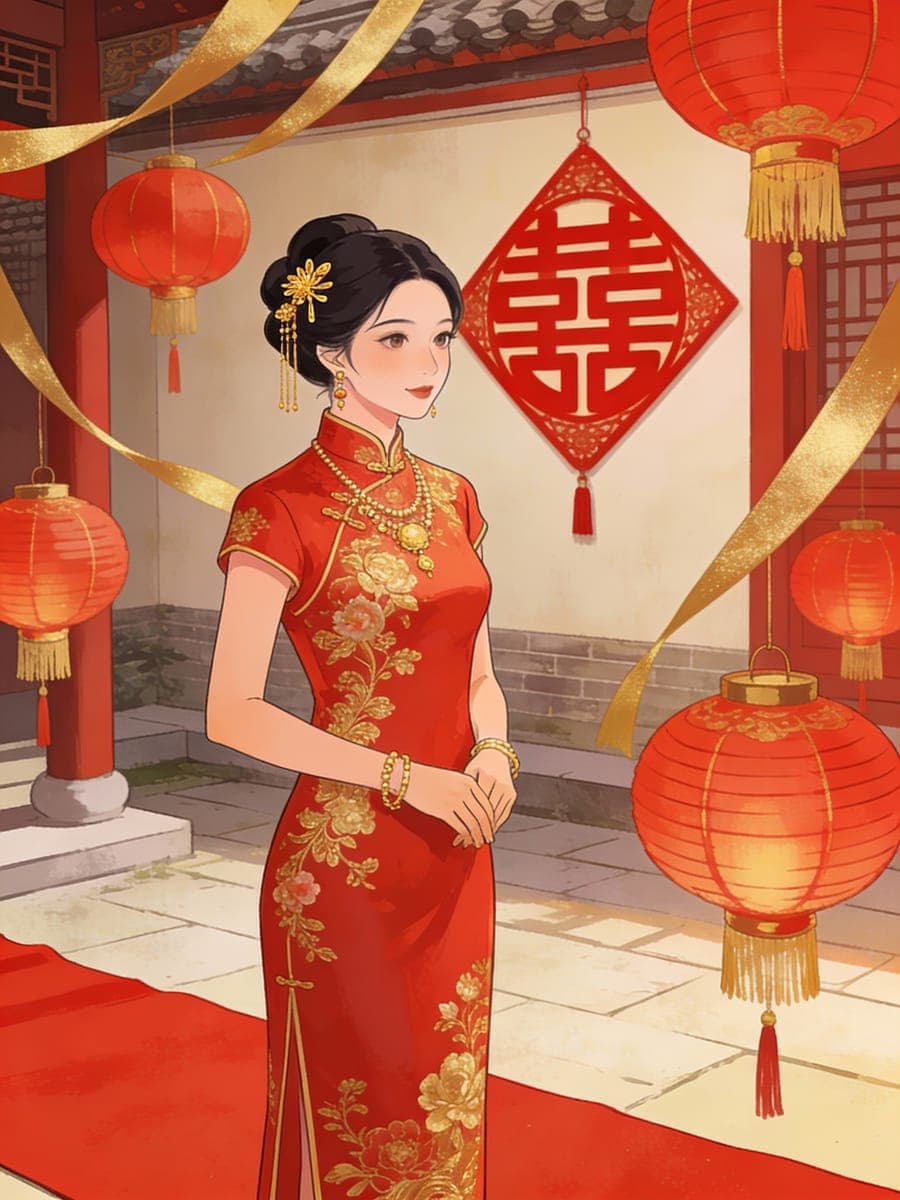
Create the Wedding Album You Never Had
Had a courthouse wedding or no photographer in the budget? Recreate the day properly, or give your parents and grandparents the wedding portraits they never got. Create a family portrait
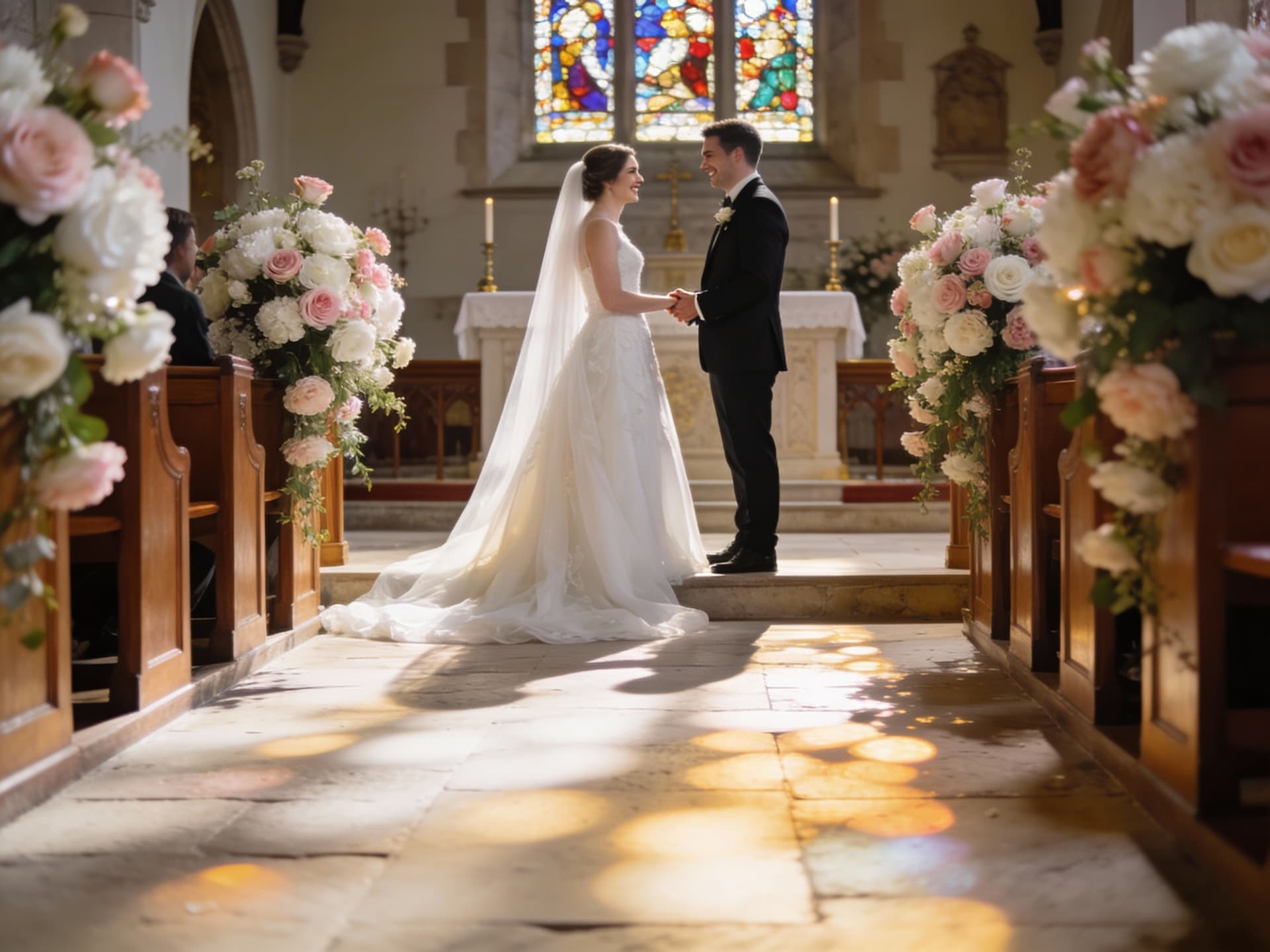
Control the Lens, Light and Venue
Choose your lens, lighting setup, venue, season and time of day like a wedding photographer would. Add custom requests such as an off-shoulder lace dress to your portrait. Turn it into video
Who Uses AI Wedding Photo Generator
Four ways people use it every week
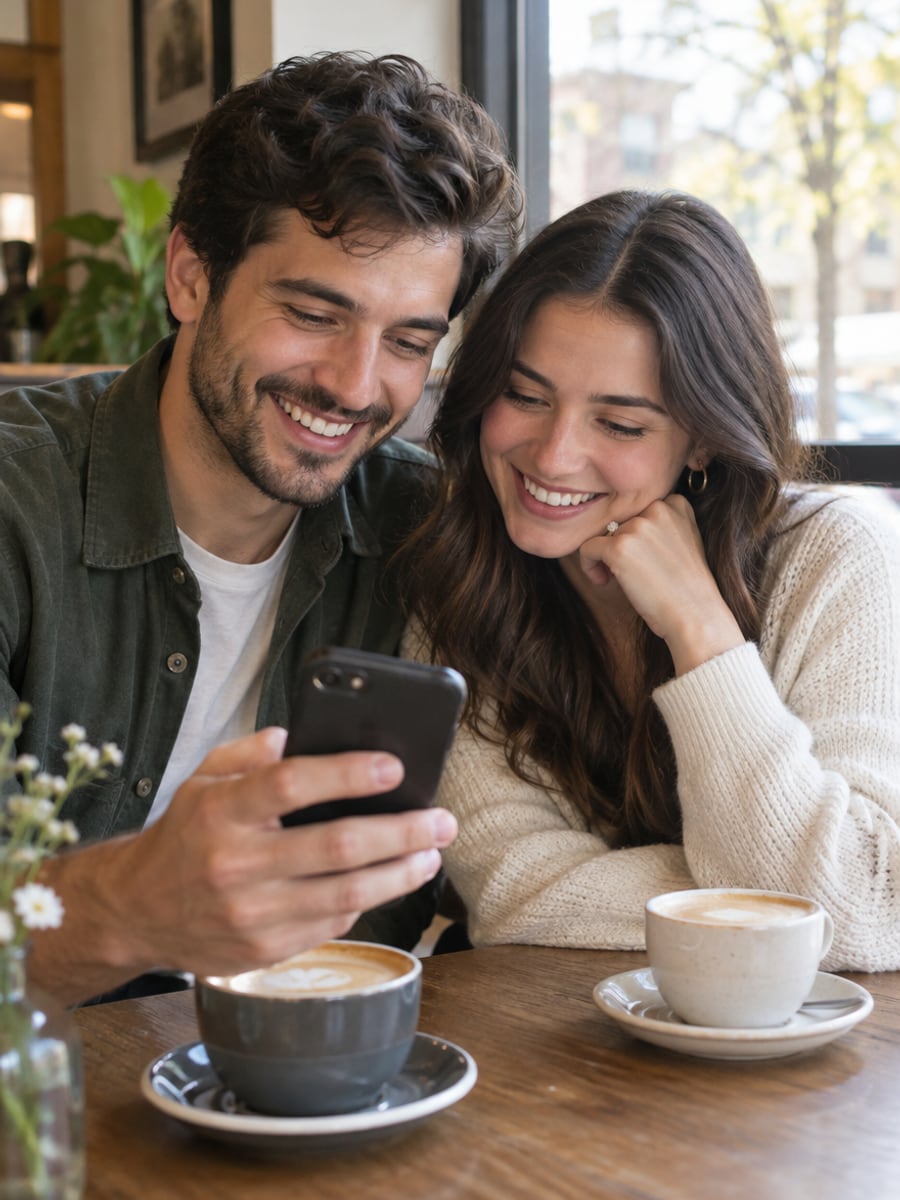
Preview your wedding look before spending on a shoot

Get one wedding portrait from two separate photos
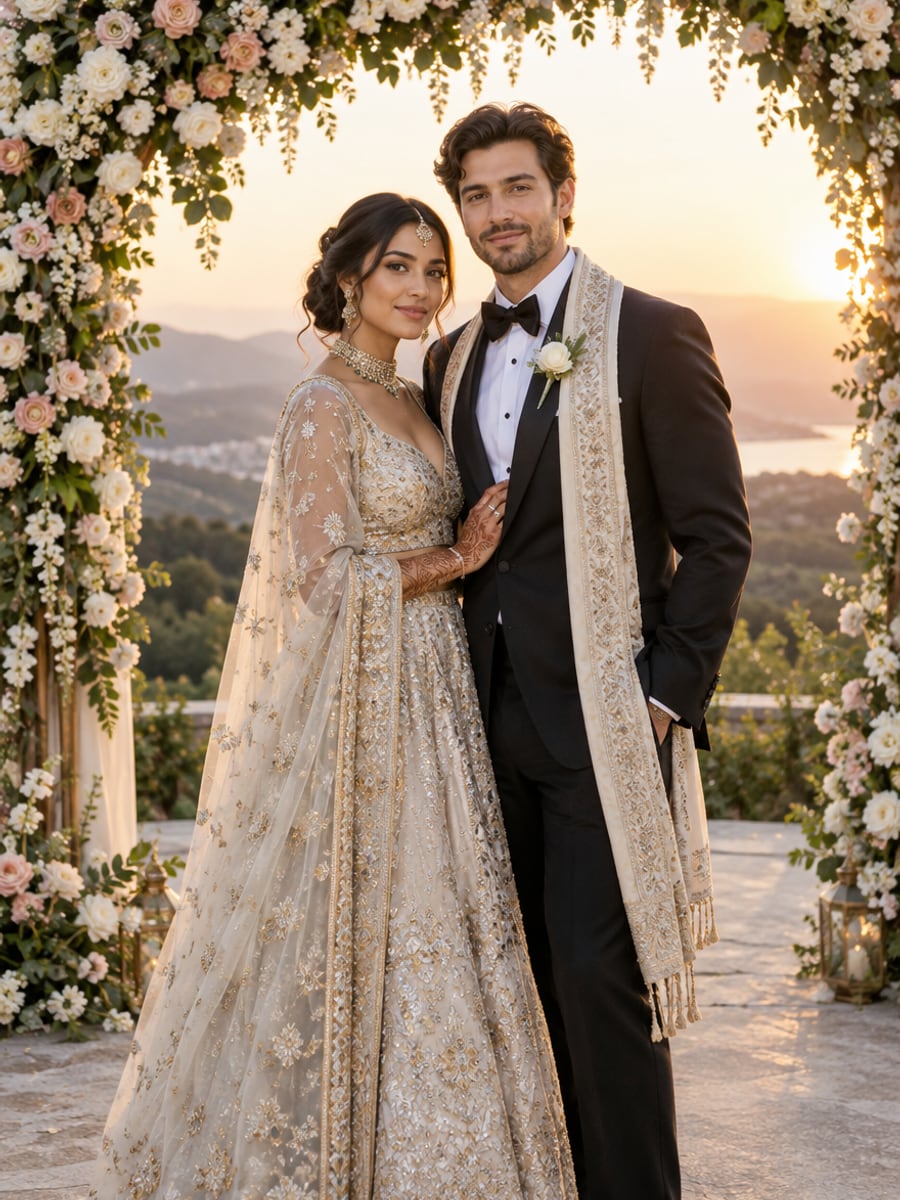
Have wedding photos in both of your traditions
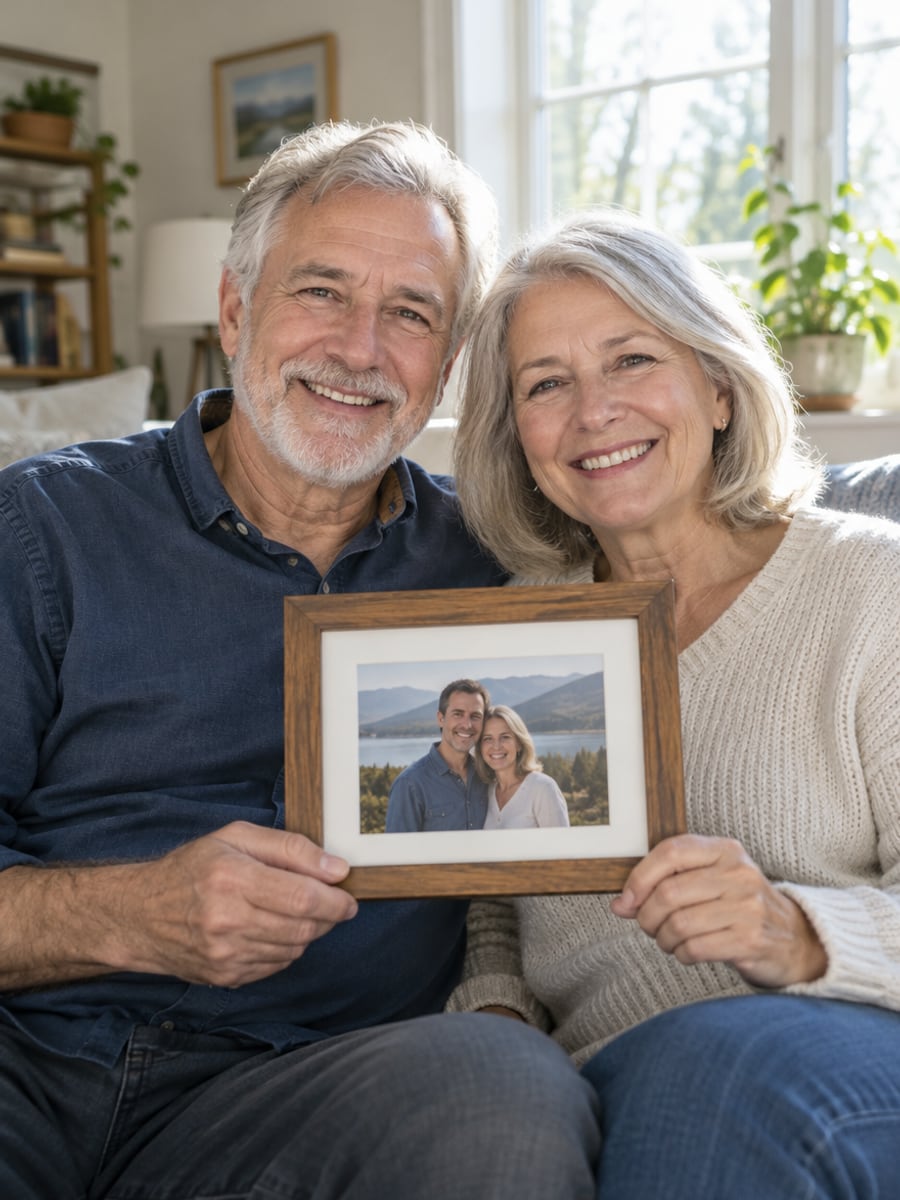
Give parents the wedding portrait they never had
How to Make Wedding Photos with CreateVision
Upload your photo, select a style, and download your professional result instantly

Upload Both Photos
Upload one clear portrait of the bride and one of the groom. Sharp, evenly lit, front-facing photos work best.

Choose a Wedding Style
Pick Western, Chinese, Indian, Japanese, beach, vintage or another setting, then adjust attire, venue and lighting if you like.

Generate Your Portrait
The AI dresses and poses you both into one wedding portrait with the attire, decor and light of the scene you chose.
The All-in-One AI Creation Platform
One account for images, videos, an AI agent that works for you, expert AI mentors and 80+ ready-made tools.

AI Image & Video Generator
Every leading model in one workspace: Seedream, Nano Banana, GPT Image, Seedance, Veo and more.
Open
Ava, your AI creative agent
Describe what you need and Ava plans, generates and iterates for you.
Open
80+ AI tools
One-click tools for photos, videos, cards, portraits and viral trends.
Open
Template library
Thousands of ready prompts and styles to start from.
Open
Studios
Portrait, marketing, poster and cinema studios for finished work, not single shots.
Open
AI model library
Compare and pick the right image or video model for every job.
Open
AI mentors
Learn from expert mentors in photography, design and video, then create with their guidance.
Open190K+ creators
Using CreateVision to create and share
What Users Say
Real feedback from users worldwide
“We wanted both a Western and Chinese wedding but could only afford one. This let us have photos of both traditions!”

“Perfect for our engagement announcements. The Chinese traditional photos looked absolutely authentic and beautiful.”

“Created Indian wedding photos to share with family who couldn't attend. They thought they were from a real ceremony!”

FAQs About Our AI Wedding Photo Generator
It is a tool that turns ordinary portraits of two people into a wedding photo. You upload one photo of each person, choose a wedding setting, and the AI places you both in matching attire, venue and light. No photographer, studio or travel is required.
We think CreateVision's is a strong choice for three reasons. It keeps both faces recognizable from separate solo photos, so you do not need a picture together. It covers 10 wedding settings across Western and cultural traditions. And it matches skin to the scene's light, which removes the most common sign of a fake wedding photo.
Upload a photo of the bride and a photo of the groom, then pick a wedding style such as Western, Chinese or Indian. You can also set attire, venue, lighting, lens, season and time of day. The AI then generates one wedding portrait of you both in that setting.
Use clear individual portraits of each person with good lighting. Front-facing or slightly angled shots work best. Avoid sunglasses, hats or anything covering the face. The two photos can be taken at different times, in different places and with different cameras.
Each portrait costs credits based on the style tier you choose: Identity is 50 credits and Natural is 70. Identity is the default; Natural also offers a 4K option whose price is shown on the button. You can start with 200 free credits from Google sign-up.
Uploaded photos are deleted automatically within 24 hours, and generated results stay in your history for 30 days before being removed. Your images are never sold, published or used to train any model. Results are suitable for prints, albums and invitations. Free accounts download with a small CreateVision mark, which subscribers and credit-pack buyers can turn off.
AI generation varies from run to run, and small details like hands, jewelry or a resemblance can drift. Results are best when both source photos are sharp, evenly lit and front-facing. If a face looks slightly off, try a different source photo or another style tier.
Create Your AI Wedding Photos Today
Upload one photo of each of you and see yourselves in the wedding portrait you have pictured.
Related Tools You Might Like
Explore more AI creative tools