AI Room Design
Upload a photo and change one thing — your walls, windows and layout stay exactly as they are.
Tap to uploadDrop image or click
JPG · PNG · WebP
Preview Examples
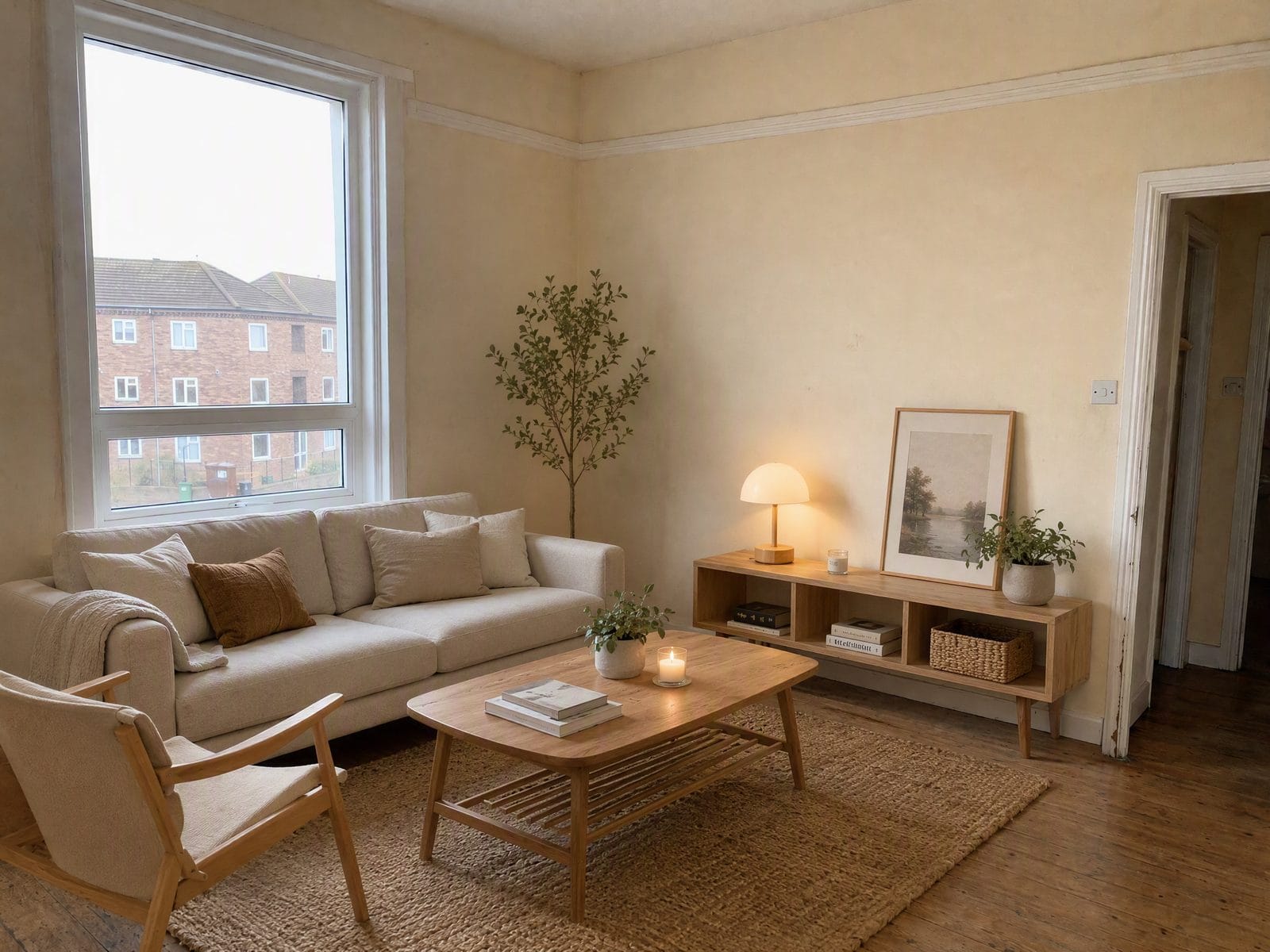
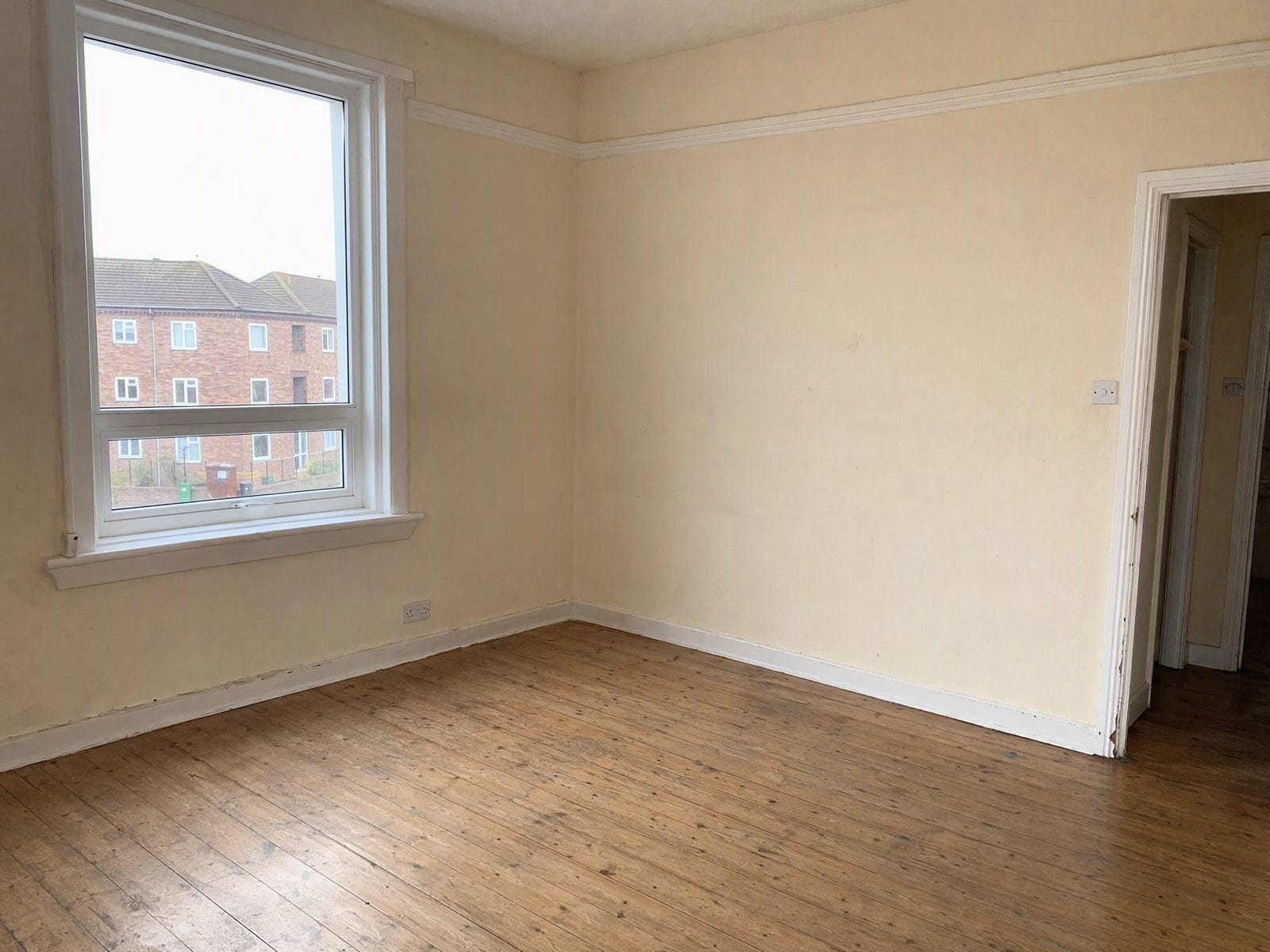
Drag the slider to compare
How does AI room design work?
Upload a photo of your room, choose what you want to change, and the AI edits that one element while holding the rest of the photo fixed. It works on real rooms — furnished or empty — and returns a photo of the same space with your change applied, usually in 15-30 seconds.

Why AI Room Design Keeps Your Real Room
Professional quality, privacy protected, instant results
Keep Your Own Room Intact
Walls, windows, ceiling height and camera angle stay locked to your photo. You see your space with a change applied, not someone else's room.
Change One Thing at a Time
Swap only the flooring, only the wall color or only the cabinets. Everything else stays identical, so your versions are truly comparable.
Publish Honest Virtual Staging
Furniture is added and the property is never altered. No repaired cracks, no hidden damage and no changed views out the window.
See What You Can Do With AI Room Design
Perfect for various professional scenarios, instant and secure
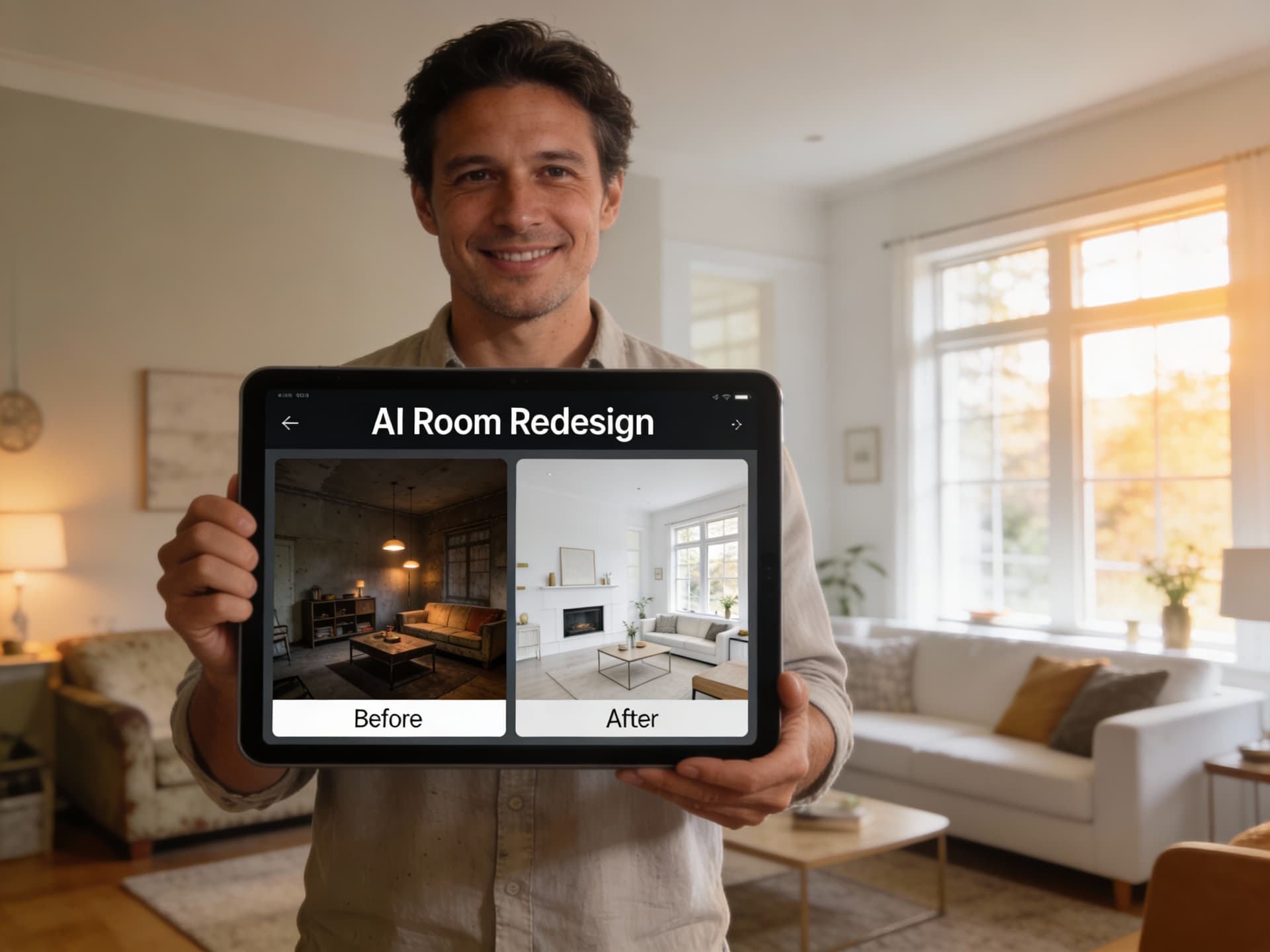
Preview Your Renovation Before You Commit
See your actual kitchen with a different floor before you buy materials. Because the room stays fixed, you compare finishes, not two different kitchens. Upscale for print

Stage Empty Listings With Furniture Only
Choose Add Furniture Only to stage an empty or sparse room. Your flooring, walls, windows and fixtures stay as photographed, so the listing stays disclosable. Change a photo background
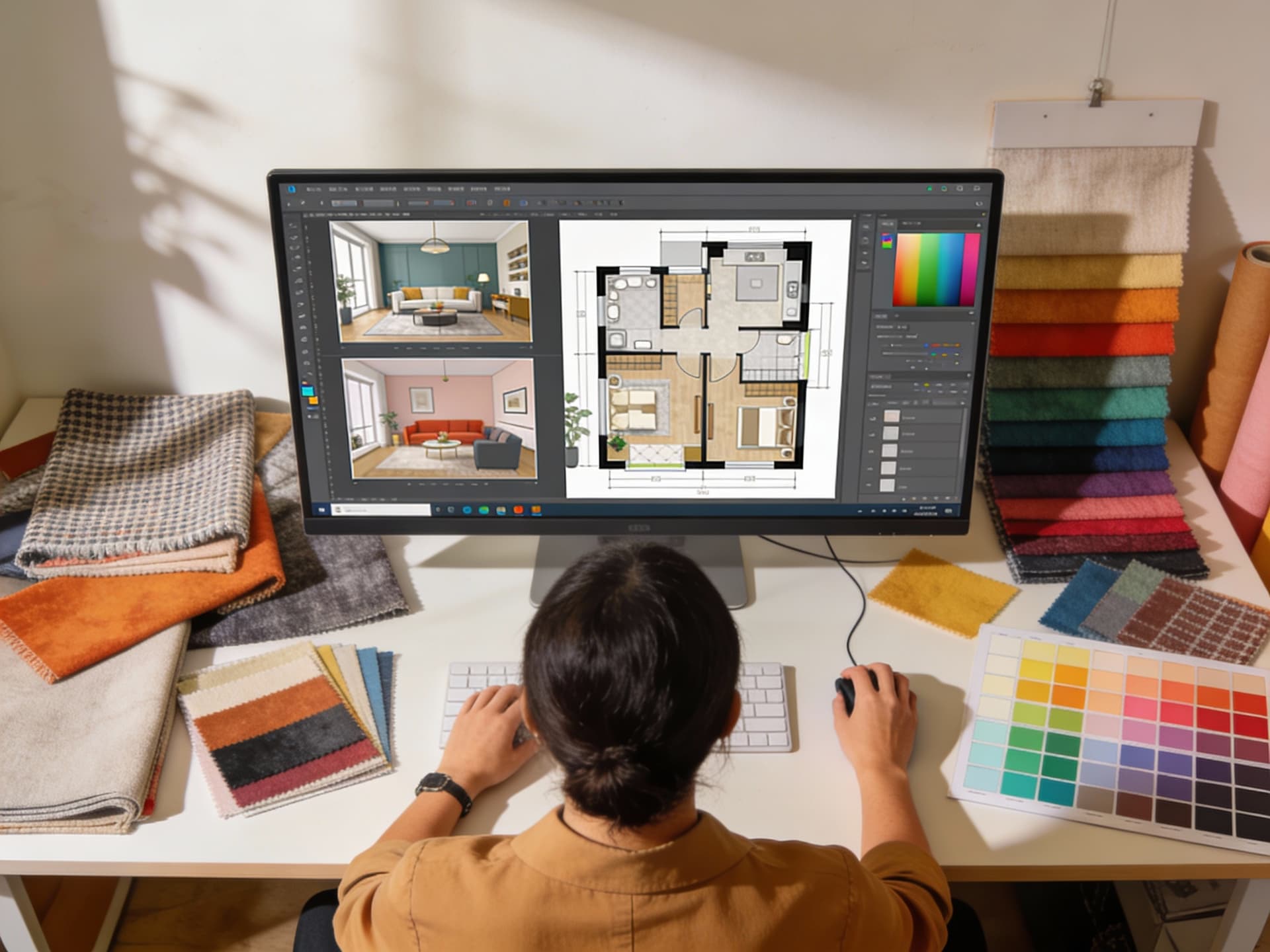
Show Clients Options on Their Own Space
Upload your client's room and present several directions in minutes. Same room, same angle, different finishes, so the choice is easy to make. Explore art styles
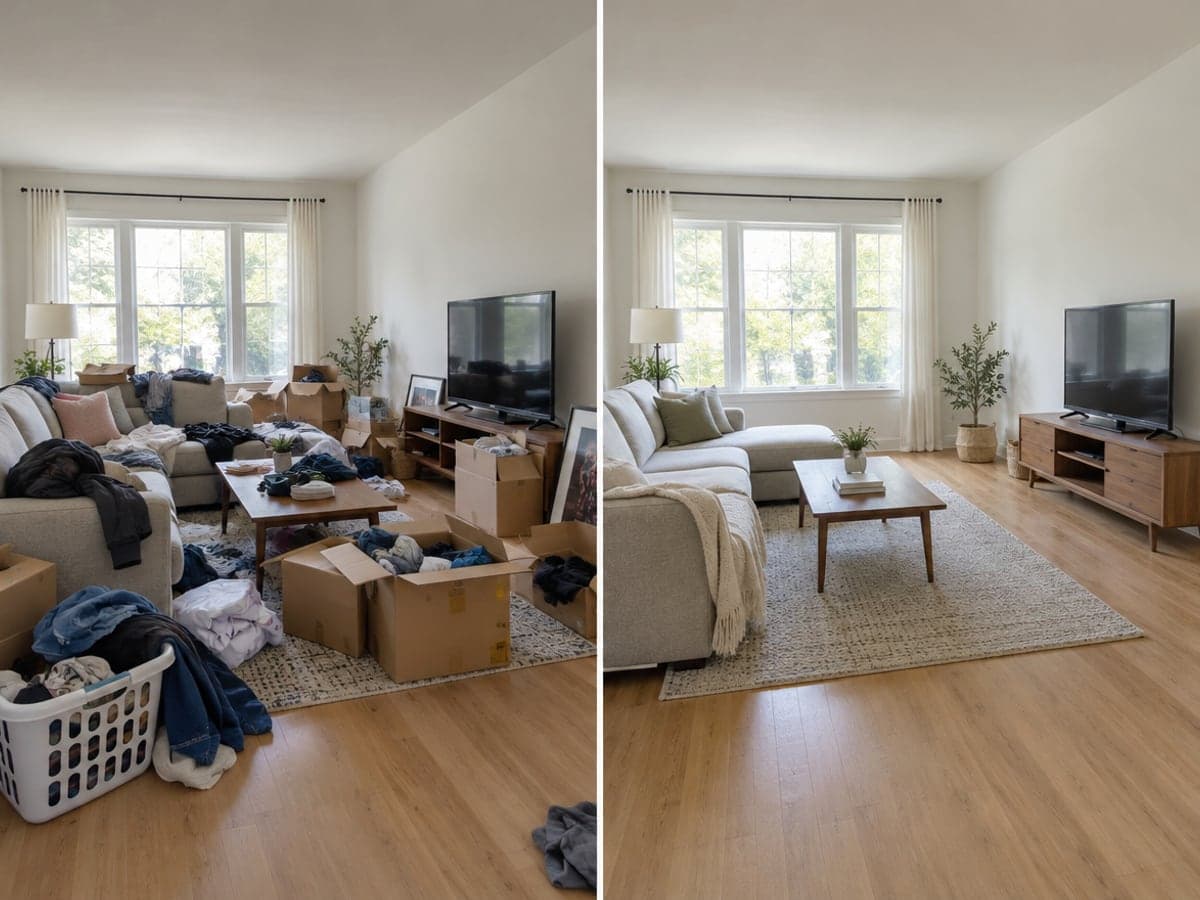
Clear the Clutter Before You Plan
Use Declutter to tidy a busy room so you can judge the space itself. Then add furniture or try a new wall color on the clean version. Remove single objects
Who Uses AI Room Design
Four ways people use it every week
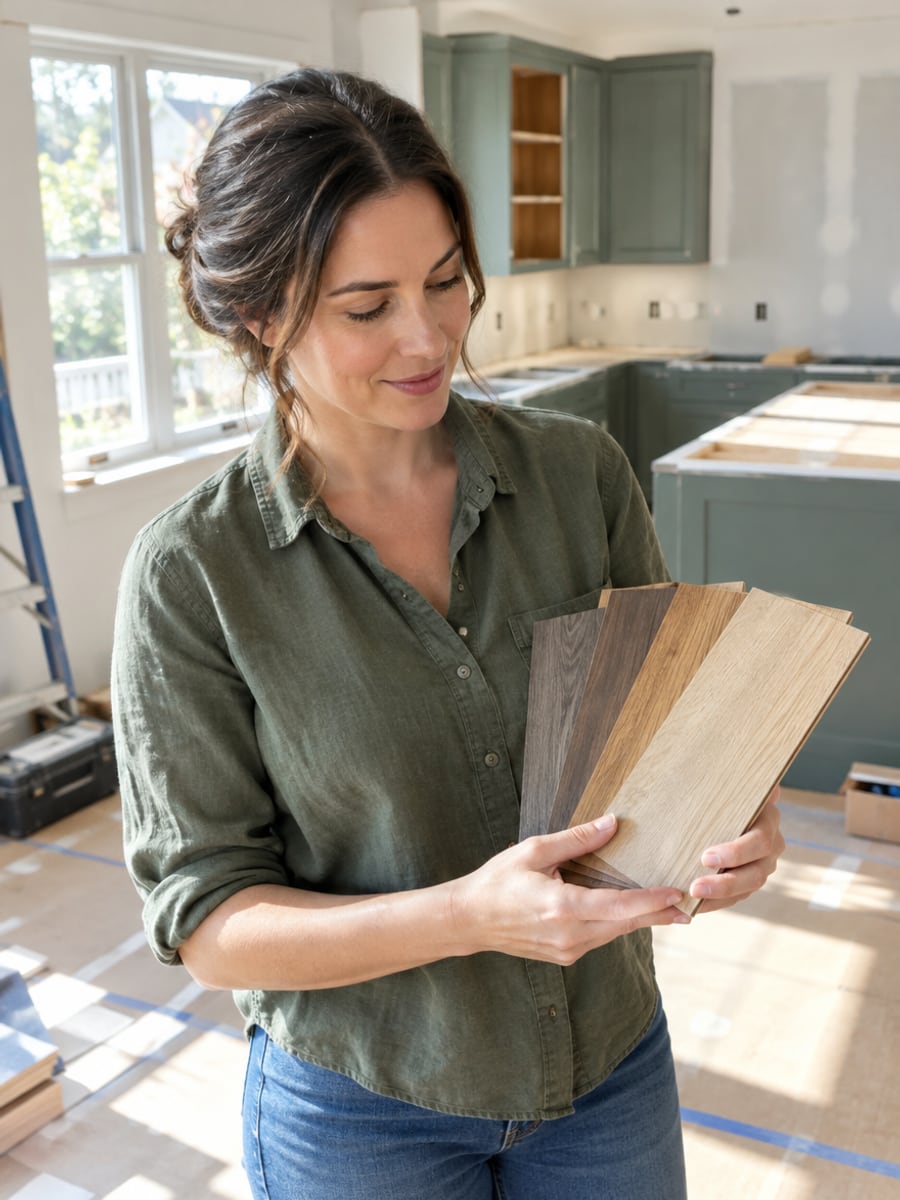
See the new floor in your real kitchen first

Stage empty listings without altering the property

Show clients several directions on their own room

Plan furniture and decor before you move in
How to Redesign Your Room with CreateVision
Upload your photo, select a style, and download your professional result instantly

Upload Your Room Photo
Any real room, furnished or empty. Clear daytime photos that show the room's corners work best.

Choose What to Change
Add furniture, change flooring, repaint walls, change cabinets, declutter or do a full restyle. Interior style and room type are optional refinements.

Get the Same Room Back
The AI applies your change and returns the same space from the same angle. Compare versions side by side and keep the one that works.
The All-in-One AI Creation Platform
One account for images, videos, an AI agent that works for you, expert AI mentors and 80+ ready-made tools.

AI Image & Video Generator
Every leading model in one workspace: Seedream, Nano Banana, GPT Image, Seedance, Veo and more.
Open
Ava, your AI creative agent
Describe what you need and Ava plans, generates and iterates for you.
Open
80+ AI tools
One-click tools for photos, videos, cards, portraits and viral trends.
Open
Template library
Thousands of ready prompts and styles to start from.
Open
Studios
Portrait, marketing, poster and cinema studios for finished work, not single shots.
Open
AI model library
Compare and pick the right image or video model for every job.
Open
AI mentors
Learn from expert mentors in photography, design and video, then create with their guidance.
Open190K+ creators
Using CreateVision to create and share
What Users Say
Real feedback from users worldwide
“This tool saves me hours of work. I can show clients multiple design directions in our first meeting instead of spending days on mood boards.”

“Virtual staging has transformed my listings. Empty homes now show their potential, and I've seen faster sales since using this.”

“We couldn't decide between modern and farmhouse styles for our living room. Seeing both options on our actual space made the decision easy!”

FAQs About Our AI Room Design Tool
AI room design lets you see a new look for a room from a photo. CreateVision's tool edits the one thing you choose, such as flooring, walls or furniture, and keeps the rest of your real room as photographed. It works on kitchens, bathrooms, bedrooms, living rooms, home offices and dining rooms.
The best tool shows your room, not a new one. CreateVision locks the camera angle, walls, windows and doors to your photo, lets you change one element at a time, and never alters the property when it stages. Results render at 2K and match the aspect ratio of your photo.
Upload a photo of your room, choose what you want to change, and the AI edits that one element while holding the rest of the photo fixed. It works on furnished or empty rooms. Most edits finish in 15 to 30 seconds.
Pick one action: add furniture only, change the flooring only, repaint the walls only, change the cabinets only, declutter the room, or run a full restyle. Single-change edits leave everything else untouched. A full restyle changes furniture, finishes and colors together, but the architecture stays locked. You can also pick from ten interior styles, from Scandinavian to Art Deco.
A design costs 80 credits at the default quality. Other quality levels show their price on the Generate button before you click. Start with 200 free credits from Google sign-up. Free accounts download with a small CreateVision mark, and subscribers and credit-pack buyers can turn it off.
Yes. Generated images can be used for real estate listings, client presentations and other commercial work. Use photos of rooms you have the right to share. For property listings, follow your local disclosure rules for virtually staged photos.
Rules vary by MLS and region, but the common expectation is disclosure. Label staged photos as virtually staged and keep an unedited photo of the same room available. Our staging never repairs damage, hides defects, changes the view through a window or alters the structure. Always check your local MLS rules before publishing.
Redesign Your Real Room With AI Room Design
Upload a photo, pick one change, and get your actual room back with that change applied.
Related Tools You Might Like
Explore more AI creative tools