AI Group Photo Mixer
Combine multiple photos into a group photo
Tap to uploadDrop image or click
JPG · PNG · WebP
Tap to uploadDrop image or click
JPG · PNG · WebP
Tap to uploadDrop image or click
JPG · PNG · WebP
Tap to uploadDrop image or click
JPG · PNG · WebP
Tap to uploadDrop image or click
JPG · PNG · WebP
Preview Examples
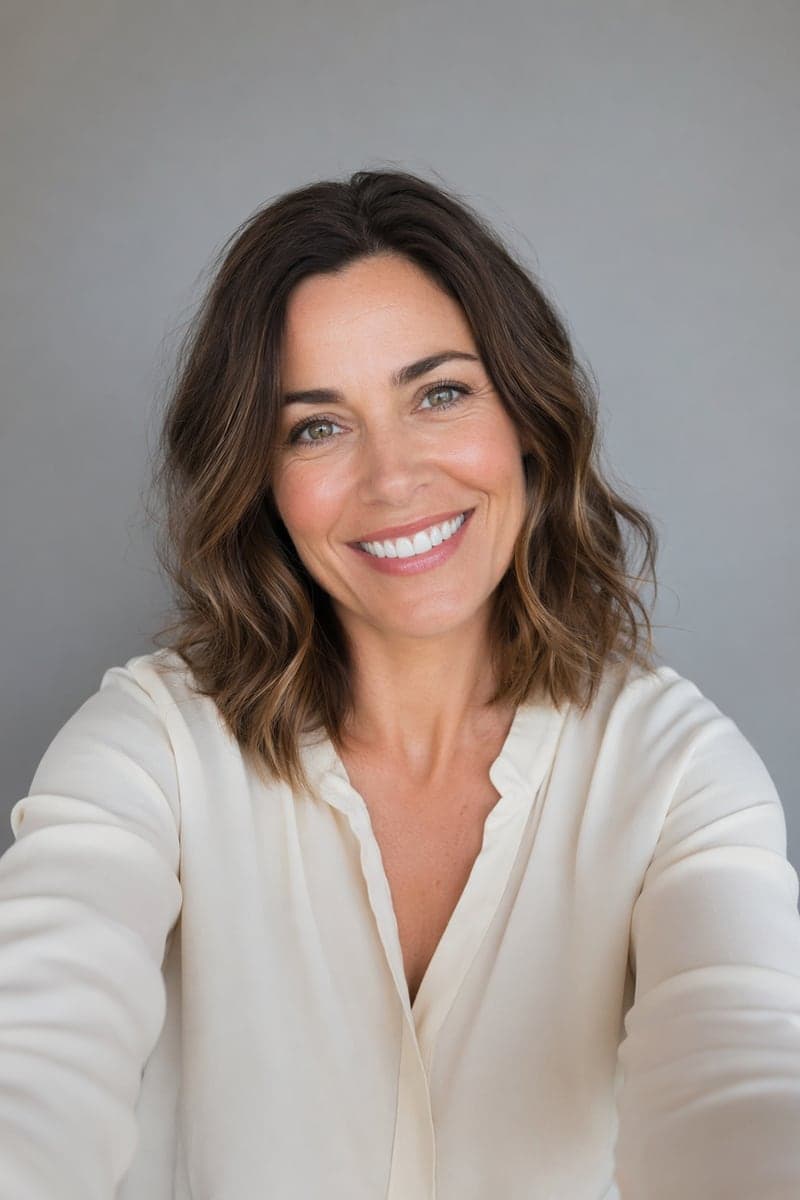
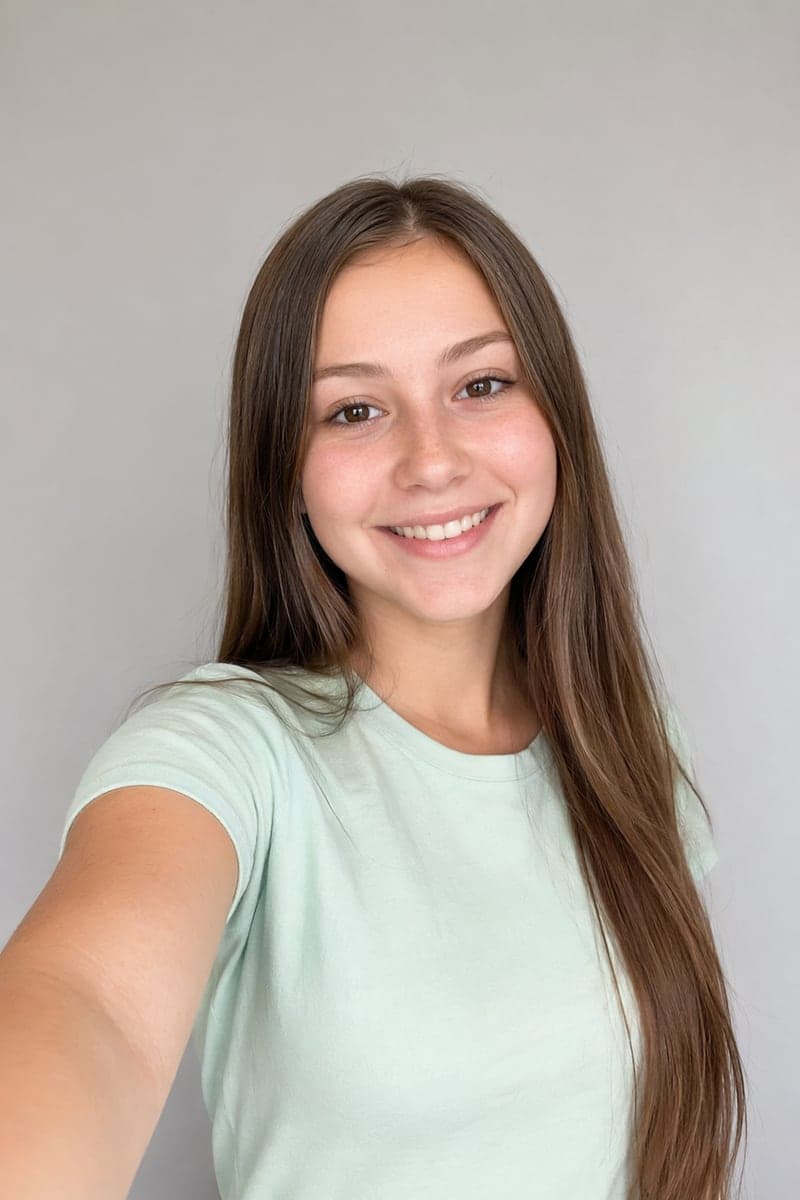
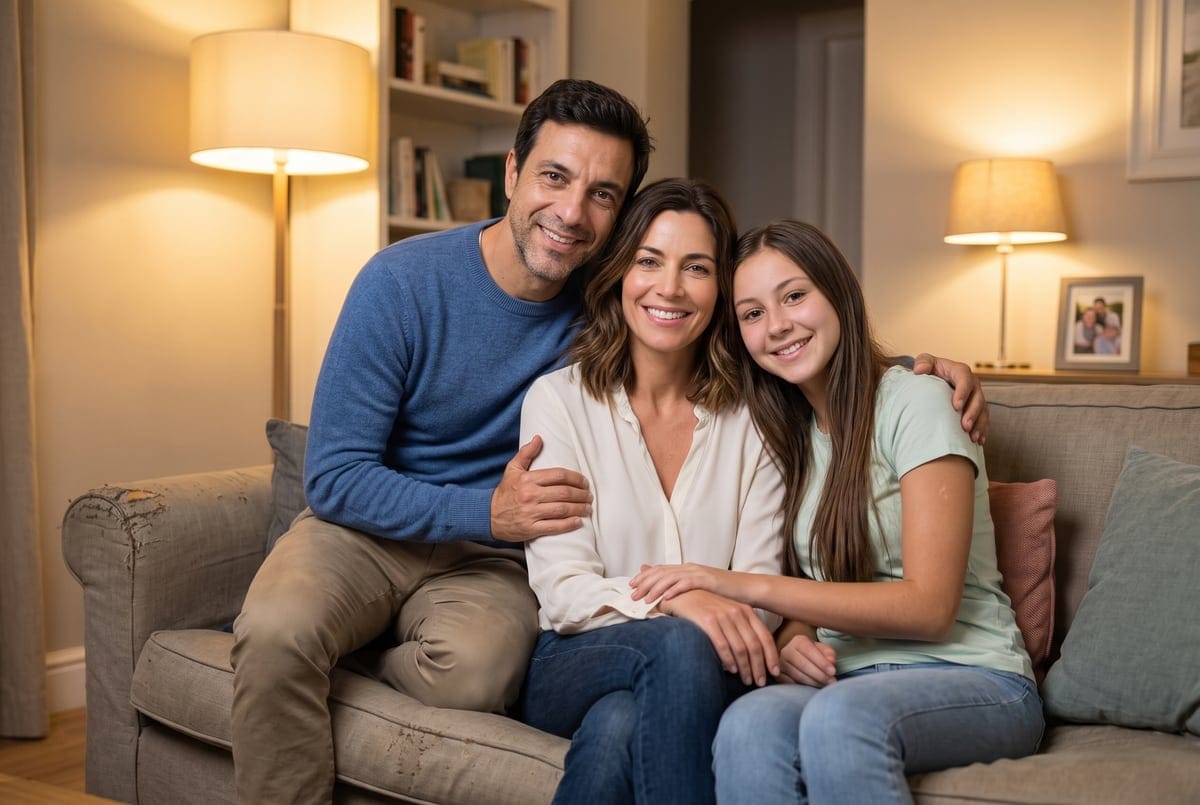
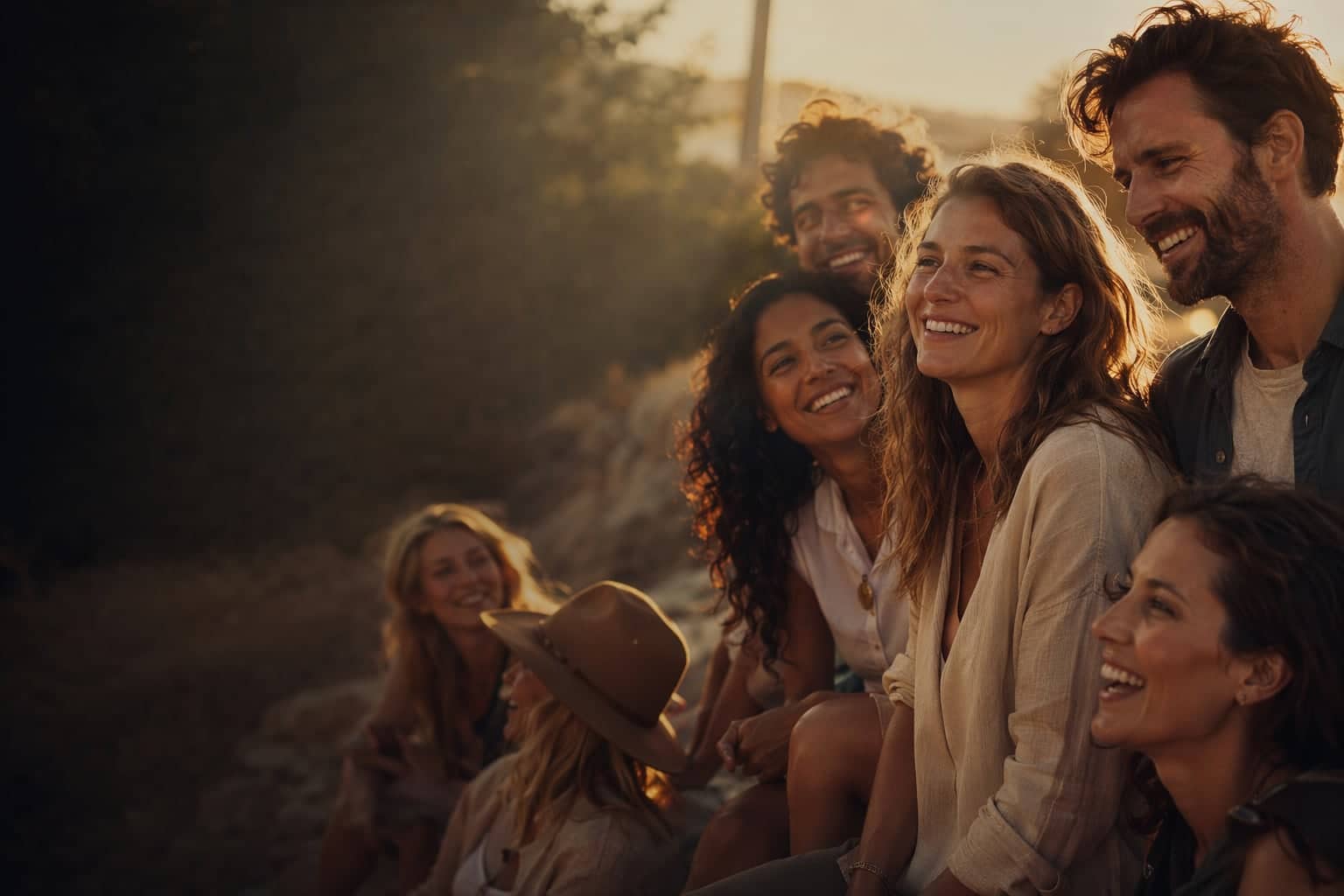
Select a scene to see different results


Helping creators & businesses everywhere work easier
How does Group Photo Mixer work?
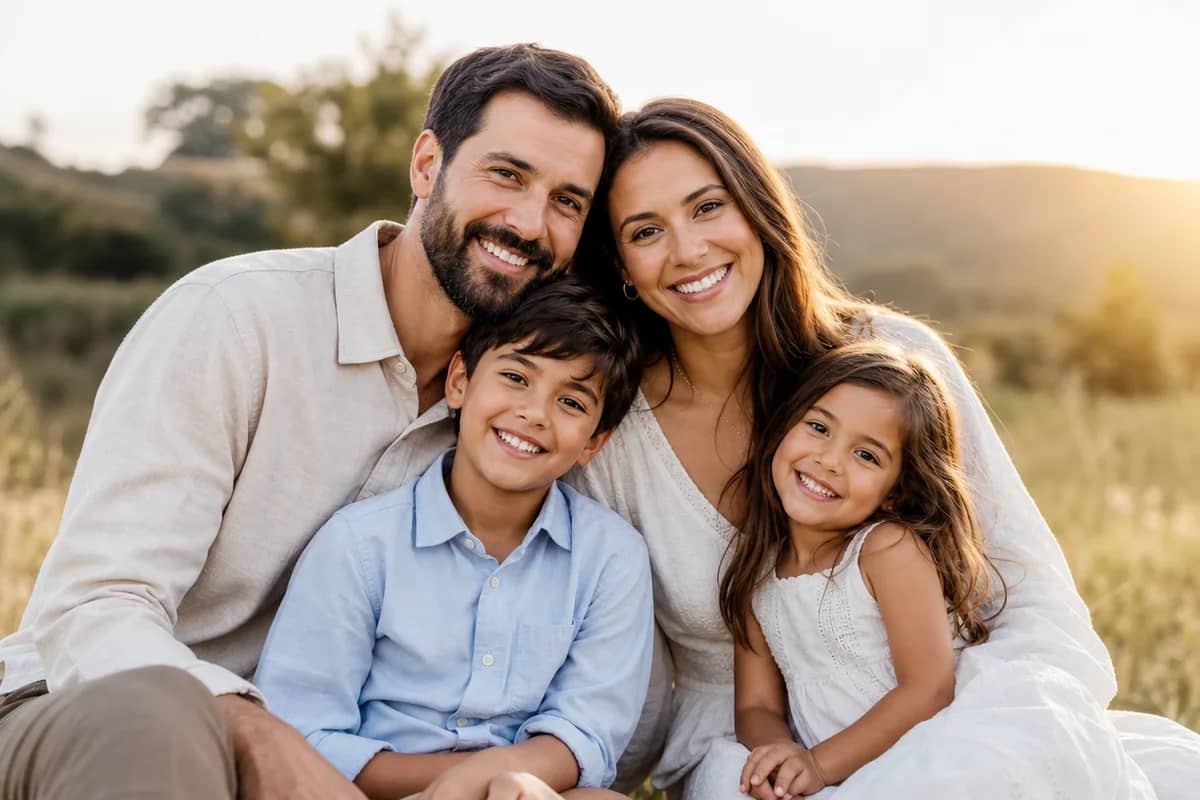
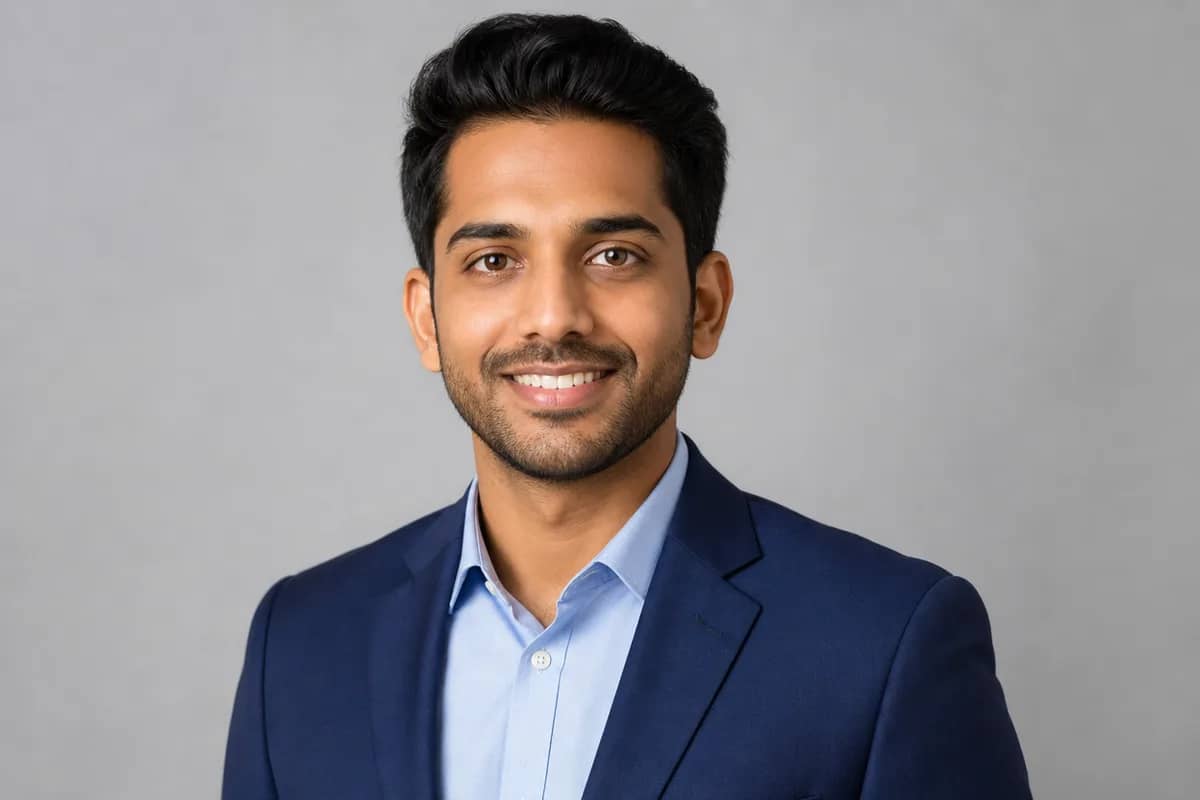
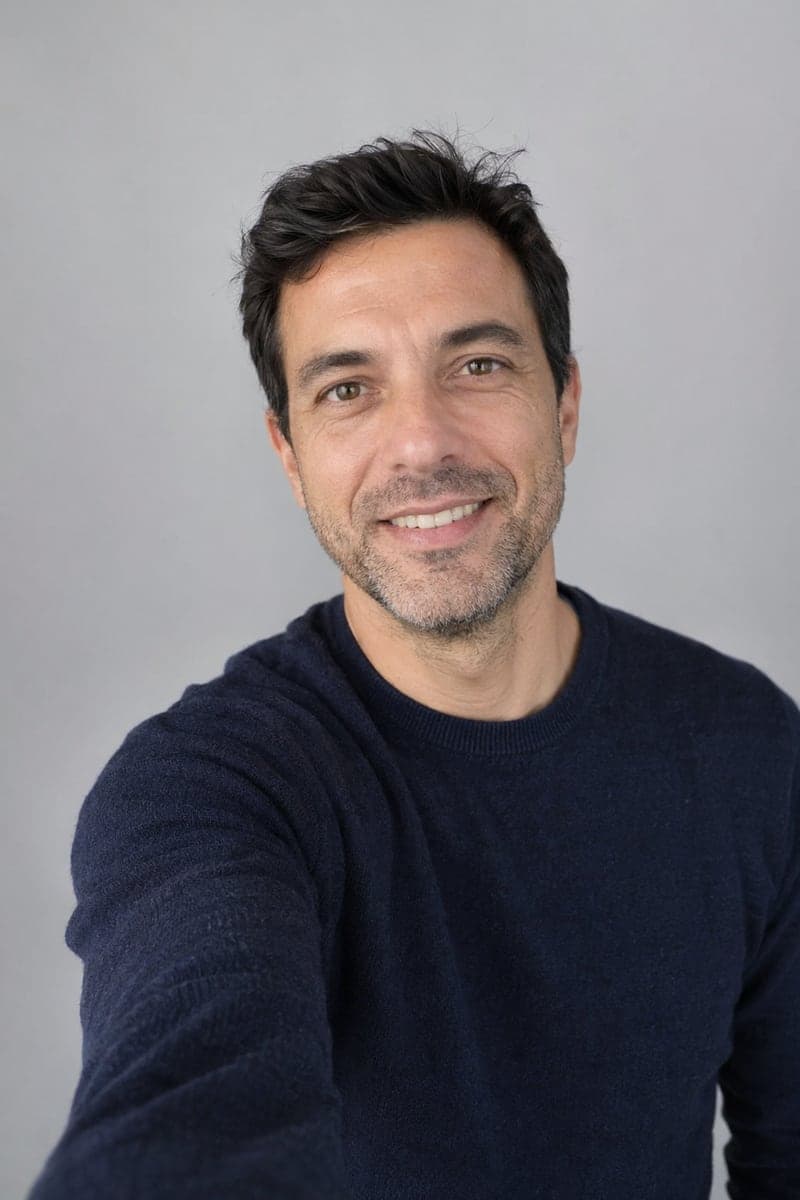
Upload 2-5 individual portrait photos, select a scene and style, and our AI combines them into a natural-looking group photo.
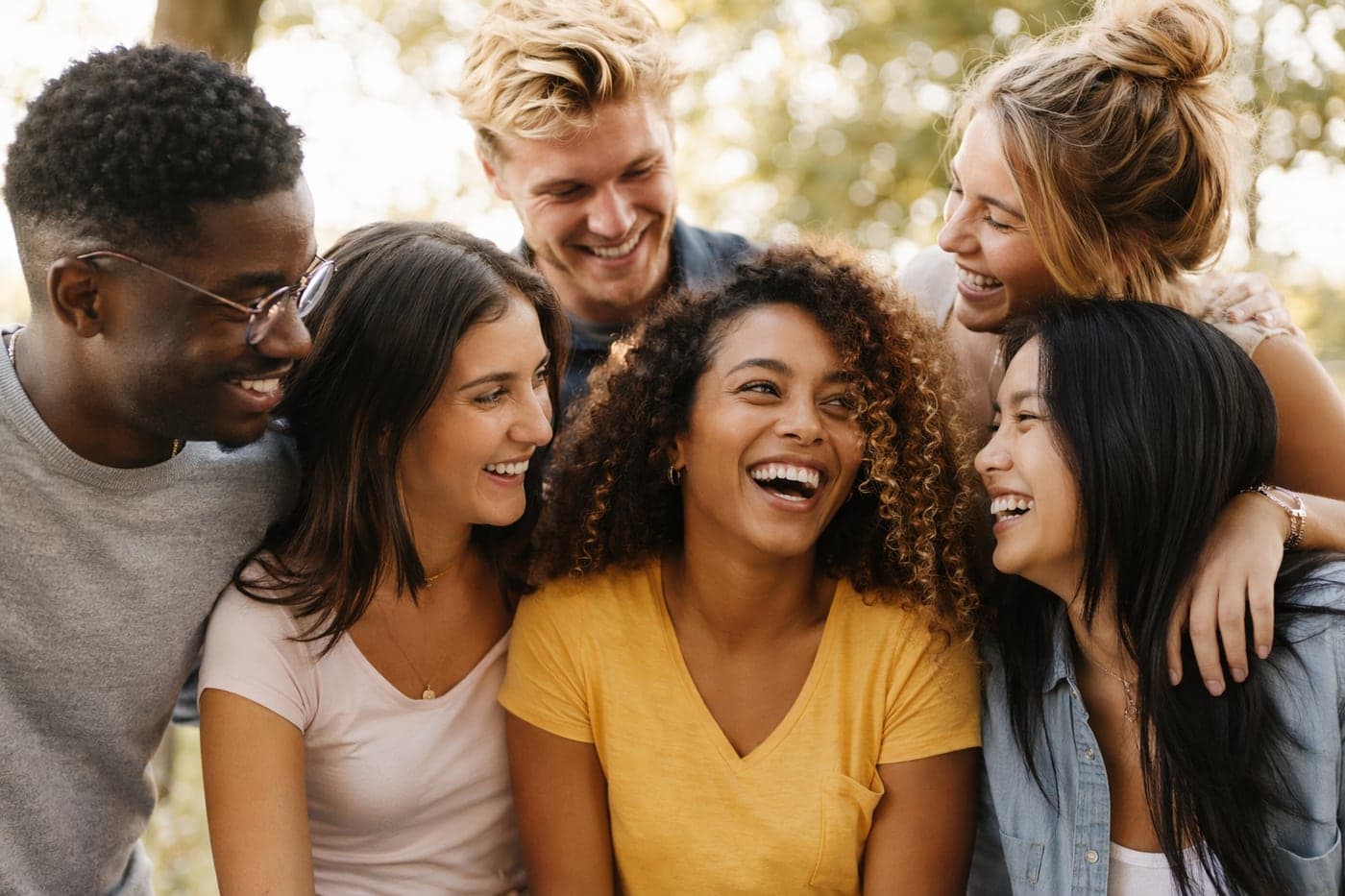
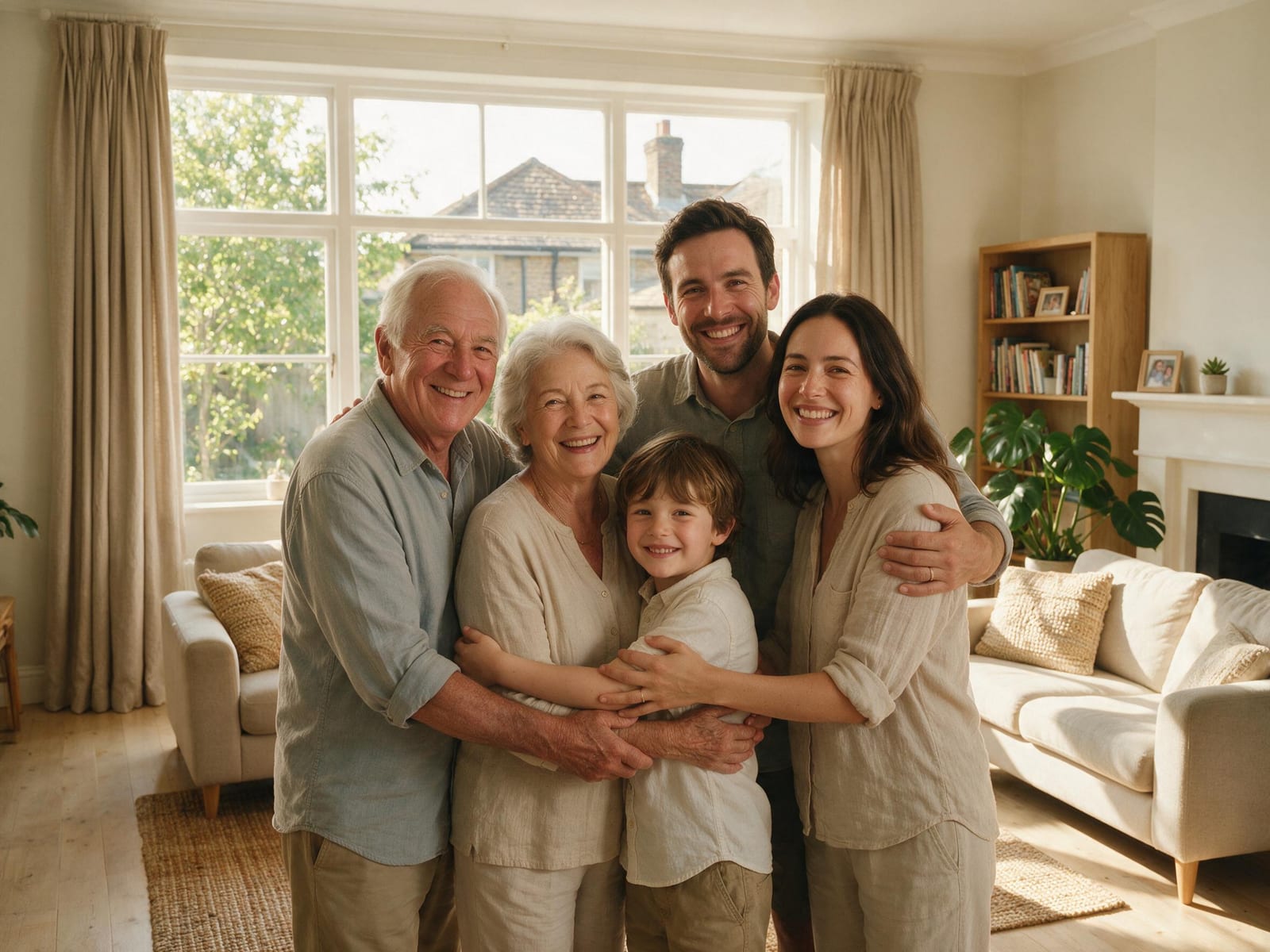
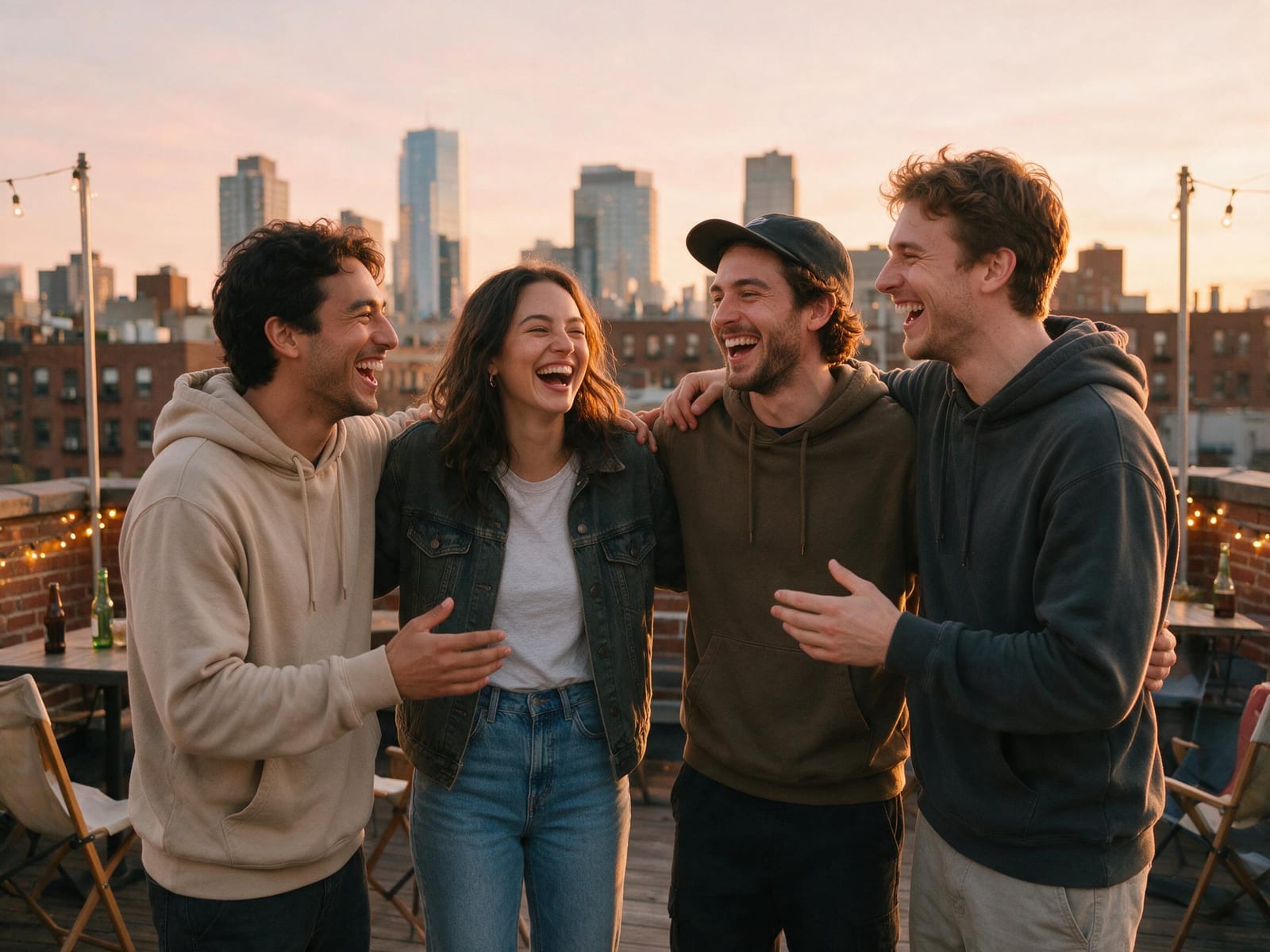
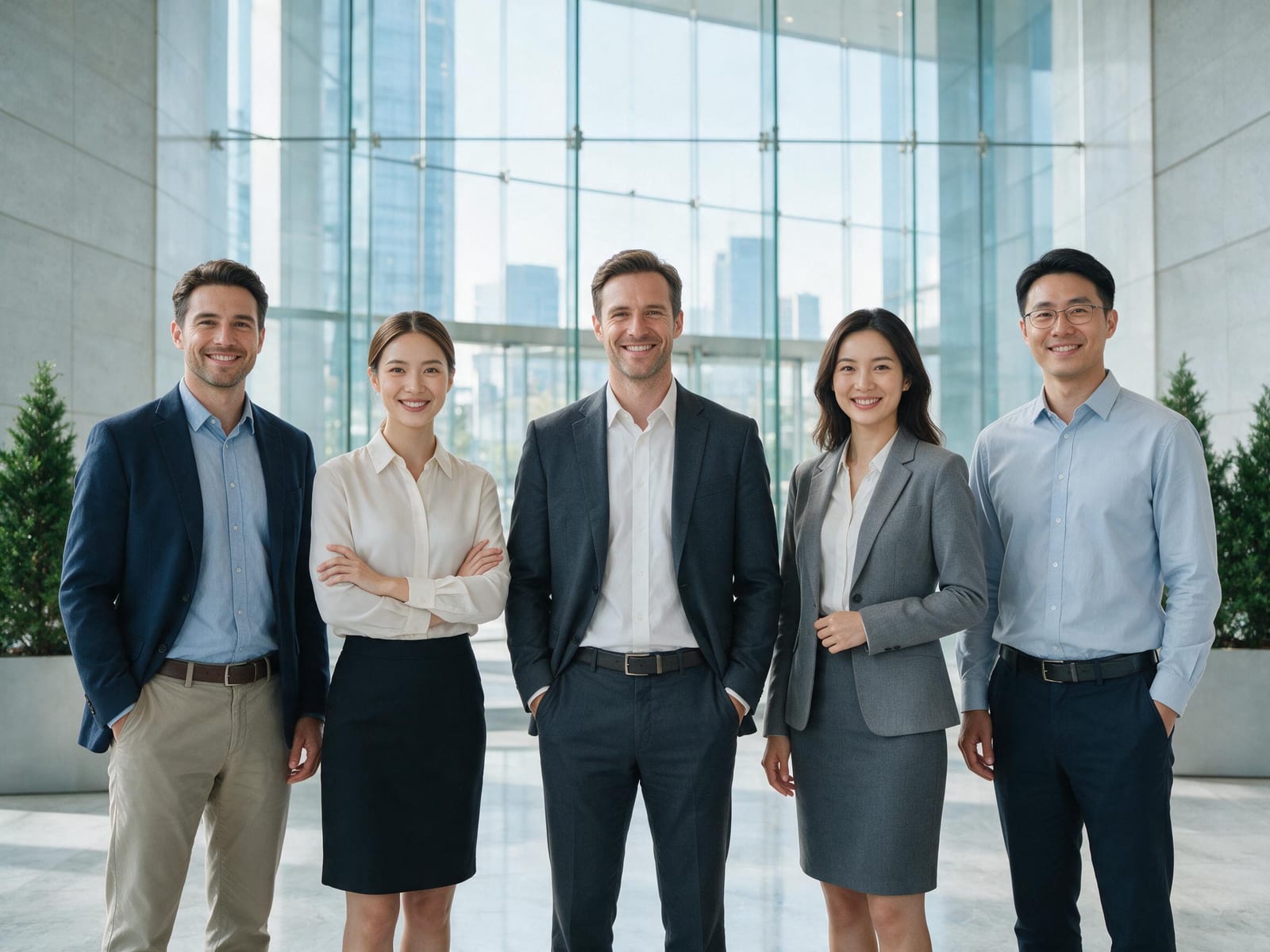
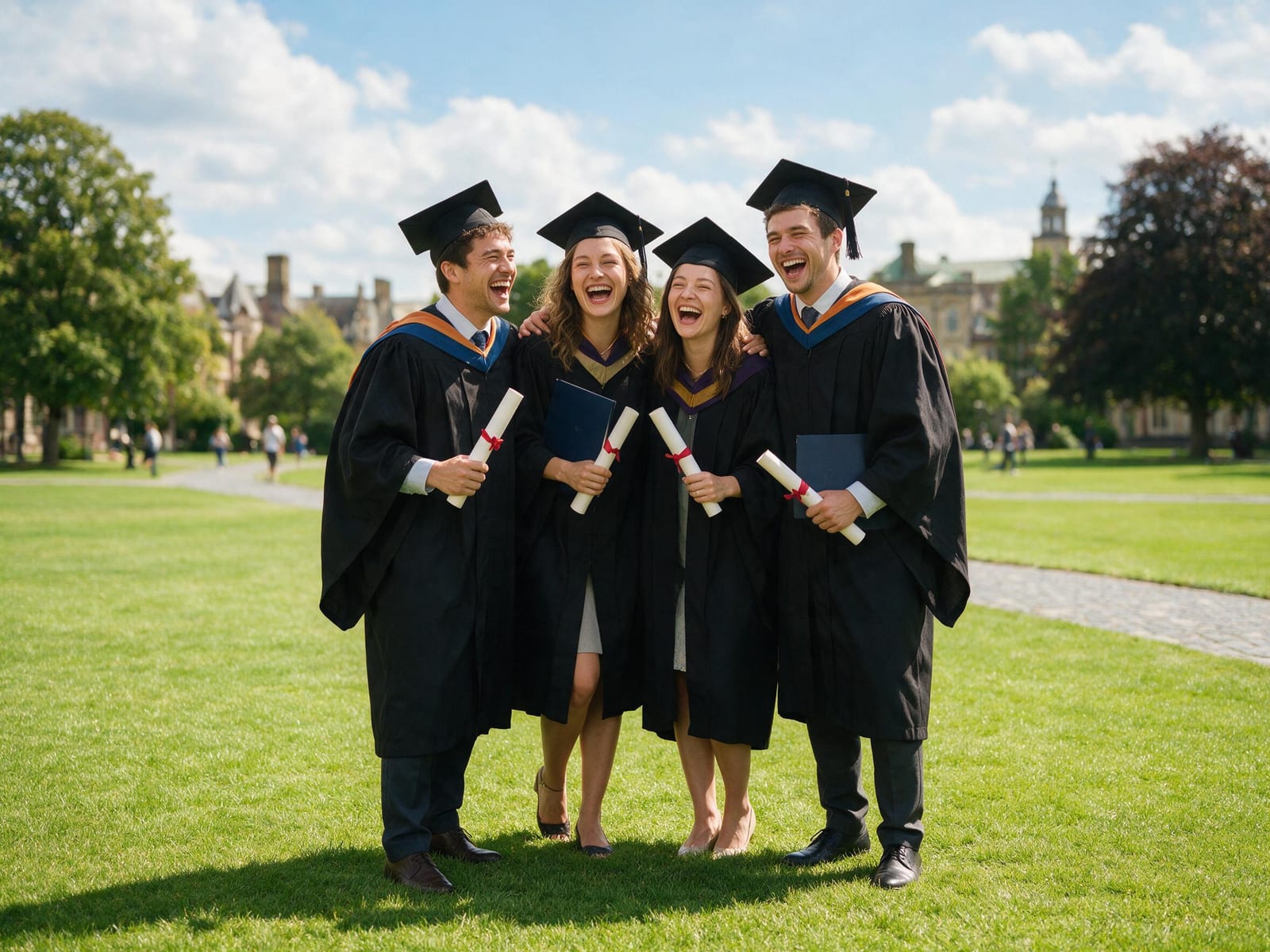
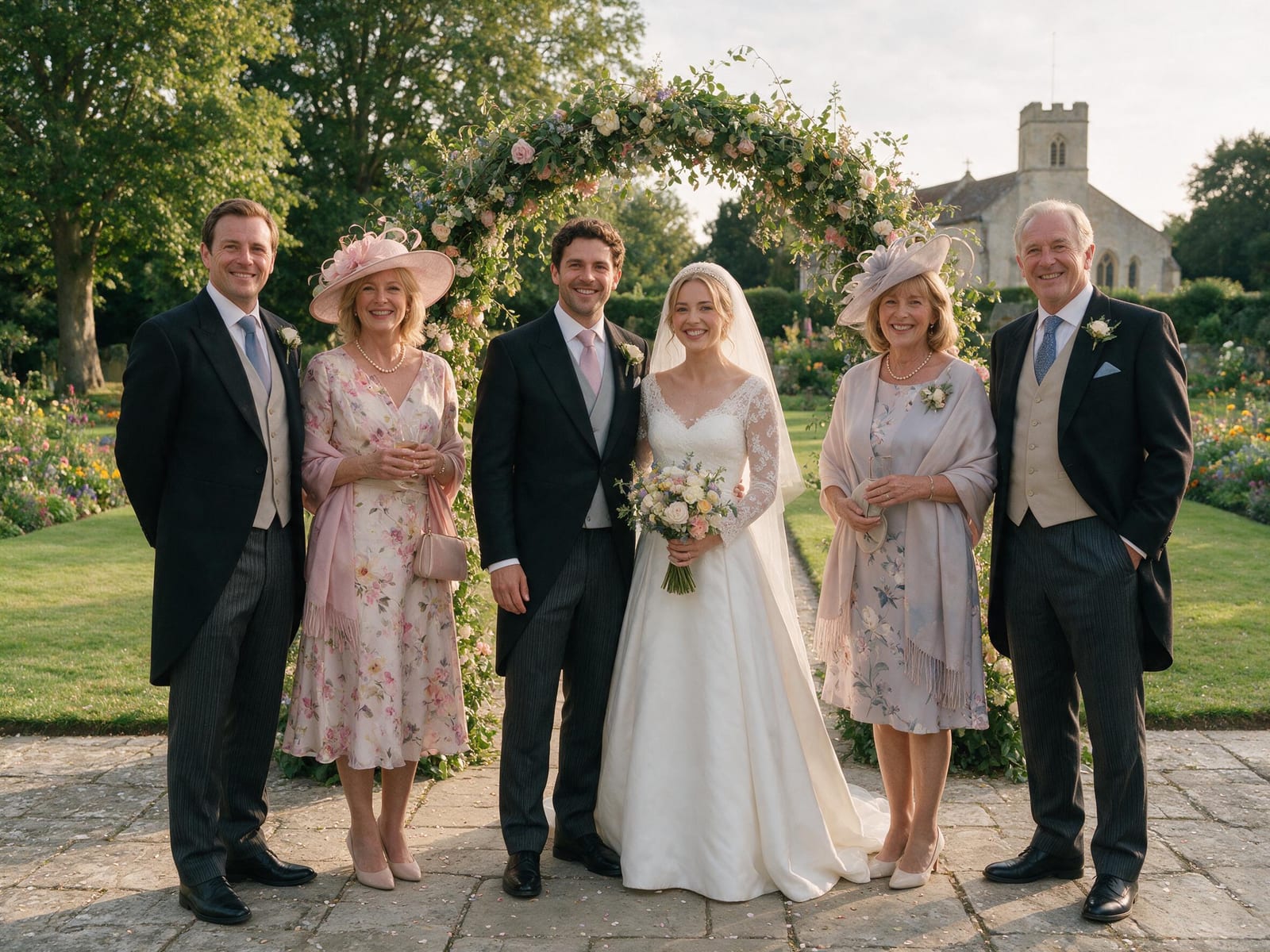
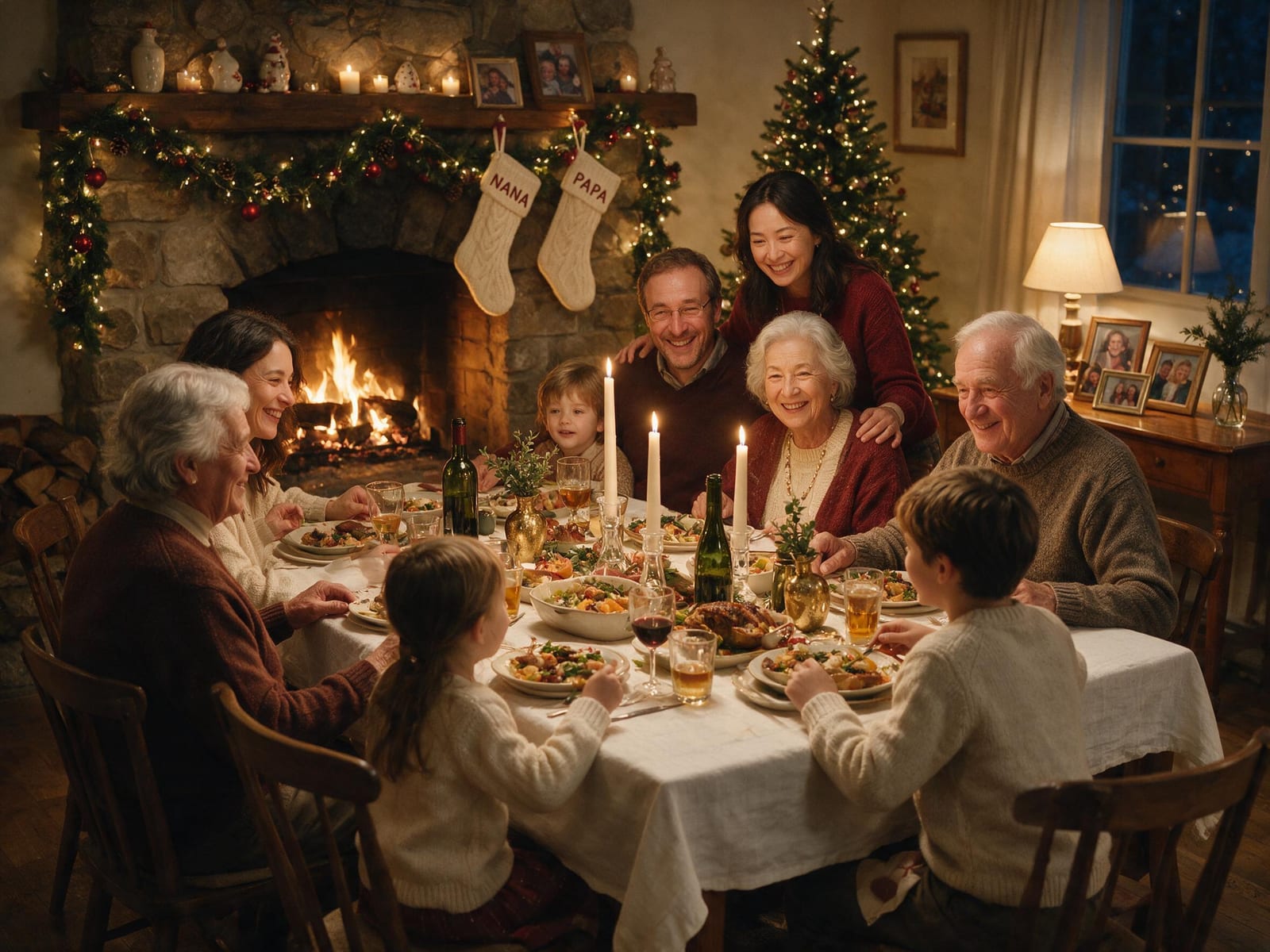
AI Group Photo Mixer — Example results
Why Choose AI Group Photo Mixer?
Professional quality, privacy protected, instant results
Everyone's Real Face — Not AI Look-Alikes
Most group makers hand back faces that are “close, but not quite them” — or quietly swap one person for another the moment you add a fourth or fifth. Ours locks onto every uploaded face and keeps each person clearly recognizable. It’s your group, not a room of strangers.
One Real Photo, Not a Cut-and-Paste
Sun on one face, office light on another; one person crisp, one floating without a shadow — that’s the tell-tale “pasted together” look. We match lighting, shadows, scale and perspective so everyone shares the same moment in the same light.
True Skin Tones for Everyone in the Frame
One blanket color fix can’t flatter every face — it leaves lighter skin sun-kissed and turns darker skin orange or ashy grey. We keep each person’s real skin tone true to life, never washed out to fit a single default.
Get Everyone In — Even Whoever Couldn’t Be There
The one always holding the camera, the relative an ocean away, the friend who showed up late — there’s nearly always someone missing from the group shot. Add them from a separate photo and finally get everybody together in one frame.
No 80-Layer Photoshop Marathon
Compositing a group by hand means masking each person across 30–80 layers and blending for hours — a pro skill most people don’t have. Just upload, pick a scene, and get a natural group photo in seconds. No editing skills required.
Free to Start — and Your Family Photos Stay Private
No “upload free, then pay to unlock it” trap and no card to begin. And photos of the people closest to you are never sold or used as training data — every group photo is 100% private to your account.
What Can You Use AI Group Photo Mixer For?
Perfect for various professional scenarios, instant and secure
Family Reunions
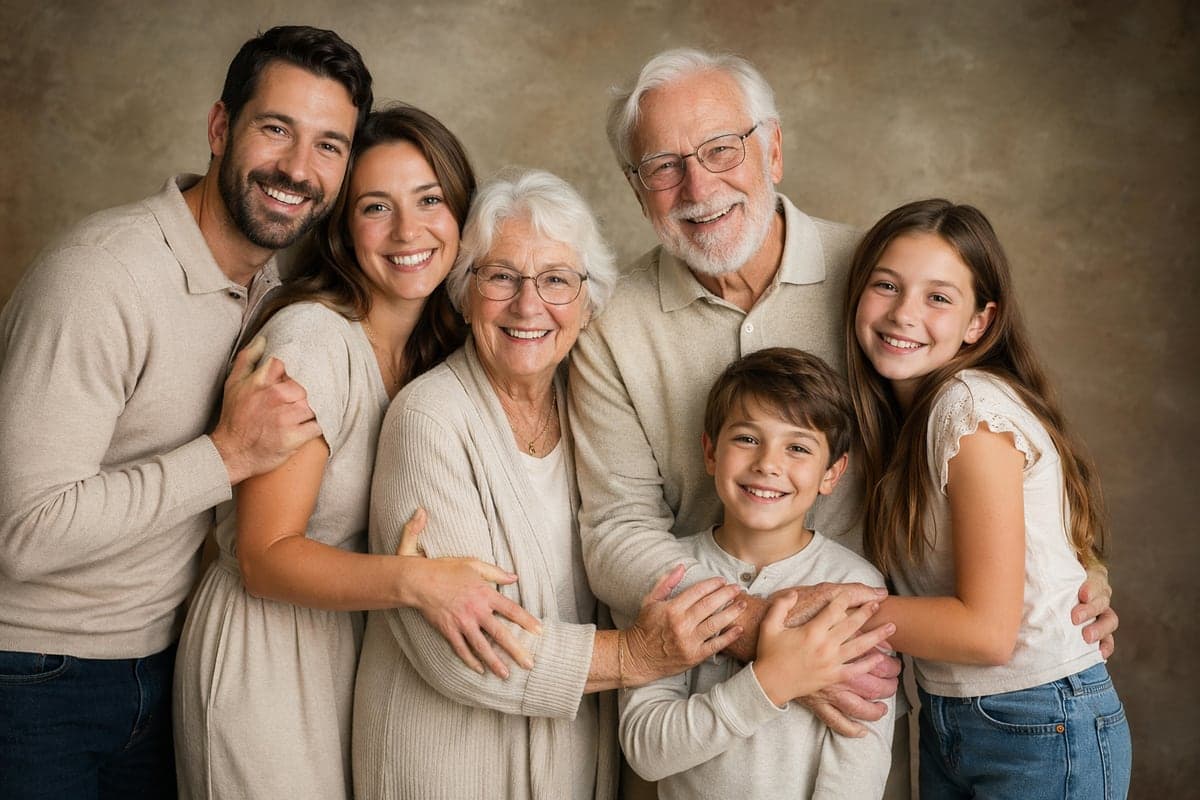
Grandma in one state, the new baby in another, someone always behind the camera — the whole family is never in one frame. Pull everyone’s photos together and create the family portrait you could never line up in person.
Remote & Distributed Teams
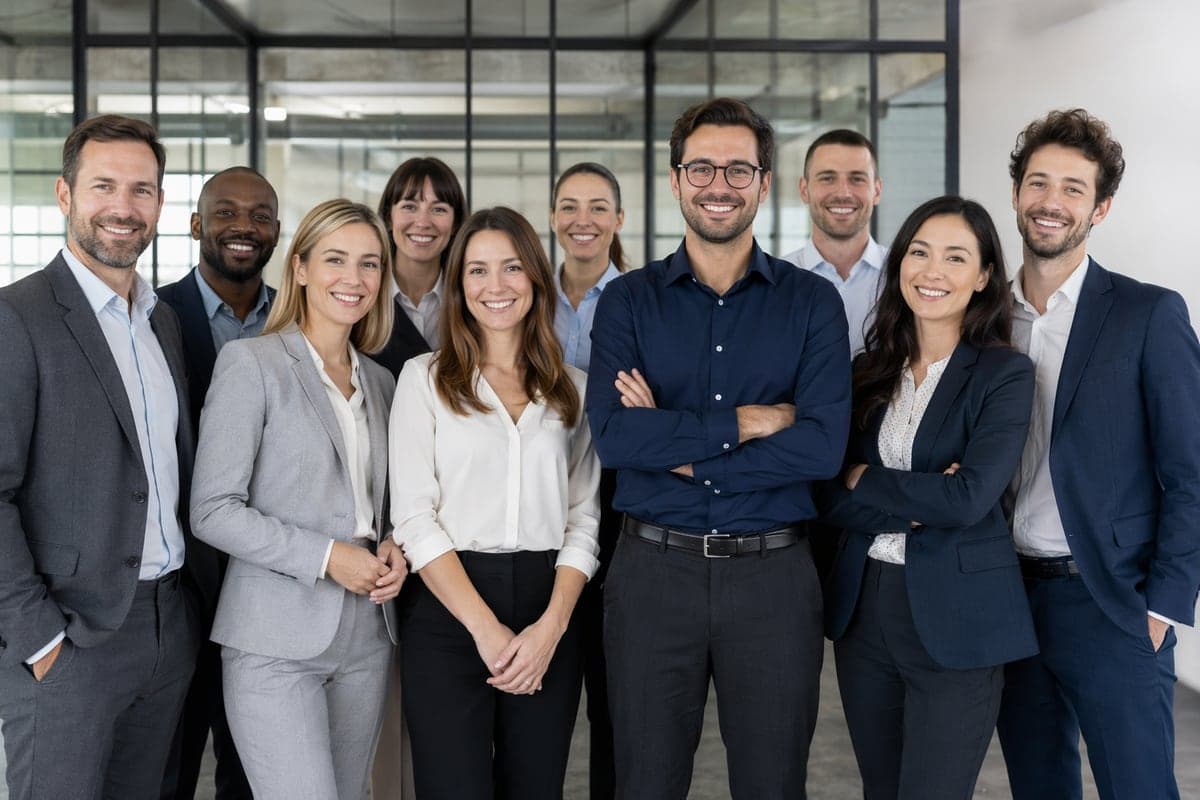
Your team has never been in the same room — yet the website still needs one clean team photo. Combine everyone’s headshots into a polished group shot for your About page, LinkedIn, or a pitch deck.
Keep Loved Ones in the Picture
The people we miss most are often the ones not in the latest photo. Gently bring a loved one who has passed — or simply couldn’t be there — back into the family picture, a quiet keepsake to hold onto.
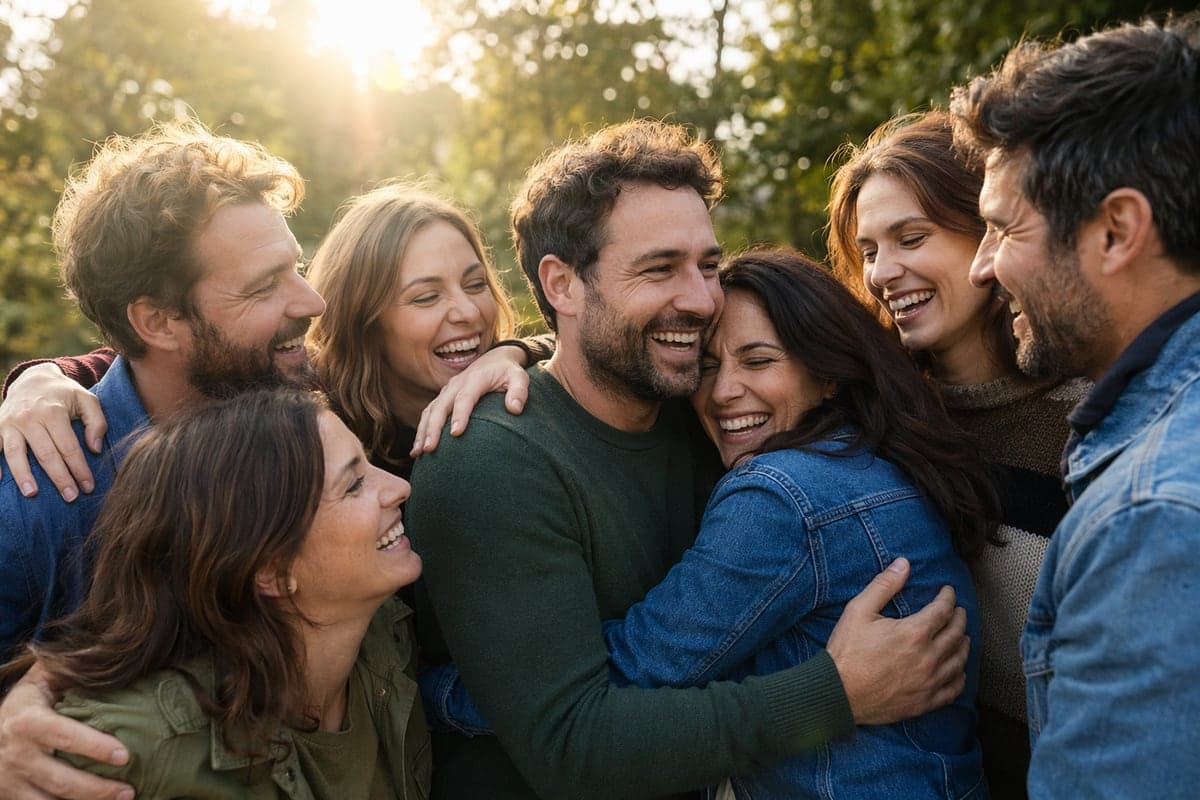
How to Use AI Group Photo Mixer in 3 Simple Steps
Upload your photo, select a style, and download your professional result instantly
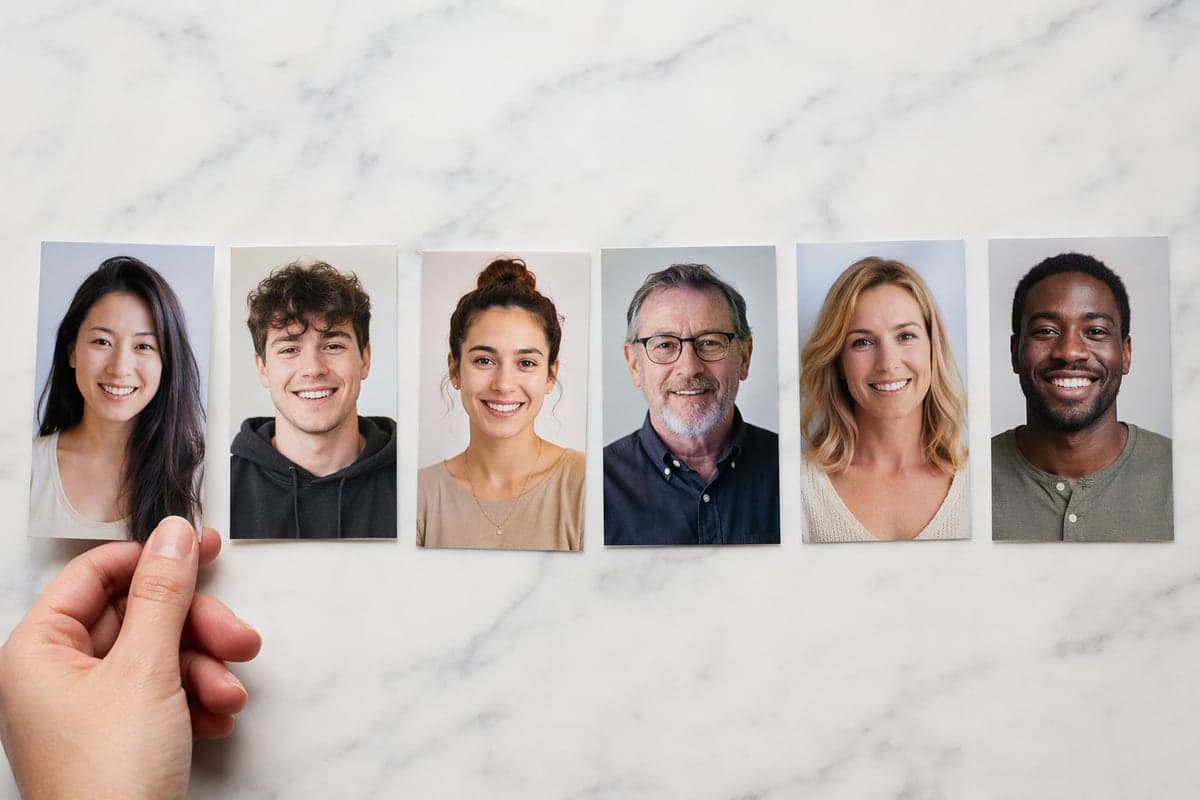
📤Step 1:Upload 2-5 Photos
Upload individual portrait photos of each person you want in the group photo. Clear, well-lit faces work best.
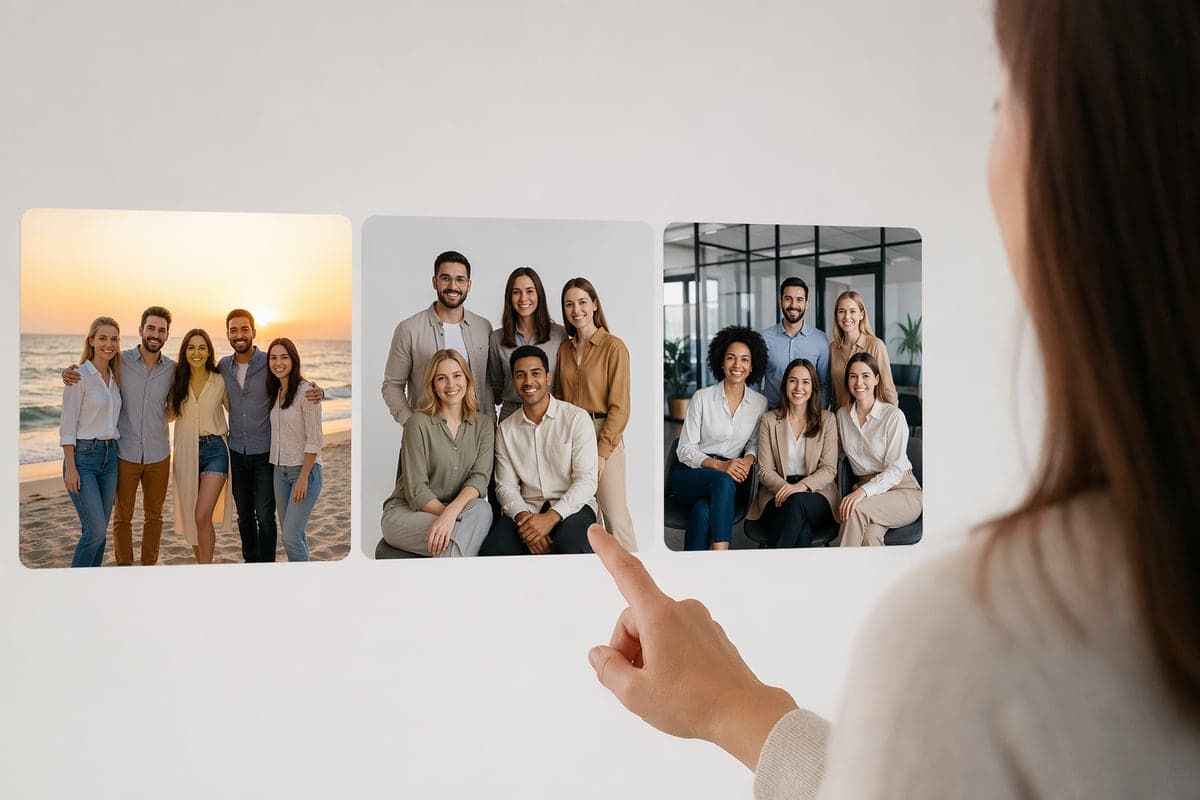
🎨Step 2:Choose Scene & Style
Select the group setting (family, team, friends) and style (professional, casual, artistic) for your photo.
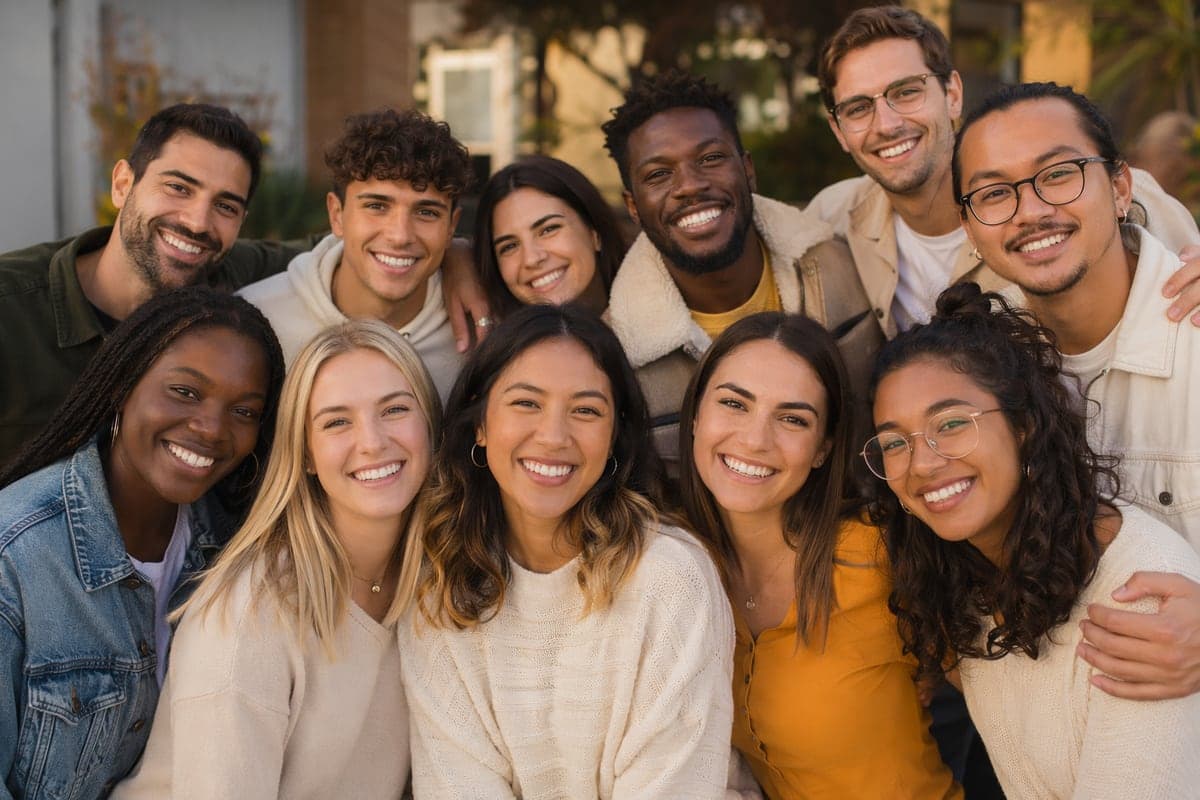
✨Step 3:Generate Group Photo
AI combines everyone into a natural-looking group photo with matched lighting, sizes, and realistic positioning.
Bring Everyone Together
Combine photos into one group shot — family, friends or team members from anywhere in the world, merged into a single natural-looking photo.
What Users Say
Real feedback from users worldwide
“Finally got our whole family in one photo! My parents live overseas and couldn't attend our gatherings. Now we have beautiful family portraits.”

“Our remote team needed professional photos for the website. This tool let us create team shots even though we're spread across 5 countries.”

“Created a photo with my grandmother who passed before my wedding. It means everything to our family to have her in our memories.”
Frequently Asked Questions About AI Group Photo Mixer
Upload 2-5 individual portrait photos, select a scene and style, and our AI combines them into a natural-looking group photo.
You can combine 2-5 people in a single group photo. For best results, we recommend 3 people. More people work but may have slightly less detail.
Clear individual portraits with good lighting, similar angles, and visible faces. Avoid heavy filters, sunglasses, or faces partially covered.
Yes! Our AI matches lighting, proportions, skin tones, and creates natural positioning. Most people can't tell it's AI-generated.
Four arrangement presets — natural, formal, creative and layered — control how people are grouped. Per-person positioning is not adjustable; if the layout is not what you want, regenerating with a different preset usually fixes it.
Uploaded photos are deleted automatically within 24 hours, and generated results stay in your history for 30 days before being removed. Your images are processed by the AI model provider that generates your result — never sold, published, or used to train any model.
Yes, you can create group photos for free with no signup required. New accounts start with 200 welcome credits and a free account can spend up to 80 credits a day. Subscribers download without a watermark; results on the free plan and on credit packs carry a small CreateVision watermark.
Yes — that's exactly what it does. Upload separate photos of each person and the AI places them together into one natural group photo, matching lighting, scale, and perspective so it looks like a single shot.
Absolutely. Upload your existing group photo plus a photo of the missing person, and the AI blends them in naturally — perfect for adding a relative or friend who couldn't be there.
Yes. Generated group photos can be used for personal and commercial purposes, including team pages, marketing, and social media. You own full rights to the output images.
The usual giveaways are mismatched lighting and hard edges. Our model re-lights everyone and matches shadows, scale and perspective, so people look photographed together instead of cut out and stacked. For the most natural result, pick photos with broadly similar lighting and clear, front-facing faces.
Yes — that’s the whole point. Each person can come from a completely separate photo, taken anywhere, anytime. The AI re-lights and re-scales everyone into one consistent scene. Clear, well-lit, front-facing shots give the best match.
Yes. Unlike a one-size color filter that can wash out or over-saturate darker skin, our model preserves each person’s real skin tone individually, so every face in a diverse group looks true to life — never whitewashed or shifted.
Related Tools You Might Like
Explore more AI creative tools