AI Product Mockup
Generate professional product mockups with AI
Tap to uploadDrop image or click
JPG · PNG · WebP
Preview Examples


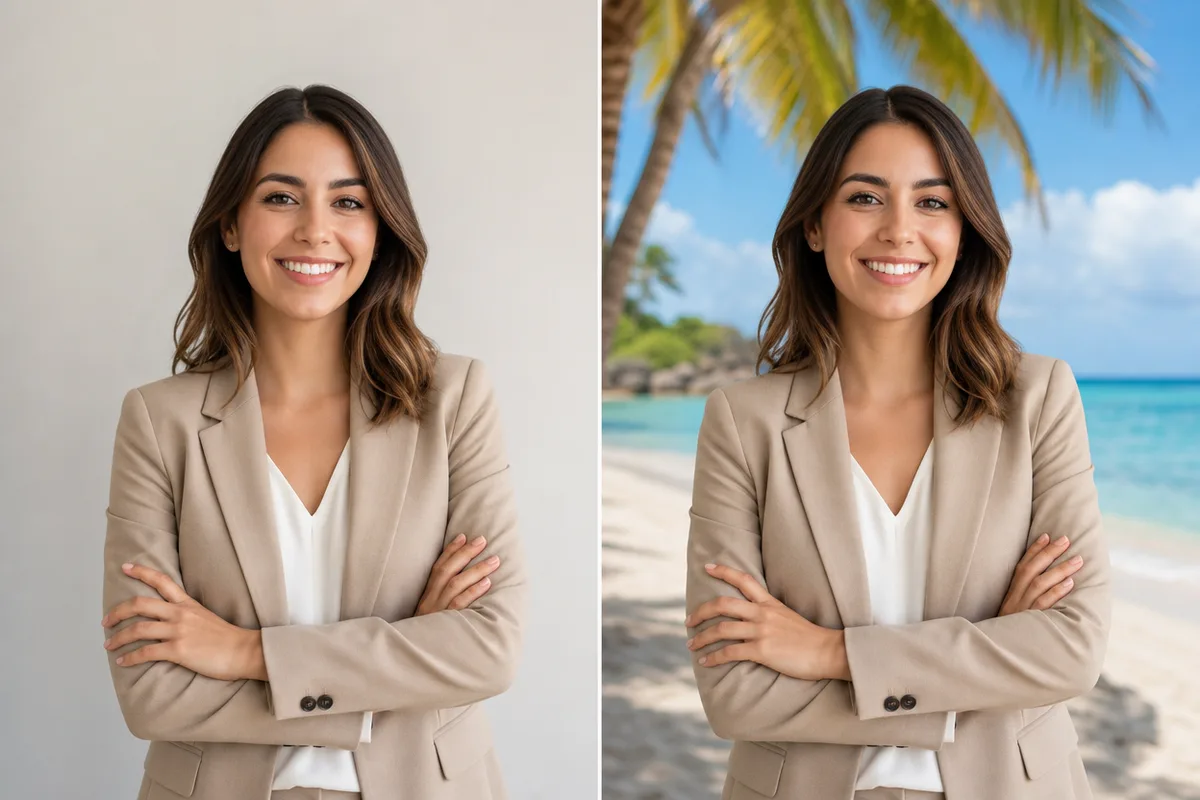
Drag the slider to compare
What is AI Product Mockup?
AI Product Mockup is an AI-powered tool that transforms your photos into professional results instantly.
Why Sellers Use Our AI Product Mockup Generator
Professional quality, privacy protected, instant results
Get Studio-Quality Product Photos
Turn one plain product shot into a polished listing photo without renting a studio or booking a photographer.
Pick From Ten Ready Scenes
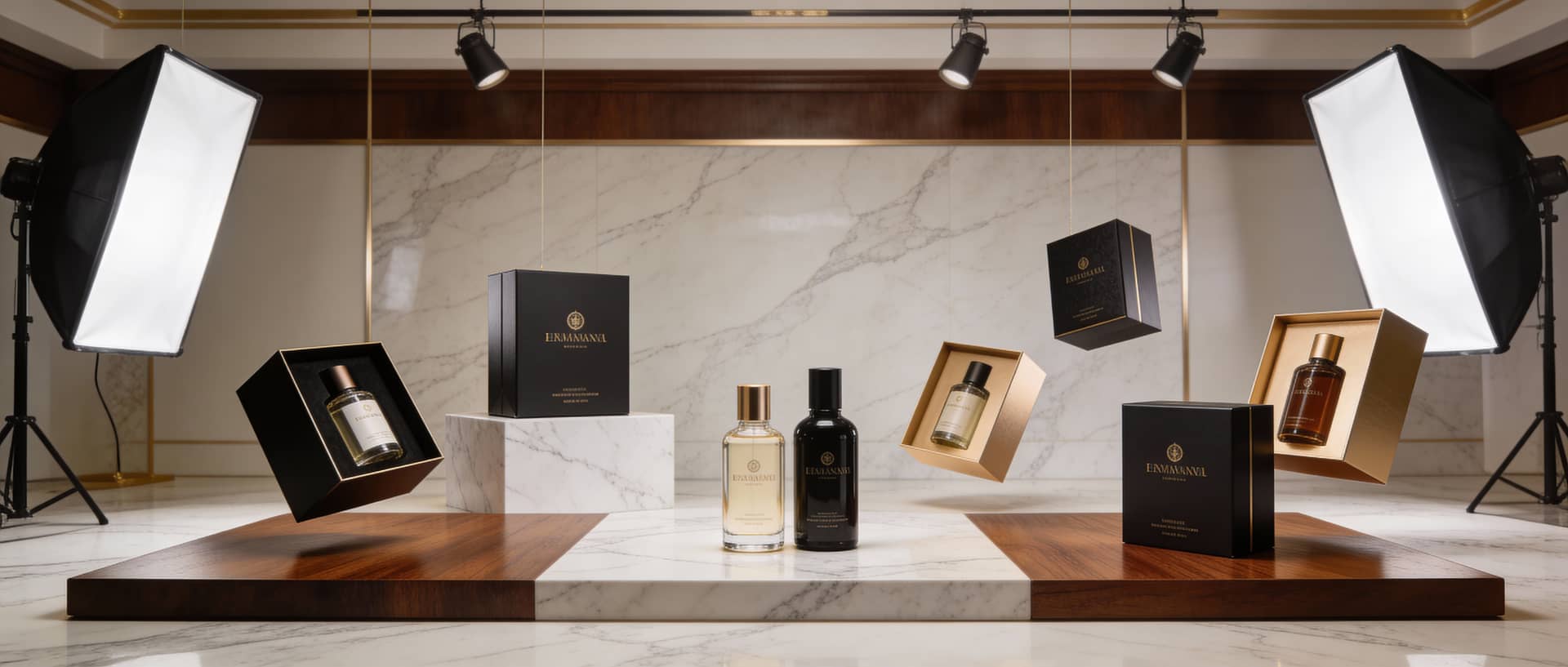
Go from a clean white background to a lifestyle table, an outdoor setting or a luxury display with one click.
Make Variants in Minutes
Try several scenes for the same product in one sitting instead of planning a new shoot for every channel.
See What You Can Do With AI Product Mockups
Perfect for various professional scenarios, instant and secure
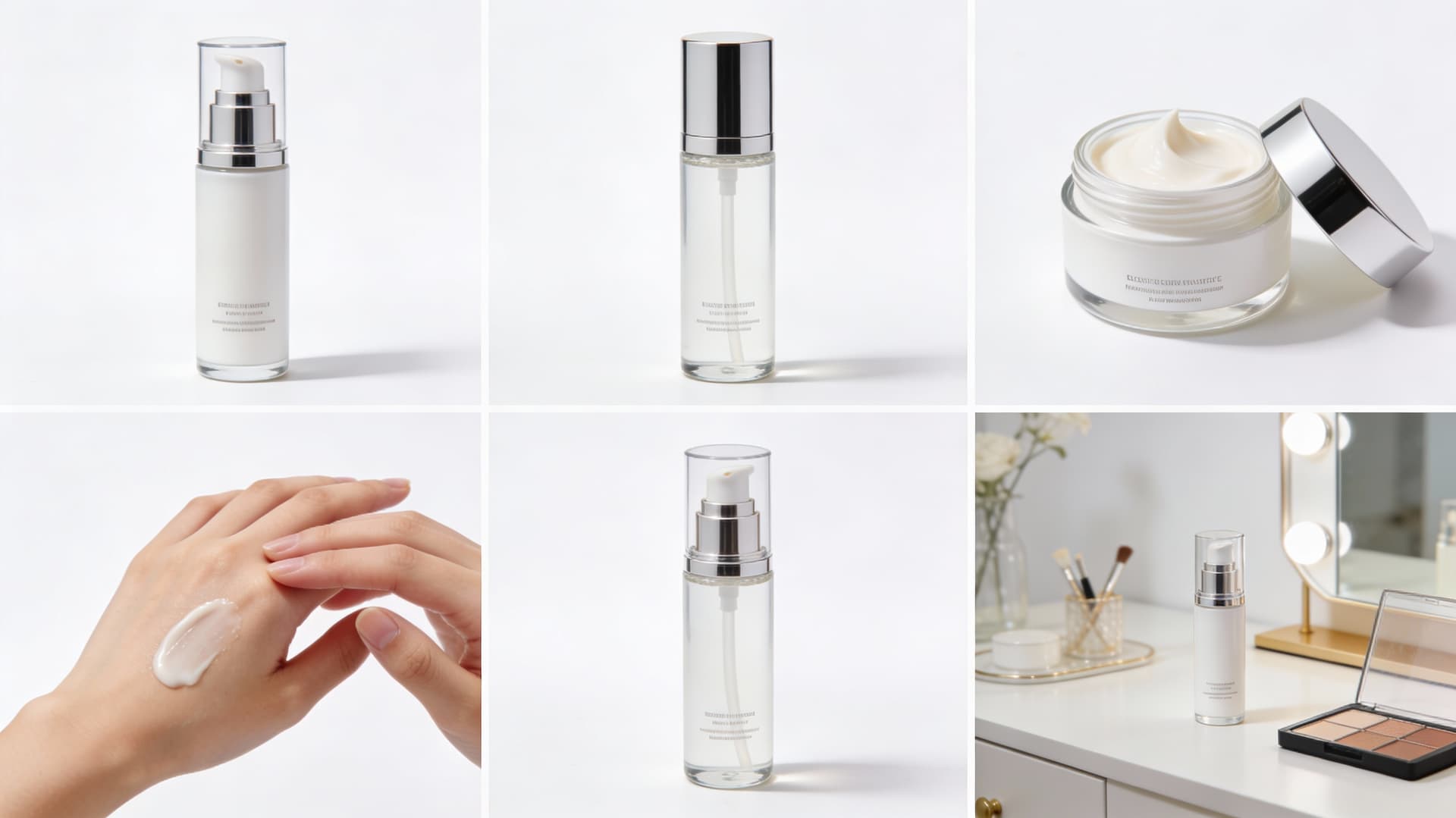
Build Clean Listing Photos for Your Store
Upload one photo of your product and place it on a white or e-commerce ready background. Every item in your shop gets the same tidy, consistent look. Remove a background first
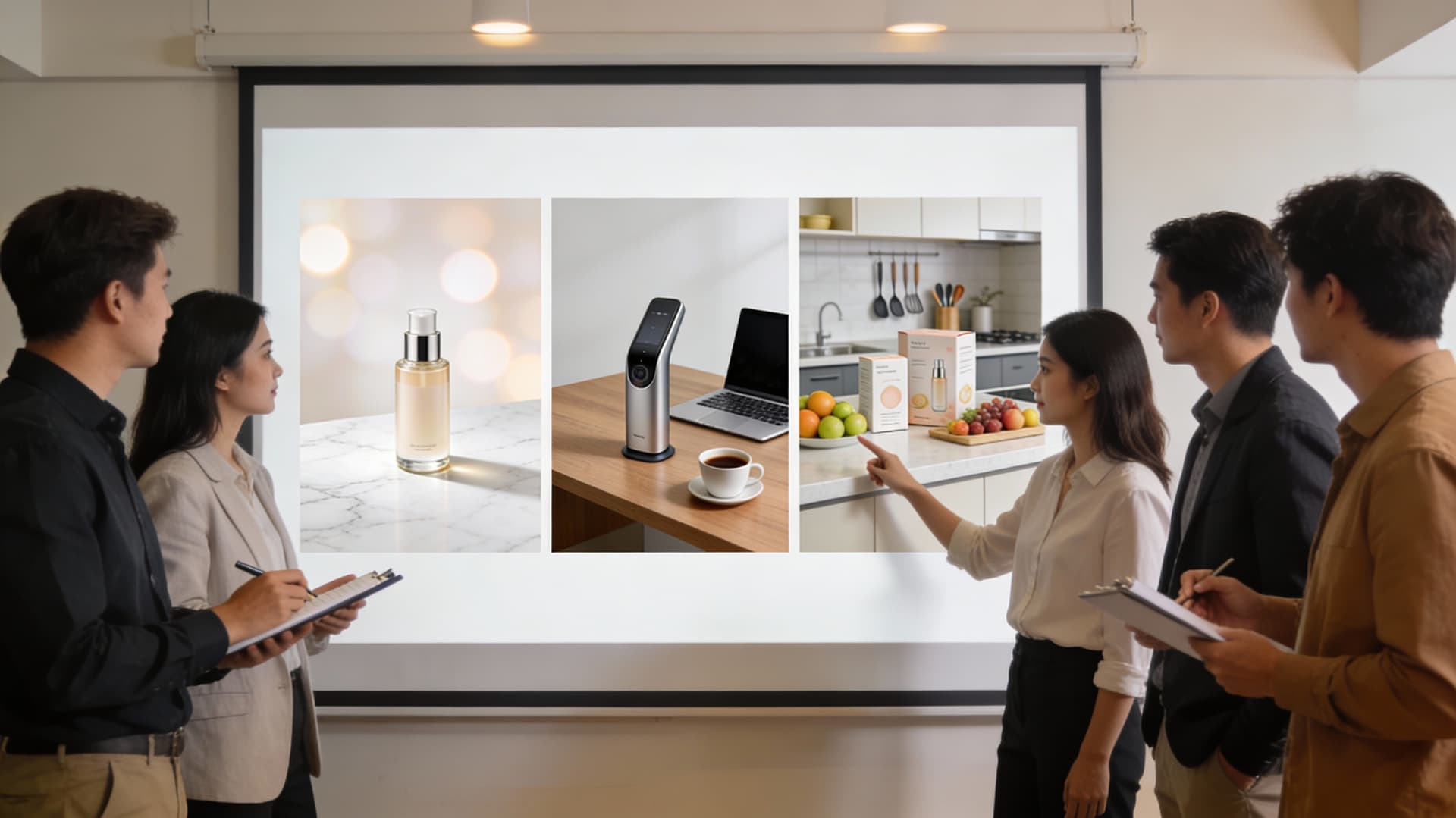
Create Scroll-Stopping Images for Ads and Social
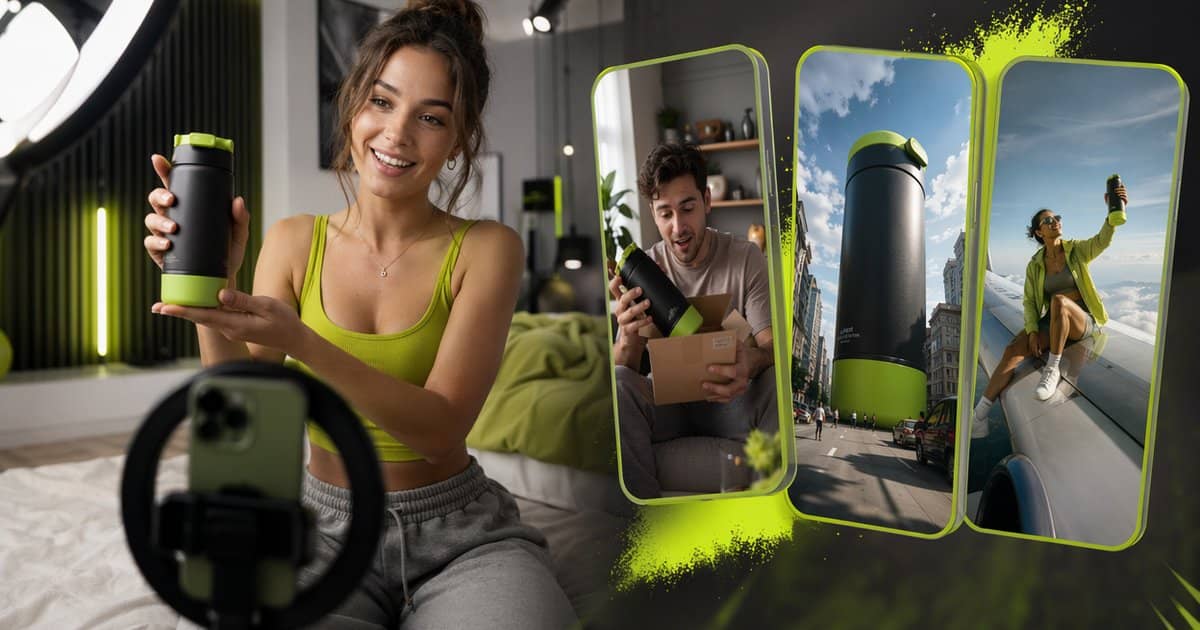
Put your product in a lifestyle, outdoor or studio-lit scene that fits the campaign. You get fresh visuals for ads and posts without a new photo shoot. Turn it into video
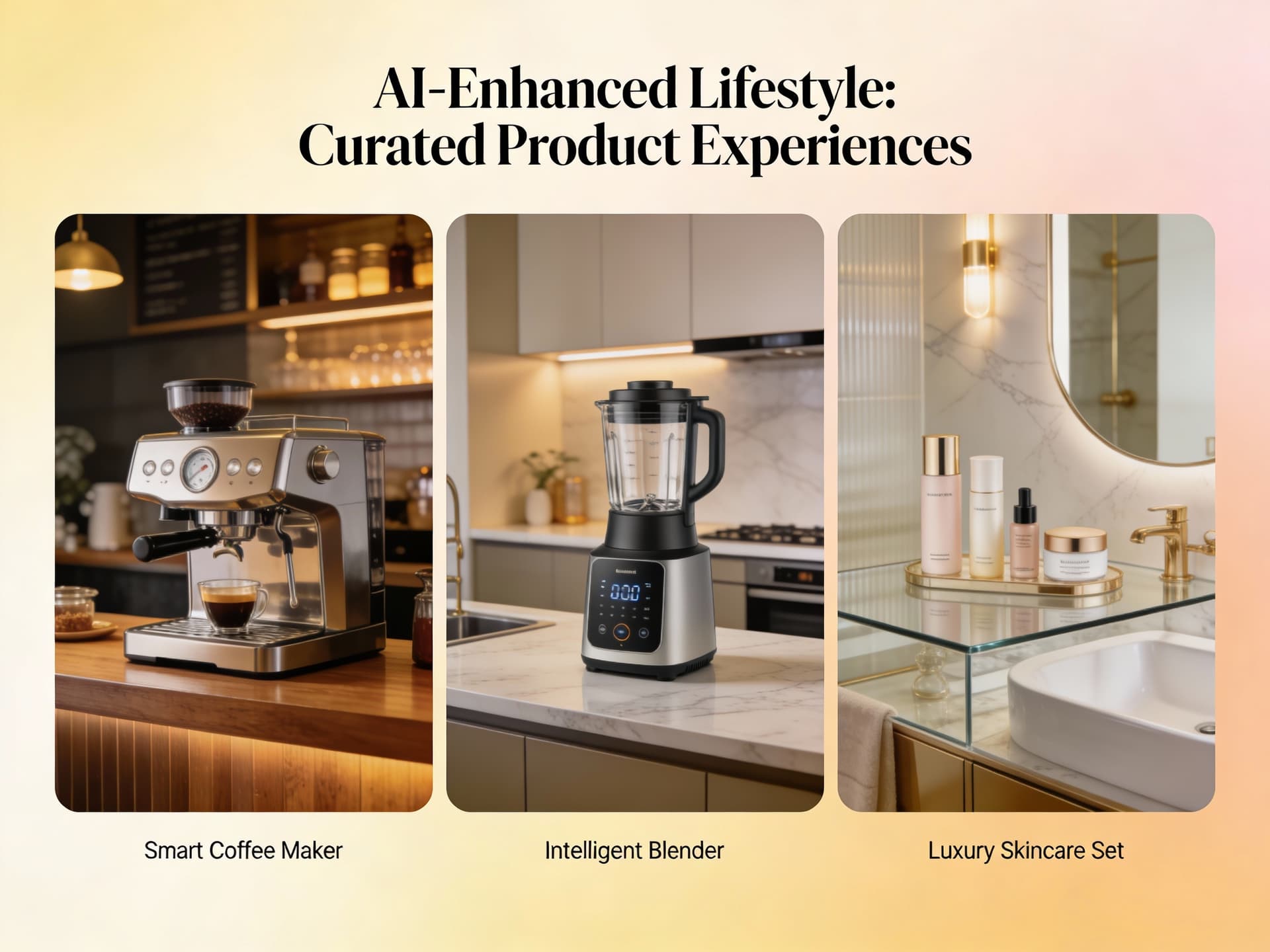
Keep Your Catalog Looking Consistent
Reuse the same scene, lighting and display style across a whole product line. Your catalog and lookbook pages read as one set instead of a patchwork. Upscale for print
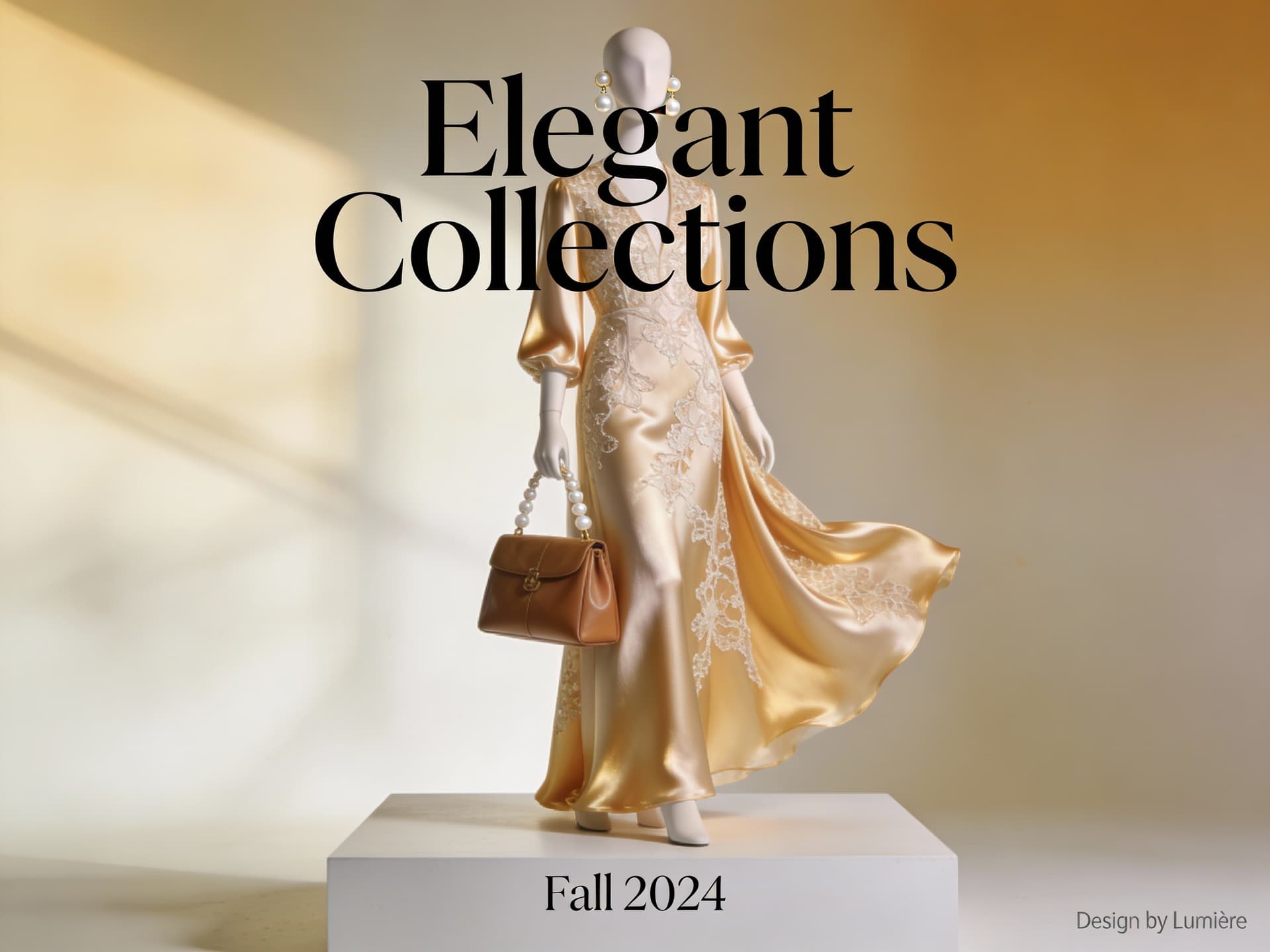
Show Fashion Items on a Model
Choose the fashion display scene and set the model's gender, pose, body type and garment fit. Your clothing and accessories appear worn, not just laid flat. Change any background
Who Uses AI Product Mockup
Four ways people use it every week
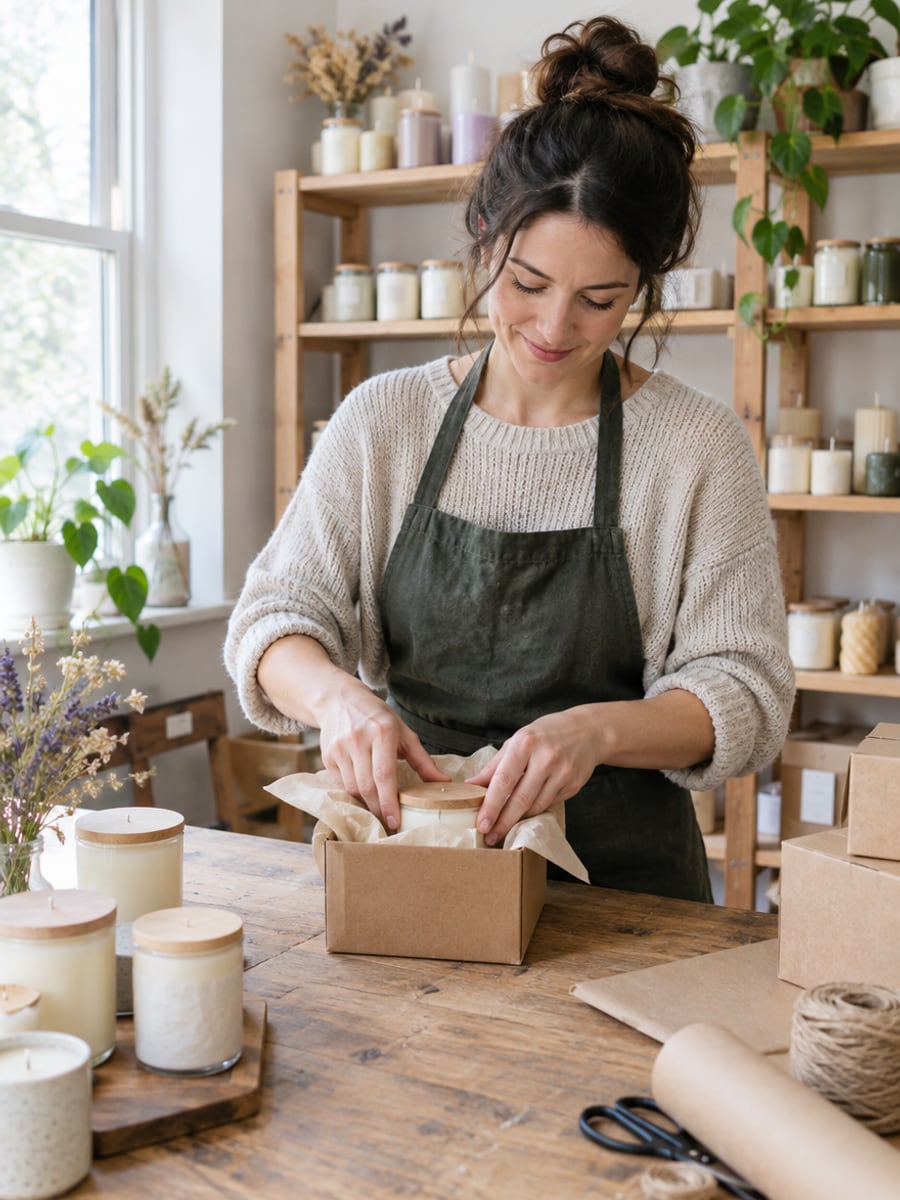
List new products the same day they arrive
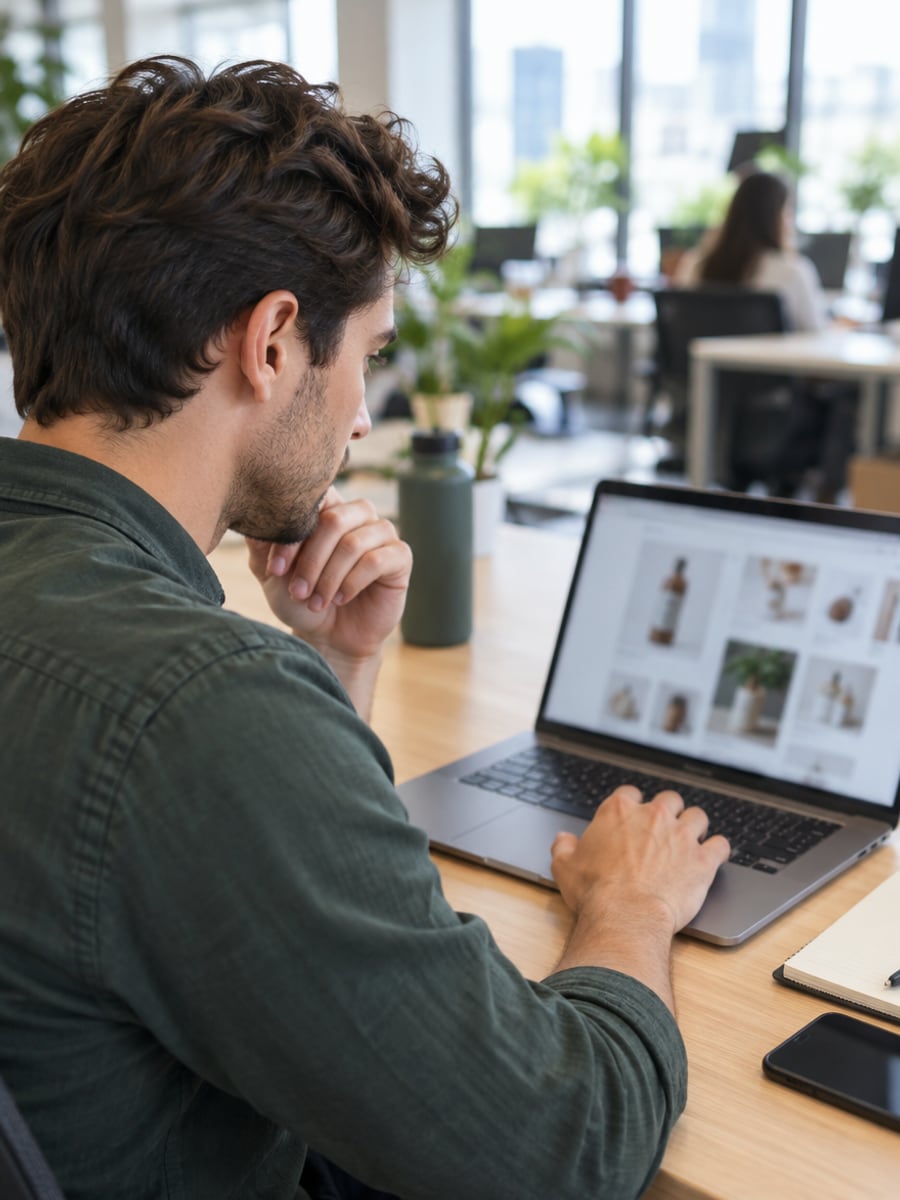
Fresh campaign visuals without booking another shoot
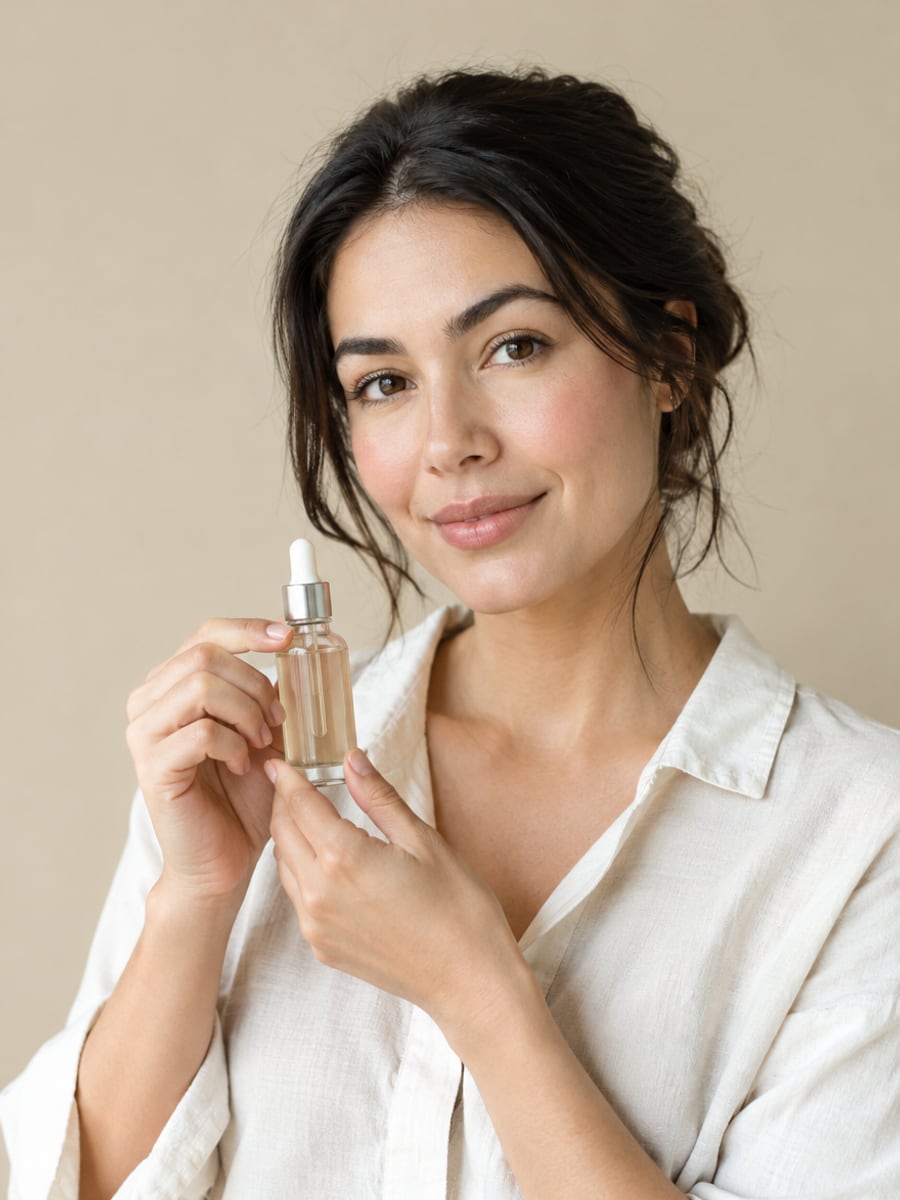
Premium product photos on a startup budget
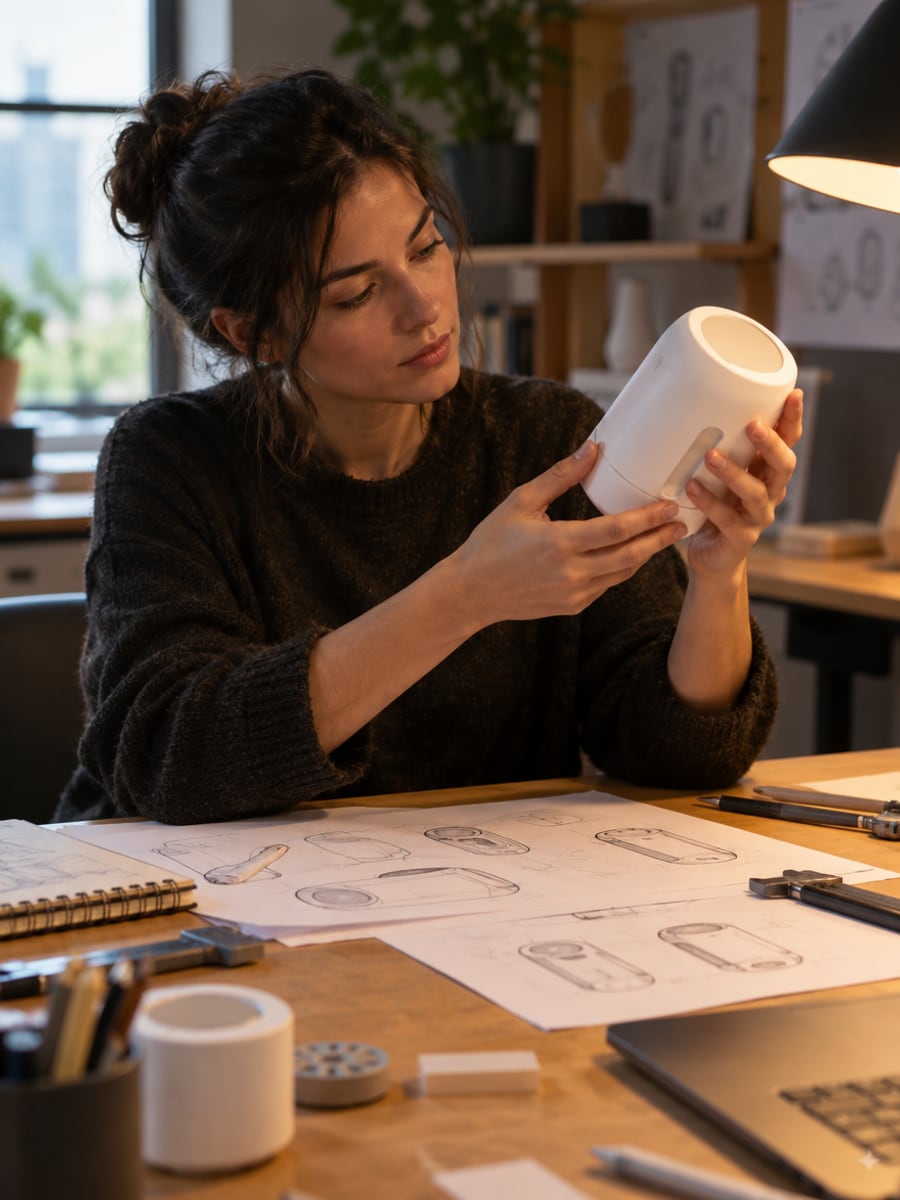
See a prototype in real settings before launch
How to Make a Product Mockup with CreateVision
Upload your photo, select a style, and download your professional result instantly

Upload Product Photo
Upload a photo of your product. Clear, well-lit photos on a plain background give the cleanest result.

Choose Display Style
Select a scene: white background for e-commerce, a lifestyle setting for social media, or a luxury display for premium brands.

Generate Product Mockup
CreateVision places your product in the chosen scene. Download it for your store, ads or catalog.
The All-in-One AI Creation Platform
One account for images, videos, an AI agent that works for you, expert AI mentors and 80+ ready-made tools.

AI Image & Video Generator
Every leading model in one workspace: Seedream, Nano Banana, GPT Image, Seedance, Veo and more.
Open
Ava, your AI creative agent
Describe what you need and Ava plans, generates and iterates for you.
Open
80+ AI tools
One-click tools for photos, videos, cards, portraits and viral trends.
Open
Template library
Thousands of ready prompts and styles to start from.
Open
Studios
Portrait, marketing, poster and cinema studios for finished work, not single shots.
Open
AI model library
Compare and pick the right image or video model for every job.
Open
AI mentors
Learn from expert mentors in photography, design and video, then create with their guidance.
Open190K+ creators
Using CreateVision to create and share
What Users Say
Real feedback from users worldwide
“My Amazon listings look so much more professional now. Sales increased 30% after upgrading product photos with this tool.”

“Creating social media content for our product line used to take days. Now I can generate beautiful shots in minutes.”

“As a small business, I couldn't afford professional photography. This tool made my products look as good as major brands.”

FAQs About Our AI Product Mockup Generator
An AI product mockup generator takes a plain photo of your product and places it in a finished scene, such as a white e-commerce background, a lifestyle setting or a luxury display. You get a ready-to-use product photo without a studio, props or a photographer. CreateVision's version works from a single upload.
The best one keeps your product recognizable and gives you scenes you can actually use. CreateVision offers ten scenes, from white background and studio lighting to food, tech, fashion and luxury displays. You can fine-tune display style, lighting and background, and fashion items can be shown on a model. Each result costs a flat 50 credits.
You upload one product photo, pick a scene and, if you like, adjust the display style, lighting and background type. The AI rebuilds the photo with your product in that setting. The result appears in your gallery, ready to download.
Cosmetics, electronics, fashion accessories, food packaging, jewelry and most consumer products work well. Use a clear, well-lit photo where the whole product is visible, ideally on a plain background. Complex items with many separate parts may need more than one try.
Each product mockup costs 50 credits, whichever scene you choose. If you sign up with Google you start with 200 free credits, enough for four mockups. After that you can subscribe or buy a credit pack.
Yes. You can use the images for your store listings, ads, social media and other commercial purposes. Free accounts download with a small CreateVision mark, while subscribers and credit-pack buyers can turn it off. Uploaded reference photos are deleted automatically within 24 hours, and results stay in your private gallery until you delete them.
The AI redraws the scene each time, so small details like fine print on packaging or tiny parts can shift. Check labels and logos closely before you publish. If something looks off, generate again or try a cleaner, higher-resolution source photo.
Turn Plain Shots Into Product Mockups
Upload one product photo, pick a scene and get a listing-ready image for 50 credits.
Related Tools You Might Like
Explore more AI creative tools