

AI Watermark Remover
Remove watermarks from images instantly with AI
Tap to uploadDrop image or click
JPG · PNG · WebP
Preview Examples


Drag the slider to compare
What is AI Watermark Remover?
AI Watermark Remover uses advanced AI to detect and remove watermarks from images. It handles logos, text, transparent overlays, and tiled patterns while intelligently reconstructing the underlying image.

Why Use Our AI Watermark Remover
Professional quality, privacy protected, instant results
Find Every Mark Automatically
The AI spots text, logos, semi-transparent overlays and tiled patterns on its own. You do not need to paint a mask or select an area.
Rebuild What Was Underneath
Instead of blurring the mark, the AI redraws the texture, color and detail that the watermark covered, so the area blends with the rest of your image.
Handle Any Watermark Type
Corner stamps, center text, full overlays and repeating patterns all go through the same upload. Pick a preset when you know the type.
See What You Can Clean With AI Watermark Remover
Perfect for various professional scenarios, instant and secure

Clean Up Images You Have Licensed
Upload a licensed image that still carries a preview mark and get a clean copy back. Use it in your slides, mockups and reports. Upscale the clean image

Strip App Marks From Your Screenshots
Remove app badges, timestamps and corner branding from your own screenshots. Your tutorials and docs look tidy and consistent. Remove other objects

Lift Stamps From Your Archived Photos
Older digital files often carry logos or date stamps burned into the picture. Clear them from your collection while the scene stays intact. Restore old photos

Remove See-Through Overlays Over Detail
Semi-transparent text over faces, fabric or foliage is the hardest case. The AI rebuilds the detail underneath so your photo reads as one piece. Cut out the subject
Who Uses AI Watermark Remover
Four ways people use it every week

Clean licensed assets before they go into layouts

Clear old shop marks from your own product photos

Make your screenshots tidy for lessons and guides

Remove date stamps from photos you have kept
How to Remove a Watermark with CreateVision
Upload your photo, select a style, and download your professional result instantly

Upload Watermarked Image
Choose the image you want to clean. The AI looks for logos, text, overlays and tiled patterns across the whole frame.
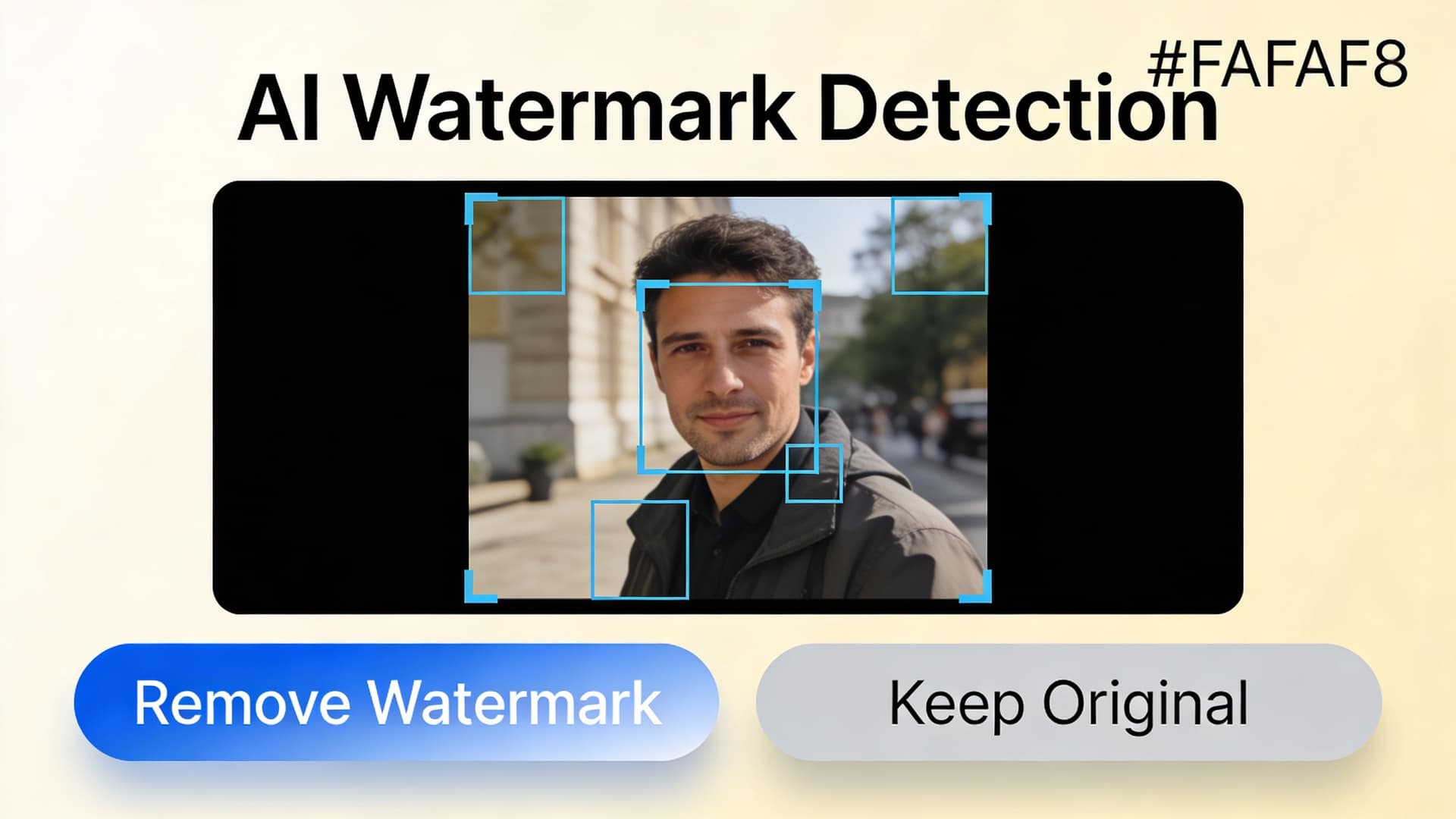
Pick a Removal Preset
Keep Auto Detect, or choose Text, Logo, Pattern, Corner or Full Overlay when you know the watermark type. Then press Remove Watermark.

Download Clean Image
The original mark is removed and the area is rebuilt. Subscribers and credit-pack buyers can download without our mark; free-plan results carry a small CreateVision watermark.
The All-in-One AI Creation Platform
One account for images, videos, an AI agent that works for you, expert AI mentors and 80+ ready-made tools.

AI Image & Video Generator
Every leading model in one workspace: Seedream, Nano Banana, GPT Image, Seedance, Veo and more.
Open
Ava, your AI creative agent
Describe what you need and Ava plans, generates and iterates for you.
Open
80+ AI tools
One-click tools for photos, videos, cards, portraits and viral trends.
Open
Template library
Thousands of ready prompts and styles to start from.
Open
Studios
Portrait, marketing, poster and cinema studios for finished work, not single shots.
Open
AI model library
Compare and pick the right image or video model for every job.
Open
AI mentors
Learn from expert mentors in photography, design and video, then create with their guidance.
Open190K+ creators
Using CreateVision to create and share
What Users Say
Real feedback from users worldwide
“I need to preview stock photos for client presentations. This tool removes watermarks perfectly so I can show realistic mockups before purchasing licenses.”

“App screenshots always have watermarks and timestamps. This AI removes them cleanly so my tutorials and documentation look professional.”

“We process hundreds of images for social media. This tool saves us hours removing various watermarks while maintaining image quality. Essential tool!”

FAQs About Our AI Watermark Remover
AI Watermark Remover is a CreateVision tool that detects watermarks in an image and removes them. It handles logos, text, semi-transparent overlays and tiled patterns, then rebuilds the area underneath so the result looks like one photo.
The best one finds the mark without manual masking and rebuilds what was underneath instead of smudging it. CreateVision does both with Seedream 5 Pro, offers presets for text, logo, pattern, corner and full-overlay marks, and charges a flat 50 credits per result.
You upload an image and optionally pick a preset. Seedream 5 Pro analyzes the picture, locates the watermark and redraws the texture, color and detail it covered.
Logo watermarks, text watermarks, semi-transparent overlays, tiled patterns, corner stamps and center marks. Use Auto Detect for mixed cases, or choose the matching preset when one type dominates.
Each result costs 50 credits. You can start with the 200 free credits you get once when you sign up with Google, which covers four results. Subscriptions and credit packs add more credits.
Remove watermarks only from images you own or have licensed. Taking a mark off someone else's work to use it without permission can break copyright and license terms. You are responsible for the rights to every image you upload.
Large or dense marks over faces, text or fine patterns hide a lot of the original detail, so the AI has to infer it. If an area looks off, try a more specific preset or run the image again. Small corner marks on simple backgrounds give the cleanest results.
Clear Your Images With AI Watermark Remover
Upload an image you have rights to and get a clean version back for 50 credits.
Related Tools You Might Like
Explore more AI creative tools



Related Tools You Might Like
Explore more AI creative tools